Video Best in category 17 results Video Enhancement AI Tool

Popular AI tools in the Video Enhancement field of Video include VideoProc、Remini、DVDFab、FliFlik、neural.love、Gigapixel AI、UniFab、Nero AI、Opal Camera, etc., helping you quickly improve efficiency.

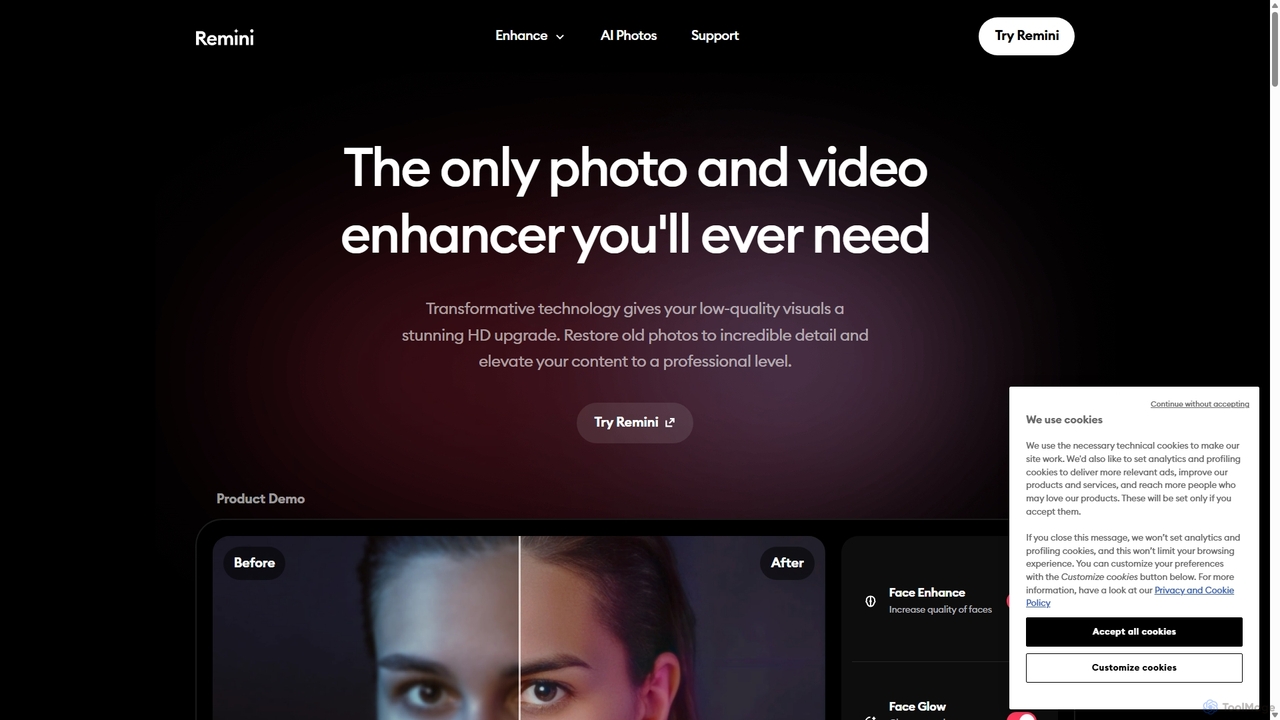
Remini

Remini

Remini is an AI-powered photo and video enhancer that transforms low-quality, blurry, or old images and videos into …

1.2M
VideoProc

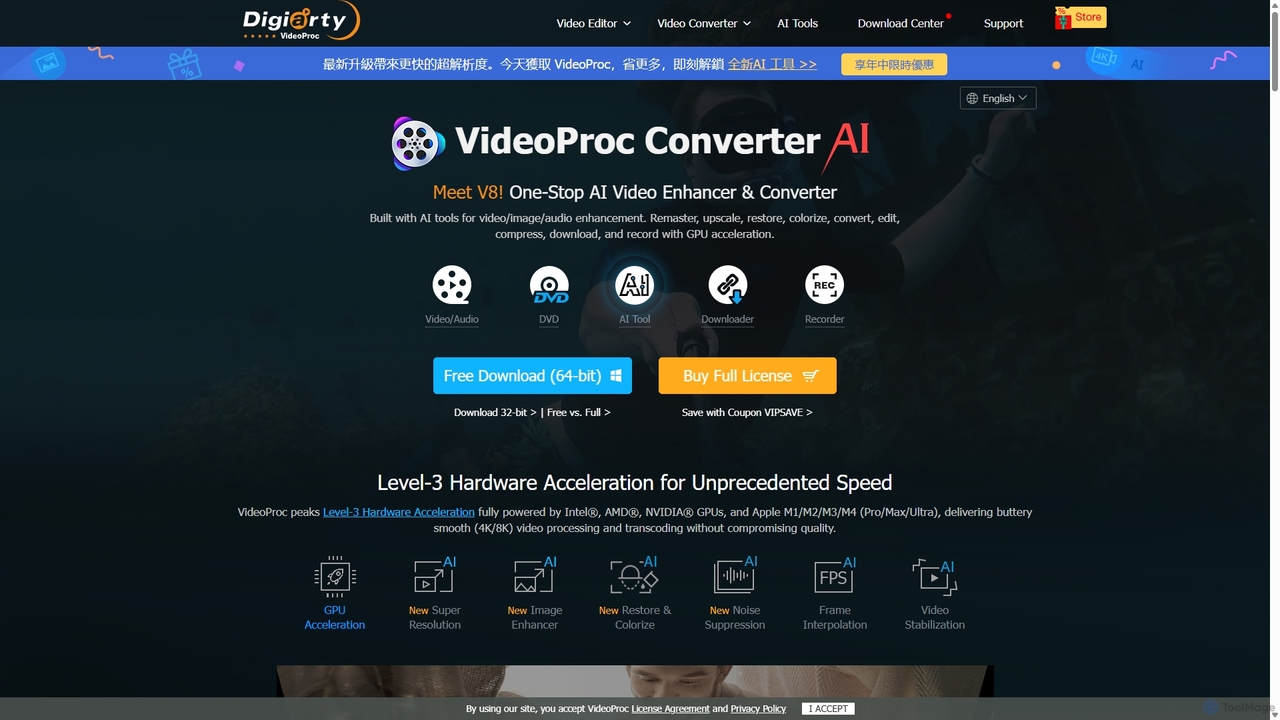
VideoProc

VideoProc is a one-stop, AI-powered media processing suite. It enhances, converts, edits, compresses, downloads, and records 4K/8K videos …

1.8M
optimusdrive

optimusdrive

An AI-powered media processing platform offering a suite of tools for video and image optimization. It specializes in …

3.2K
UniFab

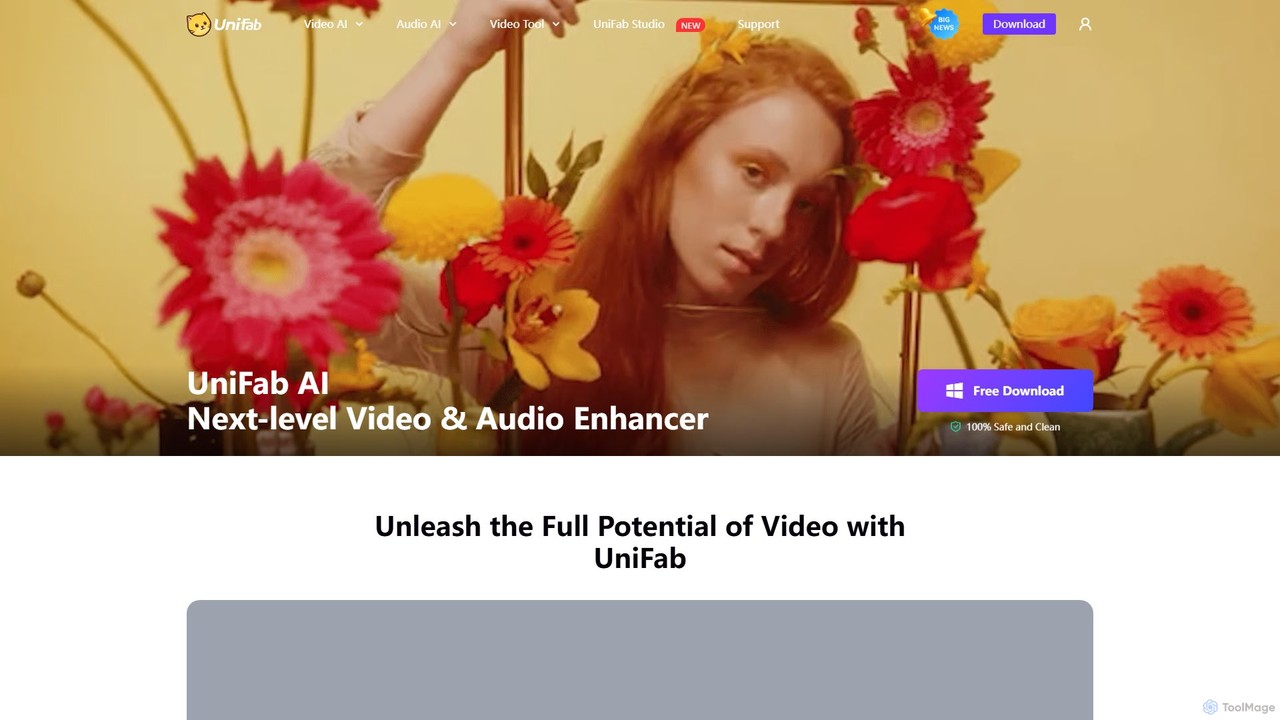
UniFab

UniFab is an all-in-one AI-powered video and audio enhancement suite. It upscales videos to 16K, converts SDR to …

190.8K
Nero AI

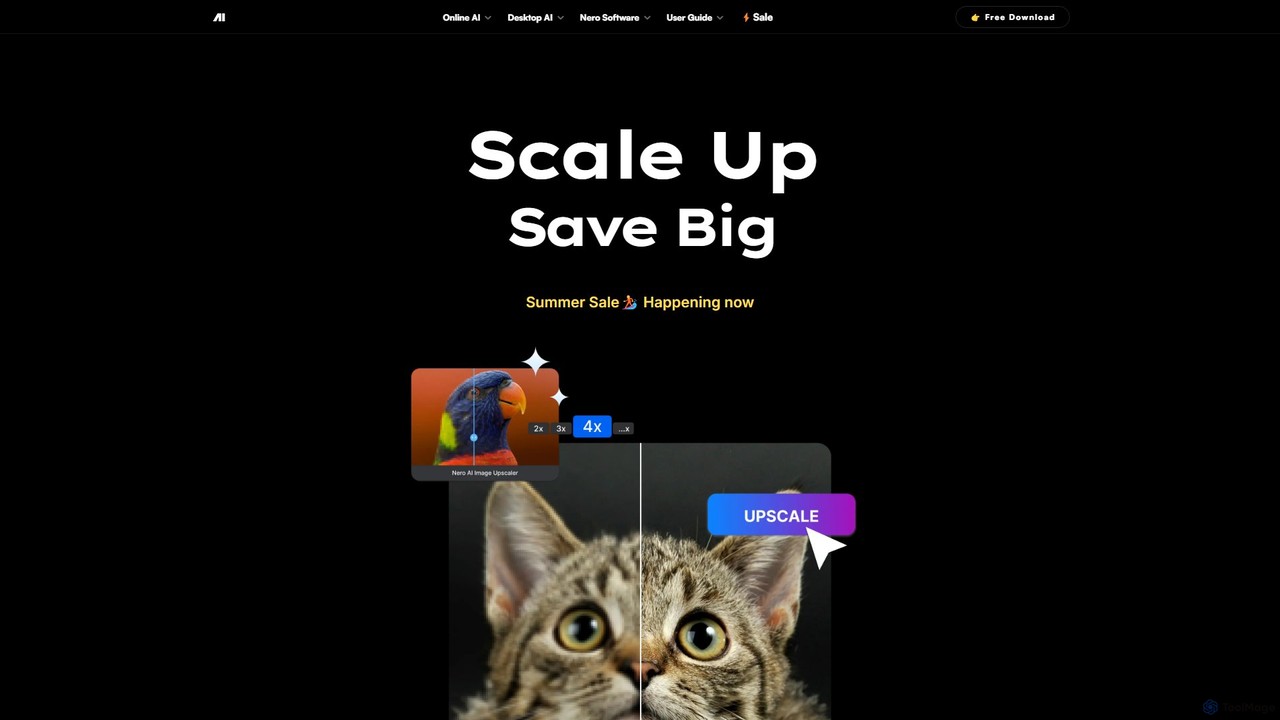
Nero AI

Nero AI is a professional AI-powered software suite for PC, designed to enhance, upscale, and restore photos and …

73.2K
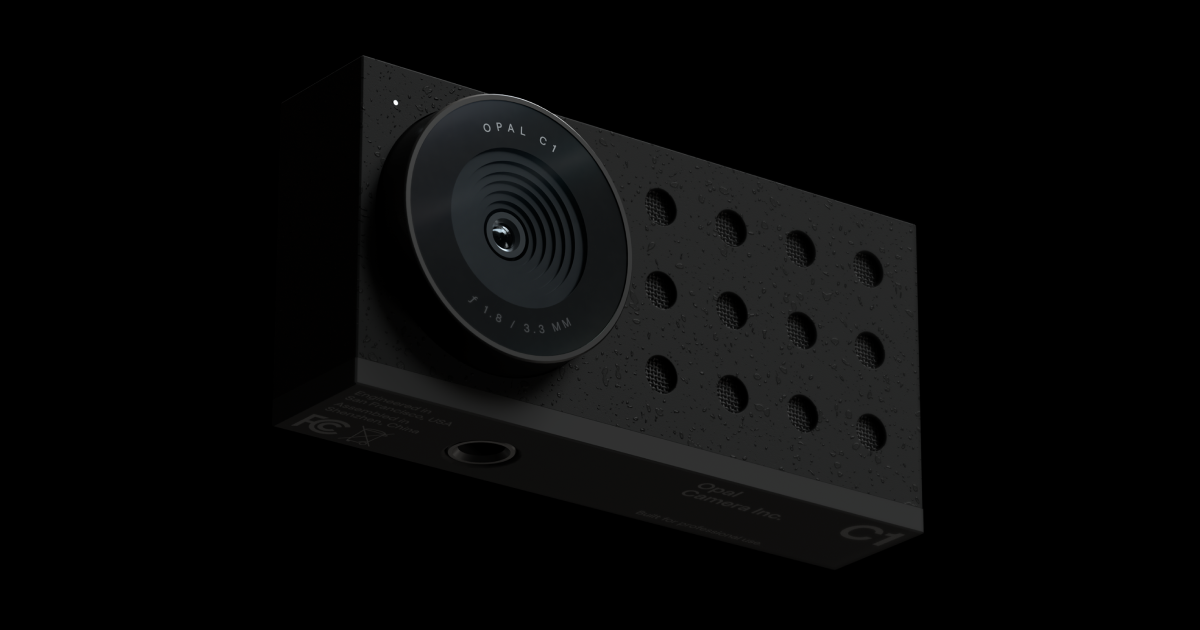
Opal Camera

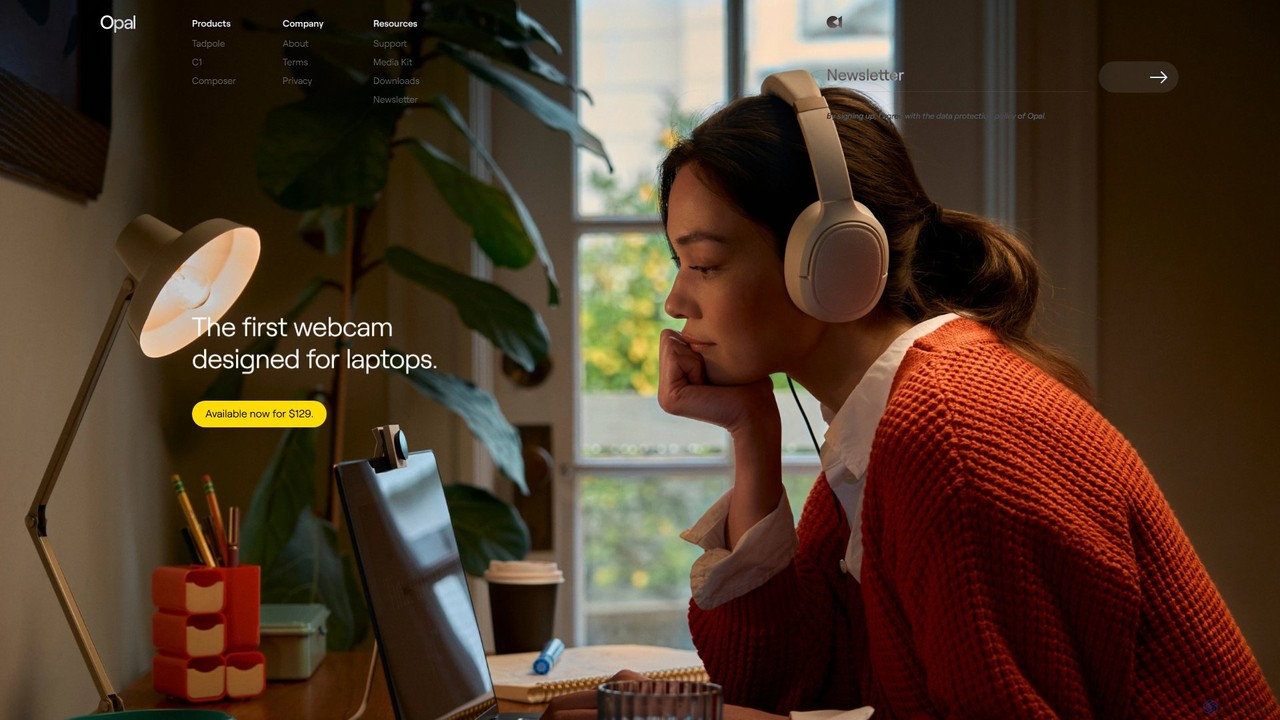
Opal Camera

Opal Camera offers a range of AI-powered webcams, including the C1 and Tadpole models, designed to deliver DSLR-like …

72.0K
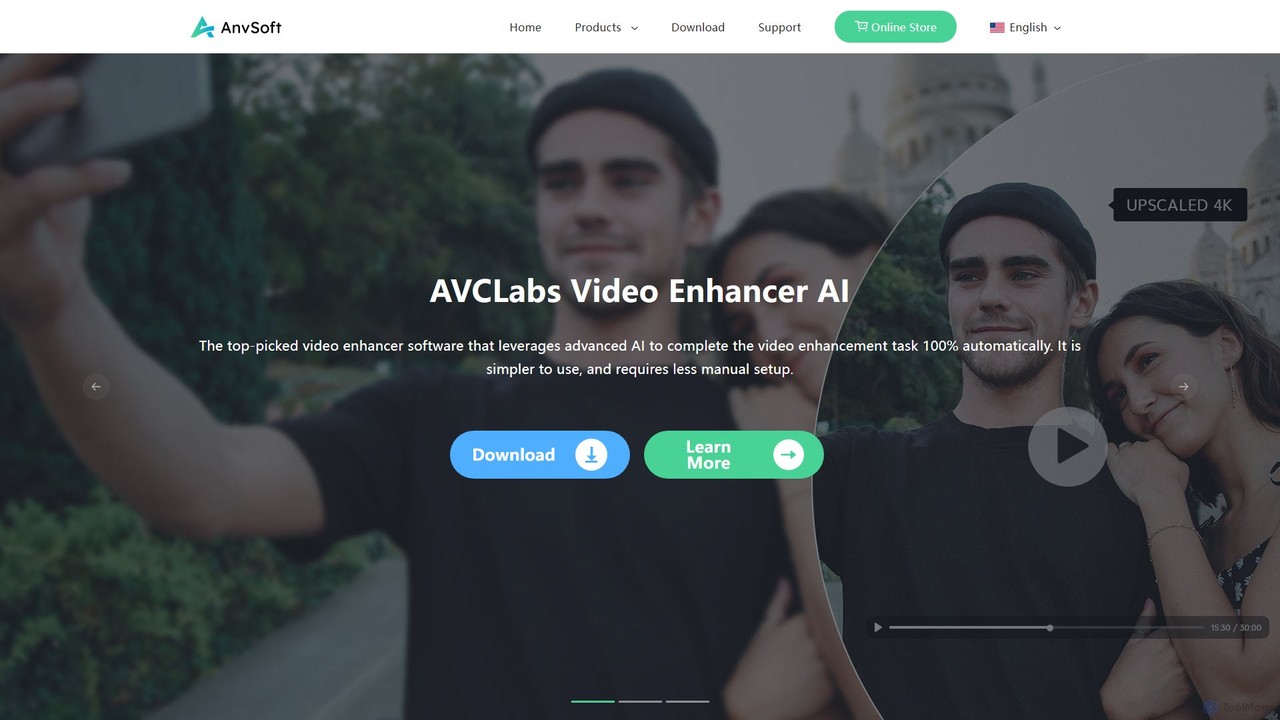
Anvsoft

Anvsoft

Anvsoft offers a suite of AI-powered multimedia software designed to enhance, convert, and edit videos and photos. Its …

36.3K
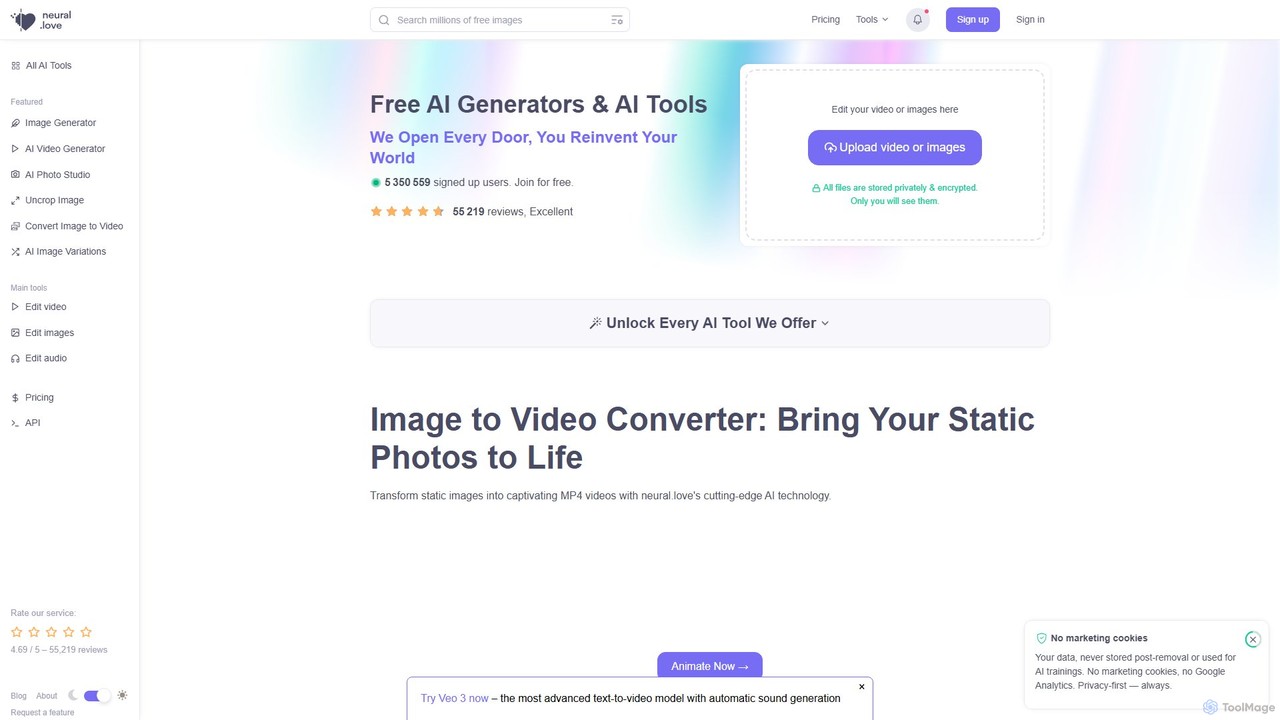
neural.love

neural.love

neural.love is a comprehensive AI-powered creative suite offering a wide range of tools for image, video, and audio …

559.3K
NMKD AI Suite

NMKD AI Suite

A powerful collection of free, locally-run AI tools for Windows. Includes the NMKD Stable Diffusion GUI for uncensored …

45.2K
Aimages

Aimages

Aimages is a powerful online AI tool for enhancing and upscaling videos and images. It uses advanced algorithms …

7.0K
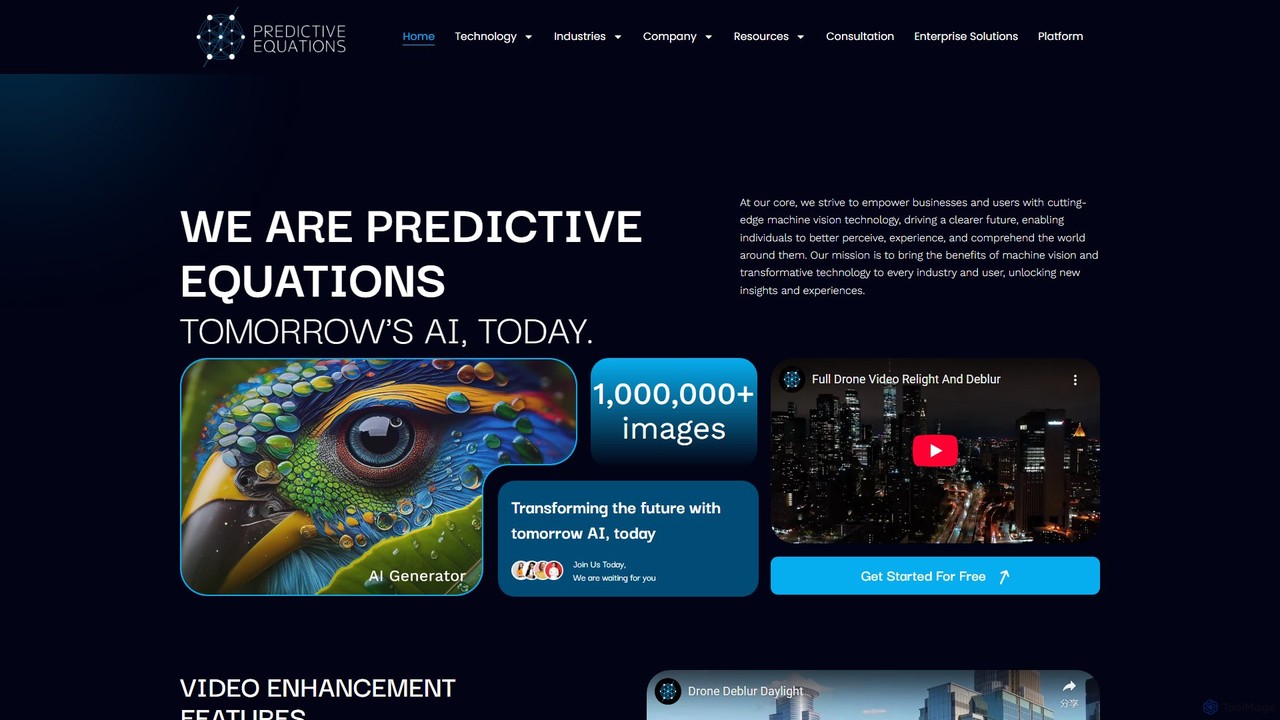
Predictive Equations

Predictive Equations

Predictive Equations is an advanced AI platform specializing in machine vision. It enhances and analyzes images and videos …

3.3K
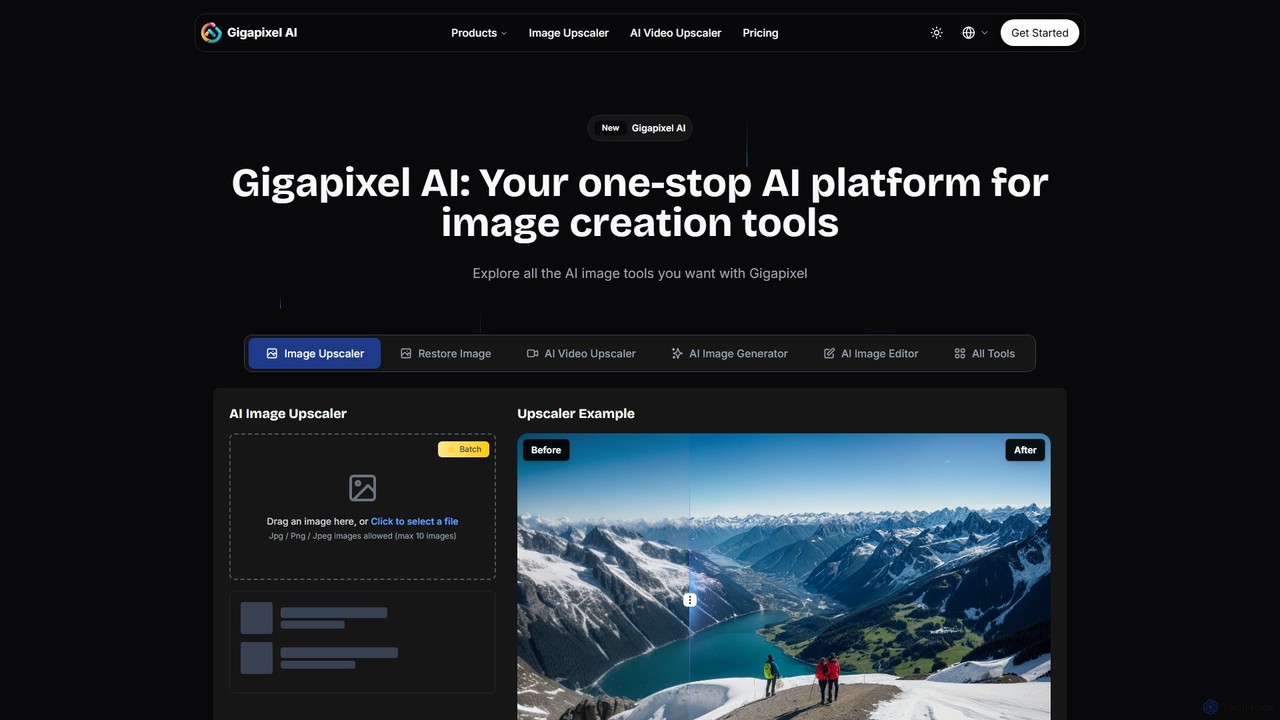
Gigapixel AI

Gigapixel AI

Gigapixel AI is a comprehensive, all-in-one AI platform for image and video creation. It offers a suite of …

295.1K
FliFlik

FliFlik

FliFlik offers a suite of AI-powered multimedia solutions to enhance, edit, and transform your photos, videos, and audio. …

567.1K
neural.love

neural.love

An all-in-one AI creative suite offering a wide range of tools for image, video, and audio generation and …

559.3K
pixelhaha

pixelhaha

Pixelhaha is an AI-powered creative platform for enhancing visual media. It offers one-click tools to upscale video resolution …

3.1K
DVDFab

DVDFab

DVDFab is a comprehensive multimedia toolkit for DVD/Blu-ray/4K UHD backup, ripping, and conversion. It features AI-powered video enhancement …

626.5K
UpscaleMy.Video

UpscaleMy.Video

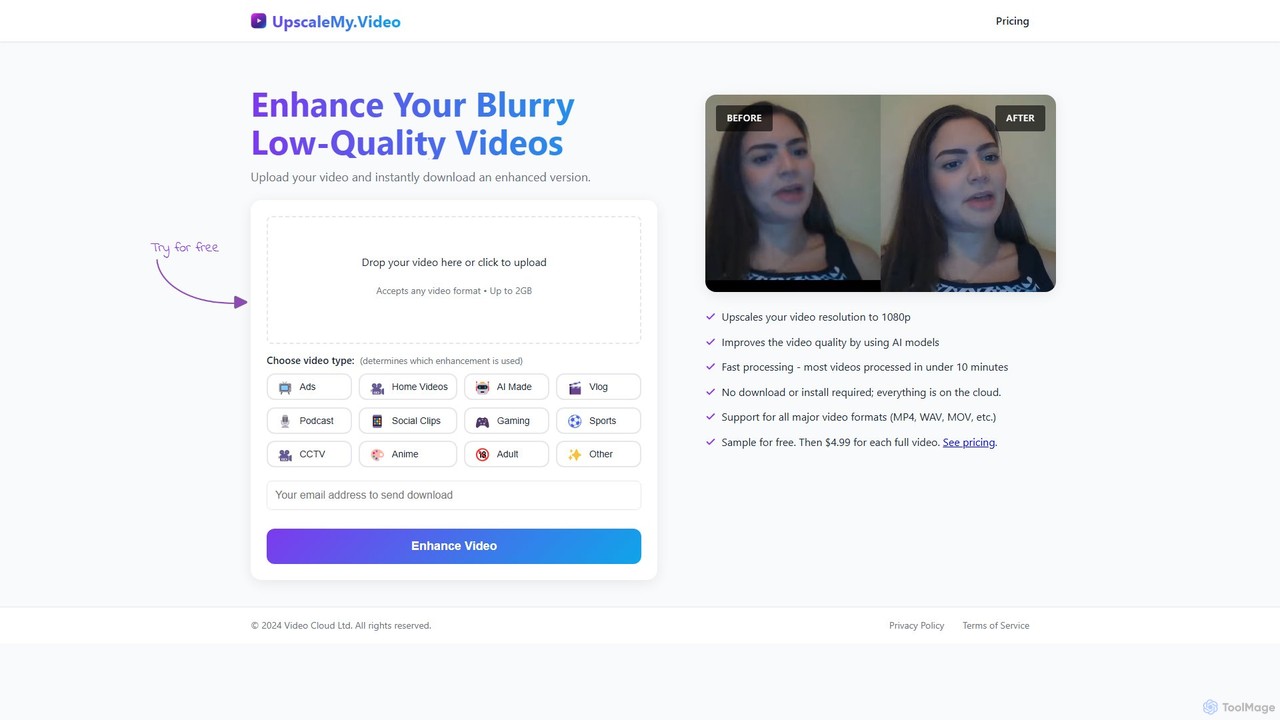
UpscaleMy.Video is an AI-powered online tool that enhances and upscales blurry, low-quality videos to crisp 1080p resolution. It …

3.3K

About Video Enhancement

AI Video Enhancement tools are a class of software designed to automatically improve the visual quality of existing video footage. They leverage advanced algorithms like super-resolution, denoising, and frame interpolation to analyze and intelligently reconstruct video data. This process can significantly increase resolution, reduce noise and grain, correct colors, and stabilize shaky shots. The primary value of these tools lies in their ability to restore old or low-quality recordings, upscale content for modern high-resolution displays, and salvage footage that would otherwise be unusable.

Core Features

  • Resolution Upscaling: Intelligently increases video resolution (e.g., from 1080p to 4K or 8K) by generating new, realistic pixel details.
  • Noise and Grain Reduction: Removes unwanted digital noise and film grain from videos shot in low light or from older analog sources.
  • Frame Interpolation: Creates new frames between existing ones to increase the frame rate (e.g., 24fps to 60fps), resulting in smoother motion.
  • Video Stabilization: Corrects unwanted camera shake and jitters, producing a more stable and professional-looking video.
  • Color & Light Correction: Automatically adjusts brightness, contrast, saturation, and color balance to enhance visual appeal and correct exposure issues.

Use Cases

These tools are widely used by filmmakers for restoring archival footage, content creators for improving the quality of smartphone or drone videos, and marketing teams for enhancing product commercials. They are also valuable in fields like forensics for clarifying surveillance footage and for personal users wanting to revitalize old family videos.

How to Choose

When selecting a video enhancement tool, consider the specific features you need, such as upscaling, denoising, or stabilization. Evaluate the maximum supported output resolution, processing speed (cloud vs. local GPU), supported video formats, and the user interface's complexity. Finally, compare pricing models, whether it's a one-time purchase, a subscription, or a pay-per-video service.

Video EnhancementUse Cases

1

Restoring Old Family Videos

An individual digitizes old VHS tapes or 8mm film reels containing precious family memories. The original footage is grainy, has faded colors, and is low resolution. By using an AI video enhancement tool, they can apply noise reduction to clean up the visual artifacts, use color correction to restore vibrant tones, and upscale the video to HD or 4K. The result is a revitalized collection of memories that can be enjoyed on modern TVs and preserved for future generations with significantly improved clarity.

2

Upscaling Footage for Professional Productions

A video editor is working on a 4K film project and needs to incorporate archival news clips or lower-resolution stock footage. To maintain a consistent high quality, the editor uses an AI upscaler. The tool analyzes the 720p or 1080p source footage and intelligently reconstructs it to a sharp 4K resolution, adding details that a simple stretch-and-zoom would not. This allows for seamless integration of mixed-resolution content without compromising the final product's professional look.

3

Enhancing Low-Light Smartphone Videos

A content creator records a vlog or product review indoors with a smartphone, but the lighting is poor, resulting in a noisy and dark video. Instead of reshooting, they use an AI enhancement tool. The tool's denoising algorithm removes the distracting digital grain, while its lighting correction feature brightens the scene and enhances contrast without overexposing highlights. The final video looks as if it were shot in much better lighting conditions, improving its watchability and professional appeal for social media audiences.

4

Creating Smooth Slow-Motion Effects

A sports analyst wants to create an ultra-smooth slow-motion replay of a critical moment in a game, but the original broadcast was only filmed at 30fps. By using an AI tool with frame interpolation, they can increase the frame rate to 120fps or higher. The AI generates new, intermediate frames that accurately predict the motion between the original frames. This results in a fluid, high-quality slow-motion clip that reveals fine details of the action, which would appear choppy if slowed down using traditional methods.

5

Clarifying Surveillance or Drone Footage

A security professional needs to identify a license plate or a person's face from a blurry, shaky surveillance camera video. They process the footage through an AI enhancement tool. The stabilization feature first removes the camera shake. Then, a specialized upscaling or deblurring model is applied to the specific area of interest. The AI sharpens the details, making previously unreadable text or unrecognizable features clear enough for identification, providing crucial information for an investigation.

6

Stabilizing Handheld Action Camera Footage

An adventure vlogger captures exciting first-person footage while hiking or mountain biking using a handheld action camera. The raw footage is often shaky and disorienting for viewers. By processing the video with an AI stabilization tool, the vlogger can smooth out the jarring movements. The AI analyzes the motion in the video and intelligently crops and warps the frames to create a stable, cinematic look, making the action much more pleasant and professional to watch without needing a physical gimbal during filming.

Video EnhancementFrequently Asked Questions