

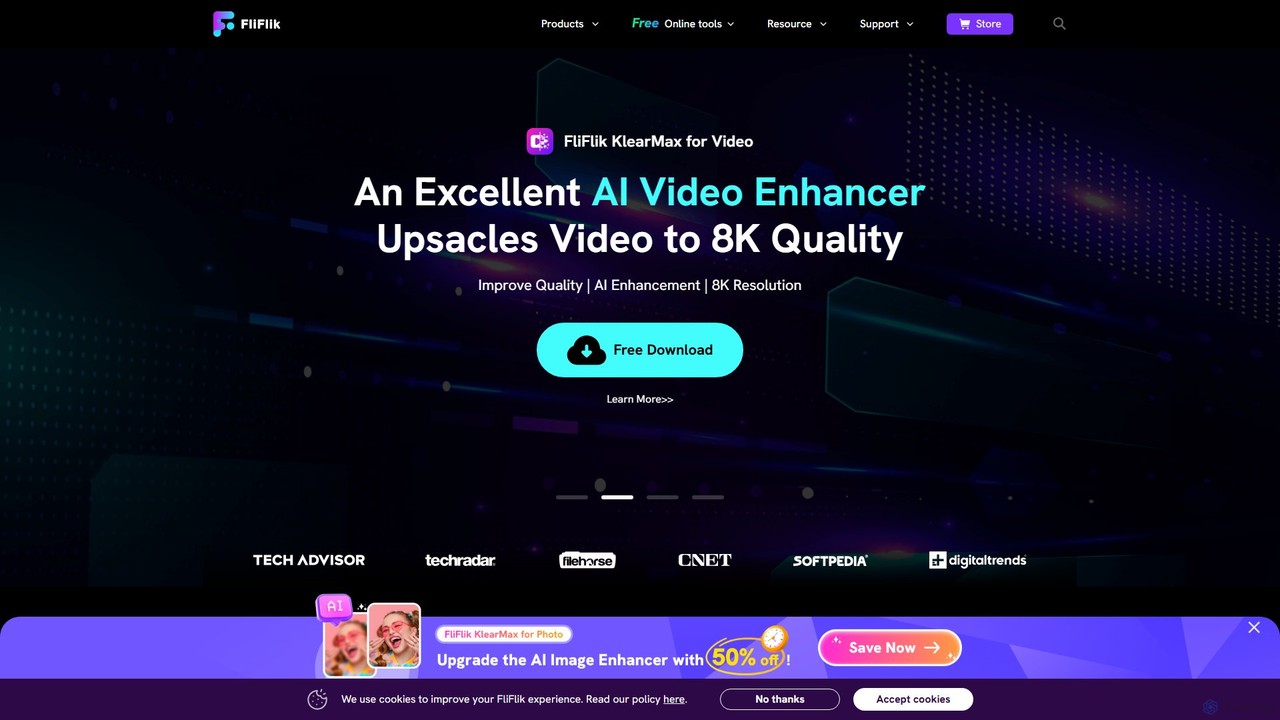
FliFlik Overview
FliFlik is a dynamic and innovative company dedicated to revolutionizing the digital experience with its powerful suite of multimedia software. Designed for both beginners and professionals, FliFlik provides intuitive and accessible AI-powered tools for video, photo, and audio processing. The core mission is to empower users' creativity by making complex editing tasks simple and efficient. The software suite is available for major platforms like Windows and macOS, aiming to deliver fast, high-quality results for all your creative needs.
The FliFlik family includes several specialized applications: FliFlik KlearMax for Photo, an AI photo enhancer; FliFlik KlearMax for Video, an AI video upscaler; FliFlik Voice Changer for real-time voice modulation; and FliFlik KleanOut for Photo, for precise object removal. Each tool is built with state-of-the-art AI technology to ensure top-tier performance and output.
How to use FliFlik
Using the FliFlik suite is designed to be a straightforward process, even for those with no technical expertise. Here’s a general guide:
- Download and Install: Visit the official FliFlik website and download the specific application you need (e.g., KlearMax for Photo, Voice Changer). Follow the on-screen instructions to install it on your computer.
- Launch the Application: Open the installed FliFlik program.
- Import Your Media: For photo and video tools, click the 'Import' or 'Add File' button to load your images or video clips into the program. For the Voice Changer, it typically runs in the background and integrates with your system's microphone input.
- Apply AI Features: Select the desired function. For instance, in KlearMax, you can choose to upscale resolution, denoise, or sharpen. In KleanOut, you can use the brush tool to mark objects for removal. In the Voice Changer, select a voice filter from the library.
- Process and Export: Once you've made your selections, click the 'Process' or 'Export' button. The software will apply the AI enhancements and save the new file to your specified location. The Voice Changer applies effects in real-time to your microphone output for use in other applications like Discord, Zoom, or games.
Core Features of FliFlik
- FliFlik KlearMax for Photo: A comprehensive AI photo enhancer that can unpixelate images, remove digital noise, sharpen blurry details, and upscale photos, including a specialized mode for anime and cartoon images.
- FliFlik KlearMax for Video: An advanced AI video enhancer that upscales video resolution up to 8K. It improves overall video quality by enhancing details, reducing noise, and increasing clarity for a cinematic viewing experience.
- FliFlik Voice Changer: A real-time AI voice modulator with a wide variety of sound filters. Change your voice to sound like an anime character, a different gender, or iconic figures. It's perfect for games, live streams, and online meetings, and allows for custom voice effect creation.
- FliFlik KleanOut for Photo: A powerful AI tool for removing unwanted elements from photos without compromising quality. It can accurately erase watermarks, text, people, logos, and other objects. It also functions as a background remover and supports batch processing for efficiency.
Use Cases for FliFlik
FliFlik's tools are versatile and can be applied in various scenarios:
- Content Creators & Streamers: Use the Voice Changer to create engaging and entertaining content for platforms like Twitch and YouTube. Enhance video thumbnails and assets with KlearMax and KleanOut.
- Photographers & Designers: Restore old family photos, enhance low-light images, and clean up product photos by removing distracting backgrounds or objects with KleanOut.
- Videographers: Upscale older footage to 4K or 8K for modern displays, improve the quality of drone footage, or restore classic home movies with KlearMax for Video.
- Gamers & Online Communicators: Enhance interactivity and fun during online gaming sessions or virtual meetings by using the real-time Voice Changer to adopt different personas.
- General Users: Effortlessly improve the quality of personal photos and videos, remove photobombers from travel pictures, and have fun with voice effects in calls with friends and family.
Advantages of FliFlik
FliFlik stands out due to its commitment to user experience and powerful technology:
- User-Friendly Interface: The software is designed to be intuitive, making advanced editing accessible to everyone.
- Powerful AI Models: Utilizes multiple, specialized AI algorithms to deliver accurate and high-quality results.
- High-Resolution Output: Capable of enhancing photos and upscaling videos to resolutions as high as 8K.
- Real-Time Performance: The Voice Changer works in real-time with minimal latency, ensuring a smooth experience in live applications.
- Efficiency: Features like batch processing in KleanOut save significant time when working with multiple images.
- Versatility: A comprehensive suite that covers a wide range of multimedia editing needs, from photo restoration to voice modulation.
Pricing and Plans
FliFlik operates on a freemium model. Each tool in the suite is available as a "Free Download," allowing users to test the core functionalities. The free versions may have certain limitations, such as watermarks on exported files, restricted feature access, or usage caps. To unlock the full potential of the software, including all advanced features, batch processing, and watermark-free exports, users can upgrade to a paid plan. Specific pricing details for monthly, annual, or lifetime licenses are available on the official website's purchase page.
Traffic
Latest traffic
Status
Monthly traffic trend
- 2025-9: 697.0K
- 2026-1: 924.8K
- 2026-2: 809.7K
- 2026-3: 604.4K
- 2026-4: 564.0K
- 2026-5: 550.1K
Geography
Top 5 countries / regions
- 🇺🇸United States48.0%
- 🇰🇷South Korea18.7%
- 🇬🇧United Kingdom12.2%
- 🇨🇦Canada10.9%
- 🇩🇪Germany10.3%
Traffic sources
| Source type | Percentage |
|---|---|
Direct | 80.9% |
Referral | 18.2% |
Email | 0.9% |
Top keywords
| Keyword | Cost per click |
|---|---|
| 트위터랭킹 | $0.00 |
| onlyfans leaks | $0.27 |
| youtube mp3 | $0.76 |
| youtube mp4 | $0.38 |
| youtube to mp3 | $1.30 |
FliFlik Videos on YouTube


FliFlik Alternatives
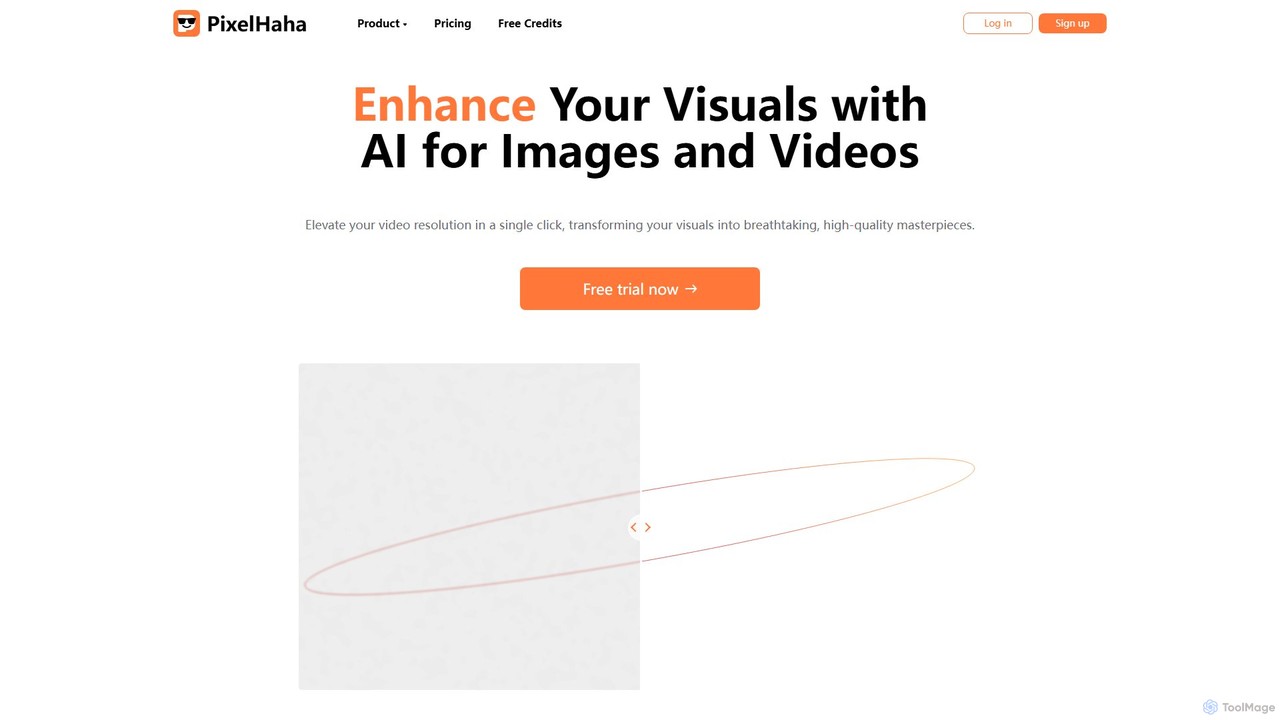
pixelhaha
Pixelhaha is an AI-powered creative platform for enhancing visual media. It offers one-click tools to upscale video resolution and improve photo quality, bringing out vibrant colors and sharp details. It also features a text-to-image generator for creating unique AI art. With a user-friendly interface and a flexible pay-as-you-go pricing model, it's designed for content creators, marketers, and enthusiasts.
Image Enhancement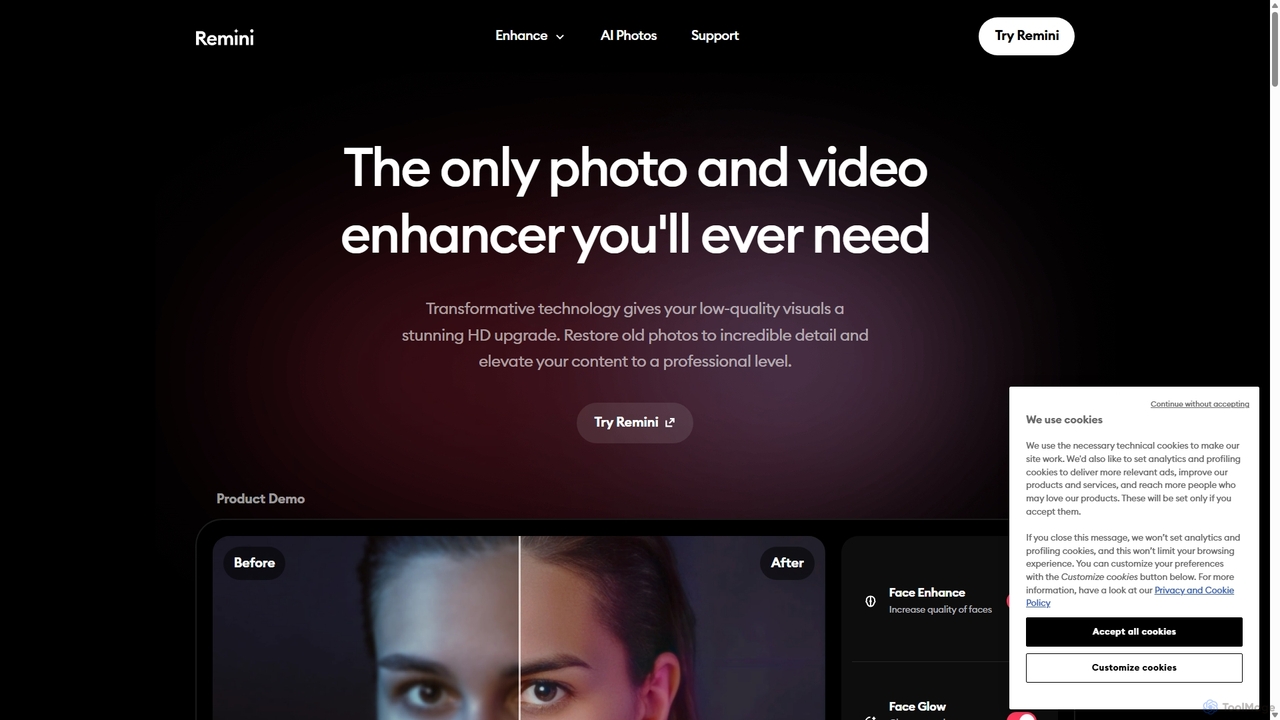
Remini
Remini is an AI-powered photo and video enhancer that transforms low-quality, blurry, or old images and videos into stunning high-definition visuals. Using advanced AI, it restores details, sharpens focus, reduces noise, and can even generate professional-quality AI photos of yourself.
3D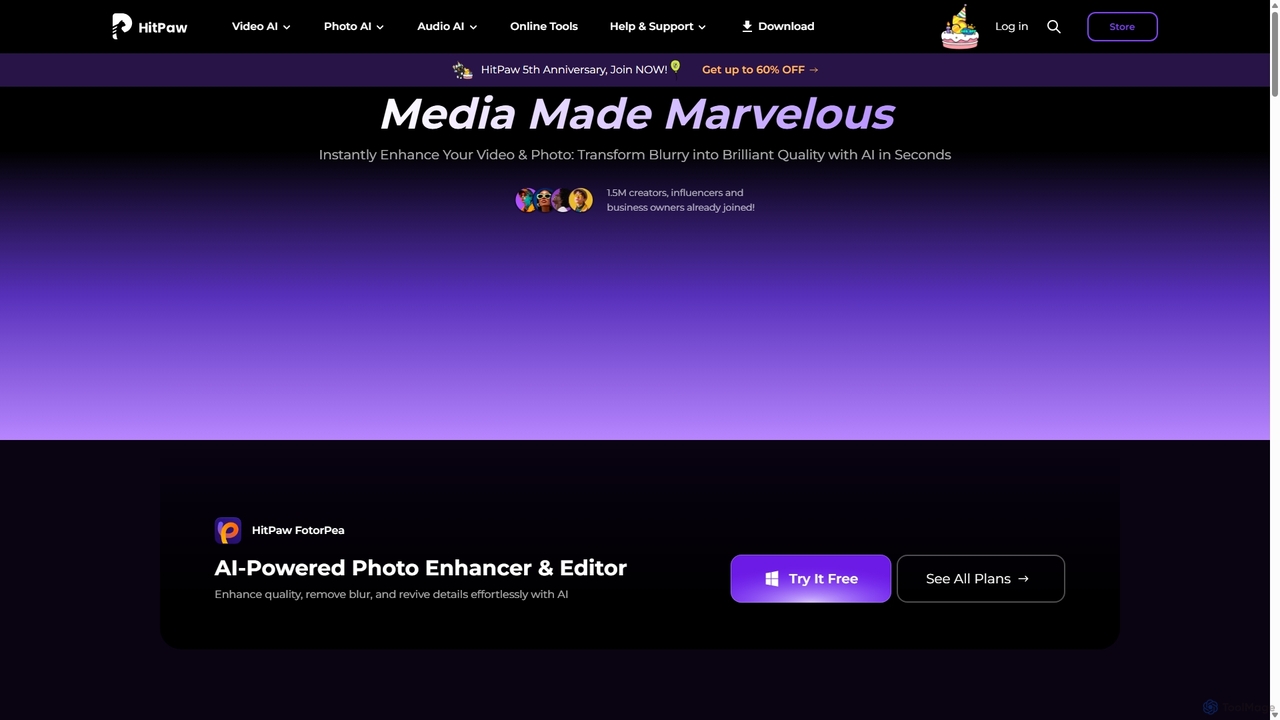
HitPaw
HitPaw is a comprehensive AI-powered multimedia software suite designed for video, photo, and audio enhancement. It offers a range of tools for upscaling video to 8K, restoring old photos, changing voices in real-time, converting file formats, and more, catering to creators, professionals, and enthusiasts.
Voice Modulation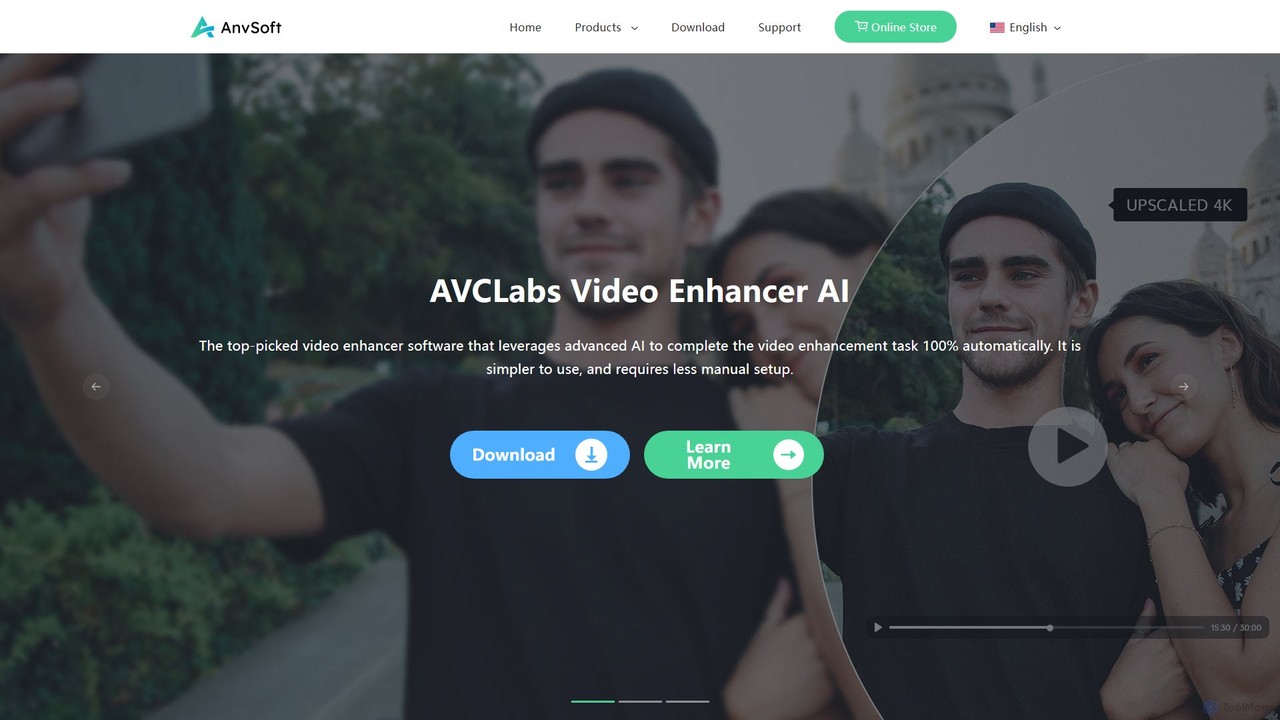
Anvsoft
Anvsoft offers a suite of AI-powered multimedia software designed to enhance, convert, and edit videos and photos. Its flagship products, like AI Video Enhancer and AI Video Blur, use advanced algorithms for upscaling, colorization, face refinement, and automatic blurring, catering to both casual users and professionals.
Image Enhancement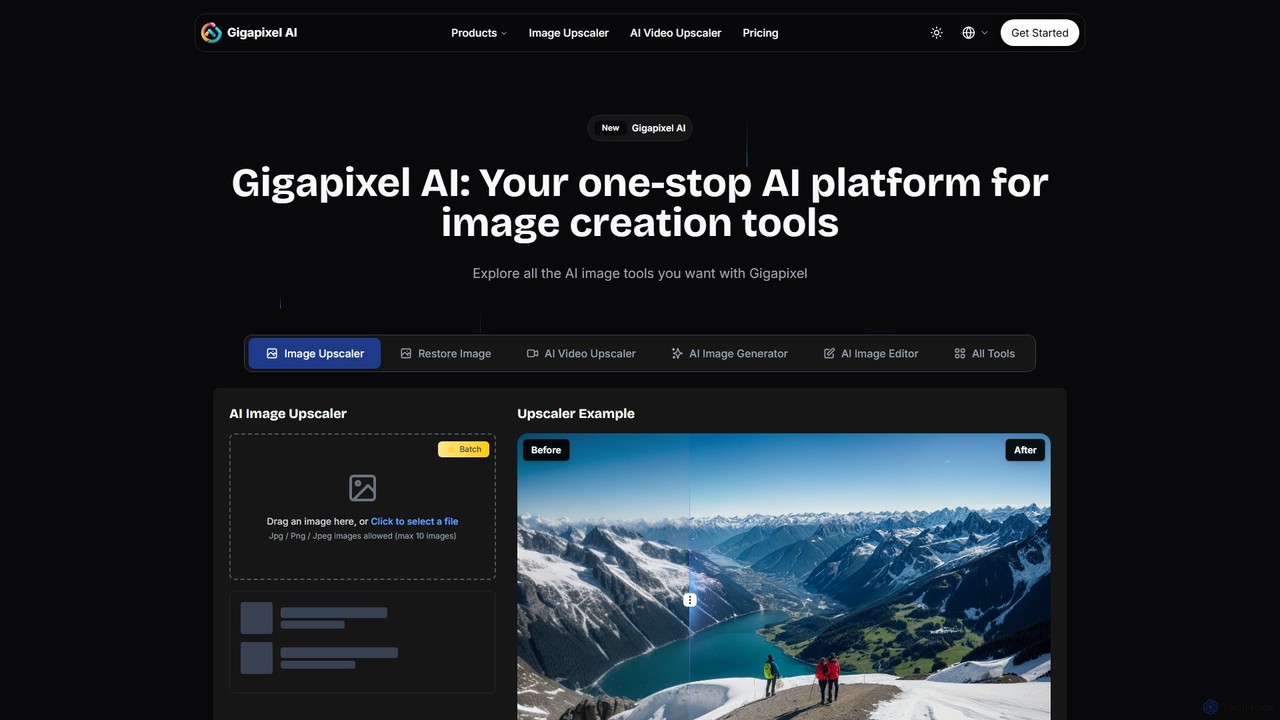
Gigapixel AI
Gigapixel AI is a comprehensive, all-in-one AI platform for image and video creation. It offers a suite of powerful tools, including an advanced image and video upscaler, a versatile image generator, a precise image editor, and a background remover. It's designed for creators, marketers, and developers to enhance, generate, and edit visual content with professional-grade quality and efficiency.
Image EditingFliFlik Categories
FliFlik Embed Widget
Copy this embed code to place the badge on your blog, article, or product site and send readers directly to this ToolMage detail page.

Related AI tools
HitPaw
HitPaw is a comprehensive AI-powered multimedia software suite designed for video, photo, and audio enhancement. It offers a range of tools for upscaling video to 8K, restoring old photos, changing voices in real-time, converting file formats, and more, catering to creators, professionals, and enthusiasts.
Voice ModulationGigapixel AI
Gigapixel AI is a comprehensive, all-in-one AI platform for image and video creation. It offers a suite of powerful tools, including an advanced image and video upscaler, a versatile image generator, a precise image editor, and a background remover. It's designed for creators, marketers, and developers to enhance, generate, and edit visual content with professional-grade quality and efficiency.
Image Editing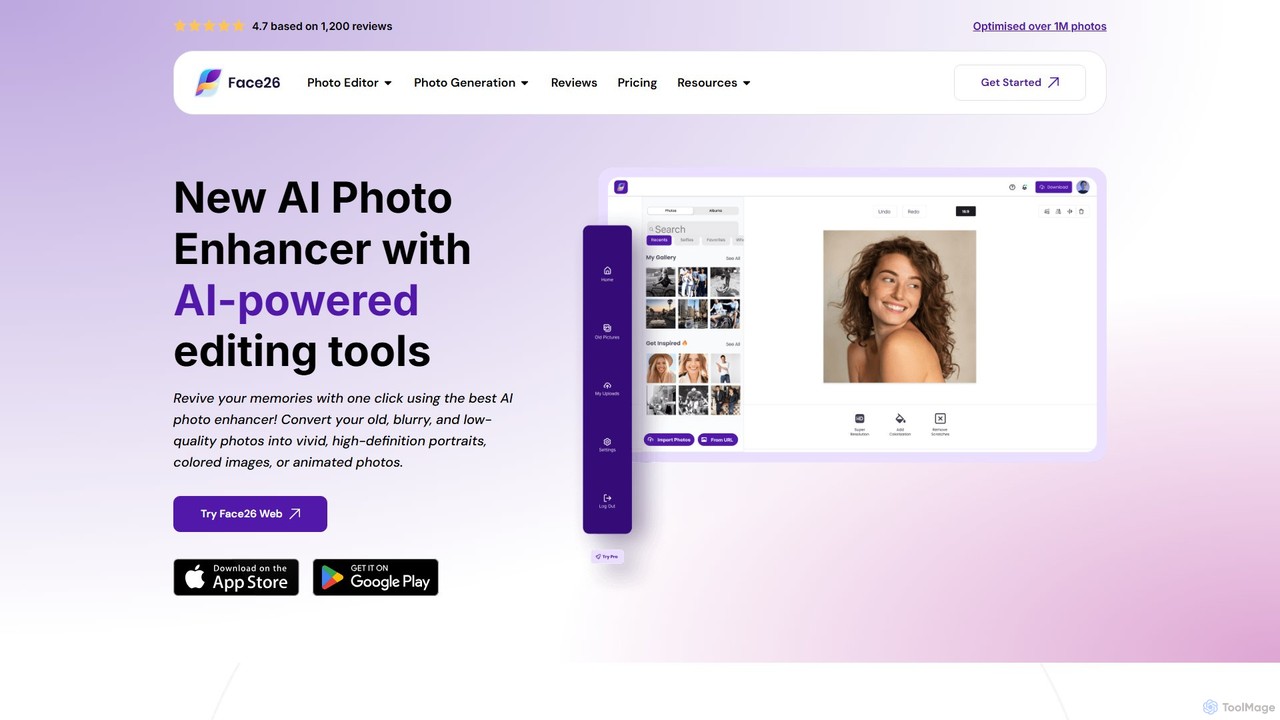
face26
Face26 is a comprehensive AI-powered photo enhancement suite. With just one click, it can restore old, blurry photos, colorize black-and-white images, upscale pictures to HD quality, and perform detailed facial retouching. It's designed for both casual users and professionals, requiring no editing skills to achieve stunning results.
Image Editing
Nero AI
Nero AI is a comprehensive suite of AI-powered tools for image and video enhancement. It offers features like image and video upscaling, photo restoration, background and object removal, face animation, and creative stylization. Designed for creators, marketers, and designers, it provides easy-to-use solutions for both online and desktop platforms to elevate visual content quality.
Graphic Design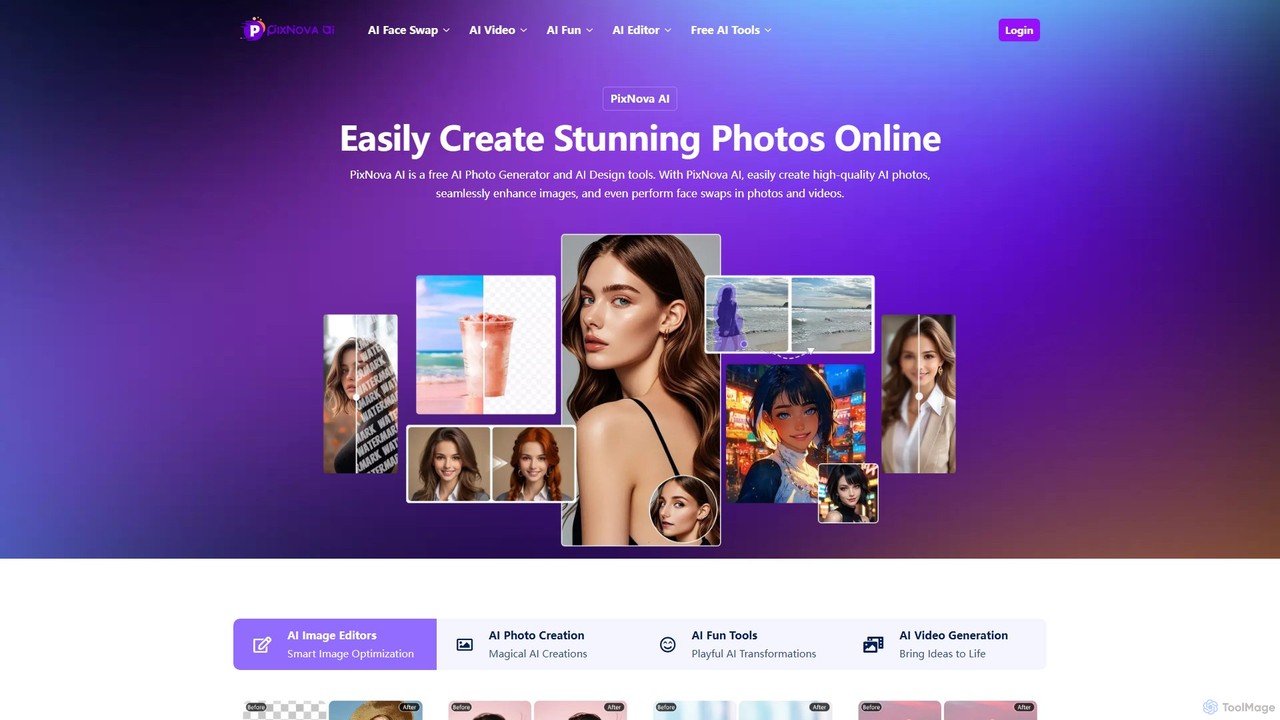
PixNova AI
PixNova AI is a free, all-in-one online platform for AI-powered image and video creation. It offers a comprehensive suite of tools, including a photo generator, advanced image editor, seamless face swap for photos and videos, and various creative transformation tools.
Face Swap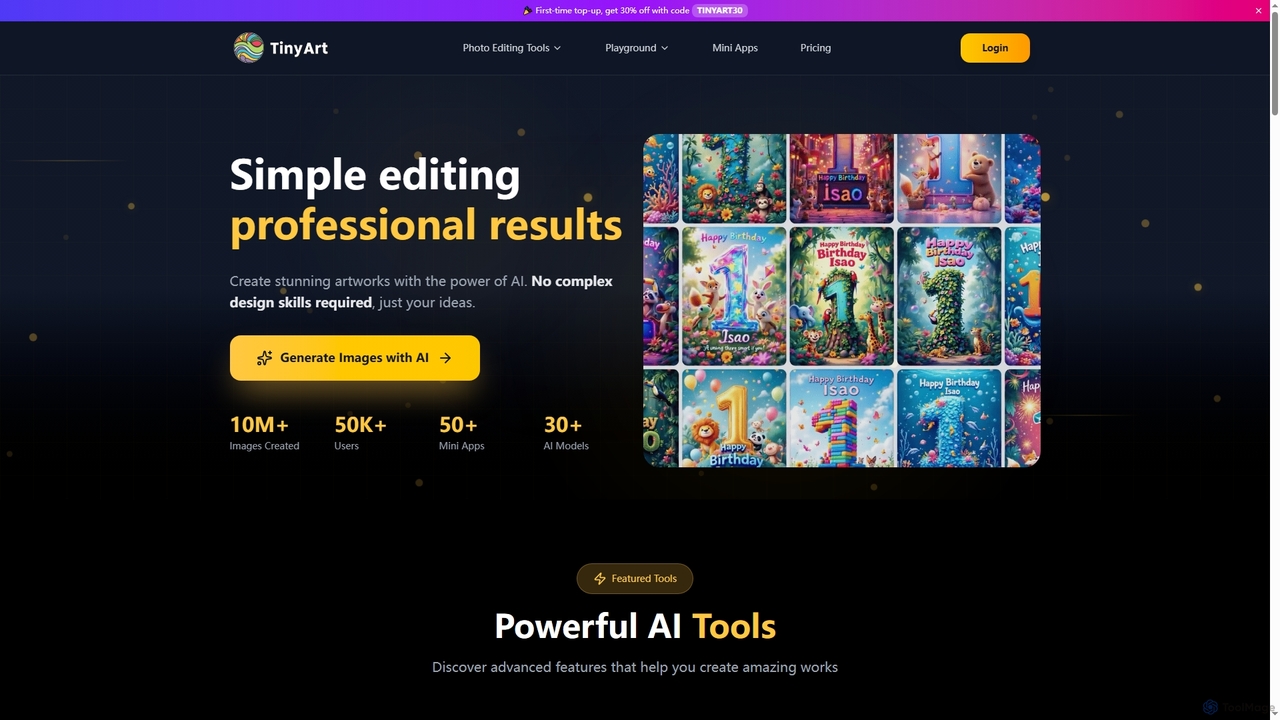
TinyArt
TinyArt is an AI-powered photo editing and image generation platform designed for professional results without complex design skills. It offers a suite of tools including background removal, image upscaling, watermark removal, object cleanup, and text-to-image generation, alongside specialized mini-apps for ID photos, face swaps, and photo restoration.
Creative Tools
xiu.ai
xiu.ai is an all-in-one AI-powered image editing and creation suite. It offers tools for one-click photo enhancement, background removal, object erasing, image upscaling, and text-to-image generation, designed for creators and marketers.
Image Generation
photofix
Photofix is an all-in-one AI-powered platform for photo restoration and enhancement. Effortlessly repair old, damaged photos, colorize black and white images, remove unwanted objects, and upscale resolution with just a few clicks. Ideal for photographers, families, and businesses.
3Dpixelhaha
Pixelhaha is an AI-powered creative platform for enhancing visual media. It offers one-click tools to upscale video resolution and improve photo quality, bringing out vibrant colors and sharp details. It also features a text-to-image generator for creating unique AI art. With a user-friendly interface and a flexible pay-as-you-go pricing model, it's designed for content creators, marketers, and enthusiasts.
Image Enhancement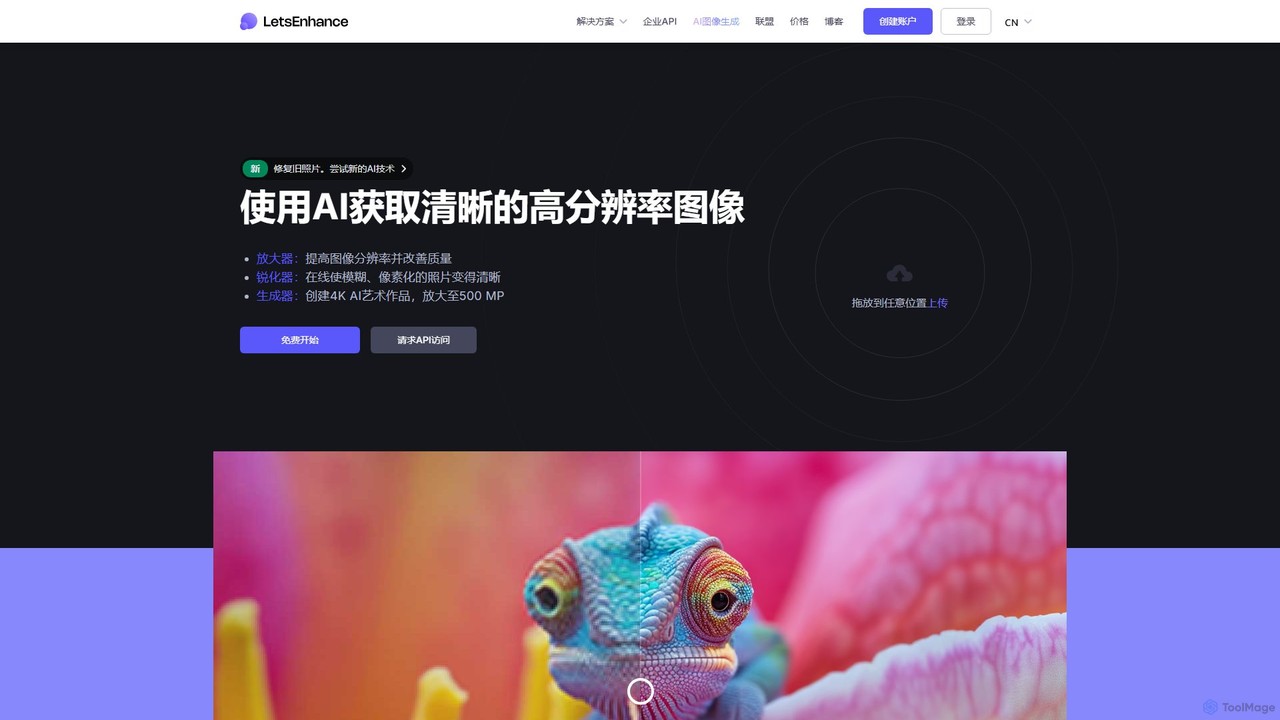
LetsEnhance
An AI-powered platform for image enhancement, upscaling, and generation. It automatically increases image resolution up to 16x, sharpens details, corrects colors, and removes artifacts. Features include old photo restoration, a text-to-image generator for creating high-resolution AI art, and batch processing. Ideal for photographers, designers, e-commerce, and print professionals.
Image Enhancement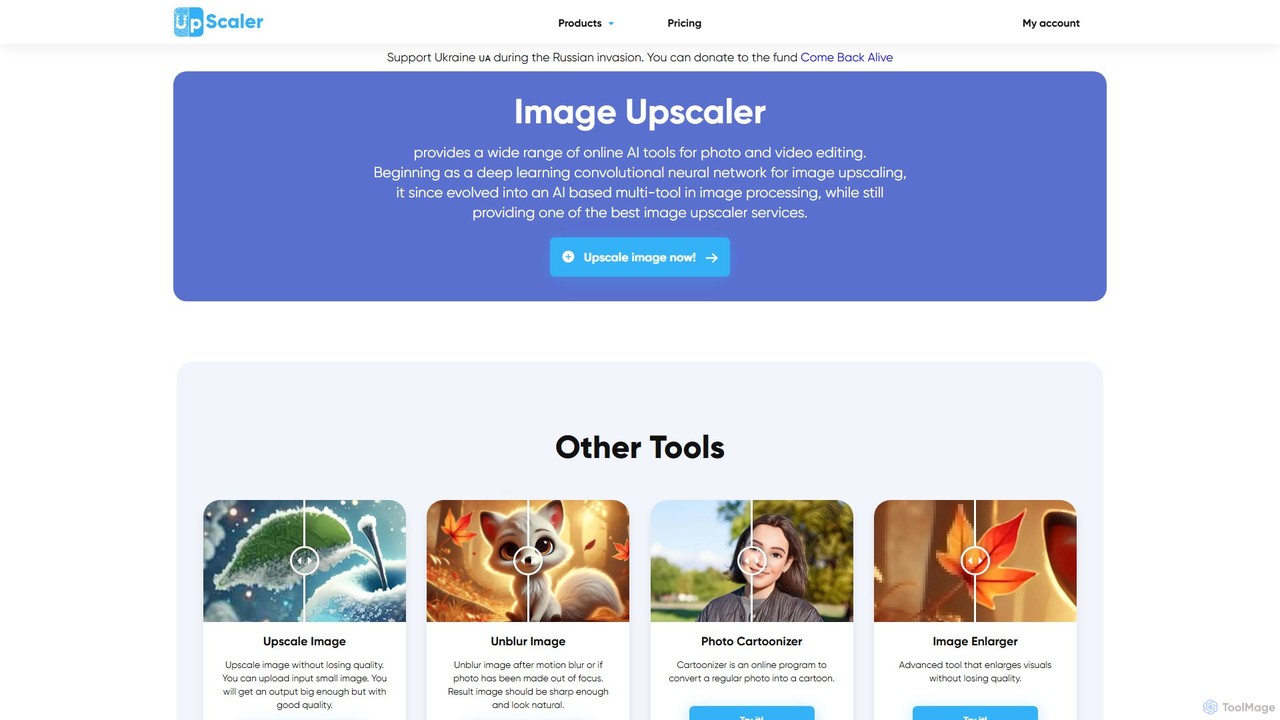
ImageUpscaler
An all-in-one AI-powered platform for image enhancement. Upscale photos up to 4x without quality loss, remove backgrounds, deblur images, generate art from text, and utilize a wide range of creative tools like cartoonizers, colorizers, and object removers. Ideal for professionals and hobbyists.
Graphics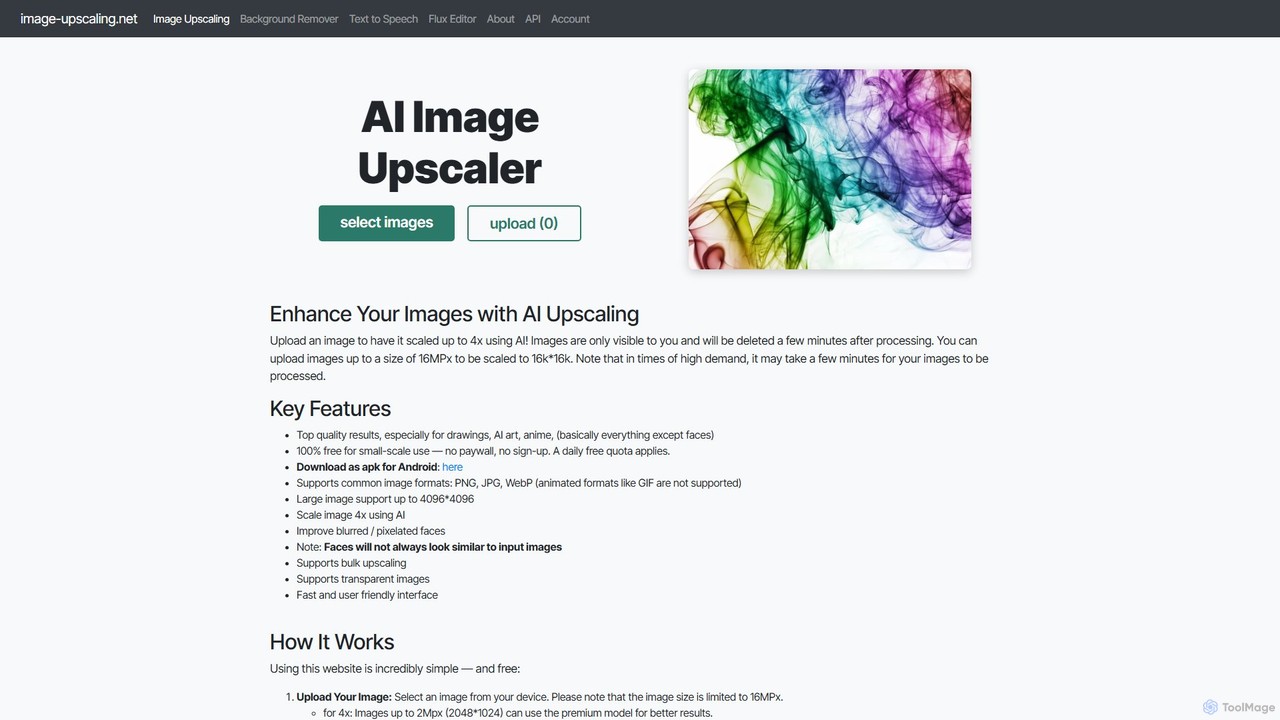
Image-Upscaling.net
A free, web-based AI tool for upscaling images up to 16K resolution without sign-ups or watermarks. It uses advanced AI to enhance details and preserve quality, offering a simple upload-process-download workflow. It also provides background removal and text-to-speech services. The platform is privacy-focused, deleting images after 30 minutes, and offers a fair pay-as-you-go model for extended use beyond the daily free quota.
Graphics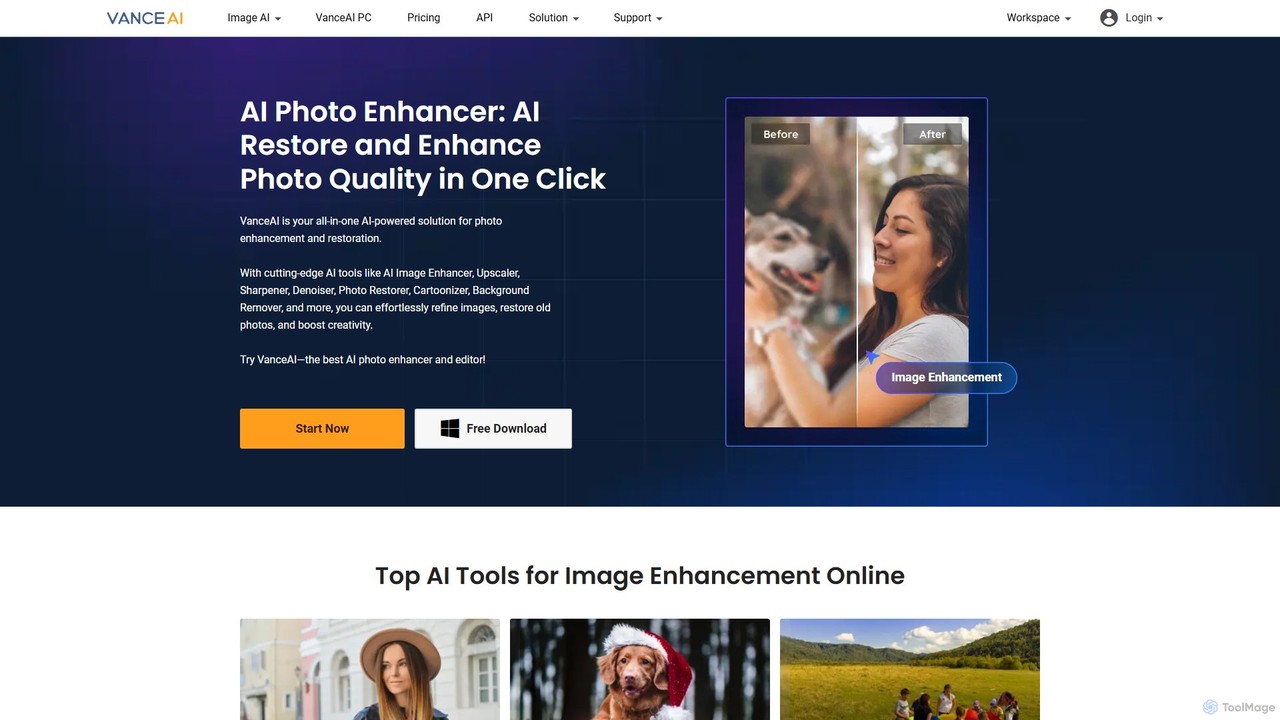
VanceAI
VanceAI is a comprehensive, AI-powered suite for photo enhancement, restoration, and editing. It offers a wide range of tools, including an image upscaler, sharpener, denoiser, background remover, and photo restorer. With one-click solutions and batch processing capabilities, VanceAI helps users from photographers to e-commerce businesses improve image quality, streamline workflows, and boost creativity effortlessly, available both online and as a desktop application.
Image Editing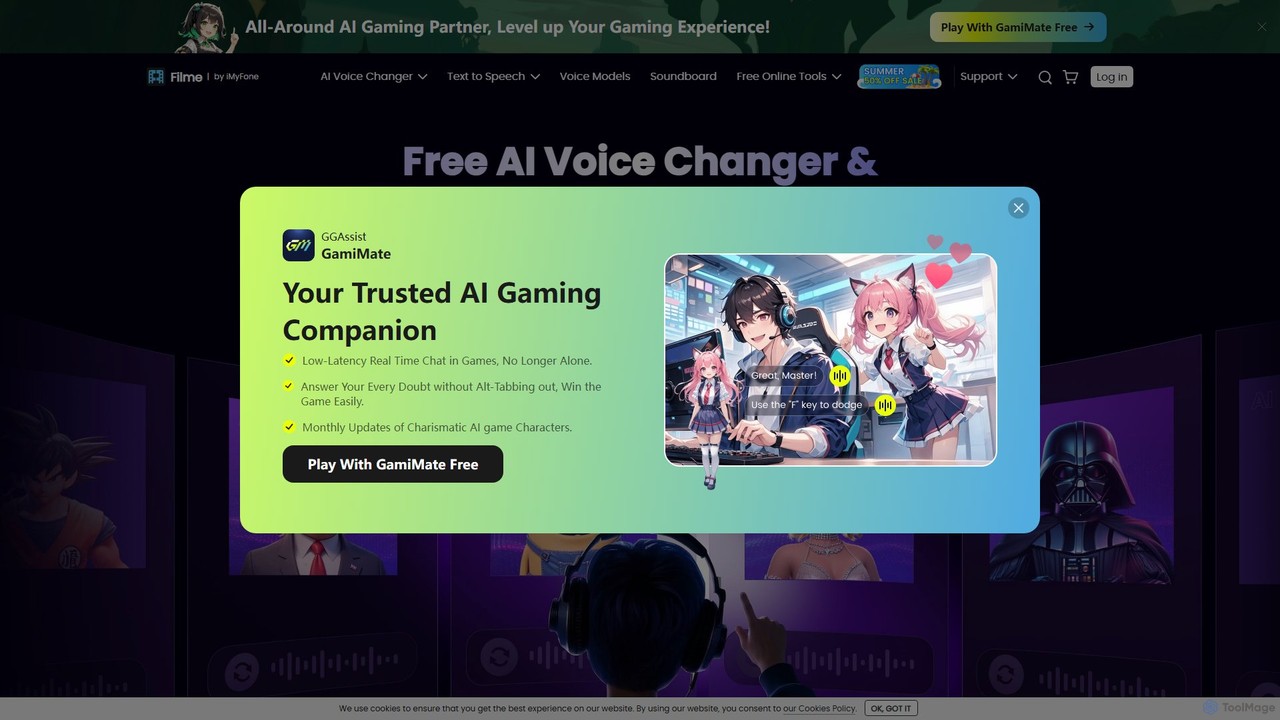
Filme
Filme by iMyFone is an all-in-one AI-powered creative suite for content creators and gamers. It includes a real-time voice changer, a user-friendly video editor, text-to-speech, AI music generation, and image editing tools. Enhance your gaming, streaming, and video production with a comprehensive set of easy-to-use applications for desktop and mobile.
Voice Modulation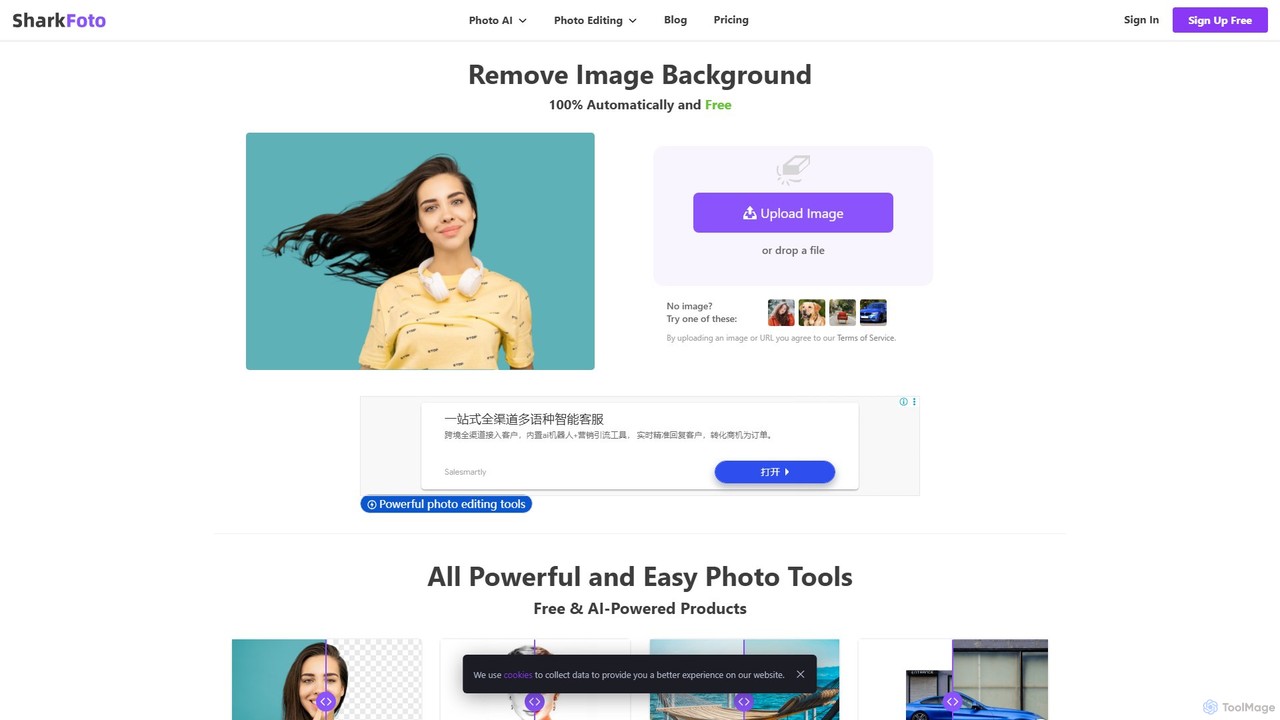
sharkfoto
sharkfoto is an all-in-one online photo editing suite powered by AI. It offers a range of tools including automatic background removal, image colorization, photo enhancement, and resolution enlargement. Additionally, it provides over 10 free standard editing tools like image conversion, compression, resizing, and a full-featured photo editor, catering to both professionals and casual users.
Background Removal
FliFlik Comments (0)
Sign in to comment.
Sign inNo comments yet.