
sharkfoto Overview
sharkfoto is a comprehensive and user-friendly online platform that provides a wide array of photo editing tools, leveraging the power of Artificial Intelligence to simplify complex tasks. Designed for a diverse audience, from e-commerce store owners and professional designers to photographers and individuals looking to restore old memories, sharkfoto offers a one-stop solution for all image manipulation needs. The platform's core strength lies in its AI-powered features that automate tedious processes, delivering high-quality results with just a single click.
The suite includes powerful AI tools such as a background remover that automatically detects and isolates subjects, an image colorizer that brings black and white photos to life, a color enhancer to fix blurry or low-quality images, and a resolution enlarger that can increase image size up to 4x without sacrificing quality. Beyond its AI capabilities, sharkfoto also provides a robust set of over 10 essential free tools, including a versatile image converter supporting over 200 formats, an efficient image compressor, and tools for resizing, cropping, and flipping images, many of which support batch processing to streamline workflows.
How to use sharkfoto
Using sharkfoto is designed to be an intuitive and straightforward process, requiring no prior technical expertise. The general workflow is as follows:
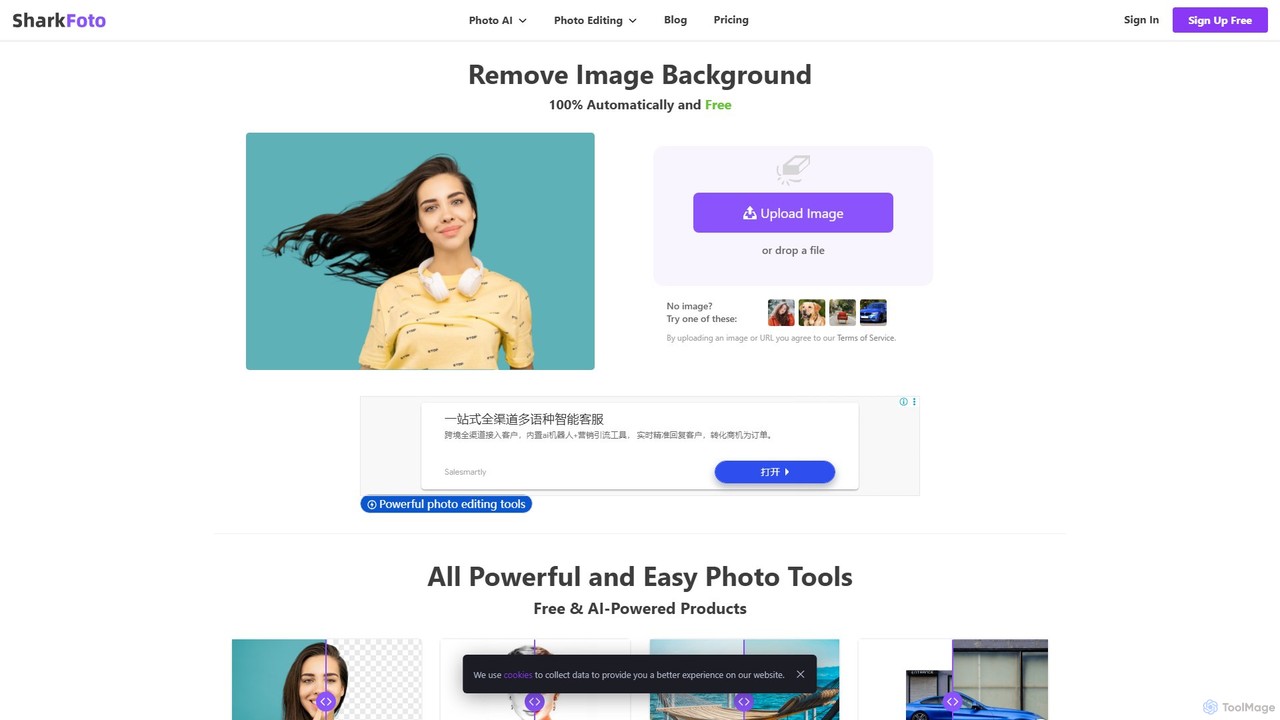
- Upload Your Image: Navigate to the sharkfoto homepage or the specific tool you wish to use. You can either click the 'Upload Image' button to select a file from your computer or simply drag and drop your image onto the designated area.
- Select a Tool: Choose the desired function from the product list. For AI-powered tasks like background removal or colorization, the tool will automatically process the image upon upload.
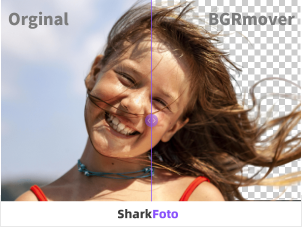
- Process and Preview: The AI will analyze and edit your image in seconds. For instance, the BGRemover will present a preview of your image with the background removed. Other tools like the Color Enhancer will show an enhanced version.
- Download Your Result: If you are satisfied with the preview, you can download the final, high-resolution image. Some downloads may require credits depending on your plan. For standard tools like the converter or resizer, you can configure your settings (e.g., target format, dimensions) and download the output directly.
Core Features of sharkfoto
- AI Background Remover: Automatically and precisely removes the background from any image with a single click. Ideal for product photos, portraits, and graphic design elements.
- AI Image Colorizer: Transforms black and white photographs into vibrant, full-color images, perfect for restoring old family photos or historical archives.
- AI Color Enhancer: Intelligently improves the quality of blurry, low-resolution, or poorly lit photos, enhancing clarity, color, and detail.
- AI Resolution Enlarger: Upscales images up to 4 times their original size without the typical loss of quality, using AI to fill in details.
- Comprehensive Image Converter: Supports conversion to and from over 200 image formats, including JPG, PNG, and WEBP.
- Image Compressor: Reduces file sizes of various image formats while maintaining the best possible quality, optimizing images for web use.
- Batch Processing Tools: Includes batch image resizing, flipping, and rotating, allowing users to edit multiple images simultaneously and save significant time.
- Full-Featured Online Photo Editor: A powerful editor that includes tools for cropping, drawing, adding shapes, icons, and text, as well as applying mask filters and image filters.
Use Cases for sharkfoto
sharkfoto's versatile toolset is applicable across various fields:
- E-commerce: Store owners on platforms like Shopify and Amazon can quickly remove backgrounds from product photos to create clean, professional-looking listings that meet marketplace requirements.
- Graphic Design & Marketing: Designers can accelerate their workflow by automating background removal for use in advertisements, social media posts, and website banners.
- Photography: Photographers can enhance photos taken in suboptimal conditions, rescue blurry shots, or enlarge images for printing without needing to reshoot.
- Personal & Historical Restoration: Individuals can digitize and restore old family albums by colorizing black and white photos and enhancing faded images. Magazine editors and historians can use it to bring a new perspective to historical images.
- Web Development: Developers can use the compressor and resizer to optimize images for faster website loading times, improving user experience and SEO.
Advantages of sharkfoto
Users choose sharkfoto for its distinct advantages:
- Efficiency and Speed: AI automation turns time-consuming tasks into one-click operations.
- Ease of Use: The platform is accessible to users of all skill levels, with no complex software to install.
- Cost-Effectiveness: Offers a generous free plan and affordable subscription models that are more economical than traditional software or hiring a professional.
- High-Quality Output: The AI algorithms are trained on millions of images, ensuring professional-grade results.
- Versatility: An all-in-one platform that eliminates the need for multiple separate tools.
- Flexibility: Subscription plans are flexible, with options to upgrade, downgrade, or cancel anytime, and unused credits roll over to the next month.
Pricing and Plans
sharkfoto operates on a freemium, credit-based model:
- Free Plan: $0/month. Includes 1 free credit upon signup, 50 background remover previews and downloads, and full access to 10+ free image tools with batch editing.
- Personal Plan: $10/month (with a 10% discount for annual billing). Includes 50 credits per month, unlimited previews and downloads for the background remover, and all features of the free plan. Unused credits roll over. Additional credits cost $1 each.
- Business Plan: $30/month (with a 10% discount for annual billing). Includes 200 credits per month, all features of the Personal plan, plus Developer API access and team member support. Unused credits roll over. Additional credits cost $0.60 each.
Credits are used for premium AI features like high-resolution downloads from the BGRemover, ImageColorizer, and Image Enhancer. The platform offers a 14-day money-back guarantee.
Traffic
Latest traffic
Status
Monthly traffic trend
- 2025-9: 63.9K
- 2026-1: 77.3K
- 2026-2: 66.0K
- 2026-3: 74.6K
- 2026-4: 60.4K
- 2026-5: 60.2K
Geography
Top 5 countries / regions
- 🇮🇩Indonesia24.8%
- 🇺🇸United States24.4%
- 🇷🇺Russia20.1%
- 🇮🇳India17.8%
- 🇳🇬Nigeria12.9%
Traffic sources
| Source type | Percentage |
|---|---|
Direct | 83.5% |
Referral | 16.5% |
Top keywords
| Keyword | Cost per click |
|---|---|
| png to pes | $4.02 |
| quitar fondo a iconos | $0.00 |
| sharkfoto | $0.00 |
| vsd в dwg | $0.00 |
| из jpg в dwg | $0.00 |
sharkfoto Alternatives
PicPicAI
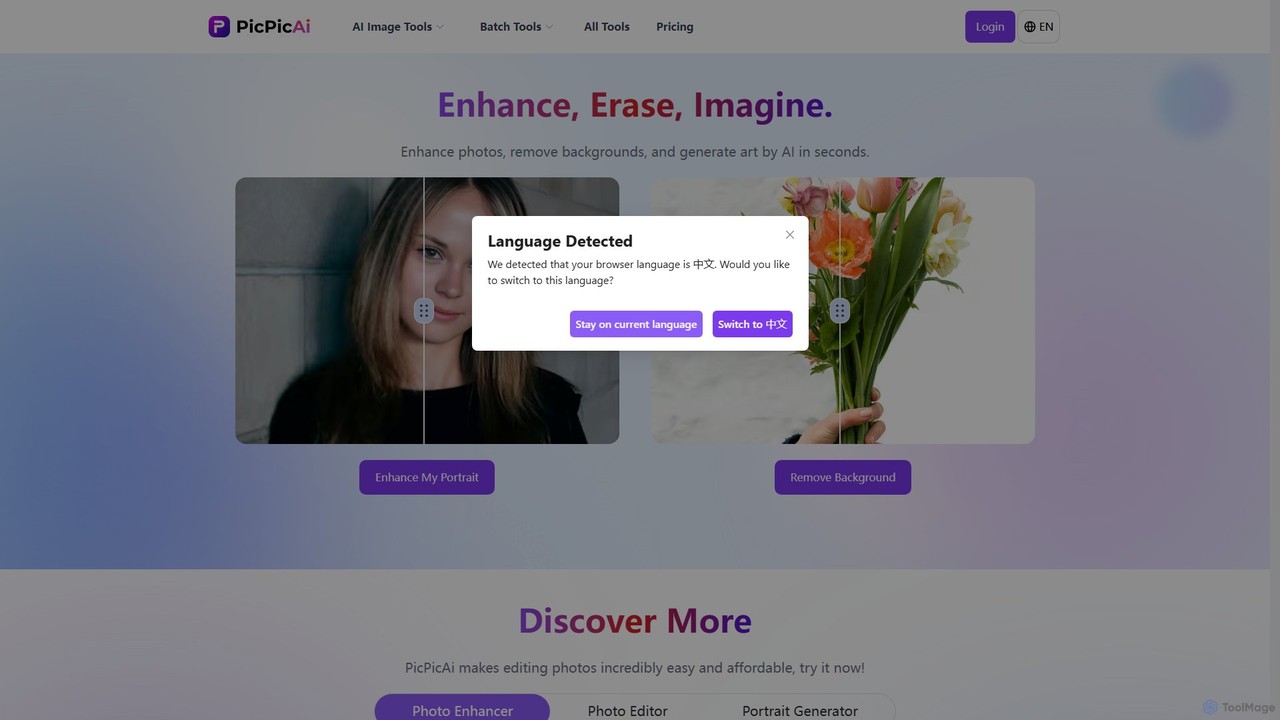
PicPicAI is an all-in-one AI-powered photo editing suite designed for ease of use and professional results. It offers a wide range of tools, including photo enhancement, background and object removal, AI art generation, portrait retouching, and old photo restoration. Ideal for marketers, e-commerce sellers, and content creators.
Image Generation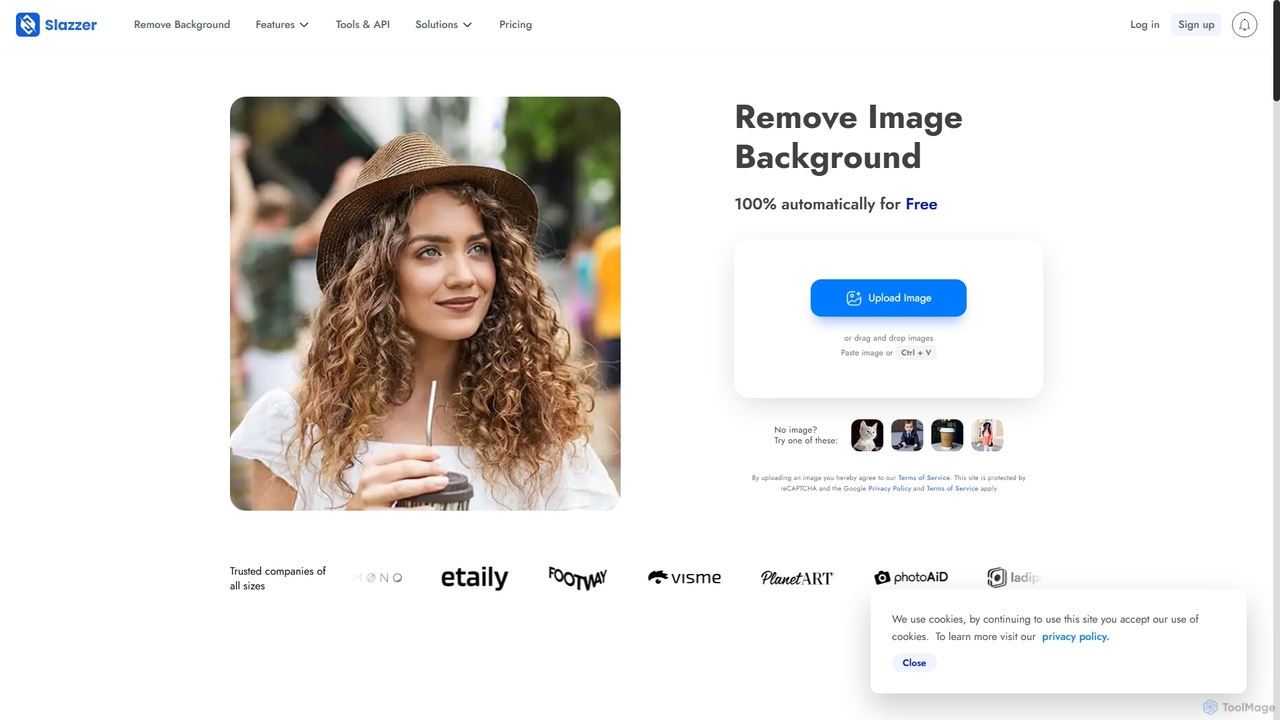
Slazzer
Slazzer is an AI-powered visual editing platform that automatically removes image backgrounds in seconds. It offers a suite of tools including AI background generation, image enhancement, upscaling, and shadow creation. Designed for efficiency, it serves e-commerce, photographers, marketers, and developers with web-based tools, desktop apps, and API integration for bulk processing.
Api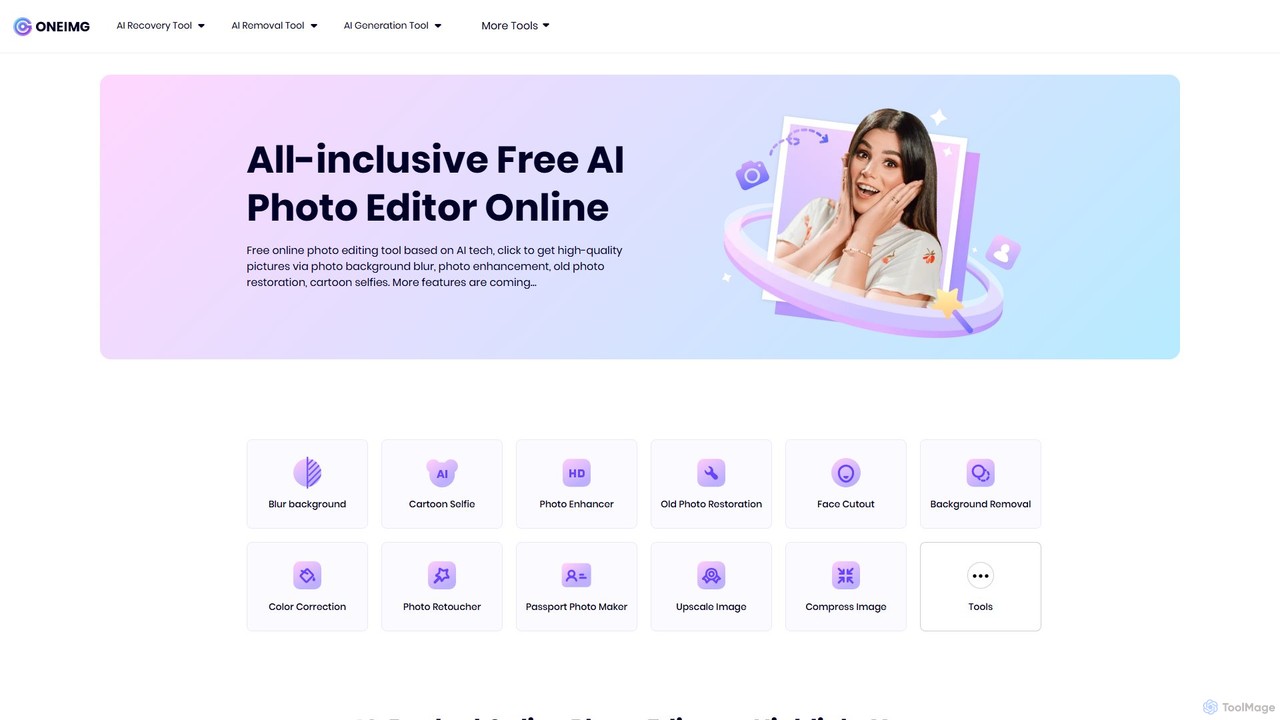
oneimg
oneimg is a free, all-in-one online photo editor powered by AI. It offers a comprehensive suite of tools for image enhancement, background manipulation, old photo restoration, and creative effects like cartoon selfies. Designed for ease of use, it allows users to achieve professional-quality results with just a few clicks, no software installation or technical skills required.
Background Removal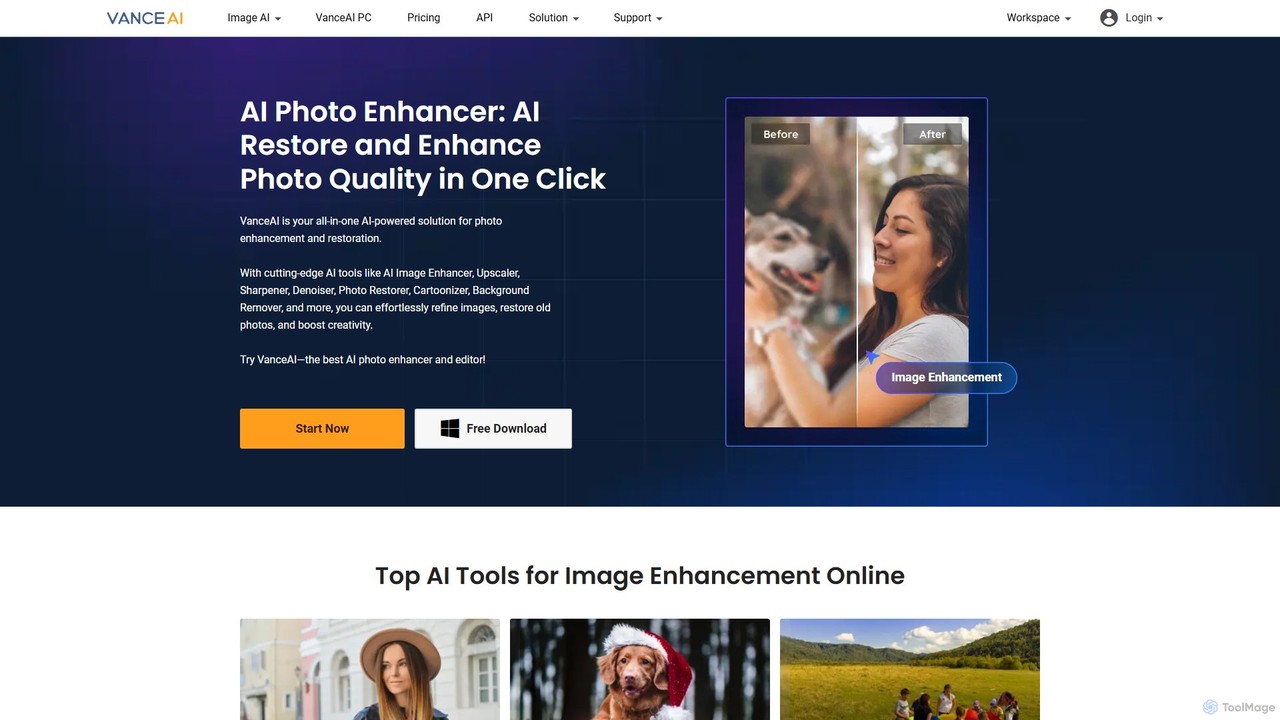
VanceAI
VanceAI is a comprehensive, AI-powered suite for photo enhancement, restoration, and editing. It offers a wide range of tools, including an image upscaler, sharpener, denoiser, background remover, and photo restorer. With one-click solutions and batch processing capabilities, VanceAI helps users from photographers to e-commerce businesses improve image quality, streamline workflows, and boost creativity effortlessly, available both online and as a desktop application.
Image Editing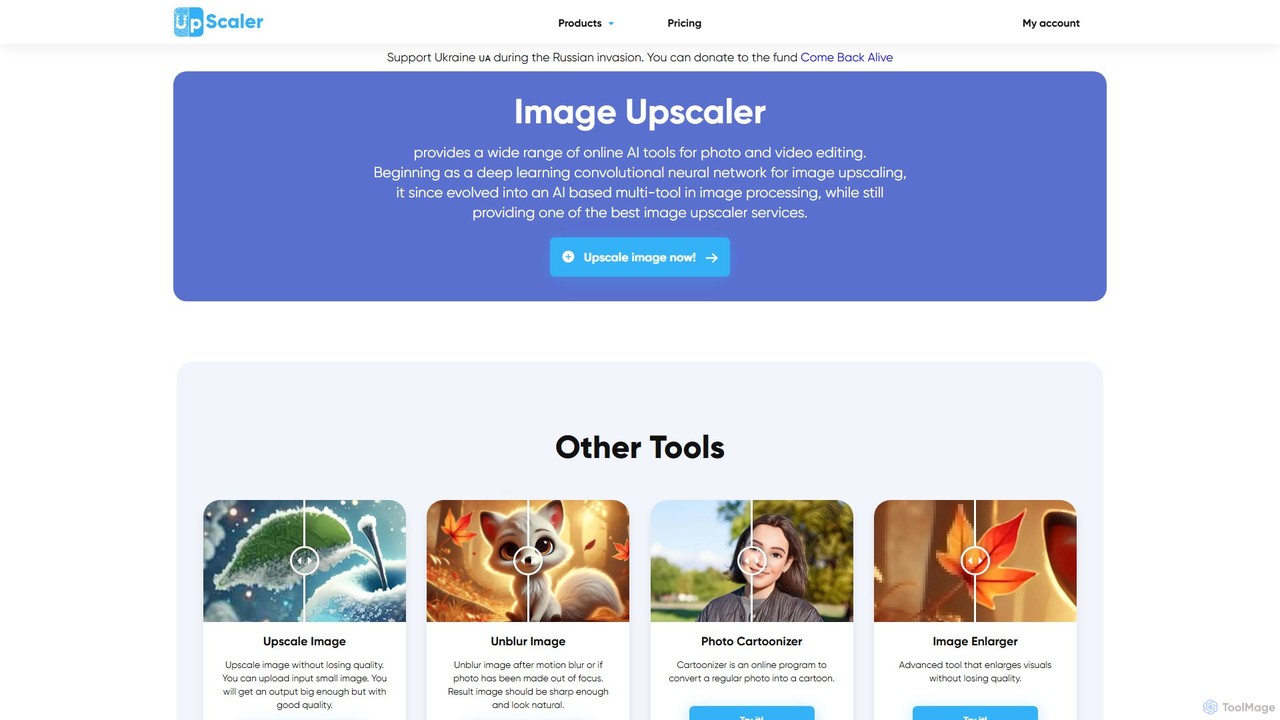
ImageUpscaler
An all-in-one AI-powered platform for image enhancement. Upscale photos up to 4x without quality loss, remove backgrounds, deblur images, generate art from text, and utilize a wide range of creative tools like cartoonizers, colorizers, and object removers. Ideal for professionals and hobbyists.
Graphicssharkfoto Categories
sharkfoto Embed Widget
Copy this embed code to place the badge on your blog, article, or product site and send readers directly to this ToolMage detail page.

Related AI tools
Slazzer
Slazzer is an AI-powered visual editing platform that automatically removes image backgrounds in seconds. It offers a suite of tools including AI background generation, image enhancement, upscaling, and shadow creation. Designed for efficiency, it serves e-commerce, photographers, marketers, and developers with web-based tools, desktop apps, and API integration for bulk processing.
Api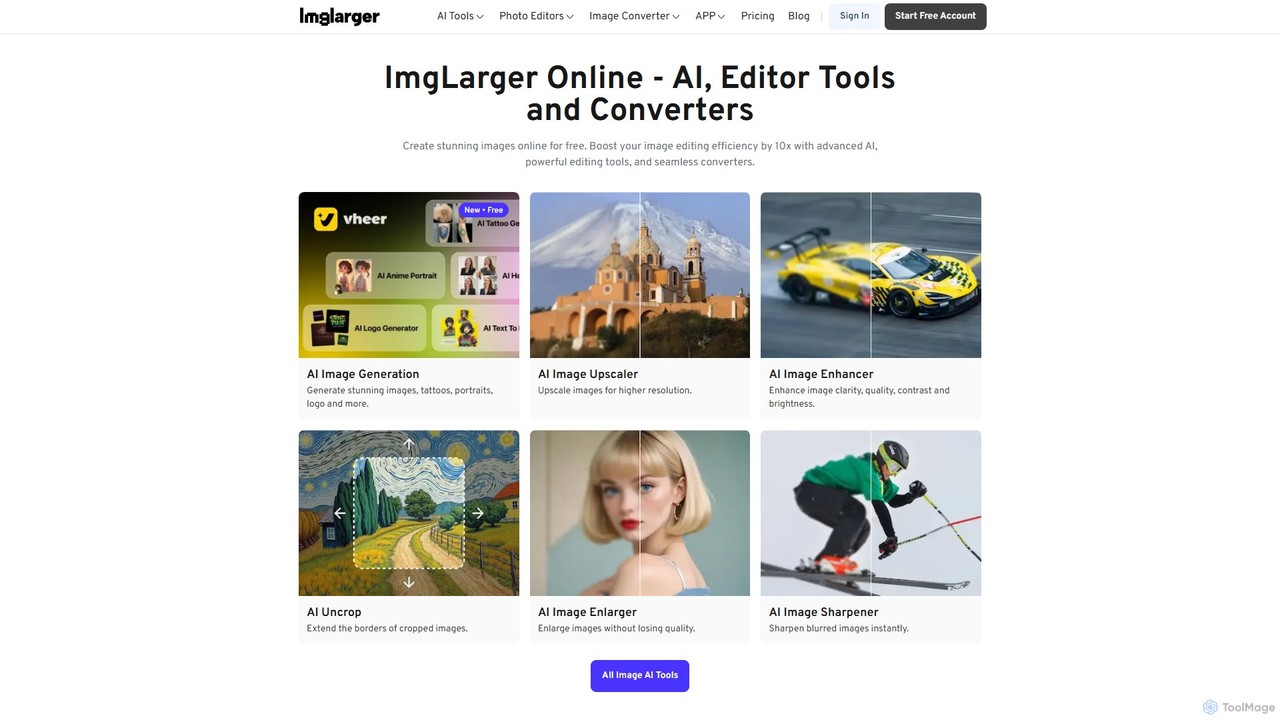
Imglarger
Imglarger is an all-in-one AI-powered toolkit for enhancing, editing, and converting images. It allows users to upscale photos up to 800% without quality loss, remove noise, restore old photos, and perform a wide range of edits like cropping, resizing, and color adjustments. It's a fast, online solution for photographers, designers, and social media managers.
Image Editing
gaituya
Gaituya is a comprehensive online image processing suite powered by AI. It offers a wide range of tools for image compression, format conversion, advanced editing, and AI-driven features like photo restoration, background removal, and creative effects. It's designed for both casual users and professionals needing quick, browser-based image solutions.
Art Generator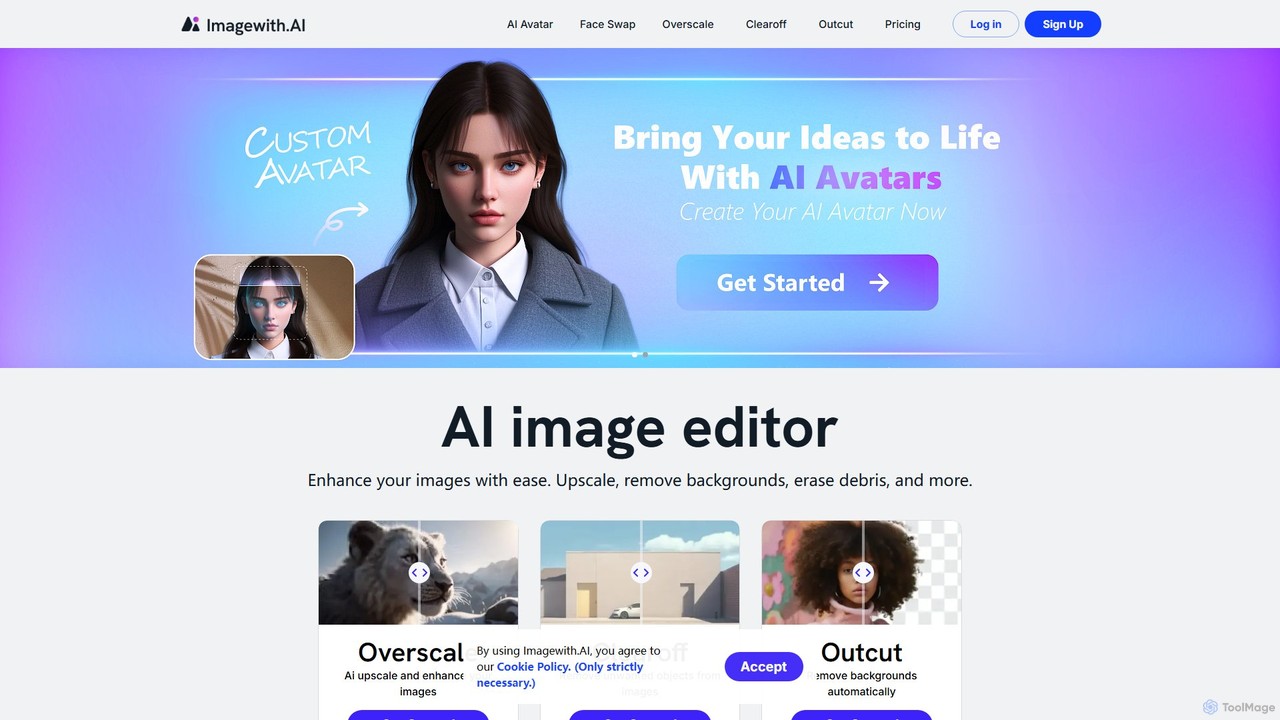
imagewith.ai
imagewith.ai is an AI-powered online image editing suite designed to simplify complex photo editing tasks. It offers a set of powerful tools including an image upscaler (Overscale), a background remover (Outcut), and an object remover (Clearoff). This platform enables users of all skill levels, from amateur photographers to e-commerce professionals, to enhance, clean, and perfect their images with just a few clicks, boosting efficiency and creativity without the need for complex software.
Product Photos
Background Removal AI
An AI-powered tool that instantly and automatically removes backgrounds from any image for free. Ideal for e-commerce, graphic design, marketing, and personal use, it offers high-precision results, batch processing, and API integration for streamlined workflows. Get clean, professional images with transparent backgrounds in seconds.
Image Editing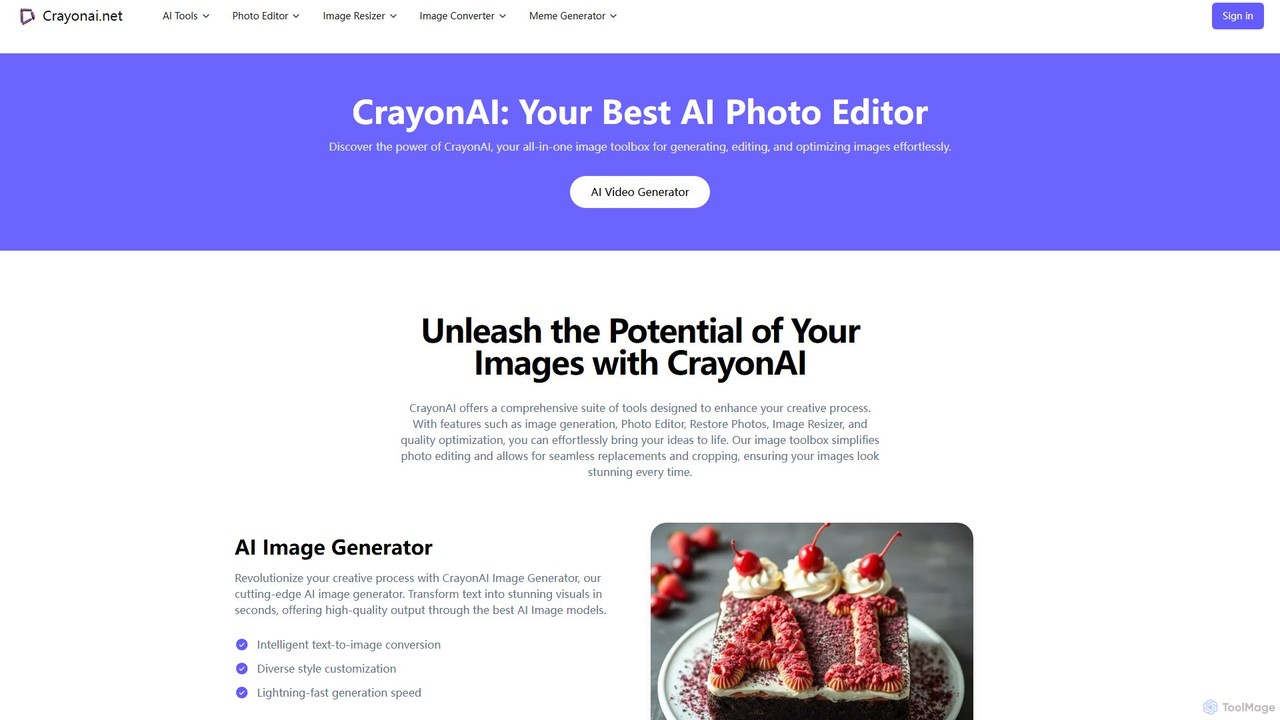
CrayonAI
CrayonAI is an all-in-one AI-powered image and video toolbox. It enables users to generate stunning visuals from text, edit photos with a comprehensive suite of tools, remove backgrounds, restore old images, create memes, and much more, all within a single, user-friendly platform.
Meme Generation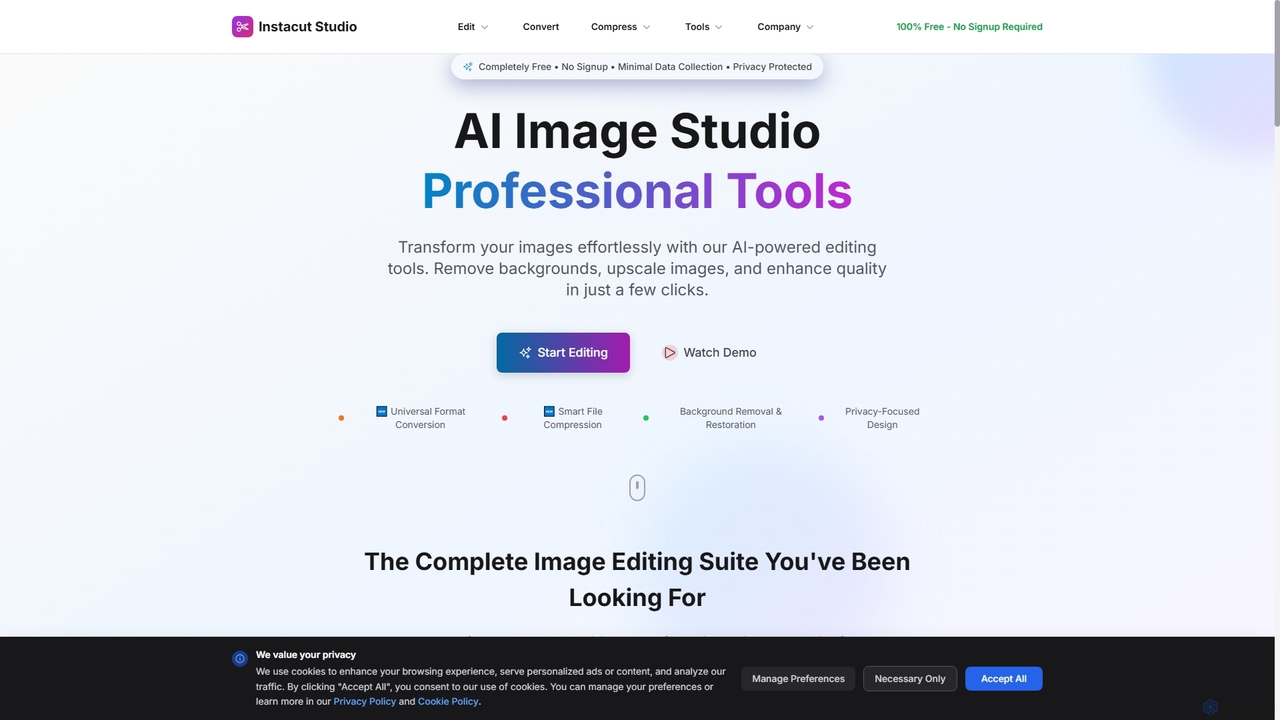
Instacut
Instacut is a comprehensive, privacy-first suite of AI-powered image editing tools available online for free. It requires no signup and offers features like background removal, image upscaling, photo restoration, format conversion, and file compression, ensuring user data is never stored.
Graphics
Jyek
Jyek is an AI agent platform that understands objectives, creates execution plans, uses tools, and delivers verifiable results for complex, multi-step tasks.
AutomationVanceAI
VanceAI is a comprehensive, AI-powered suite for photo enhancement, restoration, and editing. It offers a wide range of tools, including an image upscaler, sharpener, denoiser, background remover, and photo restorer. With one-click solutions and batch processing capabilities, VanceAI helps users from photographers to e-commerce businesses improve image quality, streamline workflows, and boost creativity effortlessly, available both online and as a desktop application.
Image Editing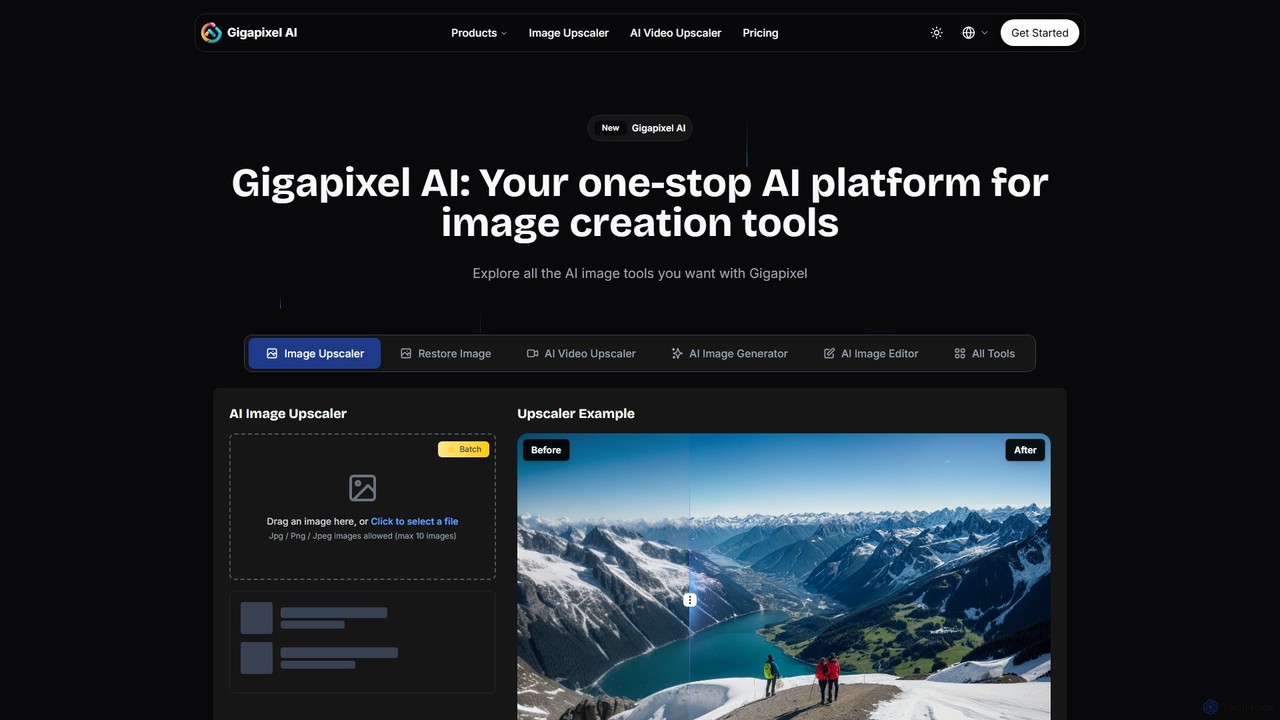
Gigapixel AI
Gigapixel AI is a comprehensive, all-in-one AI platform for image and video creation. It offers a suite of powerful tools, including an advanced image and video upscaler, a versatile image generator, a precise image editor, and a background remover. It's designed for creators, marketers, and developers to enhance, generate, and edit visual content with professional-grade quality and efficiency.
Image Editing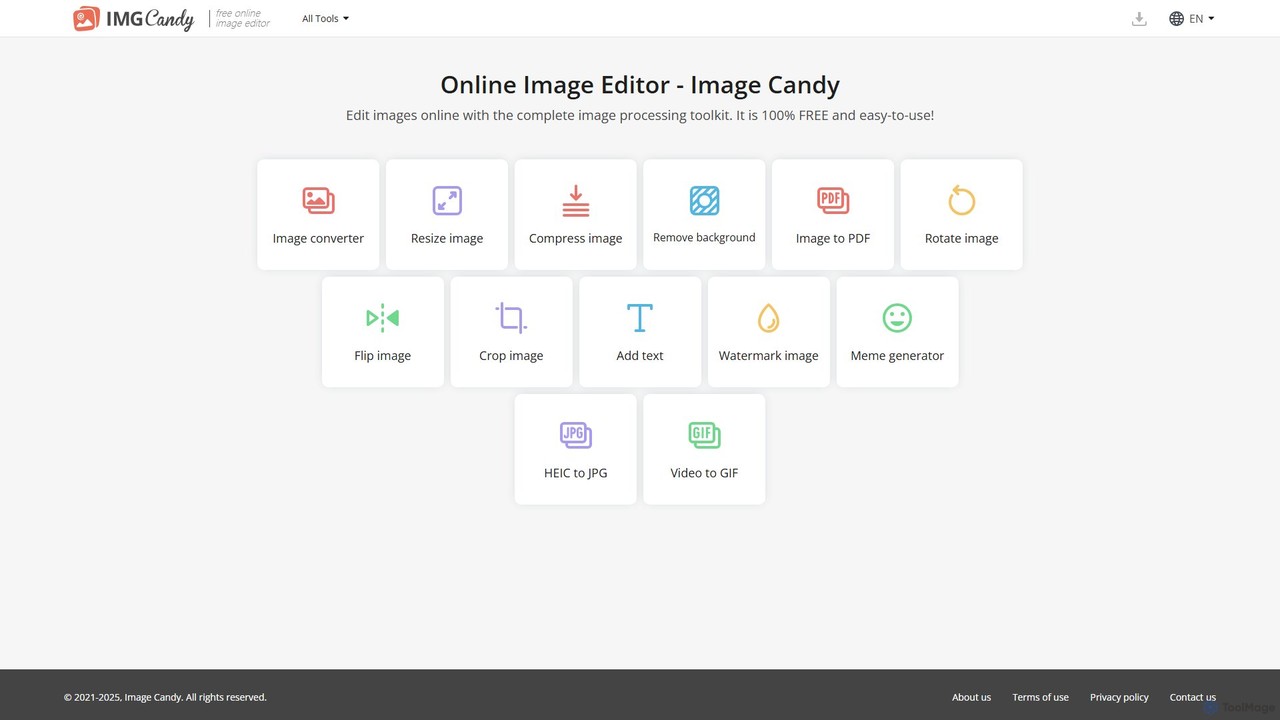
Image Candy
Image Candy is a comprehensive and 100% free online image editing toolkit. It provides a wide array of easy-to-use tools for converting, resizing, compressing, removing backgrounds, and performing various other image modifications directly in your browser without needing any software installation.
Graphics
Upscalepics
Upscalepics is an AI-powered image toolkit that enhances, upscales, and edits photos with remarkable precision. It can increase image resolution up to 8x, remove backgrounds, compress files, and prepare images for high-quality printing at 300 DPI. With features like batch processing, a browser extension, and API access, it serves photographers, designers, and e-commerce businesses.
Image Editing
Nero Lens
Nero Lens is an all-in-one AI-powered photo enhancer app that instantly upscales, restores, colorizes, and denoises images. It also features an AI avatar and headshot generator, turning your selfies into stunning, stylized photos for social media, dating profiles, or professional use.
Ai Avatar Generator
photorush
Photorush is an AI-powered image editing suite designed for speed and efficiency. It automates complex tasks like background removal, object erasing, and one-click enhancement, enabling users to create professional-quality images in seconds. Ideal for e-commerce, marketing, and social media content creation.
Product Images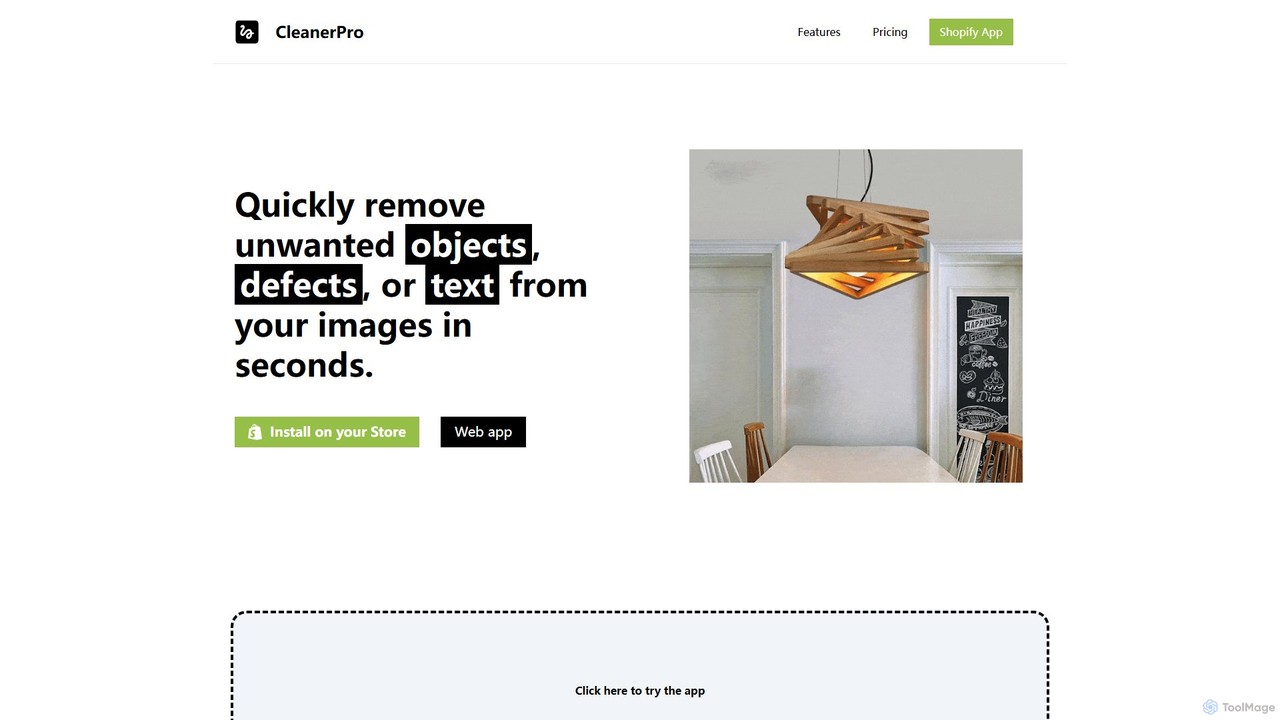
CleanerPro
CleanerPro is an AI-powered image editor app for Shopify, designed to effortlessly enhance your product photos. It allows you to remove unwanted objects, people, and text, erase backgrounds, upscale image resolution, and compress file sizes in seconds, ensuring your store's visuals are professional and load quickly.
Product Image Editing
sharkfoto Comments (0)
Sign in to comment.
Sign inNo comments yet.