

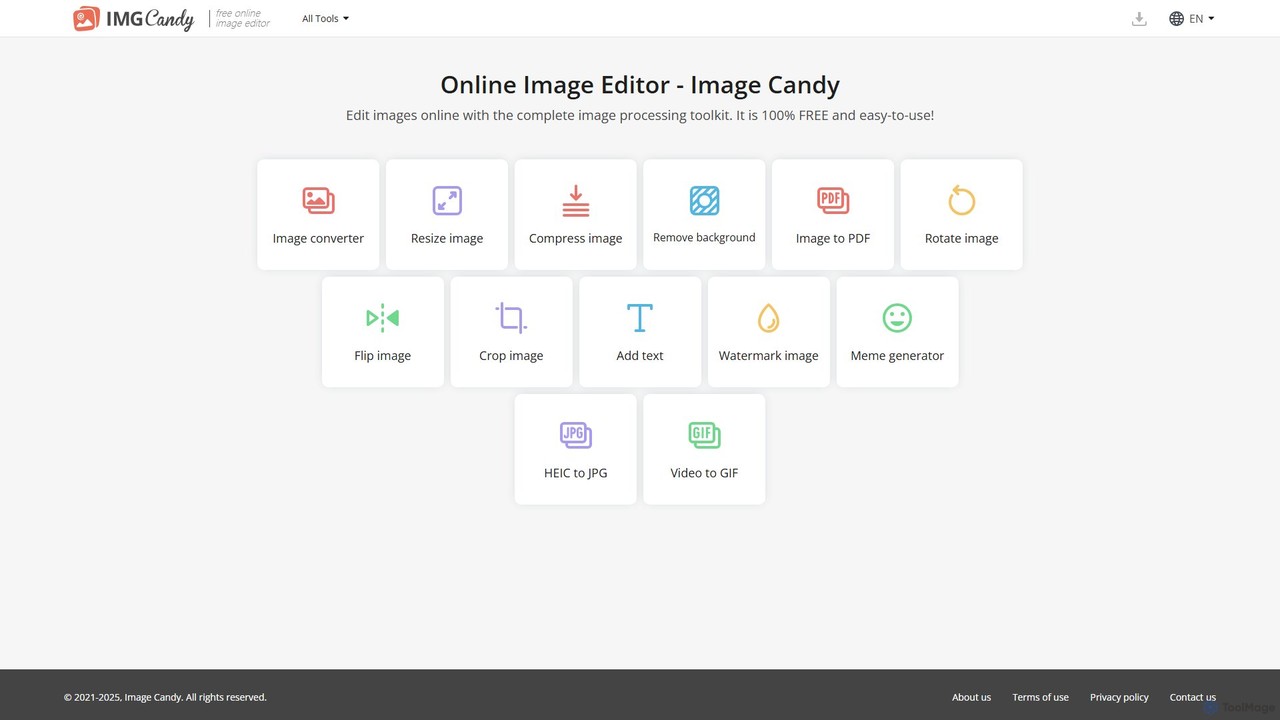
Image Candy Overview
Image Candy is a versatile and powerful online image processing toolkit developed by the experienced team at Icecream Apps, the creators behind popular services like PDF Candy and Video Candy. Designed for everyone, from social media managers and bloggers to students and casual users, Image Candy offers a complete suite of tools to handle all common image editing tasks with remarkable ease and efficiency. The platform stands out by being completely free, without hidden fees or subscriptions.
The user interface is incredibly intuitive, built around a simple, task-oriented workflow. You don't need any prior graphic design experience to achieve professional-looking results. Whether you need to prepare images for a website, a presentation, or social media, Image Candy provides the right tool for the job in a single, convenient location.
How to use Image Candy
Using Image Candy is a straightforward process designed for maximum convenience. Follow these simple steps:
- Navigate to the Image Candy website.
- Choose the specific tool you need from the homepage, such as 'Compress Image', 'Remove Background', or 'Image Converter'.
- Upload your image file. You can drag and drop the file directly onto the webpage, select it from your computer, or import it from cloud storage services like Google Drive or Dropbox.
- The tool will automatically process your image. Depending on the tool, you may be prompted to make minor adjustments or selections.
- Once the processing is complete, you can preview the result and download the modified image to your device. The entire process is quick, secure, and requires no registration.
Core Features of Image Candy
- Image Converter: Convert images to and from various formats like JPG, PNG, WEBP, TIFF, and more. It also includes a specialized HEIC to JPG converter for Apple device photos.
- Image Resizer: Easily change the dimensions (width and height) of your images by pixels or percentage while maintaining aspect ratio.
- Image Compressor: Reduce the file size of your images significantly without a noticeable loss in quality, perfect for web optimization and faster loading times.
- Background Remover: Automatically detect and remove the background from any photo with a single click, leaving you with a clean, transparent background.
- Image to PDF: Convert one or more images into a single, easy-to-share PDF document.
- Editing Tools: Perform basic edits like rotating, flipping, and cropping images to the exact dimensions you need.
- Creative Tools: Add custom text with various fonts and colors, apply watermarks to protect your work, or create engaging memes with the built-in Meme Generator.
- Video to GIF: Extract a clip from a video and convert it into an animated GIF.
Use Cases for Image Candy
Image Candy is useful in a wide range of scenarios:
- Social Media Management: Quickly resize images to fit the specific requirements of Instagram, Facebook, Twitter, and other platforms. Create eye-catching memes or add branded watermarks.
- Web Development & Blogging: Compress images to improve website performance and SEO. Convert images to modern formats like WEBP.
- Academic & Office Work: Combine images into a single PDF for reports or assignments. Crop diagrams and illustrations for presentations.
- Personal Use: Convert HEIC photos from an iPhone to the more compatible JPG format. Remove the background from a portrait for a new profile picture. Create fun GIFs from family videos.
Advantages of Image Candy
Image Candy offers several key benefits:
- Completely Free: All tools are available at no cost, with no limitations or watermarks (unless you add your own).
- User-Friendly: The intuitive interface makes image editing accessible to users of all skill levels.
- All-in-One Platform: Provides over a dozen essential image tools in one place, saving you the hassle of searching for different single-purpose websites.
- No Installation or Registration: Works entirely in your web browser, with no software to download or accounts to create.
- Cloud Integration: Seamlessly upload files from Google Drive and Dropbox.
- Reliable and Secure: Developed by the trusted Icecream Apps team, ensuring high-quality processing and user privacy.
Pricing and Plans
Image Candy is proud to offer its complete toolkit entirely for free. As stated on the website, the service is 100% FREE. There are no premium tiers, subscription plans, or hidden charges for any of the features. Users can enjoy unlimited access to all image editing tools without any cost.
Traffic
Latest traffic
Status
Monthly traffic trend
- 2025-9: 159.3K
- 2026-1: 179.9K
- 2026-2: 232.6K
- 2026-3: 174.7K
- 2026-4: 160.7K
- 2026-5: 176.5K
Geography
Top 5 countries / regions
- 🇻🇳Vietnam42.6%
- 🇮🇳India35.9%
- 🇵🇪Peru8.6%
- 🇺🇸United States6.6%
- 🇨🇱Chile6.3%
Traffic sources
| Source type | Percentage |
|---|---|
Direct | 85.8% |
Referral | 9.4% |
Email | 4.8% |
Top keywords
| Keyword | Cost per click |
|---|---|
| comprimir gif | $0.30 |
| dpi converter | $0.52 |
| gif compressor | $0.63 |
| jpeg to jpg | $0.20 |
| jpg compress | $0.18 |
Image Candy Alternatives
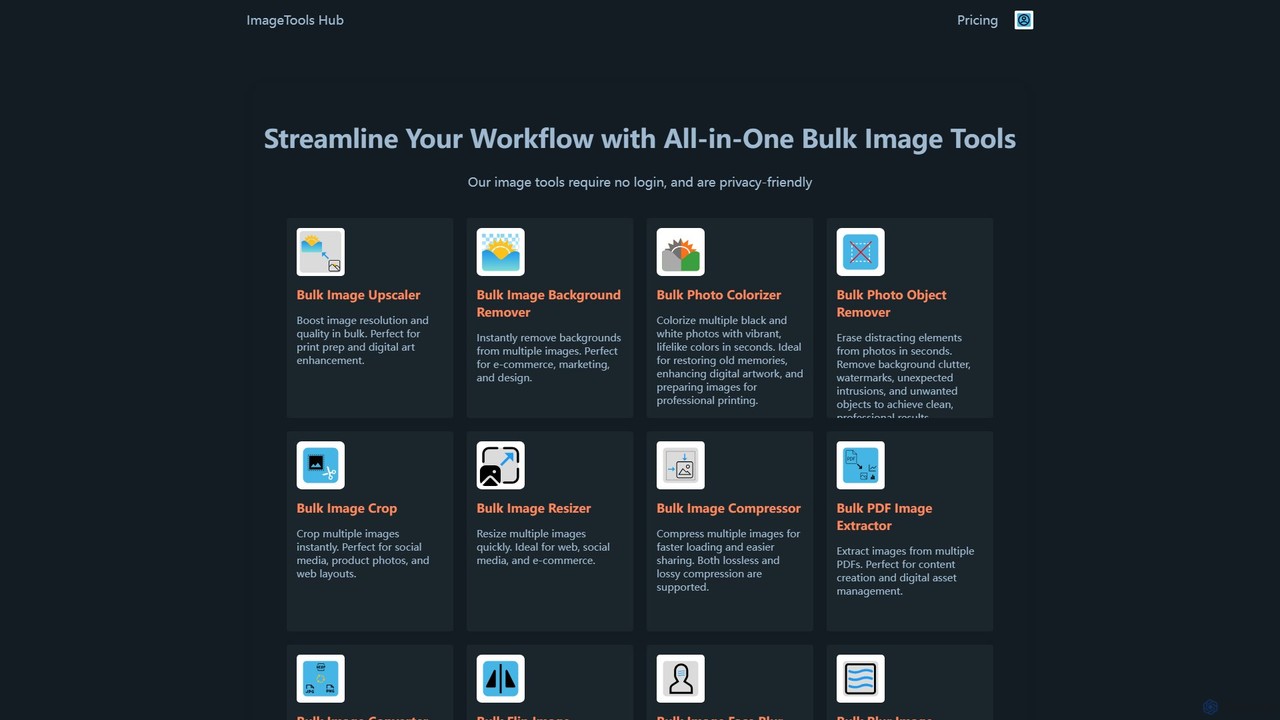
ImageToolsHub
ImageToolsHub is an all-in-one, privacy-focused suite of online image editing tools designed for efficiency. It offers powerful bulk processing capabilities, including AI-powered background removal, image upscaling, photo colorization, and object removal. With no login required for many tools and a strong emphasis on browser-based processing, it provides a fast, secure, and convenient solution for professionals in e-commerce, marketing, and web development to streamline their image workflows.
Graphics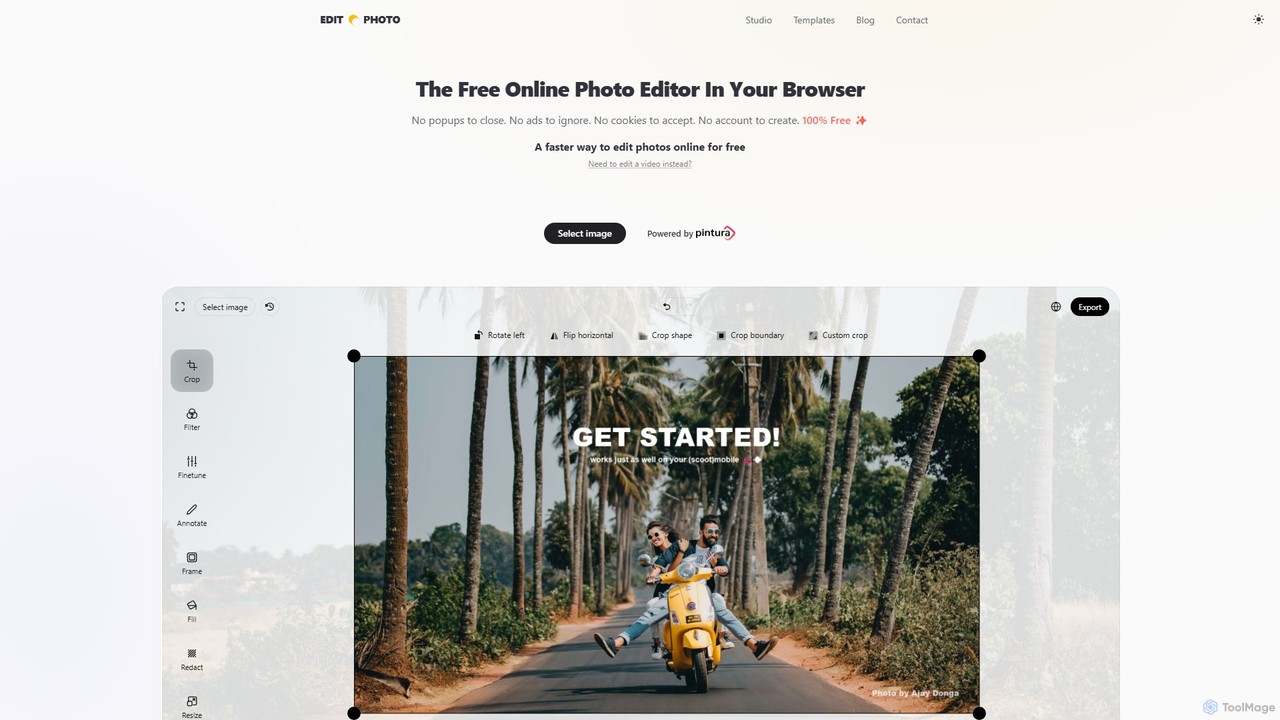
Edit.Photo
A completely free, private, and browser-based online photo editor. Edit.Photo offers a seamless experience with no ads, popups, or account creation. It features quick editing tools, social media templates, and a unique studio to build your own custom editor.
Image Editing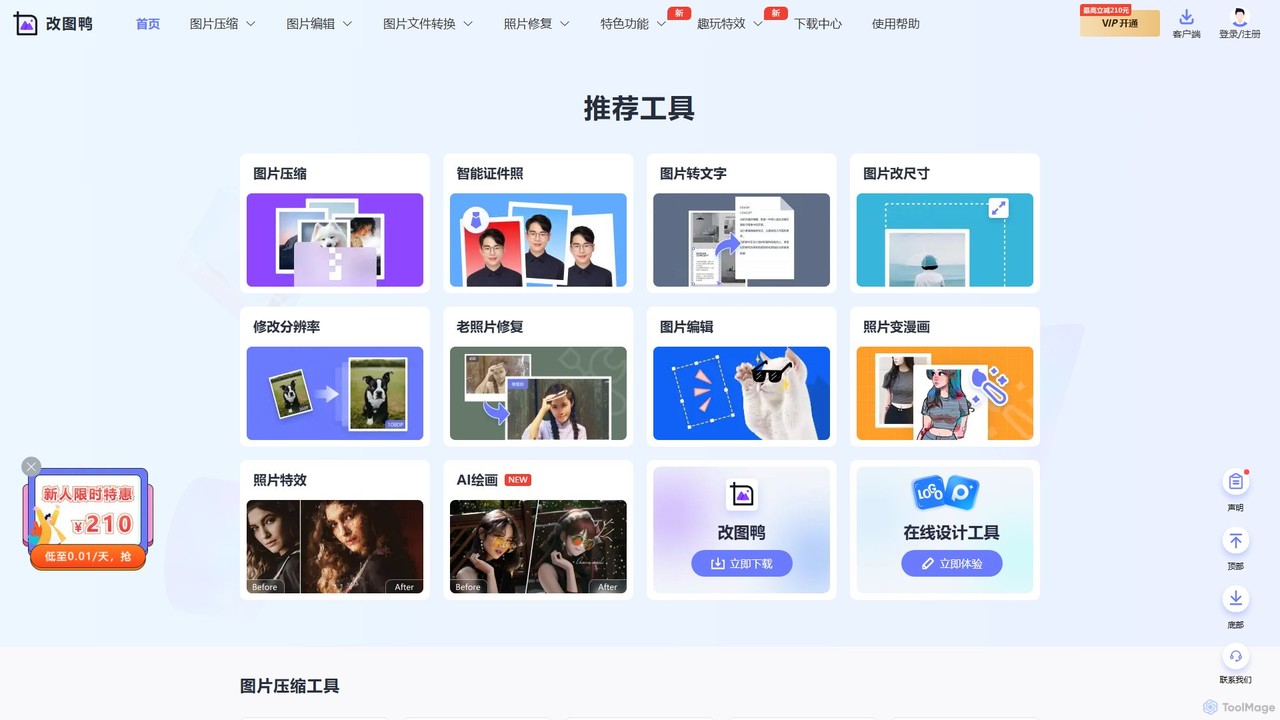
gaituya
Gaituya is a comprehensive online image processing suite powered by AI. It offers a wide range of tools for image compression, format conversion, advanced editing, and AI-driven features like photo restoration, background removal, and creative effects. It's designed for both casual users and professionals needing quick, browser-based image solutions.
Art Generator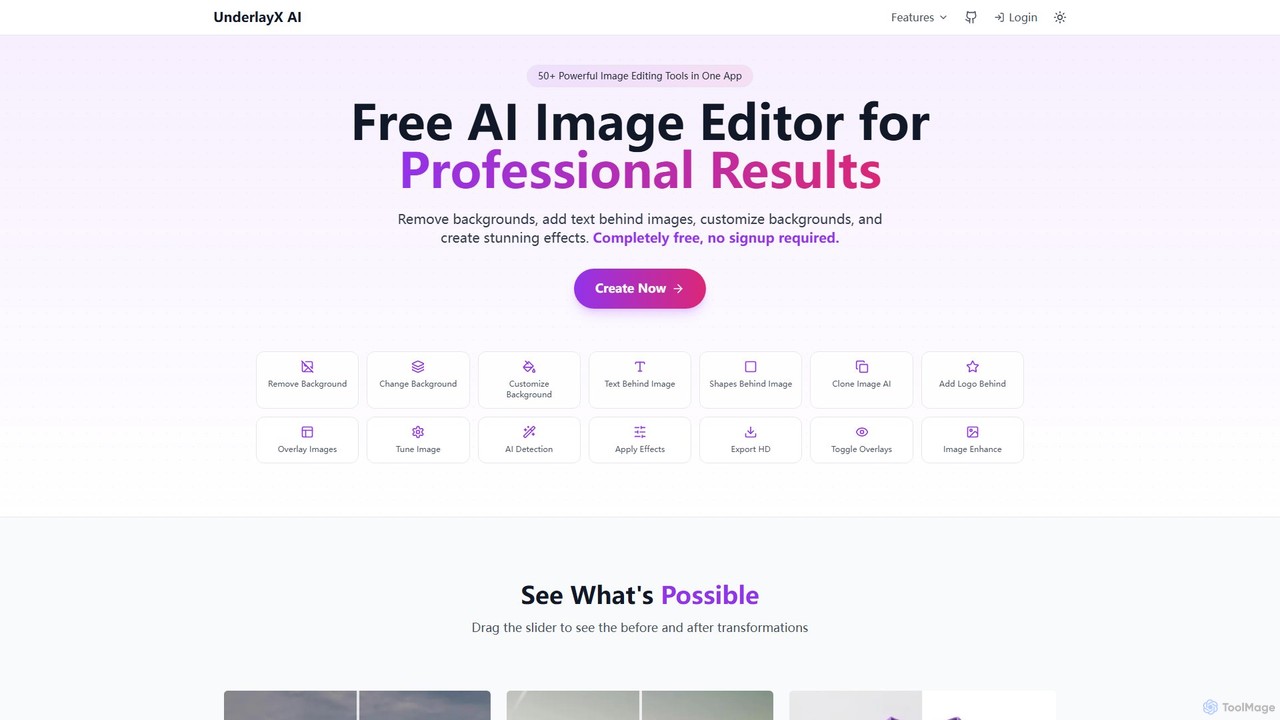
UnderlayX
UnderlayX is a free, all-in-one AI image editor that requires no signup. It specializes in advanced features like one-click background removal, placing text and objects behind subjects, and AI-powered object cloning. Ideal for content creators, marketers, and photographers to create professional visuals effortlessly.
Graphics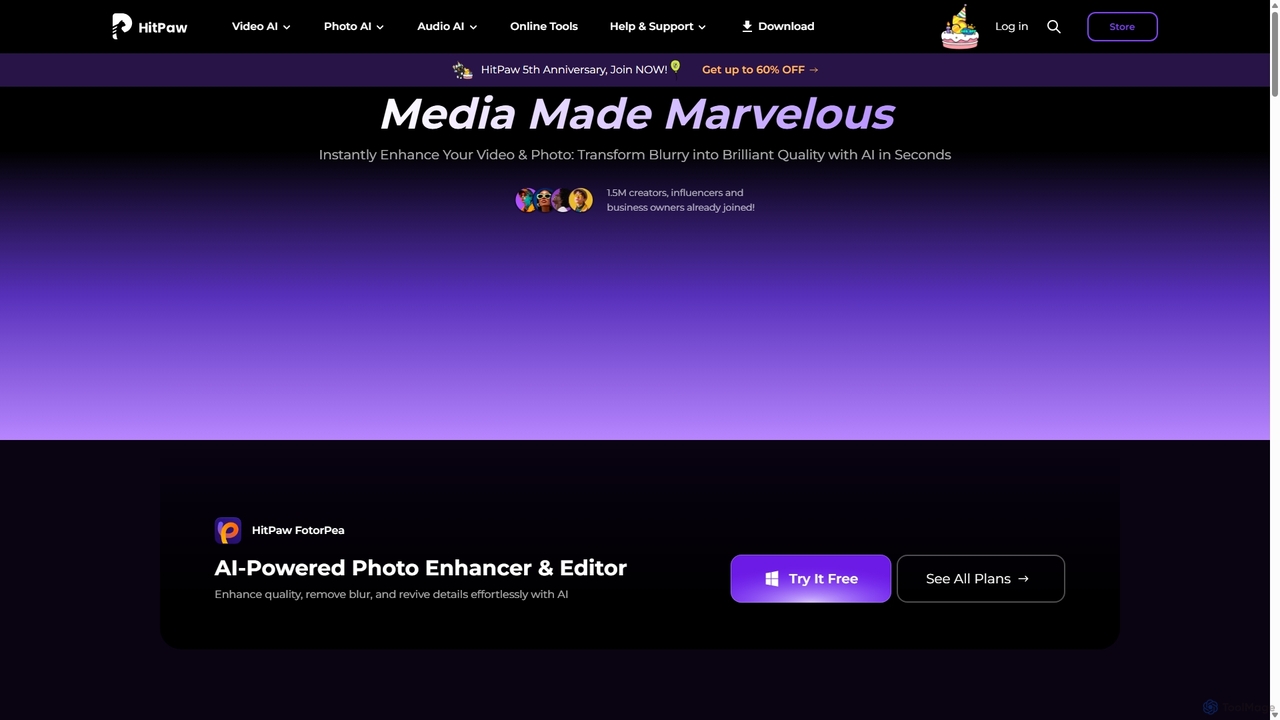
HitPaw
HitPaw is a comprehensive AI-powered multimedia software suite designed for video, photo, and audio enhancement. It offers a range of tools for upscaling video to 8K, restoring old photos, changing voices in real-time, converting file formats, and more, catering to creators, professionals, and enthusiasts.
Voice ModulationImage Candy Categories
Image Candy Embed Widget
Copy this embed code to place the badge on your blog, article, or product site and send readers directly to this ToolMage detail page.

Related AI tools
Edit.Photo
A completely free, private, and browser-based online photo editor. Edit.Photo offers a seamless experience with no ads, popups, or account creation. It features quick editing tools, social media templates, and a unique studio to build your own custom editor.
Image Editinggaituya
Gaituya is a comprehensive online image processing suite powered by AI. It offers a wide range of tools for image compression, format conversion, advanced editing, and AI-driven features like photo restoration, background removal, and creative effects. It's designed for both casual users and professionals needing quick, browser-based image solutions.
Art Generator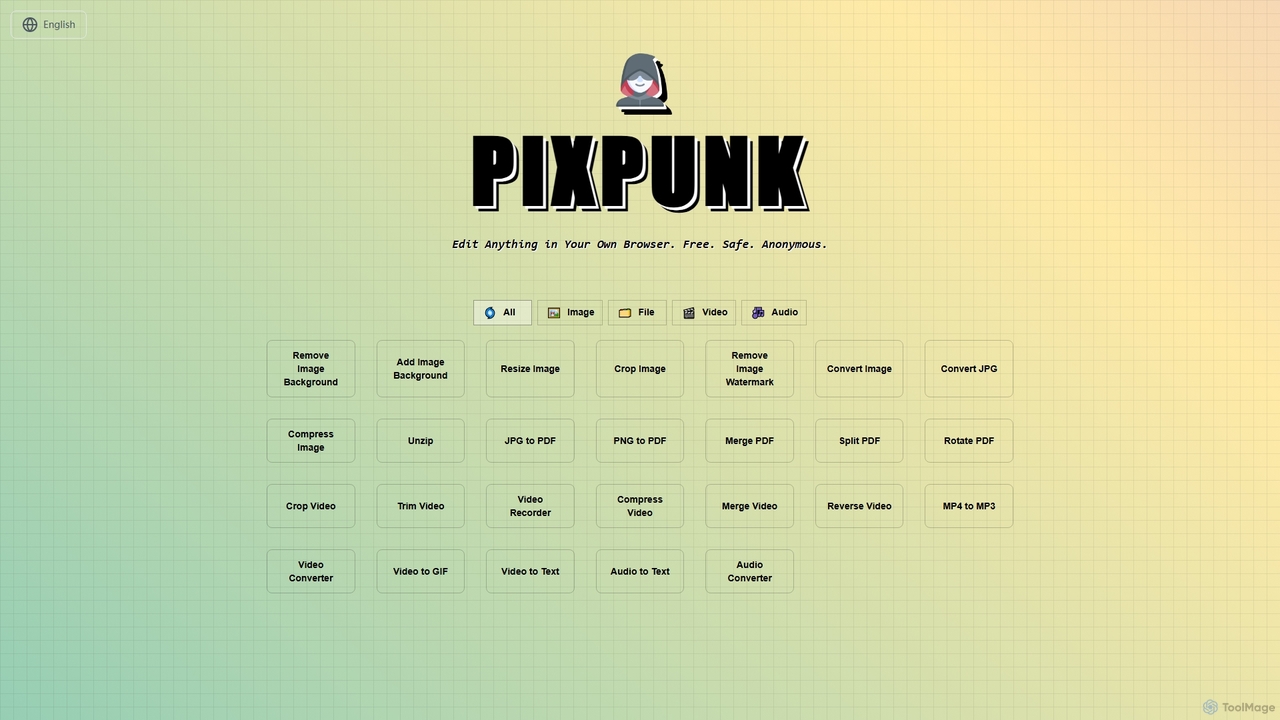
PixPunk
PixPunk is a free, safe, and anonymous online tool that allows users to edit images, convert files, and process videos and audio directly in their browser. It offers a suite of functionalities including background removal, image resizing, cropping, and format conversion, all without uploads or watermarks, ensuring maximum privacy.
Audio Converter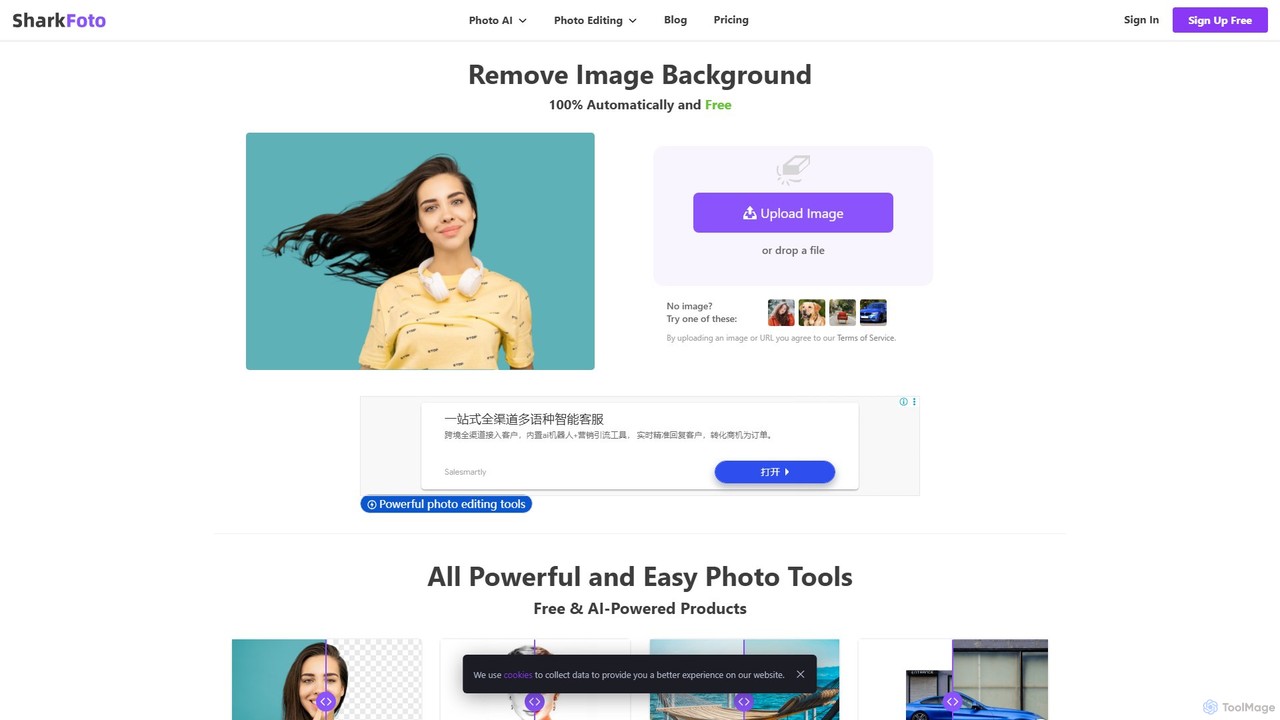
sharkfoto
sharkfoto is an all-in-one online photo editing suite powered by AI. It offers a range of tools including automatic background removal, image colorization, photo enhancement, and resolution enlargement. Additionally, it provides over 10 free standard editing tools like image conversion, compression, resizing, and a full-featured photo editor, catering to both professionals and casual users.
Background Removal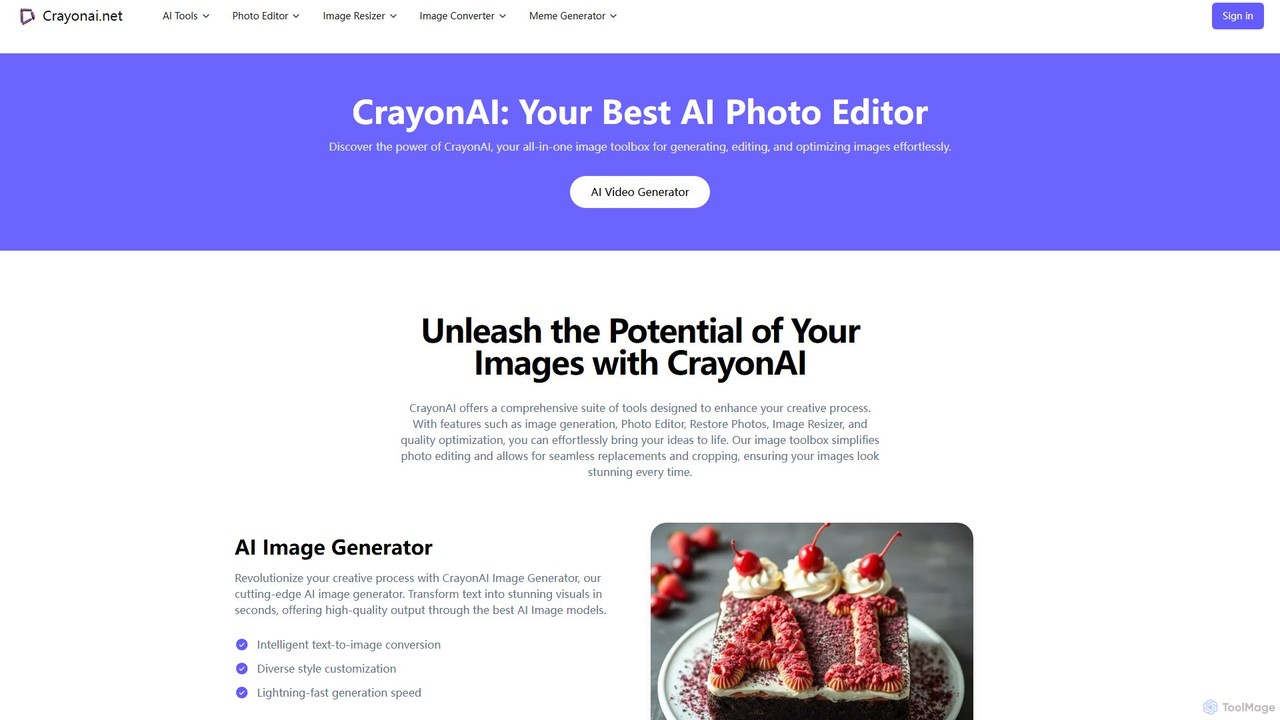
CrayonAI
CrayonAI is an all-in-one AI-powered image and video toolbox. It enables users to generate stunning visuals from text, edit photos with a comprehensive suite of tools, remove backgrounds, restore old images, create memes, and much more, all within a single, user-friendly platform.
Meme Generation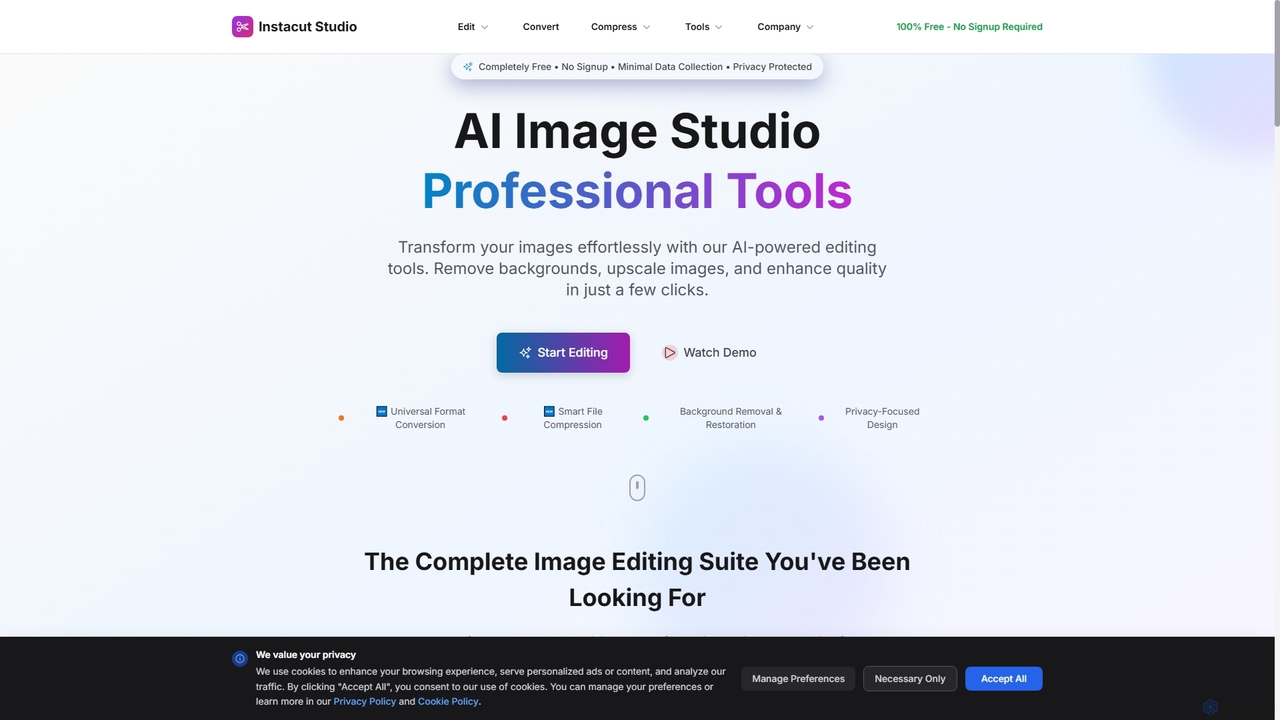
Instacut
Instacut is a comprehensive, privacy-first suite of AI-powered image editing tools available online for free. It requires no signup and offers features like background removal, image upscaling, photo restoration, format conversion, and file compression, ensuring user data is never stored.
Graphics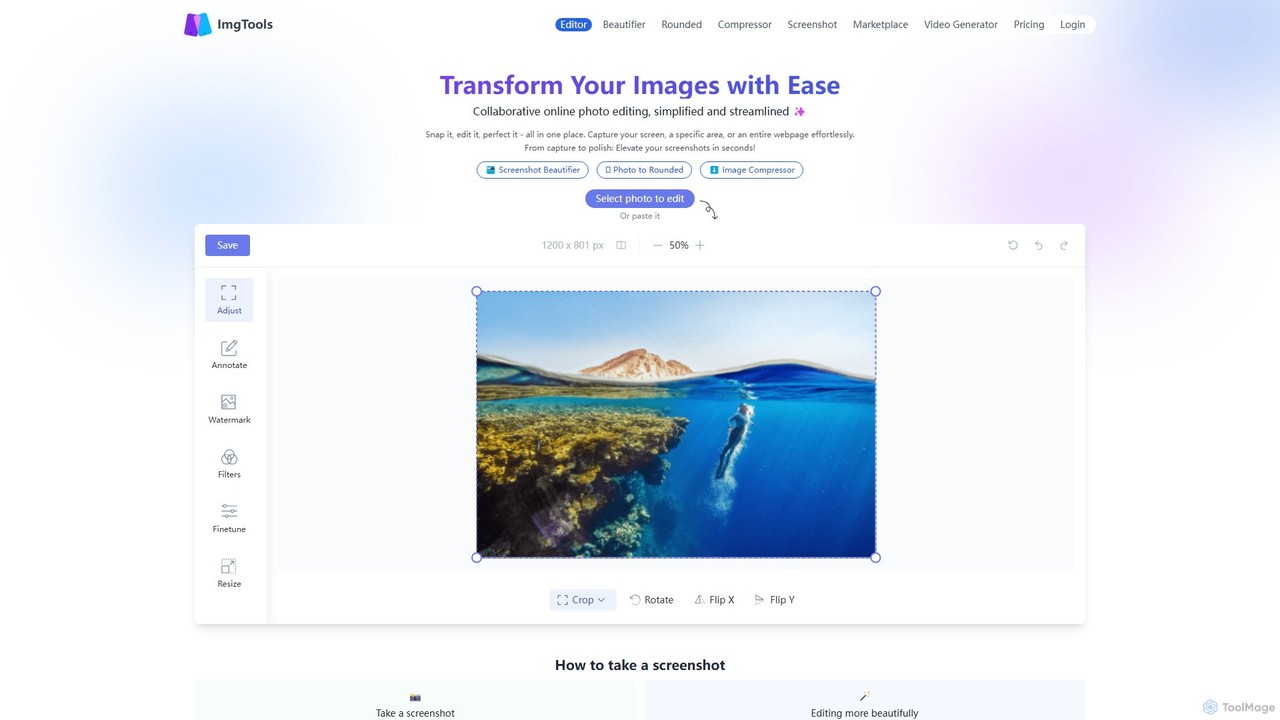
ImgTools
ImgTools is a versatile, browser-based image editing suite designed to effortlessly transform your screenshots and photos. It combines a powerful screenshot utility with an intuitive editor, allowing you to beautify, annotate, compress, and watermark images directly in your browser, with a strong focus on user privacy.
Image Editing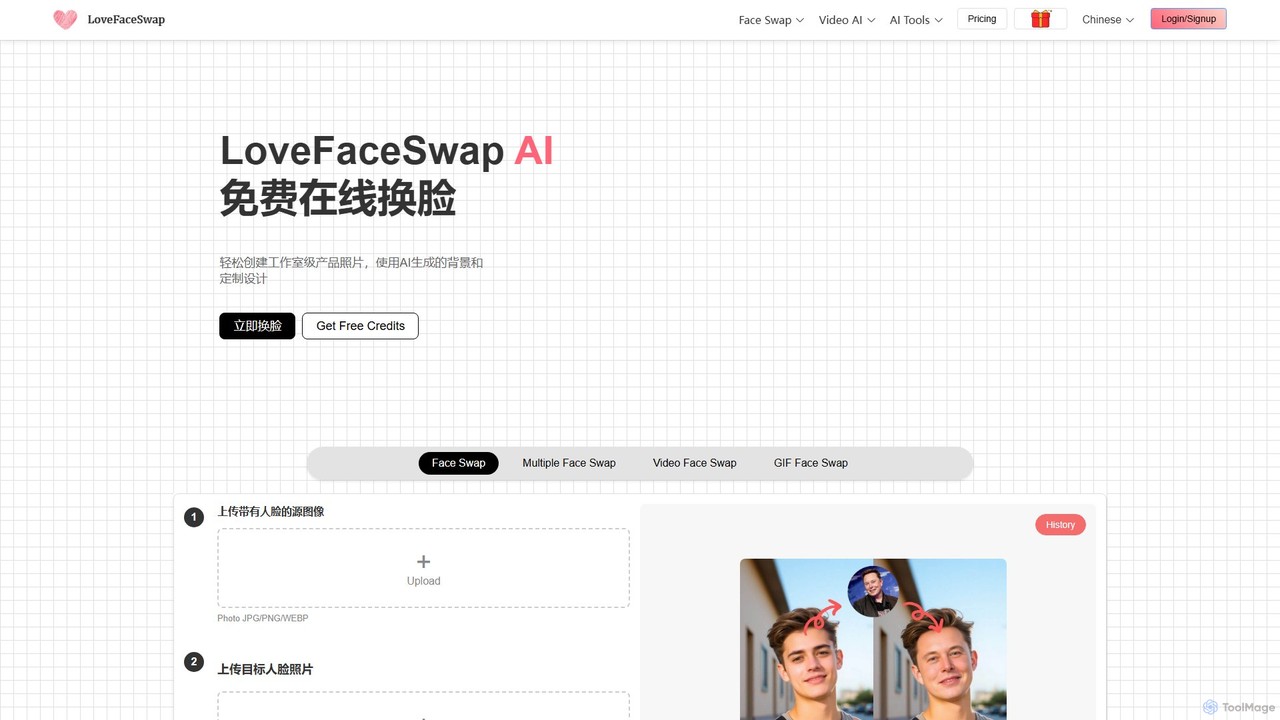
LoveFaceSwap
A comprehensive AI-powered online suite for creating high-quality face swaps in photos, videos, and GIFs. It also offers a range of creative tools like AI video generators, portrait makers, and image editors, all accessible for free without registration.
Face Swap
Upscalepics
Upscalepics is an AI-powered image toolkit that enhances, upscales, and edits photos with remarkable precision. It can increase image resolution up to 8x, remove backgrounds, compress files, and prepare images for high-quality printing at 300 DPI. With features like batch processing, a browser extension, and API access, it serves photographers, designers, and e-commerce businesses.
Image Editing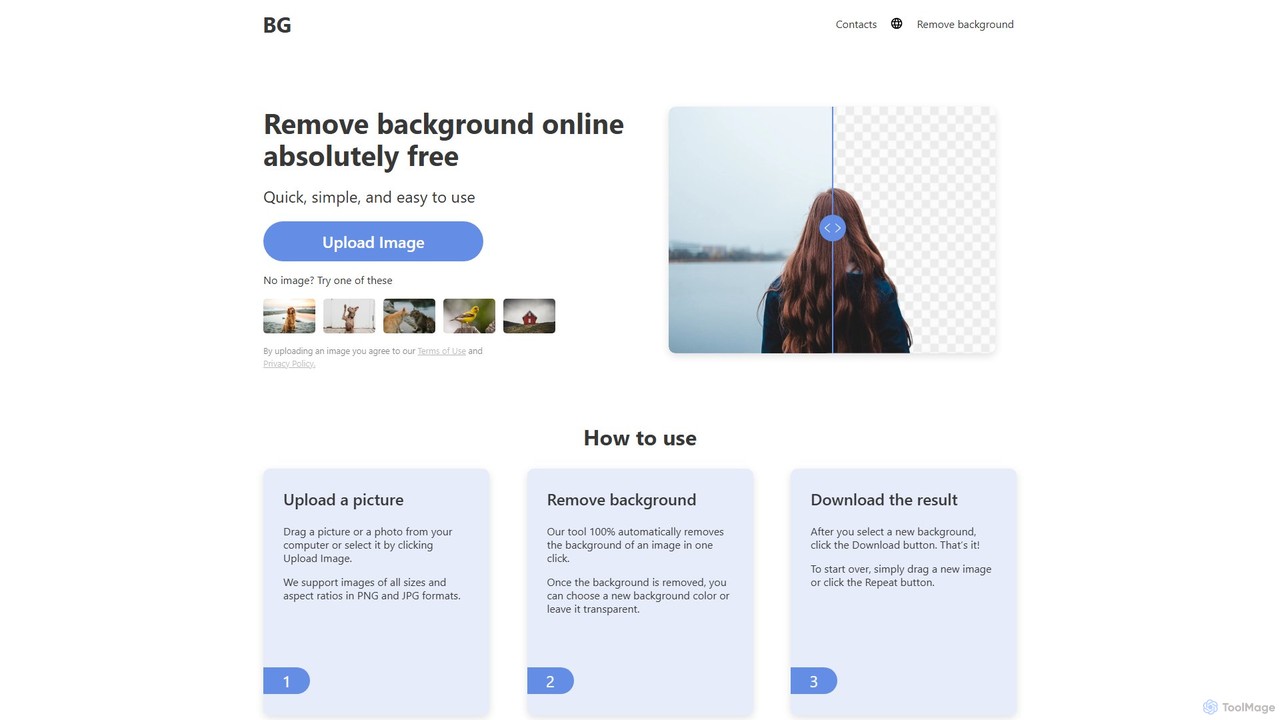
background_remover
background_remover is a free, AI-powered online tool that automatically removes the background from any image in a single click. It requires no registration or software installation. Simply upload your JPG or PNG image to get a high-quality, transparent background instantly. Ideal for e-commerce, graphic design, and personal projects, it supports high-resolution images and works on any device.
3D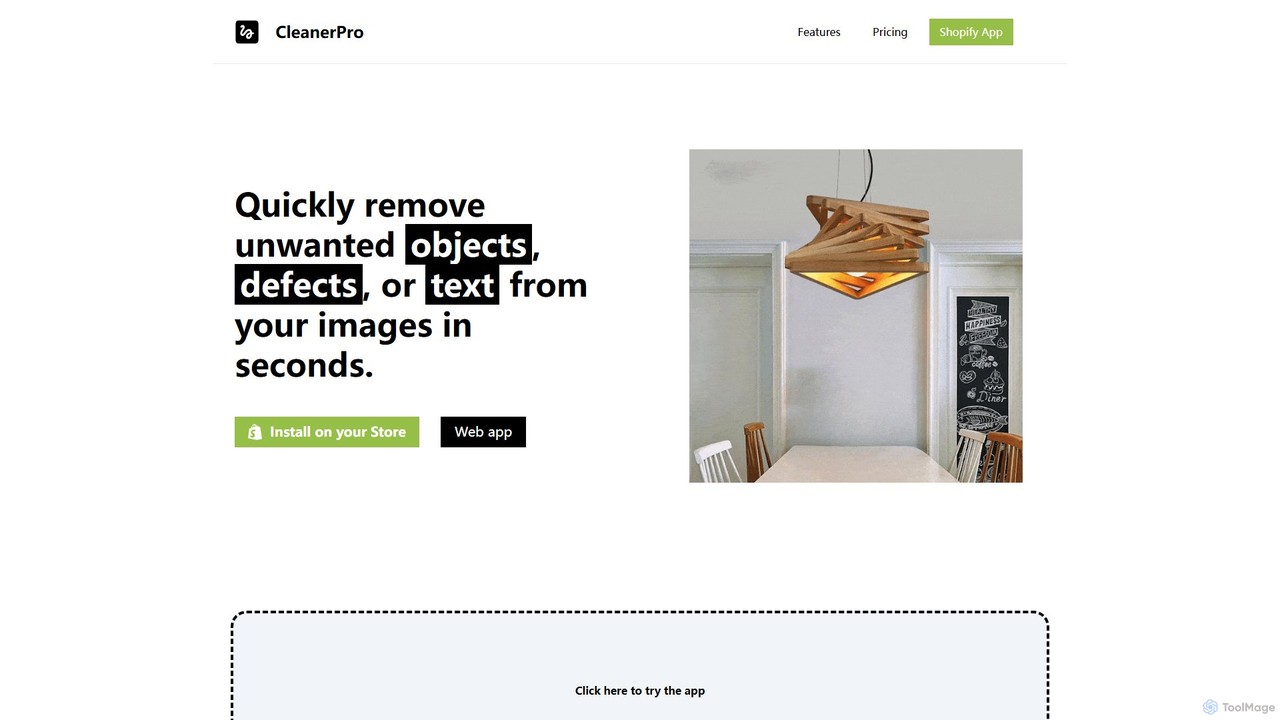
CleanerPro
CleanerPro is an AI-powered image editor app for Shopify, designed to effortlessly enhance your product photos. It allows you to remove unwanted objects, people, and text, erase backgrounds, upscale image resolution, and compress file sizes in seconds, ensuring your store's visuals are professional and load quickly.
Product Image Editing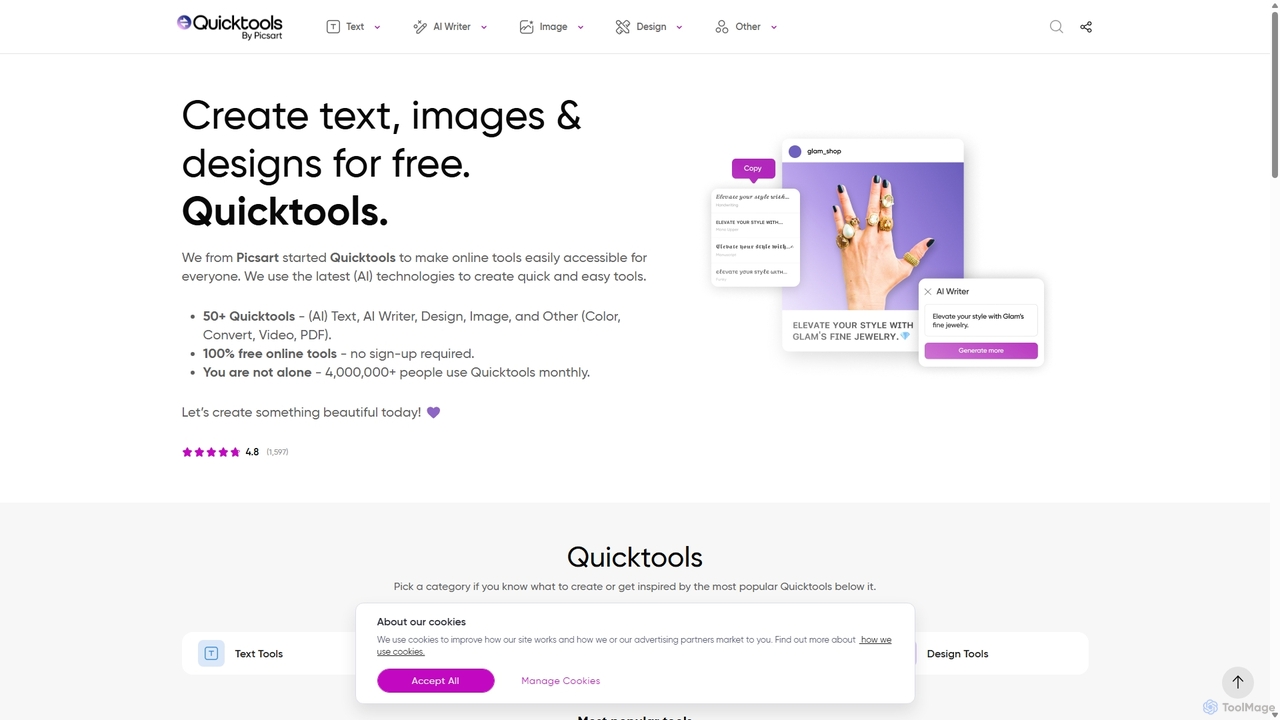
Quicktools by Picsart
Quicktools by Picsart is a comprehensive suite of over 50 free, AI-powered online tools for creative tasks. It offers a wide range of single-purpose utilities for image editing, text generation, design, and file conversion. Designed for speed and simplicity, it allows users to perform quick edits like background removal, image upscaling, and font generation without needing to sign up or use a complex editor.
Image Editing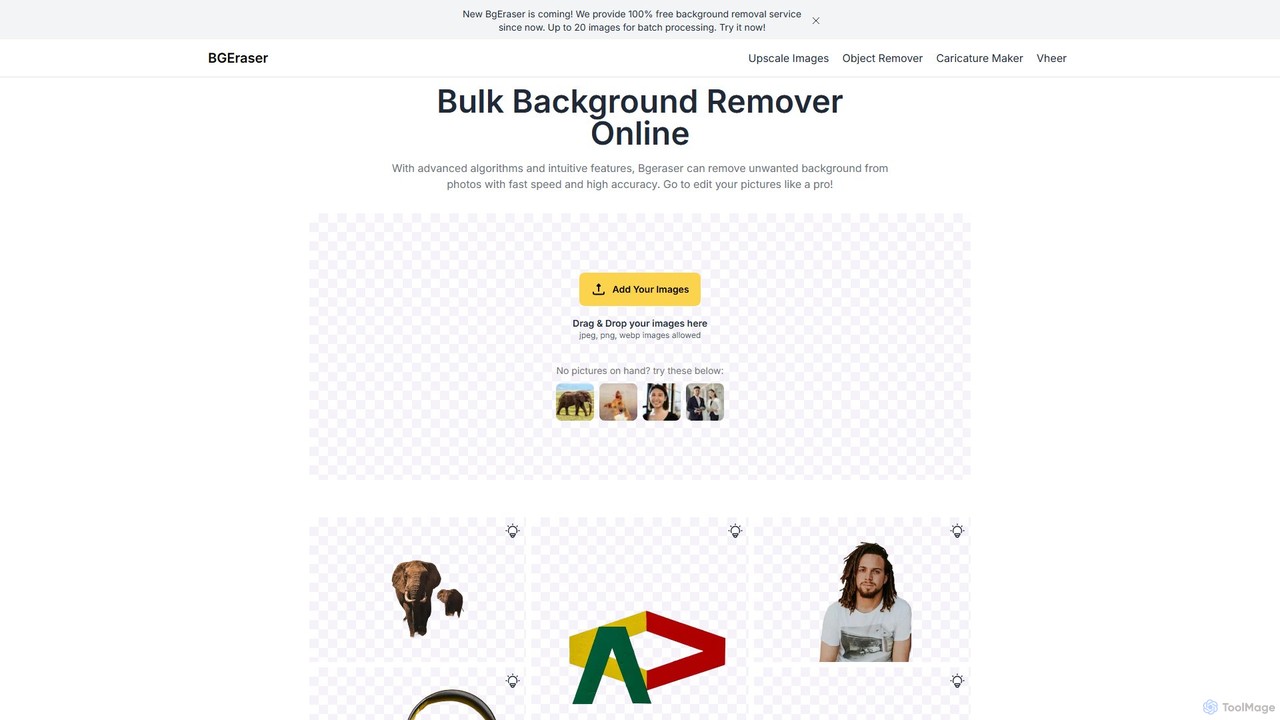
bgeraser
bgeraser is a free, AI-powered online tool for bulk background removal. It allows users to quickly and accurately remove backgrounds from multiple images (JPEG, PNG, WEBP) simultaneously, offering high-precision, watermark-free results ideal for e-commerce, marketing, and design.
Image Editing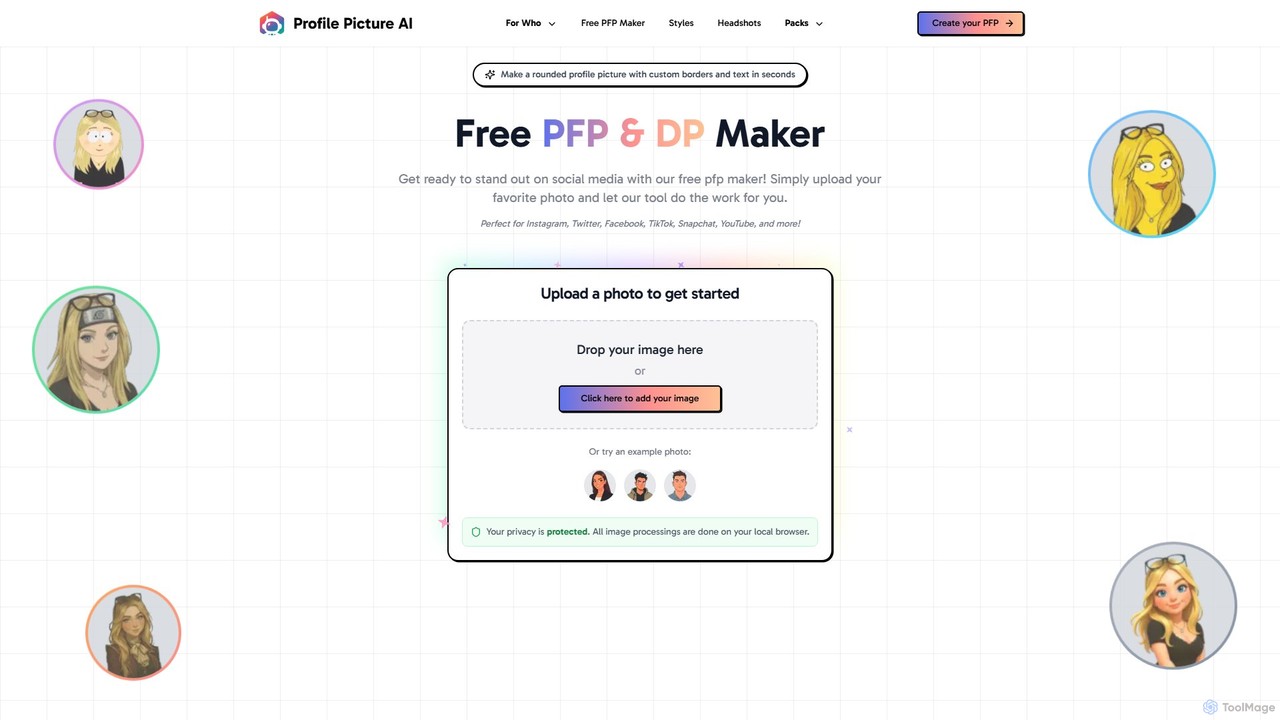
ProfilePicture.AI
ProfilePicture.AI is a versatile platform offering a 100% free PFP Maker for creating custom social media profile pictures with borders and text. It also features a powerful AI Headshot Generator that produces professional, studio-quality headshots from your photos, eliminating the need for a physical photoshoot.
Profile Picture
BgSub
BgSub is a free, AI-powered tool for instantly removing and replacing image backgrounds. It prioritizes user privacy by processing images directly in the browser without any uploads. Features include high-precision cutouts, background replacement with colors, gradients, or images, and AI-driven color correction.
Image Editing
Image Candy Comments (0)
Sign in to comment.
Sign inNo comments yet.