

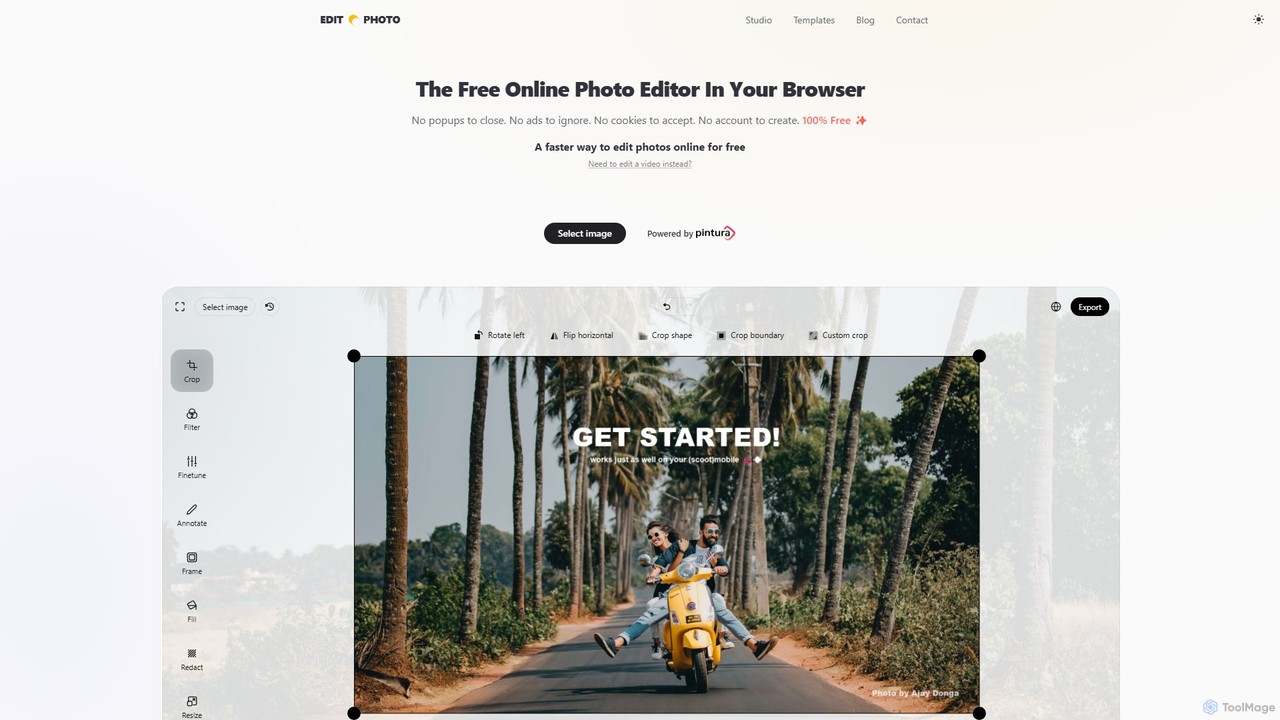
Edit.Photo Overview
Edit.Photo is a powerful and user-friendly online photo editor that operates directly in your browser, prioritizing user privacy and a frictionless experience. It stands out by being completely free, without any ads, popups, cookies, or the need to create an account. All image processing happens locally on your device, meaning your photos are never uploaded to a server, ensuring maximum privacy.
The tool is designed for speed and efficiency, allowing users to perform a wide range of editing tasks quickly. It supports popular image formats including JPEG, PNG, WEBP, HEIC, and even animated GIFs. The platform is a demonstration of the commercial JavaScript image editor SDK, Pintura, and its continued free availability is supported by companies that license Pintura for their own applications.
How to use Edit.Photo
Getting started with Edit.Photo is incredibly simple, designed for immediate use:
- Load an Image: You can load an image by dragging and dropping a file onto the webpage, pasting an image file directly from your clipboard, or pasting an image URL.
- Start from Scratch: Create a new blank canvas by navigating to a custom URL like `new.photo/1920/1080/white` to specify dimensions and background color.
- Use Templates: For social media content, visit the 'Templates' section. Select a platform (e.g., Instagram, Twitter, YouTube) and a format (e.g., Profile Picture, Story, Thumbnail) to automatically load an editor with the correct aspect ratio and size requirements.
- Build a Custom Editor: Use the 'Studio' feature to create a personalized editor. You can define a fixed aspect ratio, set minimum or maximum image dimensions, limit available tools, and even configure output formats. Once configured, you get a unique URL for your custom editor that you can bookmark and reuse.
- Edit: Use the intuitive interface to crop, resize, rotate, adjust brightness and contrast, add text, apply filters, or add emojis and stickers.
Core Features of Edit.Photo
- Privacy First: All editing is performed in-browser. Your images are never uploaded or stored on servers.
- Zero Friction: No ads, no popups, no cookie banners, no account sign-ups, and no tracking. It's 100% free to use.
- Comprehensive Editing Tools: Includes cropping, resizing, rotating, filters, color adjustments (brightness, contrast, saturation), text annotation, and adding stickers/emojis.
- Social Media Templates: A vast library of pre-configured templates for all major social media platforms, ensuring your images are perfectly sized for profiles, posts, stories, and covers.
- Custom Editor Studio: A unique feature that allows users to build and save their own specialized photo editor via a custom URL, streamlining repetitive workflows.
- Broad Format Support: Works with JPEG, PNG, WEBP, HEIC, and animated GIFs.
- Developer & No-Code Integration: Serves as a demo for the Pintura SDK for developers and promotes CropGuide for easy no-code integration on platforms like WordPress and Shopify.
Use Cases for Edit.Photo
Edit.Photo is versatile and suitable for a wide range of users:
- Social Media Managers: Quickly crop and resize images for Twitter, Instagram, Facebook, LinkedIn, and other platforms using the dedicated templates.
- Content Creators and Bloggers: Make fast adjustments to images for articles and posts without needing to open complex desktop software.
- Students and Professionals: Crop photos to specific sizes for ID cards (Aadhaar, PAN, etc.), application forms, or presentations.
- Everyday Users: Censor sensitive information in a screenshot, add a funny emoji to a photo, quickly adjust brightness, or perform any simple edit without commitment.
- Web Developers and Businesses: Evaluate the capabilities of the Pintura SDK for potential integration into their own websites or applications.
Advantages of Edit.Photo
The main advantages of Edit.Photo are its simplicity, speed, and respect for user privacy. The absence of ads and sign-ups creates a focused and pleasant user experience. The social media templates and custom editor studio are significant time-savers for anyone with recurring editing needs. Being browser-based, it is accessible from any device with an internet connection without any installation.
Pricing and Plans
Edit.Photo is completely free for all users. There are no hidden fees, premium versions, or limitations. The service is sustained as a functional demo for 'Pintura', a commercial JavaScript Image Editor SDK developed by PQINA. Businesses that purchase a Pintura license to integrate into their own products indirectly fund the free availability of Edit.Photo.
Traffic
Latest traffic
Status
Monthly traffic trend
- 2025-9: 101.1K
- 2026-1: 131.6K
- 2026-2: 106.4K
- 2026-3: 124.6K
- 2026-4: 108.6K
- 2026-5: 83.8K
Geography
Top 5 countries / regions
- 🇺🇸United States43.9%
- 🇮🇳India27.9%
- 🇳🇬Nigeria12.1%
- 🇻🇳Vietnam8.3%
- 🇵🇭Philippines7.8%
Traffic sources
| Source type | Percentage |
|---|---|
Direct | 87.4% |
Referral | 12.6% |
Top keywords
| Keyword | Cost per click |
|---|---|
| edit photo | $0.45 |
| edit photo online | $0.40 |
| edit photos online no sign in | $0.00 |
| photo edit | $0.52 |
| twitter profile pic maker | $0.00 |
Edit.Photo Alternatives
freefaceswap
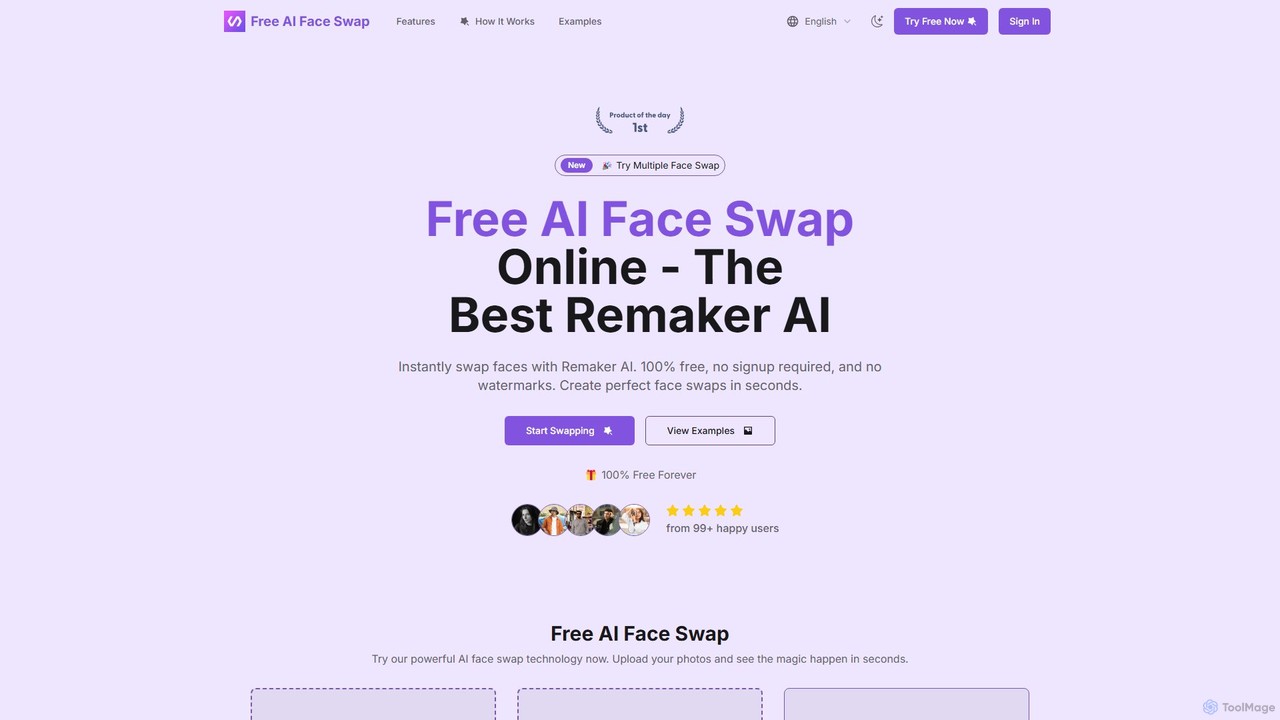
freefaceswap is a powerful AI-driven tool for creating seamless and realistic face swaps online. It's 100% free, requires no registration, and adds no watermarks. The tool supports swapping multiple faces in a single photo, making it perfect for fun content creation and fixing group pictures. With a strong focus on privacy, all uploaded images are deleted within 24 hours.
Meme Generator
PhotoGrid
PhotoGrid is an all-in-one online collage maker and AI photo editor. It offers over 20,000 templates and a suite of powerful AI tools to create stunning photo collages, remove backgrounds, enhance image quality, and apply creative filters, making professional photo editing accessible to everyone.
Collage Maker
Instasize
Instasize is an all-in-one creative toolkit for photo and video editing, specifically designed for social media content creators. It offers a suite of powerful tools, including an intuitive image resizer, AI-powered features like background removal and image expansion, professional filters, and text styles to help users create stunning visuals effortlessly for platforms like Instagram, TikTok, and more.
Image Editing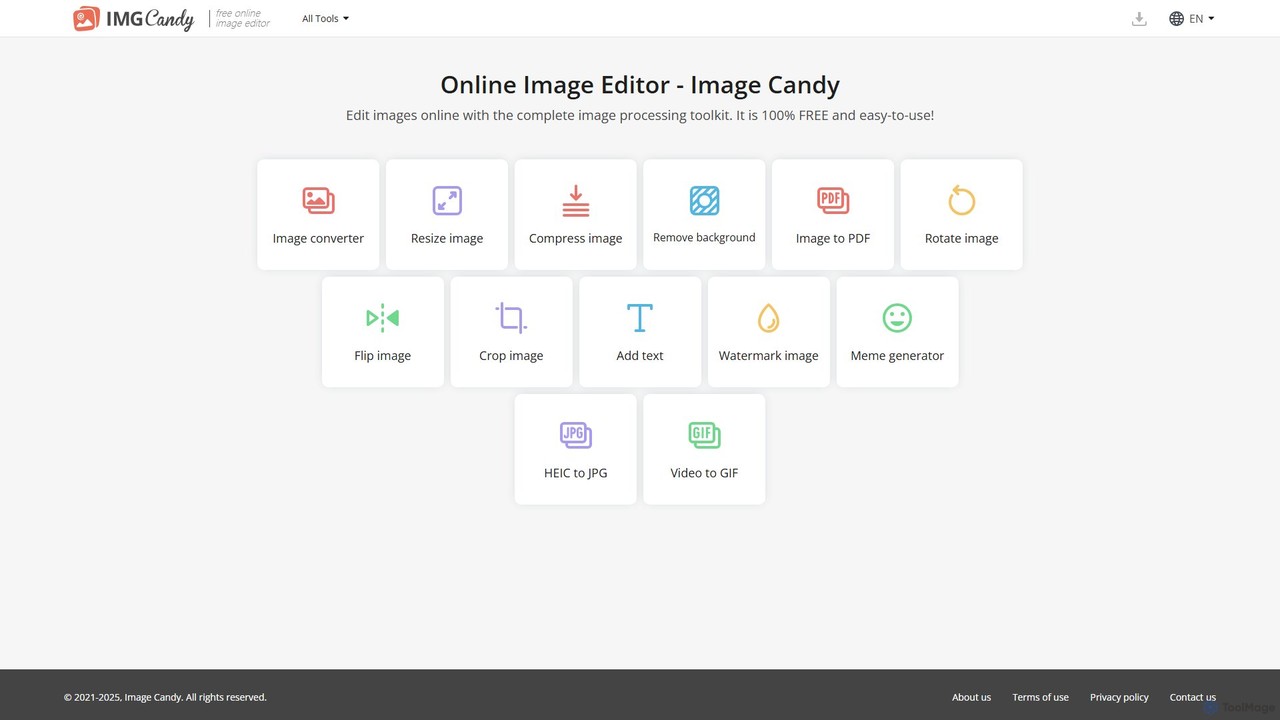
Image Candy
Image Candy is a comprehensive and 100% free online image editing toolkit. It provides a wide array of easy-to-use tools for converting, resizing, compressing, removing backgrounds, and performing various other image modifications directly in your browser without needing any software installation.
Graphics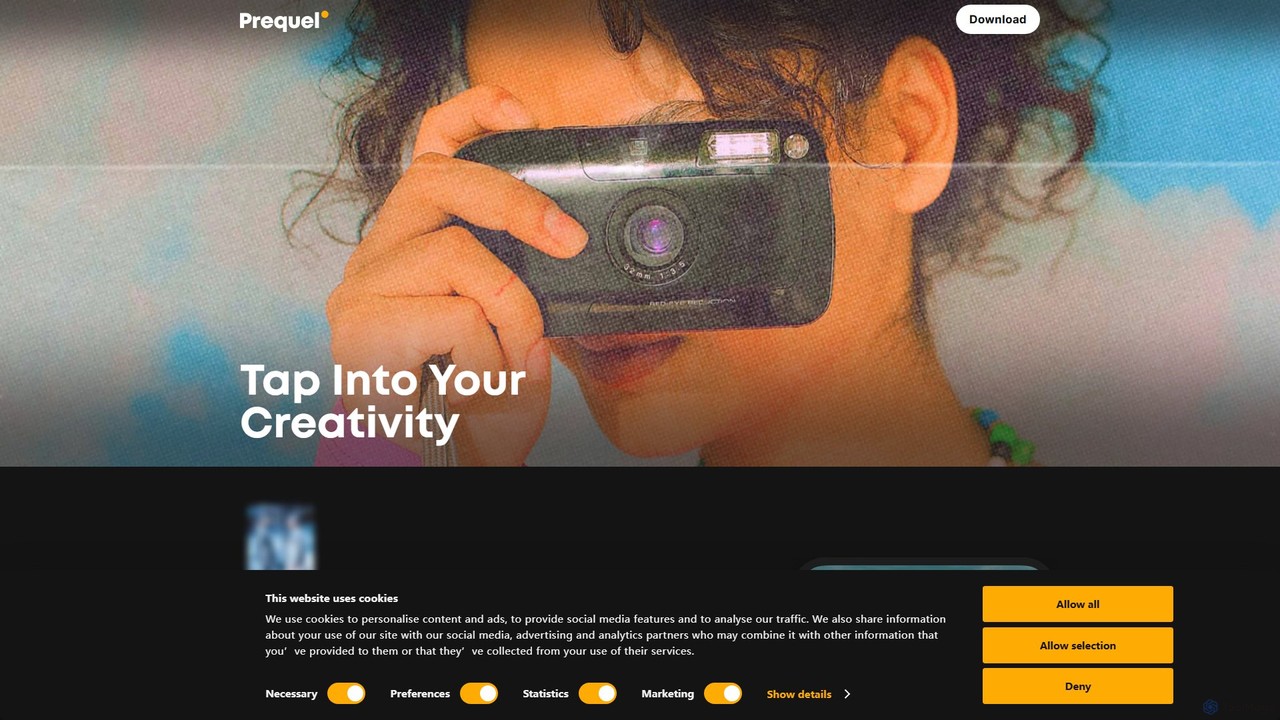
Prequel
Prequel is an AI-powered photo and video editor designed for creating stunning, aesthetic content. It offers a vast library of trendy filters, AI effects, and advanced editing tools, making it easy for users to transform their visuals for social media and personal projects. Ideal for content creators, influencers, and anyone looking to elevate their digital imagery.
Image EditingEdit.Photo Categories
Edit.Photo Embed Widget
Copy this embed code to place the badge on your blog, article, or product site and send readers directly to this ToolMage detail page.

Related AI tools
Image Candy
Image Candy is a comprehensive and 100% free online image editing toolkit. It provides a wide array of easy-to-use tools for converting, resizing, compressing, removing backgrounds, and performing various other image modifications directly in your browser without needing any software installation.
Graphics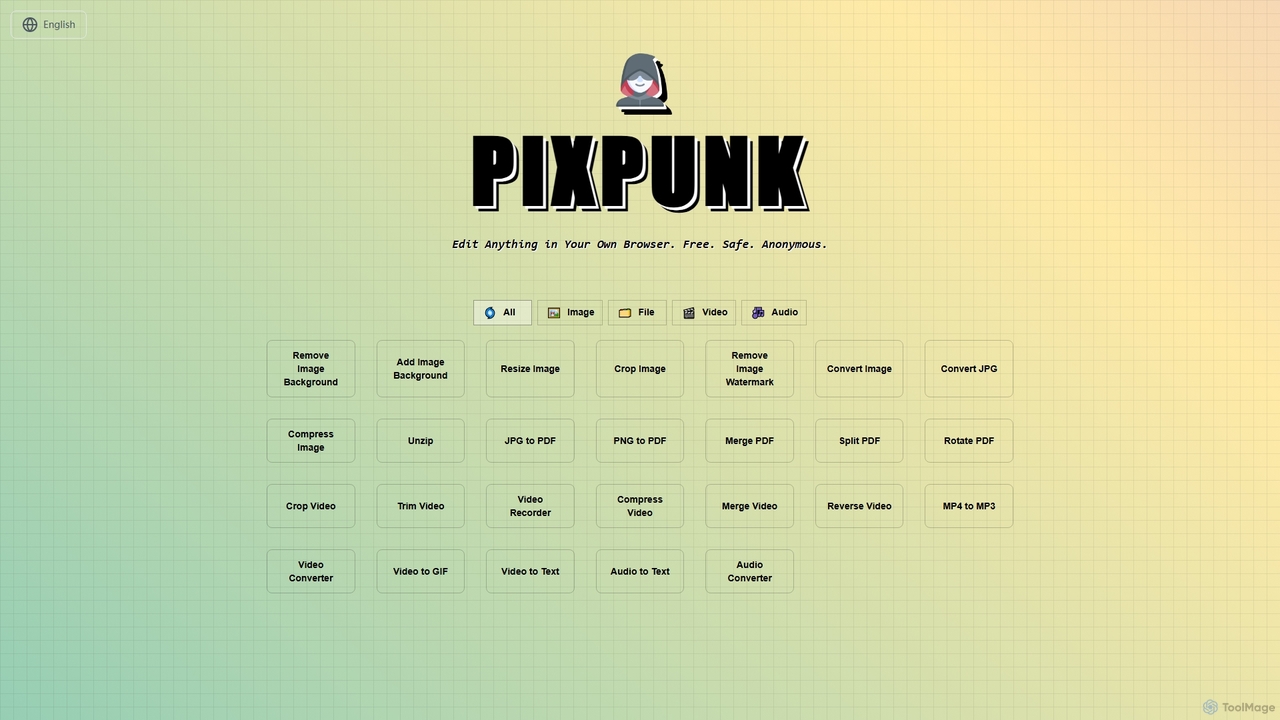
PixPunk
PixPunk is a free, safe, and anonymous online tool that allows users to edit images, convert files, and process videos and audio directly in their browser. It offers a suite of functionalities including background removal, image resizing, cropping, and format conversion, all without uploads or watermarks, ensuring maximum privacy.
Audio Converter
Jyek
Jyek is an AI agent platform that understands objectives, creates execution plans, uses tools, and delivers verifiable results for complex, multi-step tasks.
Automation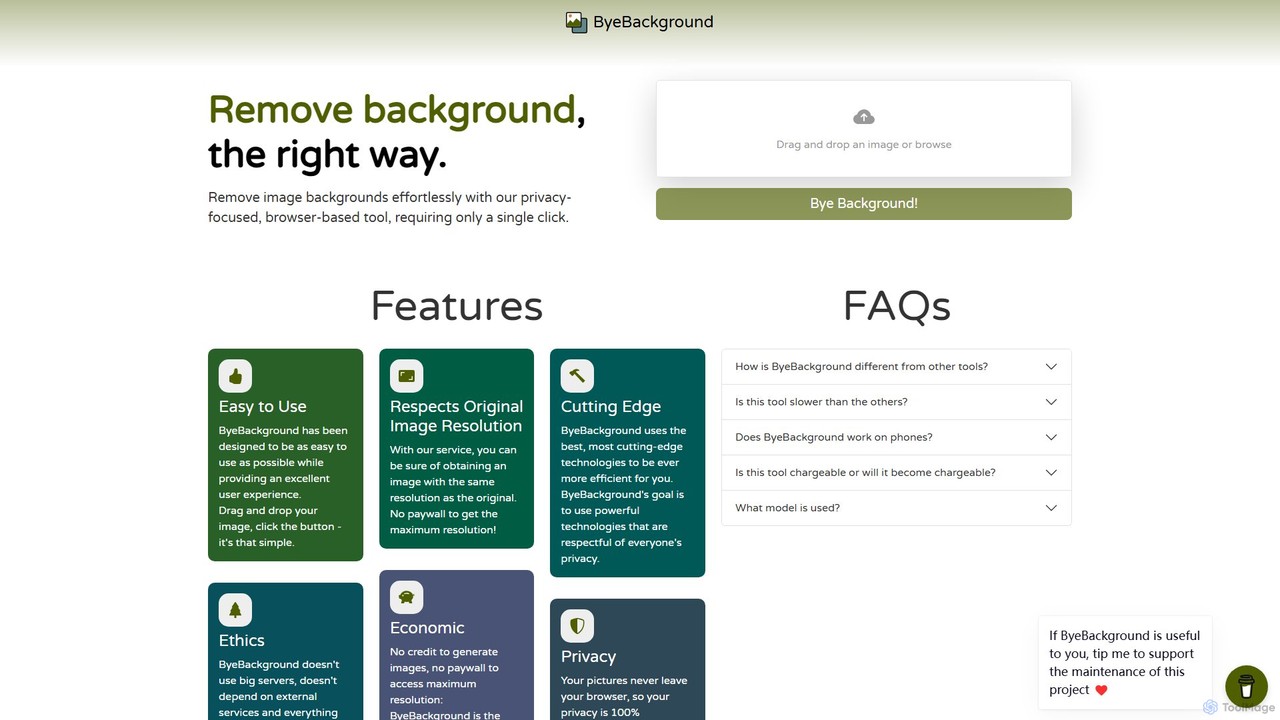
ByeBackground
ByeBackground is a free, privacy-focused AI tool that removes image backgrounds directly in your browser. With a single click, it processes images locally on your device, ensuring no data is ever uploaded to a server. It maintains original image resolution and is completely free, without ads or trackers.
Image Editingfreefaceswap
freefaceswap is a powerful AI-driven tool for creating seamless and realistic face swaps online. It's 100% free, requires no registration, and adds no watermarks. The tool supports swapping multiple faces in a single photo, making it perfect for fun content creation and fixing group pictures. With a strong focus on privacy, all uploaded images are deleted within 24 hours.
Meme Generator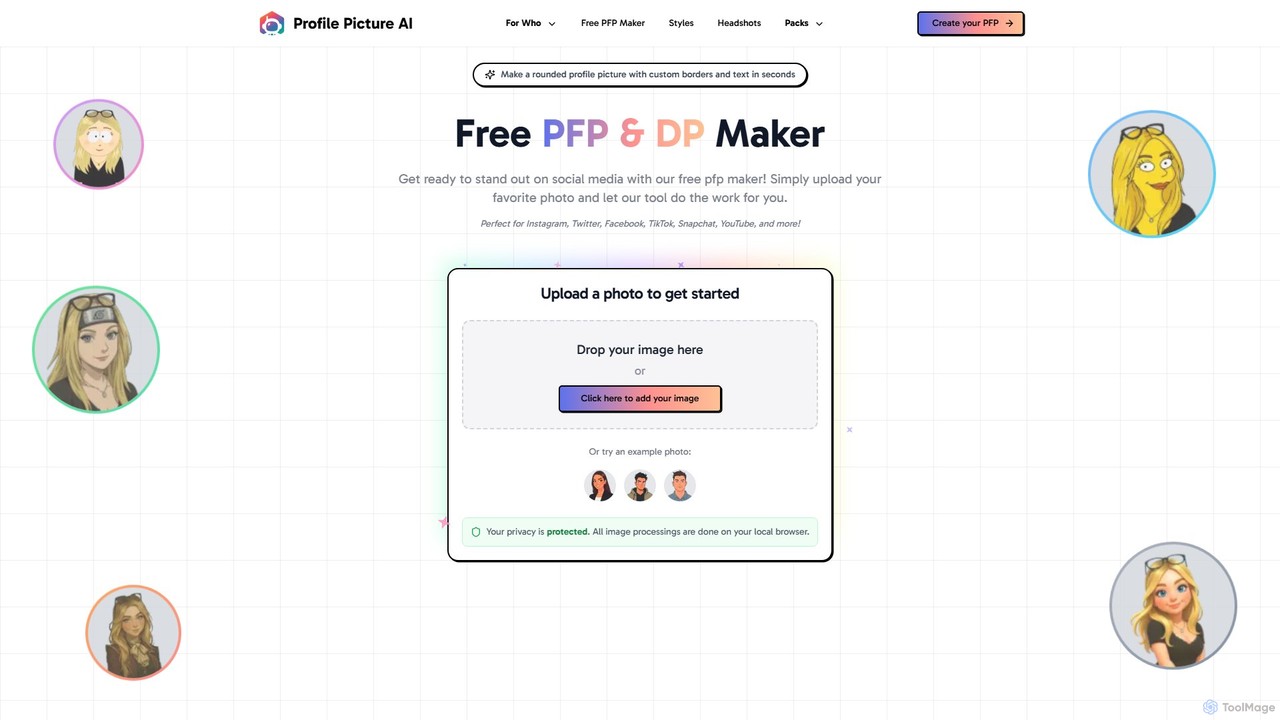
ProfilePicture.AI
ProfilePicture.AI is a versatile platform offering a 100% free PFP Maker for creating custom social media profile pictures with borders and text. It also features a powerful AI Headshot Generator that produces professional, studio-quality headshots from your photos, eliminating the need for a physical photoshoot.
Profile Picture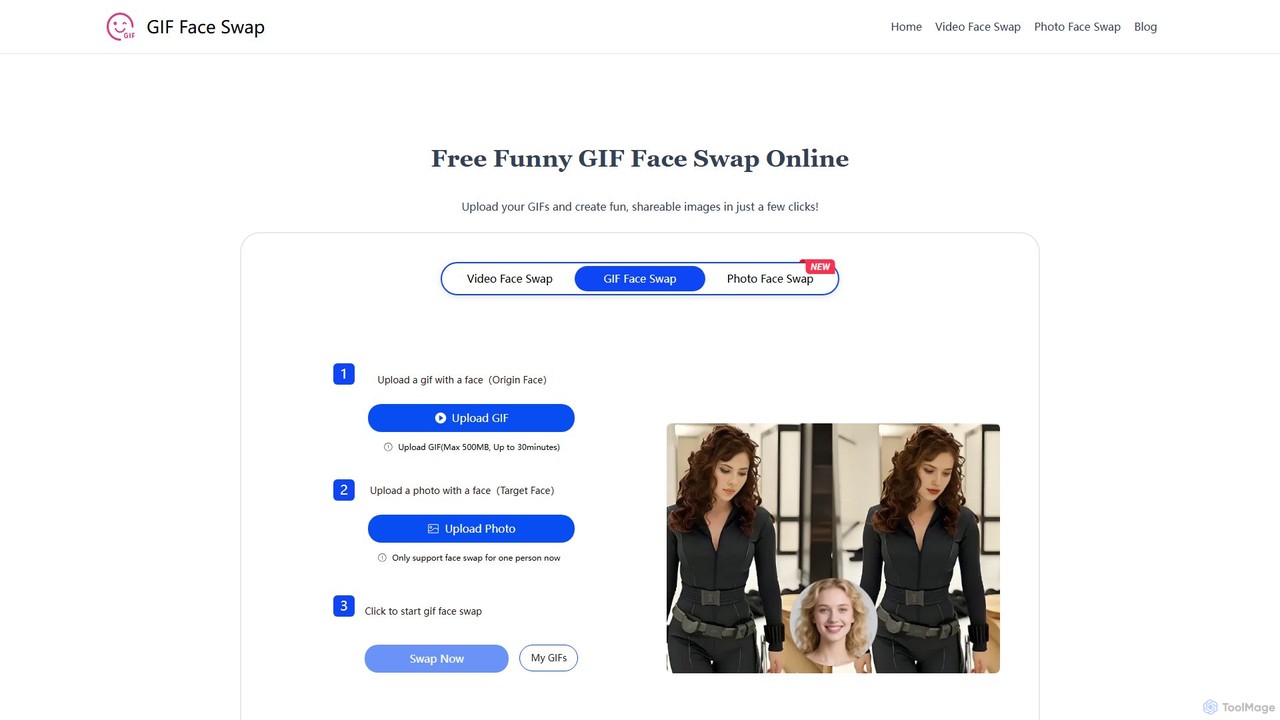
giffaceswap
giffaceswap is a free, online AI tool that allows you to seamlessly swap faces in GIFs, videos, and photos. With no registration required, you can create high-quality, realistic, and watermark-free face swaps in just a few clicks. It's perfect for creating funny memes, social media content, and personalized media.
Meme Generator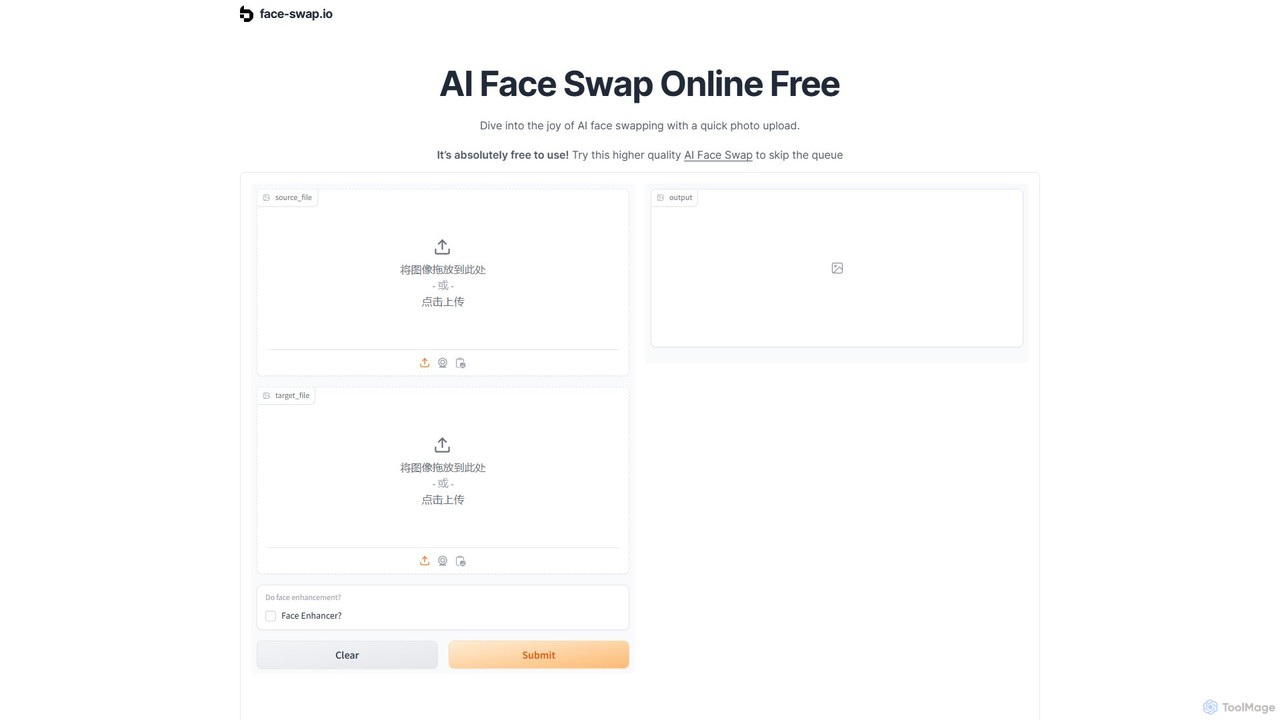
face-swap.io
A free, AI-powered online tool for creating high-quality, realistic face swaps in seconds. Easily swap faces in photos to create funny memes, social media content, or simply for fun. No technical skills required.
3D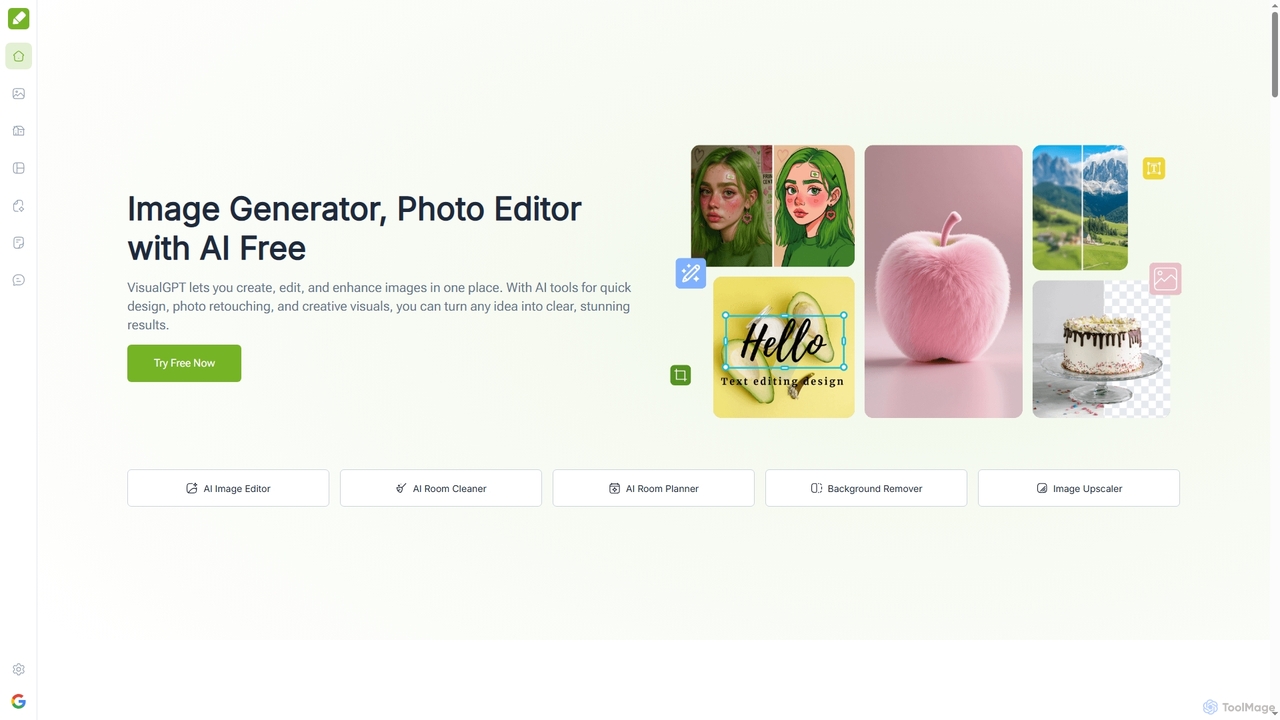
VisualGPT
VisualGPT is an all-in-one online AI platform for generating, editing, and enhancing images. It offers tools like AI image editing, background removal, room planning, and visualization, powered by advanced models like Nano Banana and Stable Diffusion. Designed for ease of use, it helps users create stunning visuals quickly without complex software or design skills.
Graphic Design
BgSub
BgSub is a free, AI-powered tool for instantly removing and replacing image backgrounds. It prioritizes user privacy by processing images directly in the browser without any uploads. Features include high-precision cutouts, background replacement with colors, gradients, or images, and AI-driven color correction.
Image Editing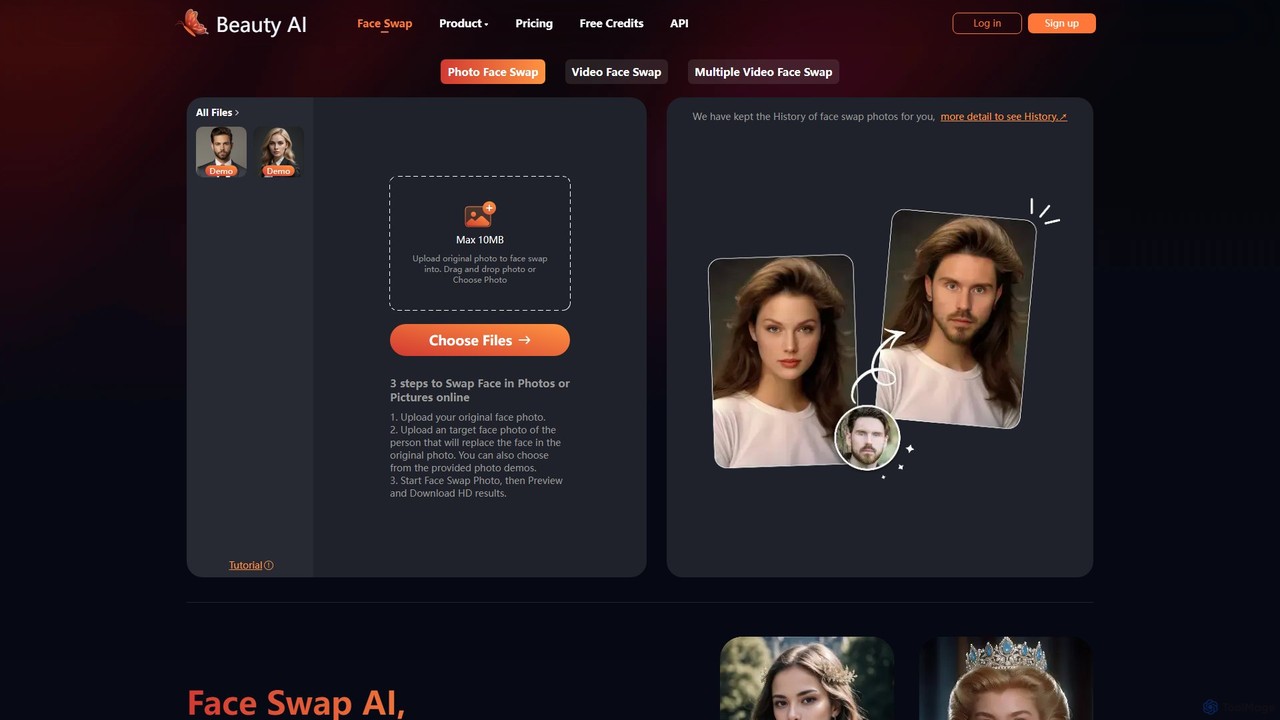
BeautyAI
BeautyAI is a powerful and user-friendly online tool for creating realistic AI-powered face swaps in photos and videos. Easily swap single or multiple faces, generate funny memes, or enhance your creative projects with high-definition results. It offers a simple 3-step process, making advanced editing accessible to everyone, from social media enthusiasts to content creators.
Meme Generator
BgSub
BgSub is a free, AI-powered tool for instantly removing and replacing image backgrounds directly in your browser. Its standout feature is its privacy-first approach, processing images locally without uploading them to a server. It supports high-resolution output, background replacement with colors, gradients, or images, and includes features like AI color correction and artistic filters. Ideal for e-commerce, marketing, and personal use.
Image Editing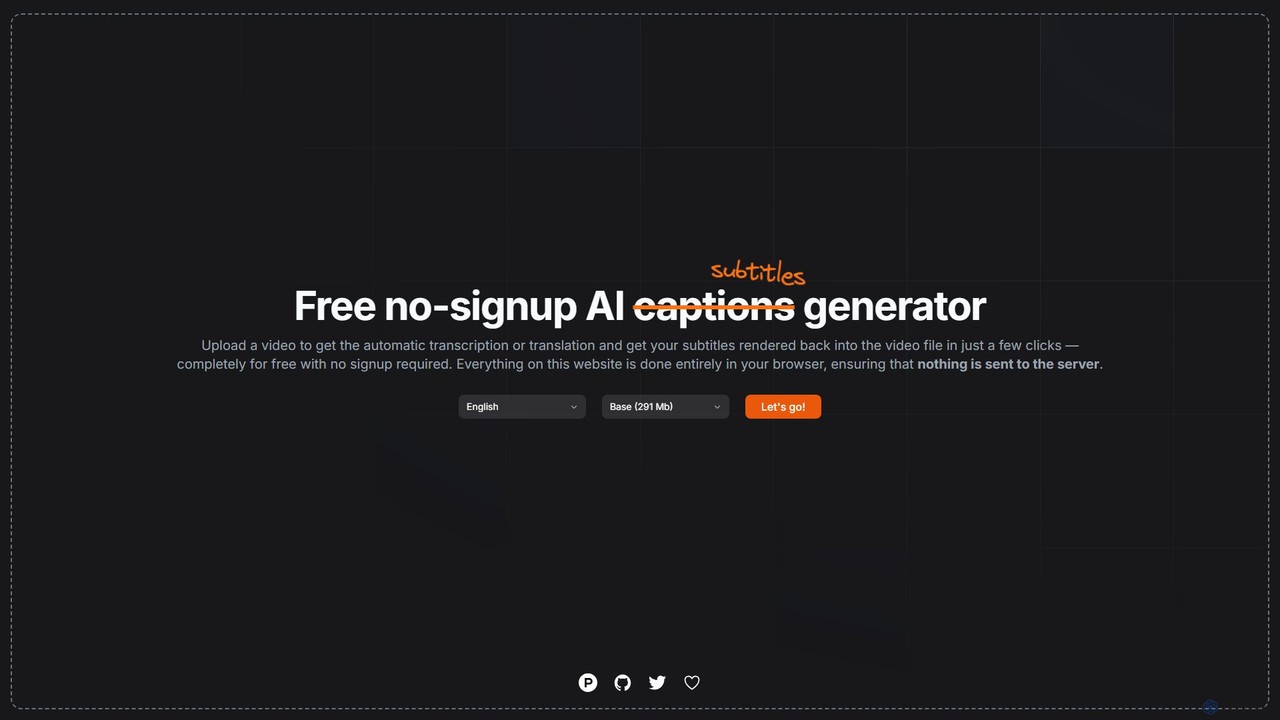
subtitles by fframes
A free, no-signup, browser-based AI tool for automatically generating, translating, and rendering subtitles directly into your videos. It ensures privacy by processing everything locally on your device.
Transcription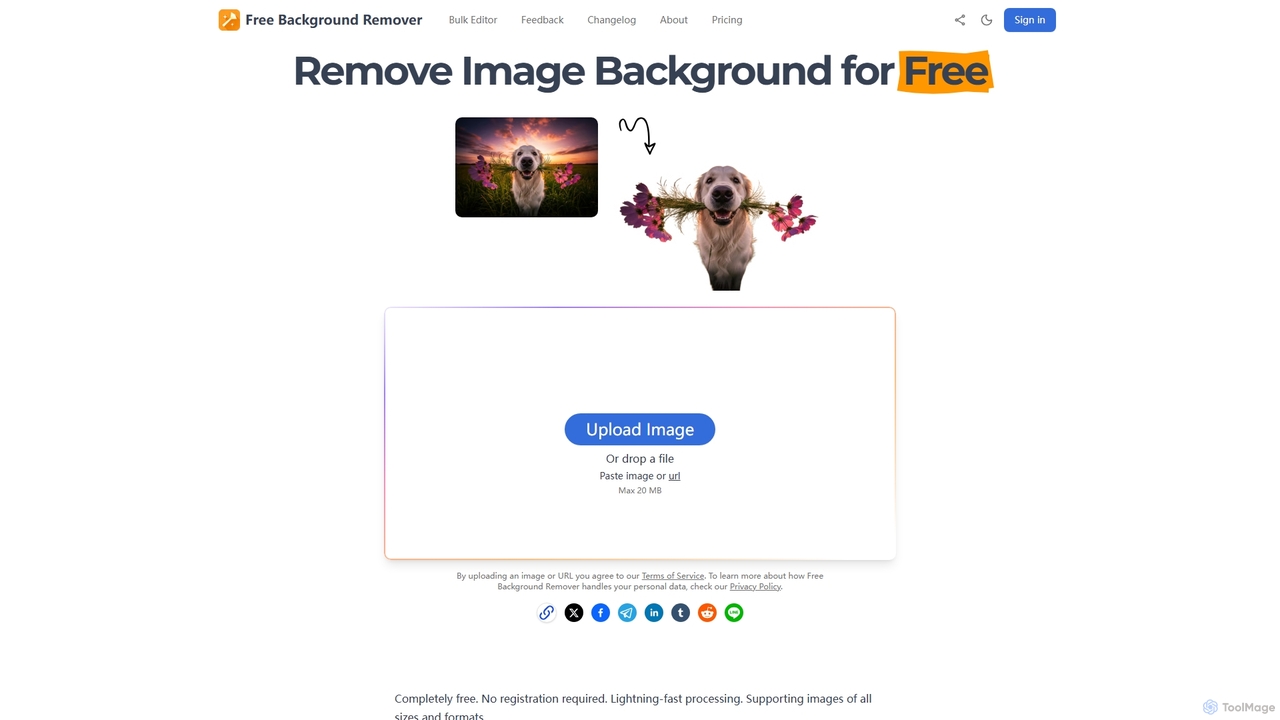
Free Background Remover
Free Background Remover is an AI-powered online tool designed to precisely remove backgrounds from images in seconds. It offers lightning-fast processing, supports various image formats, and allows users to add custom backgrounds, all without requiring registration or leaving watermarks. It's ideal for e-commerce, social media, graphic design, and personal photo editing needs.
Product Photography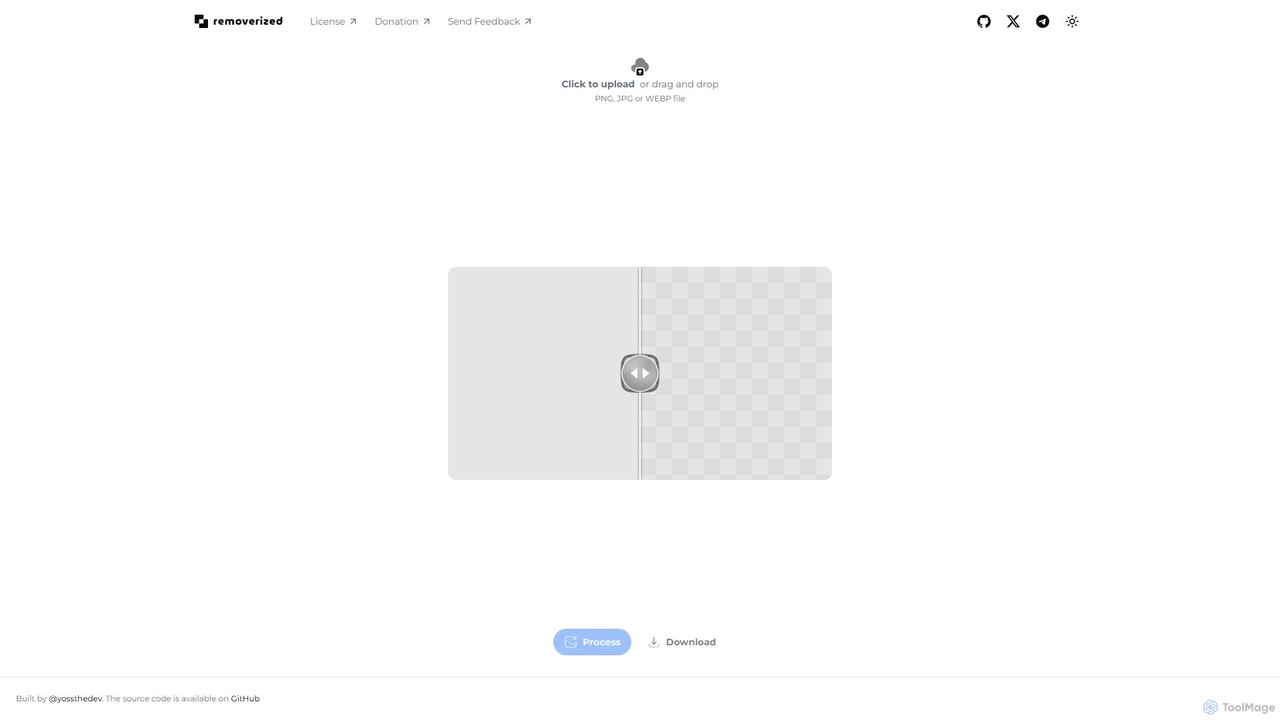
removerized
A free, open-source AI tool that instantly removes backgrounds from images. Simply upload your PNG, JPG, or WEBP file, and the AI will automatically detect and erase the background, providing a high-quality transparent image for download.
Image Editing
Edit.Photo Comments (0)
Sign in to comment.
Sign inNo comments yet.