
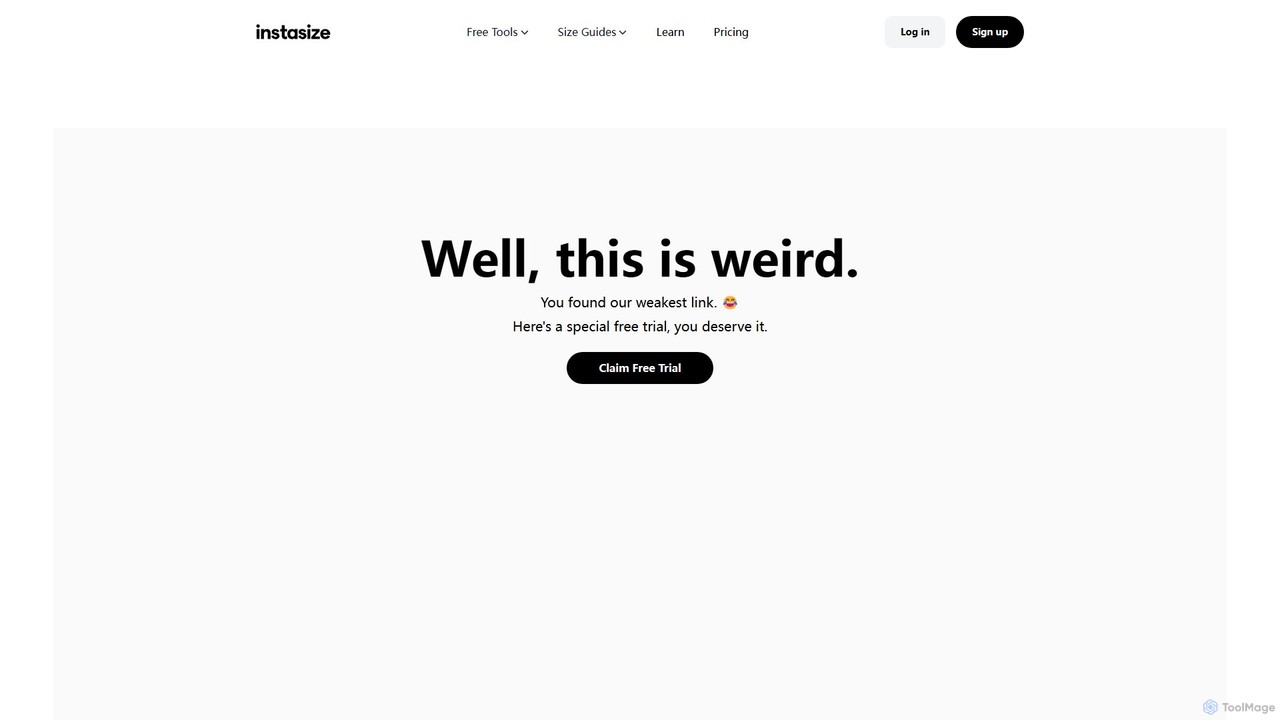
Instasize Overview
Instasize is a comprehensive and user-friendly photo editing platform available as a web tool and mobile app, designed to empower creators, marketers, and businesses to produce high-quality visual content. Originally known for its ability to perfectly size images for Instagram, Instasize has evolved into a full-featured creative suite packed with advanced AI capabilities. It streamlines the content creation process, making it easy to resize, edit, and enhance photos for any social media platform or digital need.
The platform's core is its powerful resizing engine, which provides pre-set dimensions for all major social networks, including Instagram, TikTok, Facebook, YouTube, Shopify, and more. This eliminates guesswork and ensures your content looks professional and is optimized for maximum engagement. Beyond resizing, Instasize integrates a suite of AI-driven tools that take your editing to the next level. The AI Background Remover can cleanly isolate subjects from their background in seconds, while the AI Image Expander (Uncrop) intelligently extends the borders of your photos, filling in the new space with contextually appropriate content. The Image Upscaler enhances resolution, and the unique Magic Fill™ tool can remove unwanted objects seamlessly.
How to use Instasize
Using Instasize is designed to be a simple and intuitive process, whether on the web or mobile app:
- Upload Your Image: Start by choosing a file from your device. The web editor supports JPG, PNG, and WEBP formats up to 10 MB.
- Choose a Tool: Select the function you need. For resizing, pick a platform like TikTok or Instagram, and then a specific format (e.g., Story, Profile Photo). The dimensions will be applied automatically.
- Apply AI Edits (Premium): If you have a Premium plan, you can use advanced features. Select 'Background Remover' to automatically erase the background, or 'AI Image Expand' to uncrop your photo. Use 'Magic Fill' to remove distracting elements from your scene.
- Enhance and Customize: Use the online photo editor to make further adjustments, add filters, apply text overlays, or use other creative tools like the image converter or compressor.
- Download and Share: Once you are satisfied with your creation, you can export the image in high definition (HD export available for Premium users) and share it directly to your social media channels.
Core Features of Instasize
- Social Media Image Resizer: Instantly resize photos with optimized presets for Instagram, TikTok, Facebook, YouTube, X (Twitter), Pinterest, Shopify, and more.
- AI Background Remover: Automatically detect and remove the background from any image with a single click, perfect for creating product shots or profile pictures.
- AI Image Expander (Uncrop): Intelligently expand the canvas of your photos. The AI generates new pixels that seamlessly blend with the original image.
- AI Image Upscaler: Increase the resolution and quality of your images, making them sharper and clearer without losing detail.
- Magic Fill™: A powerful AI tool that allows you to remove unwanted objects, people, or blemishes from your photos by intelligently filling in the space.
- Comprehensive Photo Editor: A full suite of editing tools including filters, effects, text styles, color adjustments, and more.
- Image Converter & Compressor: Easily convert image formats (e.g., JPG to PNG) and compress file sizes to optimize for web use without sacrificing quality.
- Digital Asset Manager: Store and organize your edited images within the platform for easy access (storage limits apply to the free plan).
Use Cases for Instasize
Instasize is versatile and serves a wide range of users:
- Social Media Managers: Quickly create and resize content for multiple platforms, maintaining a consistent brand aesthetic and optimizing posts for each channel's specific dimensions.
- E-commerce Businesses: Create clean, professional product photos by removing backgrounds. Resize images for Shopify or Etsy listings and promotional materials.
- Content Creators & Influencers: Enhance personal photos and videos with professional filters, text, and AI-powered touch-ups to stand out and grow their audience on TikTok and Instagram.
- Marketers: Design eye-catching visuals for digital ad campaigns, blog posts, and email newsletters, using the AI tools to create unique and polished graphics.
- Personal Use: Easily create perfect passport photos, resize images for personal blogs, or simply have fun editing photos with powerful yet simple tools.
Advantages of Instasize
Instasize stands out with several key benefits:
- All-in-One Solution: Combines resizing, editing, AI enhancement, and asset management in a single, easy-to-use platform.
- Efficiency and Speed: The pre-set dimensions and one-click AI tools save significant time and effort in the content creation workflow.
- Accessibility: Available as both a powerful web editor and a convenient mobile app (iOS and Android), allowing you to edit anywhere.
- Freemium Model: Offers a robust free version for basic needs like resizing, making it accessible to everyone.
- Advanced AI Power: The premium AI features like Magic Fill™ and Image Expander provide capabilities typically found in expensive, professional software.
Pricing and Plans
Instasize offers a flexible pricing structure to suit different needs:
- Free Plan: Perfect for getting started. Includes unlimited image resizing and limited asset storage.
- Premium Plan: $5.00 per month (billed annually). Unlocks the full creative suite, including Unlimited Background Remover, Unlimited Magic Fill™, Unlimited HD Exports, Unlimited Image Upscaling, and unique shareable links.
- Enterprise Plan: Custom pricing for organizations with advanced needs. Includes all Premium tools, API access, an Image CDN for faster delivery, and dedicated support.
Traffic
Latest traffic
Status
Monthly traffic trend
- 2026-1: 269.1K
- 2026-2: 232.0K
- 2026-3: 248.0K
- 2026-4: 205.3K
- 2026-5: 223.9K
Geography
Top 5 countries / regions
- 🇺🇸United States42.5%
- 🇳🇴Norway22.1%
- 🇮🇳India13.8%
- 🇷🇺Russia12.4%
- 🇬🇧United Kingdom9.1%
Traffic sources
| Source type | Percentage |
|---|---|
Direct | 88.4% |
Referral | 11.2% |
Email | 0.4% |
Top keywords
| Keyword | Cost per click |
|---|---|
| image link generator | $0.26 |
| image resizer | $0.33 |
| image url generator | $0.46 |
| instasize | $0.69 |
| resize image | $0.26 |
Instasize Videos on YouTube
BoundlessHorizons
Instasize Alternatives
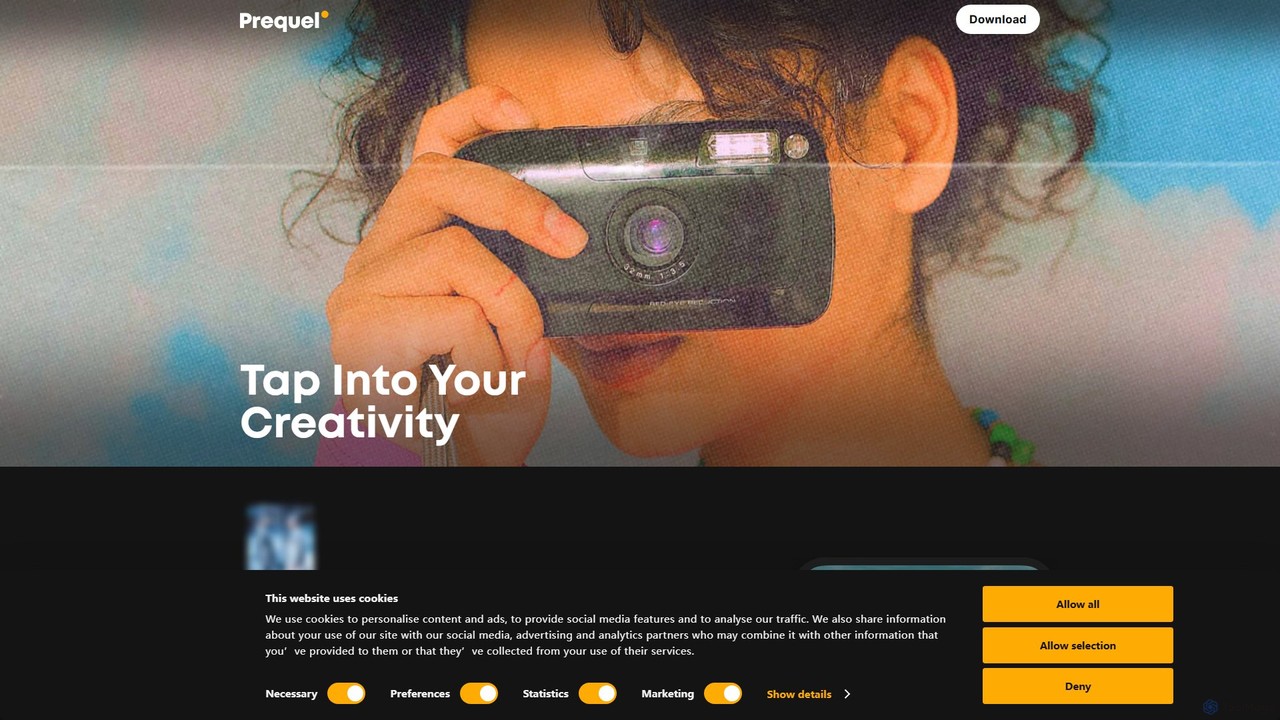
Prequel
Prequel is an AI-powered photo and video editor designed for creating stunning, aesthetic content. It offers a vast library of trendy filters, AI effects, and advanced editing tools, making it easy for users to transform their visuals for social media and personal projects. Ideal for content creators, influencers, and anyone looking to elevate their digital imagery.
Image Editing
PhotoGrid
PhotoGrid is an all-in-one online collage maker and AI photo editor. It offers over 20,000 templates and a suite of powerful AI tools to create stunning photo collages, remove backgrounds, enhance image quality, and apply creative filters, making professional photo editing accessible to everyone.
Collage Maker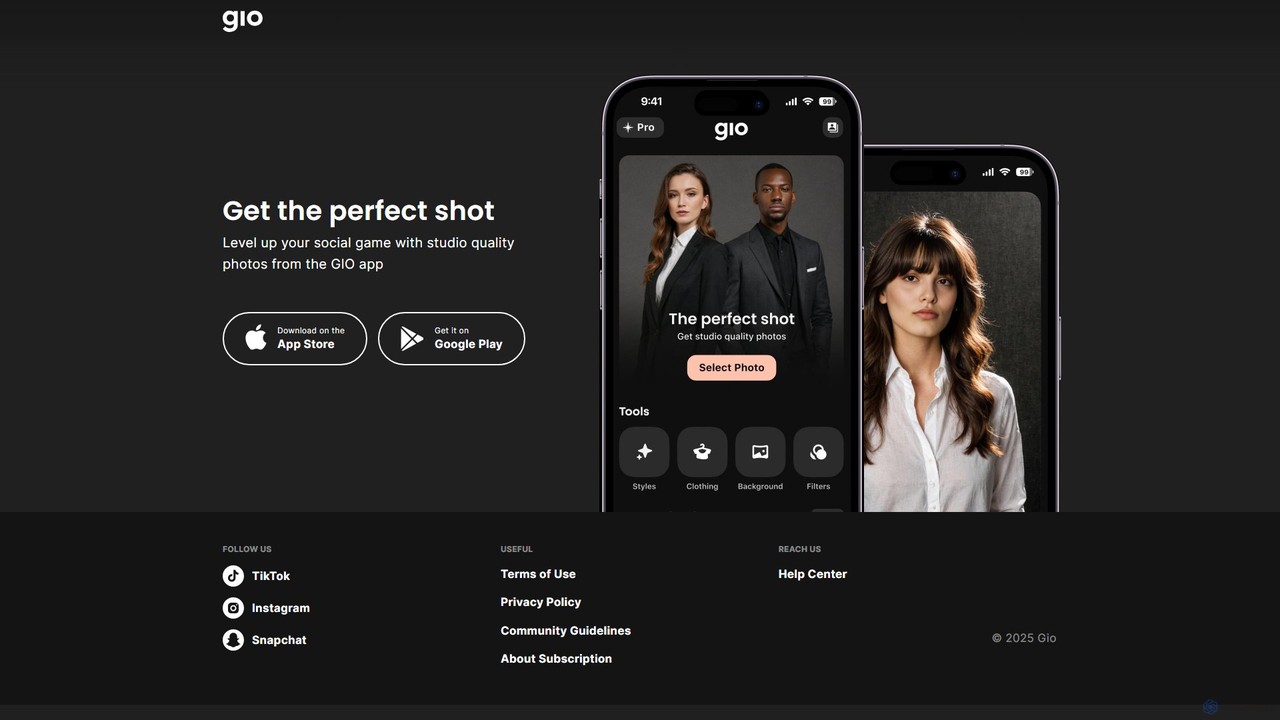
Gio
Gio is an AI-powered mobile photo editing app designed to elevate your social media content. It transforms regular photos into studio-quality images with just a few taps. Ideal for influencers, professionals, and anyone looking to create stunning portraits and headshots, Gio offers a suite of advanced AI tools for effortless, professional-grade results directly from your smartphone.
Image Generation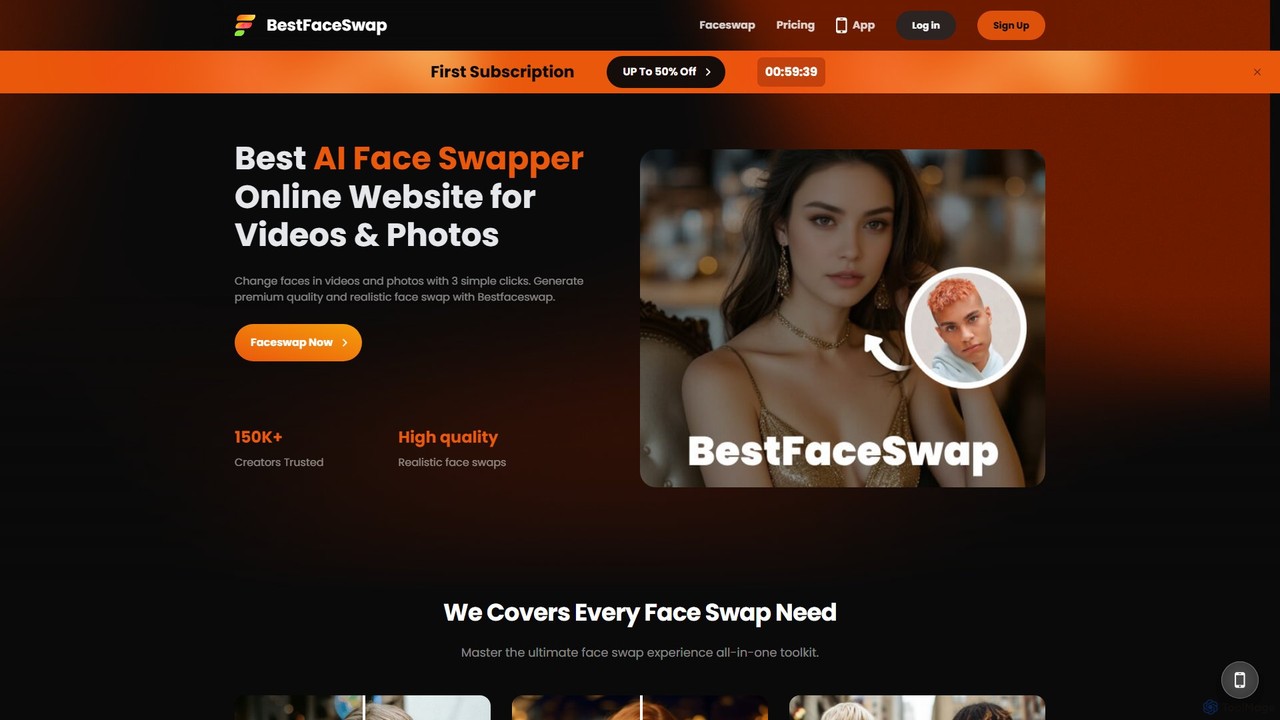
bestfaceswap
bestfaceswap is an advanced AI-powered online tool for creating high-quality, realistic face swaps in both videos and photos. With a simple 3-step process, users can easily generate entertaining content, memes, or professional marketing materials. It supports high-resolution output, ensures user privacy, and offers a seamless experience with no downloads required.
Meme Generator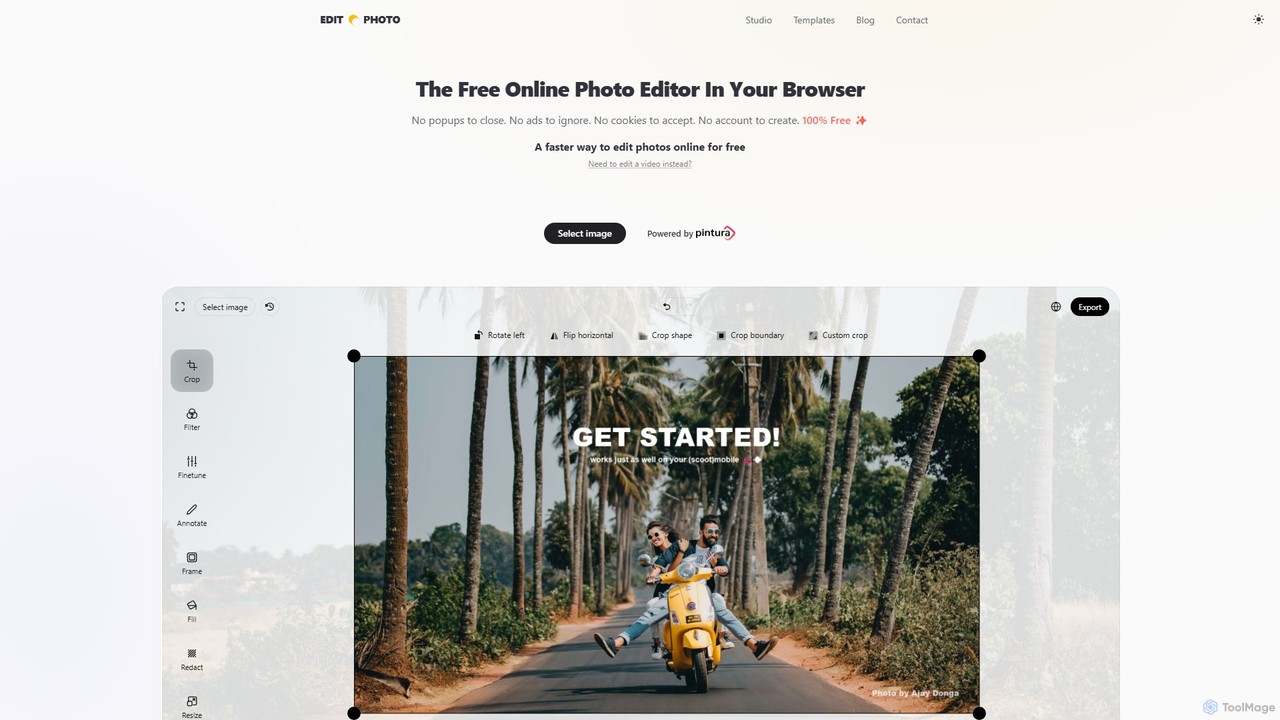
Edit.Photo
A completely free, private, and browser-based online photo editor. Edit.Photo offers a seamless experience with no ads, popups, or account creation. It features quick editing tools, social media templates, and a unique studio to build your own custom editor.
Image EditingInstasize Categories
Instasize Embed Widget
Copy this embed code to place the badge on your blog, article, or product site and send readers directly to this ToolMage detail page.

Related AI tools
Prequel
Prequel is an AI-powered photo and video editor designed for creating stunning, aesthetic content. It offers a vast library of trendy filters, AI effects, and advanced editing tools, making it easy for users to transform their visuals for social media and personal projects. Ideal for content creators, influencers, and anyone looking to elevate their digital imagery.
Image Editing
Plano
Plano offers a comprehensive suite of over 20 free, AI-powered social media tools. Effortlessly generate unique usernames, compelling bios, engaging captions, and relevant hashtags for platforms like TikTok, Instagram, and Facebook. It also includes handy utilities like image resizers and an image-to-text converter, all without requiring any signup.
Social Media MarketingPhotoGrid
PhotoGrid is an all-in-one online collage maker and AI photo editor. It offers over 20,000 templates and a suite of powerful AI tools to create stunning photo collages, remove backgrounds, enhance image quality, and apply creative filters, making professional photo editing accessible to everyone.
Collage Maker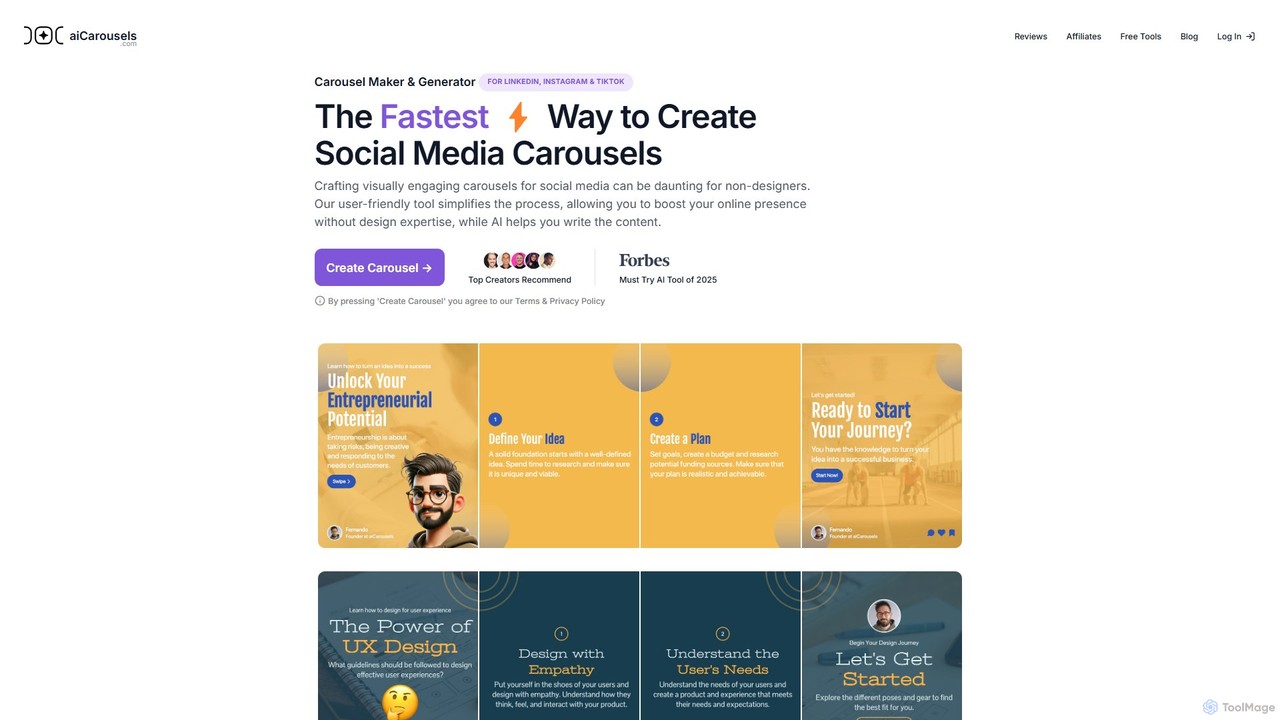
aicarousels
An AI-powered tool that enables users to quickly create professional and engaging carousels for social media platforms like LinkedIn, Instagram, and TikTok. It simplifies design and content writing, making it perfect for non-designers, marketers, and content creators.
Graphic Design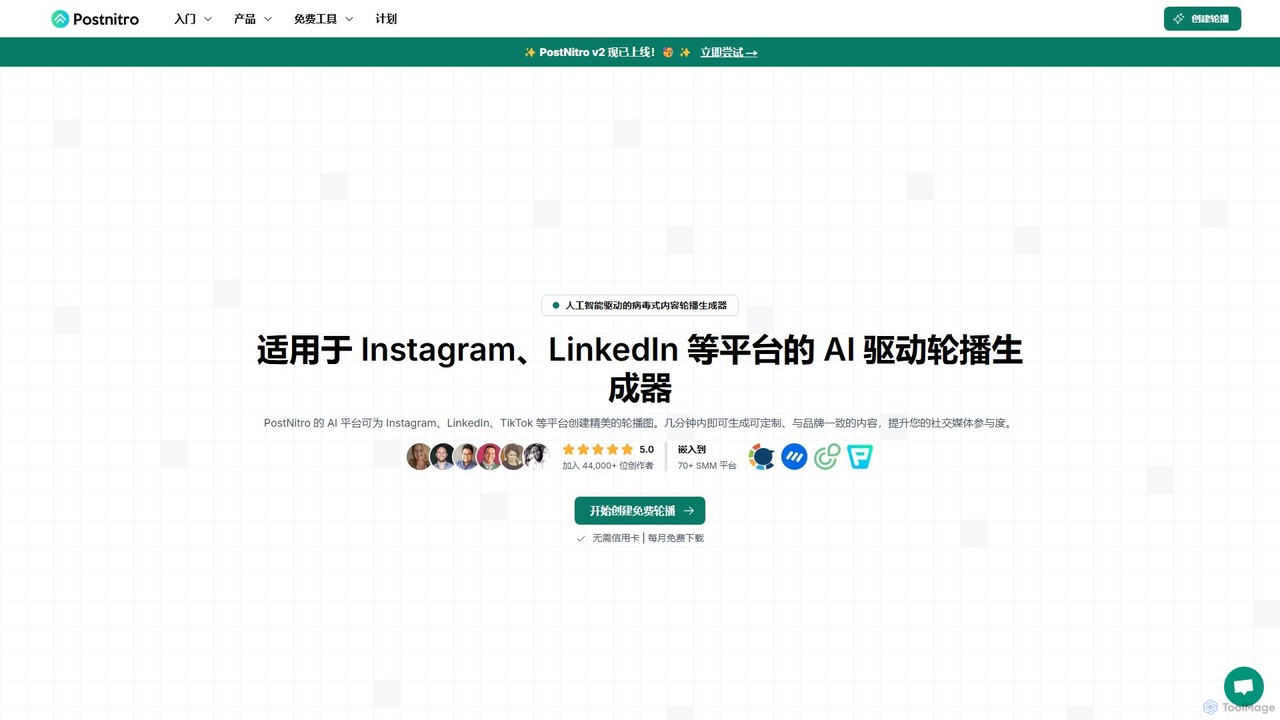
PostNitro
PostNitro is a free AI-powered carousel generator designed for content creators and marketers. It simplifies the creation of engaging, viral-ready carousels and slideshows for social media platforms like Instagram, LinkedIn, and TikTok. With its intuitive interface, customizable templates, and platform-specific optimizations, users can save time and significantly boost their social media engagement.
Social Media Marketing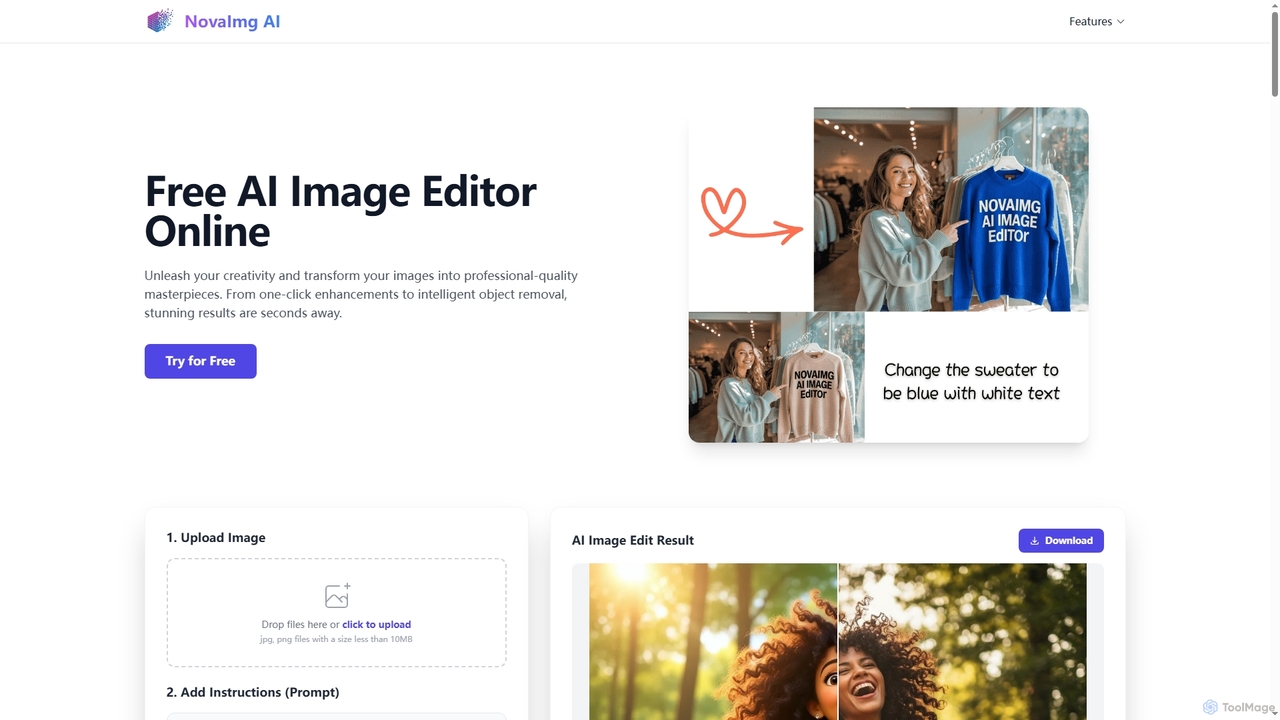
Novaimg
Novaimg is a versatile online AI tool suite for transforming and enhancing visual content. It offers a range of features including AI image editing with text prompts, 4K image upscaling, realistic face swapping for photos, videos, and GIFs, and an intelligent watermark remover. Designed for ease of use, Novaimg helps users create professional-quality images and videos for social media, e-commerce, and creative projects, often for free or with generous daily limits.
Graphic Design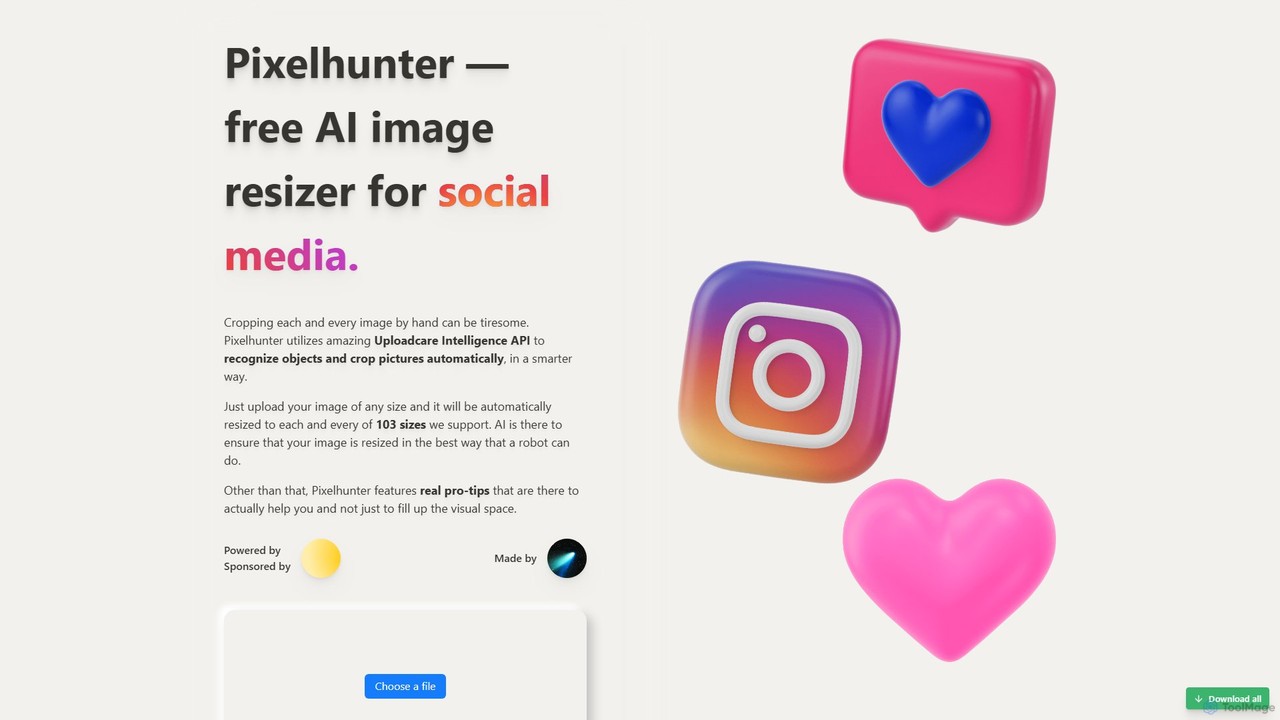
Pixelhunter
Pixelhunter is a free, AI-powered image resizer designed specifically for social media. It leverages intelligent object recognition to automatically crop and resize any uploaded image into over 100 optimal sizes for platforms like Instagram, Facebook, Twitter, and YouTube. This eliminates the tedious manual work of cropping, ensuring your images are perfectly formatted for every social media post, profile picture, or cover photo. It's a fast, smart, and efficient tool for marketers and content creators.
Image Resizing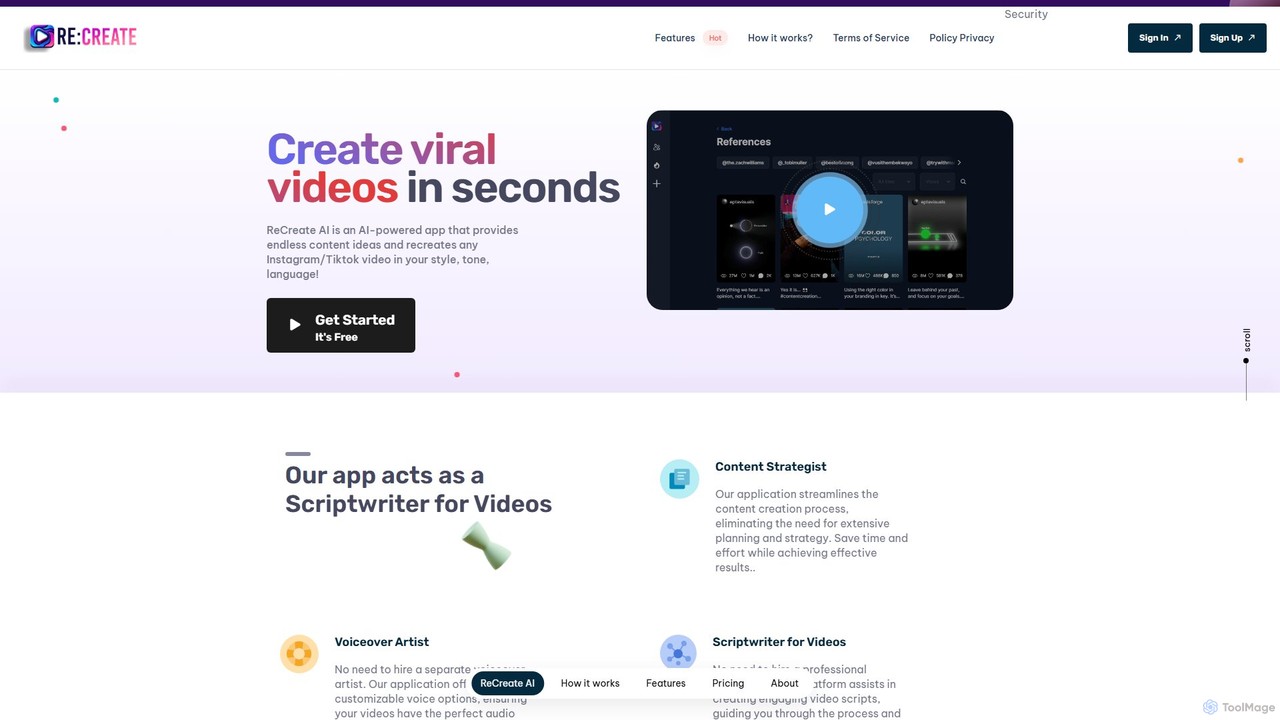
ReCreate AI
ReCreate AI is an AI-powered platform for content creators to generate viral short videos effortlessly. It analyzes popular videos from Instagram, TikTok, and YouTube, and helps you recreate them in your unique style, tone, and language. The tool acts as your content strategist, scriptwriter, and voiceover artist, streamlining the entire video creation process from idea to script.
Social Media Marketing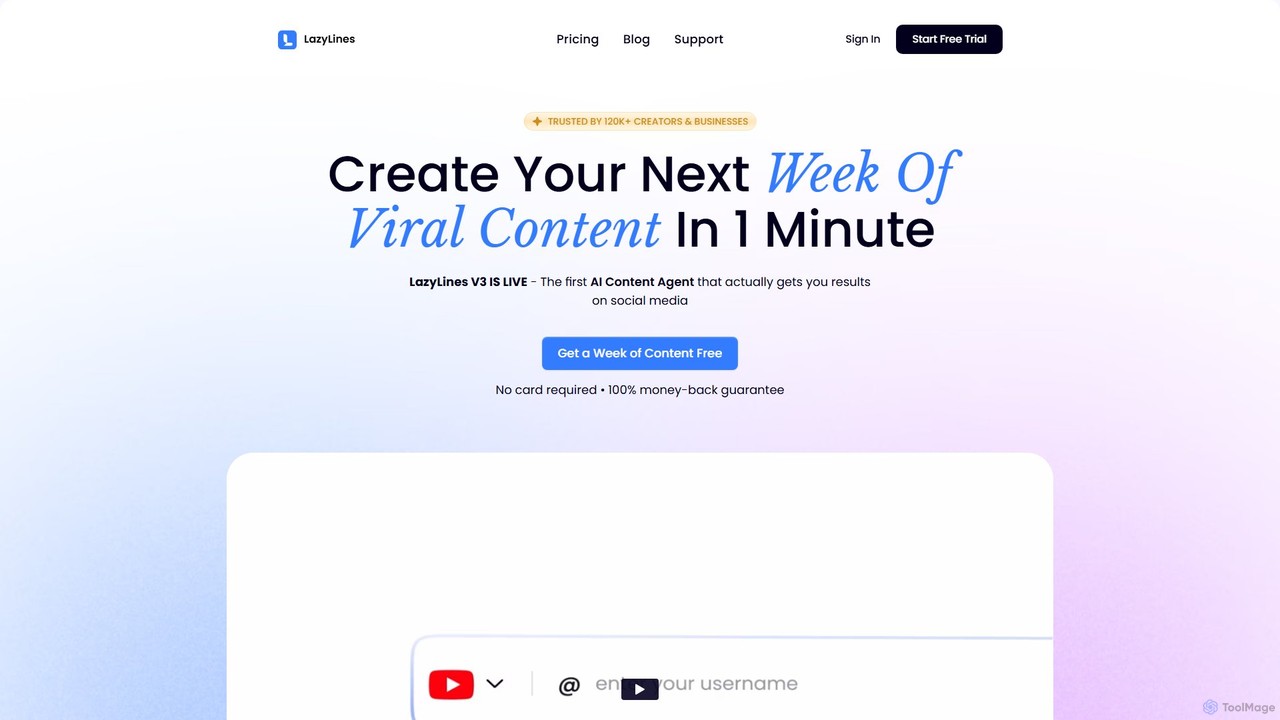
LazyLines
LazyLines is an AI-powered content studio designed for social media. It helps creators, agencies, and marketers generate viral content ideas, scripts, and posts in minutes. By analyzing top-performing content, it creates personalized, high-impact posts in your unique brand voice, saving you time and eliminating content burnout.
Social Media Marketing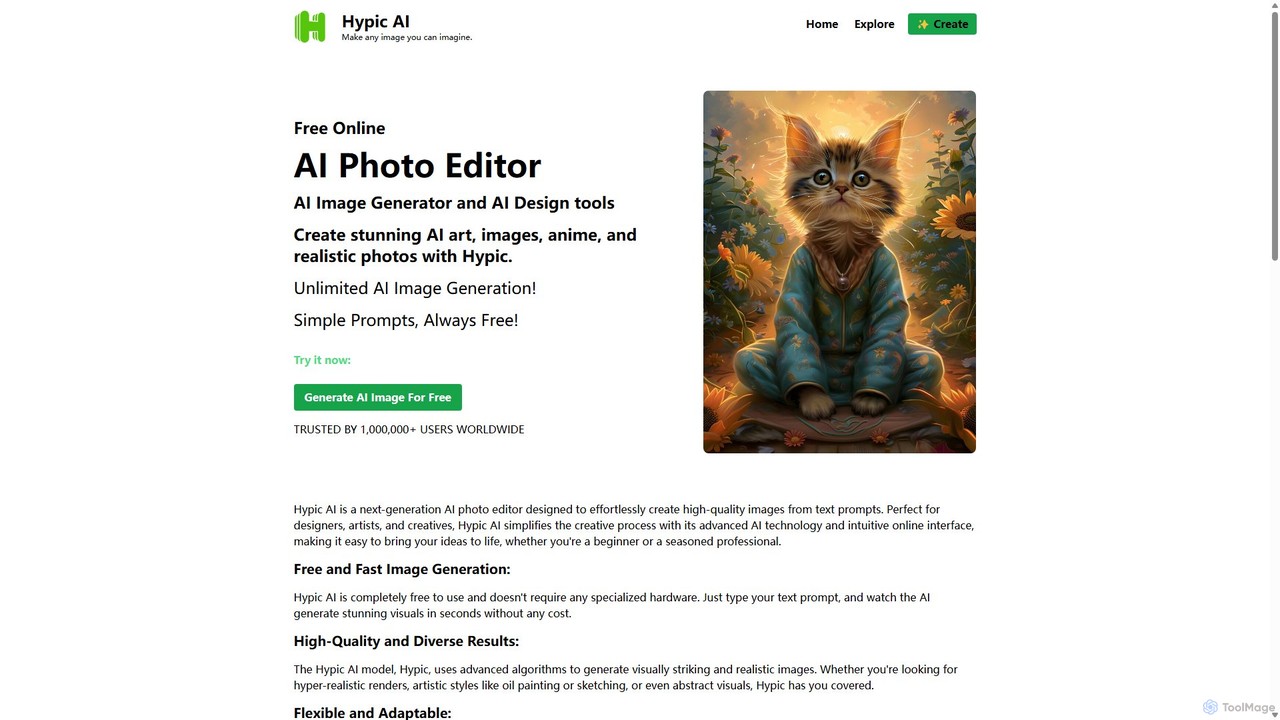
Hypic
Hypic is a powerful, all-in-one AI photo editing app for both beginners and professionals. It offers a wide range of AI-powered features, including one-tap portrait retouching, object removal, background replacement, and creative filters. Elevate your photos for social media, personal use, or e-commerce with professional-grade tools made simple and accessible on your mobile device.
Image Generation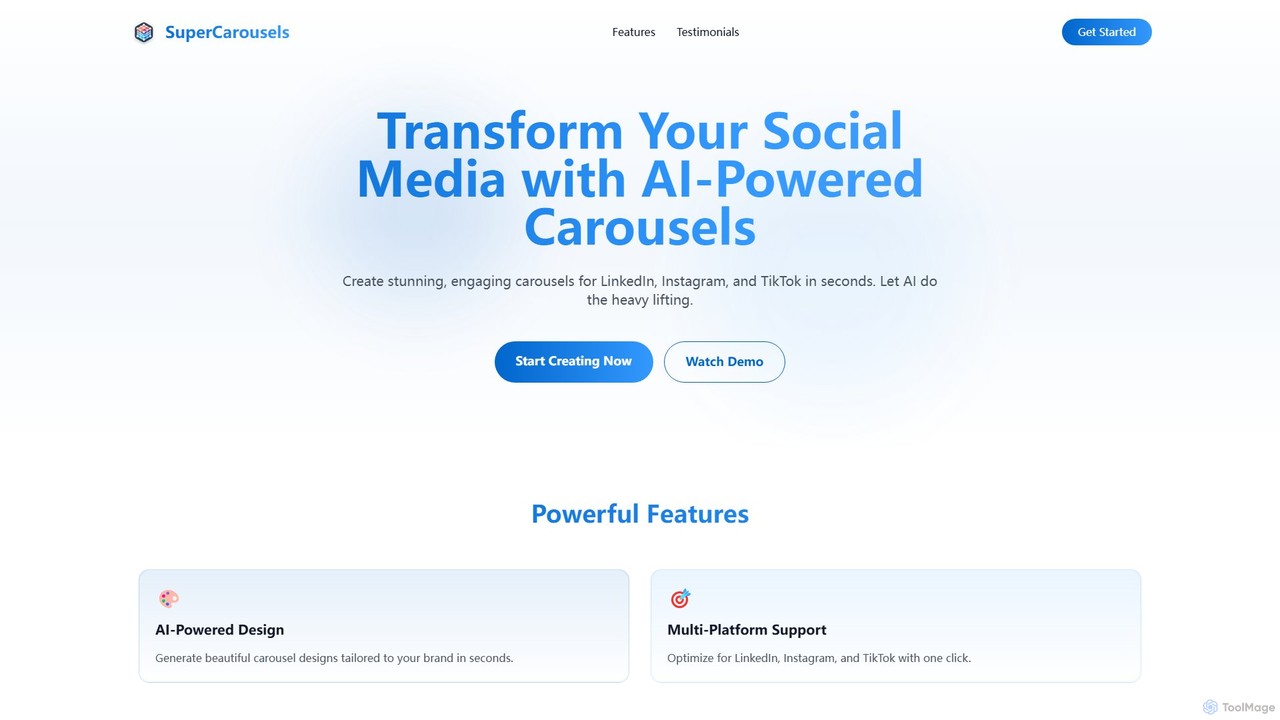
SuperCarousels
SuperCarousels is an AI-powered tool designed to create stunning social media carousels for platforms like Instagram, LinkedIn, and TikTok in seconds. It automates the design process, allowing users to generate beautiful, brand-aligned content without needing design skills, significantly boosting engagement and saving time.
Graphic Design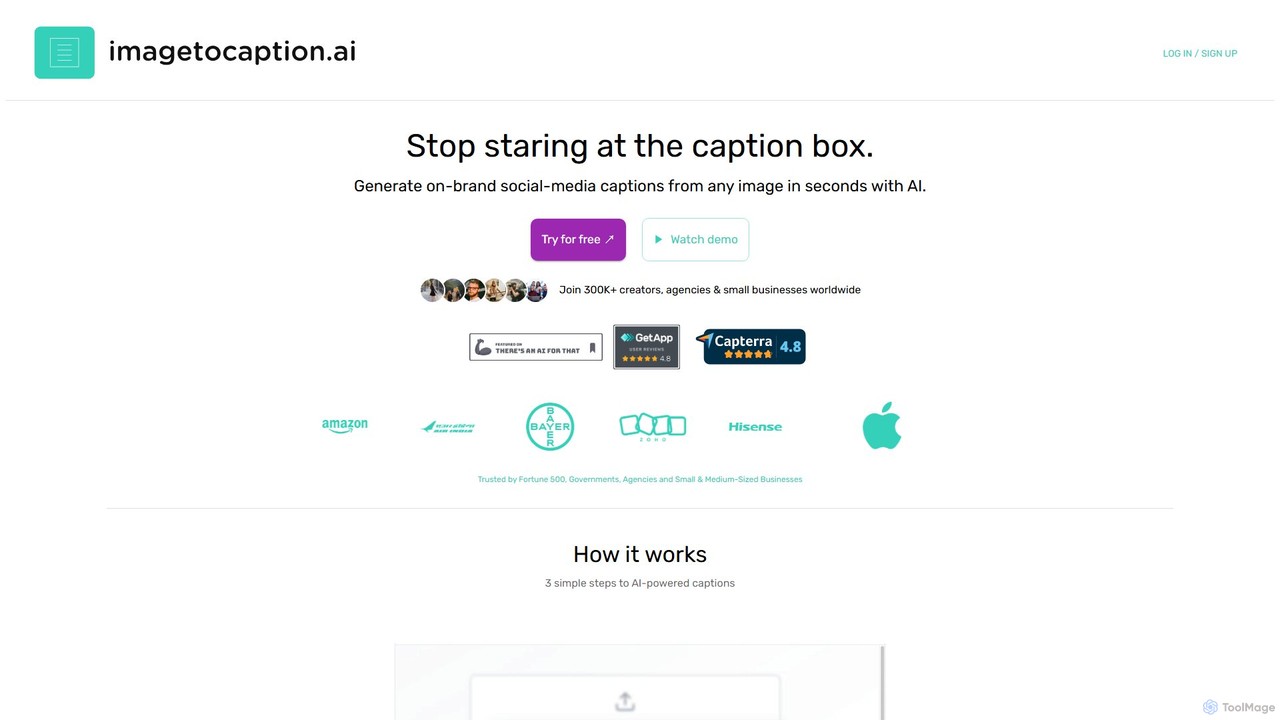
imagetocaption.ai
imagetocaption.ai is an AI-powered tool that automatically generates engaging and on-brand captions for images and videos. Designed for social media managers, content creators, and businesses, it saves hours of work by creating customized captions, hashtags, and calls-to-action in over 27 languages. Its unique brand voice feature ensures all content remains authentic and consistent.
Social Media Copy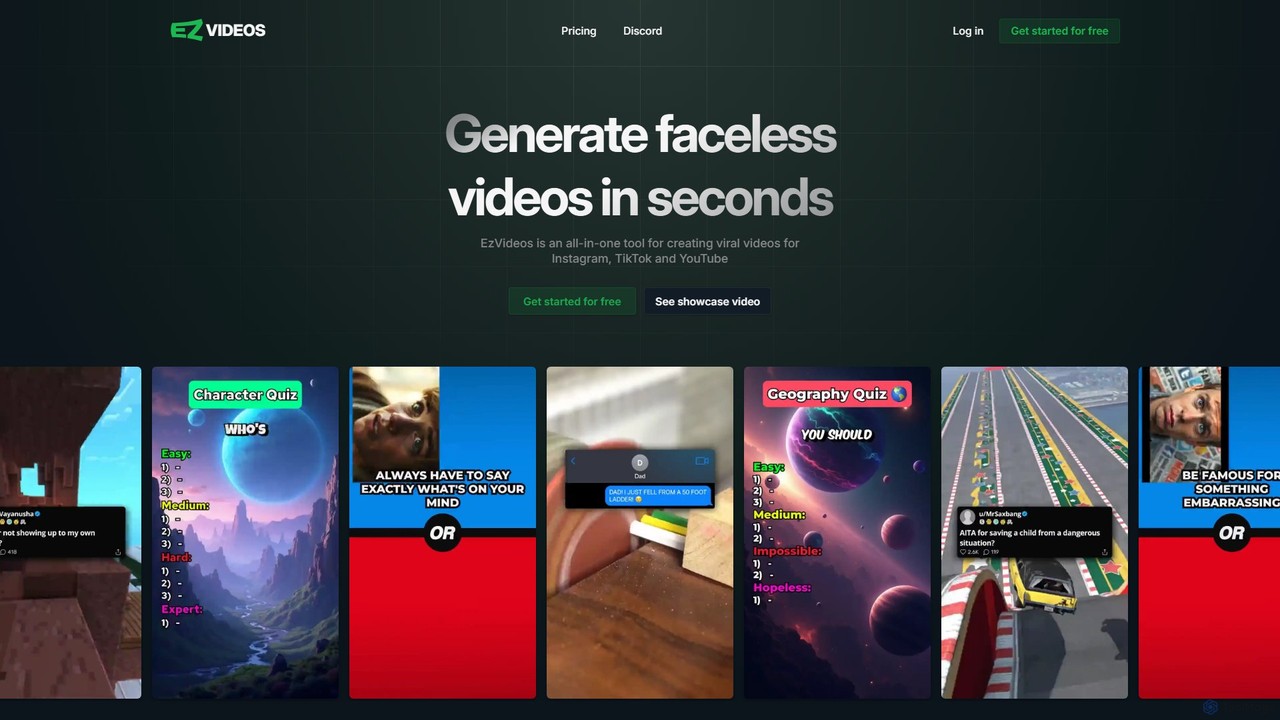
ezvideos
ezvideos is an AI-powered platform designed for creating viral, faceless videos for social media like TikTok, Instagram, and YouTube. It streamlines video creation with AI-generated content, a premium media library, and high-quality text-to-speech voices, enabling creators to produce engaging content 10 times faster than traditional methods.
Automation
imcaption
imcaption is an AI-powered caption generator designed for social media creators and marketers. It instantly creates engaging, platform-optimized captions and relevant hashtags for your photos and videos, helping you save time, overcome writer's block, and boost your online engagement.
Social Media Marketing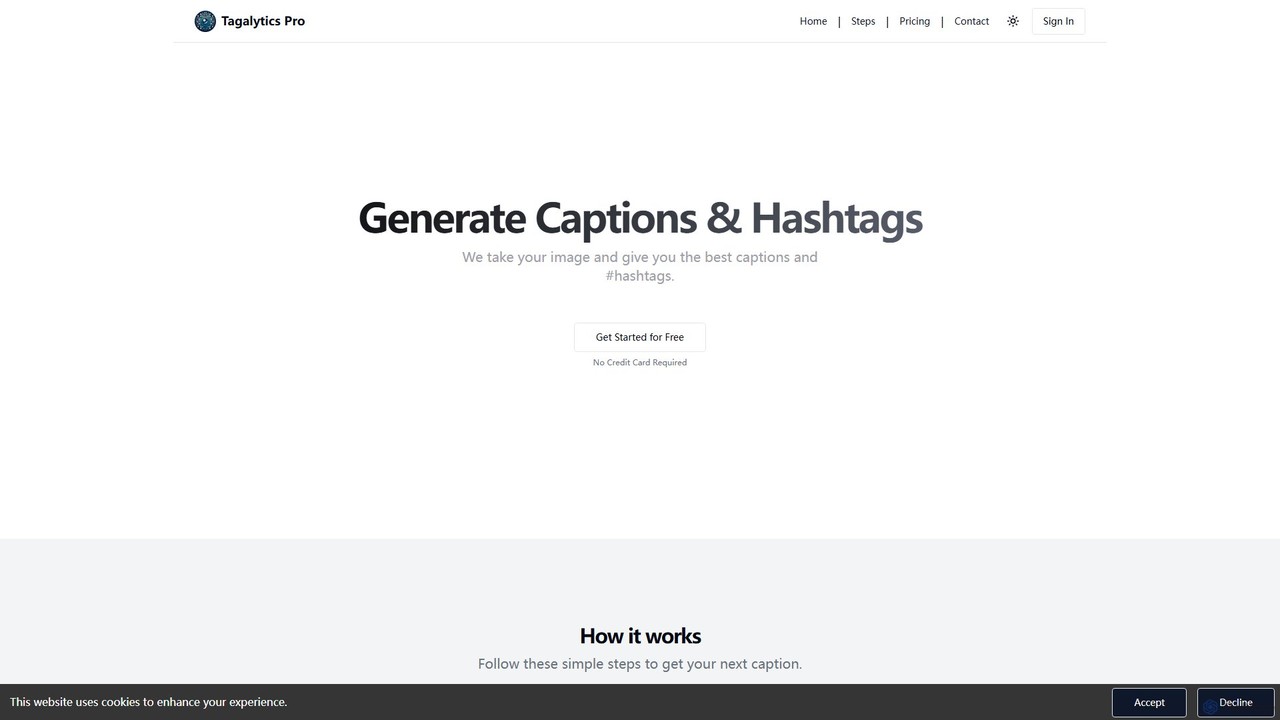
Tagalytics Pro
Tagalytics Pro is an AI-powered tool that analyzes your images to generate compelling captions and optimized hashtags for social media platforms like Instagram and TikTok. It's designed to save time, boost engagement, and overcome creative blocks for content creators, marketers, and businesses.
Social Media Marketing
Instasize Comments (0)
Sign in to comment.
Sign inNo comments yet.