

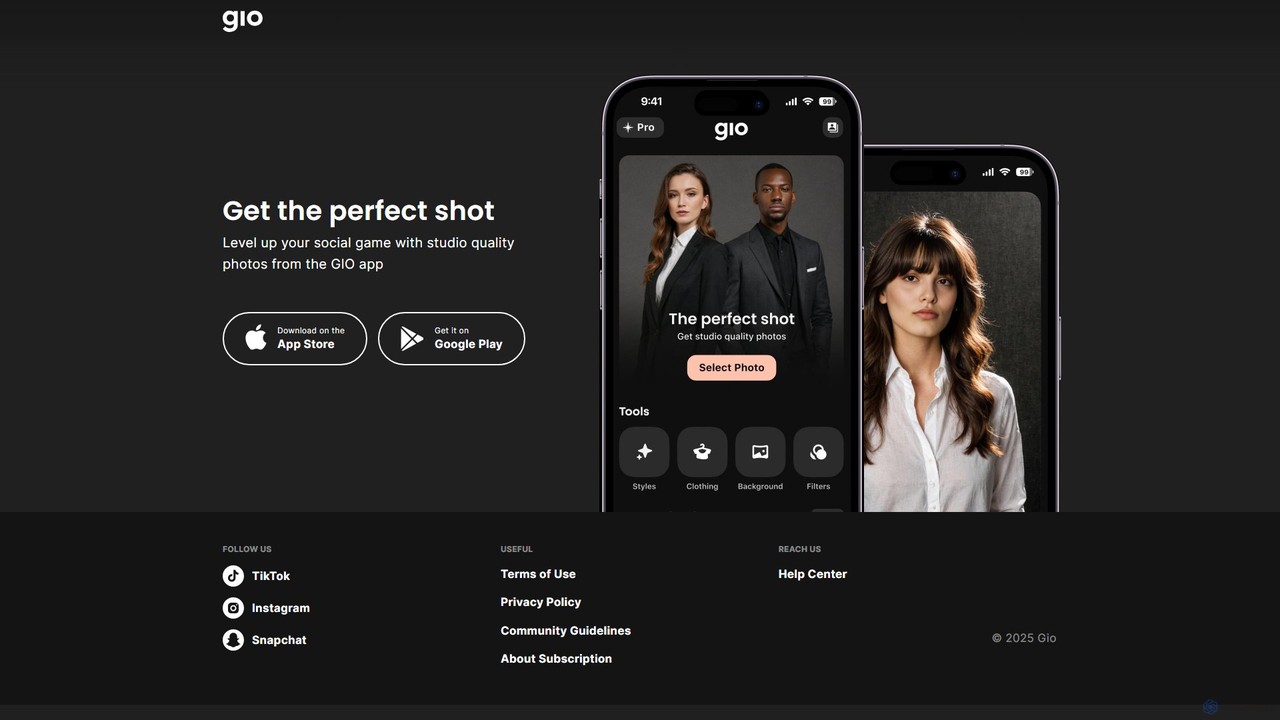
Gio Overview
Gio is a cutting-edge mobile application that leverages the power of artificial intelligence to provide users with studio-quality photo editing capabilities. Developed by Prequel Inc., a company known for its expertise in content editing apps, Gio is designed to help users level up their social media presence. It simplifies complex editing processes, allowing anyone to achieve professional-looking results without needing technical skills or expensive equipment. Whether you're creating content for Instagram, generating a professional headshot for LinkedIn, or simply enhancing your personal photos, Gio provides the tools to make every shot perfect.
The app operates on a freemium model, offering a range of powerful features for free, with advanced capabilities available through a subscription. It focuses on user-friendliness, with an intuitive interface that makes sophisticated AI editing accessible to everyone. By analyzing your photos, Gio's AI can automatically apply enhancements, from subtle retouching to complete stylistic transformations, ensuring your images are always eye-catching and polished.
How to use Gio
Using Gio is a straightforward process designed for maximum efficiency:
- Download the App: Find and install the Gio app from the Apple App Store or Google Play Store.
- Select Your Photo: Open the app and grant it permission to access your photo library. Choose the image you want to edit.
- Apply AI Tools: Browse through Gio's extensive library of AI-powered features. You can enhance portraits, change backgrounds, remove unwanted objects, or apply artistic styles. Simply tap on the desired effect.
- Fine-Tune and Customize: While the AI provides excellent automatic results, you can often fine-tune the adjustments using simple sliders and controls to match your personal preference.
- Subscribe for Premium Features: To unlock the full suite of tools, remove watermarks, and get unlimited access, you can subscribe to a weekly or monthly plan directly within the app.
- Save and Share: Once you are satisfied with the result, save the high-resolution, studio-quality image to your device or share it directly to your favorite social media platforms like Instagram, TikTok, and Snapchat.
Core Features of Gio
- AI Portrait Enhancement: Automatically retouches skin, brightens eyes, whitens teeth, and refines facial features for flawless portraits.
- AI Headshot Generator: Transforms casual selfies into professional-grade headshots suitable for corporate profiles, resumes, and social media.
- Background Manipulation: Seamlessly remove, replace, or blur the background of any photo to create focus and a professional look.
- Object Removal: Intelligently erases unwanted people, objects, or blemishes from your photos with a simple touch.
- Studio Lighting Effects: Simulates various professional lighting setups, allowing you to add dramatic or flattering light to your images after they've been taken.
- Artistic AI Styles & Filters: A vast collection of creative filters and styles that can turn your photos into paintings, sketches, and other forms of digital art.
- Photo Upscaling & Restoration: Improves the quality and resolution of old or blurry photos, bringing clarity and detail back to your cherished memories.
Use Cases for Gio
Gio is a versatile tool suitable for a wide range of users:
- Social Media Influencers & Content Creators: Quickly produce high-quality, engaging images that stand out in crowded social media feeds.
- Professionals & Job Seekers: Create polished and professional headshots for LinkedIn, company websites, and business cards without a professional photoshoot.
- Small Business Owners: Enhance product photos for e-commerce stores and marketing materials to attract more customers.
- Dating App Users: Craft more attractive and compelling profile pictures to make a great first impression.
- Photography Enthusiasts: Experiment with creative styles and advanced editing techniques on the go.
- Casual Users: Improve everyday photos of family, friends, and travel, turning them into beautiful, shareable memories.
Advantages of Gio
The primary advantage of Gio is its ability to democratize professional photo editing. It packs the power of a sophisticated editing suite into an easy-to-use mobile app. Key benefits include:
- Professional Quality: Achieve results comparable to those from expensive desktop software and professional photographers.
- Time-Saving: AI automation handles complex tasks in seconds, drastically reducing editing time.
- Cost-Effective: Provides access to high-end editing tools for a low subscription fee, eliminating the need for costly photoshoots or software licenses.
- Accessibility: Available on both iOS and Android, making it accessible to a broad audience.
- User-Friendly Interface: Designed for simplicity, allowing users of all skill levels to create amazing photos.
Pricing and Plans
Gio operates on a freemium model. Users can download the app and use a selection of its features for free. To access the complete set of premium tools, unlimited edits, and watermark-free exports, users must subscribe. The subscription plans are managed through the Apple App Store and Google Play Store.
- Subscription Plans: Gio typically offers weekly and monthly subscription options. Special promotional plans may also be available from time to time.
- Auto-Renewal: Subscriptions auto-renew unless canceled at least 24 hours before the end of the current billing period.
- Payment: All payments are processed through the user's App Store or Google Play account, ensuring a secure and straightforward transaction process.
For specific pricing details, users should check the in-app purchase section within the Gio app on their respective app store.
Traffic
Latest traffic
Status
Monthly traffic trend
- 2025-9: 4.4K
- 2026-1: 4.7K
- 2026-2: 4.7K
- 2026-3: 5.3K
- 2026-4: 2.6K
- 2026-5: 2.1K
Geography
Top 5 countries / regions
- 🇺🇸United States100.0%
Top keywords
| Keyword | Cost per click |
|---|---|
| gio | $1.15 |
| gio..app | $0.00 |
| gio inteligencia artificial | $0.00 |
| gio photo | $0.00 |
| gio photo ai portrait | $0.00 |
Gio Alternatives
Hypic
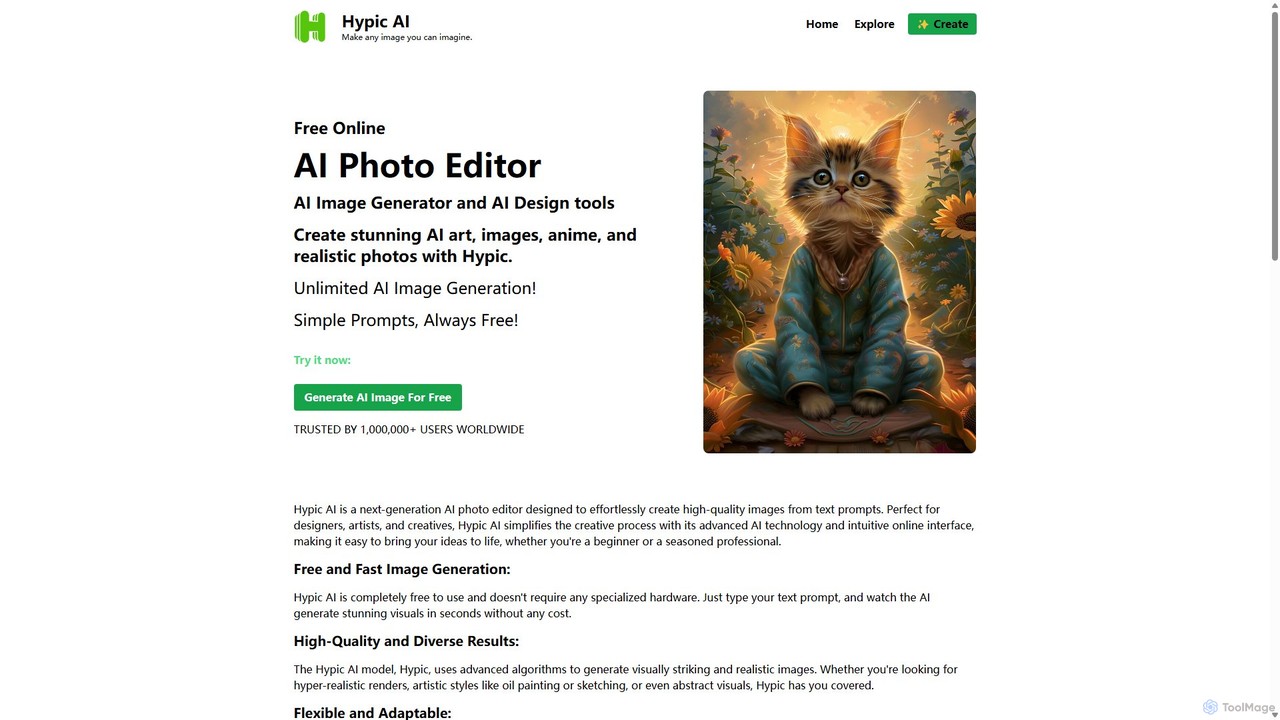
Hypic is a powerful, all-in-one AI photo editing app for both beginners and professionals. It offers a wide range of AI-powered features, including one-tap portrait retouching, object removal, background replacement, and creative filters. Elevate your photos for social media, personal use, or e-commerce with professional-grade tools made simple and accessible on your mobile device.
Image Generation
PhotoGrid
PhotoGrid is an all-in-one online collage maker and AI photo editor. It offers over 20,000 templates and a suite of powerful AI tools to create stunning photo collages, remove backgrounds, enhance image quality, and apply creative filters, making professional photo editing accessible to everyone.
Collage Maker
Instasize
Instasize is an all-in-one creative toolkit for photo and video editing, specifically designed for social media content creators. It offers a suite of powerful tools, including an intuitive image resizer, AI-powered features like background removal and image expansion, professional filters, and text styles to help users create stunning visuals effortlessly for platforms like Instagram, TikTok, and more.
Image Editing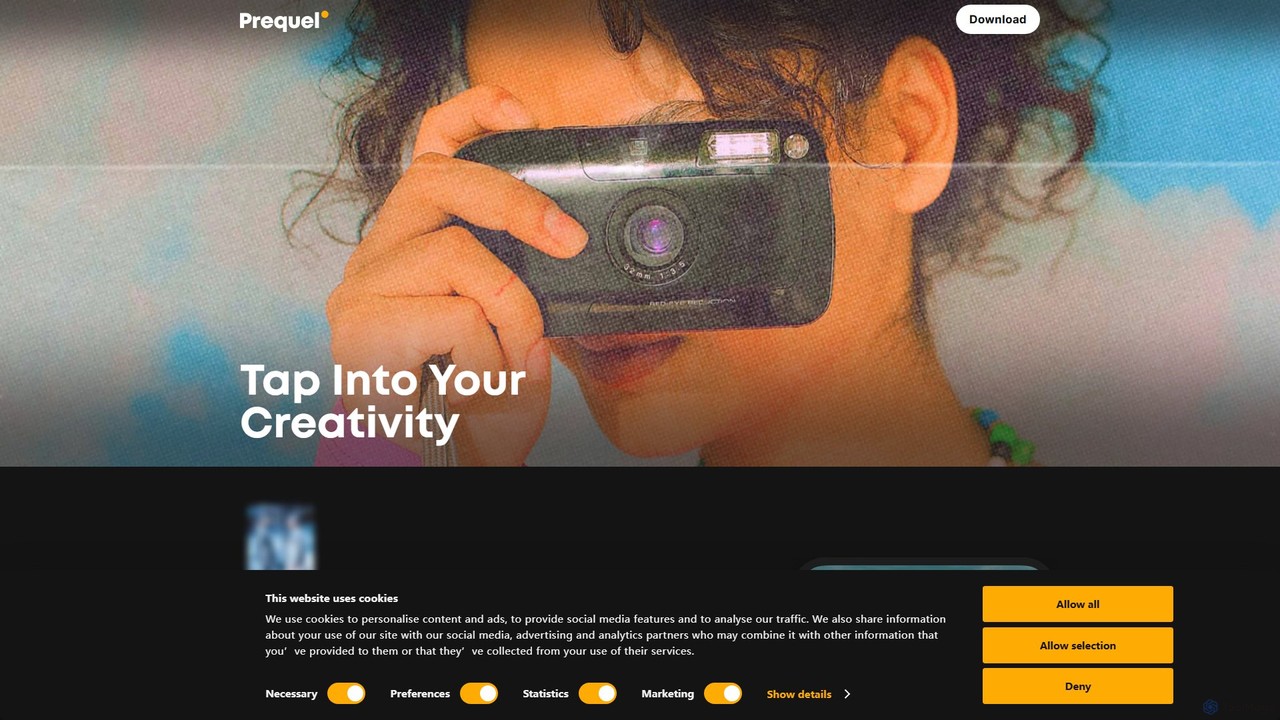
Prequel
Prequel is an AI-powered photo and video editor designed for creating stunning, aesthetic content. It offers a vast library of trendy filters, AI effects, and advanced editing tools, making it easy for users to transform their visuals for social media and personal projects. Ideal for content creators, influencers, and anyone looking to elevate their digital imagery.
Image Editing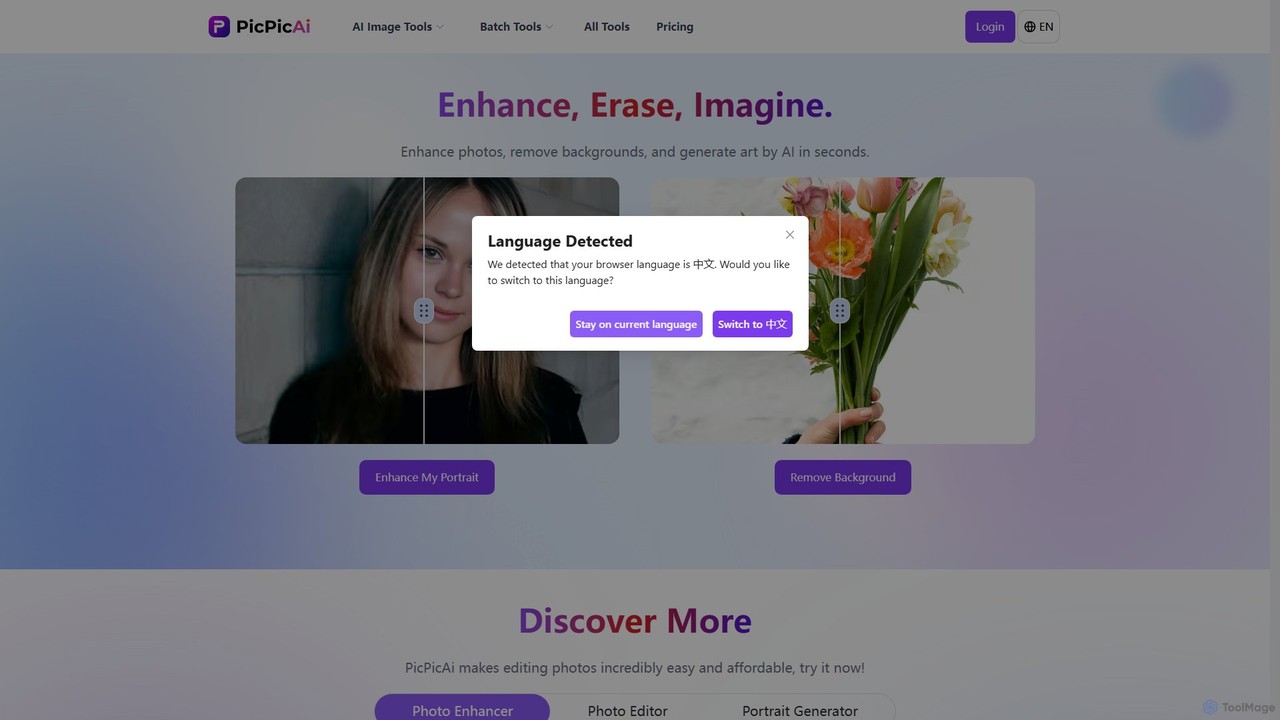
PicPicAI
PicPicAI is an all-in-one AI-powered photo editing suite designed for ease of use and professional results. It offers a wide range of tools, including photo enhancement, background and object removal, AI art generation, portrait retouching, and old photo restoration. Ideal for marketers, e-commerce sellers, and content creators.
Image GenerationGio Categories
Gio Embed Widget
Copy this embed code to place the badge on your blog, article, or product site and send readers directly to this ToolMage detail page.

Related AI tools
Hypic
Hypic is a powerful, all-in-one AI photo editing app for both beginners and professionals. It offers a wide range of AI-powered features, including one-tap portrait retouching, object removal, background replacement, and creative filters. Elevate your photos for social media, personal use, or e-commerce with professional-grade tools made simple and accessible on your mobile device.
Image Generation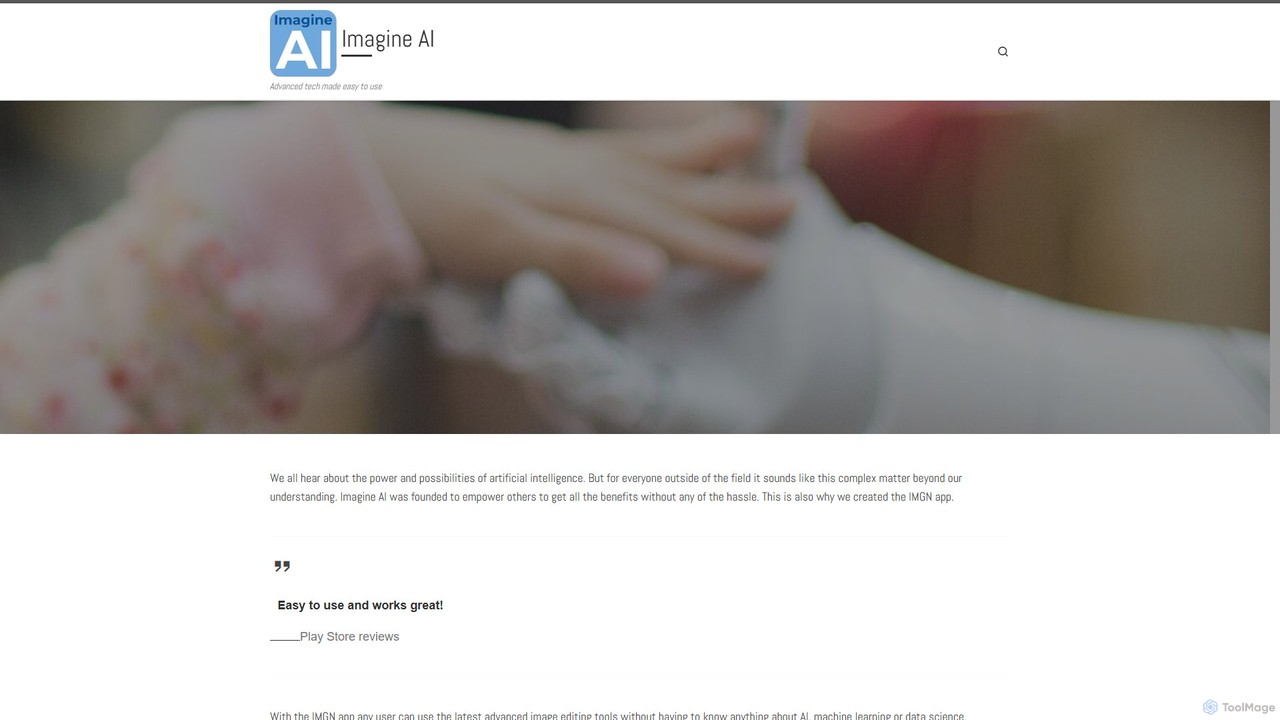
Imagine AI
Imagine AI is a user-friendly mobile application designed to make advanced AI image editing and generation accessible to everyone. Through its IMGN app, users can effortlessly create stunning AI art from text prompts, enhance photo quality, remove unwanted objects or backgrounds, and apply artistic styles. No technical expertise is required, making it the perfect tool for social media creators, marketers, and anyone looking to unleash their creativity on their smartphone.
Image EditingPhotoGrid
PhotoGrid is an all-in-one online collage maker and AI photo editor. It offers over 20,000 templates and a suite of powerful AI tools to create stunning photo collages, remove backgrounds, enhance image quality, and apply creative filters, making professional photo editing accessible to everyone.
Collage MakerInstasize
Instasize is an all-in-one creative toolkit for photo and video editing, specifically designed for social media content creators. It offers a suite of powerful tools, including an intuitive image resizer, AI-powered features like background removal and image expansion, professional filters, and text styles to help users create stunning visuals effortlessly for platforms like Instagram, TikTok, and more.
Image EditingPrequel
Prequel is an AI-powered photo and video editor designed for creating stunning, aesthetic content. It offers a vast library of trendy filters, AI effects, and advanced editing tools, making it easy for users to transform their visuals for social media and personal projects. Ideal for content creators, influencers, and anyone looking to elevate their digital imagery.
Image EditingPicPicAI
PicPicAI is an all-in-one AI-powered photo editing suite designed for ease of use and professional results. It offers a wide range of tools, including photo enhancement, background and object removal, AI art generation, portrait retouching, and old photo restoration. Ideal for marketers, e-commerce sellers, and content creators.
Image Generation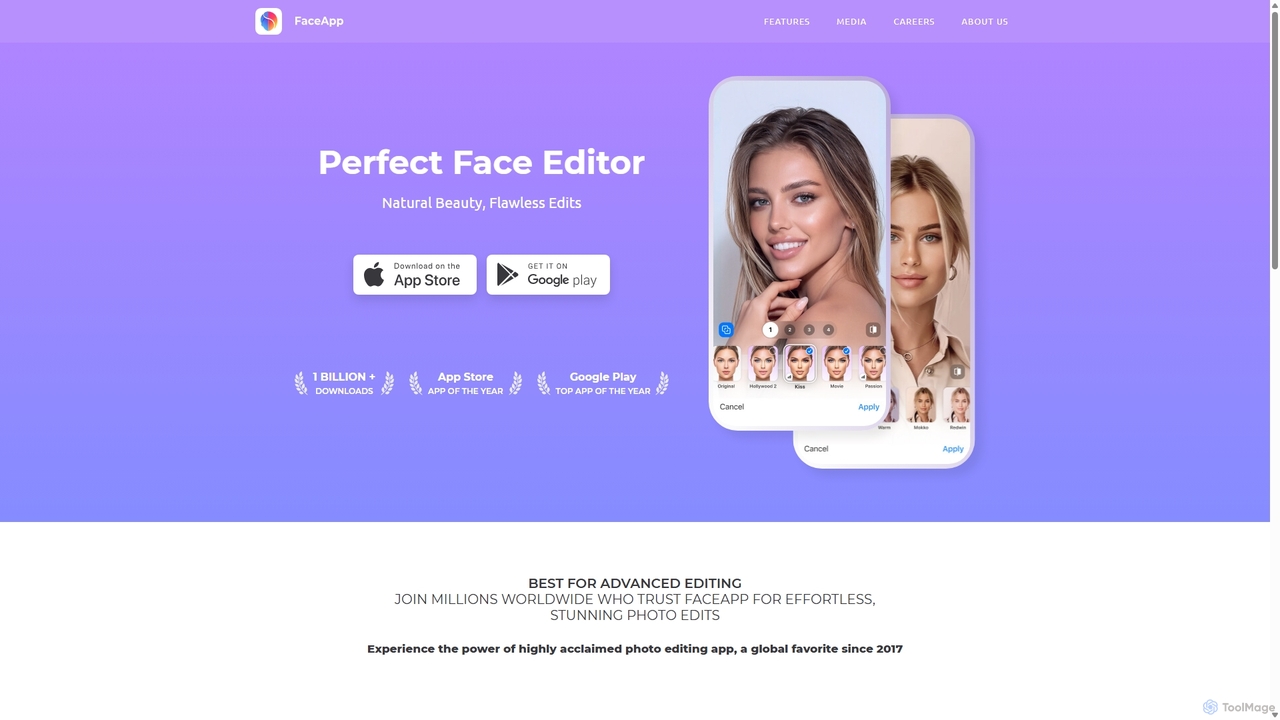
FaceApp
FaceApp is a leading AI-powered photo and selfie editor for iOS and Android. With over a billion downloads, it uses advanced neural networks to offer hyper-realistic transformations. Effortlessly apply filters for aging, gender swap, makeup, hairstyles, and beauty retouching. Perfect for creating stunning, shareable content for social media or simply for fun.
Entertainment
Filterly
Filterly is an AI-powered mobile photo editing app that lets you transform your appearance in photos with a single tap. Experiment with new hairstyles, visualize age changes, and apply a wide range of artistic and retro filters to unveil your best self.
Avatar Generator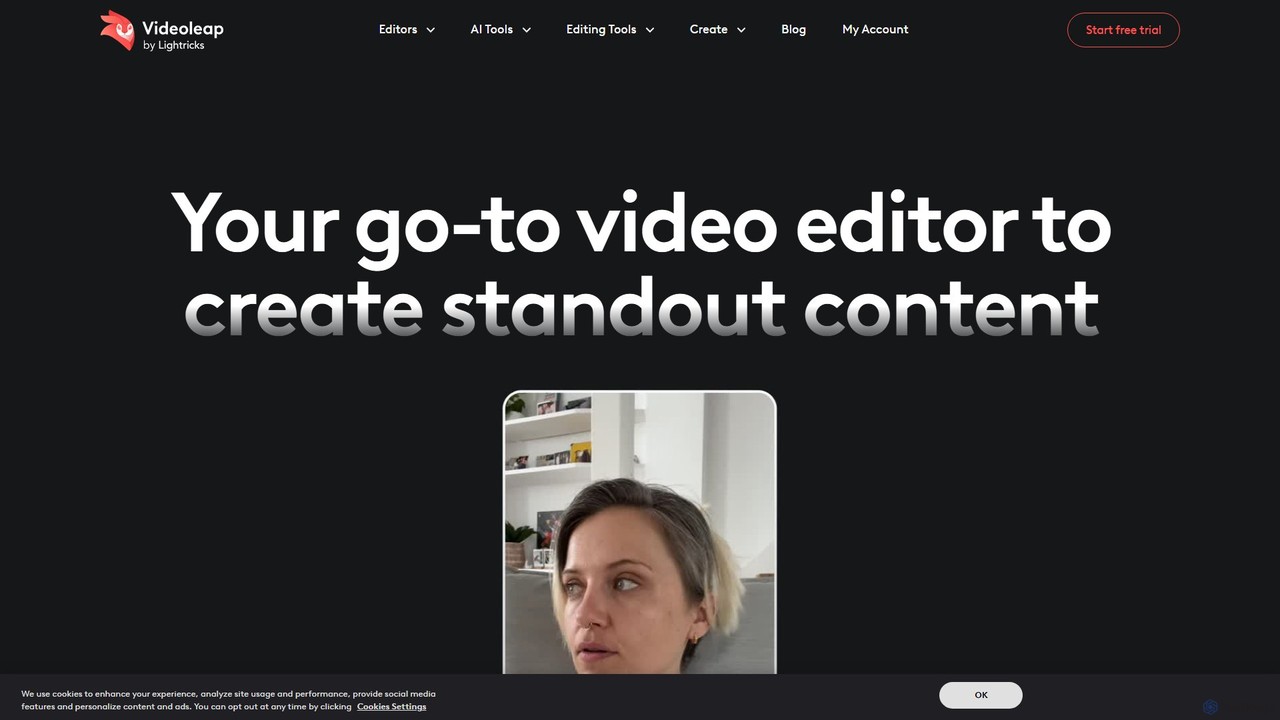
Videoleap
Videoleap is a powerful AI-driven video editor and maker app designed for both beginners and professionals. It combines a full suite of traditional editing tools with cutting-edge AI features like object removal, infinite zoom, and AI-generated effects. Create stunning, professional-quality videos for social media, marketing, or personal projects directly from your mobile device with ease and speed.
Mobile Apps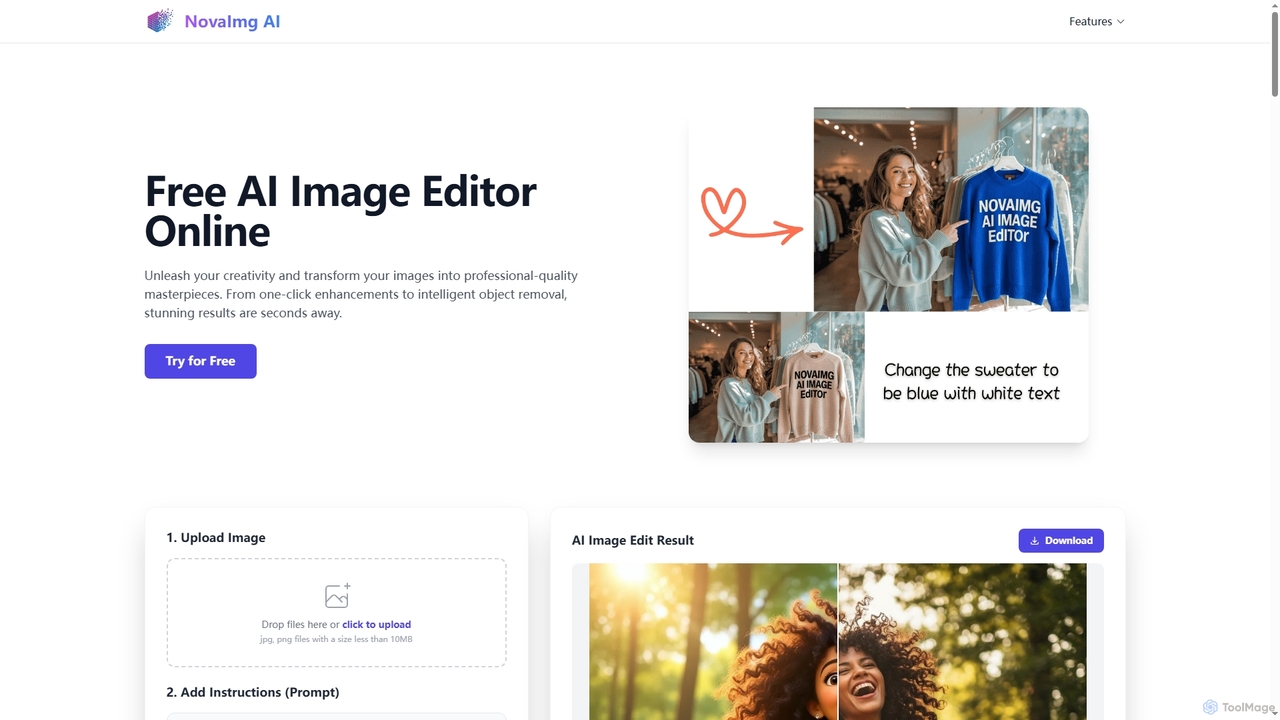
Novaimg
Novaimg is a versatile online AI tool suite for transforming and enhancing visual content. It offers a range of features including AI image editing with text prompts, 4K image upscaling, realistic face swapping for photos, videos, and GIFs, and an intelligent watermark remover. Designed for ease of use, Novaimg helps users create professional-quality images and videos for social media, e-commerce, and creative projects, often for free or with generous daily limits.
Graphic Design
Momo
Momo is an AI-powered photo editor that creates hyper-realistic portraits and images of you in various styles and settings. By training the AI with a few of your photos, you can generate unlimited professional-quality pictures for CVs, social media, or personal exploration. It offers diverse scenarios like professional photoshoots, pregnancy photos, and even creating a 'mini-me' version of yourself, all accessible through a user-friendly mobile app and website.
Avatars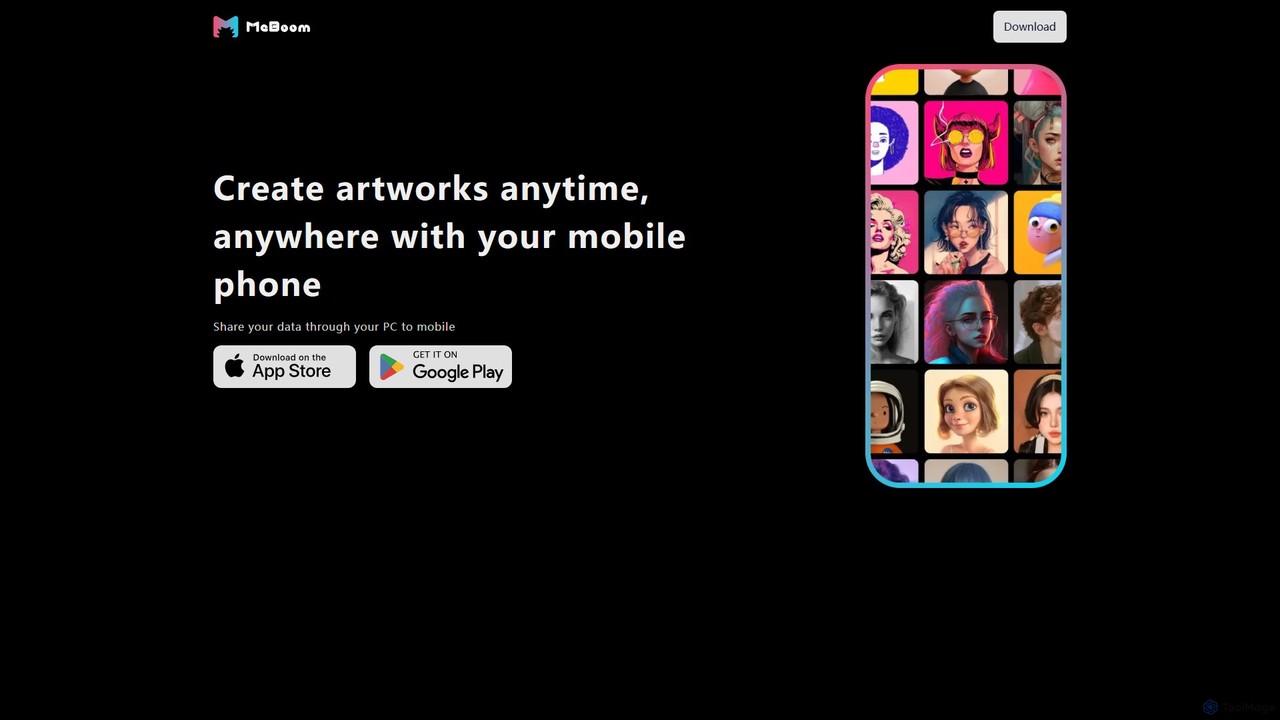
meboom
meboom is an AI-powered avatar generator that transforms your selfies into hundreds of unique, stylized digital portraits. Using advanced AI models, it allows you to create stunning avatars in various styles, from professional headshots to fantasy art, directly from your mobile phone. Perfect for social media profiles, gaming identities, and creative expression.
Image Generation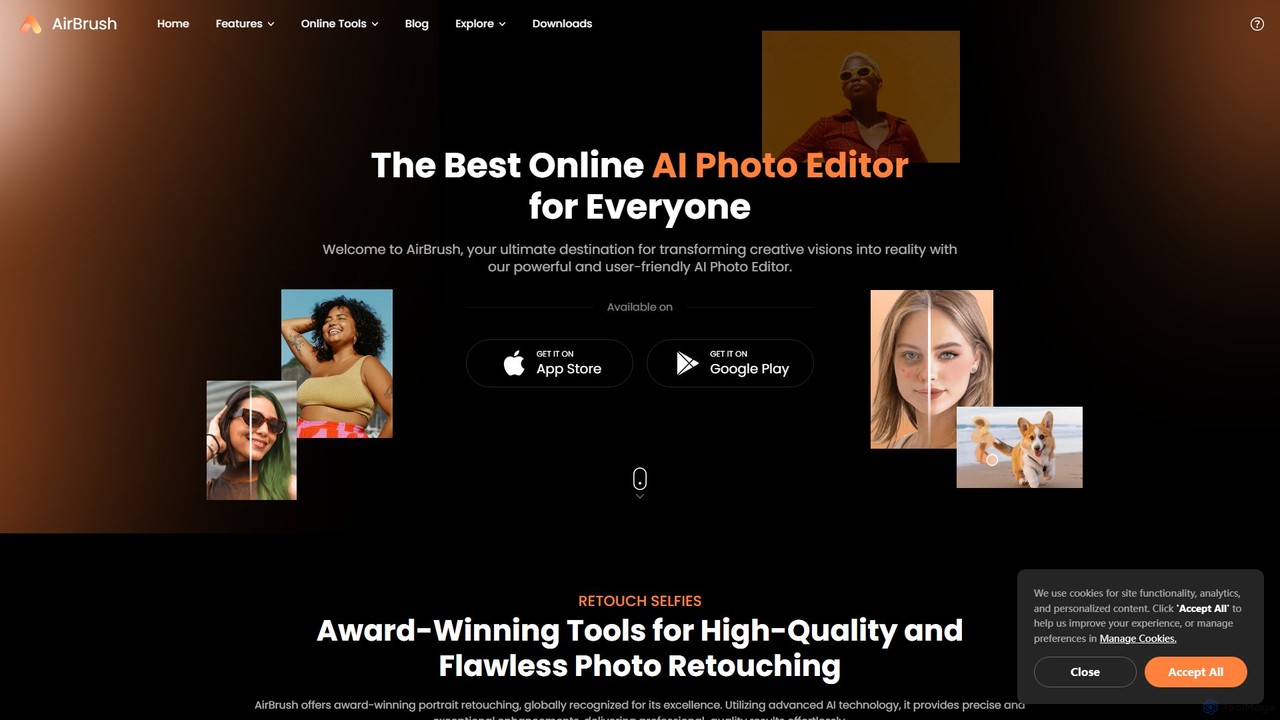
AirBrush
AirBrush is a comprehensive AI-powered photo and video editor available on web and mobile. It offers a wide range of tools for effortless editing, including one-click portrait retouching, image and video enhancement up to 4K, object and background removal, and creative AI generators for avatars and headshots. Designed for both beginners and professionals, AirBrush makes it easy to achieve flawless, high-quality results.
3D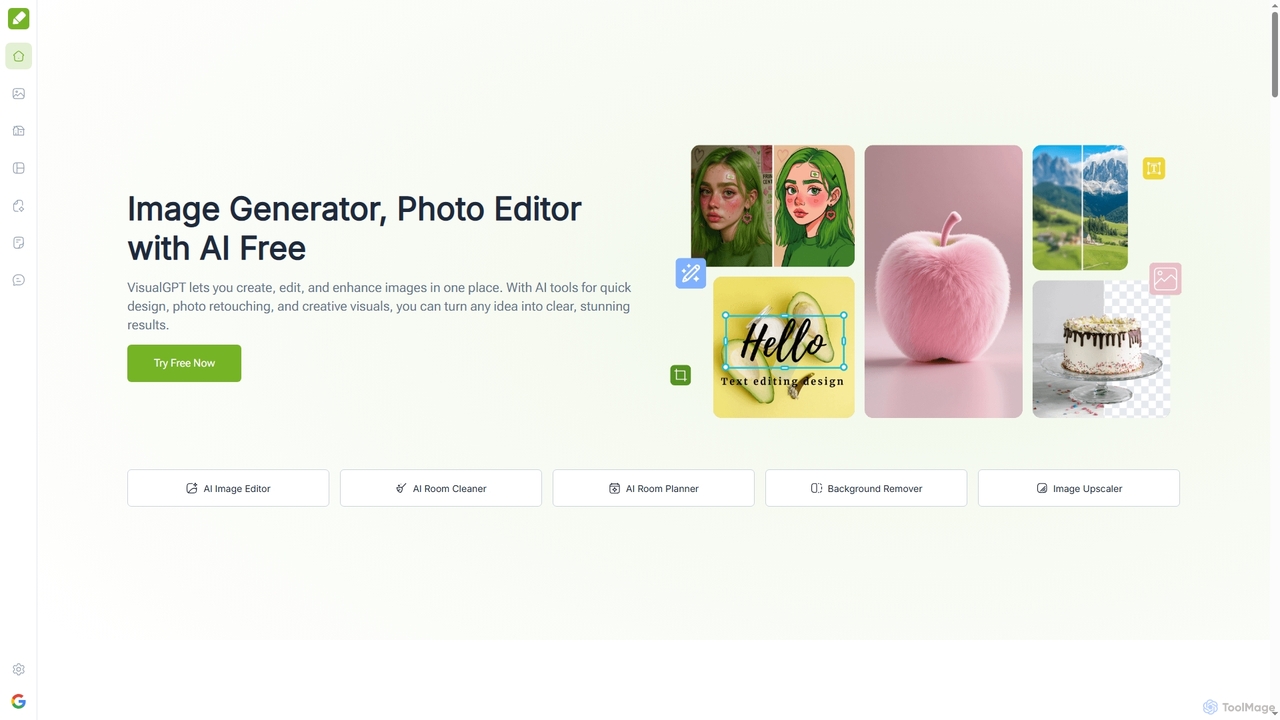
VisualGPT
VisualGPT is an all-in-one online AI platform for generating, editing, and enhancing images. It offers tools like AI image editing, background removal, room planning, and visualization, powered by advanced models like Nano Banana and Stable Diffusion. Designed for ease of use, it helps users create stunning visuals quickly without complex software or design skills.
Graphic Design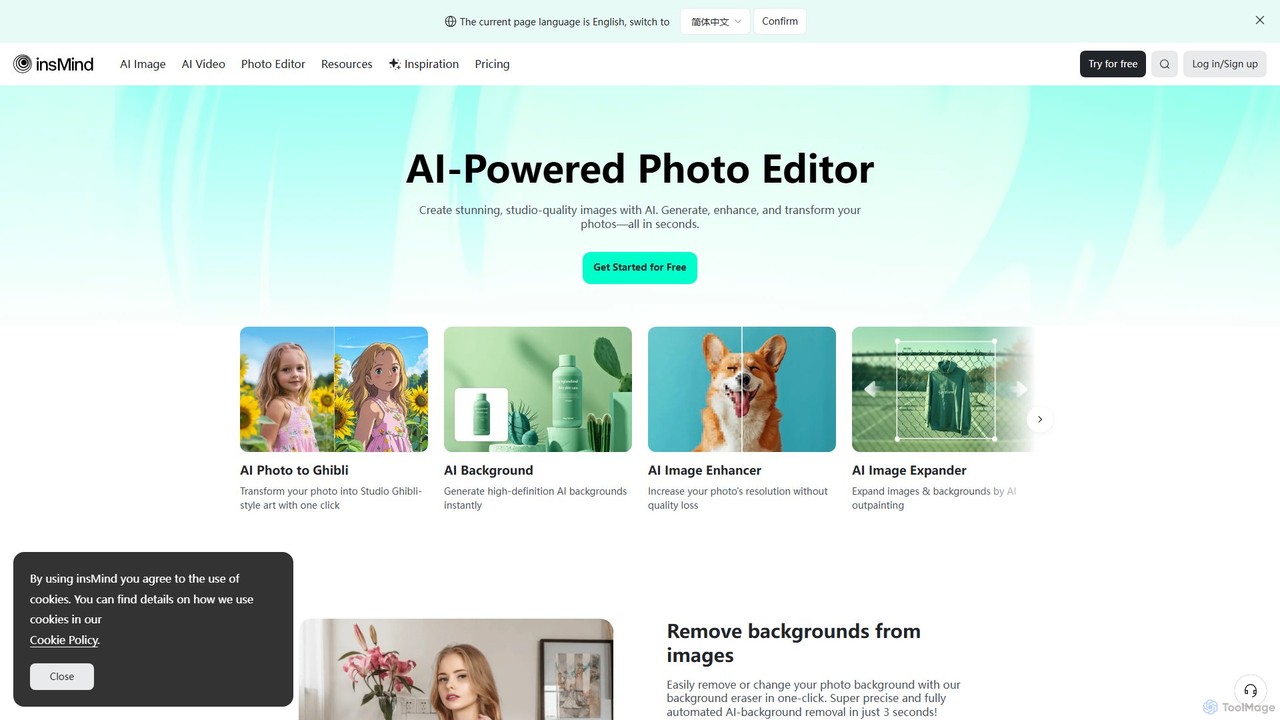
insmind
insmind is an AI-powered photo editor designed for e-commerce and marketing. It offers a comprehensive suite of tools to instantly remove backgrounds, generate realistic scenes, enhance image quality, erase unwanted objects, and create professional product photos, social media posts, and headshots in seconds. It's built to be user-friendly for both beginners and professionals, streamlining the entire image creation workflow.
3D
Gio Comments (0)
Sign in to comment.
Sign inNo comments yet.