ToolMage
Sign in

Best 9 Visuals AI tools for Marketing

Popular Visuals AI tools in Marketing include Instasize, Branition, illustration.app, LogoFast, Logo by ShapeFactory, Uptechai, VectorUbi, Flux Krea, and illostration, helping you work more efficiently.

LogoFast
Freemium

LogoFast

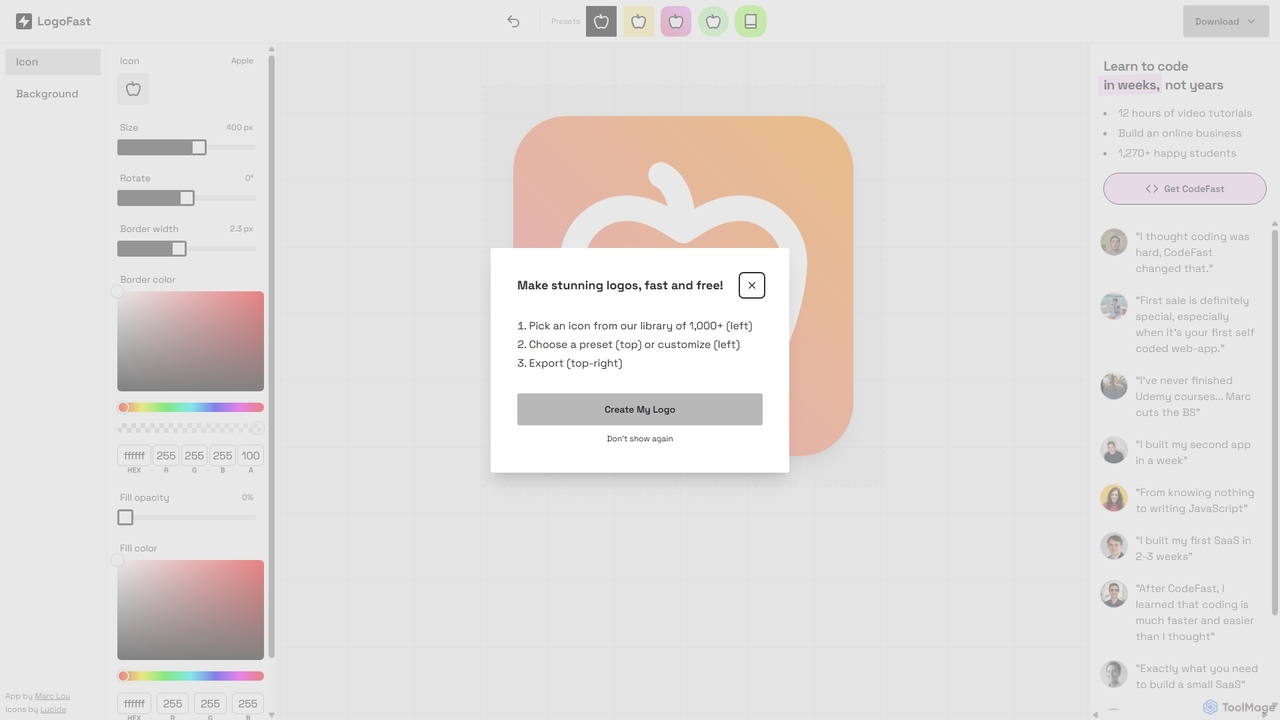
LogoFast is a free, AI-powered logo maker designed to help startups, small businesses, and individuals create professional logos in minutes. With an intuitive interface, extensive customization options, and a vast library of icons and fonts, you can design a unique brand identity effortlessly, no design skills required.

Brand Identity
Visits 10.1KFavorites 125Likes 122
Logo by ShapeFactory
Freemium

Logo by ShapeFactory

Logo by ShapeFactory is an AI-powered logo maker designed for simplicity and speed. It enables users to create clean, professional logos in minutes without design experience. Ideal for startups, small businesses, and content creators seeking a hassle-free branding solution with customizable templates and high-resolution downloads.

Brand Identity
Visits 6.2KFavorites 100Likes 94
Flux Krea
Freemium

Flux Krea

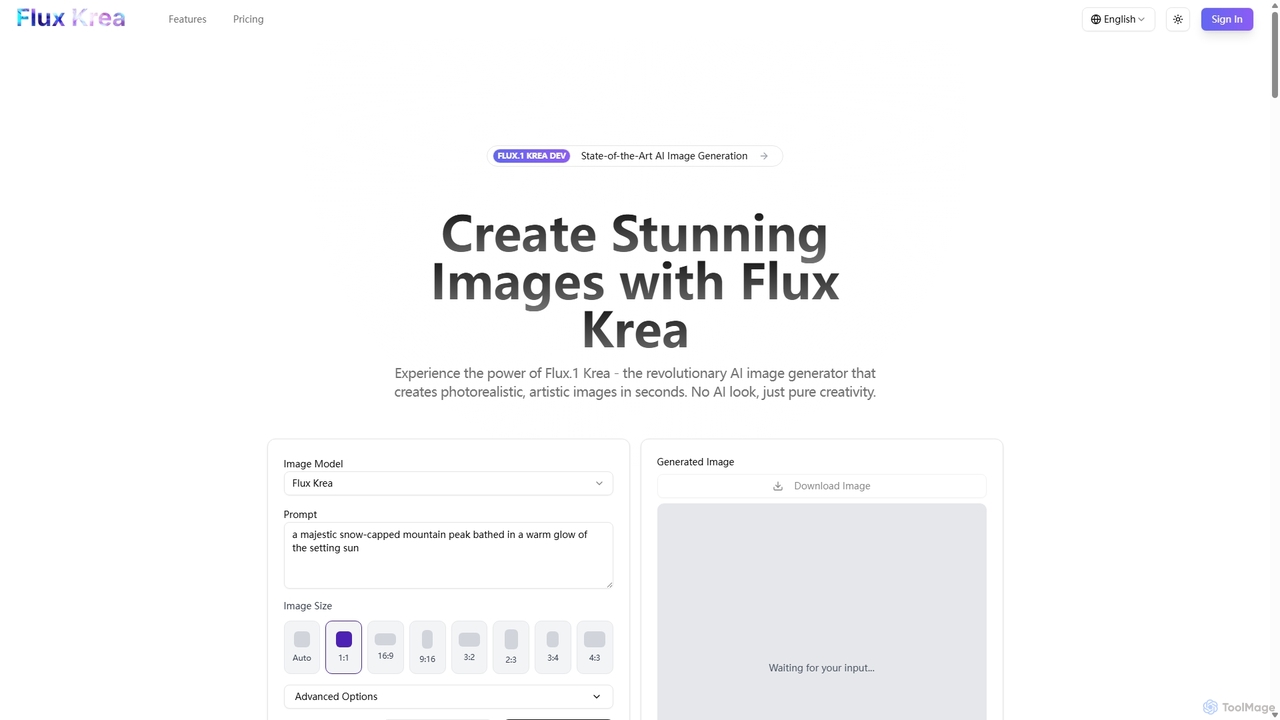
Flux Krea is a state-of-the-art AI image generator powered by the revolutionary Flux.1 Krea model. It creates stunning, photorealistic, and artistic images in seconds, specifically designed to avoid the typical "AI look." Ideal for creators, designers, and businesses, it offers a fast, intuitive, and powerful solution for generating high-quality visuals for any project, with full commercial rights.

Digital Art
Visits 4.5KFavorites 137Likes 132
VectorUbi
Freemium

VectorUbi

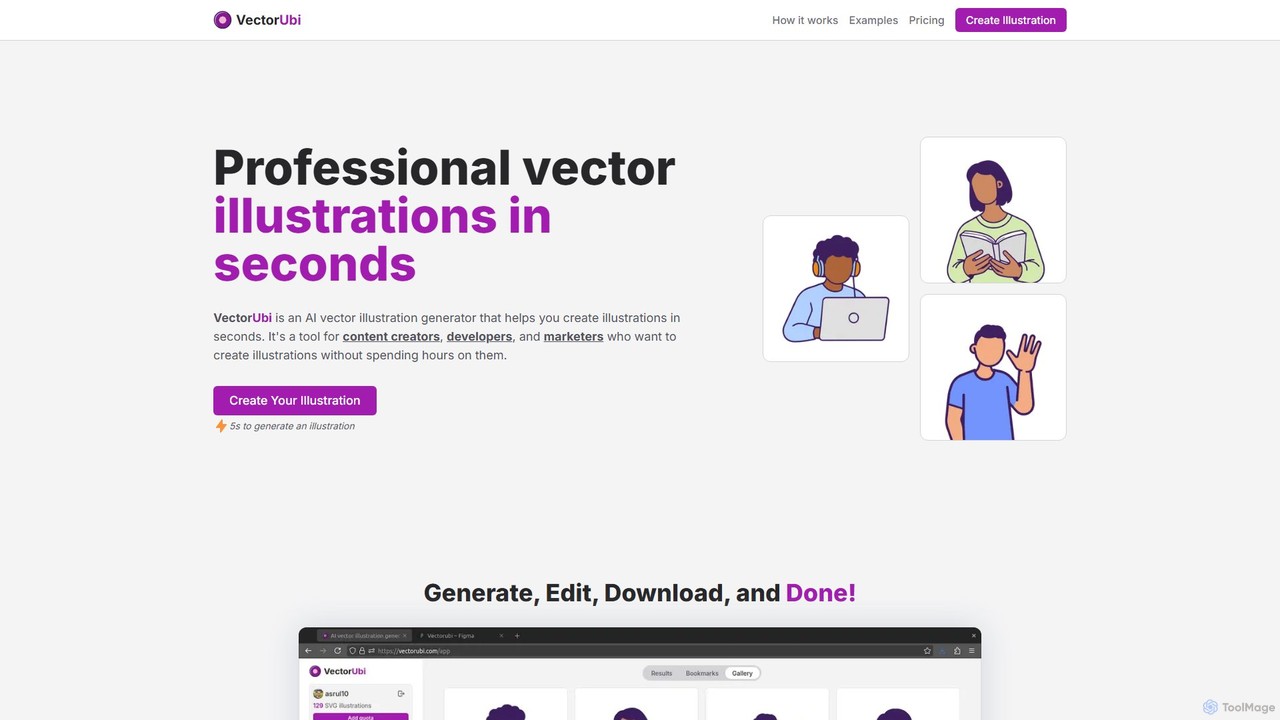
VectorUbi is an AI-powered tool that generates high-quality, customizable vector illustrations (SVG) from simple text prompts. Create consistent, unique visuals for your website, marketing materials, or projects in seconds. It's fast, easy to use, and offers flexible, non-expiring pricing plans.

Graphics
Visits 4.6KFavorites 83Likes 92
Branition
Paid

Branition

Branition is a premium marketplace for unique, ready-made logos. Unlike AI generators, each logo is professionally designed by a human artist and sold only once, ensuring your brand identity is exclusive. It's the perfect solution for startups and businesses seeking a high-quality, one-of-a-kind logo without the high cost and long timeline of custom design projects.

Brand Identity
Visits 27.5KFavorites 122Likes 108
illustration.app
Freemium

illustration.app

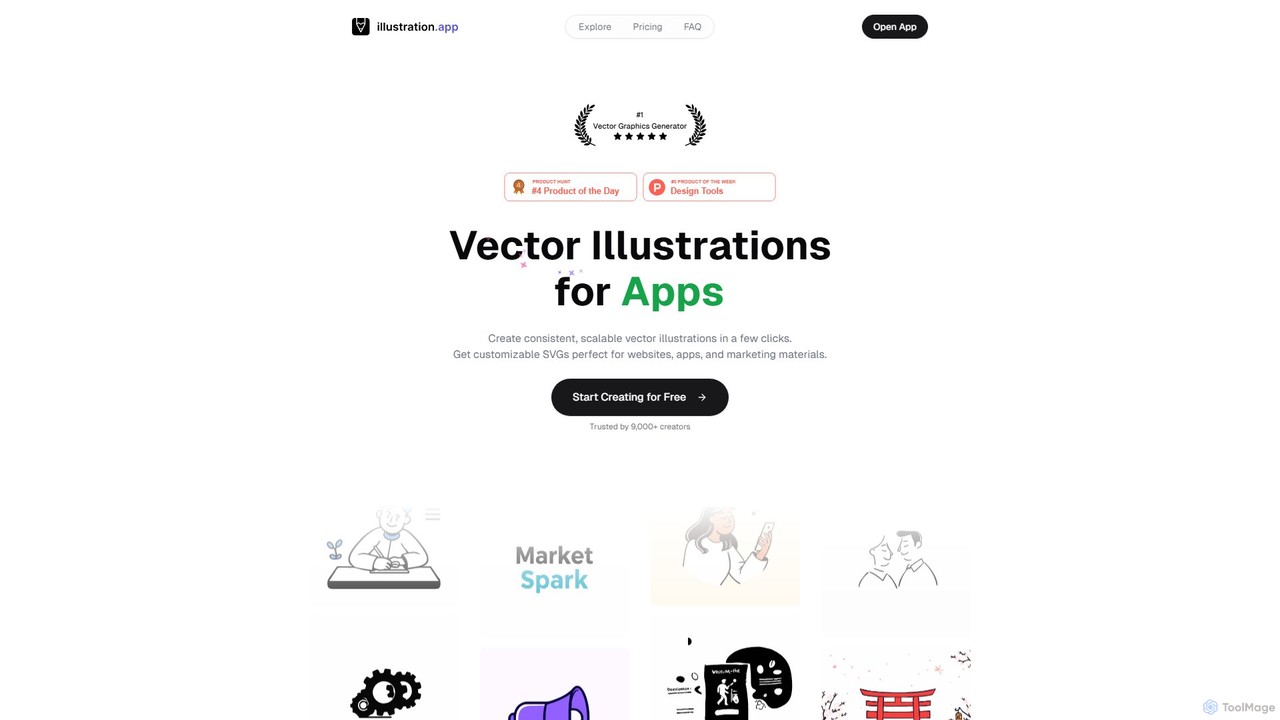
illustration.app is an AI-powered vector illustration generator that creates custom, scalable SVG graphics from simple text prompts. It's designed for designers, marketers, and developers to produce unique, brand-aligned visuals for websites, apps, and marketing materials in seconds, eliminating the need for generic stock images or expensive custom work.

Illustration
Visits 15KFavorites 129Likes 139
Instasize
Freemium

Instasize

Instasize is an all-in-one creative toolkit for photo and video editing, specifically designed for social media content creators. It offers a suite of powerful tools, including an intuitive image resizer, AI-powered features like background removal and image expansion, professional filters, and text styles to help users create stunning visuals effortlessly for platforms like Instagram, TikTok, and more.

Image Editing
Visits 228.3KFavorites 147Likes 137
Uptechai
Freemium

Uptechai

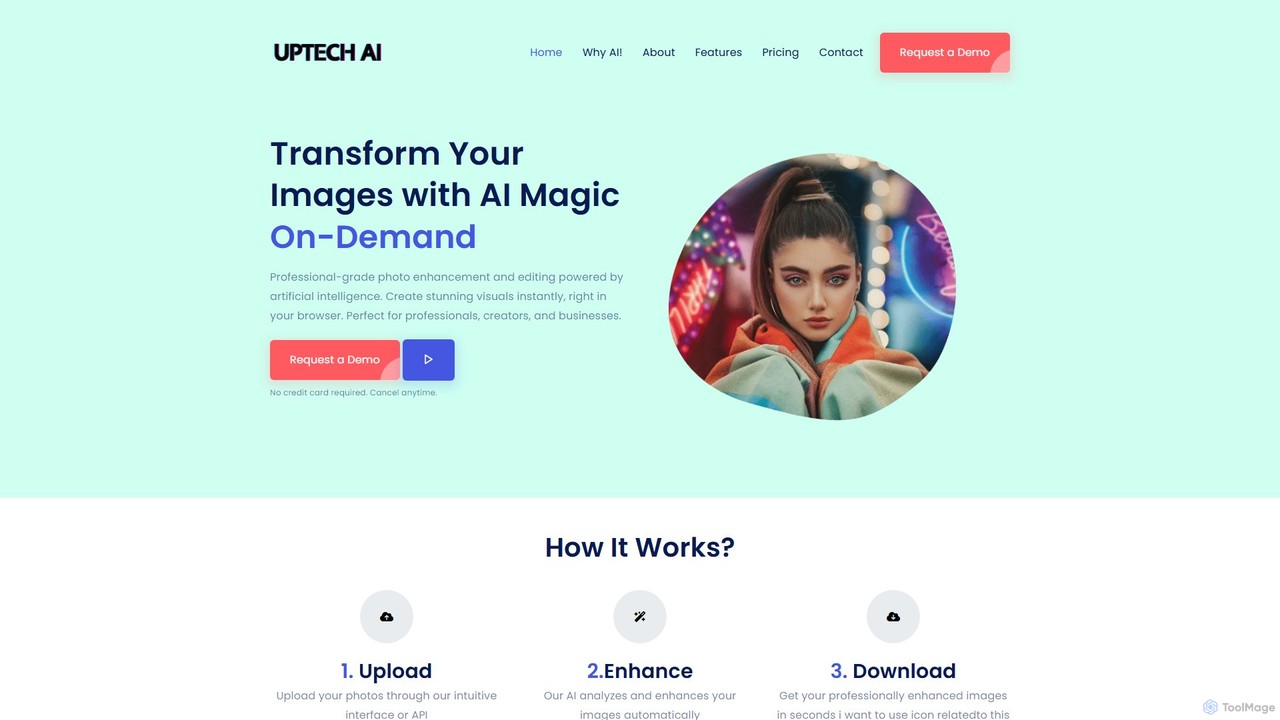
Uptechai is an AI-powered photo enhancement and editing platform designed for professionals, creators, and businesses. It transforms images instantly in your browser, providing professional-grade results with features like automated enhancement, API integration, and customizable editing tools to streamline workflows and improve visual quality.

3D
Visits 5KFavorites 67Likes 72
illostration
Freemium

illostration

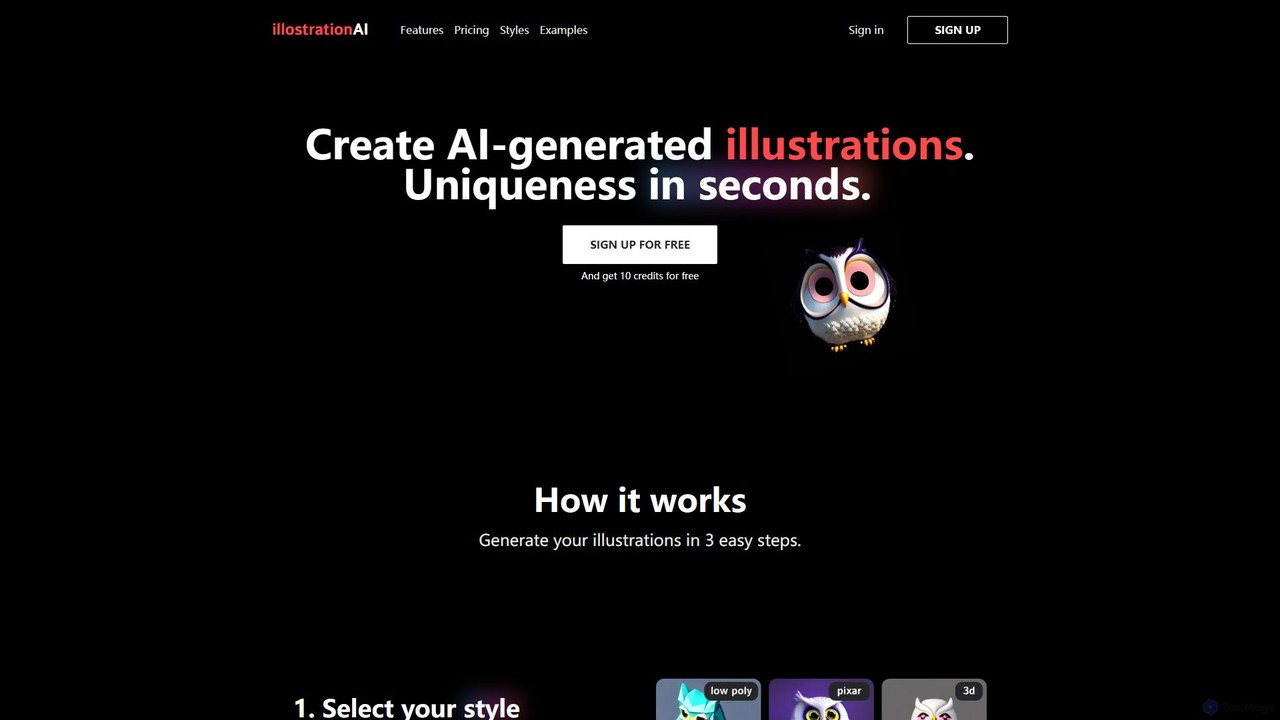
illostration is an AI-powered tool that generates unique, high-quality illustrations from text descriptions in seconds. It offers a wide variety of artistic styles, including 3D renders, vector art, Pixar style, and pixel art. Users can easily create and refine artwork, making it ideal for designers, marketers, and content creators who need custom visuals quickly.

Image Generator
Visits 4.4KFavorites 130Likes 160

About Visuals

AI Visuals tools are a specialized category of software designed to automate and enhance the creation of visual content specifically for marketing purposes. They utilize generative AI and machine learning to produce a wide range of assets, including ad creatives, social media posts, and presentation graphics from simple text inputs or data. This enables marketing teams to generate high-quality, on-brand visuals at scale, drastically reducing production time and dependency on specialized design resources. These tools are pivotal for maintaining a consistent and engaging visual presence across all digital marketing channels.

Core Features

  • Brand Kit Integration: Automatically applies brand colors, fonts, and logos to ensure all generated visuals are consistent with brand identity.
  • Template-Based Generation: Creates marketing assets from a library of professionally designed and customizable templates for ads, posts, and banners.
  • Multi-Format Output: Generates visuals pre-formatted and optimized for various platforms, such as Instagram Stories, Facebook ads, or LinkedIn banners.
  • AI-Powered Editing & Remixing: Provides smart features for background removal, object replacement, and creating multiple variations of a single visual concept.
  • Performance-Oriented Suggestions: Some tools can analyze visual elements and suggest improvements to increase engagement or conversion rates based on data.

Use Cases

These tools are widely used by digital marketers, social media managers, content creators, and small business owners. Common applications include rapidly generating A/B test variations for ad campaigns, creating a consistent stream of content for social media calendars, designing eye-catching email marketing headers, and producing professional graphics for reports and presentations without extensive design skills.

How to Choose

When selecting an AI Visuals tool for marketing, consider the quality and style control it offers to match your brand's aesthetic. Evaluate its integration capabilities with your existing marketing stack, such as social media schedulers or ad platforms. Assess the collaboration features for team-based workflows and carefully review the terms regarding commercial usage rights and image licensing to ensure compliance.

Featured tool rankings

Visuals use cases

1

Generating Ad Creative Variations at Scale

A performance marketer needs to test multiple ad concepts for a new product launch on social media. Instead of spending days with a designer, they use an AI visuals tool. By inputting the product name, key features, and target audience, the tool generates dozens of unique ad creatives in various styles and formats. This allows the marketer to A/B test different headlines, images, and calls-to-action simultaneously, quickly identifying the highest-performing ads and optimizing the campaign budget for maximum ROI.

2

Automating Daily Social Media Content

A social media manager for a B2B company is responsible for maintaining an active presence on LinkedIn and Twitter. They connect their content calendar and blog's RSS feed to an AI visuals tool. The tool automatically pulls key quotes or statistics from new articles and generates branded quote cards, infographics, and promotional images. This automates the creation of daily visual content, ensuring a consistent posting schedule and freeing up the manager's time to focus on community engagement and strategy.

3

Personalizing E-commerce Promotion Visuals

An e-commerce marketing team wants to increase conversions from their email campaigns. They integrate an AI visuals tool with their customer data platform. For a 'Just For You' campaign, the tool dynamically generates personalized banners for each recipient, featuring products they have previously viewed or items from their abandoned cart. This level of visual personalization makes the email more relevant and compelling, leading to higher click-through rates and sales.

4

Creating On-Brand Sales and Marketing Presentations

A marketing department needs to ensure all client-facing presentations are professional and brand-aligned. They set up their company's brand kit (logo, colors, fonts) within an AI visuals tool. Now, the sales and marketing teams can instantly generate custom diagrams, charts, and illustrations for their slides by simply describing what they need. This eliminates the use of generic stock photos and ensures every presentation reinforces the company's visual identity.

5

Designing Product Mockups for Online Stores

A print-on-demand business owner needs to showcase their new t-shirt designs on their website. Without the budget for a photoshoot, they use an AI visuals tool to create realistic product mockups. They upload their design files, and the AI places them on various apparel models and lifestyle backgrounds. This allows them to generate a complete set of high-quality product images for their online store and marketing materials in a fraction of the time and cost.

6

Visualizing Data for Marketing Reports

A marketing analyst is preparing a quarterly performance report for stakeholders. To make the data more digestible and impactful, they input key metrics from their campaigns (e.g., website traffic, conversion rates, cost per acquisition) into an AI visuals tool. The tool automatically suggests the best chart types and generates a series of clean, branded infographics and graphs. This transforms dense spreadsheets into a clear and persuasive visual story, helping stakeholders quickly grasp the campaign's success.

Visuals FAQ

What are AI Visuals tools in a marketing context?

AI Visuals tools for marketing are applications that use artificial intelligence to automate the creation of visual assets for campaigns. Unlike general AI image generators, they are specifically designed for marketing workflows, often including features like brand kits, marketing templates, and multi-platform format outputs. They help marketers produce ad creatives, social media posts, and other promotional graphics quickly and at scale, without needing advanced design skills.

How do I choose the right AI Visuals tool for my marketing team?

To choose the right tool, evaluate these four key areas:

  • Brand Alignment: Does the tool have strong brand kit features to ensure all visuals match your company's style guide?
  • Workflow Integration: Can it connect with your existing marketing software, like social media schedulers, ad managers, or email platforms?
  • Asset Quality & Control: Does the output quality meet your standards, and how much control do you have over the final visuals?
  • Commercial Licensing: Does the subscription provide clear commercial rights for you to use the generated assets in paid advertising and other promotional activities?
What is the difference between AI Visuals tools and traditional design software like Adobe Photoshop?

The primary difference is speed versus control. AI Visuals tools are built for speed and scale, allowing marketers to generate many visual options from text prompts in minutes. They automate the design process. Traditional design software like Photoshop offers granular, pixel-level control for professional designers to create highly customized and complex artwork from scratch. AI tools are for idea generation and rapid production, while traditional tools are for detailed execution and refinement.

Are visuals created by these AI tools safe for commercial use in ads?

Generally, yes, provided you are using a reputable, paid service. Most commercial AI Visuals tools explicitly grant users a license to use the generated images for commercial purposes, including advertising. However, it is crucial to read the terms of service for each specific tool. Some services may have restrictions on using generated images that contain recognizable people or copyrighted styles. Always verify the licensing terms before using assets in a major campaign.

How can AI Visuals tools help maintain brand consistency?

AI Visuals tools maintain brand consistency primarily through 'Brand Kit' features. Marketers can upload their company's logo, define a specific color palette, and set official brand fonts. When generating new visuals, the AI is instructed to use only these pre-approved assets. This ensures that every ad creative, social media post, or presentation slide automatically adheres to the established brand guidelines, creating a cohesive and professional look across all marketing channels.