ToolMage
Sign in

Best 3 Social Media Copy AI tools for Copywriting

Popular Social Media Copy AI tools in Copywriting include Social Curator, postgenie.pro, and imagetocaption.ai, helping you work more efficiently.

postgenie.pro
Freemium

postgenie.pro

PostGenie is an AI-powered social media assistant designed to help marketers, creators, and businesses generate high-quality, engaging posts effortlessly. It creates tailored content for various platforms, suggests relevant hashtags, and helps maintain a consistent online presence, saving you time and boosting engagement.

Social Media Copy
Visits 7.3KFavorites 148Likes 142
imagetocaption.ai
Freemium

imagetocaption.ai

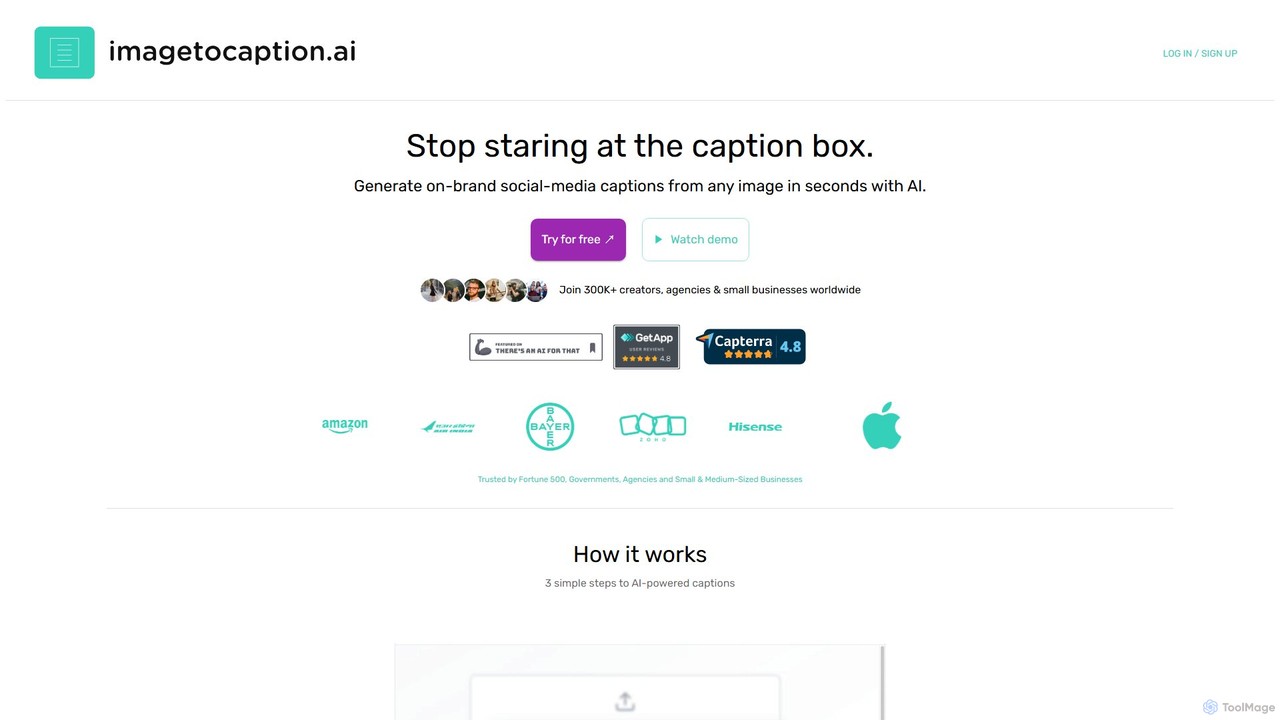
imagetocaption.ai is an AI-powered tool that automatically generates engaging and on-brand captions for images and videos. Designed for social media managers, content creators, and businesses, it saves hours of work by creating customized captions, hashtags, and calls-to-action in over 27 languages. Its unique brand voice feature ensures all content remains authentic and consistent.

Social Media Copy
Visits 6.6KFavorites 150Likes 153
Social Curator
Paid

Social Curator

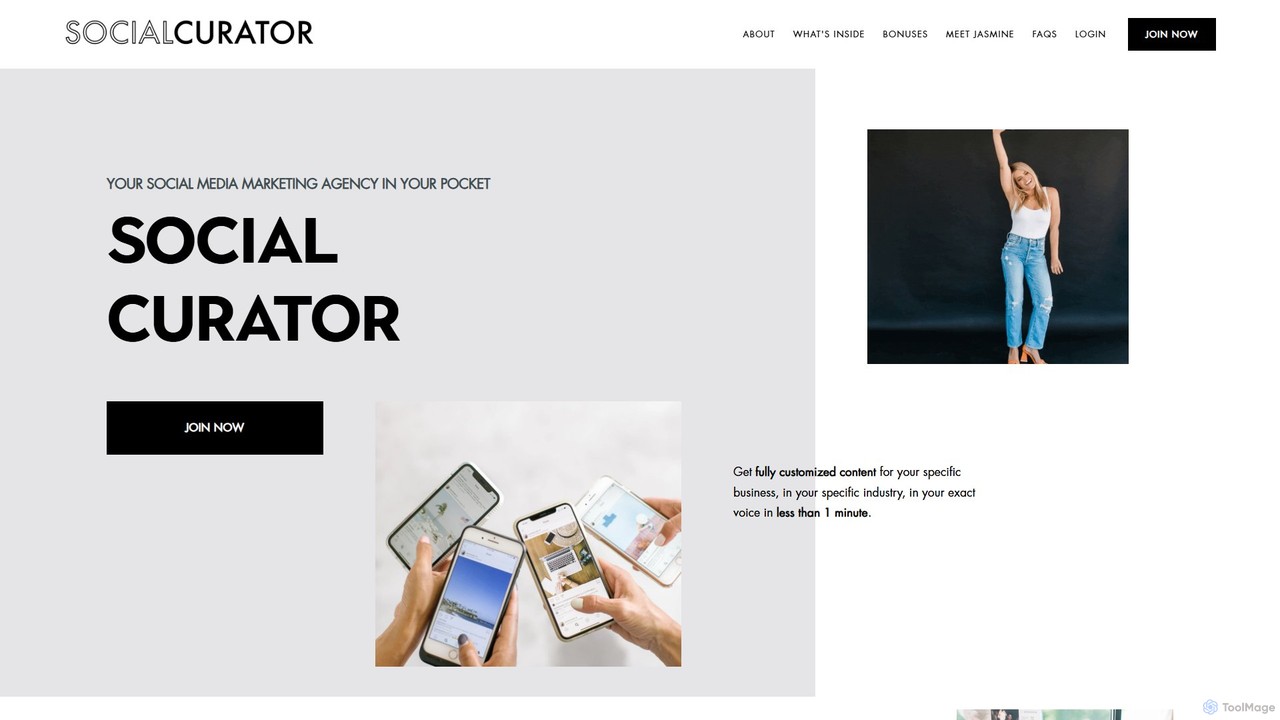
Social Curator is an all-in-one AI-powered social media marketing platform for small businesses. It features "Dottie," a digital social media manager that generates customized, on-brand content in your voice. The platform includes content scheduling, auto-posting, strategic marketing education, a vast photo library, and a supportive community, aiming to simplify social media marketing and drive sales.

Social Media Copy
Visits 8.8KFavorites 125Likes 122

About Social Media Copy

AI Social Media Copy tools are specialized applications that automatically generate engaging, platform-specific text for social networks. These tools utilize advanced language models to analyze brand voice, target audience, and platform constraints, producing content like tweets, captions, and post descriptions. They accelerate the content creation workflow, enhance audience engagement with optimized messaging, and maintain a consistent brand voice across channels. Their focus on short-form, interactive, and algorithm-aware content distinguishes them within the broader field of AI copywriting.

Core Features

  • Platform-Specific Generation: Creates copy tailored to the character limits, tone, and format of platforms like Twitter, Instagram, LinkedIn, and Facebook.
  • Tone & Voice Adaptation: Allows users to define a brand voice (e.g., witty, professional, friendly) and generates copy that consistently matches it.
  • Hashtag & Emoji Suggestion: Recommends relevant and trending hashtags and emojis to increase post visibility and engagement.
  • Content Repurposing: Transforms existing content, like a blog post, into multiple social media snippets suitable for different platforms.
  • A/B Testing Variations: Generates several copy alternatives for a single post, enabling marketers to test which message resonates best with their audience.

Use Cases

These tools are essential for social media managers, digital marketing agencies, e-commerce brands, and content creators. They are used to maintain a high-frequency posting schedule without sacrificing quality, run multi-platform campaigns with tailored messaging, and quickly generate creative ideas to overcome writer's block. For instance, an e-commerce store can generate dozens of promotional captions for a new product launch in minutes.

How to Choose

When selecting an AI Social Media Copy tool, consider the scope of supported platforms and if they match your marketing channels. Evaluate the quality and variety of the generated copy and the tool's ability to learn and adapt to your specific brand voice. Also, check for integration capabilities with social media scheduling tools like Buffer or Hootsuite, and consider the pricing model based on your content volume needs.


Social Media Copy use cases

1

Generate a Week's Worth of Instagram Captions

A social media manager for a fashion brand needs to create seven unique and engaging Instagram captions for the upcoming week's posts. Instead of spending hours brainstorming, they use an AI Social Media Copy tool. They input key details for each post (e.g., 'new summer dress launch,' 'behind-the-scenes photoshoot,' 'customer feature') and select a 'chic and inspiring' tone. The AI generates multiple caption options for each post, complete with relevant fashion hashtags and emoji suggestions. The manager can then quickly select the best options, make minor tweaks, and schedule the entire week's content in under an hour, ensuring a consistent and high-quality feed.

2

Crafting Professional LinkedIn Posts for B2B Outreach

A B2B sales consultant wants to increase their visibility and authority on LinkedIn. They need to consistently share insightful posts about industry trends. Using an AI Social Media Copy tool, they input a link to a recent industry report and a key takeaway. The tool generates several professional, concise post drafts optimized for LinkedIn's audience. It structures the post with a strong hook, bullet points for readability, and a thought-provoking question to encourage comments. This process transforms a complex report into engaging content in minutes, helping the consultant build their personal brand and attract potential clients.

3

A/B Testing Ad Copy for a Facebook Campaign

A digital marketer is launching a Facebook ad campaign for a new software product. To maximize the click-through rate (CTR), they need to test different ad copy variations. They use an AI Social Media Copy tool and provide it with the product's main features and target audience (e.g., 'project managers,' 'productivity enthusiasts'). The AI generates five distinct ad copy versions, each with a different angle: one focusing on time-saving benefits, another on collaboration features, and a third using a question-based hook. This allows the marketer to quickly set up an A/B test campaign without manual brainstorming, leading to data-driven decisions on which message performs best and optimizing ad spend.

4

Repurposing a Blog Post into a Twitter Thread

A content marketer has just published a comprehensive 2,000-word blog post. To maximize its reach, they want to share the key points on Twitter. Manually summarizing and splitting the content into a thread is tedious. They paste the blog post's URL into an AI Social Media Copy tool. The tool automatically identifies the main arguments and data points, then drafts a compelling 8-part Twitter thread. Each tweet is crafted to be engaging on its own while flowing logically to the next, complete with relevant hashtags and a final call-to-action to read the full article. This saves significant time and ensures the core message is effectively adapted for a microblogging platform.

5

Generating Engaging Polls and Questions for Facebook Groups

A community manager for an online hobby group wants to boost daily engagement. They decide to post daily questions and polls to spark conversation. Coming up with fresh ideas every day is challenging. Using an AI Social Media Copy tool, they input the group's topic (e.g., 'gardening,' 'vintage photography') and request 'engagement questions.' The AI provides a list of 20 thought-provoking questions and poll ideas, such as 'What's the one gardening tool you can't live without?' or a poll for 'Favorite film type: Color or Black & White?'. This provides a steady stream of content ideas, saving the manager creative energy and keeping the community active and vibrant.

6

Creating Event Promotion Copy for Multiple Platforms

An event organizer is promoting an upcoming webinar. They need to create promotional copy for LinkedIn, Twitter, and Facebook, each requiring a different tone and format. They use an AI Social Media Copy tool, inputting the webinar's title, date, key speakers, and a link to the registration page. The tool generates tailored posts for each platform: a professional and benefit-driven post for LinkedIn, a short and punchy tweet with a clear call-to-action for Twitter, and a more descriptive and friendly post for a Facebook event page. This ensures the promotional message is optimized for each channel's audience, increasing the likelihood of registrations while saving hours of manual writing and adaptation.

Social Media Copy FAQ

What are AI Social Media Copy tools?

AI Social Media Copy tools are specialized software designed to automatically generate written content specifically for social media platforms. Unlike general writing assistants, they are fine-tuned to understand the nuances of networks like Instagram, Twitter, and LinkedIn. Key features include adapting to character limits, suggesting relevant hashtags, matching a specific brand voice, and creating multiple variations for testing. They are used by marketers and content creators to save time, overcome writer's block, and improve engagement by producing optimized, platform-aware copy.

How do AI Social Media Copy tools differ from general AI Copywriting tools?

The main difference is specialization. General AI Copywriting tools are versatile, capable of creating everything from long-form blog posts to emails. AI Social Media Copy tools are specifically trained on vast datasets of social media content. This gives them a superior ability to:

  • Understand Platform Context: They know a LinkedIn post needs a professional tone while an Instagram caption can be more casual.
  • Generate Platform-Specific Elements: They excel at suggesting relevant hashtags, emojis, and user tags.
  • Optimize for Brevity and Impact: They are designed to create short, punchy, and engaging copy that captures attention quickly in a fast-scrolling feed.
While a general tool can write a social post, a specialized tool often produces more effective and contextually appropriate results with less editing required.

Who should use AI Social Media Copy tools?

These tools are valuable for a wide range of users who manage social media presence. Key groups include:

  • Social Media Managers: To automate routine content creation, maintain a consistent posting schedule, and generate ideas.
  • Digital Marketing Agencies: To efficiently manage multiple client accounts and scale content production without hiring more writers.
  • Small Business Owners: To create professional-looking social media content without a dedicated marketing team.
  • Content Creators & Influencers: To overcome writer's block and quickly generate captions and posts to engage their audience.
  • E-commerce Brands: To rapidly produce promotional copy, product descriptions, and ad variations for social campaigns.
Essentially, anyone who needs to produce a high volume of quality social media content can benefit from these tools.

Can AI completely replace a human social media manager?

No, AI Social Media Copy tools are best viewed as powerful assistants, not replacements. While they excel at generating creative copy, brainstorming ideas, and handling high-volume tasks, they lack the uniquely human skills required for strategic social media management. A human manager is still essential for:

  • Strategic Planning: Setting goals, understanding market trends, and developing overarching campaign strategies.
  • Community Engagement: Responding to comments with empathy, managing customer service issues, and building genuine relationships.
  • Authenticity and Nuance: Making final judgments on brand voice, cultural relevance, and sensitive topics.
The most effective approach combines the speed and creativity of AI with the strategic oversight and emotional intelligence of a human professional.

How do I choose the right AI Social Media Copy tool?

Selecting the best tool depends on your specific needs. Consider these factors:

  • Platform Support: Does the tool support the social media channels you use most frequently (e.g., Instagram, TikTok, LinkedIn)?
  • Quality of Output: Use free trials to test the creativity, relevance, and coherence of the generated copy. Does it sound natural and align with your brand?
  • Customization & Control: Can you specify a tone of voice, input brand guidelines, or provide negative keywords to guide the AI?
  • Integrations: Does it connect with your existing workflow, such as social media scheduling tools (e.g., Buffer, Hootsuite) or design tools?
  • Pricing: Evaluate the cost based on the volume of copy you need to generate. Some tools charge per word, while others offer monthly subscriptions.
Start by identifying your primary use case (e.g., ad copy, daily posts) and then compare a few top-rated tools based on these criteria.