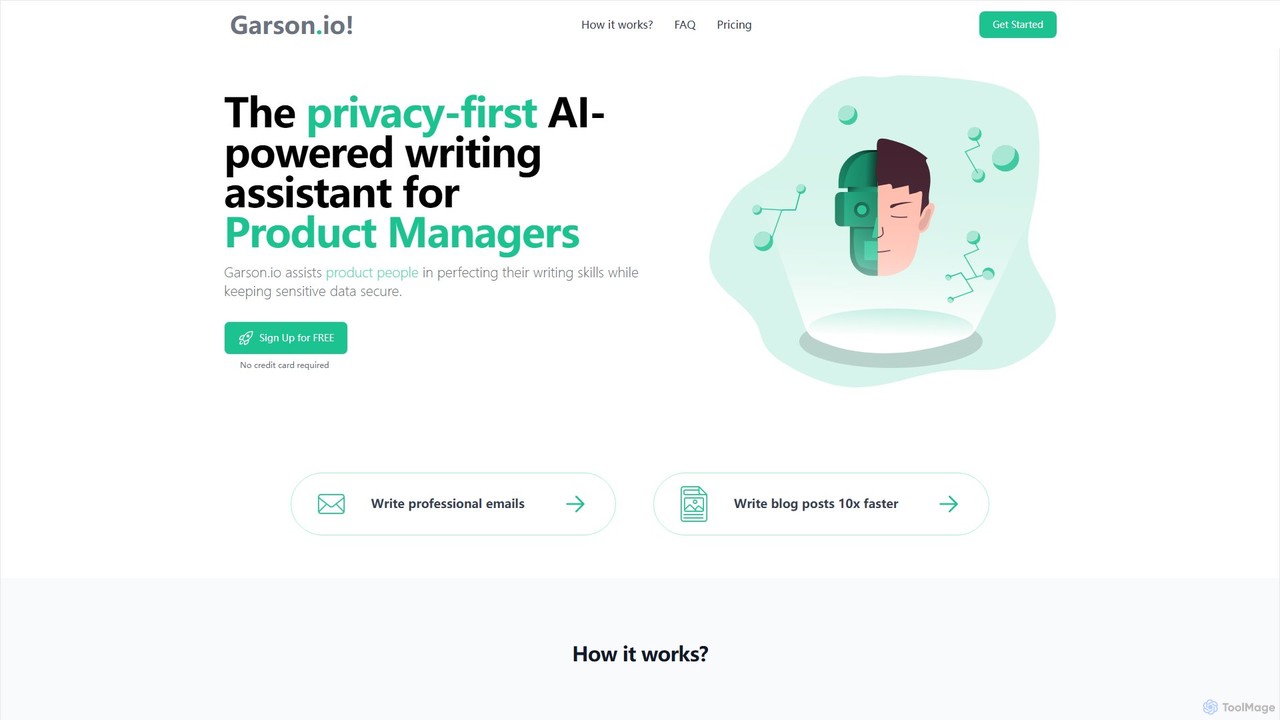
Email Assistants are AI-powered tools designed to streamline and enhance email communication. They leverage natural language processing (NLP) to help users draft, reply to, summarize, and manage emails more efficiently. By automating repetitive tasks and improving the quality of written content, these assistants save significant time and reduce the cognitive load of handling a busy inbox. Many tools integrate directly into existing email clients, providing contextual suggestions and workflow automation.
Core Features
- Automated Drafting and Replies: Generate complete emails or context-aware replies based on simple prompts or previous messages.
- Tone and Style Adjustment: Refine the tone of an email to be more formal, casual, persuasive, or concise with a single click.
- Email Summarization: Condense long email threads into brief summaries, highlighting key points and action items.
- Inbox Management: Automatically categorize, prioritize, and label incoming emails to help users focus on what's important.
- Smart Scheduling: Assist in finding meeting times and drafting scheduling-related correspondence.
Use Cases
These tools are valuable for sales professionals managing outreach campaigns, customer support teams handling high volumes of inquiries, and executives or managers aiming to achieve inbox efficiency. Marketing teams also use them to draft and refine email campaign copy, while individuals leverage them to improve their daily communication productivity.
How to Choose
When selecting an Email Assistant, consider its integration capabilities with your current email client (e.g., Gmail, Outlook). Evaluate the scope of its features—whether you need advanced writing assistance, inbox automation, or both. Assess the tool's security and data privacy policies, especially for business use. Finally, compare pricing models and check for team collaboration features if applicable.