ToolMage
Sign in

Best 1 Image Resizing AI tools for Image

Popular Image Resizing AI tools in Image include Pixelhunter, helping you work more efficiently.

Free

Pixelhunter

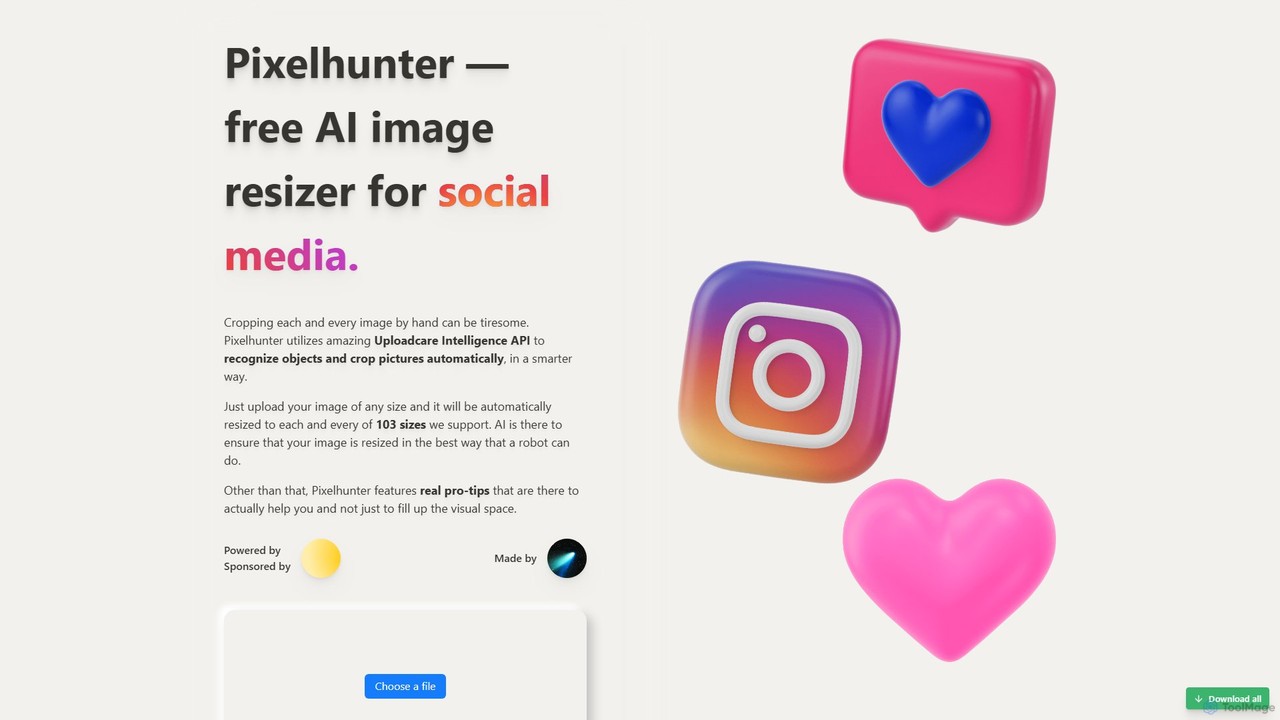
Pixelhunter is a free, AI-powered image resizer designed specifically for social media. It leverages intelligent object recognition to automatically crop and resize any uploaded image into over 100 optimal sizes for platforms like Instagram, Facebook, Twitter, and YouTube. This eliminates the tedious manual work of cropping, ensuring your images are perfectly formatted for every social media post, profile picture, or cover photo. It's a fast, smart, and efficient tool for marketers and content creators.

Image Resizing
Visits 14.5KFavorites 115Likes 104

About Image Resizing

Image Resizing tools are AI-powered applications designed to efficiently adjust the dimensions of digital images while preserving or enhancing visual quality. These tools leverage advanced algorithms, often including deep learning, to intelligently scale images up or down, ensuring clarity and detail are maintained, even when significantly altering size. They are invaluable for optimizing images across various platforms, from web and social media to print, by providing precise control over resolution, aspect ratio, and file size.

Core Features

  • Intelligent Upscaling: Enhances image resolution without pixelation, often adding detail through AI inference.
  • Content-Aware Scaling: Resizes images by intelligently identifying and protecting important visual elements, preventing distortion.
  • Batch Processing: Allows users to resize multiple images simultaneously, significantly saving time for large datasets.
  • Aspect Ratio Control: Provides options to maintain, crop, or adjust aspect ratios to fit specific display requirements.
  • Format Conversion & Compression: Often includes features to convert image formats and optimize file size for faster loading.

Applicable Scenarios

Web developers and designers use these tools to optimize website loading speeds by resizing large images for responsive design. E-commerce businesses rely on them to prepare product photos for online catalogs, ensuring consistent sizing and fast display. Social media managers utilize them to quickly adapt visuals to various platform-specific dimensions without compromising quality, streamlining content workflows.

How to Choose

When selecting an AI image resizing tool, consider its ability to preserve or enhance quality during scaling, especially for upscaling. Evaluate batch processing capabilities and the range of supported input/output formats. Look for intuitive controls over aspect ratio and resolution, and assess its integration options with existing workflows. Finally, compare pricing models and the availability of advanced features like content-aware scaling or background removal.

Featured tool rankings

Image Resizing use cases

1

Optimizing Website Image Performance

Web developers and content managers frequently need to resize high-resolution images to smaller, web-friendly dimensions to improve page load times and user experience. AI image resizing tools enable them to batch process hundreds of images, automatically adjusting dimensions and compressing file sizes while maintaining visual fidelity, significantly reducing manual optimization efforts and boosting SEO performance.

2

Preparing E-commerce Product Photos

E-commerce businesses require product images to be uniformly sized and optimized for their online stores and marketplaces. Store owners can use AI resizing tools to quickly standardize the dimensions of diverse product photos, ensuring a consistent look across their catalog and meeting platform-specific requirements without manual cropping or quality loss, accelerating product listing processes.

3

Adapting Visuals for Social Media Platforms

Social media marketers and content creators must tailor images to various platform-specific aspect ratios and resolutions (e.g., Instagram stories, Facebook posts, Twitter banners). AI image resizing tools allow them to rapidly generate multiple versions of a single image, perfectly sized for each platform, saving considerable time and ensuring visuals always look professional and engaging.

4

Upscaling Low-Resolution Images for Print

Graphic designers or photographers often encounter situations where a low-resolution image needs to be used for print, which typically requires much higher DPI. AI upscaling features within these tools can intelligently add pixels and detail, transforming a small, blurry image into a larger, sharper version suitable for posters, brochures, or other print materials, preventing pixelation and maintaining clarity.

5

Batch Resizing for Digital Asset Management

Organizations managing large libraries of digital assets, such as marketing departments or media agencies, need to maintain various image sizes for different uses (e.g., thumbnails, previews, full-resolution archives). AI image resizing tools facilitate automated batch resizing and format conversion, ensuring all assets are available in the required dimensions and formats, streamlining asset management and distribution.

6

Adjusting Images for Document and Presentation Layouts

Professionals creating reports, presentations, or documents often need to insert images that fit specific layouts without distorting content or creating excessively large file sizes. AI resizing tools allow users to precisely adjust image dimensions and aspect ratios to seamlessly integrate visuals into documents, ensuring a polished and professional appearance while keeping file sizes manageable for sharing.

Image Resizing FAQ

What are AI Image Resizing tools?

AI Image Resizing tools are software applications that use artificial intelligence, particularly deep learning algorithms, to change the dimensions of digital images. Unlike traditional resizing methods that can lead to pixelation or blurriness, AI tools intelligently analyze image content to preserve quality, enhance details during upscaling, and optimize images for various uses like web, print, or social media platforms.

How do AI image resizing tools differ from traditional resizing methods?

Traditional image resizing often relies on simple interpolation, which can result in noticeable quality degradation, especially when enlarging images. AI image resizing tools, however, employ sophisticated algorithms to "guess" and generate new pixels based on surrounding content, effectively adding detail during upscaling and preserving sharpness during downscaling. This leads to significantly better visual quality and more natural-looking results.

Can AI image resizing improve image quality?

Yes, AI image resizing tools, particularly those with upscaling capabilities, can significantly improve perceived image quality. By leveraging machine learning models trained on vast datasets of images, they can intelligently reconstruct missing details and reduce artifacts when enlarging a low-resolution image. This process goes beyond simple pixel duplication, resulting in sharper edges, finer textures, and overall clearer visuals, making them suitable for larger displays or print.

What factors should I consider when choosing an AI image resizing tool?

When selecting an AI image resizing tool, prioritize its output quality, especially for upscaling and downscaling without distortion. Look for features like batch processing for efficiency, support for various image formats (JPEG, PNG, WebP), and intuitive controls for aspect ratio and resolution. Consider integration capabilities with your existing workflow, pricing models, and whether it offers additional features like content-aware scaling or background removal.

What are the common challenges AI image resizing tools address?

AI image resizing tools primarily address the challenge of maintaining or improving image quality when altering dimensions, which is a common issue with traditional methods. They solve problems like pixelation during upscaling, loss of detail during downscaling, and the time-consuming nature of manual resizing for large volumes of images. They also help ensure images meet specific platform requirements (e.g., social media, e-commerce) without compromising visual appeal.