

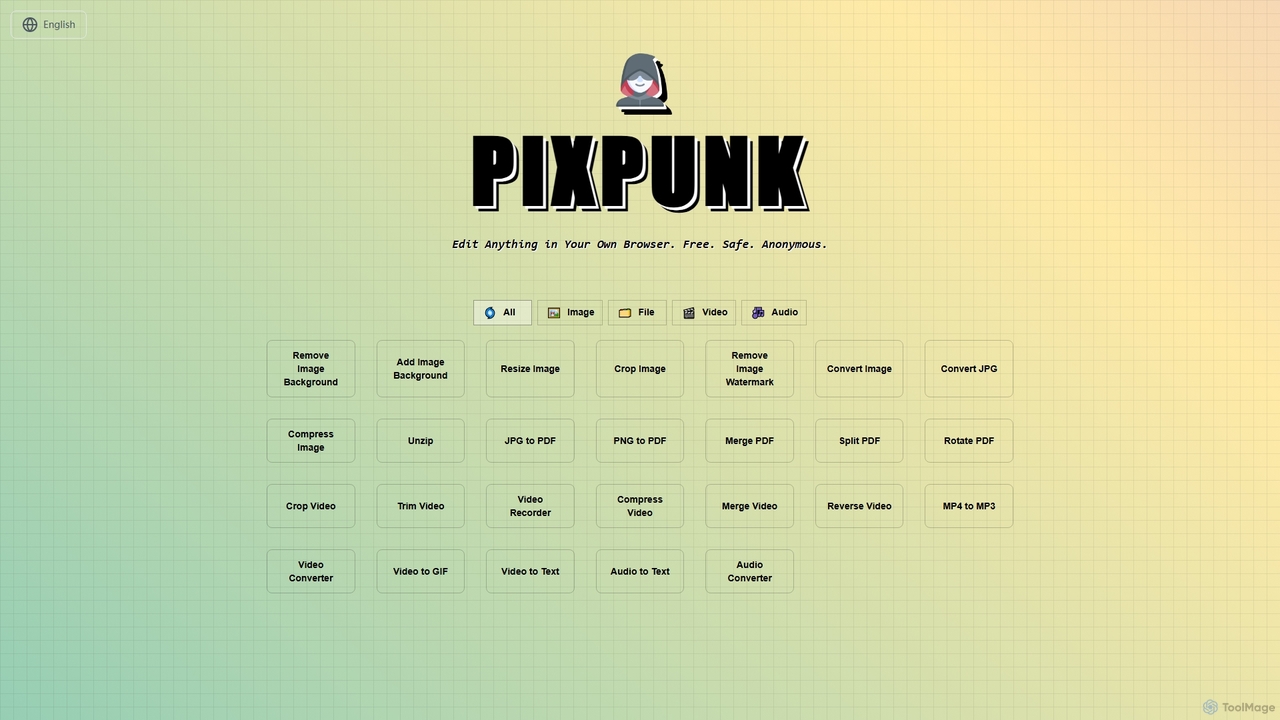
PixPunk Overview
PixPunk is a versatile and user-friendly online platform designed for quick and private media editing directly within your web browser. Emphasizing freedom, safety, and anonymity, PixPunk allows users to perform a wide array of tasks on images, files, videos, and audio without the need for software installation, account registration, or file uploads to external servers. All processing happens locally on your device, ensuring your data remains private and secure. From enhancing product shots to preparing images for social media, PixPunk provides essential tools for everyday digital content management.
How to use PixPunk
Using PixPunk is straightforward and follows a simple three-step process for most tools. First, navigate to the specific tool you wish to use (e.g., Resize Image, Convert JPG). Next, drag and drop or click to upload your file directly into the browser interface. Configure the desired settings, such as dimensions for resizing, crop area, or output format. Finally, download your processed file instantly, free of watermarks and with no quality loss for most operations. Since all processing occurs locally, your files are never uploaded, ensuring maximum privacy.
Core Features of PixPunk
- Image Background Removal: Quickly remove backgrounds from images to create transparent PNGs.
- Add Image Background: Enhance transparent PNGs by adding solid color backgrounds, with palette and custom HEX code control.
- Resize Image: Adjust image dimensions by exact pixels or percentage, with platform-ready presets for social media (Instagram, Facebook, Twitter, YouTube) and aspect ratio locking. Supports JPG, PNG, WebP, and most common formats up to 25MB.
- Crop Image: Precisely crop images using flexible controls, preset aspect ratios (1:1, 4:5, 16:9), and real-time preview. Supports JPG, PNG, WebP, and most common formats up to 25MB.
- Image Format Conversion: Instantly convert images between popular formats like JPEG, PNG, WebP, and AVIF. Supports files up to 50MB.
- JPG Specific Conversion: Convert JPG/JPEG files to PNG (lossless), WebP (modern compression), or AVIF (next-gen compression) up to 50MB.
- Other Image Tools: Remove Image Watermark, Compress Image.
- PDF Tools: Merge PDF, Split PDF, Rotate PDF, JPG to PDF, PNG to PDF.
- Video Tools: Crop Video, Trim Video, Video Recorder, Compress Video, Merge Video, Reverse Video, MP4 to MP3, Video Converter, Video to GIF, Video to Text.
- Audio Tools: Audio to Text, Audio Converter.
Use Cases for PixPunk
PixPunk is ideal for a wide range of users who need quick, secure, and private media editing. Content creators can rapidly prepare images for social media with platform-specific resizing and cropping. E-commerce businesses can optimize product photos by removing or adding backgrounds and converting formats for web use, all while maintaining privacy for sensitive product shots under NDA. Digital marketers can efficiently adjust image sizes and formats for campaigns. Anyone needing to convert file types, trim videos, or process audio without uploading personal data will find PixPunk invaluable for everyday tasks.
Advantages of PixPunk
The primary advantages of PixPunk include its completely free access with no hidden costs or watermarks. Its commitment to privacy is paramount, as all processing occurs locally in your browser, meaning no files are ever uploaded to a server, and no login is required. This ensures maximum data safety and anonymity. Users benefit from lightning-fast, instant conversions and edits with real-time previews, maintaining high-quality output. The tool is user-friendly, supporting a wide array of common media formats and offering platform-ready presets for convenience.
Pricing and Plans
PixPunk is completely free to use. There are no hidden costs, subscriptions, or premium plans. All features are available without any login or registration requirements.
PixPunk FAQ
PixPunk Alternatives
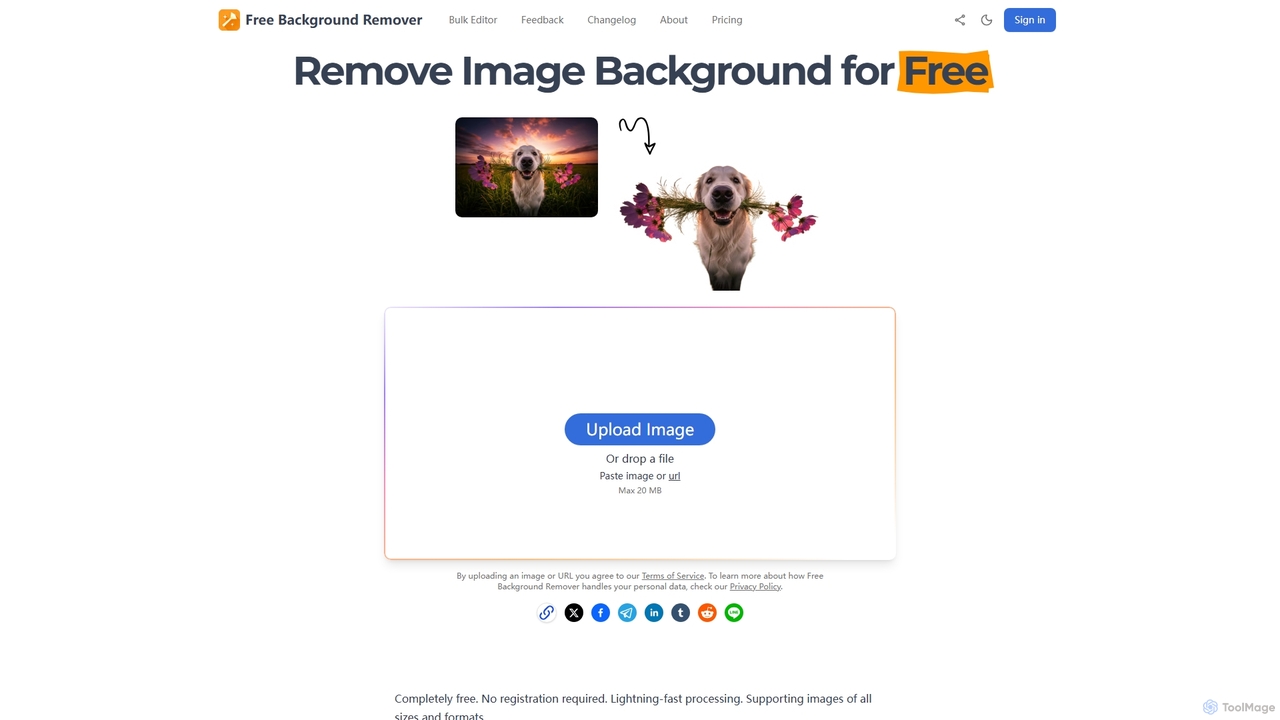
Free Background Remover
Free Background Remover is an AI-powered online tool designed to precisely remove backgrounds from images in seconds. It offers lightning-fast processing, supports various image formats, and allows users to add custom backgrounds, all without requiring registration or leaving watermarks. It's ideal for e-commerce, social media, graphic design, and personal photo editing needs.
Product Photography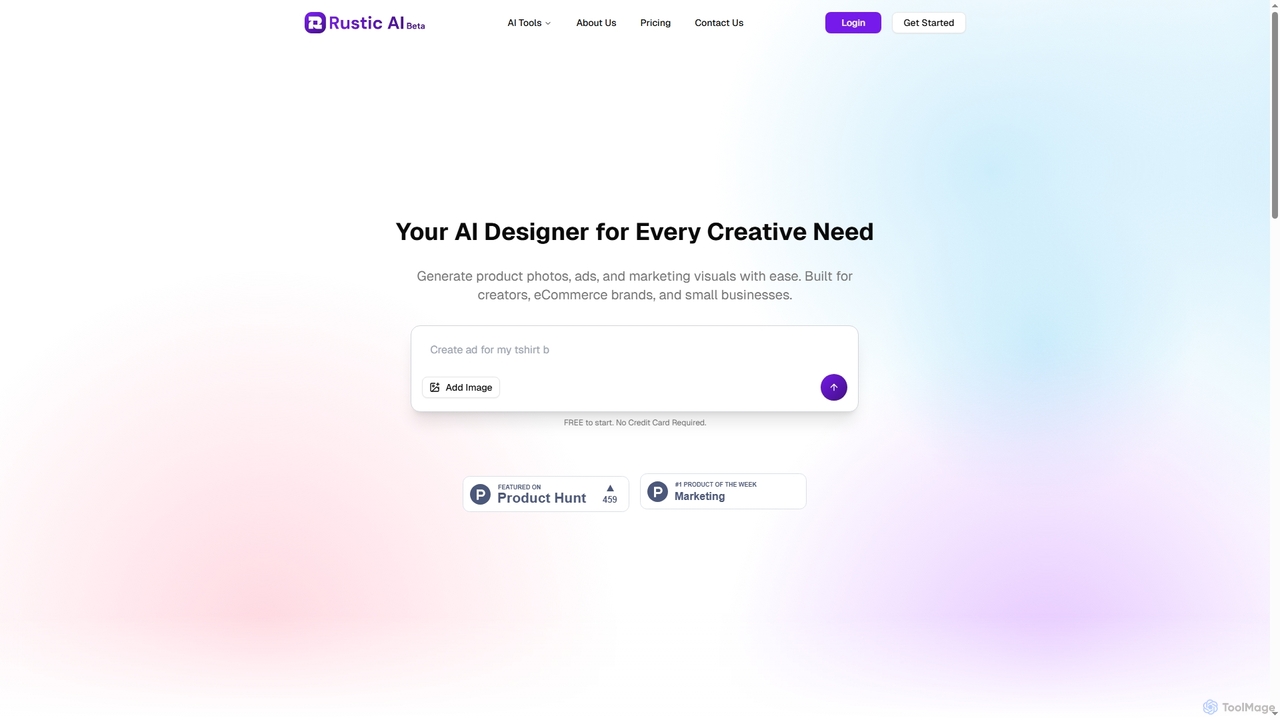
Rustic AI
Rustic AI is an intuitive AI design editor built for creators, e-commerce brands, and small businesses. It simplifies the generation of high-quality product photos, ad creatives, and marketing visuals, transforming ideas into stunning imagery with ease. The platform offers a suite of AI-powered tools to streamline visual content creation.
Graphic Design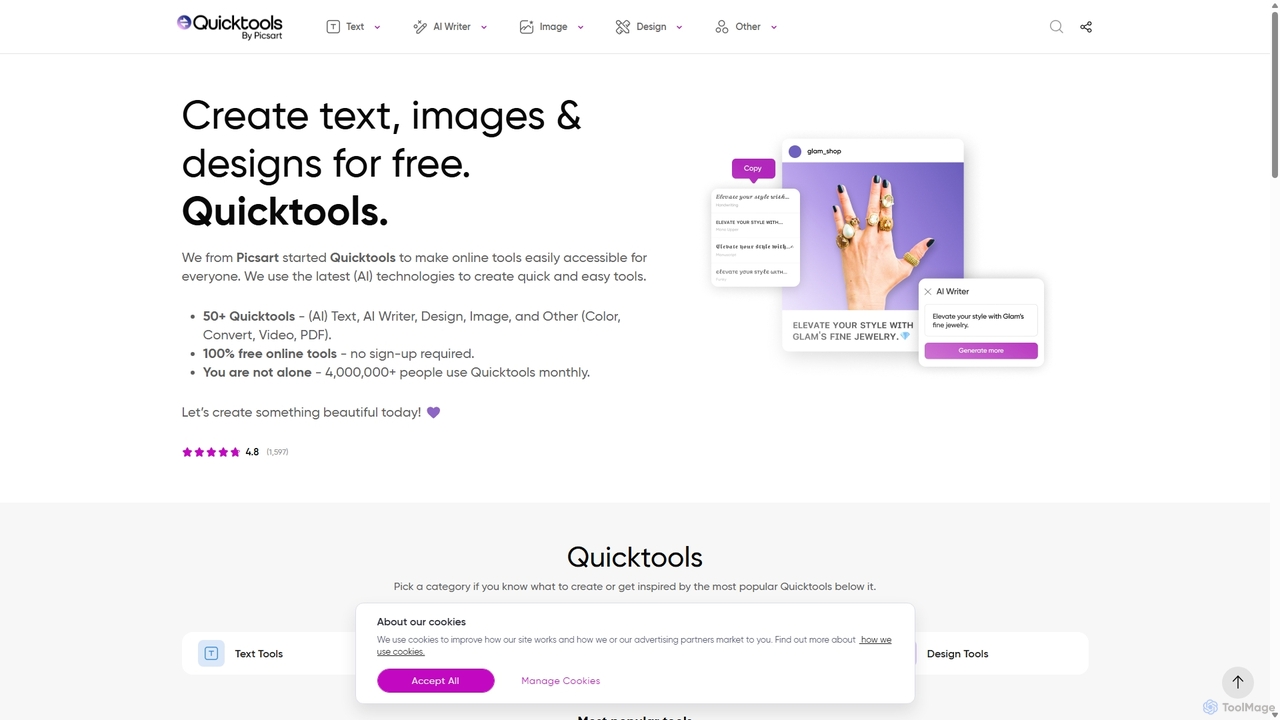
Quicktools by Picsart
Quicktools by Picsart is a comprehensive suite of over 50 free, AI-powered online tools for creative tasks. It offers a wide range of single-purpose utilities for image editing, text generation, design, and file conversion. Designed for speed and simplicity, it allows users to perform quick edits like background removal, image upscaling, and font generation without needing to sign up or use a complex editor.
Image Editing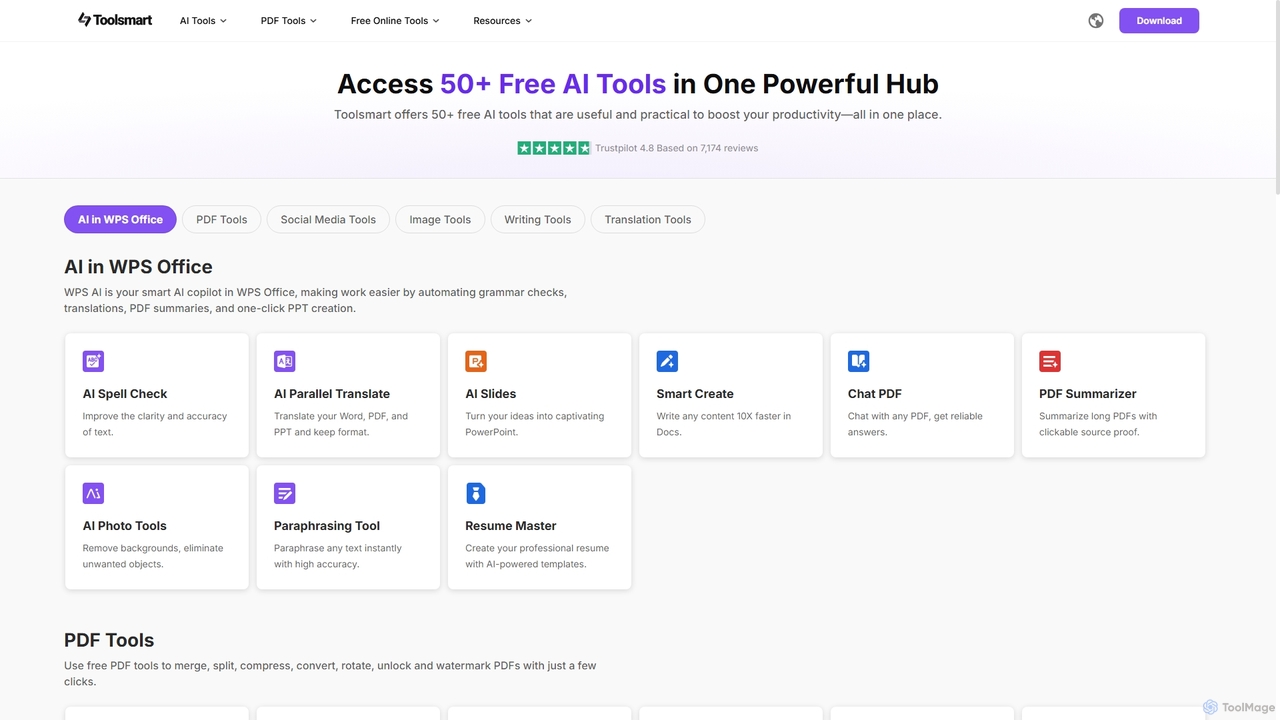
Toolsmart
Toolsmart is a comprehensive suite of over 50 free AI-powered tools designed to boost productivity. It offers a wide range of utilities in one convenient hub, including PDF converters and editors, social media video downloaders, advanced image editing tools like background and watermark removers, and a variety of AI writing assistants for paraphrasing, summarizing, and humanizing text. No sign-up is required for most tools, providing a fast, accessible, and ad-free user experience for creators, marketers, and professionals.
Pdf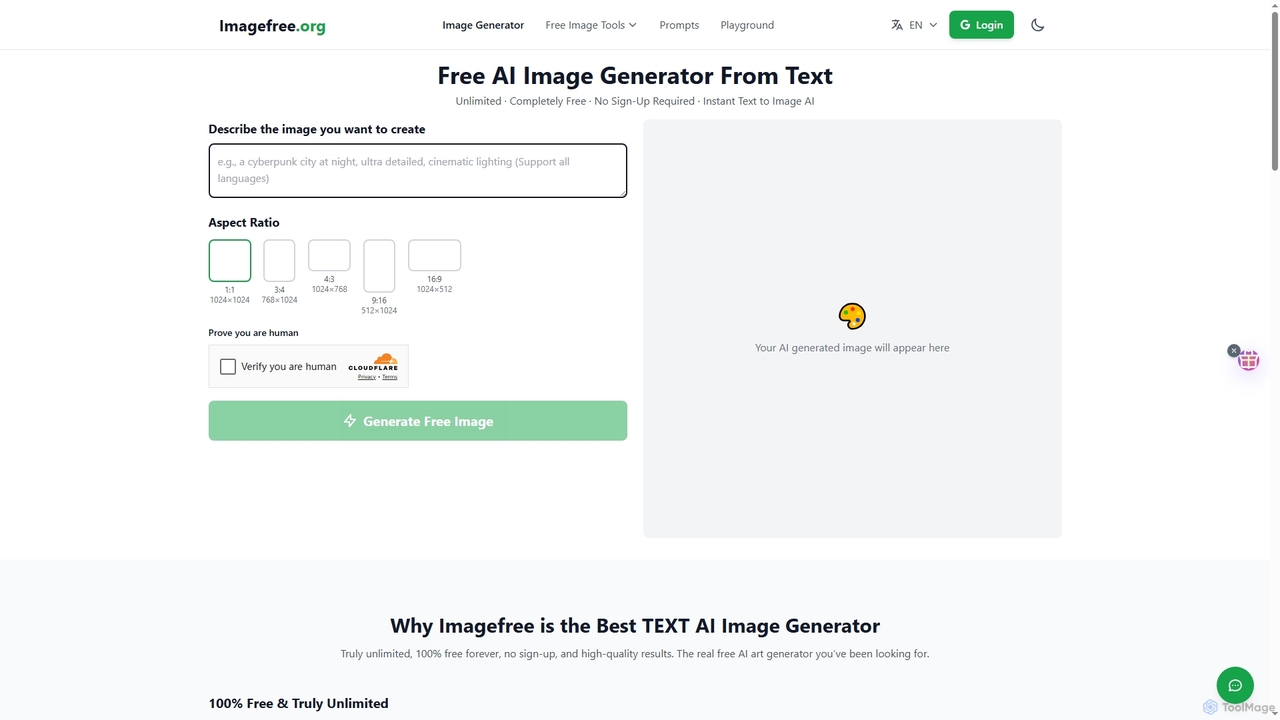
Imagefree
Imagefree is a completely free and unlimited AI tool for generating images from text, removing backgrounds, upscaling photos to 4K, and editing images online. It requires no sign-up or hidden costs, offering instant access to high-quality AI-powered creative tools for everyone.
Prompt LibraryPixPunk Categories
PixPunk Jobs
PixPunk Embed Widget
Copy this embed code to place the badge on your blog, article, or product site and send readers directly to this ToolMage detail page.

Related AI tools
Quicktools by Picsart
Quicktools by Picsart is a comprehensive suite of over 50 free, AI-powered online tools for creative tasks. It offers a wide range of single-purpose utilities for image editing, text generation, design, and file conversion. Designed for speed and simplicity, it allows users to perform quick edits like background removal, image upscaling, and font generation without needing to sign up or use a complex editor.
Image Editing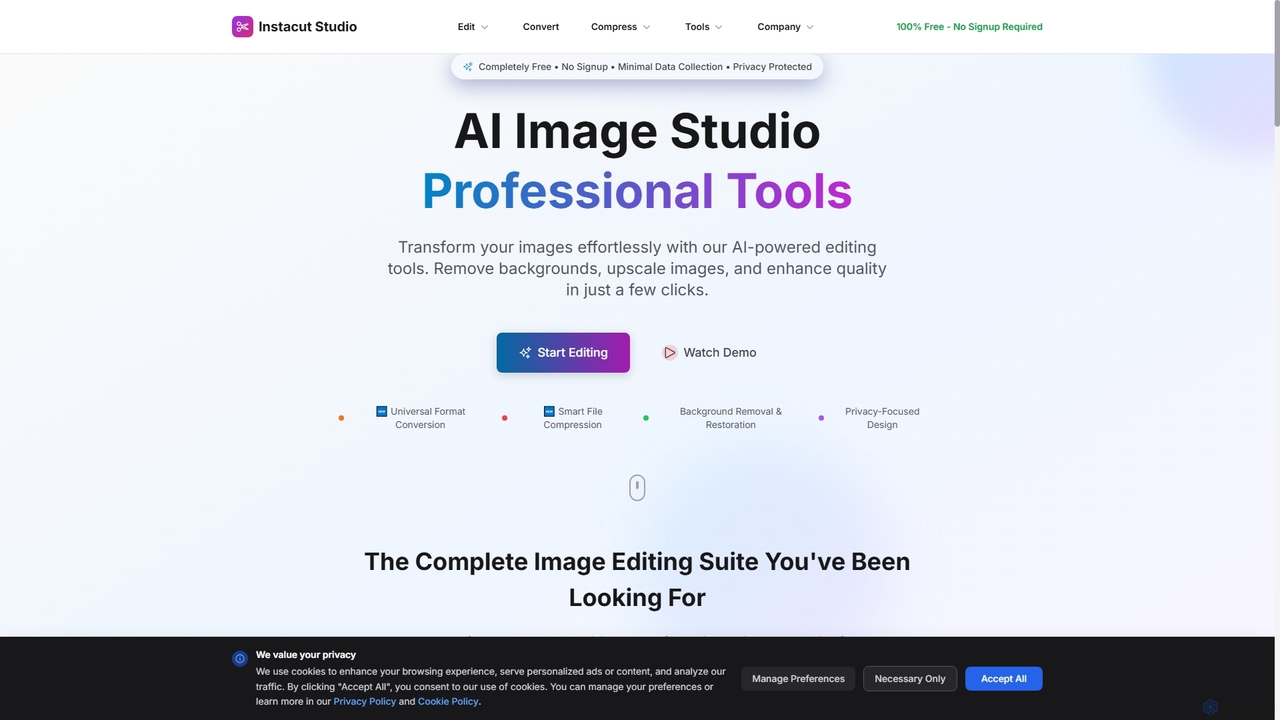
Instacut
Instacut is a comprehensive, privacy-first suite of AI-powered image editing tools available online for free. It requires no signup and offers features like background removal, image upscaling, photo restoration, format conversion, and file compression, ensuring user data is never stored.
GraphicsToolsmart
Toolsmart is a comprehensive suite of over 50 free AI-powered tools designed to boost productivity. It offers a wide range of utilities in one convenient hub, including PDF converters and editors, social media video downloaders, advanced image editing tools like background and watermark removers, and a variety of AI writing assistants for paraphrasing, summarizing, and humanizing text. No sign-up is required for most tools, providing a fast, accessible, and ad-free user experience for creators, marketers, and professionals.
Pdf
Pixelfox
Pixelfox is a comprehensive, free-to-use AI suite for creators and businesses. It combines a powerful online photo and video editor with over 300 AI writing tools. Effortlessly retouch photos, remove backgrounds, generate images from text, swap faces, and enhance quality. Simultaneously, create SEO-optimized articles, social media content, product descriptions, and much more, all within a single, no-download platform.
3D
BgSub
BgSub is a free, AI-powered tool for instantly removing and replacing image backgrounds. It prioritizes user privacy by processing images directly in the browser without any uploads. Features include high-precision cutouts, background replacement with colors, gradients, or images, and AI-driven color correction.
Image Editing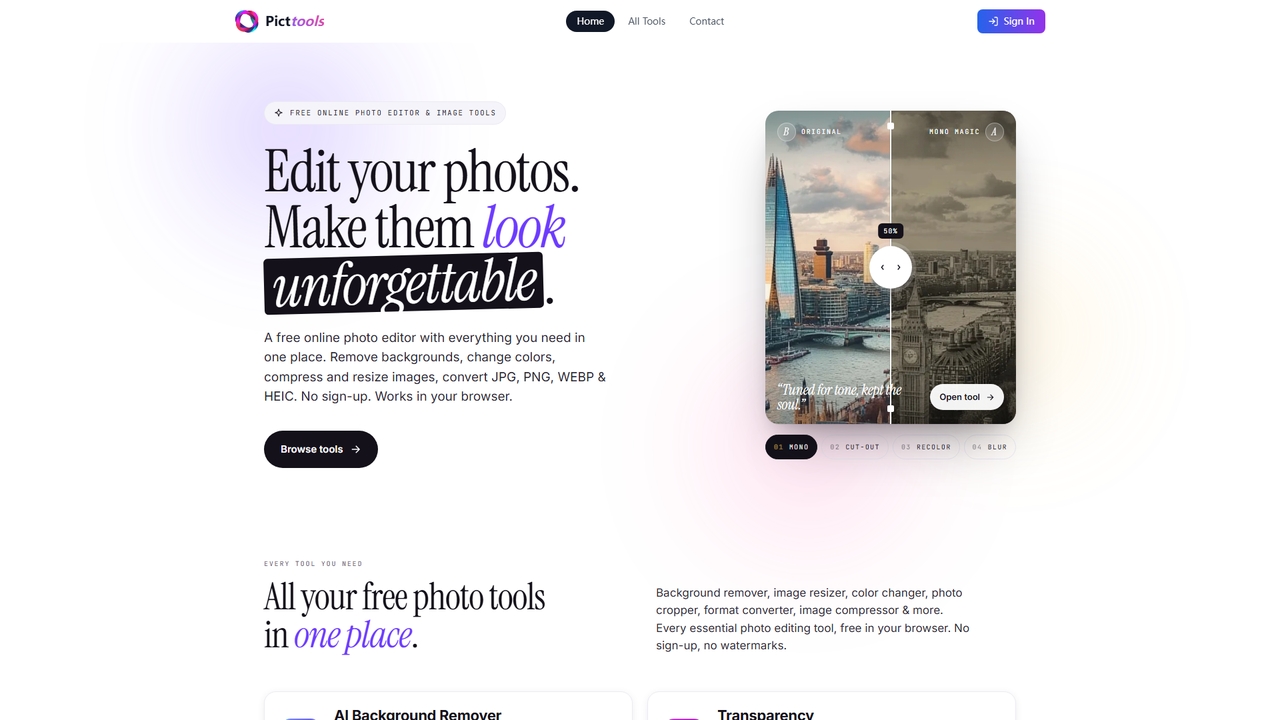
PictTools
Free online photo editor with a suite of essential image tools including background remover, color changer, and format converter. All tools run in your browser with no sign-up or watermarks.
Image Editing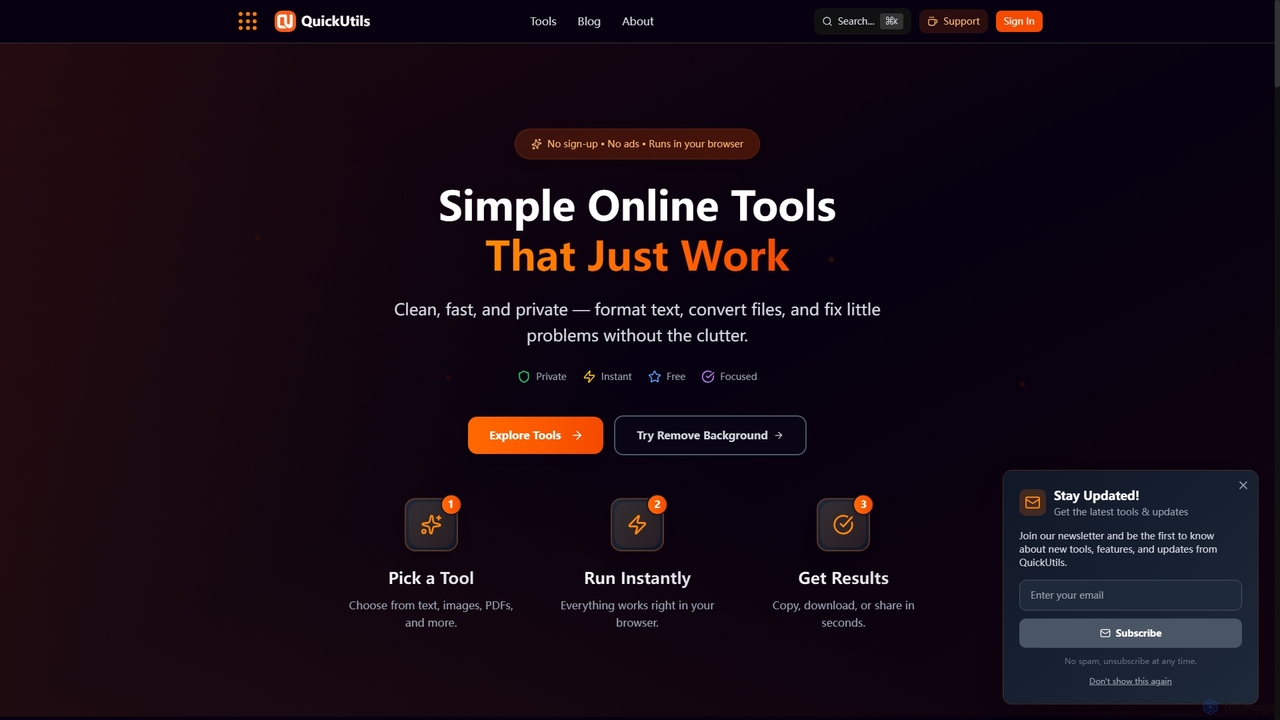
QuickUtils
QuickUtils offers a comprehensive suite of free, privacy-focused online tools designed for instant productivity. From AI-powered image background removal and text paraphrasing to QR code generation and JSON formatting, it provides clean, fast, and secure utilities that run directly in your browser without sign-ups or ads.
ConversionFree Background Remover
Free Background Remover is an AI-powered online tool designed to precisely remove backgrounds from images in seconds. It offers lightning-fast processing, supports various image formats, and allows users to add custom backgrounds, all without requiring registration or leaving watermarks. It's ideal for e-commerce, social media, graphic design, and personal photo editing needs.
Product Photography
Remover
Remover is a free AI-powered tool by ZMO.AI that effortlessly removes unwanted objects, people, text, and backgrounds from photos. Ideal for e-commerce, real estate, and general photo cleanup, it provides unlimited edits and professional results in seconds without needing complex software like Photoshop.
3D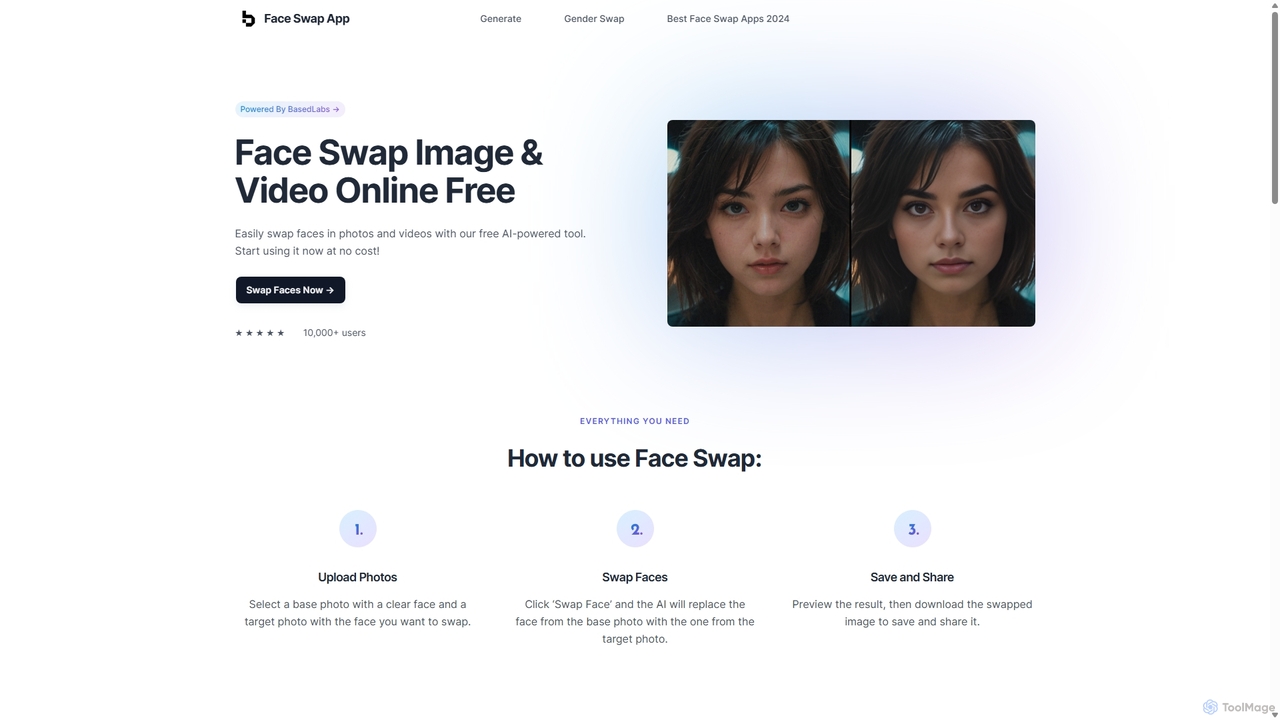
Face Swap App
A free, AI-powered online tool for swapping faces in photos and videos. Create realistic and humorous content in seconds with a simple 3-step process. Features include gender swapping, high-speed processing, and a strong commitment to user privacy, with no facial data stored.
Entertainment
Nano-Banana
Nano-Banana is an advanced online AI image editor that empowers users to create and modify images with text prompts, offering features like generation, inpainting, style transfer, and outpainting. It ensures character consistency and scene coherence with fast, studio-quality results.
Photo Editor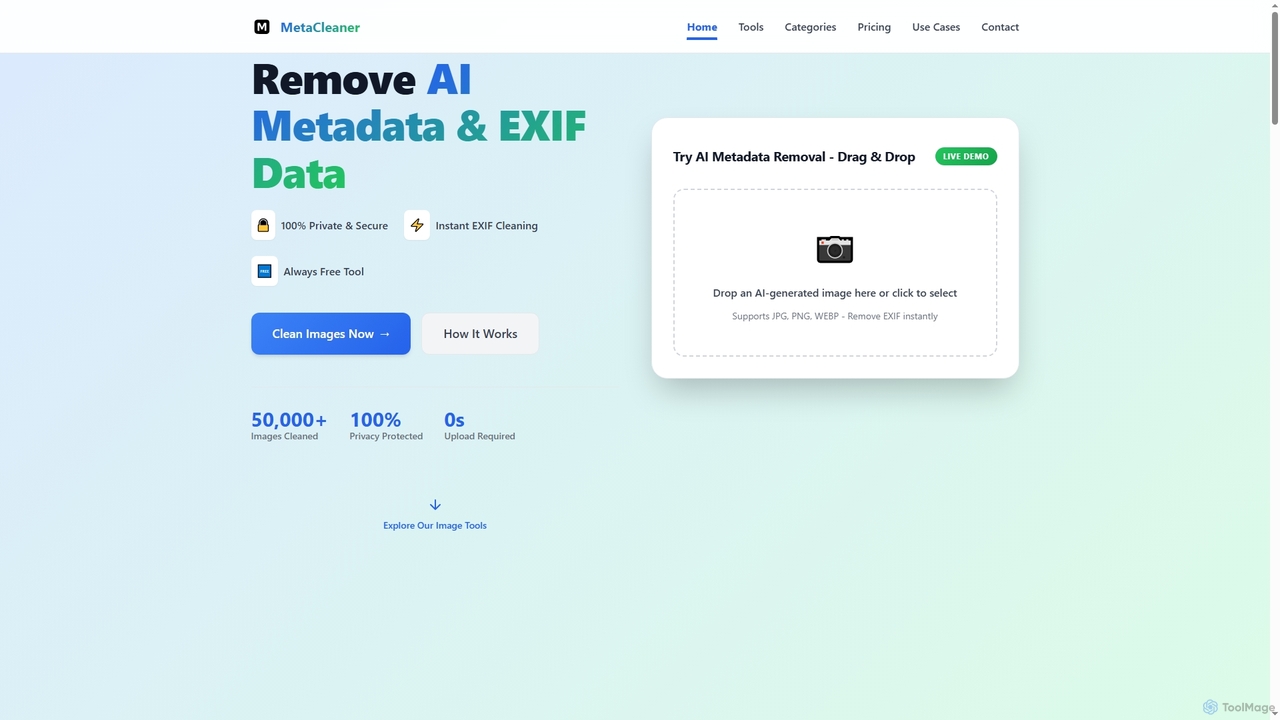
Aimodified
Aimodified is a free, browser-based tool designed to remove AI-generated metadata and EXIF data from images. It ensures privacy and helps content creators bypass AI detection on social media platforms like Pinterest, offering instant cleaning for single or batch image processing.
Post ProcessingRustic AI
Rustic AI is an intuitive AI design editor built for creators, e-commerce brands, and small businesses. It simplifies the generation of high-quality product photos, ad creatives, and marketing visuals, transforming ideas into stunning imagery with ease. The platform offers a suite of AI-powered tools to streamline visual content creation.
Graphic Design
Picsart
Picsart is an all-in-one AI-powered creative platform for photo and video editing. It offers a comprehensive suite of tools, including AI image generation, background removal, photo enhancement, and a vast library of templates and stock content. Designed for everyone from beginners to professionals, Picsart simplifies the creation of stunning visuals for social media, marketing, and personal projects, accessible on both web and mobile.
3D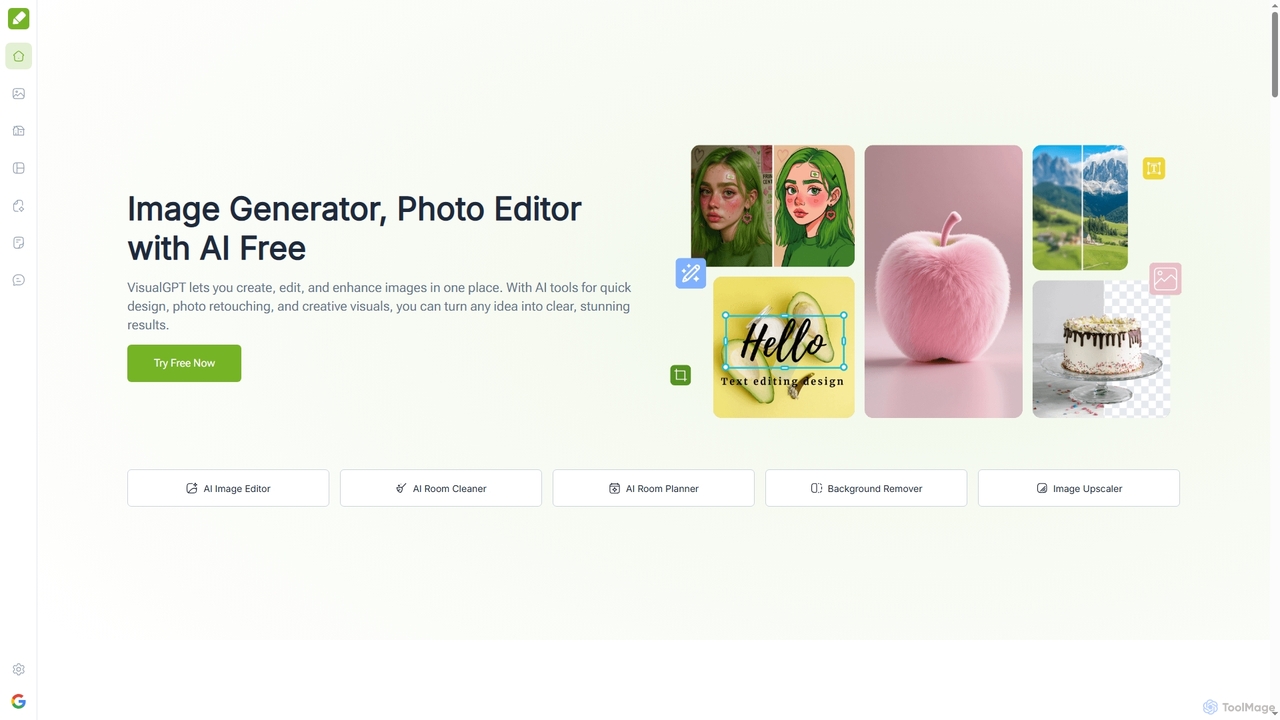
VisualGPT
VisualGPT is an all-in-one online AI platform for generating, editing, and enhancing images. It offers tools like AI image editing, background removal, room planning, and visualization, powered by advanced models like Nano Banana and Stable Diffusion. Designed for ease of use, it helps users create stunning visuals quickly without complex software or design skills.
Graphic Design
PixPunk Comments (0)
Sign in to comment.
Sign inNo comments yet.