ToolMage
Sign in

Best 4 Online Tools for Productivity

Popular Online Tools in Productivity include Rune, ToolsMaverick, PixPunk, and Unmark, helping you work more efficiently.

Unmark
Freemium

Unmark

Unmark is the premier online tool designed to instantly remove watermarks from Sora AI-generated videos. It offers a proprietary Deep Clean™ technology to deliver pristine, watermark-free 1080p and even 4K videos, making it an essential utility for content creators and professionals alike. Available for free with daily limits or via premium plans for unlimited, priority access.

3D
Visits 5.4KFavorites 39Likes 45
PixPunk
Free

PixPunk

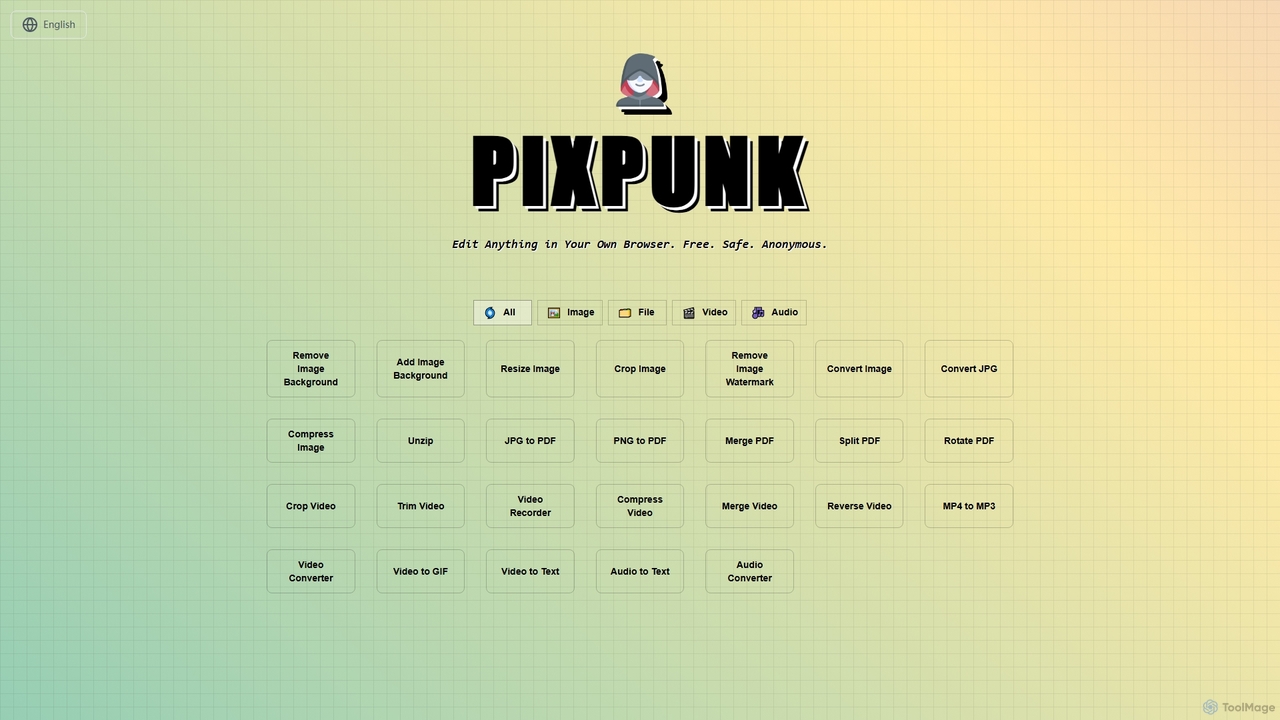
PixPunk is a free, safe, and anonymous online tool that allows users to edit images, convert files, and process videos and audio directly in their browser. It offers a suite of functionalities including background removal, image resizing, cropping, and format conversion, all without uploads or watermarks, ensuring maximum privacy.

Audio Converter
Visits 5.4KFavorites 84Likes 81
ToolsMaverick
Free

ToolsMaverick

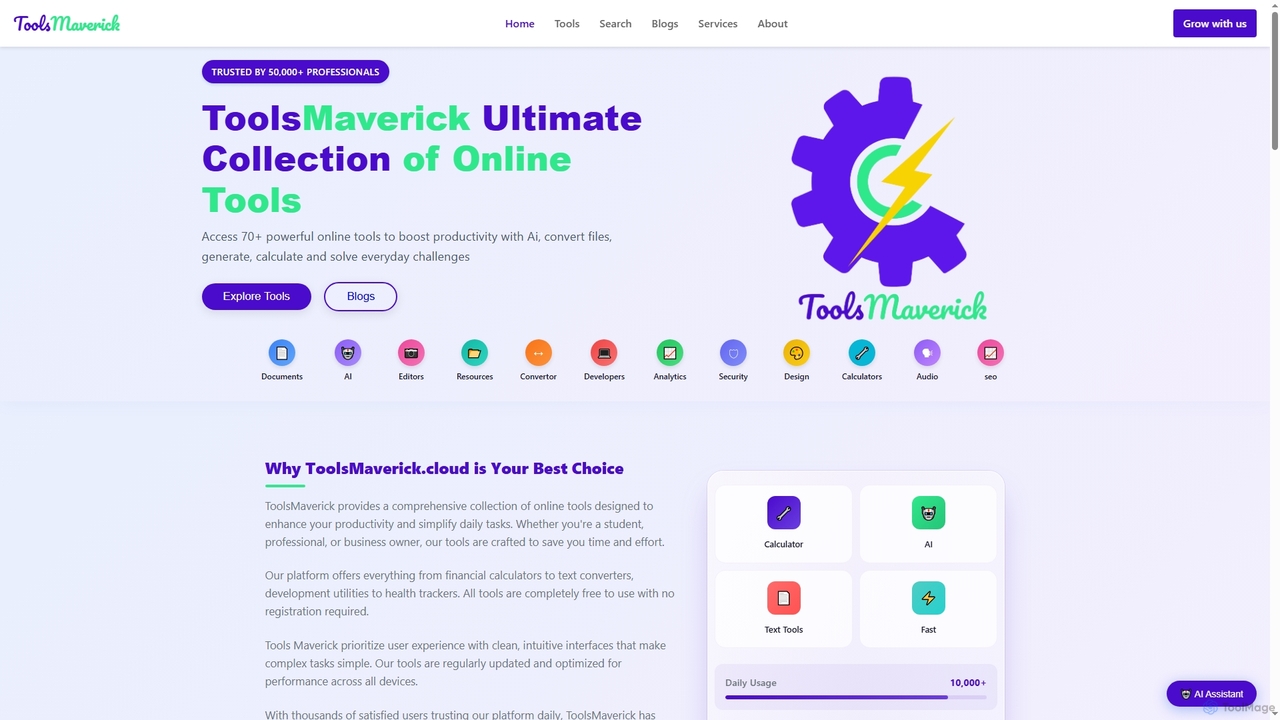
ToolsMaverick is a comprehensive, free online platform offering over 70 diverse utilities, including powerful AI tools, calculators, converters, SEO aids, and development tools. Designed for simplicity, it requires no sign-up, features no ads, and provides immediate access to enhance productivity for professionals, students, and everyday users.

Content Analysis
Visits 5.4KFavorites 130Likes 134
Rune
Freemium

Rune

Rune is a comprehensive online toolkit offering over 80 AI-powered tools for productivity, learning, and daily tasks. It provides free utilities for PDF, image, text, video, and developer needs, designed for students, professionals, and institutions seeking efficient digital solutions.

Unit Converters
Visits 13.8KFavorites 112Likes 104

About Online Tools

Online Tools are web-based applications that operate entirely through an internet browser, offering unparalleled accessibility and flexibility. These tools leverage cloud infrastructure to provide real-time collaboration, automatic updates, and cross-device synchronization, significantly enhancing individual and team productivity. They eliminate the need for software installation, making them ideal for remote work and dynamic project environments within the broader productivity landscape.

Core Features

  • Browser-Based Access: Use from any device with an internet connection, without installation.
  • Real-time Collaboration: Multiple users can simultaneously view and edit documents or projects.
  • Automatic Updates & Backups: Tools are always current, and data is securely stored in the cloud.
  • Cross-Device Synchronization: Seamlessly switch between desktop, laptop, and mobile devices.
  • Scalability & Integration: Easily scale resources and connect with other online services via APIs.

Use Cases

Online tools are indispensable for modern workforces, enabling seamless operations across various sectors. They are widely adopted in remote teams for project management, by content creators for collaborative editing, and by small businesses for streamlined customer relationship management and accounting.

How to Choose

When selecting online tools, prioritize browser compatibility and user interface intuitiveness for ease of adoption. Evaluate their integration capabilities with existing workflows and other essential services. Consider data security protocols and compliance standards, especially for sensitive information. Finally, assess the pricing model for scalability and long-term cost-effectiveness.

Online Tools use cases

1

Remote Team Project Management

A distributed marketing team uses an online project management tool to track tasks, share files, and communicate updates in real-time. This ensures everyone is aligned on deadlines and progress, regardless of their physical location, streamlining workflow and reducing communication delays.

2

Collaborative Document Creation

Content writers and editors collaborate on a large report using an online word processor. They can simultaneously edit sections, leave comments, and track changes, accelerating the review cycle and ensuring consistent messaging across the document.

3

Online Data Analysis & Visualization

A business analyst utilizes a cloud-based spreadsheet and data visualization tool to process large datasets. They can share interactive dashboards with stakeholders, allowing for real-time insights and data-driven decision-making without complex software installations.

4

Virtual Meeting & Presentation Delivery

Sales professionals conduct virtual client meetings and deliver interactive presentations using online conferencing and presentation platforms. Features like screen sharing, virtual whiteboards, and audience polling enhance engagement and facilitate effective communication from anywhere.

5

Streamlined Customer Support Management

A small e-commerce business employs an online customer relationship management (CRM) system to manage customer inquiries, track support tickets, and automate responses. This centralizes customer interactions, improves response times, and enhances overall customer satisfaction.

6

Cloud-Based Graphic Design & Prototyping

UI/UX designers use online graphic design tools to create mockups and prototypes collaboratively. They can share designs with clients for instant feedback, iterate quickly, and ensure all team members are working on the latest version, accelerating the design process.

Online Tools FAQ

What are Online Tools?

Online Tools are software applications accessed directly via a web browser, without requiring local installation. They are characterized by their cloud-based nature, offering features like real-time collaboration, automatic data synchronization, and accessibility from any internet-connected device. They serve a wide range of functions, from productivity and communication to design and data management.

How do Online Tools differ from traditional desktop software?

Online Tools primarily differ from desktop software in their deployment and access. Desktop software is installed locally and runs on a specific device, while online tools are cloud-based, accessible via a browser, and often subscription-based. Online tools offer superior collaboration, automatic updates, and cross-device compatibility, whereas desktop software may offer more robust offline functionality and deeper system integration.

What are the main advantages of using Online Tools for productivity?

The main advantages include enhanced accessibility, allowing users to work from anywhere on any device. They facilitate real-time collaboration, enabling teams to work together seamlessly. Automatic updates ensure users always have the latest features and security patches, and cloud storage provides reliable data backup and synchronization, significantly boosting overall productivity and flexibility.

What should I consider for data security when using Online Tools?

When using Online Tools, prioritize providers with strong encryption protocols for data in transit and at rest. Look for certifications like ISO 27001 or SOC 2, and ensure they offer multi-factor authentication (MFA). Understand their data privacy policies, including how data is stored, processed, and shared, to protect sensitive information effectively.

Can Online Tools integrate with other services?

Yes, a significant advantage of many Online Tools is their ability to integrate with other services through APIs (Application Programming Interfaces). This allows for seamless data flow and automation between different applications, such as connecting a project management tool with a communication platform or a CRM with an email marketing service, creating a more cohesive and efficient workflow.