


BgSub Overview
BgSub is an innovative, AI-driven web tool designed to simplify and automate the process of image background removal and replacement. Its standout feature is its commitment to user privacy, as it performs all processing locally on the user's device. This means your images are never uploaded to a server, ensuring complete confidentiality. With just one click, BgSub's advanced AI can accurately detect and isolate the subject from its background, delivering high-precision cutouts for various subjects like people, products, animals, and more.
Beyond simple removal, BgSub offers a suite of creative features. Users can replace the original background with a solid color, a custom gradient, or another image entirely. The platform also includes a unique AI Coloring feature that automatically adjusts and enhances the colors of the subject to better match the new background, creating a more natural and professional look. For further refinement, users have access to free adjustment tools to change the size, position, and orientation (mirroring) of the subject.
How to use BgSub
Using BgSub is designed to be incredibly simple and intuitive, requiring no technical skills. The entire process happens in your browser:
- Visit the BgSub website.
- Open your image by clicking the 'Open Image' button, dragging and dropping a file onto the designated area, pasting an image from your clipboard (using Ctrl+V), or entering an image URL.
- The AI will automatically process the image and remove the background instantly.
- Once the background is removed, you can choose to download the transparent PNG or use the tools on the left to add a new background (color, gradient, or image).
- Use the adjustment tools to resize, reposition, or mirror your subject as needed.
- Download your final, edited image.
Core Features of BgSub
- AI-Powered Background Removal: Utilizes advanced AI to automatically and accurately remove backgrounds from images with high precision.
- Privacy-First Processing: All image processing is done client-side in your browser. No images are ever uploaded to a server, guaranteeing 100% user privacy.
- Versatile Background Replacement: Easily replace the removed background with a solid color, a multi-tone gradient, or a custom image of your choice.
- AI Coloring: A one-click feature that intelligently adjusts the color balance of the foreground subject to harmonize with the new background.
- Free Adjustments: Fine-tune your image by adjusting the size and position of the subject, as well as mirroring it horizontally.
- Artistic Effects: Apply various artistic effects to enhance the final image and achieve a more creative look.
- API for Developers: Offers API access for batch processing and integration into other websites or applications, ideal for commercial use.
Use Cases for BgSub
BgSub is a versatile tool suitable for a wide range of personal and professional applications:
- E-commerce: Create clean, professional product photos with uniform backgrounds (e.g., white or grey) for online stores and marketplaces like Amazon or Shopify.
- Social Media: Design eye-catching profile pictures, posts, and stories for platforms like Instagram, Facebook, and Twitter by changing photo backgrounds.
- Marketing and Advertising: Produce compelling ad creatives, banners, and promotional materials by placing subjects in various interesting and relevant settings.
- Photography: Photographers can quickly edit portraits and event photos without the need for a physical green screen, saving time in post-production.
- Web & App Development: Generate clean image assets for user interfaces, websites, and application mockups.
- Personal Use: Create fun photos, custom greeting cards, or personalized avatars by swapping out backgrounds.
Advantages of BgSub
BgSub stands out from other background removal tools due to several key advantages:
- Unmatched Privacy: The no-upload, client-side processing model is a significant benefit for users concerned about data security and confidentiality.
- Completely Free: The core service is offered for free, making professional-grade editing accessible to everyone.
- Speed and Efficiency: The automated, one-click process saves a significant amount of time compared to manual editing in complex software like Photoshop.
- High-Quality Results: The AI is trained to handle complex edges like hair and fur, delivering clean and precise cutouts.
- User-Friendly Interface: The tool is extremely easy to use, with no learning curve required.
Pricing and Plans
BgSub is a free tool for all users. The website states that its core features—background removal, replacement, and AI coloring—are available at no cost. For developers and businesses that require batch processing or integration into their own services, BgSub offers an API. Details regarding API access and any associated costs can be obtained by contacting their support team.
Traffic
Latest traffic
Status
Monthly traffic trend
- 2025-9: 67.4K
- 2026-1: 64.6K
- 2026-2: 48.4K
- 2026-3: 38.9K
- 2026-4: 45.8K
- 2026-5: 49.2K
Geography
Top 5 countries / regions
- 🇨🇳China86.1%
- 🇵🇰Pakistan6.6%
- 🇺🇸United States3.9%
- 🇰🇭Cambodia2.7%
- 🇻🇳Vietnam0.7%
Traffic sources
| Source type | Percentage |
|---|---|
Direct | 94.5% |
Referral | 5.5% |
BgSub Alternatives
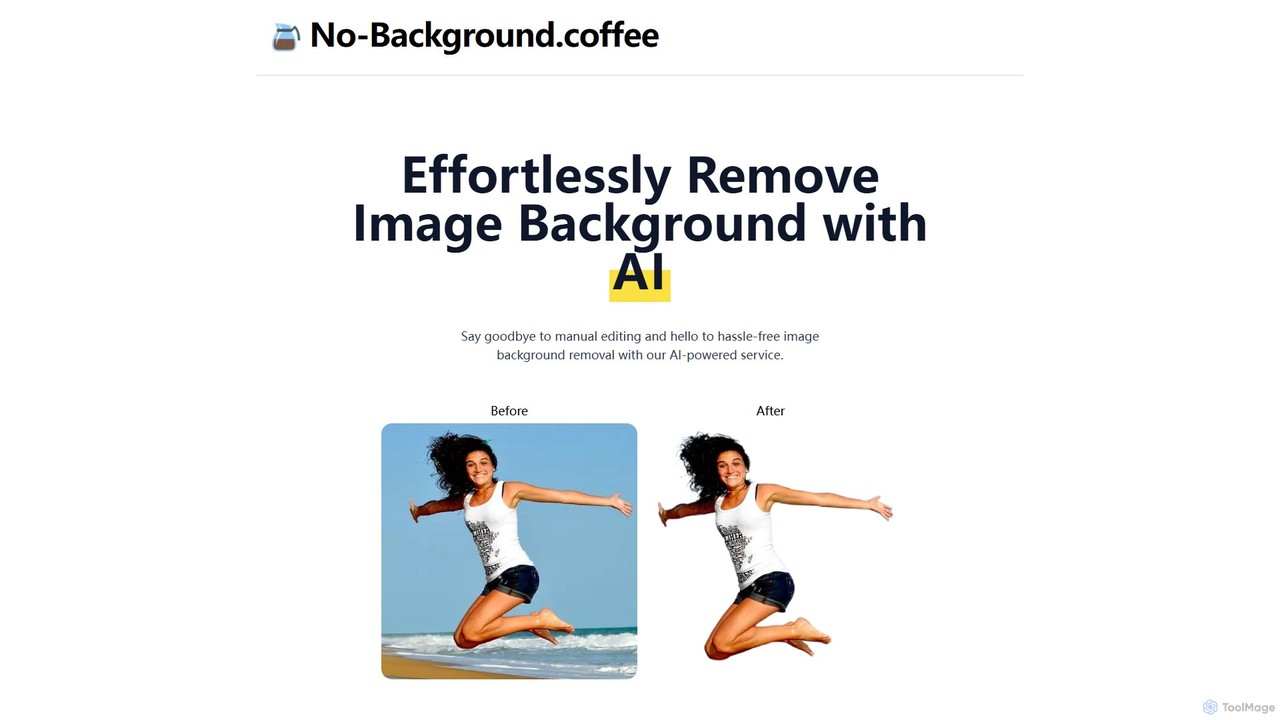
no_background
A free, AI-powered web tool that effortlessly removes backgrounds from images in seconds. Based on the MODNet deep learning model, it offers a fast, simple, and privacy-focused solution for creating transparent backgrounds without manual editing.
Image Editing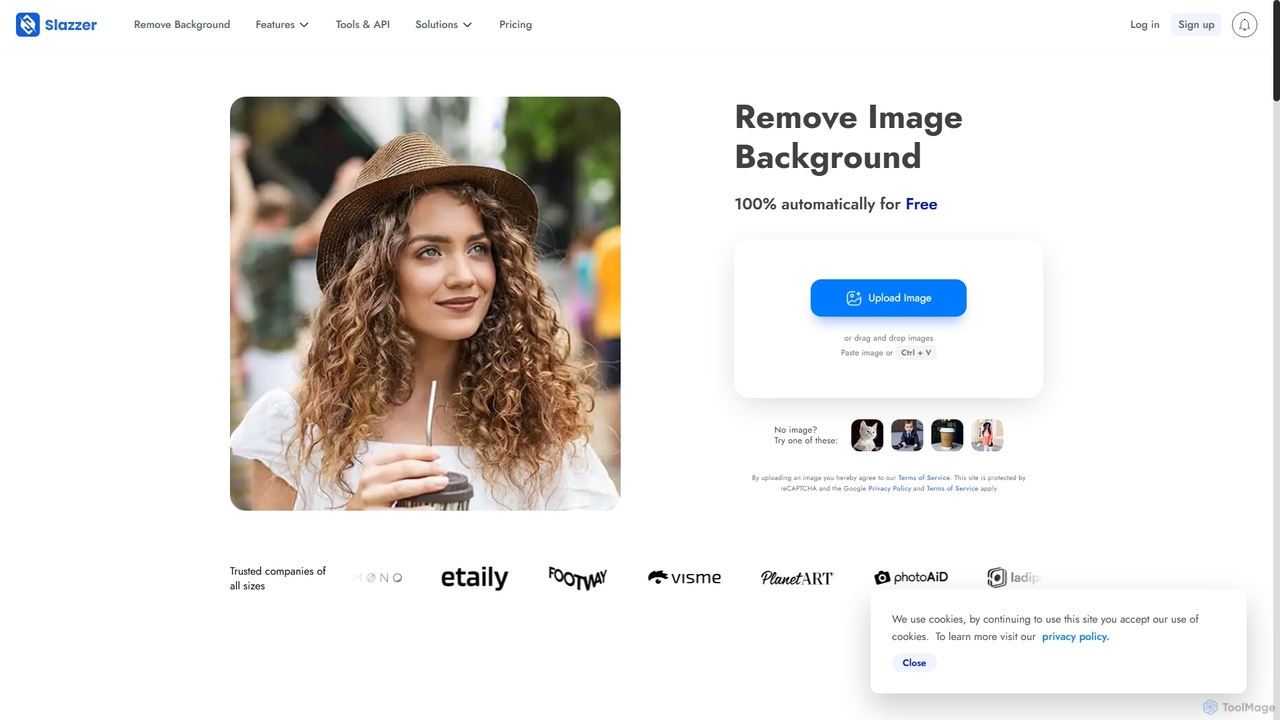
Slazzer
Slazzer is an AI-powered visual editing platform that automatically removes image backgrounds in seconds. It offers a suite of tools including AI background generation, image enhancement, upscaling, and shadow creation. Designed for efficiency, it serves e-commerce, photographers, marketers, and developers with web-based tools, desktop apps, and API integration for bulk processing.
Api
BgSub
BgSub is a free, AI-powered tool for instantly removing and replacing image backgrounds directly in your browser. Its standout feature is its privacy-first approach, processing images locally without uploading them to a server. It supports high-resolution output, background replacement with colors, gradients, or images, and includes features like AI color correction and artistic filters. Ideal for e-commerce, marketing, and personal use.
Image Editing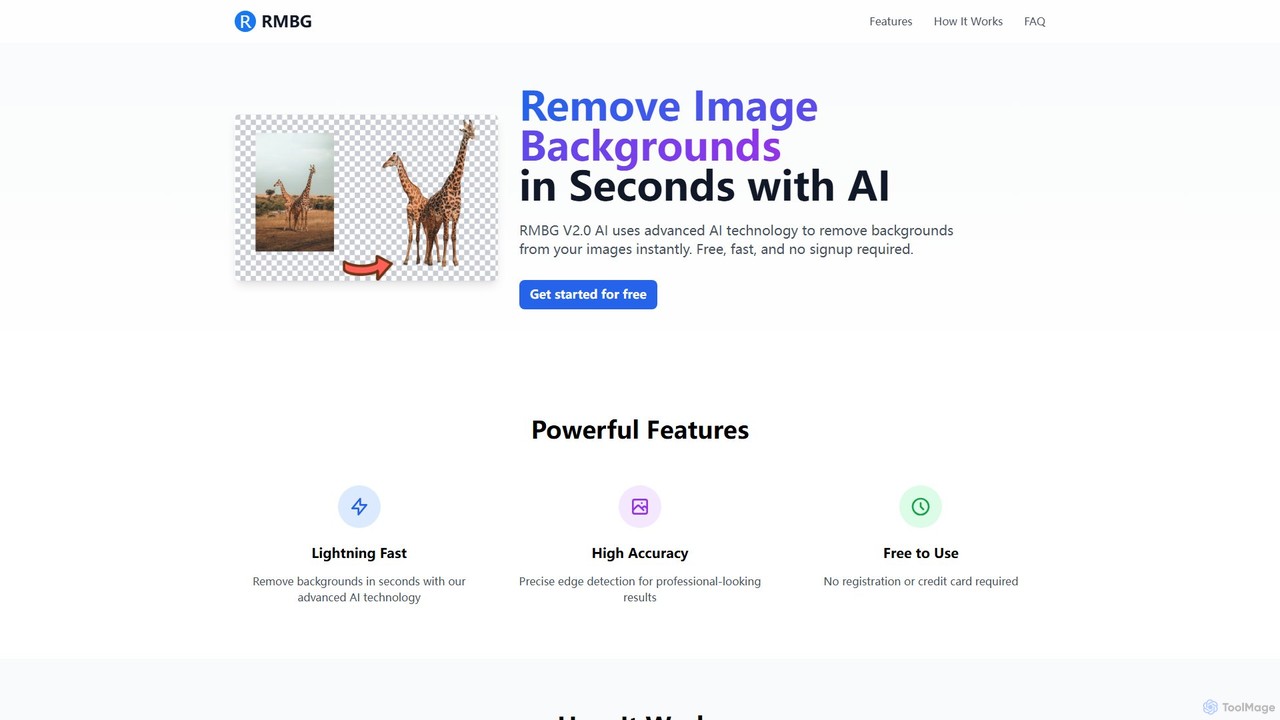
RMBG AI
RMBG AI is a free online tool that uses advanced AI to instantly remove backgrounds from images. Developed by BRIA AI, it offers high-precision results in seconds without any need for registration or payment. It supports various image formats and is ideal for e-commerce, graphic design, and personal projects.
Editing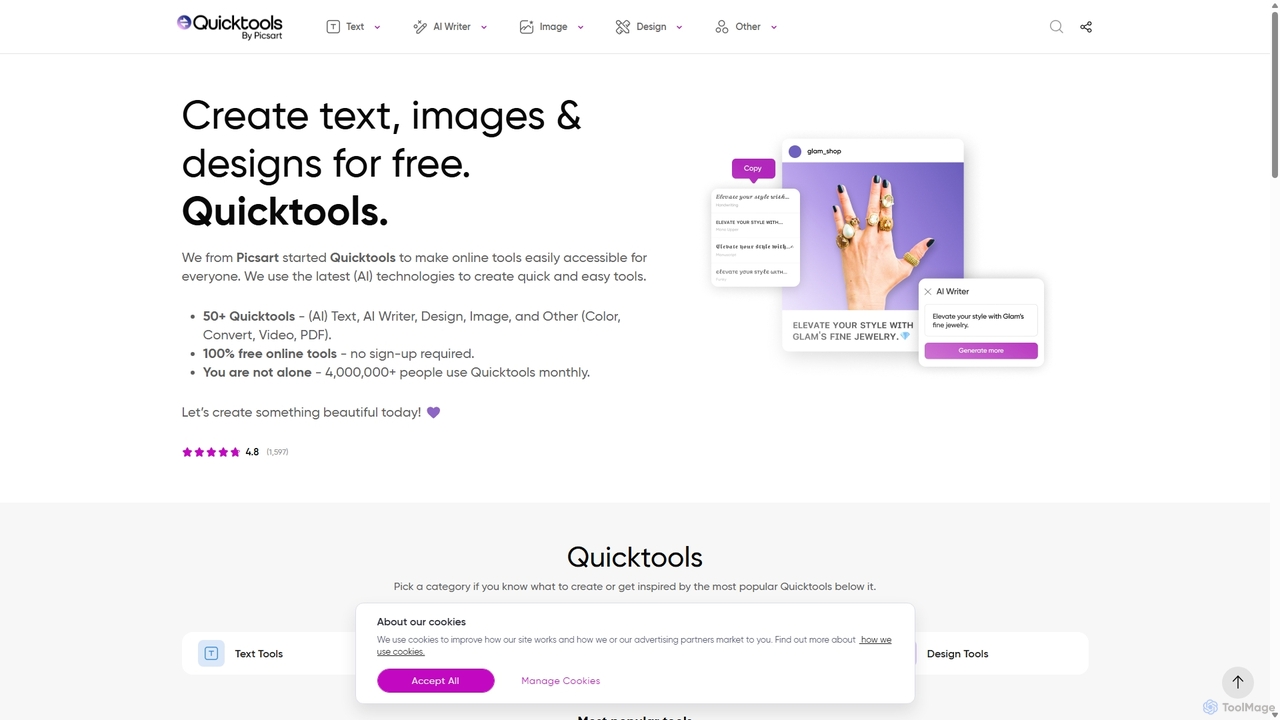
Quicktools by Picsart
Quicktools by Picsart is a comprehensive suite of over 50 free, AI-powered online tools for creative tasks. It offers a wide range of single-purpose utilities for image editing, text generation, design, and file conversion. Designed for speed and simplicity, it allows users to perform quick edits like background removal, image upscaling, and font generation without needing to sign up or use a complex editor.
Image EditingBgSub Categories
BgSub Jobs
BgSub Embed Widget
Copy this embed code to place the badge on your blog, article, or product site and send readers directly to this ToolMage detail page.

Related AI tools
Slazzer
Slazzer is an AI-powered visual editing platform that automatically removes image backgrounds in seconds. It offers a suite of tools including AI background generation, image enhancement, upscaling, and shadow creation. Designed for efficiency, it serves e-commerce, photographers, marketers, and developers with web-based tools, desktop apps, and API integration for bulk processing.
Api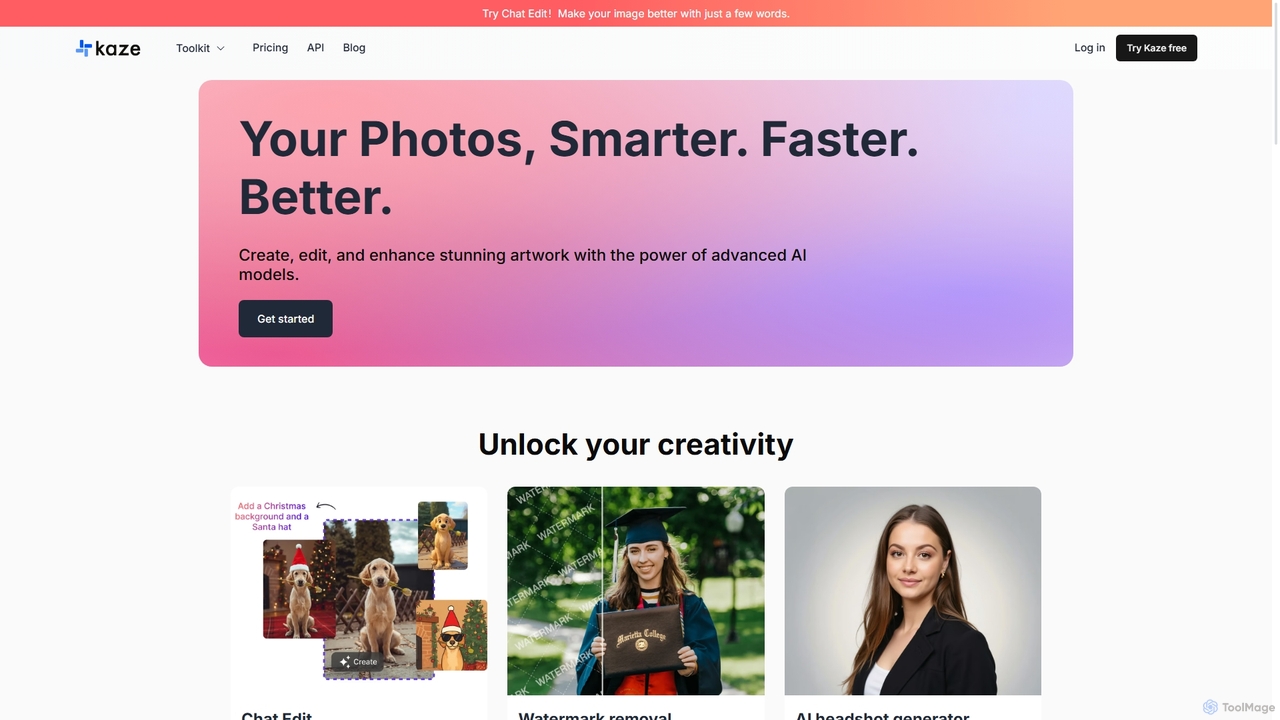
Kaze
Kaze is a comprehensive AI-powered image editing suite designed to create, edit, and enhance photos effortlessly. It offers a wide range of tools including one-click watermark and object removal, photo restoration, image upscaling, background removal, and an AI headshot generator. With its user-friendly interface and advanced AI models, Kaze delivers professional, studio-quality results in seconds, catering to creators, marketers, and photographers.
3DBgSub
BgSub is a free, AI-powered tool for instantly removing and replacing image backgrounds directly in your browser. Its standout feature is its privacy-first approach, processing images locally without uploading them to a server. It supports high-resolution output, background replacement with colors, gradients, or images, and includes features like AI color correction and artistic filters. Ideal for e-commerce, marketing, and personal use.
Image EditingRMBG AI
RMBG AI is a free online tool that uses advanced AI to instantly remove backgrounds from images. Developed by BRIA AI, it offers high-precision results in seconds without any need for registration or payment. It supports various image formats and is ideal for e-commerce, graphic design, and personal projects.
EditingQuicktools by Picsart
Quicktools by Picsart is a comprehensive suite of over 50 free, AI-powered online tools for creative tasks. It offers a wide range of single-purpose utilities for image editing, text generation, design, and file conversion. Designed for speed and simplicity, it allows users to perform quick edits like background removal, image upscaling, and font generation without needing to sign up or use a complex editor.
Image Editing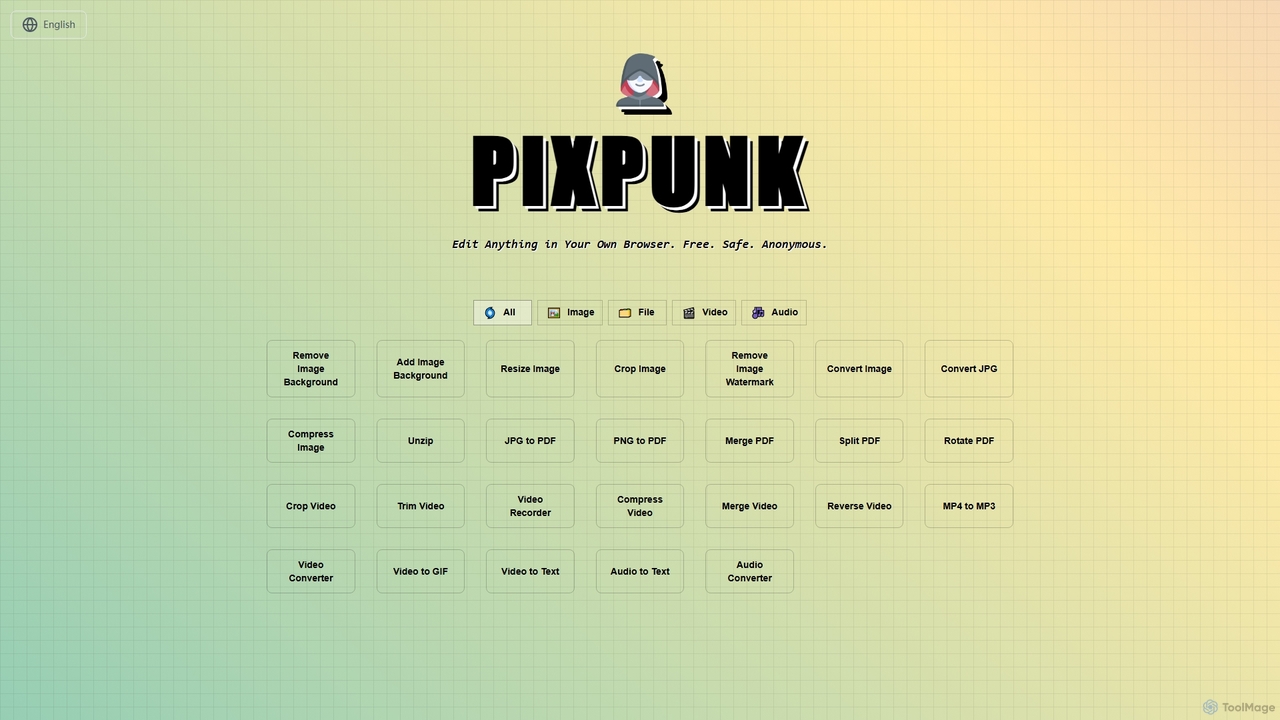
PixPunk
PixPunk is a free, safe, and anonymous online tool that allows users to edit images, convert files, and process videos and audio directly in their browser. It offers a suite of functionalities including background removal, image resizing, cropping, and format conversion, all without uploads or watermarks, ensuring maximum privacy.
Audio Converter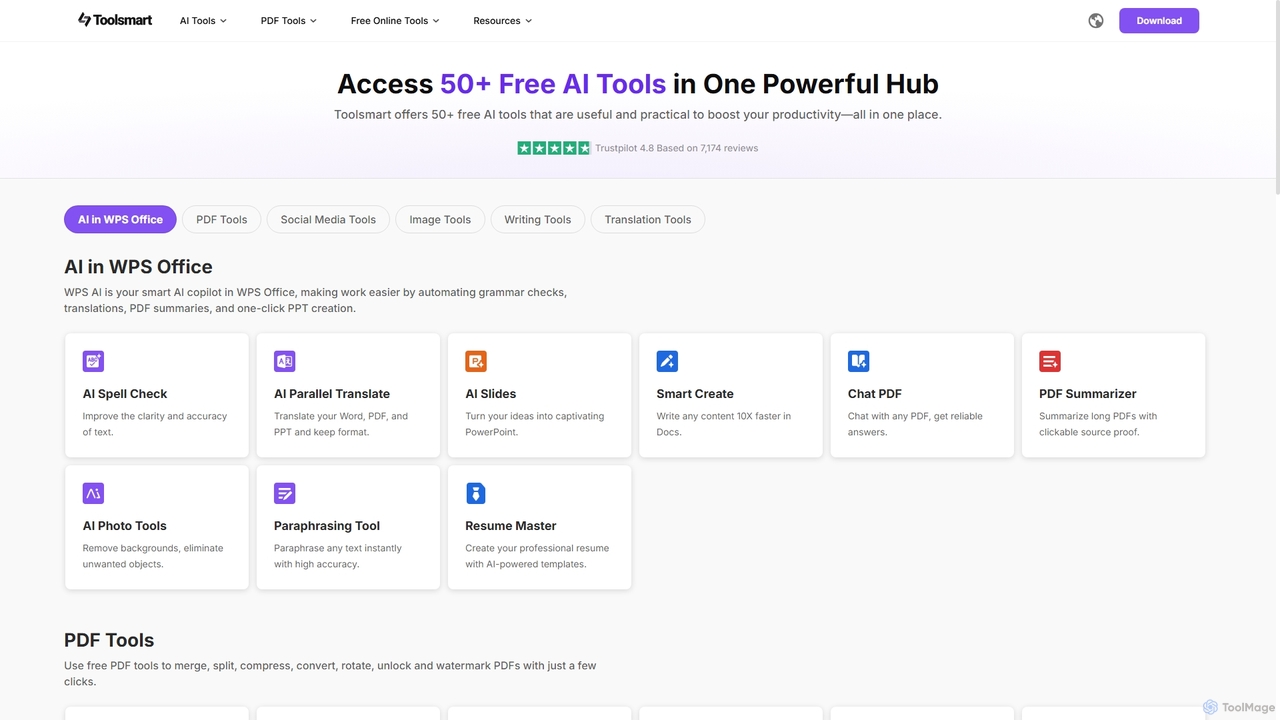
Toolsmart
Toolsmart is a comprehensive suite of over 50 free AI-powered tools designed to boost productivity. It offers a wide range of utilities in one convenient hub, including PDF converters and editors, social media video downloaders, advanced image editing tools like background and watermark removers, and a variety of AI writing assistants for paraphrasing, summarizing, and humanizing text. No sign-up is required for most tools, providing a fast, accessible, and ad-free user experience for creators, marketers, and professionals.
Pdf
Kira
Kira is a powerful AI-powered platform for professional-grade image generation and editing. It combines a versatile text-to-image generator with a comprehensive suite of editing tools, including background removal, inpainting, upscaling, and stylization. Its key feature is the ability to maintain consistent styles and characters across multiple edits and generations, making it ideal for branding, marketing, and creative projects that require a cohesive visual identity.
Graphic Design
Remover
Remover is a free AI-powered tool by ZMO.AI that effortlessly removes unwanted objects, people, text, and backgrounds from photos. Ideal for e-commerce, real estate, and general photo cleanup, it provides unlimited edits and professional results in seconds without needing complex software like Photoshop.
3D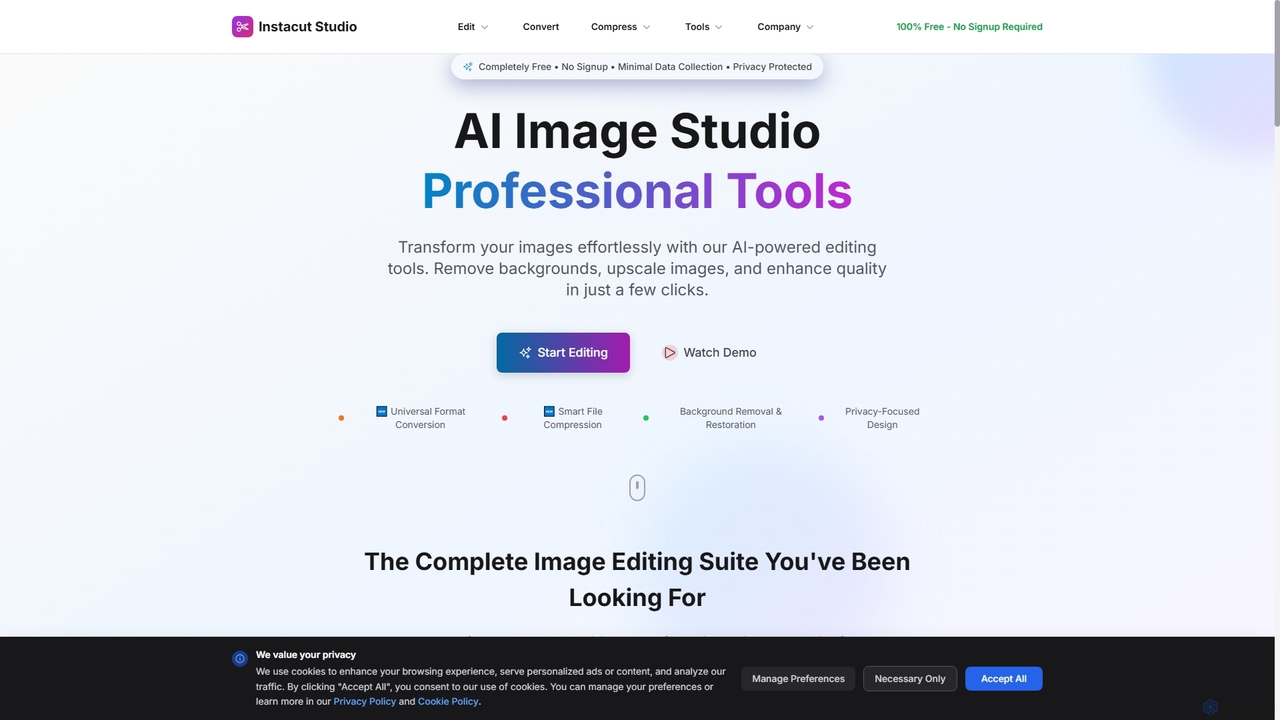
Instacut
Instacut is a comprehensive, privacy-first suite of AI-powered image editing tools available online for free. It requires no signup and offers features like background removal, image upscaling, photo restoration, format conversion, and file compression, ensuring user data is never stored.
Graphicsno_background
A free, AI-powered web tool that effortlessly removes backgrounds from images in seconds. Based on the MODNet deep learning model, it offers a fast, simple, and privacy-focused solution for creating transparent backgrounds without manual editing.
Image Editing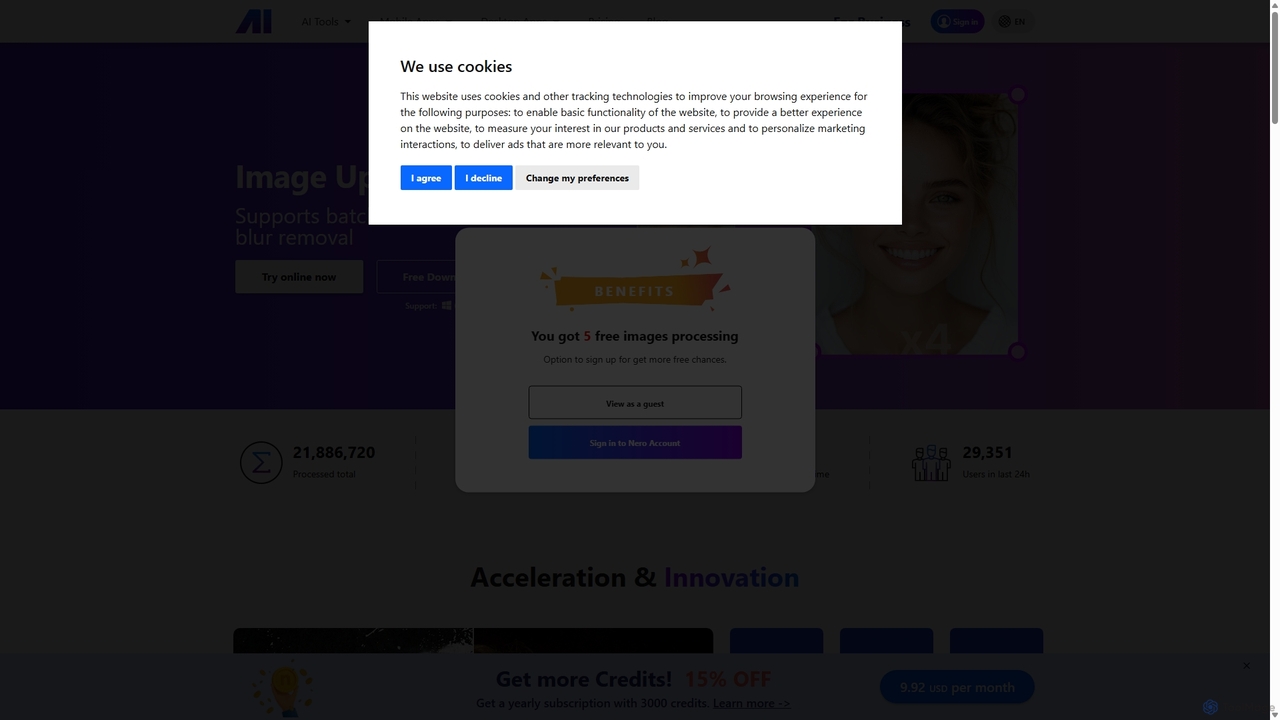
Nero AI
Nero AI is a comprehensive suite of AI-powered tools for image and video enhancement. It offers features like image and video upscaling, photo restoration, background and object removal, face animation, and creative stylization. Designed for creators, marketers, and designers, it provides easy-to-use solutions for both online and desktop platforms to elevate visual content quality.
Graphic Design
Pixelfox
Pixelfox is a comprehensive, free-to-use AI suite for creators and businesses. It combines a powerful online photo and video editor with over 300 AI writing tools. Effortlessly retouch photos, remove backgrounds, generate images from text, swap faces, and enhance quality. Simultaneously, create SEO-optimized articles, social media content, product descriptions, and much more, all within a single, no-download platform.
3D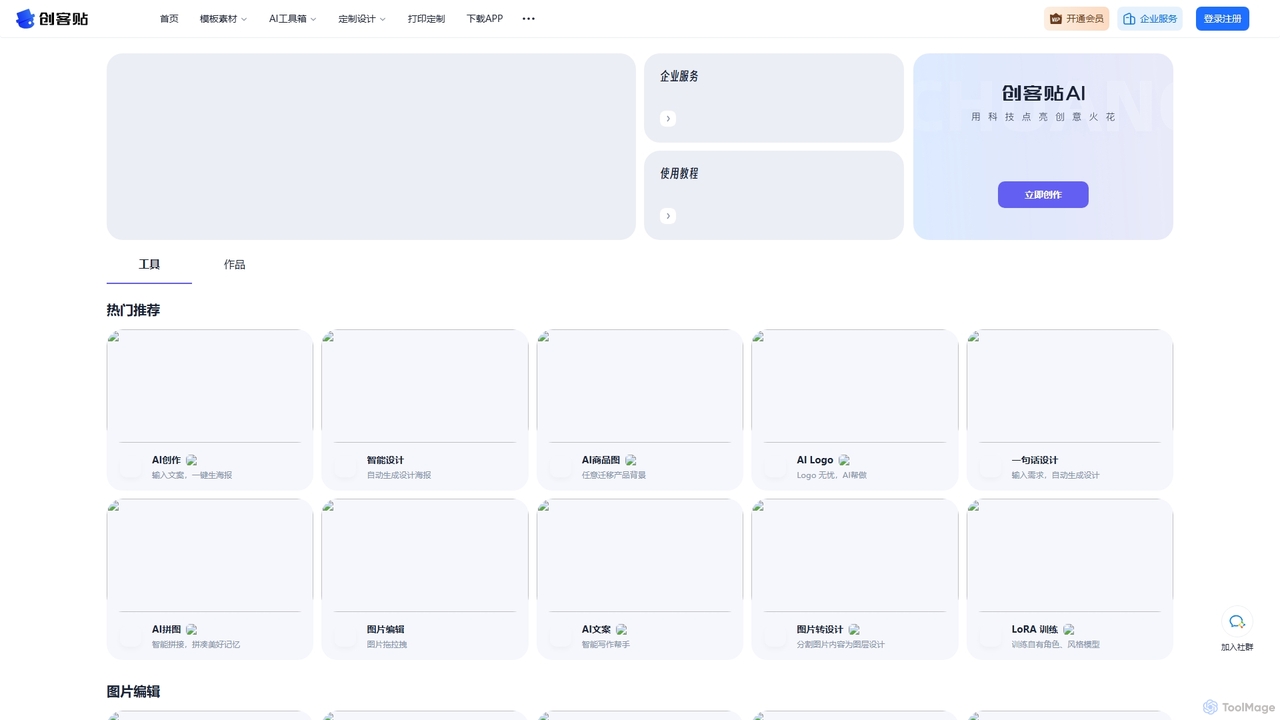
Chuangkit AI
Chuangkit AI is an all-in-one intelligent design platform that leverages AI to automate creative workflows. It enables users to generate posters, product photos, logos, and social media content from simple text prompts, and offers a comprehensive suite of AI-powered image editing tools.
Graphic Design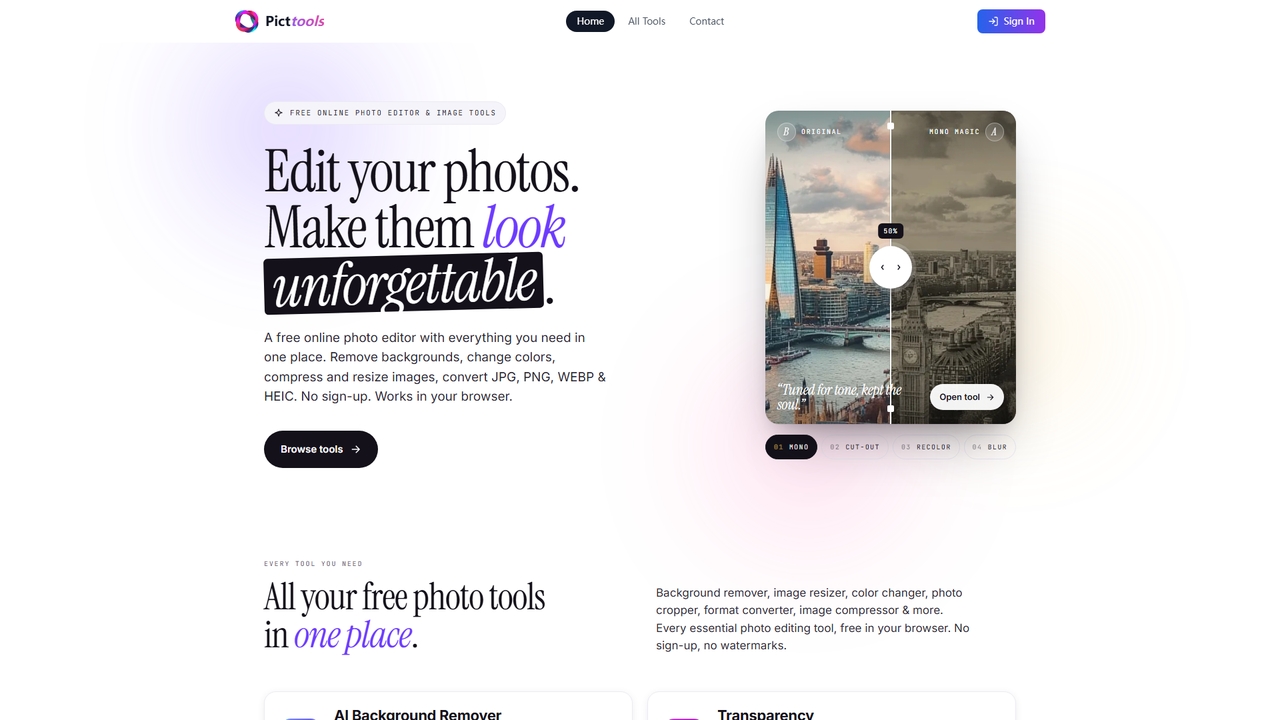
PictTools
Free online photo editor with a suite of essential image tools including background remover, color changer, and format converter. All tools run in your browser with no sign-up or watermarks.
Image Editing
BgSub Comments (0)
Sign in to comment.
Sign inNo comments yet.