

gaituya Overview
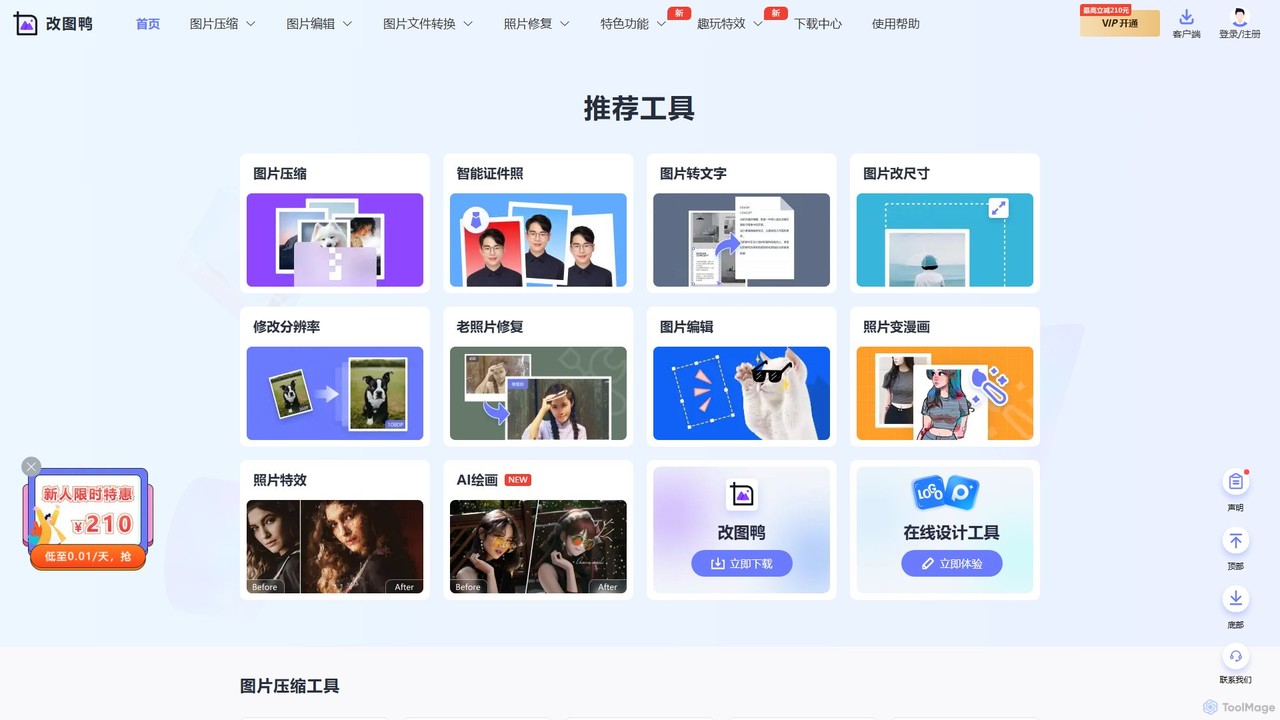
Gaituya, which translates to 'Image-Changing Duck', is a versatile and powerful all-in-one online image processing platform. It serves as a comprehensive toolkit that caters to a wide array of image manipulation needs, from simple, everyday tasks to complex, AI-powered enhancements. The platform is primarily web-based, allowing users to access its features directly through a browser without the need for software installation, making it highly accessible and convenient. For users who require more power, such as handling larger files or extensive batch processing, Gaituya also offers dedicated desktop clients for both Windows and Mac, as well as mobile applications.
The suite integrates a vast collection of functionalities, positioning itself as a one-stop solution for anyone working with digital images. Whether you're a web developer looking to optimize site performance, a social media manager creating engaging content, a student preparing a presentation, or a family historian preserving precious memories, Gaituya provides the right tools for the job.
How to use gaituya
Using Gaituya is designed to be a straightforward and intuitive process. Here is a general guide to get started:
- Select a Tool: Navigate to the Gaituya website and choose the specific function you need from the clearly organized navigation menu. Options range from 'Image Compression' and 'Format Conversion' to 'AI Painting' and 'Old Photo Repair'.
- Upload Your Image(s): Drag and drop your image files directly onto the designated area on the page, or click the 'Add Image' button to browse and select files from your computer. The platform supports batch processing for many of its features, allowing you to upload multiple files at once.
- Configure Settings: Depending on the selected tool, you will be presented with various options. For compression, you can choose between different modes like 'Clarity Priority' or 'Size Priority'. For format conversion, you select the desired output format. For AI features, you might input a text prompt or adjust enhancement levels.
- Process the Image: Once you have configured the settings, click the 'Start Processing', 'Convert', or 'Generate' button to initiate the task. Gaituya's servers will then process your files.
- Download the Result: After the processing is complete, a download link or button will appear. Click it to save the new, modified image(s) to your device. For privacy, uploaded files are automatically deleted from the servers after one hour.
Core Features of gaituya
- Comprehensive Image Conversion: Effortlessly convert images between a multitude of formats, including JPG, PNG, WEBP, GIF, BMP, and ICON. It also handles specialized conversions like HEIC to JPG and can transform images into PDF documents.
- Advanced Image Compression: Significantly reduce image file sizes for faster web loading and easier storage. It supports various formats and offers multiple compression modes to balance file size and quality.
- AI-Powered Photo Restoration & Enhancement: Revive old memories with powerful AI tools. This includes repairing damaged or faded old photos, colorizing black-and-white images, sharpening blurry faces, reducing digital noise, and removing atmospheric haze from landscapes.
- Intelligent Editing Tools: Perform complex edits with simple clicks. Features include one-click background removal, smart ID photo creation with custom sizes and background colors, image cropping, resizing, rotating, and adding custom watermarks.
- Creative AI & Special Effects: Unleash your creativity with AI. Transform photos into various cartoon and anime styles, apply artistic effects, generate unique images from text prompts with the AI Painting tool, and even create AI-generated poetry.
- Utility and Design Functions: The platform also includes practical tools like a collage maker with various templates, the ability to add decorative frames and stickers, an artistic signature generator, and a unique feature to convert documents (Word, PPT, PDF) into a single, long-form image for easy sharing.
Use Cases for gaituya
Gaituya is useful for a diverse range of users and scenarios:
- Web Developers & SEO Specialists: Compressing images and converting them to next-gen formats like WEBP to drastically improve website loading speeds and Core Web Vitals scores.
- Social Media Managers & Marketers: Quickly resizing images for different platforms, batch-watermarking promotional materials, and creating eye-catching visuals like photo-to-cartoon images or collages to boost engagement.
- E-commerce Store Owners: Using the background removal tool to create clean, professional product photos with white or transparent backgrounds for online listings.
- Students & Academics: Converting lecture slides (PPT/PDF) or documents (Word) into long images for easy review and sharing, and creating standard ID photos for applications.
- Photographers & Hobbyists: Performing quick edits on the go, enhancing photo quality with AI noise reduction, or restoring old family photographs as a personal or professional service.
Advantages of gaituya
Gaituya stands out due to several key advantages:
- All-in-One Platform: It consolidates dozens of image tools into a single, accessible interface, eliminating the need to switch between multiple applications.
- Accessibility & Convenience: The primary web-based tool requires no installation, and its cross-platform clients ensure you can work on any device.
- Powerful AI Integration: It leverages artificial intelligence to automate and simplify complex tasks like photo restoration and background removal, making professional-grade results accessible to everyone.
- Efficiency through Batch Processing: Many key features support processing multiple files simultaneously, which is a massive time-saver for large projects.
- User-Friendly Design: The interface is clean, intuitive, and easy to navigate, ensuring a smooth experience even for users with no technical expertise.
Pricing and Plans
Gaituya operates on a freemium model, offering both free and premium tiers of service.
- Free Plan: Users can access a wide range of tools for free. This plan is ideal for casual use but comes with certain limitations, which may include caps on file size, a maximum number of files per batch process, and potentially watermarks on certain advanced feature outputs. Uploaded files are automatically deleted after one hour to protect user privacy.
- VIP/Paid Plan: By upgrading to a paid plan, users can unlock the full potential of the platform. Benefits typically include the removal of all limitations (larger file sizes, unlimited batch processing), an ad-free experience, access to all premium features, and potentially faster processing speeds or priority customer support. Specific pricing details are available on the Gaituya website.
Traffic
Latest traffic
Status
Monthly traffic trend
- 2025-9: 71.2K
- 2026-1: 70.4K
- 2026-2: 65.2K
- 2026-3: 75.2K
- 2026-4: 61.4K
- 2026-5: 69.4K
Geography
Top 5 countries / regions
- 🇨🇳China84.0%
- 🇹🇼Taiwan5.5%
- 🇺🇸United States4.0%
- 🇸🇬Singapore3.3%
- 🇭🇰Hong Kong SAR China3.2%
Traffic sources
| Source type | Percentage |
|---|---|
Direct | 87.5% |
Referral | 12.4% |
Top keywords
| Keyword | Cost per click |
|---|---|
| word 转 长 图 | $0.00 |
| 在线拼图 | $0.00 |
| 张群签名 | $0.00 |
| 改图鸭 | $0.00 |
| 签名 | $1.16 |
gaituya Alternatives
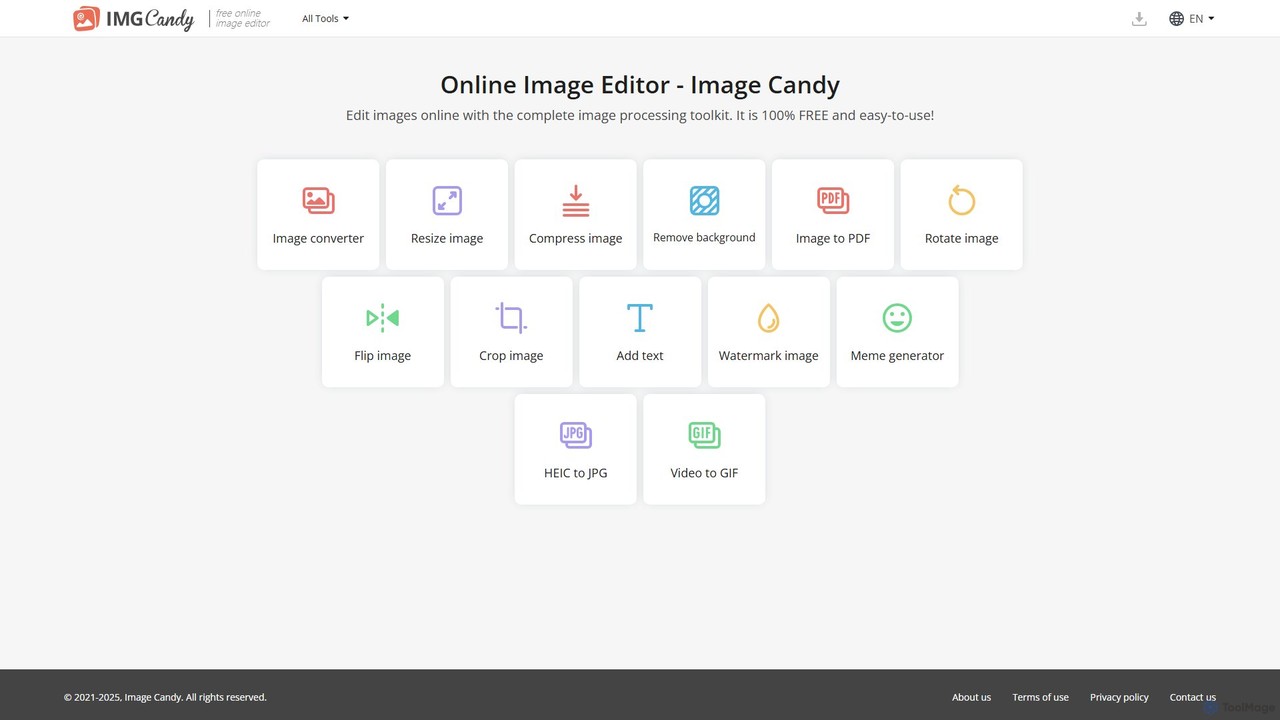
Image Candy
Image Candy is a comprehensive and 100% free online image editing toolkit. It provides a wide array of easy-to-use tools for converting, resizing, compressing, removing backgrounds, and performing various other image modifications directly in your browser without needing any software installation.
Graphics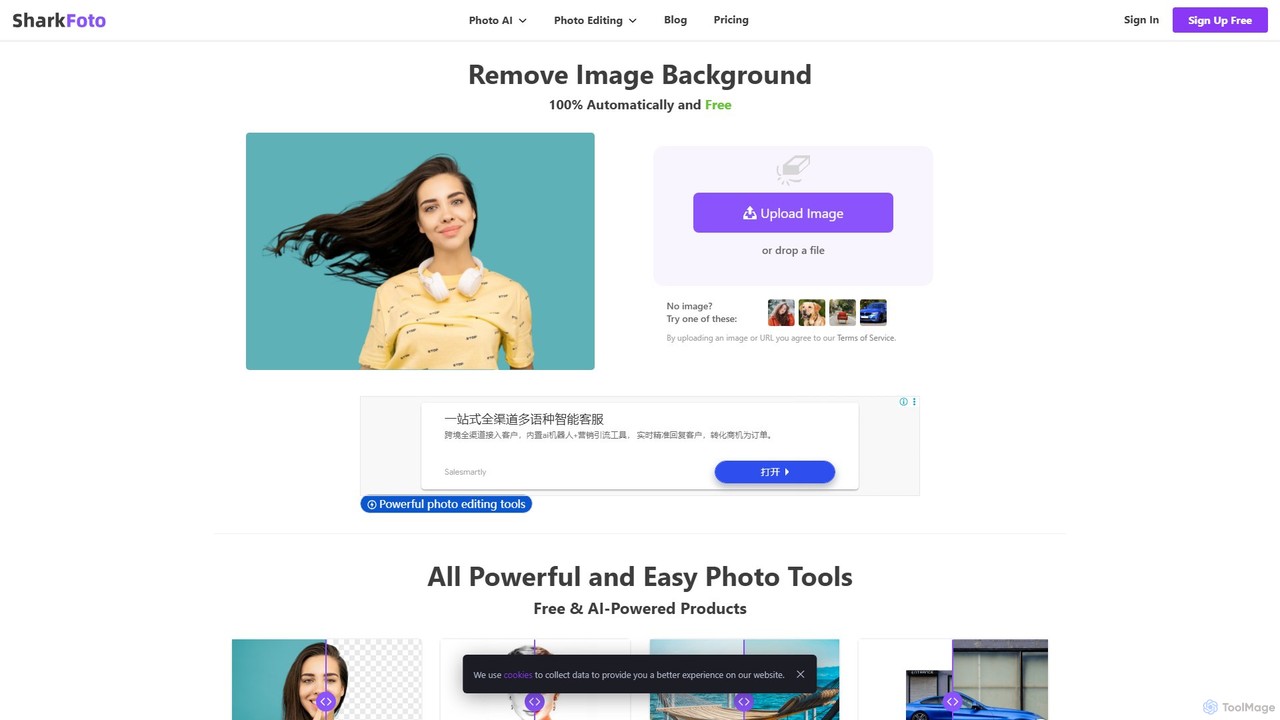
sharkfoto
sharkfoto is an all-in-one online photo editing suite powered by AI. It offers a range of tools including automatic background removal, image colorization, photo enhancement, and resolution enlargement. Additionally, it provides over 10 free standard editing tools like image conversion, compression, resizing, and a full-featured photo editor, catering to both professionals and casual users.
Background Removal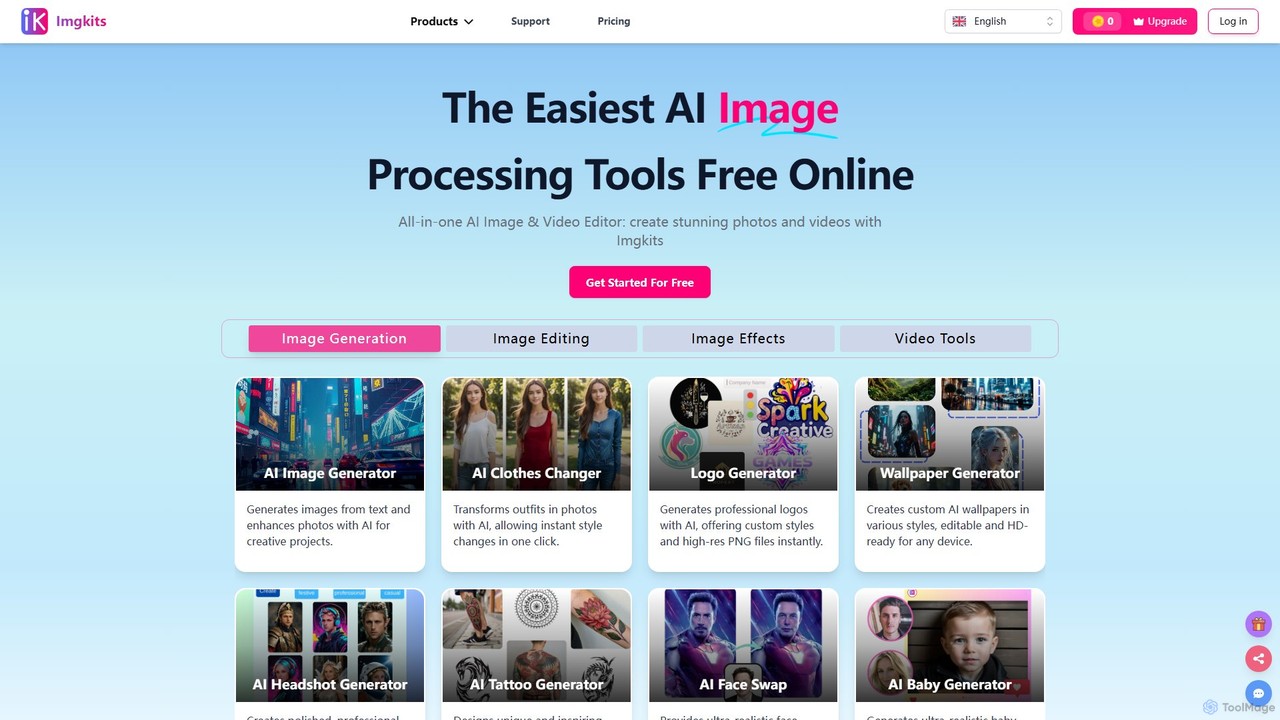
Imgkits
Imgkits is a comprehensive, AI-powered online platform for image and video editing. It offers a wide array of tools, including AI image generation, background removal, photo restoration, object removal, and video creation from text or images. Designed for ease of use, it allows users to create stunning visuals for professional or personal projects without requiring any technical expertise.
Generative Art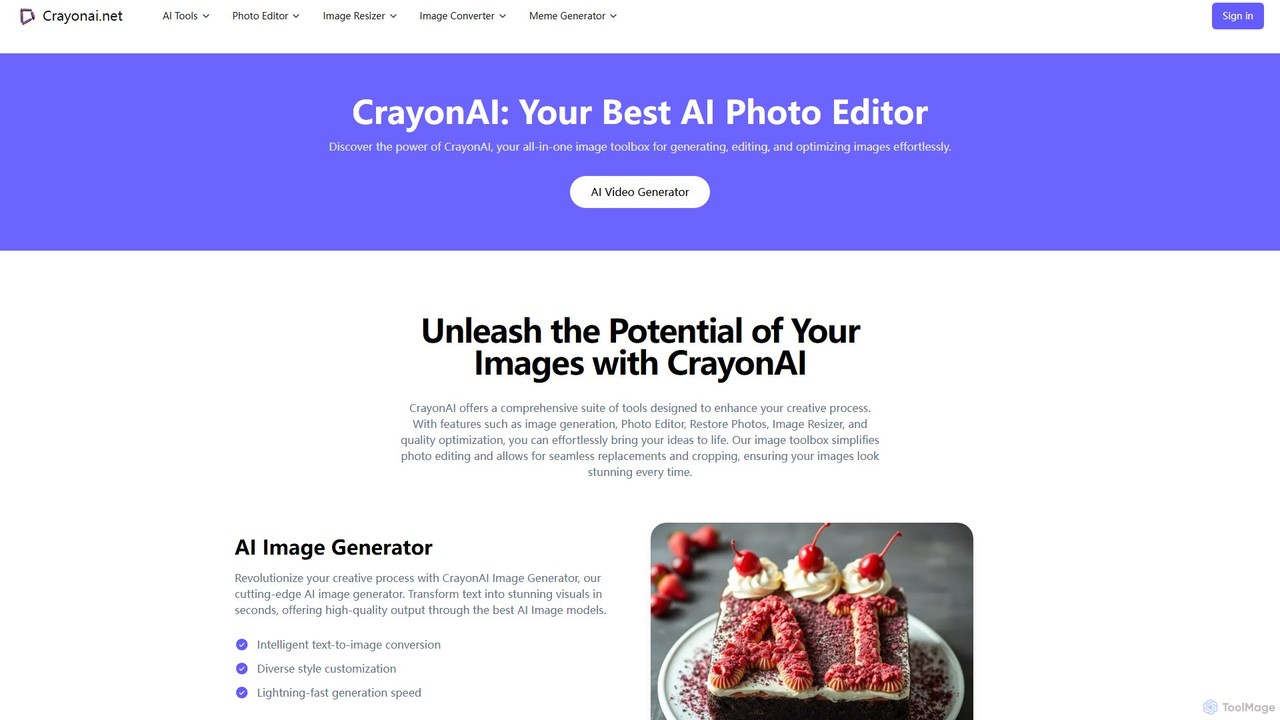
CrayonAI
CrayonAI is an all-in-one AI-powered image and video toolbox. It enables users to generate stunning visuals from text, edit photos with a comprehensive suite of tools, remove backgrounds, restore old images, create memes, and much more, all within a single, user-friendly platform.
Meme Generation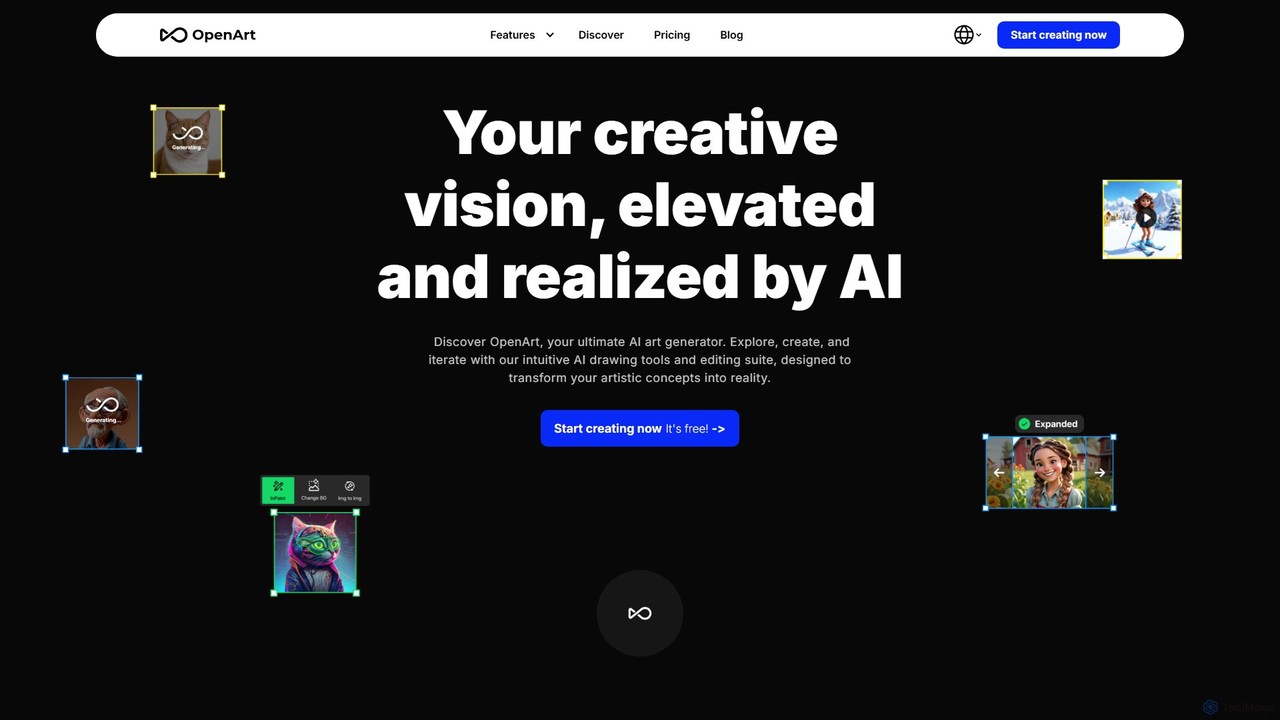
OpenArt
OpenArt is a powerful AI art platform for creating and editing images. It features an advanced AI image generator, a comprehensive suite of editing tools, and the unique ability to train custom AI models for specific styles or characters. Ideal for artists, designers, and hobbyists, it offers both free and professional plans.
Art Generationgaituya Categories
gaituya Embed Widget
Copy this embed code to place the badge on your blog, article, or product site and send readers directly to this ToolMage detail page.

Related AI tools
Image Candy
Image Candy is a comprehensive and 100% free online image editing toolkit. It provides a wide array of easy-to-use tools for converting, resizing, compressing, removing backgrounds, and performing various other image modifications directly in your browser without needing any software installation.
Graphicssharkfoto
sharkfoto is an all-in-one online photo editing suite powered by AI. It offers a range of tools including automatic background removal, image colorization, photo enhancement, and resolution enlargement. Additionally, it provides over 10 free standard editing tools like image conversion, compression, resizing, and a full-featured photo editor, catering to both professionals and casual users.
Background Removal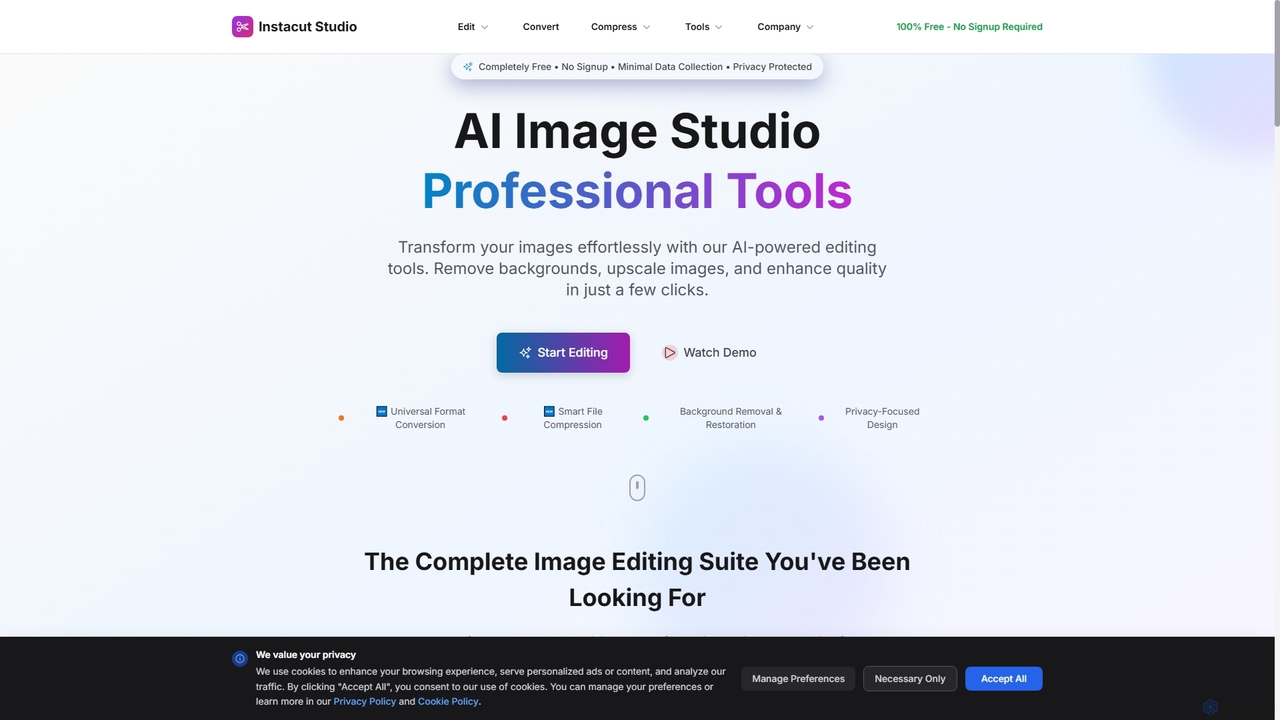
Instacut
Instacut is a comprehensive, privacy-first suite of AI-powered image editing tools available online for free. It requires no signup and offers features like background removal, image upscaling, photo restoration, format conversion, and file compression, ensuring user data is never stored.
GraphicsImgkits
Imgkits is a comprehensive, AI-powered online platform for image and video editing. It offers a wide array of tools, including AI image generation, background removal, photo restoration, object removal, and video creation from text or images. Designed for ease of use, it allows users to create stunning visuals for professional or personal projects without requiring any technical expertise.
Generative ArtCrayonAI
CrayonAI is an all-in-one AI-powered image and video toolbox. It enables users to generate stunning visuals from text, edit photos with a comprehensive suite of tools, remove backgrounds, restore old images, create memes, and much more, all within a single, user-friendly platform.
Meme GenerationOpenArt
OpenArt is a powerful AI art platform for creating and editing images. It features an advanced AI image generator, a comprehensive suite of editing tools, and the unique ability to train custom AI models for specific styles or characters. Ideal for artists, designers, and hobbyists, it offers both free and professional plans.
Art Generation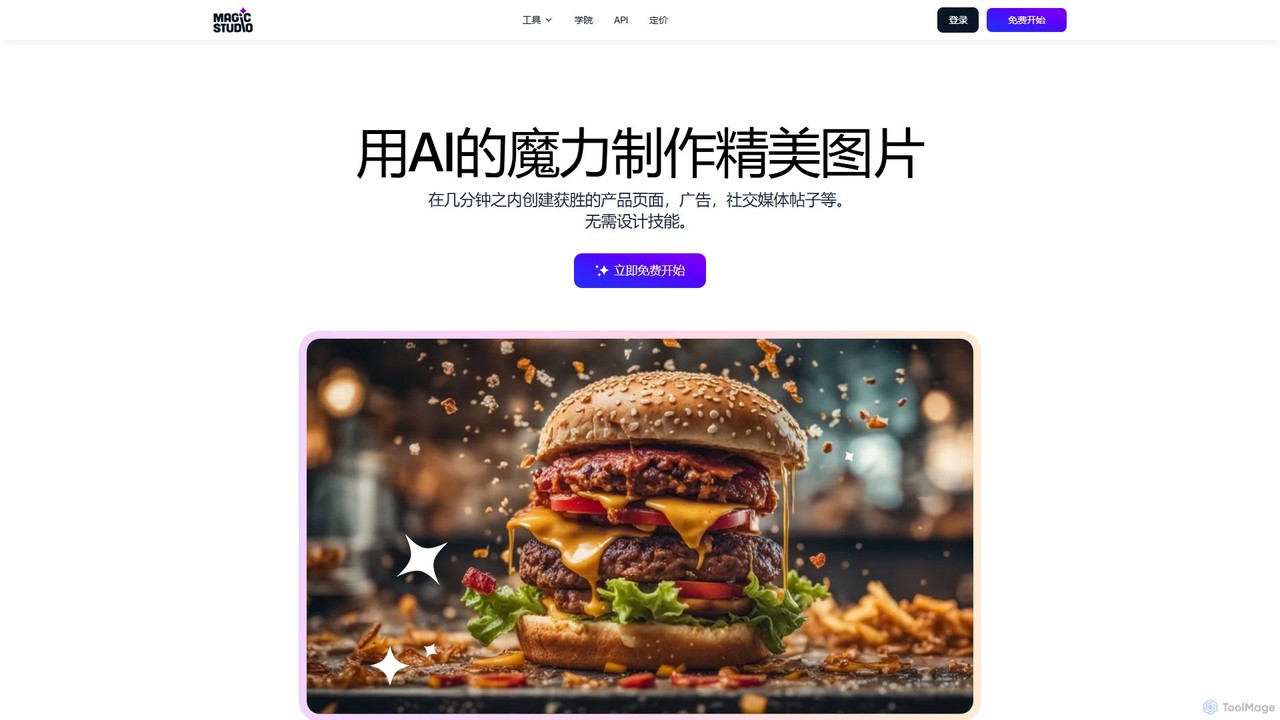
Magic Studio
Magic Studio is an all-in-one AI-powered image editing suite designed for everyone. It allows users to effortlessly create stunning visuals, remove unwanted objects, change backgrounds, generate images from text, and enhance photo quality in seconds, no design skills required.
Product Photos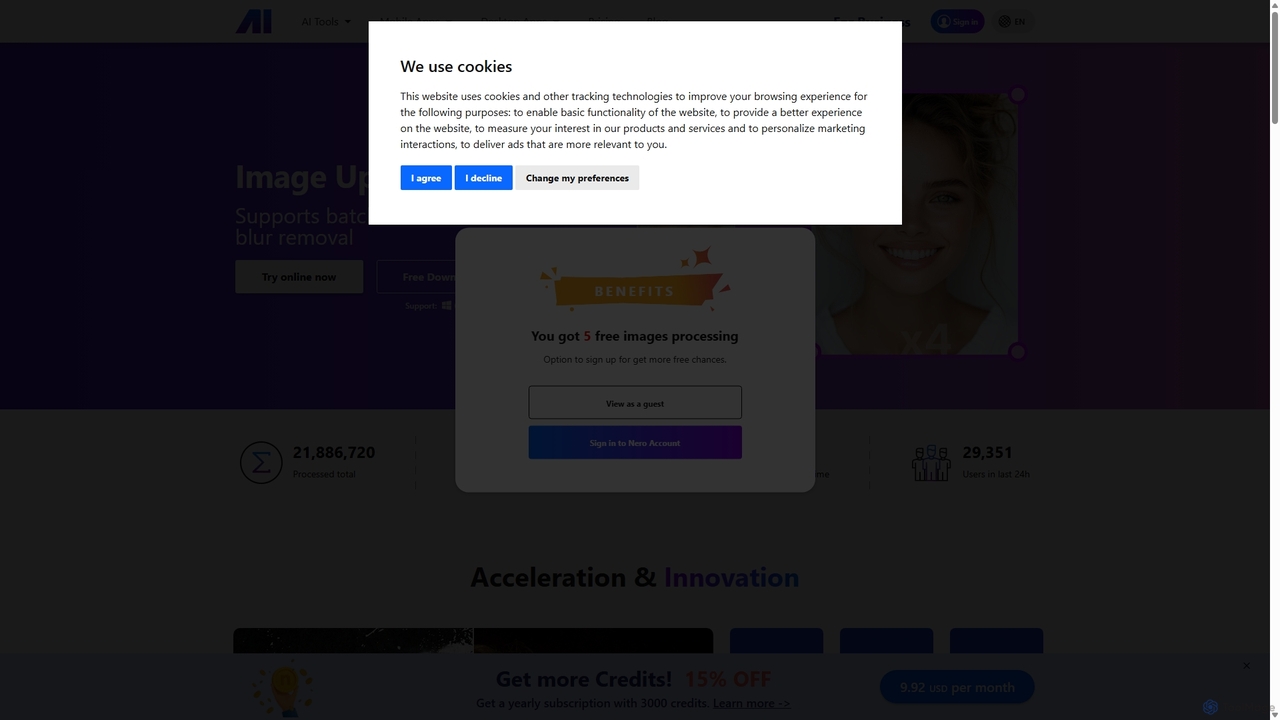
Nero AI
Nero AI is a comprehensive suite of AI-powered tools for image and video enhancement. It offers features like image and video upscaling, photo restoration, background and object removal, face animation, and creative stylization. Designed for creators, marketers, and designers, it provides easy-to-use solutions for both online and desktop platforms to elevate visual content quality.
Graphic Design
Upscalepics
Upscalepics is an AI-powered image toolkit that enhances, upscales, and edits photos with remarkable precision. It can increase image resolution up to 8x, remove backgrounds, compress files, and prepare images for high-quality printing at 300 DPI. With features like batch processing, a browser extension, and API access, it serves photographers, designers, and e-commerce businesses.
Image Editing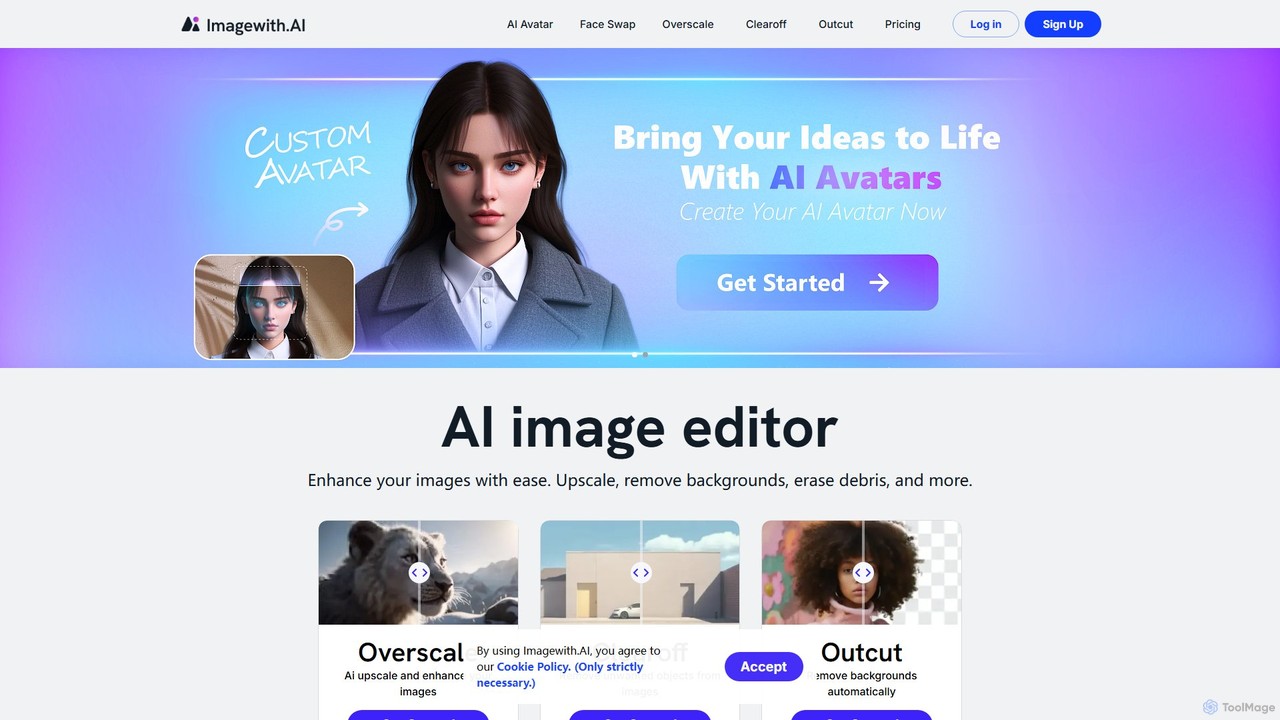
imagewith.ai
imagewith.ai is an AI-powered online image editing suite designed to simplify complex photo editing tasks. It offers a set of powerful tools including an image upscaler (Overscale), a background remover (Outcut), and an object remover (Clearoff). This platform enables users of all skill levels, from amateur photographers to e-commerce professionals, to enhance, clean, and perfect their images with just a few clicks, boosting efficiency and creativity without the need for complex software.
Product Photos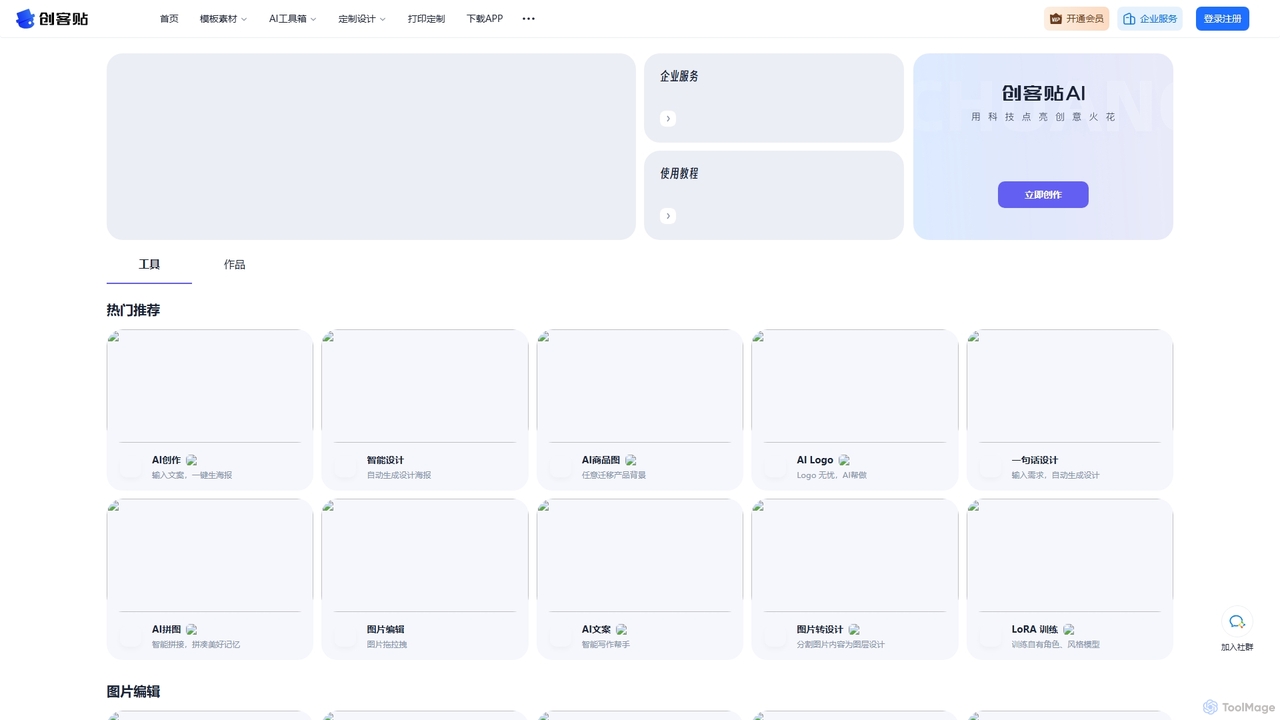
Chuangkit AI
Chuangkit AI is an all-in-one intelligent design platform that leverages AI to automate creative workflows. It enables users to generate posters, product photos, logos, and social media content from simple text prompts, and offers a comprehensive suite of AI-powered image editing tools.
Graphic Design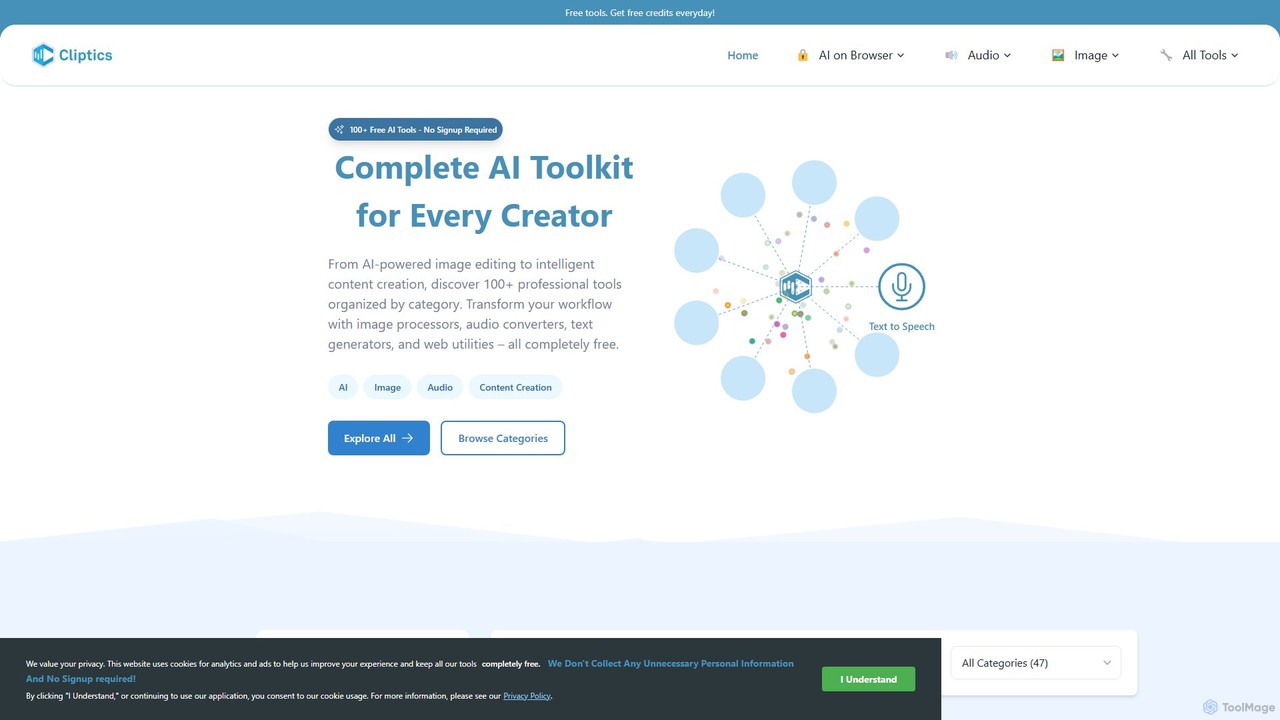
Cliptics
Cliptics offers a comprehensive suite of over 100 free AI tools for image editing, audio creation, content generation, and web development. It requires no signup and provides instant, professional-quality results. Ideal for content creators, marketers, e-commerce sellers, and developers, it aims to make powerful AI technology accessible to everyone, completely free of charge.
Text To Speech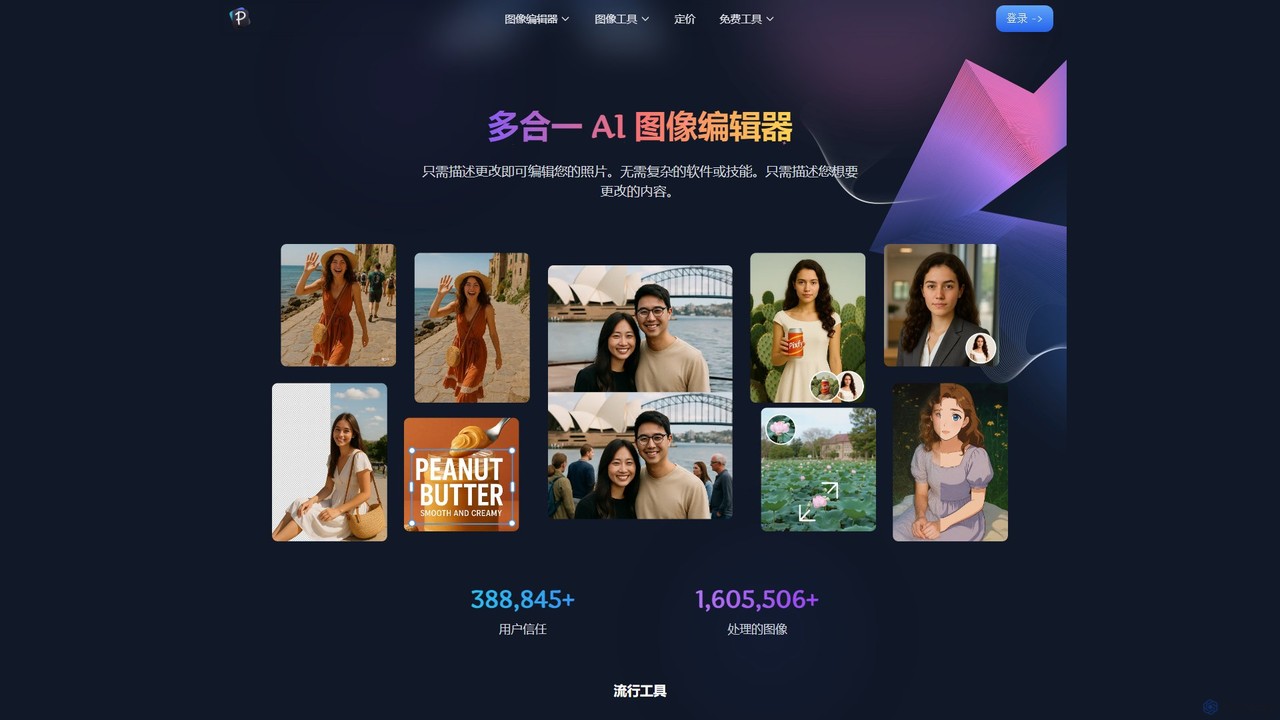
Pixfy
Pixfy is an all-in-one AI image editor that lets you edit photos using simple text commands. From object removal and background changes to AI image generation and virtual try-ons, Pixfy makes professional photo editing accessible to everyone, no complex skills required.
Image Editing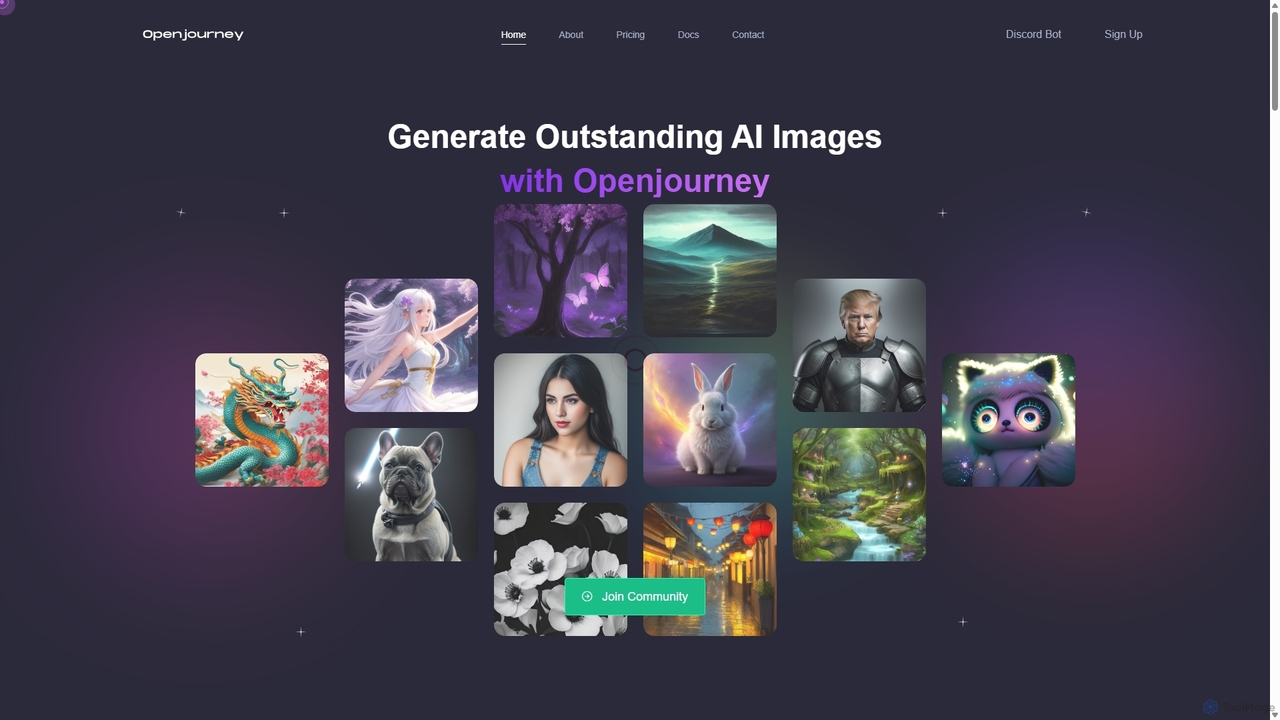
Openjourney
Openjourney is a comprehensive AI creative suite that offers a wide range of generative tools in one place. It excels in generating high-quality images from text prompts but also includes powerful features like face restoration, face swapping, background removal, image upscaling to 4K, an unlimited AI chatbot, and advanced controls like Controlnet. It's designed for creators, marketers, and artists seeking a versatile and powerful AI toolkit.
Generative Art
Imagine AI
Imagine AI is a user-friendly mobile application designed to make advanced AI image editing and generation accessible to everyone. Through its IMGN app, users can effortlessly create stunning AI art from text prompts, enhance photo quality, remove unwanted objects or backgrounds, and apply artistic styles. No technical expertise is required, making it the perfect tool for social media creators, marketers, and anyone looking to unleash their creativity on their smartphone.
Image Editing
gaituya Comments (0)
Sign in to comment.
Sign inNo comments yet.