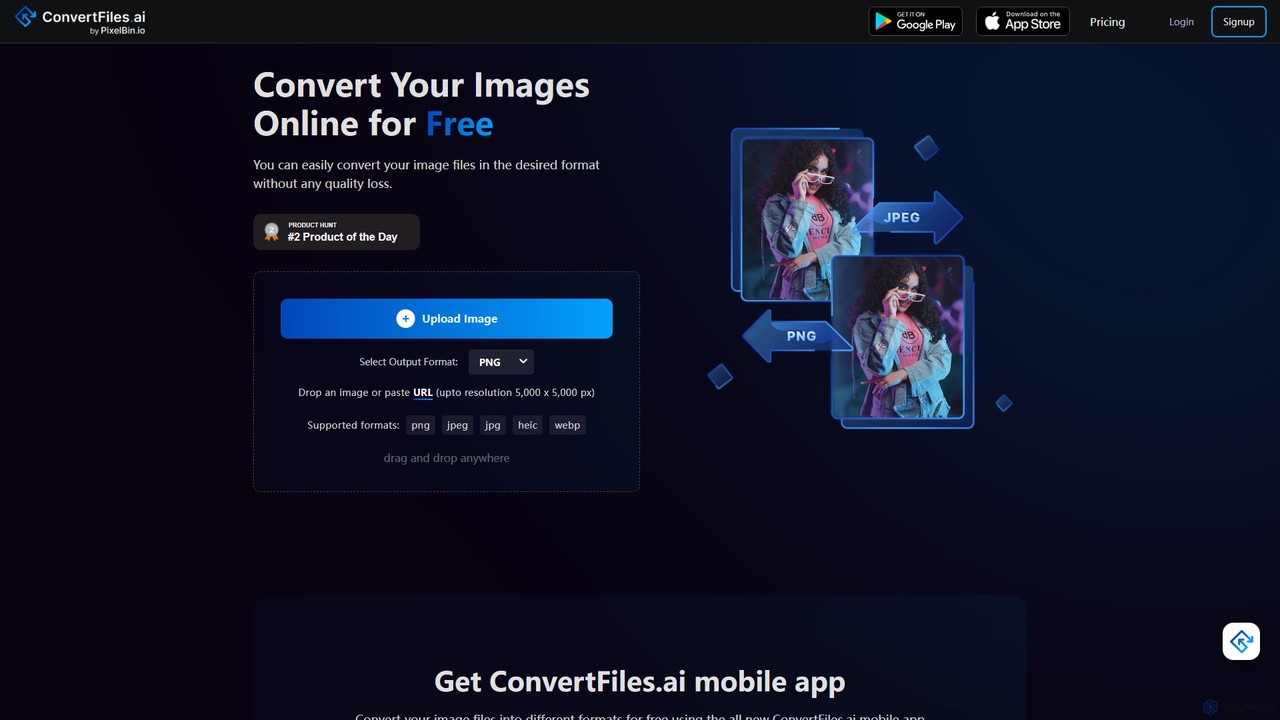
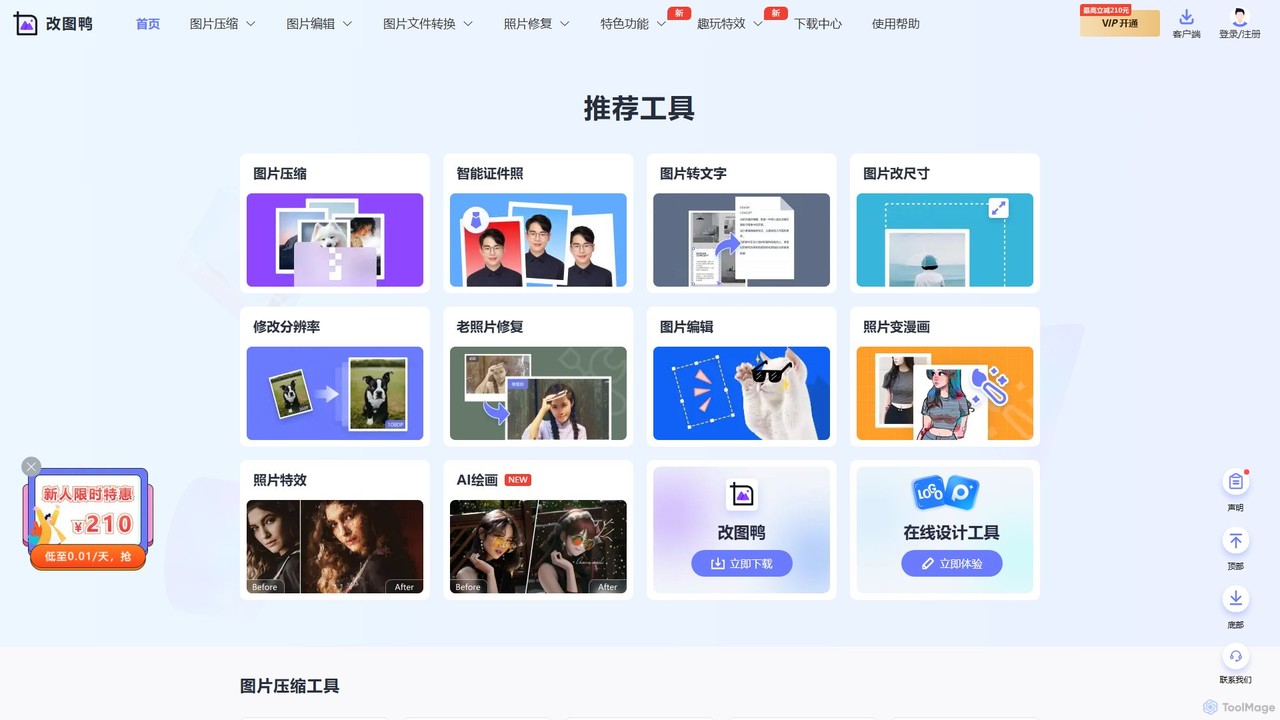
Image Converters are AI-powered tools that transform image files from one format to another, such as JPG to PNG, WebP, or SVG. Leveraging advanced algorithms, these tools ensure quality preservation and efficient processing, making them essential for optimizing images for web, print, or specific platform requirements. Many integrate AI to intelligently compress, resize, or even upscale images during conversion, streamlining workflows for various digital and print media applications.
Core Features
- Format Conversion: Seamlessly convert between a wide array of image formats including JPG, PNG, WebP, GIF, HEIC, and TIFF.
- Batch Processing: Efficiently convert multiple images simultaneously, saving significant time for large projects.
- Resizing & Compression: Adjust image dimensions and optimize file sizes for web performance or storage, often with intelligent quality-loss control.
- Quality Preservation: Utilize advanced algorithms to maintain visual fidelity and minimize degradation during format changes.
- Metadata Management: Option to retain, remove, or edit EXIF data and other image metadata during conversion.
Use Cases
Image converters are widely used by web developers, graphic designers, and e-commerce professionals. They are crucial for optimizing website loading speeds by converting images to modern formats like WebP, standardizing product photos for online catalogs, and preparing design assets for various print and digital outputs.
How to Choose
When selecting an AI image converter, consider the range of supported input and output formats, the efficiency of its batch processing capabilities, and the quality of its compression and resizing algorithms. Evaluate its ease of use, integration options with existing workflows, and any advanced features like AI-powered upscaling or intelligent quality preservation. Security and privacy policies are also important for sensitive image data.