
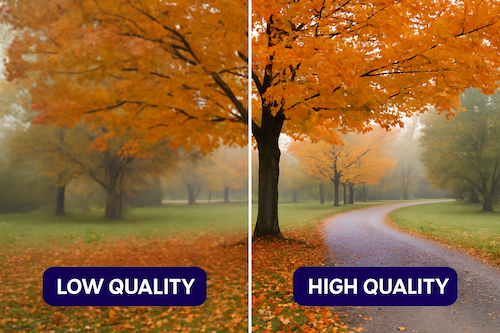
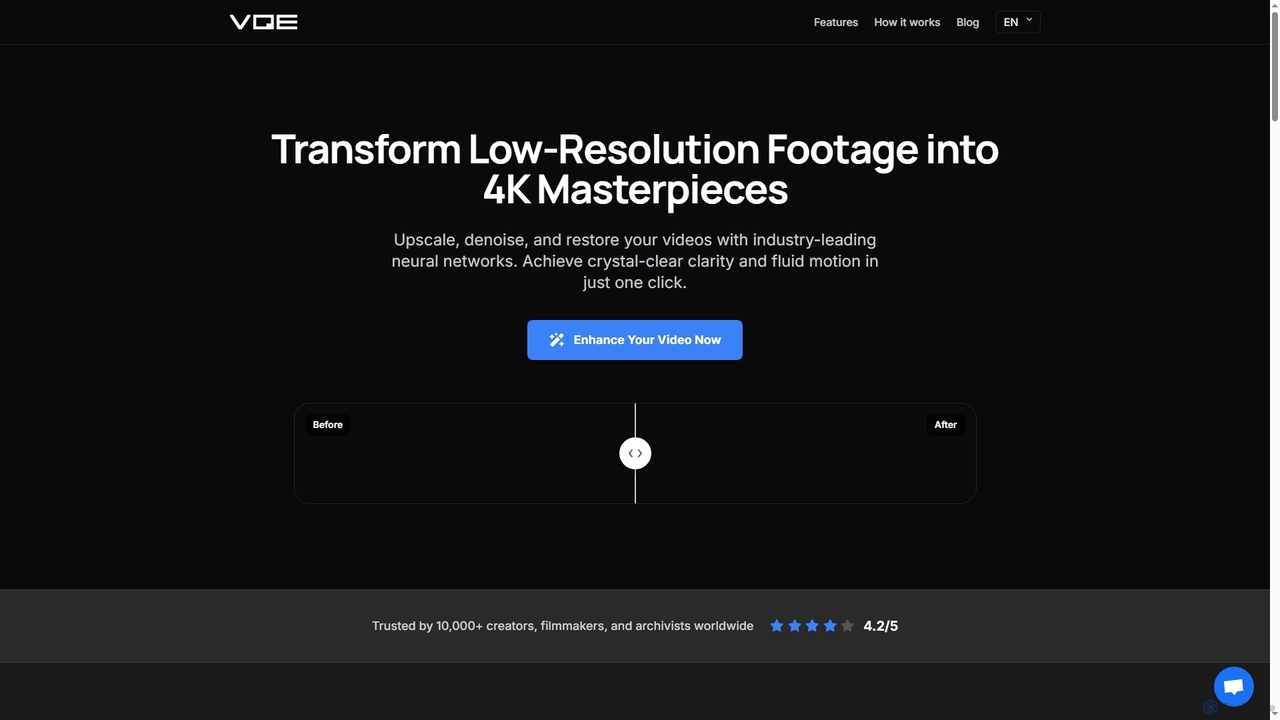
Video Quality Enhancer Overview
Video Quality Enhancer leverages industry-leading neural networks to provide comprehensive video enhancement. Designed for content creators, archivists, and professional editors, this cloud-based solution allows users to dramatically improve video quality without requiring any software installation or powerful hardware. It excels at converting low-resolution footage into high-definition and even 4K or 8K outputs, ensuring crystal-clear clarity and fluid motion with just a few clicks. The platform focuses on generative neural synthesis, which reconstructs missing pixels and creates new detail rather than simply stretching existing ones, effectively avoiding the common 'waxy' or 'plastic AI look' seen in less advanced tools.
How to use Video Quality Enhancer
Using Video Quality Enhancer is a straightforward three-step process:
- Upload your video: Simply drag and drop your video file (MP4, MOV, AVI, and most common formats) directly from your device, or paste a link. No plugins or software installation is required as it operates entirely in your browser.
- AI engines analyze and reconstruct: The powerful AI engines analyze every frame of your uploaded video, applying generative upscaling and neural synthesis to enhance and reconstruct details. You can choose specific enhancement options like denoise, sharpen, and upscale presets.
- Preview and Download: Once processed, you can instantly preview your enhanced video to see the improvements. After confirming the desired result, download your masterpiece at full quality. Most videos are ready in minutes, and you'll receive a notification upon completion.
Core Features of Video Quality Enhancer
- Intelligent Upscaling: Boosts video resolution up to 600%, delivering stunning 4K and 8K outputs by reconstructing missing pixels with generative neural synthesis, avoiding artificial appearances.
- Advanced AI Denoising: Eliminates ISO grain, sensor noise, and compression artifacts while preserving fine textures and skin details for a natural look.
- Face Recovery & Refinement: Specialized neural models enhance human features, bringing back sharp eyes and realistic skin in blurry portraits with temporal consistency to prevent flicker.
- Frame Interpolation & Slow-Mo: Increases frame rates for buttery-smooth playback (e.g., 24fps to 60fps) or creates cinematic slow-motion effects from standard footage, maintaining natural motion.
- Color Optimization: Automatically adjusts tone and contrast, providing balanced colors and enhanced contrast/color depth for professional-grade results without manual editing.
- Temporal Consistency: Algorithms ensure smooth, flicker-free playback by processing each frame with awareness of surrounding frames, maintaining stability throughout the video.
- Real-time Preview: Allows users to see enhancement changes instantly before committing to the full export, ensuring satisfaction with the results.
Use Cases for Video Quality Enhancer
Video Quality Enhancer is a versatile tool suitable for a wide range of applications:
- Content Creators: Ideal for YouTubers, streamers, and social media creators looking to elevate low-resolution uploads into professional-grade content that captivates audiences. It helps stand out with superior visual fidelity.
- Archivists and Video Restoration Specialists: Perfect for restoring precious family memories, old films, vintage footage, and historical recordings to modern standards, bringing back lost clarity and detail.
- Professional Editors and Filmmakers: Saves hours of manual cleanup by automating detail recovery, noise reduction, and upscaling, allowing editors to focus on creative storytelling. It helps enhance production footage to match modern theatrical or streaming platform standards.
Advantages of Video Quality Enhancer
Video Quality Enhancer offers several key advantages that make it a preferred choice for video enhancement:
- Superior AI Technology: Utilizes state-of-the-art neural networks and generative reconstruction to create detail where it didn't exist, delivering natural, high-quality results without common AI artifacts like the 'waxy' or 'plastic' look.
- Ease of Use: As a cloud-based, browser-operated tool, it requires no software installation, plugins, or powerful local hardware, making professional-grade enhancement accessible to anyone, anywhere.
- Comprehensive Enhancement: Combines multiple powerful features—upscaling, denoising, face recovery, frame interpolation, and color optimization—into a single, streamlined workflow.
- Data Security and Privacy: Ensures user privacy with enterprise-grade encryption; videos are never shared and are automatically deleted after processing unless the user chooses to save them.
- Efficiency: Processes most videos in minutes, significantly reducing the time typically required for manual cleanup and enhancement, with real-time previews to validate results quickly.
- Versatile Format Support: Supports MP4, MOV, AVI, and most common video formats, accommodating a broad range of source materials.
Video Quality Enhancer FAQ
Traffic
Latest traffic
Status
Monthly traffic trend
- 2026-1: 681
- 2026-2: 391
- 2026-3: 298
- 2026-4: 0
- 2026-5: 122
Geography
Top 5 countries / regions
- 🇲🇽Mexico67.1%
- 🇺🇿Uzbekistan32.9%
Top keywords
Video Quality Enhancer Alternatives
4K Upscaler
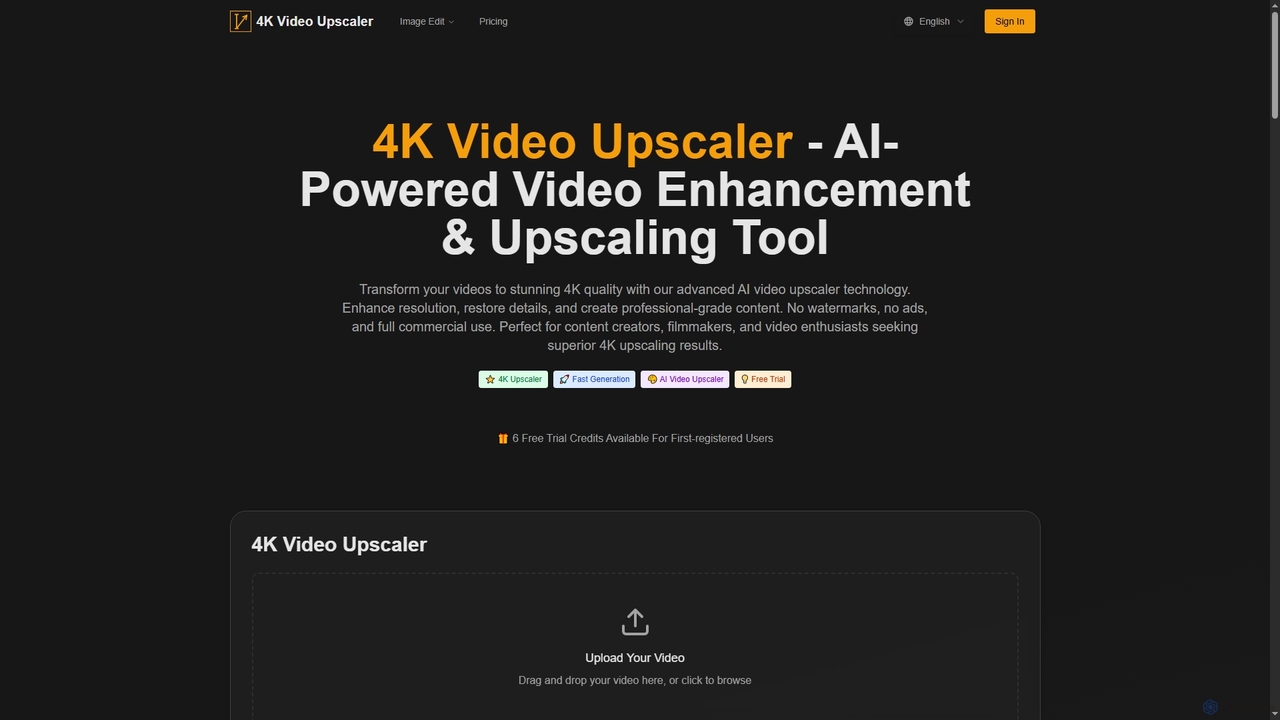
4K Upscaler is an advanced AI-powered online tool designed to transform low-resolution videos into stunning 4K quality. It enhances resolution, restores fine details, reduces noise, and improves color, making professional-grade video enhancement accessible to everyone without watermarks or ads, and with full commercial use rights.
3D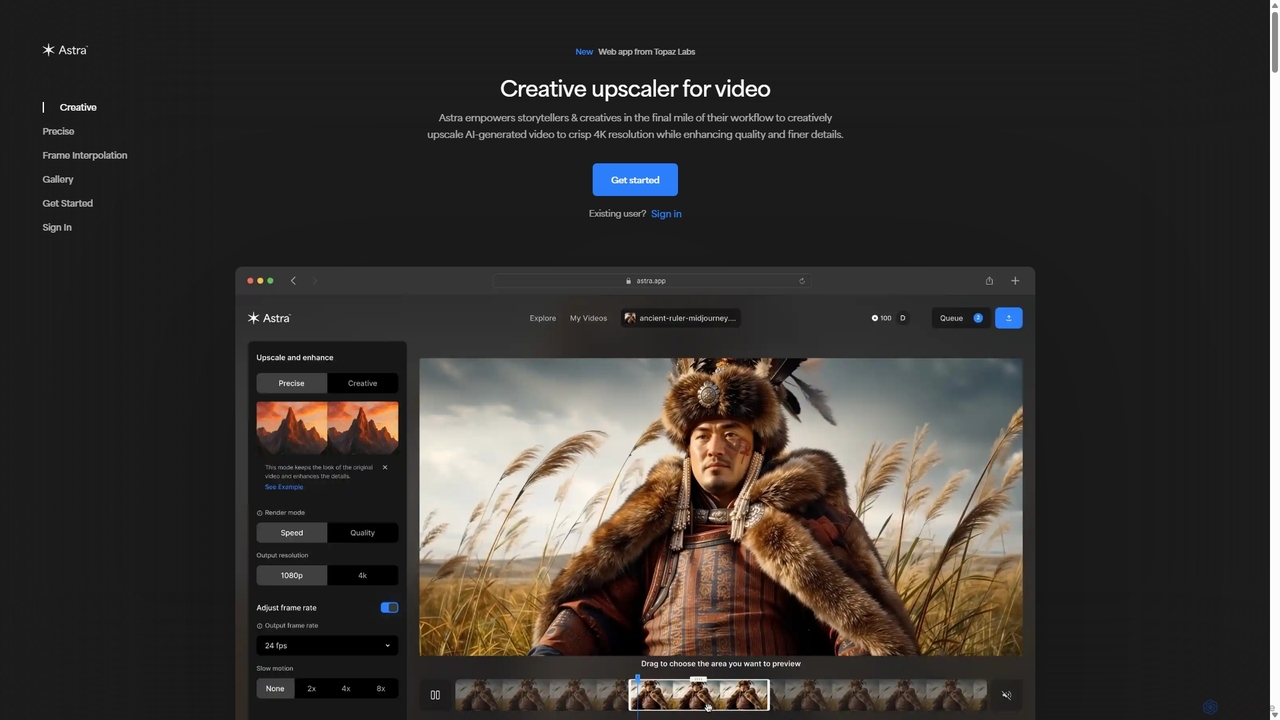
Astra
A powerful AI video upscaling tool from Topaz Labs, designed for creatives and storytellers. Astra transforms videos, especially AI-generated content, into crisp 4K resolution. It offers both a "Creative" mode to reimagine details and a "Precise" mode to faithfully enhance original footage, improving quality and clarity for professional workflows.
Motion Graphics
Detailer
Detailer is an AI-powered online video enhancer designed for creators, especially YouTubers, to achieve crystal-clear, professional-grade video quality. It focuses on reducing noise, sharpening edges, and preserving colors and textures, making videos more immersive and suitable for large-screen viewing without distortion.
3D
WinXDVD
WinXDVD is a comprehensive software suite featuring the AI-powered Winxvideo AI for video/image enhancement, conversion, and editing, alongside the renowned WinX DVD Ripper for fast digital backups. It leverages GPU acceleration to upscale videos to 4K, stabilize shaky footage, and rip DVDs with exceptional speed and quality, making it an all-in-one solution for modern media management.
File Management
LipSync Studio
LipSync Studio is an advanced AI tool for creating professional lip-sync animations and character lip-sync videos. It supports multilingual dubbing in over 100 languages, natural speech or singing synchronization, and multi-character animation for humans, cartoons, and animals. Produce high-quality content for ads, trailers, explainers, and music videos without traditional studio costs.
3DVideo Quality Enhancer Categories
Video Quality Enhancer Jobs
Video Quality Enhancer Embed Widget
Copy this embed code to place the badge on your blog, article, or product site and send readers directly to this ToolMage detail page.

Related AI tools
Astra
A powerful AI video upscaling tool from Topaz Labs, designed for creatives and storytellers. Astra transforms videos, especially AI-generated content, into crisp 4K resolution. It offers both a "Creative" mode to reimagine details and a "Precise" mode to faithfully enhance original footage, improving quality and clarity for professional workflows.
Motion Graphics4K Upscaler
4K Upscaler is an advanced AI-powered online tool designed to transform low-resolution videos into stunning 4K quality. It enhances resolution, restores fine details, reduces noise, and improves color, making professional-grade video enhancement accessible to everyone without watermarks or ads, and with full commercial use rights.
3DWinXDVD
WinXDVD is a comprehensive software suite featuring the AI-powered Winxvideo AI for video/image enhancement, conversion, and editing, alongside the renowned WinX DVD Ripper for fast digital backups. It leverages GPU acceleration to upscale videos to 4K, stabilize shaky footage, and rip DVDs with exceptional speed and quality, making it an all-in-one solution for modern media management.
File Management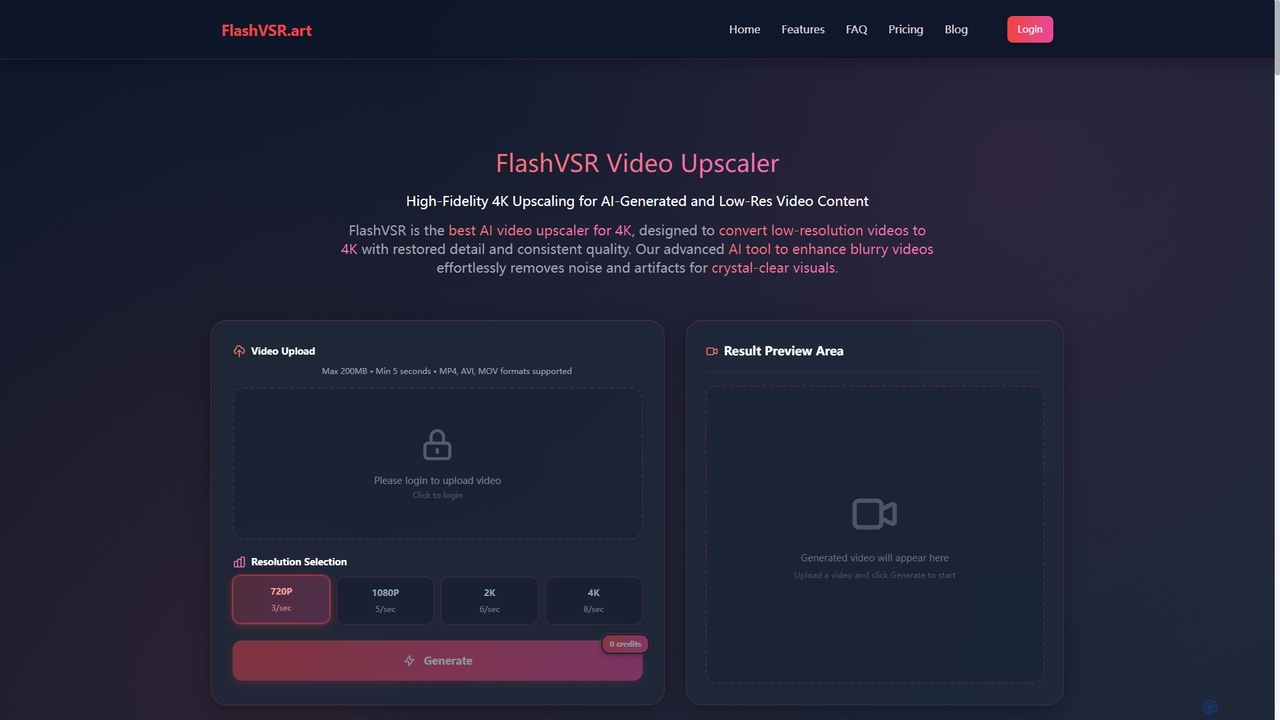
Flashvsr
Flashvsr is an AI-powered video upscaler that enhances and restores low-resolution videos to 4K quality. It uses advanced diffusion models to recover details, remove noise, and ensure temporal consistency, making it ideal for content creators, video editors, and marketers.
Content Creation
TensorPix
TensorPix is an AI-powered online platform for video and image enhancement. It offers a suite of tools to upscale resolution up to 4K/8K, restore old footage, remove noise, and improve overall visual quality. Ideal for filmmakers, content creators, and archivists, TensorPix simplifies complex post-production tasks with an intuitive web-based interface, making professional-grade restoration accessible to everyone.
Creative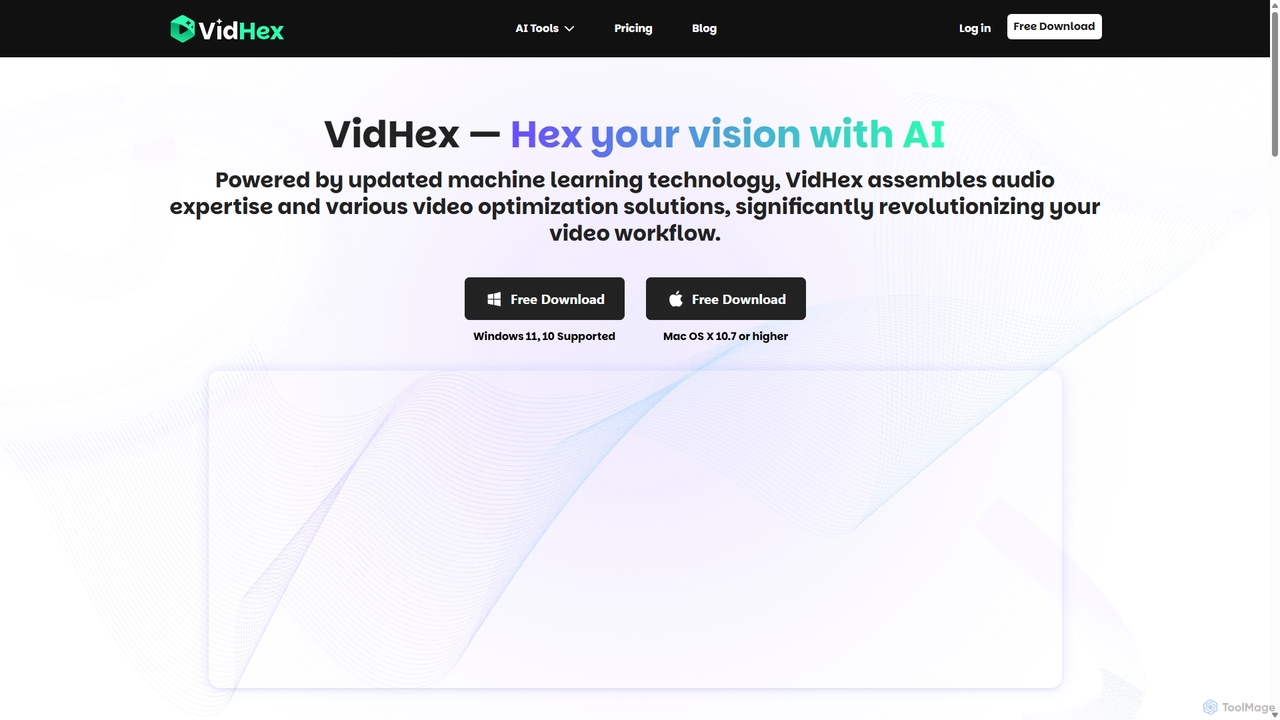
VidHex
VidHex is an all-in-one, AI-powered desktop application for Windows and Mac designed to enhance, restore, and upscale video quality. It offers a suite of tools for intelligent upscaling to 4K/8K, realistic colorization of black-and-white footage, video repair, denoising, and frame interpolation. It's built for content creators, e-commerce sellers, educators, and anyone looking to transform imperfect videos into stunning visual experiences with minimal effort.
ToolsDetailer
Detailer is an AI-powered online video enhancer designed for creators, especially YouTubers, to achieve crystal-clear, professional-grade video quality. It focuses on reducing noise, sharpening edges, and preserving colors and textures, making videos more immersive and suitable for large-screen viewing without distortion.
3D
bigmp4
An AI-powered online tool for comprehensive video and image enhancement. It specializes in lossless video upscaling to 4K/8K, frame interpolation for ultra-smooth motion, B&W video colorization, and slow-motion effects. It also supports batch image processing and GIF enhancement, using advanced AI models to restore and improve visual quality.
Restoration
VideoEditorHunt
VideoEditorHunt is an AI-powered online tool designed for efficient video editing, offering advanced features like intelligent watermark removal and face swap. It leverages deep learning algorithms to deliver high-quality results quickly, ensuring privacy protection and support for high-definition formats. Ideal for content creators and marketers seeking to enhance their video content.
3D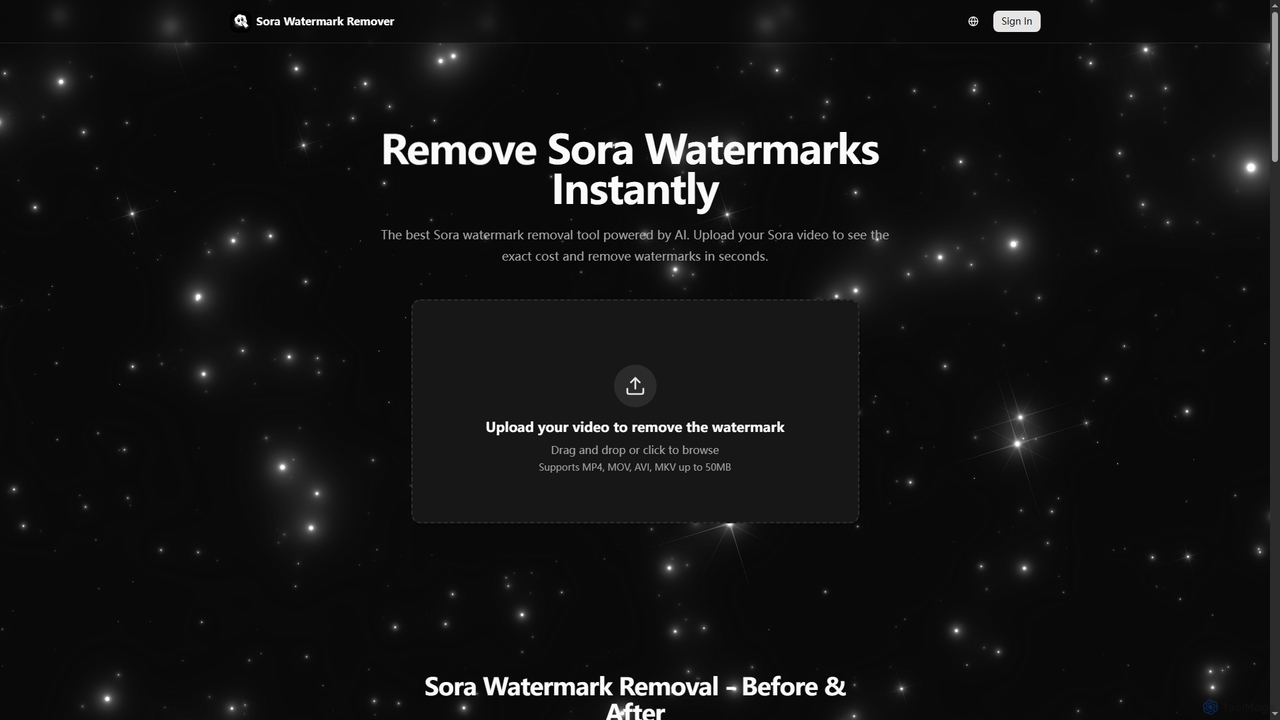
Sora Watermark Remover
Sora Watermark Remover is an AI-powered online tool designed to instantly remove watermarks from Sora AI-generated videos. It offers fast, secure, and high-quality processing, allowing creators and professionals to produce clean, watermark-free video content without subscriptions.
3DLipSync Studio
LipSync Studio is an advanced AI tool for creating professional lip-sync animations and character lip-sync videos. It supports multilingual dubbing in over 100 languages, natural speech or singing synchronization, and multi-character animation for humans, cartoons, and animals. Produce high-quality content for ads, trailers, explainers, and music videos without traditional studio costs.
3D
Compledio
Compledio is an AI-powered automated B-roll generator and studio editor that transforms audio and video content into engaging visual narratives. It intelligently analyzes your narrative, synthesizes contextually relevant, commercial-safe B-roll footage, and places it directly onto a professional timeline, saving creators hours of manual editing and stock footage searching.
3D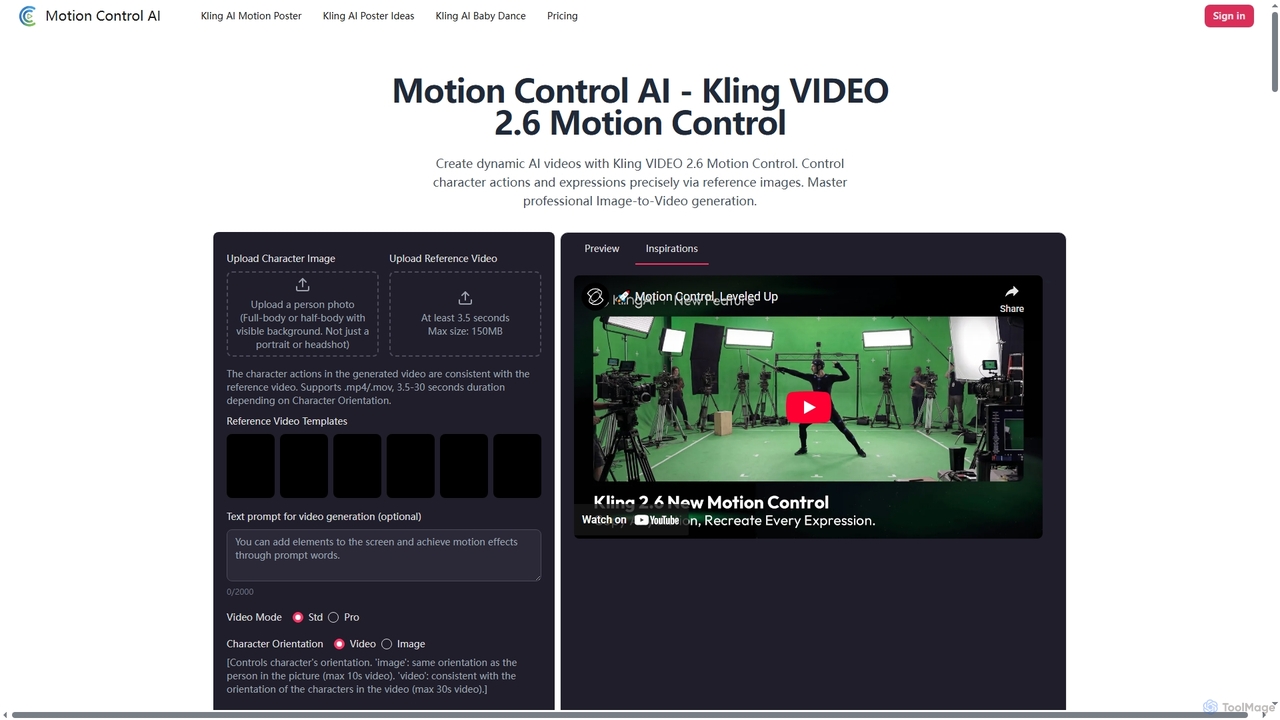
Motion Control AI
Motion Control AI, powered by Kling 2.6, transforms static images into dynamic, high-fidelity videos. It offers precise control over character actions, expressions, and camera movements using reference images and text prompts, enabling professional-grade image-to-video generation for various creative and commercial applications.
3D
Unmark
Unmark is the premier online tool designed to instantly remove watermarks from Sora AI-generated videos. It offers a proprietary Deep Clean™ technology to deliver pristine, watermark-free 1080p and even 4K videos, making it an essential utility for content creators and professionals alike. Available for free with daily limits or via premium plans for unlimited, priority access.
3D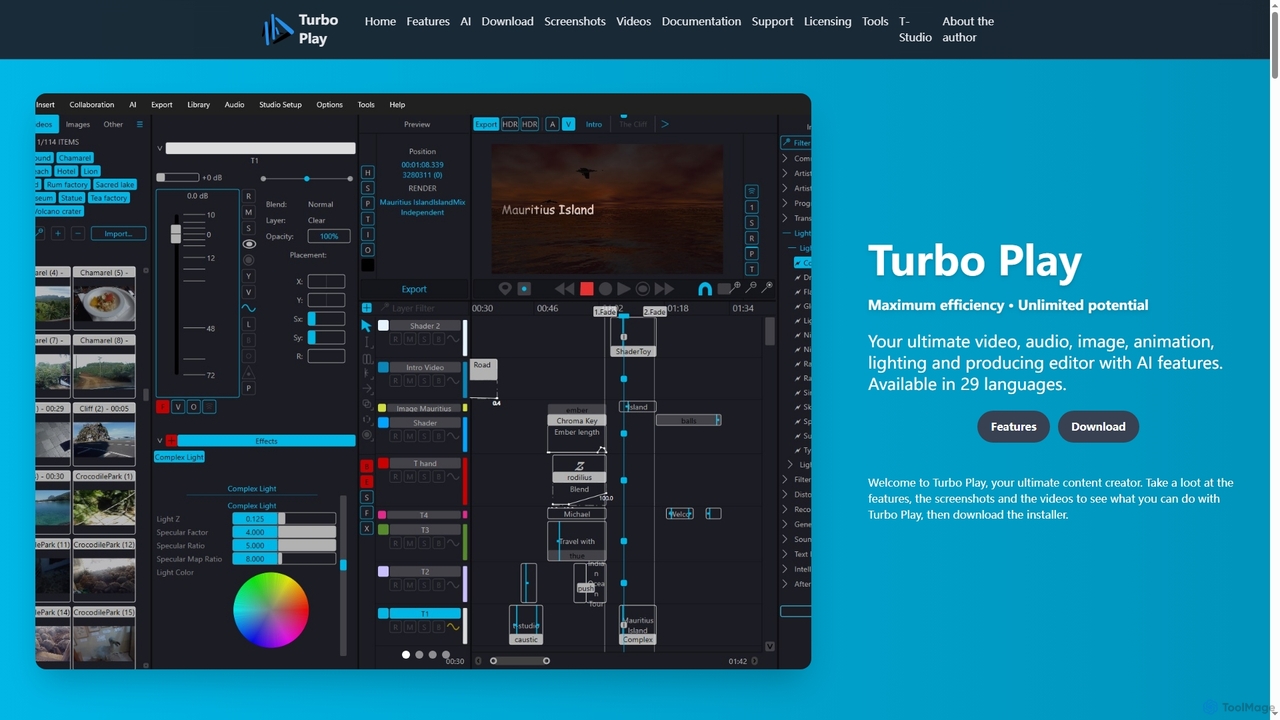
Turbo Play
Turbo Play is an all-in-one AI-powered video, audio, image, and animation editor designed for maximum efficiency and unlimited creative potential. It offers a comprehensive suite of tools for content creation, including advanced AI features for background removal, face swapping, speech separation, and text-to-image generation, catering to both casual and professional users across 29 languages.
3D
Video Quality Enhancer Comments (0)
Sign in to comment.
Sign inNo comments yet.