


bigmp4 Overview
bigmp4 is a powerful, web-based AI suite designed for professional-grade video and image enhancement. Leveraging state-of-the-art artificial intelligence models, it provides a comprehensive set of tools to upscale, restore, and transform visual media. Whether you are a content creator, filmmaker, archivist, or simply looking to improve your personal media library, bigmp4 offers an accessible yet potent solution to elevate the quality of your files.
The platform's core strength lies in its ability to perform complex enhancement tasks with remarkable simplicity. It can take low-resolution or old footage and intelligently upscale it to modern high-definition standards like 2K, 4K, and even 8K. Beyond just increasing pixel count, the AI actively enhances details, reduces noise and artifacts, and reconstructs textures for a crisp, clean result. This makes it invaluable for revitalizing old home movies, classic films, or low-quality stock footage.
How to use bigmp4
Using bigmp4 is designed to be a straightforward and intuitive process, requiring no advanced technical skills:
- Upload Your File: Navigate to the bigmp4 homepage and click the 'Upload File' button. You can select a video (MP4, MOV, AVI, etc.), a still image (JPG, PNG, etc.), or an animated GIF. For processing multiple images at once, you can compress them into a single ZIP file and upload it.
- Choose an Enhancement Function: After uploading, select the desired AI process. Your options include Video AI Enlarge, Video Colorization, AI Frame Interpolation, or Slow Motion.
- Configure Settings: Depending on the chosen function, you may have options to set the target resolution (e.g., 4K, 8K), the desired frame rate (e.g., 60fps, 120fps), or other relevant parameters.
- Start Processing: Initiate the enhancement process. The AI will analyze your file and apply the selected transformations. The processing time will vary based on the file size, length, and complexity of the task.
- Download the Result: Once the processing is complete, you will be able to preview and download the enhanced, high-quality file to your device.
Core Features of bigmp4
- AI Video Upscaling: Losslessly enlarge videos to 2K, 4K, and 8K resolutions. The AI intelligently adds detail and reduces noise, transforming low-quality footage into stunning high-definition content.
- AI Frame Interpolation: Increase a video's frame rate to 60, 120, or even 240 FPS. This process, also known as motion interpolation, generates new frames between existing ones to create incredibly smooth, fluid, and lifelike motion.
- Silky-Smooth Slow Motion: Create high-quality slow-motion effects without the stuttering or ghosting artifacts of traditional methods. The AI generates the necessary intermediate frames to ensure the slowed-down footage remains clear and fluid.
- AI Video Colorization: Automatically colorize black-and-white videos and photos. The AI analyzes the scenes to apply natural, context-aware colors, bringing historical or personal monochrome footage to life.
- Image and GIF Enhancement: The platform's powerful AI is not limited to video. It can upscale still images, enhance details in photos, and improve animated GIFs by increasing resolution, colorizing, or smoothing their animation with frame interpolation.
- Batch Image Processing: Efficiently enhance large collections of photos by uploading them in a single ZIP archive. This is perfect for photographers or archivists working with extensive libraries.
Use Cases for bigmp4
- Filmmakers and Videographers: Upscale archival or B-roll footage to match the quality of modern 4K/8K cameras. Create artistic slow-motion sequences with exceptional clarity.
- Content Creators and YouTubers: Improve the visual quality of sourced clips, restore old game footage, and make videos more engaging with high-frame-rate motion.
- Historians and Archivists: Restore, preserve, and colorize historical films and photographs, making them more accessible and impactful for contemporary audiences.
- Personal Users: Revitalize old family videos from VHS tapes, enhance the quality of smartphone recordings, and restore faded or low-resolution family photos.
Advantages of bigmp4
- All-in-One Solution: Combines multiple powerful video and image enhancement tools into a single, convenient web platform.
- Exceptional Quality: Utilizes cutting-edge AI to deliver clean, detailed, and natural-looking results that surpass traditional software.
- User-Friendly Interface: The simple upload-and-process workflow makes advanced AI enhancement accessible to everyone, regardless of technical skill.
- Broad File Format Support: Compatible with a wide variety of common video (MP4, MOV, MKV, AVI) and image (JPG, PNG, WEBP, GIF) formats.
- Efficiency and Convenience: The batch processing feature and web-based nature of the tool save users time and eliminate the need for powerful local hardware.
Pricing and Plans
bigmp4 operates on a flexible freemium and pay-as-you-go model. New users typically receive a complimentary allocation of 'GPU points' to test the full range of features. For continued use, users can purchase GPU point packages of various sizes. The cost of each enhancement task is calculated in GPU points and depends on factors such as the source file's duration and resolution, and the complexity of the chosen AI process (e.g., 8K upscaling and 240fps interpolation are more resource-intensive). This model provides a cost-effective solution, allowing users to pay only for the processing power they actually need without being tied to a monthly subscription.
Traffic
Latest traffic
Status
Monthly traffic trend
- 2025-9: 19.8K
- 2026-1: 14.1K
- 2026-2: 7.1K
- 2026-3: 8.0K
- 2026-4: 16.9K
- 2026-5: 9.7K
Geography
Top 5 countries / regions
- 🇷🇺Russia41.0%
- 🇺🇸United States22.0%
- 🇹🇼Taiwan15.4%
- 🇨🇴Colombia11.7%
- 🇺🇦Ukraine9.9%
Top keywords
| Keyword | Cost per click |
|---|---|
| bigmp4 | $0.00 |
| bigmp4 ai | $0.00 |
| make vidoes with more quality | $0.00 |
| улучшить качество видео | $0.15 |
| улучшить качество видео онлайн | $0.15 |
bigmp4 Alternatives

WinXDVD
WinXDVD is a comprehensive software suite featuring the AI-powered Winxvideo AI for video/image enhancement, conversion, and editing, alongside the renowned WinX DVD Ripper for fast digital backups. It leverages GPU acceleration to upscale videos to 4K, stabilize shaky footage, and rip DVDs with exceptional speed and quality, making it an all-in-one solution for modern media management.
File Management
TensorPix
TensorPix is an all-in-one, web-based AI platform for enhancing media. It allows users to upscale videos to 4K, improve image quality, restore old footage, generate unique images from text, and compress video files. It's designed for both professionals and casual users, requiring no powerful hardware or complex software.
Generative Art
UniFab Studio
UniFab Studio is an all-in-one, AI-powered video enhancement suite designed for professionals and enthusiasts. It elevates video quality by upscaling to 4K/8K, converting SDR to HDR, stabilizing shaky footage, removing noise, and increasing frame rates up to 120FPS. With GPU acceleration and a user-friendly interface, it delivers professional-grade results efficiently.
Creative Tools
VidHex
VidHex is an all-in-one, AI-powered desktop application for Windows and Mac designed to enhance, restore, and upscale video quality. It offers a suite of tools for intelligent upscaling to 4K/8K, realistic colorization of black-and-white footage, video repair, denoising, and frame interpolation. It's built for content creators, e-commerce sellers, educators, and anyone looking to transform imperfect videos into stunning visual experiences with minimal effort.
Tools
Aiarty
Aiarty is a suite of AI-powered desktop software for next-generation image and video enhancement. It offers dedicated tools for upscaling visuals to 4K/8K/32K, denoising, deblurring, and performing precise, professional-grade image matting (background removal). Optimized for AIPC and GPU acceleration, it serves photographers, designers, e-commerce professionals, and content creators.
3Dbigmp4 Categories
bigmp4 Embed Widget
Copy this embed code to place the badge on your blog, article, or product site and send readers directly to this ToolMage detail page.

Related AI tools
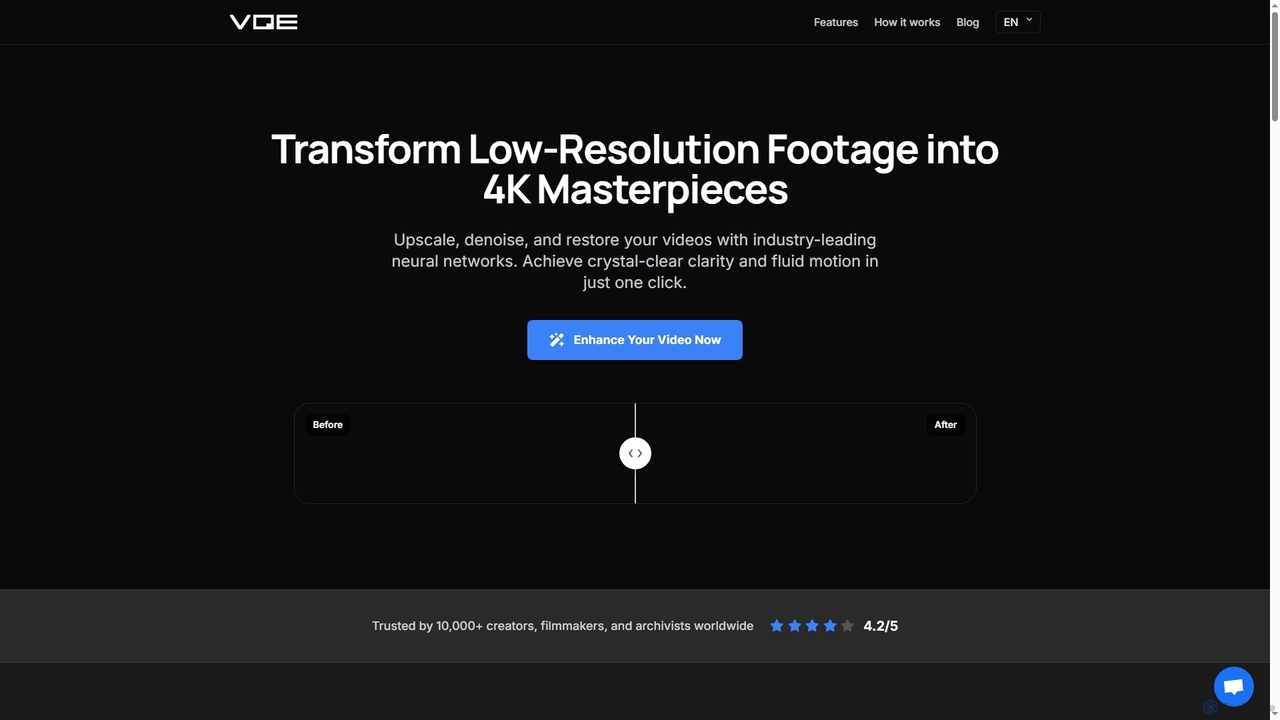
Video Quality Enhancer
Video Quality Enhancer is an AI-powered online tool that transforms low-resolution videos into stunning 4K/8K masterpieces. It intelligently upscales, denoises, restores old footage, and refines details like faces, all within your browser.
3D
Jyek
Jyek is an AI agent platform that understands objectives, creates execution plans, uses tools, and delivers verifiable results for complex, multi-step tasks.
Automation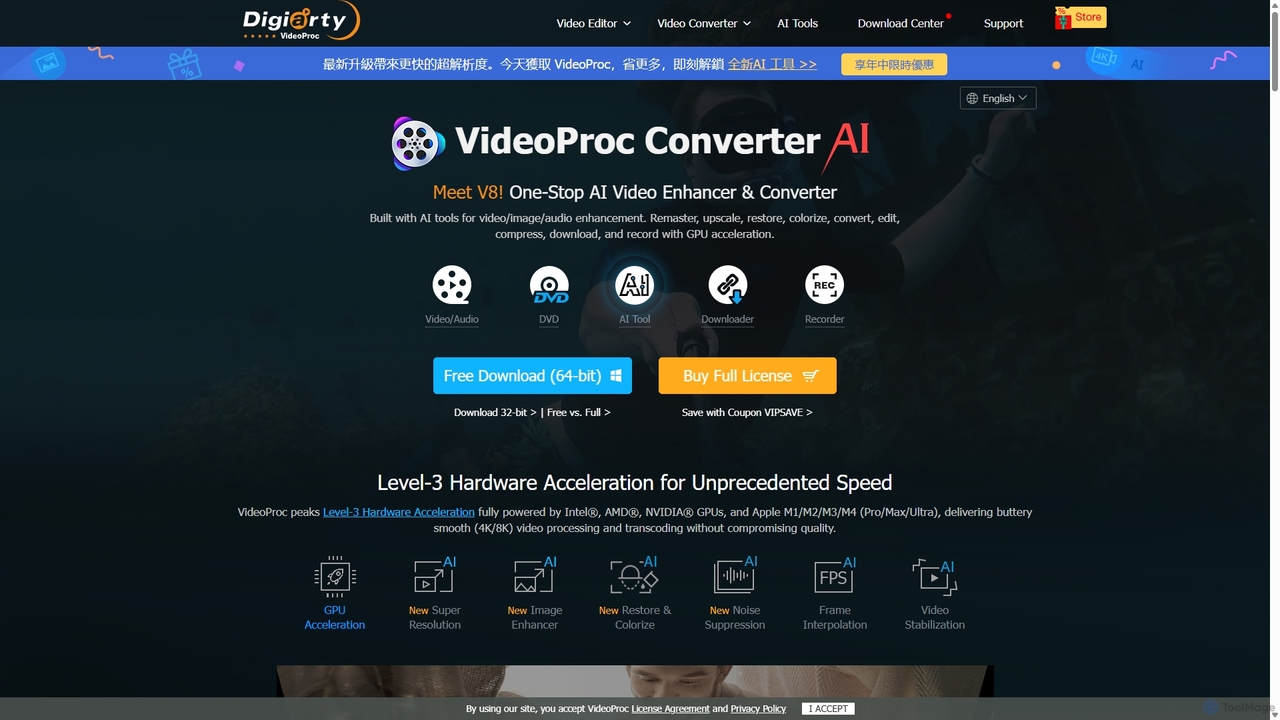
VideoProc
VideoProc is a one-stop, AI-powered media processing suite. It enhances, converts, edits, compresses, downloads, and records 4K/8K videos with full GPU acceleration. Its AI tools upscale video/images, stabilize shaky footage, interpolate frames for smooth motion, and remove background noise from audio.
Audio EditingWinXDVD
WinXDVD is a comprehensive software suite featuring the AI-powered Winxvideo AI for video/image enhancement, conversion, and editing, alongside the renowned WinX DVD Ripper for fast digital backups. It leverages GPU acceleration to upscale videos to 4K, stabilize shaky footage, and rip DVDs with exceptional speed and quality, making it an all-in-one solution for modern media management.
File ManagementTensorPix
TensorPix is an all-in-one, web-based AI platform for enhancing media. It allows users to upscale videos to 4K, improve image quality, restore old footage, generate unique images from text, and compress video files. It's designed for both professionals and casual users, requiring no powerful hardware or complex software.
Generative ArtUniFab Studio
UniFab Studio is an all-in-one, AI-powered video enhancement suite designed for professionals and enthusiasts. It elevates video quality by upscaling to 4K/8K, converting SDR to HDR, stabilizing shaky footage, removing noise, and increasing frame rates up to 120FPS. With GPU acceleration and a user-friendly interface, it delivers professional-grade results efficiently.
Creative ToolsVidHex
VidHex is an all-in-one, AI-powered desktop application for Windows and Mac designed to enhance, restore, and upscale video quality. It offers a suite of tools for intelligent upscaling to 4K/8K, realistic colorization of black-and-white footage, video repair, denoising, and frame interpolation. It's built for content creators, e-commerce sellers, educators, and anyone looking to transform imperfect videos into stunning visual experiences with minimal effort.
Tools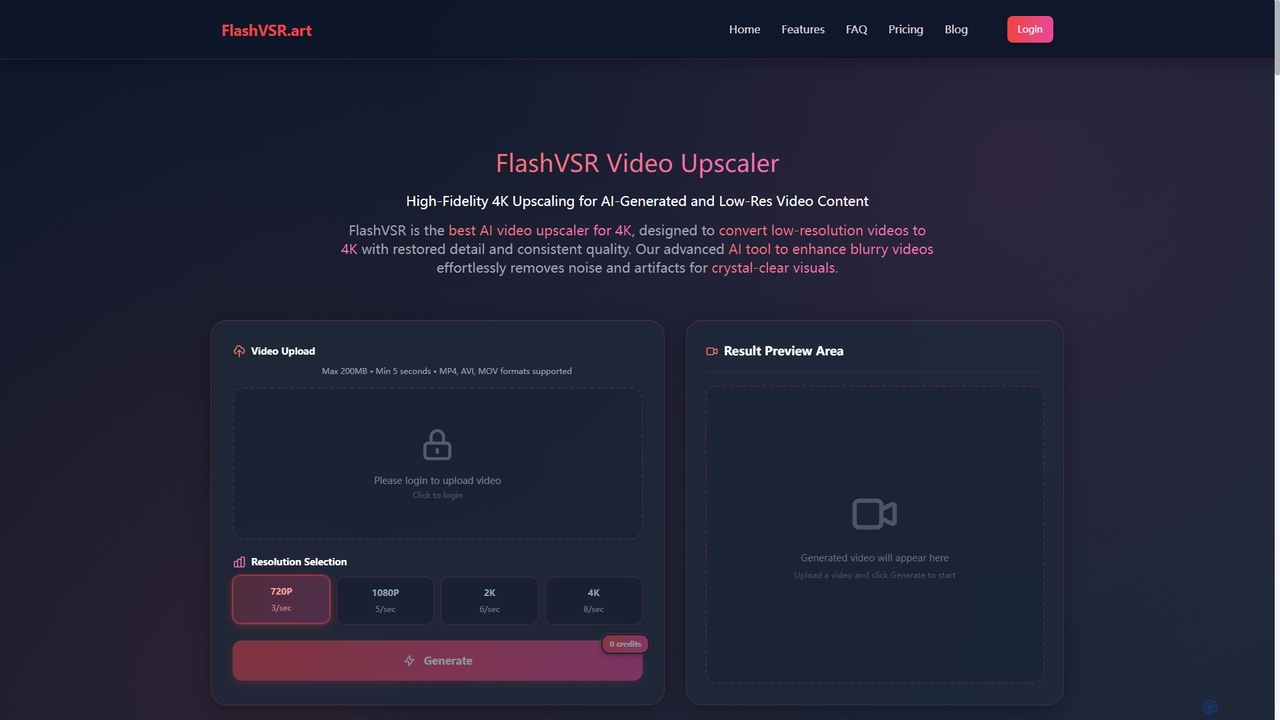
Flashvsr
Flashvsr is an AI-powered video upscaler that enhances and restores low-resolution videos to 4K quality. It uses advanced diffusion models to recover details, remove noise, and ensure temporal consistency, making it ideal for content creators, video editors, and marketers.
Content Creation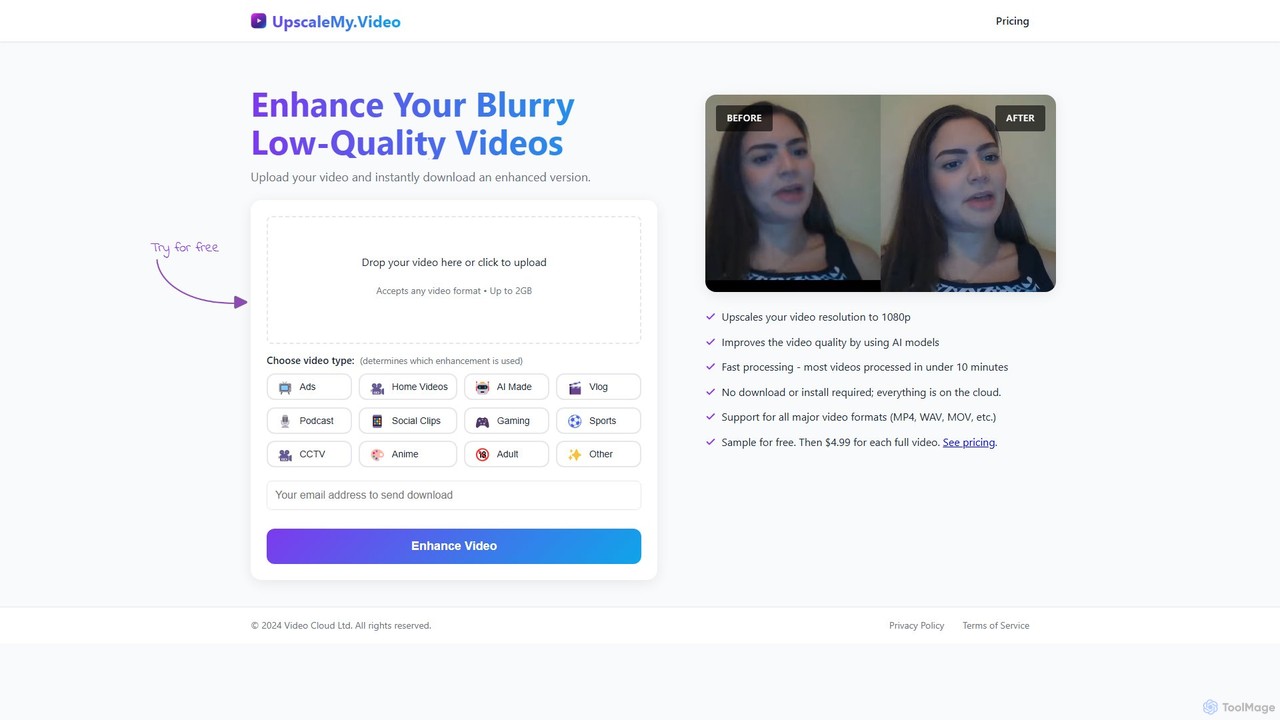
UpscaleMy.Video
UpscaleMy.Video is an AI-powered online tool that enhances and upscales blurry, low-quality videos to crisp 1080p resolution. It uses specialized AI models for different video types, offering fast, cloud-based processing without any software installation. Users can preview the enhancement for free and then pay per video for the full download.
Editing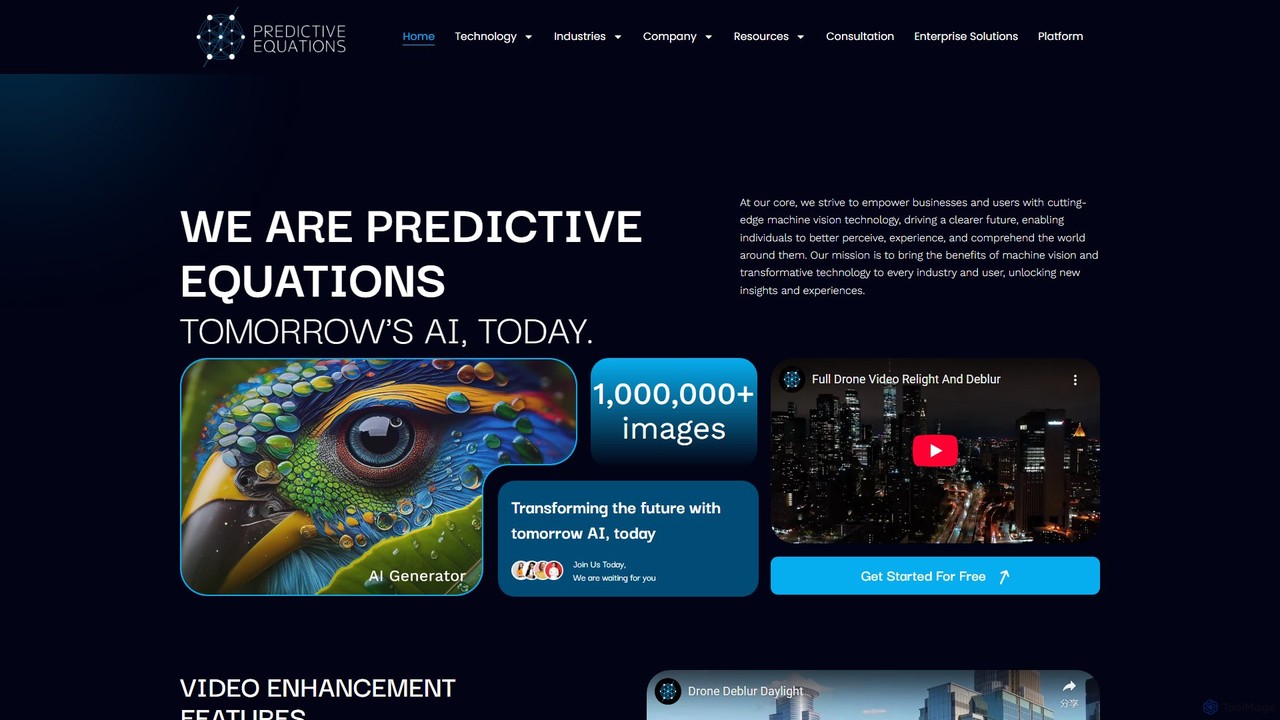
Predictive Equations
Predictive Equations is an advanced AI platform specializing in machine vision. It enhances and analyzes images and videos by deblurring, denoising, upscaling up to 8x, and intelligently relighting low-light content. Initially developed for legal applications, it now serves various industries including security, medical, and entertainment, offering powerful tools for information retrieval and visual data improvement.
Image EnhancementAiarty
Aiarty is a suite of AI-powered desktop software for next-generation image and video enhancement. It offers dedicated tools for upscaling visuals to 4K/8K/32K, denoising, deblurring, and performing precise, professional-grade image matting (background removal). Optimized for AIPC and GPU acceleration, it serves photographers, designers, e-commerce professionals, and content creators.
3D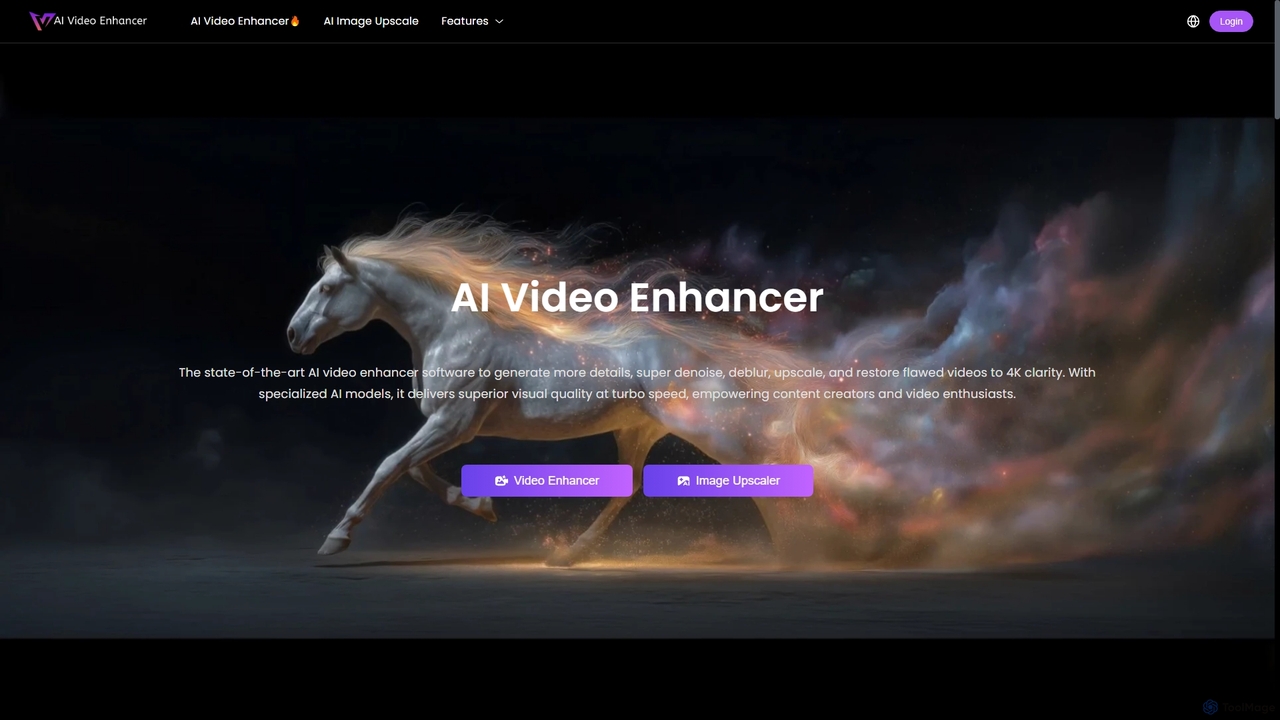
AIVideoEnhancer
AIVideoEnhancer is an AI-powered online tool designed to enhance and upscale low-quality videos to 4K resolution. It also functions as an image upscaler, increasing photo resolution by up to 800%. The tool automatically denoises, deblurs, and restores details with one-click simplicity, focusing on realistic results and fast, GPU-accelerated processing.
Creative
Nero AI
Nero AI is a comprehensive suite of AI-powered tools for image and video enhancement. It offers features like image and video upscaling, photo restoration, background and object removal, face animation, and creative stylization. Designed for creators, marketers, and designers, it provides easy-to-use solutions for both online and desktop platforms to elevate visual content quality.
Graphic Design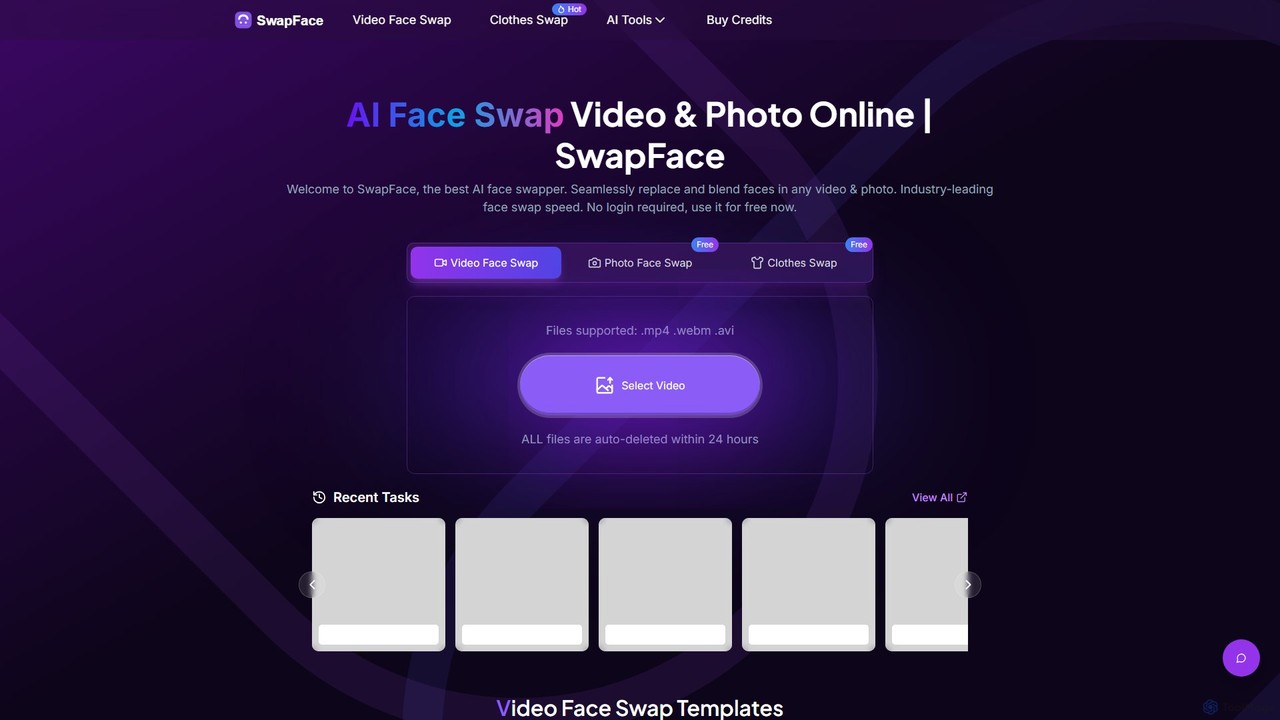
Swapface
Swapface is an advanced AI-powered online platform for creating high-quality, realistic face swaps in videos, photos, and GIFs. It offers a comprehensive suite of tools, including clothes swapping, expression changing, and media enhancement, catering to both entertainment and professional content creation needs. Get started for free and explore a new dimension of digital creativity.
Api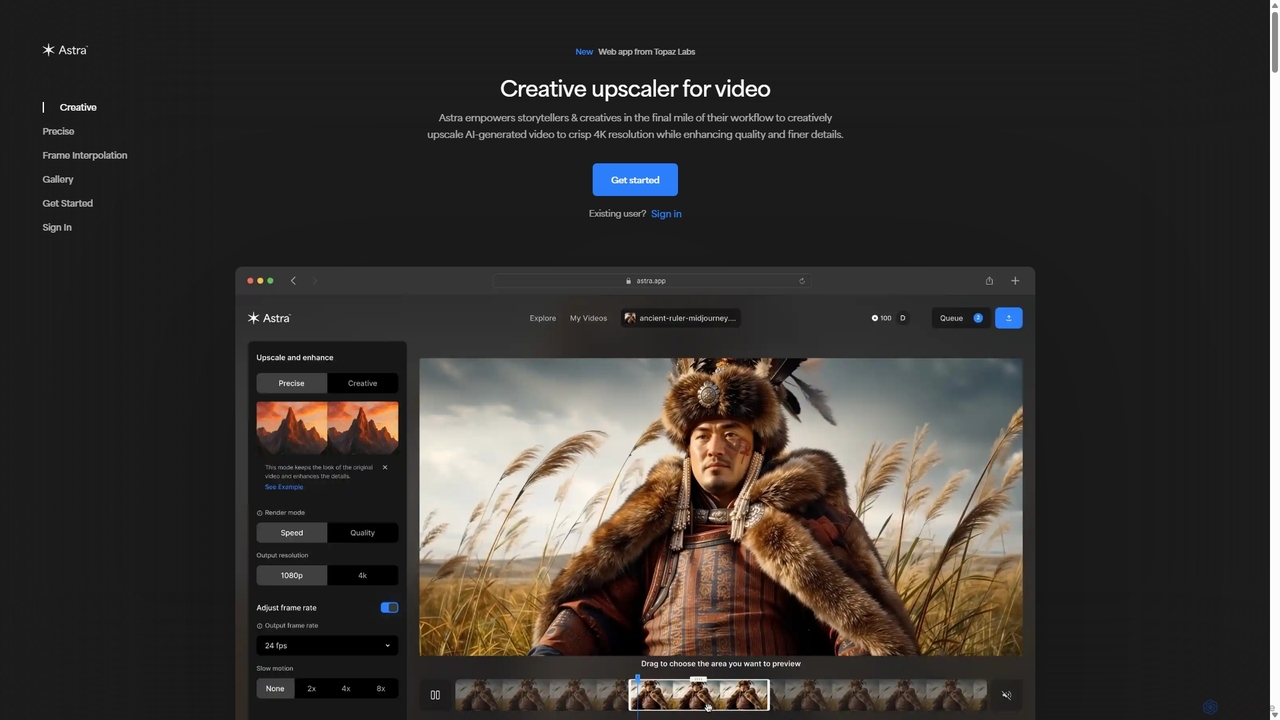
Astra
A powerful AI video upscaling tool from Topaz Labs, designed for creatives and storytellers. Astra transforms videos, especially AI-generated content, into crisp 4K resolution. It offers both a "Creative" mode to reimagine details and a "Precise" mode to faithfully enhance original footage, improving quality and clarity for professional workflows.
Motion Graphics
bigmp4 Comments (0)
Sign in to comment.
Sign inNo comments yet.