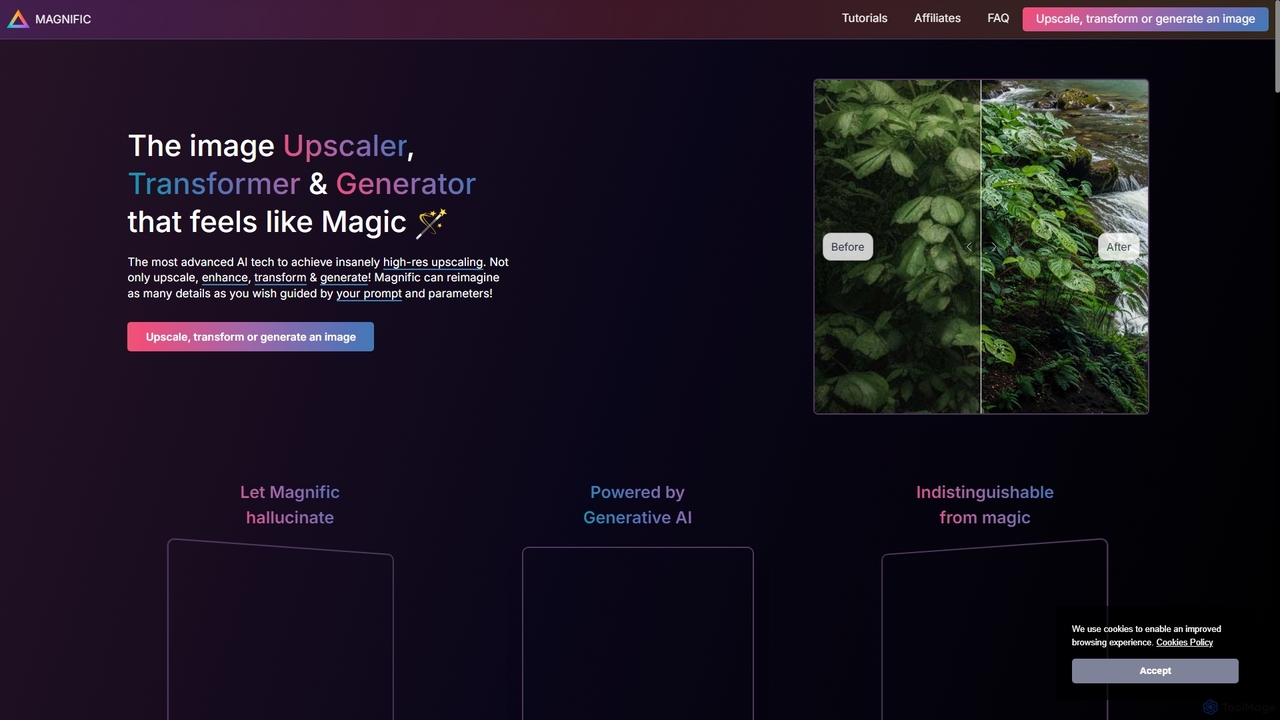
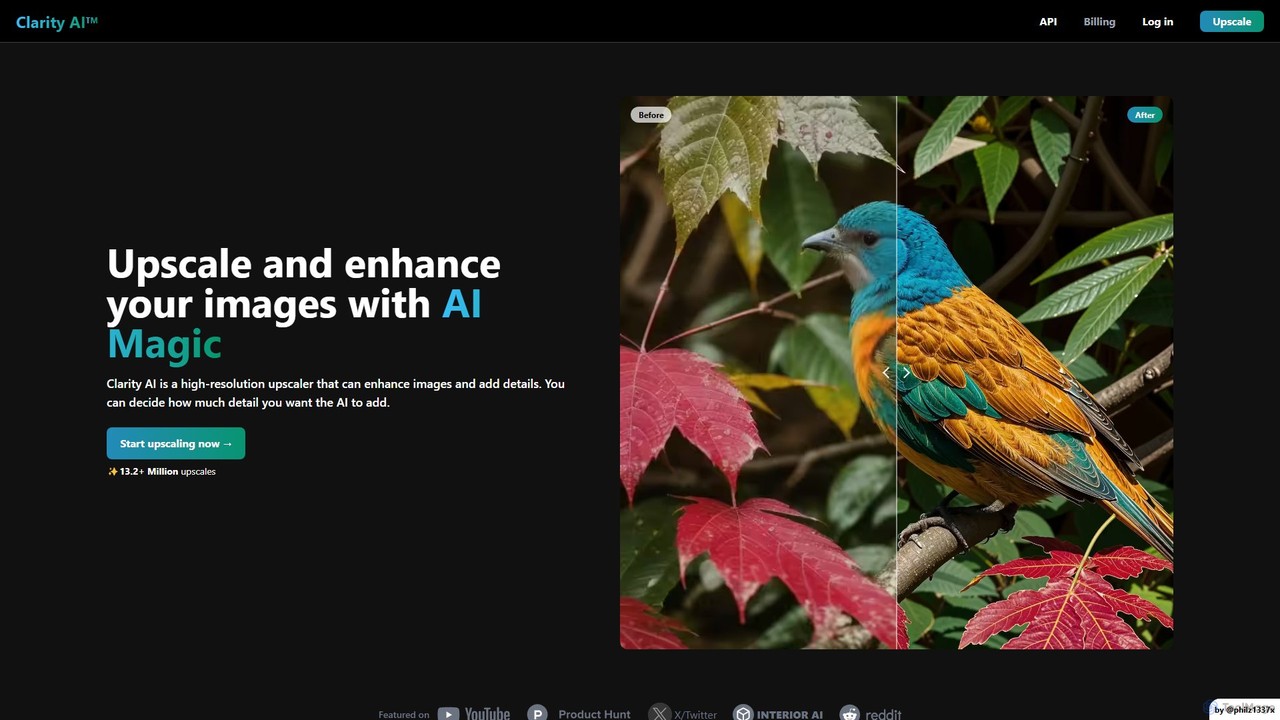
AI Upscaling tools are applications designed to increase the resolution of images and videos using artificial intelligence. These tools employ advanced deep learning models, such as Generative Adversarial Networks (GANs), to intelligently analyze, reconstruct, and add new pixels, effectively enhancing detail and clarity. This process goes beyond traditional resizing by generating realistic textures and sharp edges, transforming low-resolution source material into high-quality visuals suitable for printing, high-definition displays, and professional projects. They are a crucial component of the image enhancement toolkit.
Core Features
- Resolution Magnification: Increases image dimensions (e.g., 2x, 4x, 8x) while preventing common pixelation and blur.
- Detail & Texture Generation: AI intelligently creates plausible fine details and textures that were absent in the low-resolution original.
- Noise and Artifact Reduction: Simultaneously cleans up compression artifacts (like JPEG blocking) and digital noise during the upscaling process.
- Specialized Models: Offers dedicated algorithms optimized for specific content like faces, anime, text, or architectural photos.
- Batch Processing: Allows for the simultaneous upscaling of multiple images or video clips, streamlining workflows.
Use Cases
These tools are widely used by photographers, graphic designers, video editors, and digital archivists. Common applications include restoring old, low-resolution photographs, preparing web images for large-format printing, enhancing product photos for e-commerce, and upgrading standard-definition video footage to 4K or 8K quality for modern displays.
How to Choose
When selecting an AI Upscaling tool, consider the maximum upscaling factor (e.g., 4x, 16x) and the resulting image quality. Evaluate the availability of specialized models for your specific content needs. Also, compare processing speed, whether it operates locally or in the cloud for privacy and performance, and the pricing structure, such as subscription-based or pay-per-image models.