
Clarity AI Overview
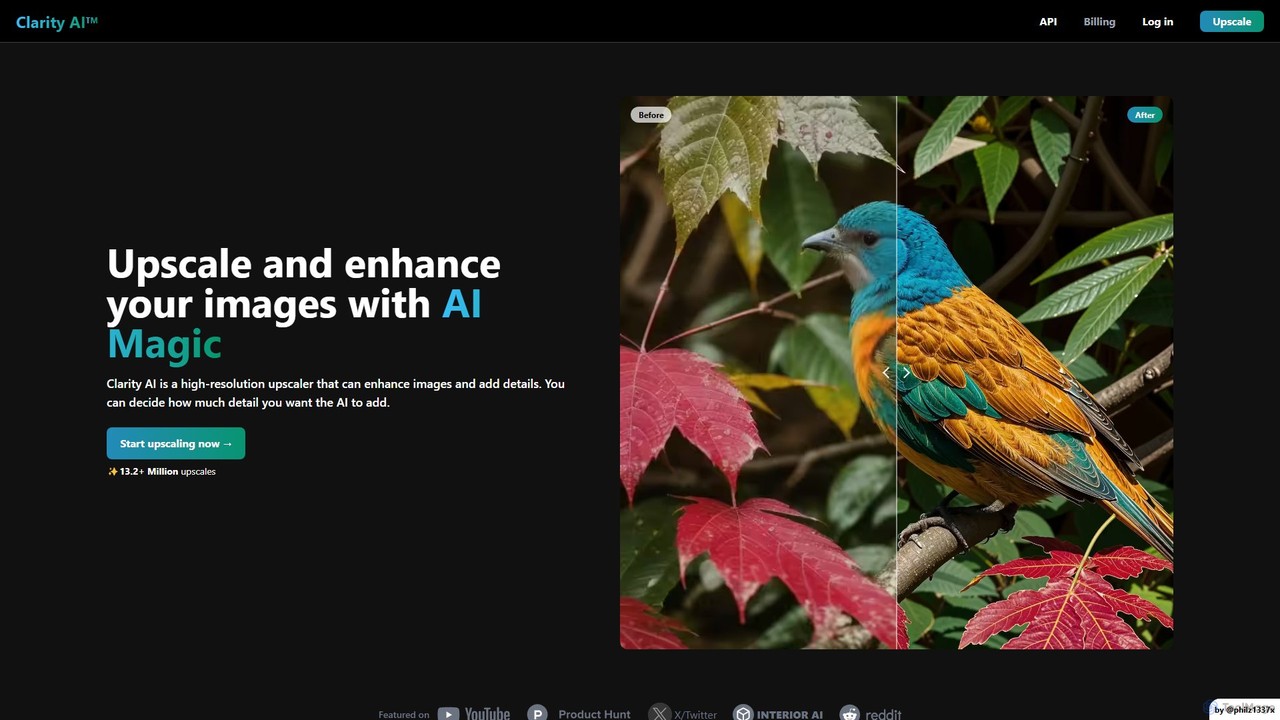
Clarity AI is a state-of-the-art AI tool specializing in image upscaling and enhancement. It positions itself as the highest-resolution AI upscaler available, capable of transforming images from as small as 64x64 pixels to a massive 13,000x13,000 pixels (176 megapixels). This tool is not just about increasing size; it intelligently adds details, removes digital noise and blur, and repairs common artifacts found in AI-generated images, resulting in crystal-clear, professional-grade visuals. It offers a suite of features that cater to a wide range of users, from professional photographers and graphic designers to AI art enthusiasts and developers, providing both a user-friendly web interface and a powerful API for integration.
How to use Clarity AI
Using Clarity AI is a straightforward process designed for both beginners and professionals:
- Upload Your Image: Start by dragging and dropping your image file (JPG, PNG, WEBP, etc.) onto the platform or selecting it from your device.
- Choose Your Mode and Settings: Select an enhancement mode like 'Creative' or 'Crystal' based on your needs. 'Creative' mode is ideal for adding new, realistic details.
- Set Upscaling Factor: Choose how much you want to enlarge your image, with options ranging from 2x up to 16x.
- Fine-Tune with Creative Controls: Adjust sliders for 'Creativity', 'Resemblance', 'Dynamic', and 'Fractality' to control how the AI interprets and enhances your image. You can also apply different styles via the style transfer feature.
- Add Optional Prompts: For advanced refinement, you can provide a text prompt to guide the AI on the details or style you want to achieve, or a negative prompt to specify what to avoid.
- Process and Review: Click the 'Upscale' button to let the AI work its magic. A before-and-after comparison allows you to review the results in real-time.
- Download Your Masterpiece: Once satisfied, download the high-resolution, enhanced image to use in your projects.
Core Features of Clarity AI
- High-Resolution Upscaling: Enlarge images up to a staggering 176 megapixels (13,000px), perfect for large-format printing and high-detail digital displays.
- AI-Powered Enhancement: Intelligently reduces blur, removes digital noise, and fixes artifacts, preserving natural textures and improving overall image quality.
- Creative Detail Generation: The AI can creatively invent and add new, realistic details to your images, with user-controlled creativity levels.
- Style Transfer: Apply various artistic styles to your images, transforming their look and feel completely.
- Advanced Creative Controls: Fine-tune the enhancement process with sliders for creativity, resemblance, and other dynamic parameters.
- Developer API and ComfyUI Plugin: Seamlessly integrate Clarity AI's power into your own applications with a robust API, or use the dedicated plugin for the popular ComfyUI workflow.
- High-Definition Image Converter: A dedicated tool to easily convert standard images into HD (1080p), 4K, and other custom high resolutions.
- Broad Format Support: Works with all major image formats, including JPG, PNG, and WEBP.
Use Cases for Clarity AI
Clarity AI is a versatile tool suitable for numerous applications:
- Photography: Photographers can restore old, blurry photos, enhance portraits by adding sharpness and detail, and prepare landscape shots for large prints.
- Graphic Design: Designers can upscale low-resolution assets, logos, and illustrations for use in high-quality print and digital media without loss of quality.
- AI Art: AI artists can refine their generated images, fixing common artifacts, enhancing details, and upscaling them for final presentation.
- E-commerce: Online businesses can enhance product photos to be crisp, clear, and detailed, leading to better customer engagement.
- Real Estate: Agents and marketers can improve property photos, making interior and exterior shots look more appealing and professional.
- Personal Use: Individuals can revive old family photos, improve social media posts, and create stunning high-resolution wallpapers.
Advantages of Clarity AI
Clarity AI stands out with several key advantages. Its primary strength is its unparalleled upscaling capability, reaching resolutions that few competitors can match. The level of creative control it offers, allowing users to dictate how much detail the AI adds, provides a unique blend of automation and artistic direction. Furthermore, its developer-friendly approach with a full-featured API and a ComfyUI plugin makes it a powerful asset for building custom workflows and applications. The user-friendly interface ensures that even those new to image enhancement can achieve professional results quickly.
Pricing and Plans
Clarity AI operates on a freemium model. It offers a free image converter and some basic upscaling capabilities, allowing users to test the platform's power. For access to advanced features such as the highest resolution upscaling, extensive creative controls, API access, and batch processing, Clarity AI provides paid options. These typically include both subscription plans for regular users and one-time payment packages for specific needs. For the most current and detailed pricing information, please visit the official Clarity AI website.
Traffic
Latest traffic
Status
Monthly traffic trend
- 2025-9: 33.7K
- 2026-1: 59.6K
- 2026-2: 31.9K
- 2026-3: 22.4K
- 2026-4: 22.7K
- 2026-5: 30.5K
Geography
Top 5 countries / regions
- 🇺🇸United States53.0%
- 🇷🇺Russia15.4%
- 🇩🇪Germany11.2%
- 🇻🇳Vietnam10.3%
- 🇮🇳India10.1%
Traffic sources
| Source type | Percentage |
|---|---|
Direct | 87.5% |
Referral | 12.5% |
Top keywords
| Keyword | Cost per click |
|---|---|
| clarity ai | $1.71 |
| clarity pro upscale | $0.00 |
| clarity pro upscaler | $0.00 |
| clarity upscaler | $1.46 |
| clarity upscaler pricing | $0.00 |
Clarity AI Videos on YouTube

ccodix
Clarity AI Alternatives
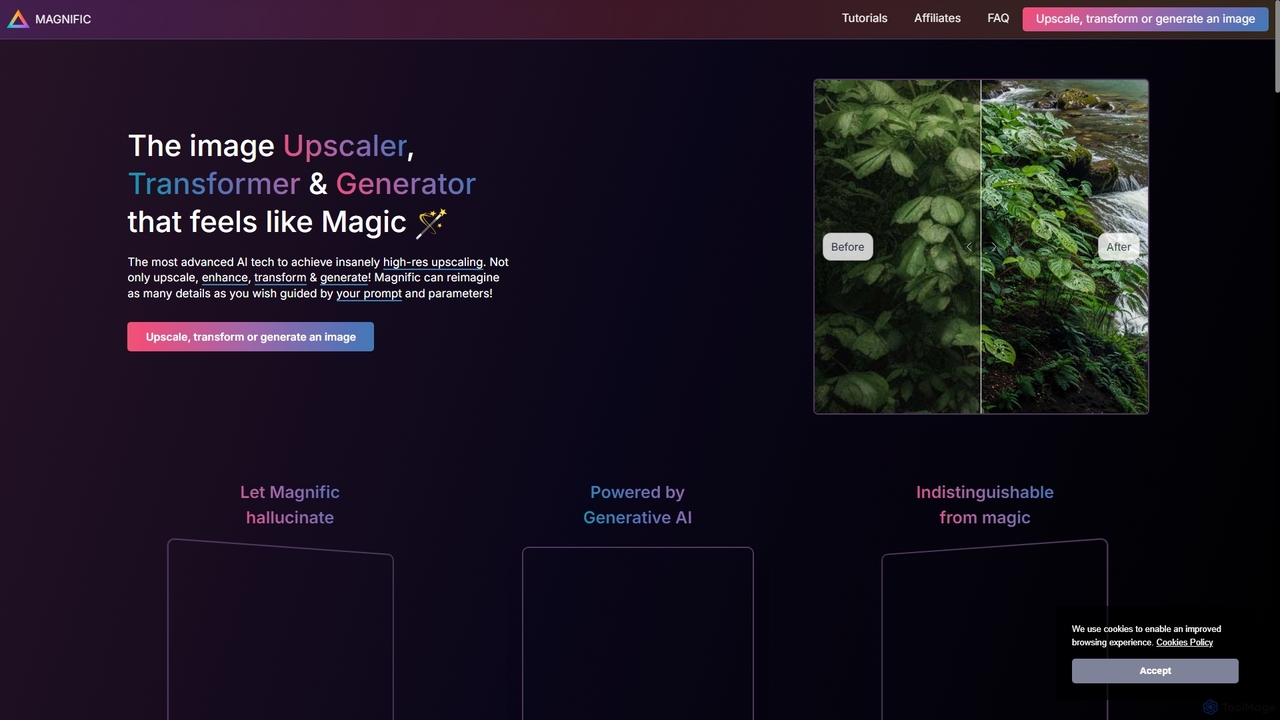
Magnific AI
Magnific AI is an advanced AI-powered image upscaler, enhancer, and transformer. It goes beyond traditional upscaling by using generative AI to intelligently add new, high-resolution details guided by user prompts. With intuitive controls like the 'Creativity' slider, users can transform any image—from portraits and illustrations to game assets and landscapes—into stunningly detailed, high-resolution masterpieces. It's a magical tool for artists, designers, and photographers seeking unparalleled image quality and creative control.
Generative Art
Icons8
Icons8 is a comprehensive design platform offering a vast library of icons, illustrations, photos, and music. It integrates powerful AI tools like a face generator, image upscaler, and background remover to streamline the creative workflow for designers, marketers, and developers.
Graphics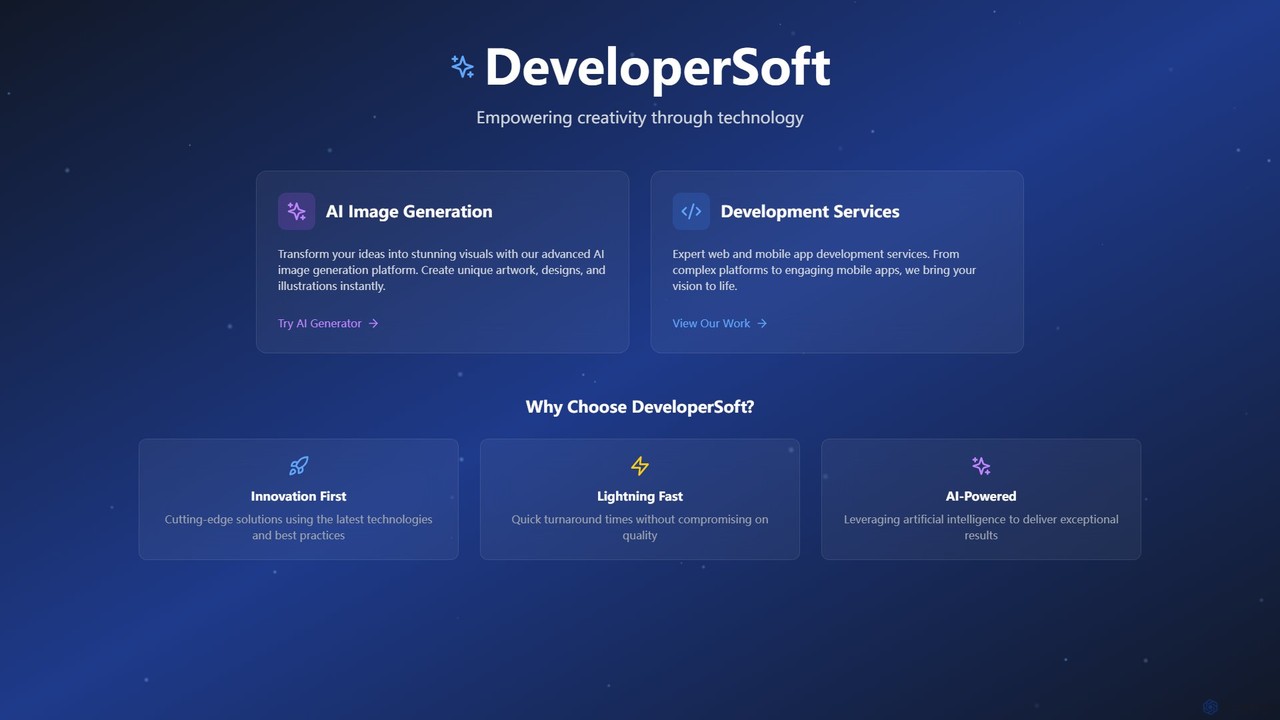
DeveloperSoft
DeveloperSoft offers a powerful AI Image Generation platform that transforms your text prompts into stunning, unique visuals. Ideal for artists, marketers, and developers, it combines a user-friendly image creator with expert web and mobile app development services, empowering creativity through technology.
Generative Art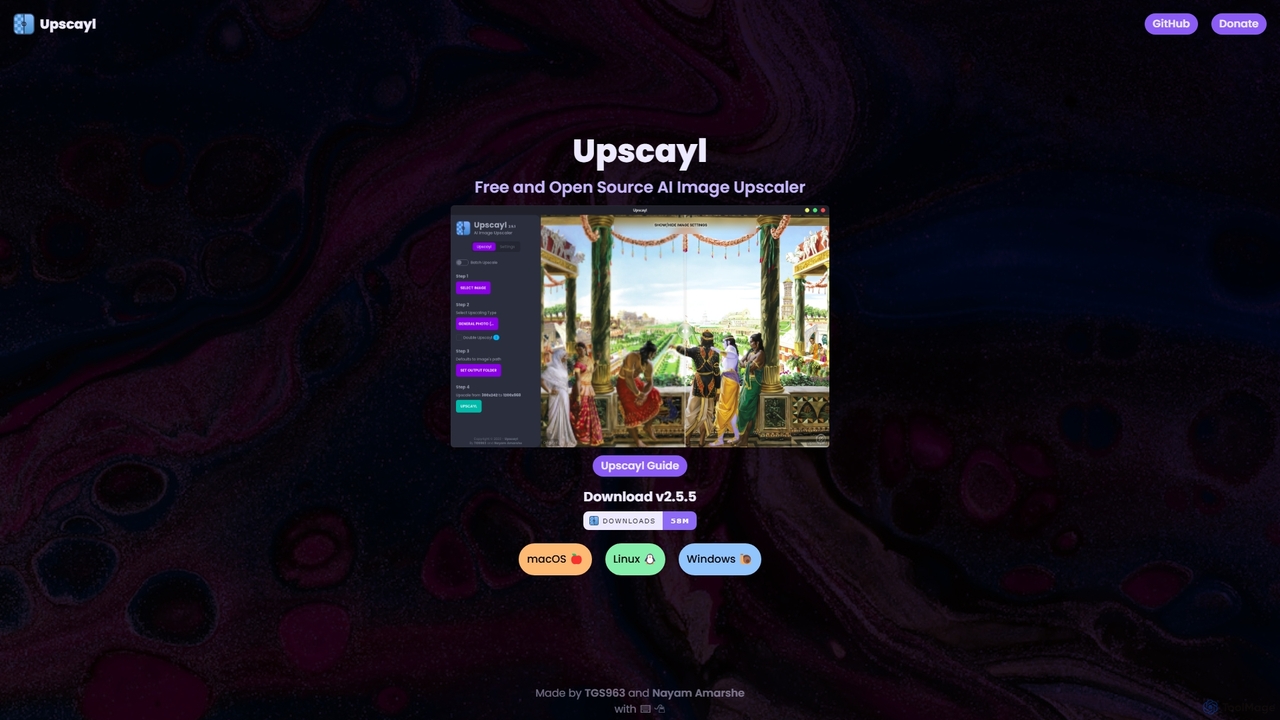
Upscayl
Upscayl is a free and open-source AI image upscaler for Windows, macOS, and Linux. It enhances low-resolution images using advanced AI models, processing everything locally on your device to ensure complete privacy. Ideal for photographers, designers, and AI artists.
Graphics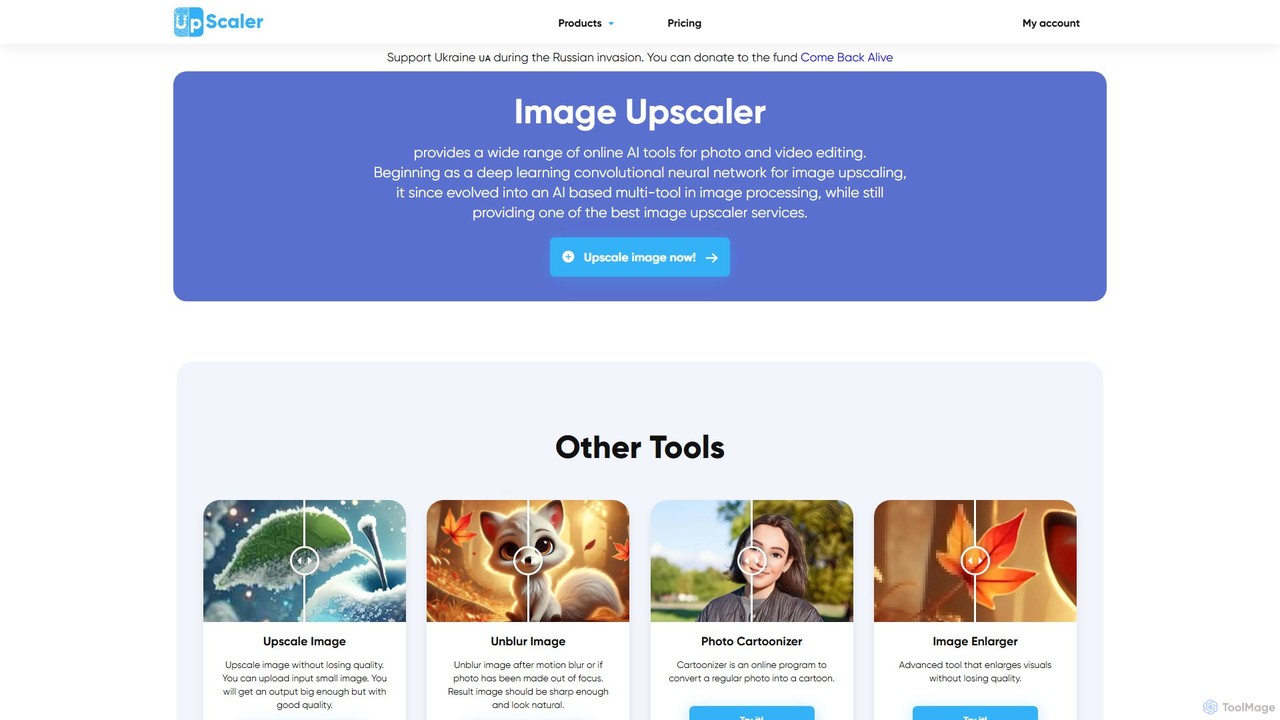
ImageUpscaler
An all-in-one AI-powered platform for image enhancement. Upscale photos up to 4x without quality loss, remove backgrounds, deblur images, generate art from text, and utilize a wide range of creative tools like cartoonizers, colorizers, and object removers. Ideal for professionals and hobbyists.
GraphicsClarity AI Categories
Clarity AI Embed Widget
Copy this embed code to place the badge on your blog, article, or product site and send readers directly to this ToolMage detail page.

Related AI tools
Magnific AI
Magnific AI is an advanced AI-powered image upscaler, enhancer, and transformer. It goes beyond traditional upscaling by using generative AI to intelligently add new, high-resolution details guided by user prompts. With intuitive controls like the 'Creativity' slider, users can transform any image—from portraits and illustrations to game assets and landscapes—into stunningly detailed, high-resolution masterpieces. It's a magical tool for artists, designers, and photographers seeking unparalleled image quality and creative control.
Generative Art
Upscale.media
Upscale.media is a free AI-powered tool that automatically upscales and enhances images in seconds. It increases image resolution by up to 8x without losing quality, sharpens details, and removes artifacts. Ideal for e-commerce, photographers, and personal use, it offers web, mobile app, and API access for seamless integration.
Image Editing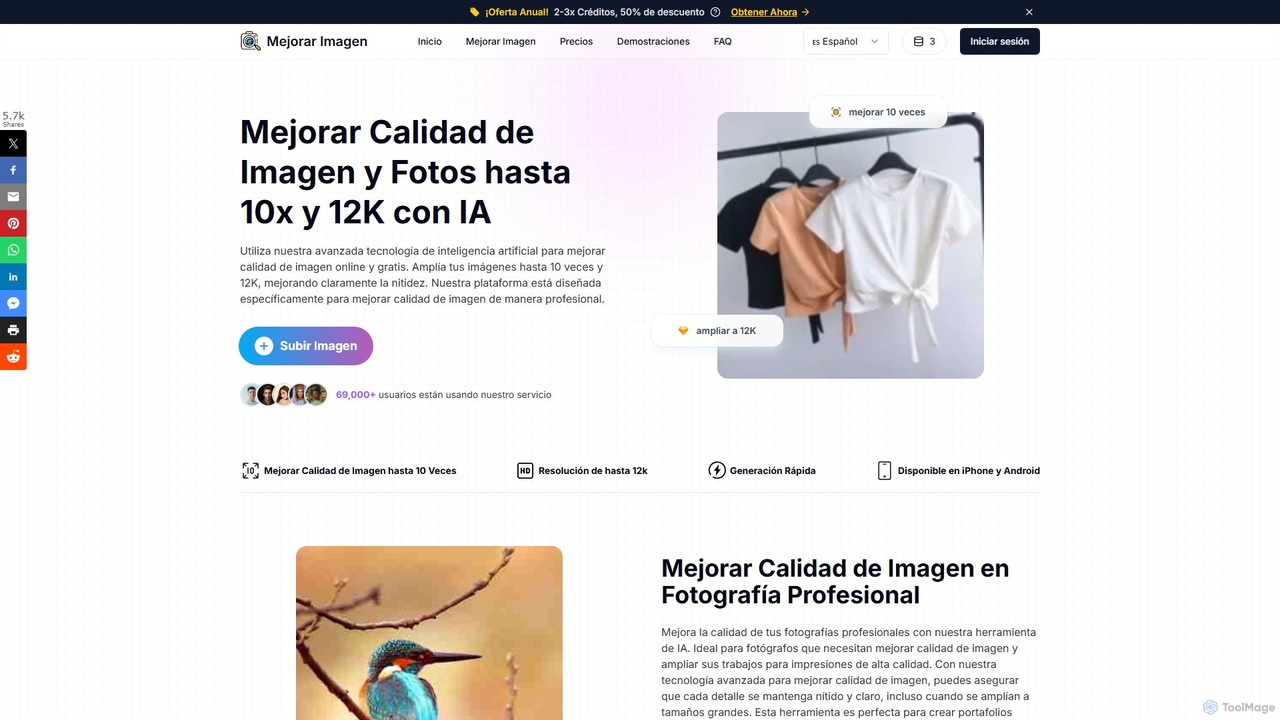
MejorarImagen
MejorarImagen is an AI-powered online tool designed to enhance and upscale image quality. It can enlarge images up to 10x and achieve resolutions up to 12K, significantly improving sharpness and detail. Ideal for professional photographers, graphic designers, and social media managers, it also offers features like batch processing and portrait enhancement.
Image EnhancementUpscayl
Upscayl is a free and open-source AI image upscaler for Windows, macOS, and Linux. It enhances low-resolution images using advanced AI models, processing everything locally on your device to ensure complete privacy. Ideal for photographers, designers, and AI artists.
Graphics
imgupscaler
imgupscaler is an AI-powered tool designed to enlarge and enhance images without sacrificing quality. Using advanced deep learning algorithms, it can upscale photos, anime art, and digital graphics up to 8x, intelligently adding detail, reducing noise, and fixing blurriness. It's a fast, user-friendly solution for professionals and hobbyists alike.
Image Enhancement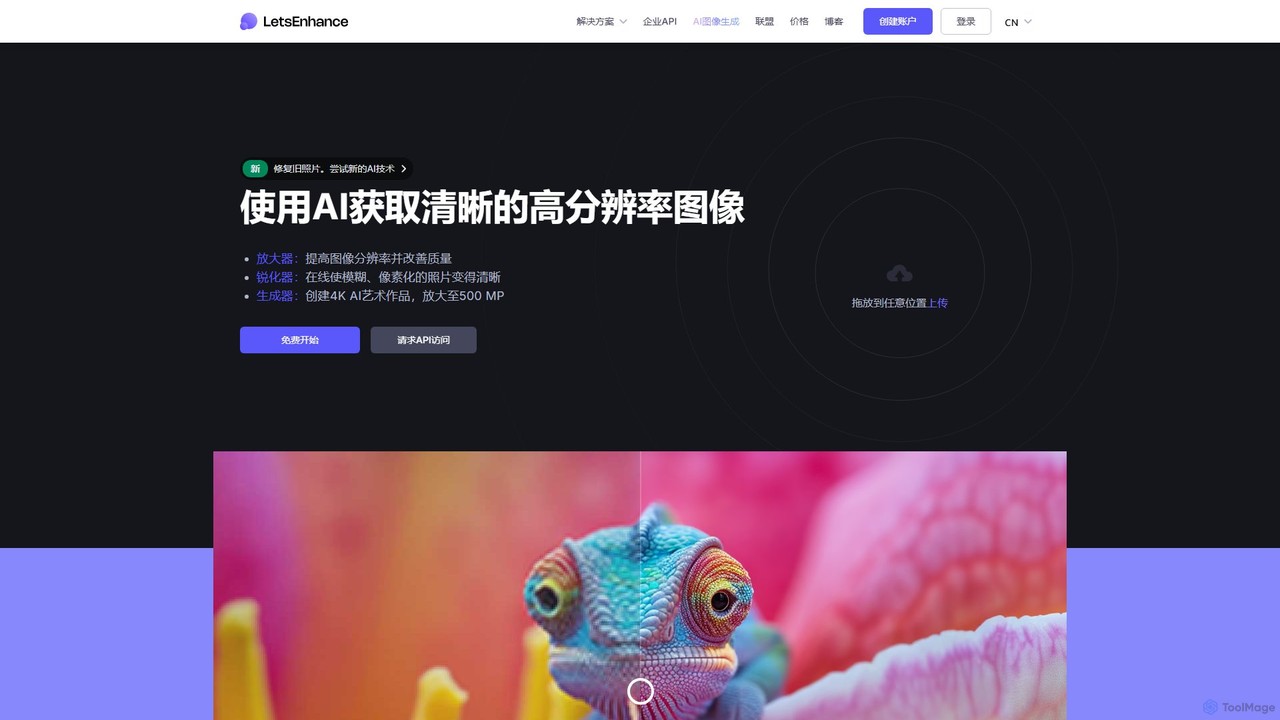
LetsEnhance
An AI-powered platform for image enhancement, upscaling, and generation. It automatically increases image resolution up to 16x, sharpens details, corrects colors, and removes artifacts. Features include old photo restoration, a text-to-image generator for creating high-resolution AI art, and batch processing. Ideal for photographers, designers, e-commerce, and print professionals.
Image Enhancement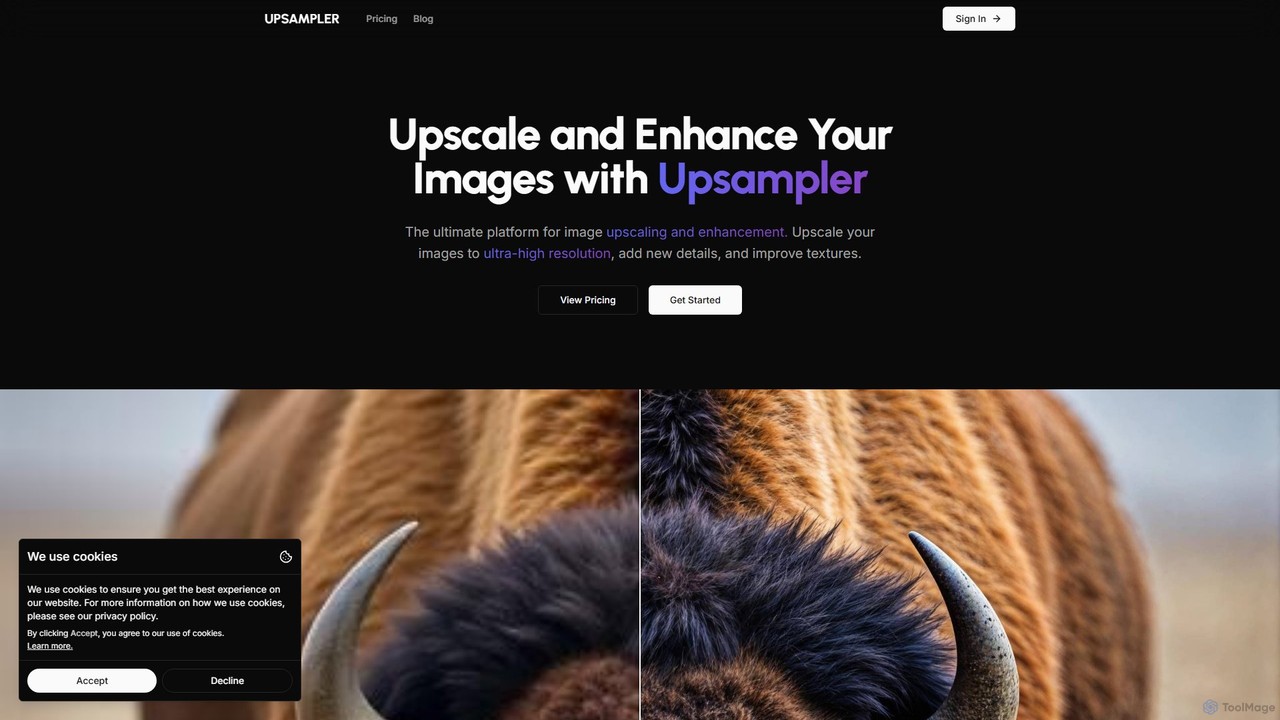
Upsampler
Upsampler is a comprehensive AI-powered online platform for image upscaling, enhancement, restoration, and generation. It features multiple upscaling modes like Smart, Dynamic, and Precise to cater to different image types, from AI art to real photos. It also offers generative fill, photo restoration, and integrates top AI models like GPT-4o and Imagen for image creation.
Image Generation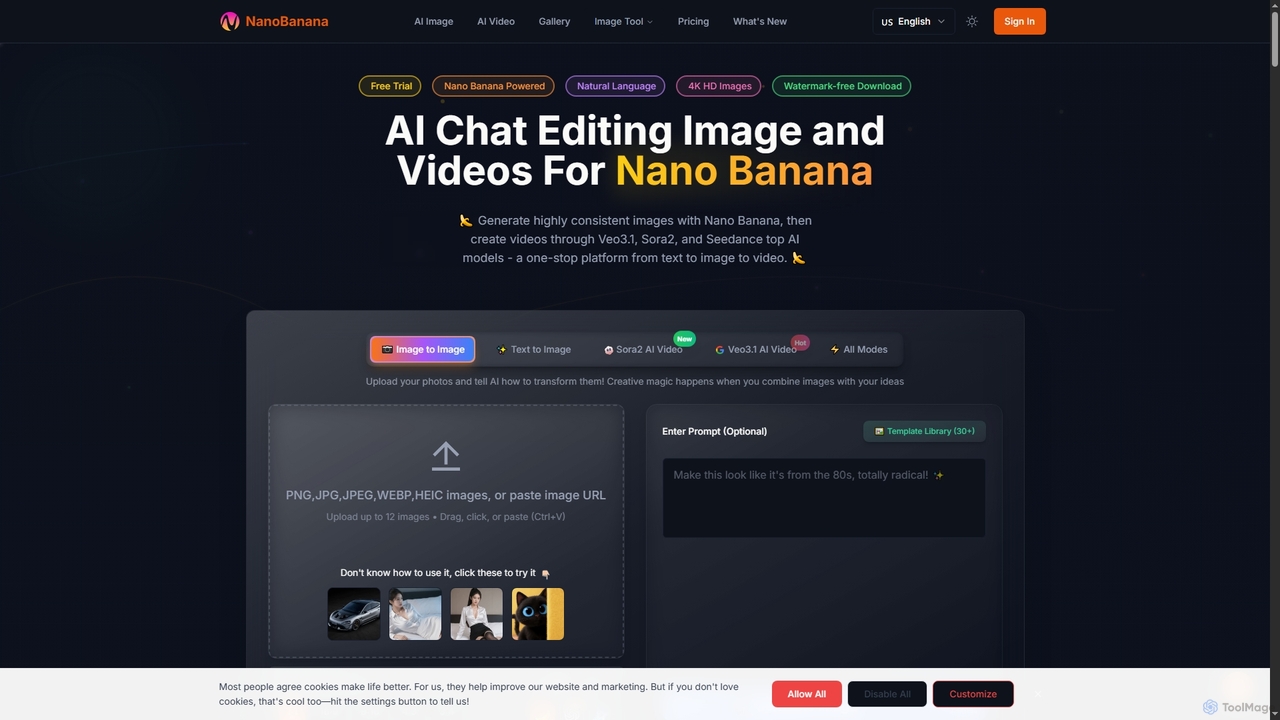
NanoBanana
NanoBanana is an advanced AI-powered platform for generating and editing images and videos using natural language. It offers lightning-fast creation, high-resolution outputs, and a wide array of creative modes, making professional-quality visual content accessible to everyone from beginners to seasoned creators.
Digital Art
Upscalepics
Upscalepics is an AI-powered image toolkit that enhances, upscales, and edits photos with remarkable precision. It can increase image resolution up to 8x, remove backgrounds, compress files, and prepare images for high-quality printing at 300 DPI. With features like batch processing, a browser extension, and API access, it serves photographers, designers, and e-commerce businesses.
Image Editing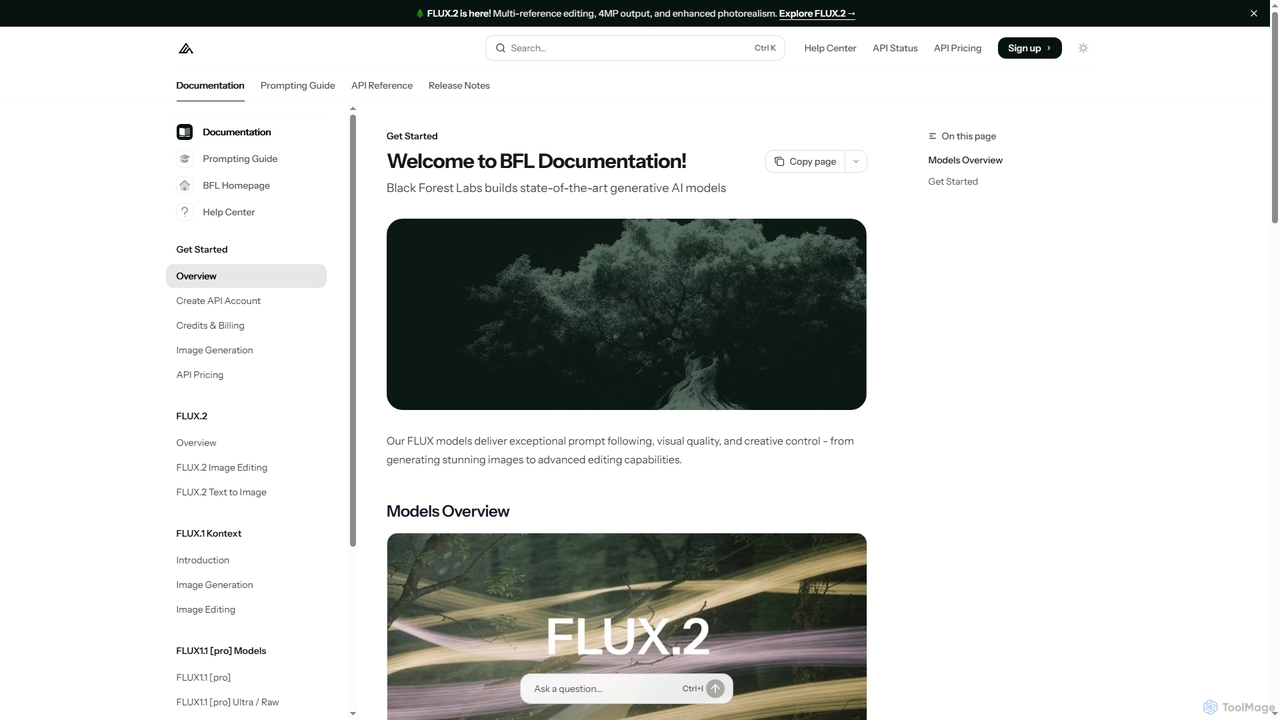
FLUX
FLUX by Black Forest Labs offers advanced AI models for photorealistic image generation and multi-reference editing. It provides precise control over visual elements, supports high-resolution output, and integrates via API for production workflows.
Image Editing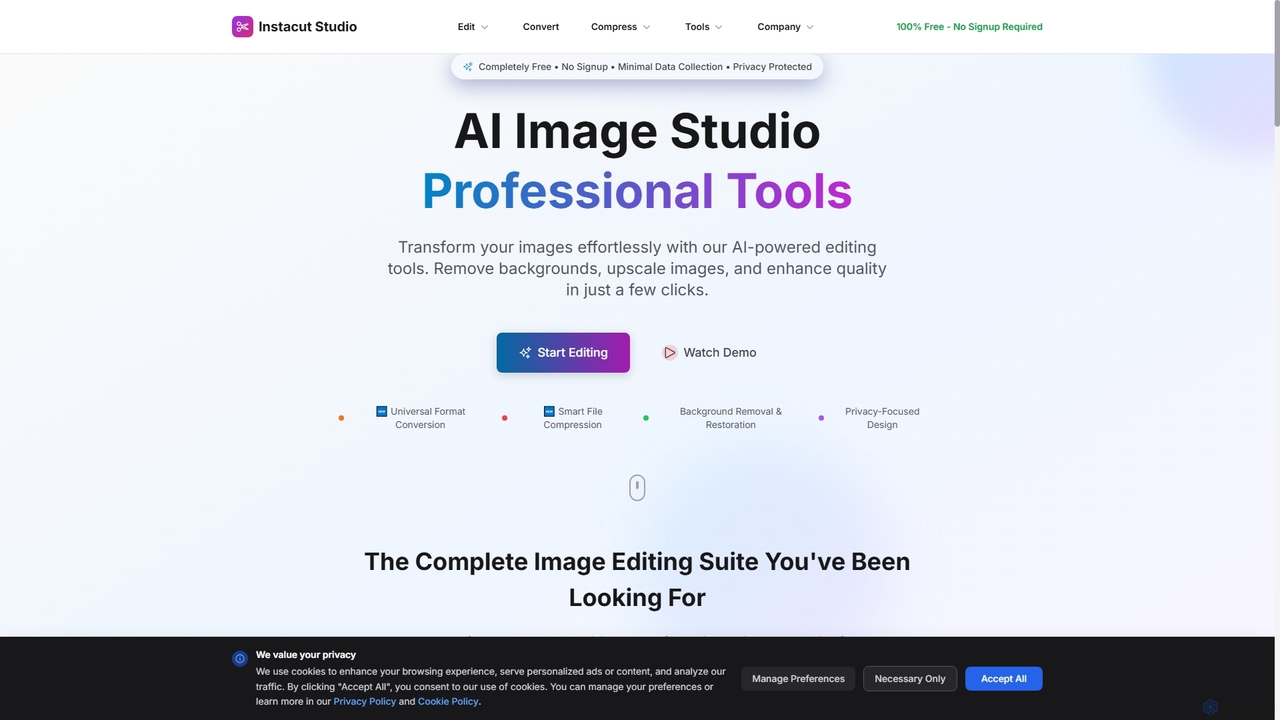
Instacut
Instacut is a comprehensive, privacy-first suite of AI-powered image editing tools available online for free. It requires no signup and offers features like background removal, image upscaling, photo restoration, format conversion, and file compression, ensuring user data is never stored.
Graphics
photorush
Photorush is an AI-powered image editing suite designed for speed and efficiency. It automates complex tasks like background removal, object erasing, and one-click enhancement, enabling users to create professional-quality images in seconds. Ideal for e-commerce, marketing, and social media content creation.
Product Images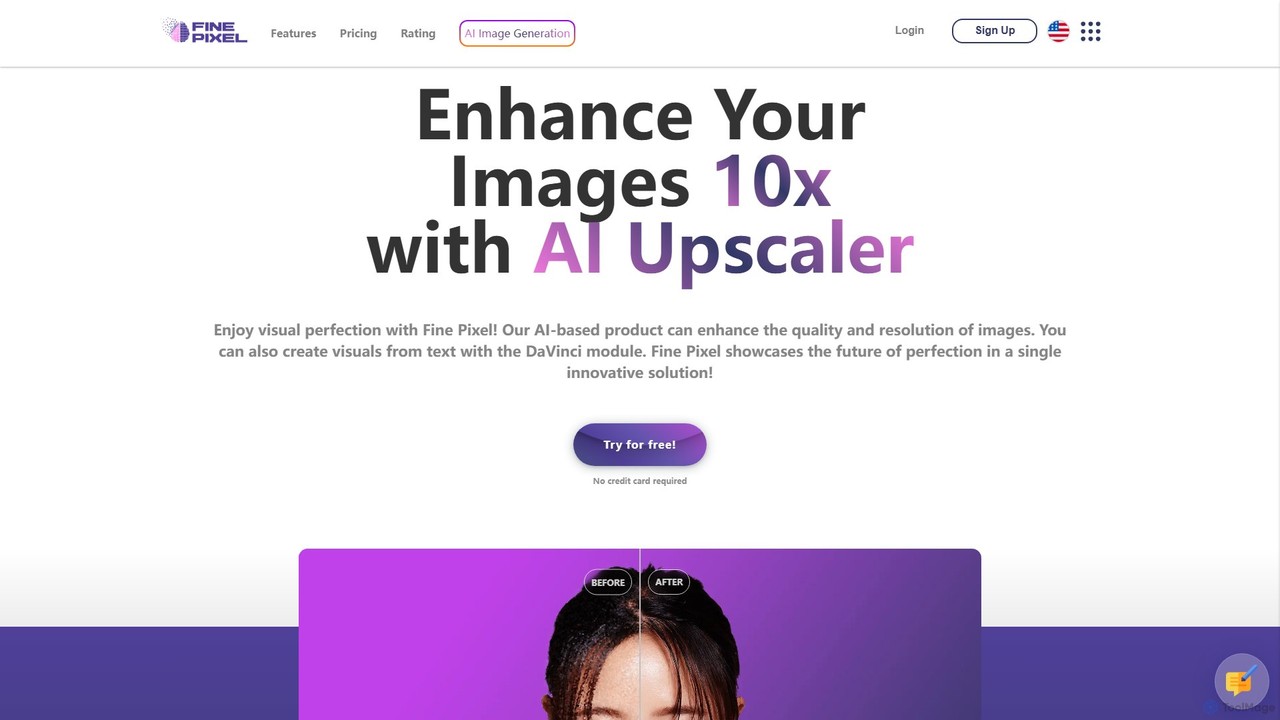
Fine Pixel
Fine Pixel is an all-in-one AI-powered image suite that enhances, generates, and edits visuals. It features a high-resolution image upscaler for print-quality results (300+ DPI), a text-to-image generator (DaVinci Diffusion XL) for instant creativity, and an inpainting tool to seamlessly add or remove objects from photos. It's designed for users of all skill levels, from marketers and designers to personal users, enabling professional-grade image manipulation in seconds.
Image Editing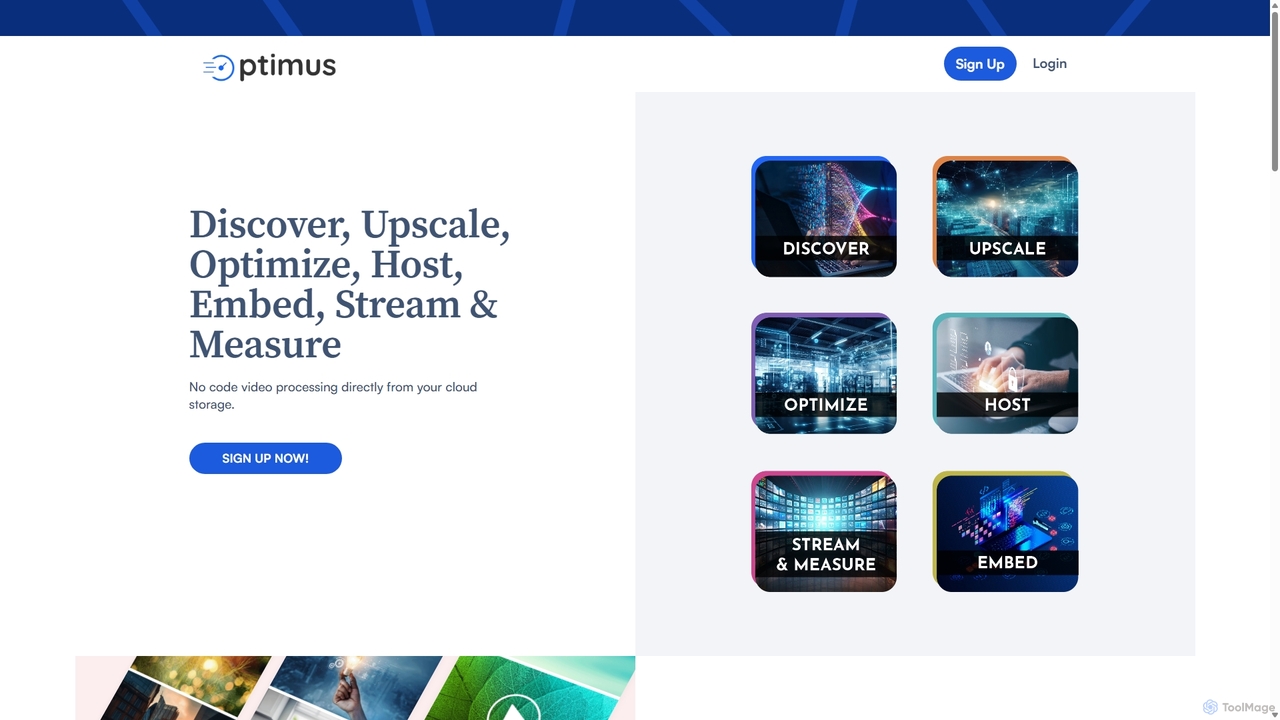
optimusdrive
An AI-powered media processing platform offering a suite of tools for video and image optimization. It specializes in high-quality compression, resolution upscaling to 4K, and advanced facial enhancement to transform your media assets for web and streaming.
Image EnhancementImageUpscaler
An all-in-one AI-powered platform for image enhancement. Upscale photos up to 4x without quality loss, remove backgrounds, deblur images, generate art from text, and utilize a wide range of creative tools like cartoonizers, colorizers, and object removers. Ideal for professionals and hobbyists.
Graphics
Clarity AI Comments (0)
Sign in to comment.
Sign inNo comments yet.