

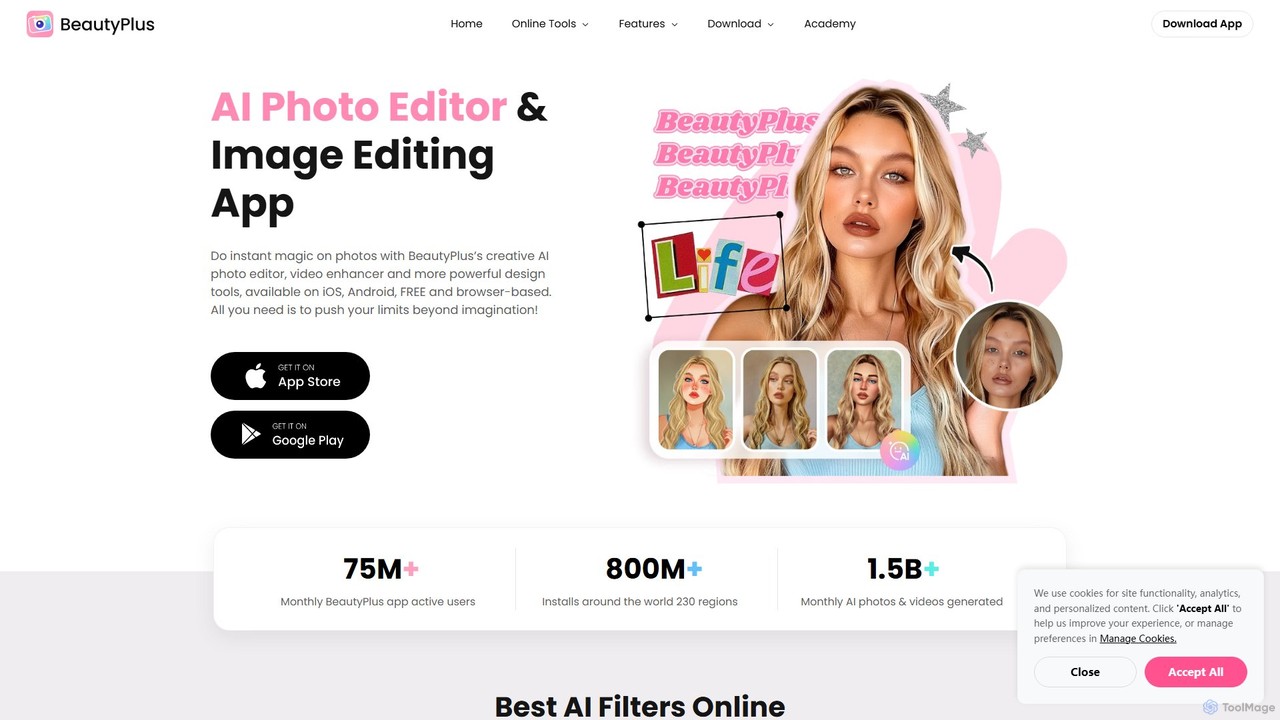
BeautyPlus Overview
BeautyPlus is a comprehensive and user-friendly AI photo and video editing application designed to empower users to create stunning visuals with ease. Trusted by over 800 million users worldwide, it combines powerful AI algorithms with an intuitive interface, making professional-grade editing accessible to everyone. Whether you're enhancing a selfie, creating artistic images, or editing a video, BeautyPlus provides a complete suite of tools on iOS, Android, and web browsers.
The platform's core strength lies in its advanced AI capabilities. It can automatically detect and enhance facial features, apply realistic virtual makeup, and even reshape body proportions for the perfect look. Beyond simple retouching, BeautyPlus unleashes creativity with a wide array of AI-powered artistic filters, allowing you to transform your photos into styles like anime, claymation, pixel art, or cartoons in seconds. It also includes practical utilities like a high-precision background remover, an intelligent object eraser, and an image enhancer that upscales resolution and restores details without compromising quality.
How to use BeautyPlus
Using BeautyPlus is designed to be a simple and intuitive process, whether on the mobile app or the online editor:
- Upload Your Photo/Video: Start by selecting and uploading an image or video from your device. For online tools, you can simply drag and drop the file into the browser.
- Choose an Editing Tool: Browse the extensive menu of features. Select from options like 'Retouch' for skin smoothing, 'Makeup' for virtual cosmetics, 'AI Filters' for artistic transformations, or 'Edit' for basic adjustments like cropping and rotating.
- Apply and Adjust: Use the sliders and presets to apply the desired effect. For instance, you can adjust the intensity of a makeup filter, select a specific anime style, or brush over an object you want to remove. The changes are often previewed in real-time.
- Fine-Tune and Combine: You can layer multiple edits. After smoothing your skin, you can apply a makeup look and then add a creative filter.
- Download and Share: Once you are satisfied with your creation, simply save the high-quality result to your device or share it directly to your social media platforms.
Core Features of BeautyPlus
- AI Portrait Enhancer: Automatically beautifies selfies with tools for skin smoothing, acne removal, teeth whitening, and reshaping facial features like eyes, nose, and lips.
- Virtual Makeup & Hairstyle: Try on a wide range of virtual makeup, including lipstick, blush, eyeshadow, and contacts. Experiment with different preset makeup looks and even change your hair color and style.
- Body Editor: Reshape body contours by enhancing curves, slimming the waist and arms, or adjusting height for better proportions.
- Creative AI Filters: Transform photos into unique artworks with filters like Anime (including Ghibli style), Clay, Pixel, Crayon, and Cartoon.
- AI-Powered Utilities: Includes an AI Image Enhancer to upscale quality, a Background Remover for creating transparent cutouts, an AI Object Remover to erase unwanted elements, and an AI Avatar Generator.
- Basic & Advanced Photo Editing: Offers all essential editing tools, including cropping, resizing, rotating, and adjusting lighting and color, as well as creative assets like stickers, text, fonts, and templates.
- Video Editing: Provides tools to enhance video quality, remove watermarks, and edit clips for social media.
Use Cases for BeautyPlus
BeautyPlus is versatile and caters to a wide range of users. Social media influencers and content creators use it to produce polished, eye-catching photos and avatars that boost engagement. Everyday users rely on it to perfect their selfies and portraits for sharing with friends and family. Aspiring artists and hobbyists use the AI filters to explore their creativity and turn photos into unique digital art. It's also a practical tool for e-commerce, allowing users to quickly remove backgrounds from product photos for a clean, professional look. Furthermore, anyone can use it to have fun, experimenting with different makeup looks or hairstyles without any commitment.
Advantages of BeautyPlus
The primary advantage of BeautyPlus is its combination of power and simplicity. Its AI-driven features automate complex editing tasks, delivering professional results without requiring any technical skills. The all-in-one nature of the platform means users don't need to switch between multiple apps for different editing needs. It is highly accessible, with a free version available on both mobile and web. The massive library of filters, effects, and editing tools ensures endless creative possibilities. With a large global user base and consistently high ratings, it stands as a trusted and reliable choice in the photo editing market.
Pricing and Plans
BeautyPlus operates on a freemium model. Many core editing features and a selection of filters are available for free in both the mobile app and the online editor. For users seeking advanced capabilities, exclusive filters, and an ad-free experience, BeautyPlus offers a Premium subscription. The subscription unlocks all features, including the most advanced AI tools and creative assets. A 7-day free trial is often available for users to experience the full benefits of the premium version before committing.
Traffic
Latest traffic
Status
Monthly traffic trend
- 2025-9: 935.2K
- 2026-1: 1.5M
- 2026-2: 999.1K
- 2026-3: 1.1M
- 2026-4: 1.2M
- 2026-5: 1.1M
Geography
Top 5 countries / regions
- 🇻🇳Vietnam26.7%
- 🇯🇵Japan23.1%
- 🇮🇩Indonesia19.6%
- 🇵🇭Philippines18.0%
- 🇺🇸United States12.6%
Traffic sources
| Source type | Percentage |
|---|---|
Direct | 88.2% |
Referral | 11.6% |
Email | 0.2% |
Top keywords
| Keyword | Cost per click |
|---|---|
| beautyplus | $0.29 |
| hd foto | $0.60 |
| làm nét ảnh | $0.34 |
| photo booth | $0.62 |
| photobooth | $0.65 |
BeautyPlus Videos on YouTube
Only Technical Bano 2M
BeautyPlus Alternatives

pixalto
Pixalto is an all-in-one AI creative suite for effortless content creation. It allows users to generate stunning videos and images from text, perform advanced photo and video editing like background removal and object erasing, and utilize creative tools such as face swap and style transfer.
Generative Art
x_design
x_design is an AI-powered photo and video editing studio designed for marketing and e-commerce. It helps users create warm, authentic visuals by offering tools for background removal, image enhancement, object removal, and generating realistic lifestyle scenes with AI models and props.
Product Visuals
Nero AI
Nero AI is a comprehensive suite of AI-powered tools for image and video enhancement. It offers features like image and video upscaling, photo restoration, background and object removal, face animation, and creative stylization. Designed for creators, marketers, and designers, it provides easy-to-use solutions for both online and desktop platforms to elevate visual content quality.
Graphic Design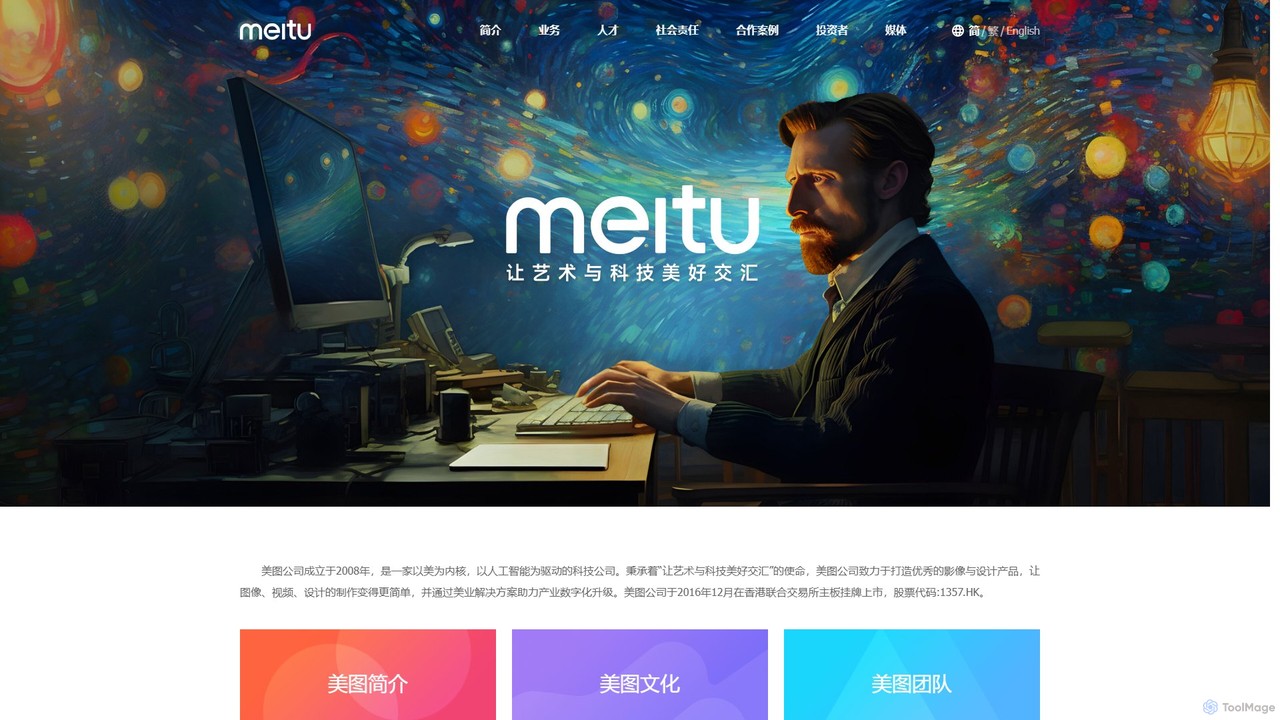
Meitu
Meitu is a comprehensive suite of AI-powered tools for photo and video editing, graphic design, and professional creative workflows. It simplifies complex tasks like photo retouching, video quality restoration, and content creation, making advanced editing accessible to everyone from casual users to businesses.
Graphic Design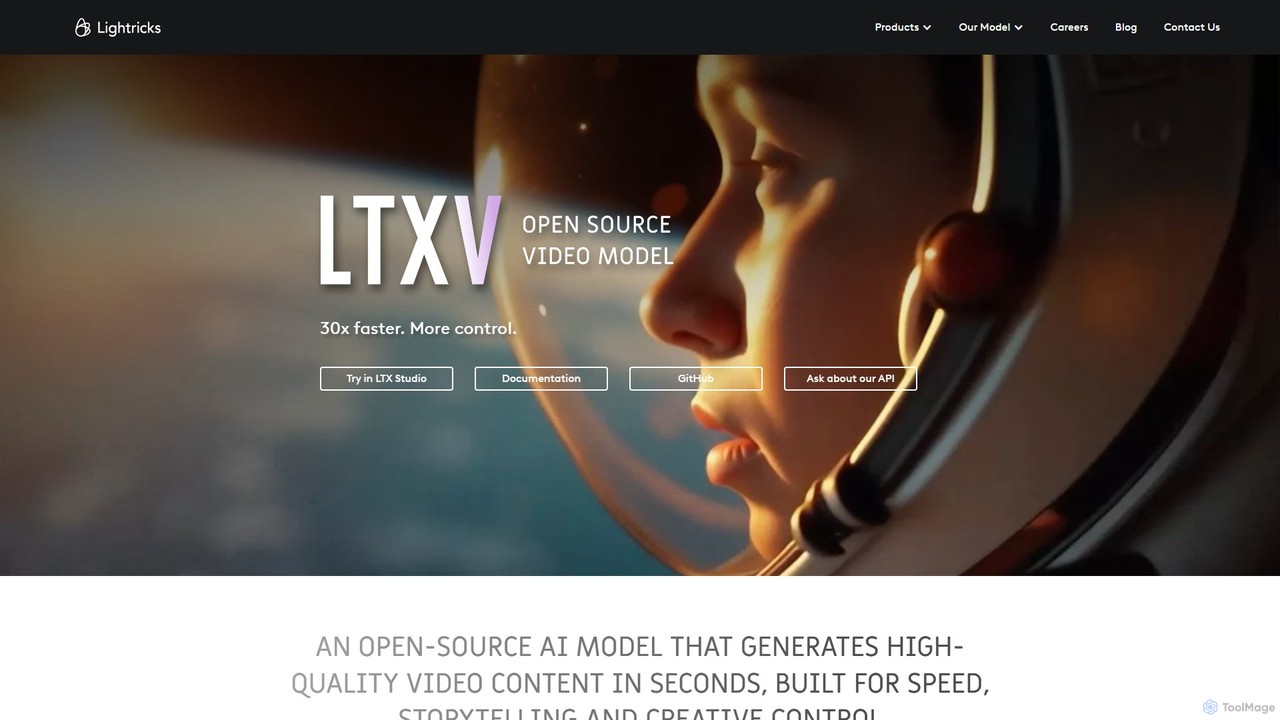
Lightricks
Lightricks is an AI-first company that develops a powerful suite of creative applications for photo and video editing. Its flagship products, including Facetune, Photoleap, Videoleap, and the groundbreaking LTX Studio, empower creators and brands to produce stunning visual content using cutting-edge generative AI technology, bridging the gap between imagination and creation.
Image EditingBeautyPlus Categories
BeautyPlus Embed Widget
Copy this embed code to place the badge on your blog, article, or product site and send readers directly to this ToolMage detail page.

Related AI tools
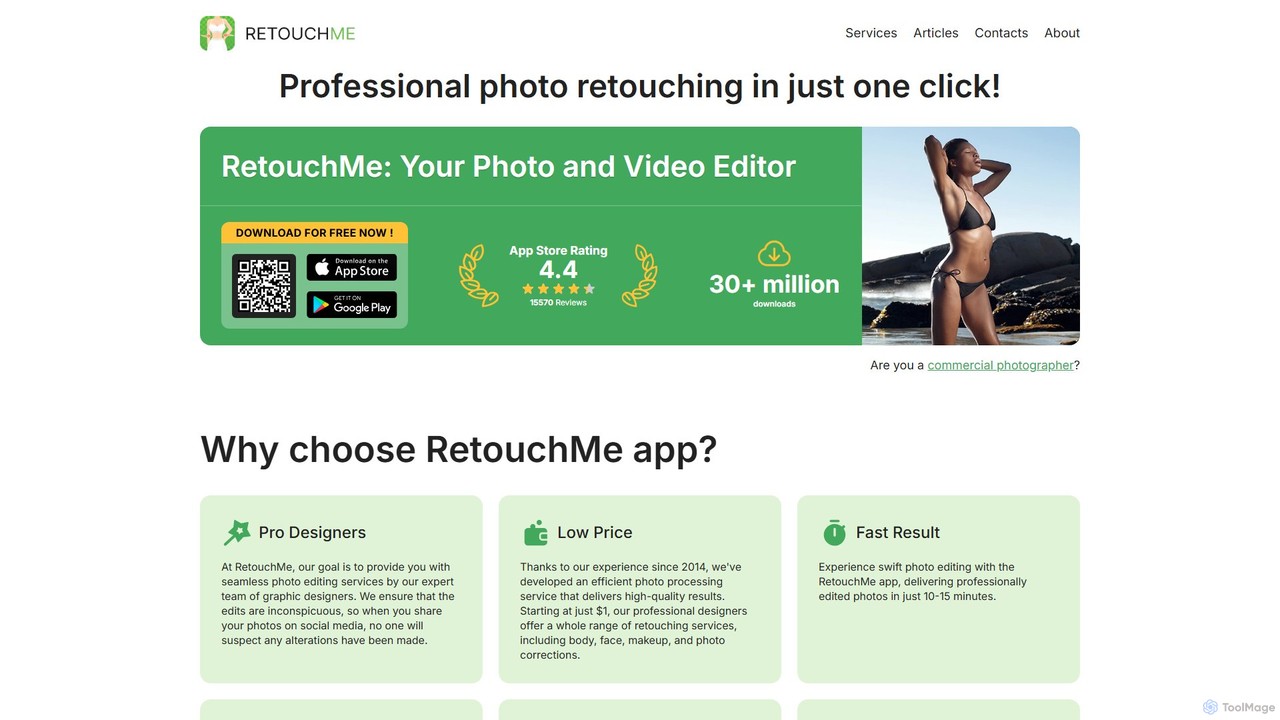
RetouchMe
RetouchMe is a unique photo and video editing service that connects users with a team of professional graphic designers. Through its user-friendly app, you can get high-quality, natural-looking retouches for body, face, makeup, background, and more. It combines the convenience of an app with the expertise of real human editors.
Photo Retouchingpixalto
Pixalto is an all-in-one AI creative suite for effortless content creation. It allows users to generate stunning videos and images from text, perform advanced photo and video editing like background removal and object erasing, and utilize creative tools such as face swap and style transfer.
Generative Artx_design
x_design is an AI-powered photo and video editing studio designed for marketing and e-commerce. It helps users create warm, authentic visuals by offering tools for background removal, image enhancement, object removal, and generating realistic lifestyle scenes with AI models and props.
Product Visuals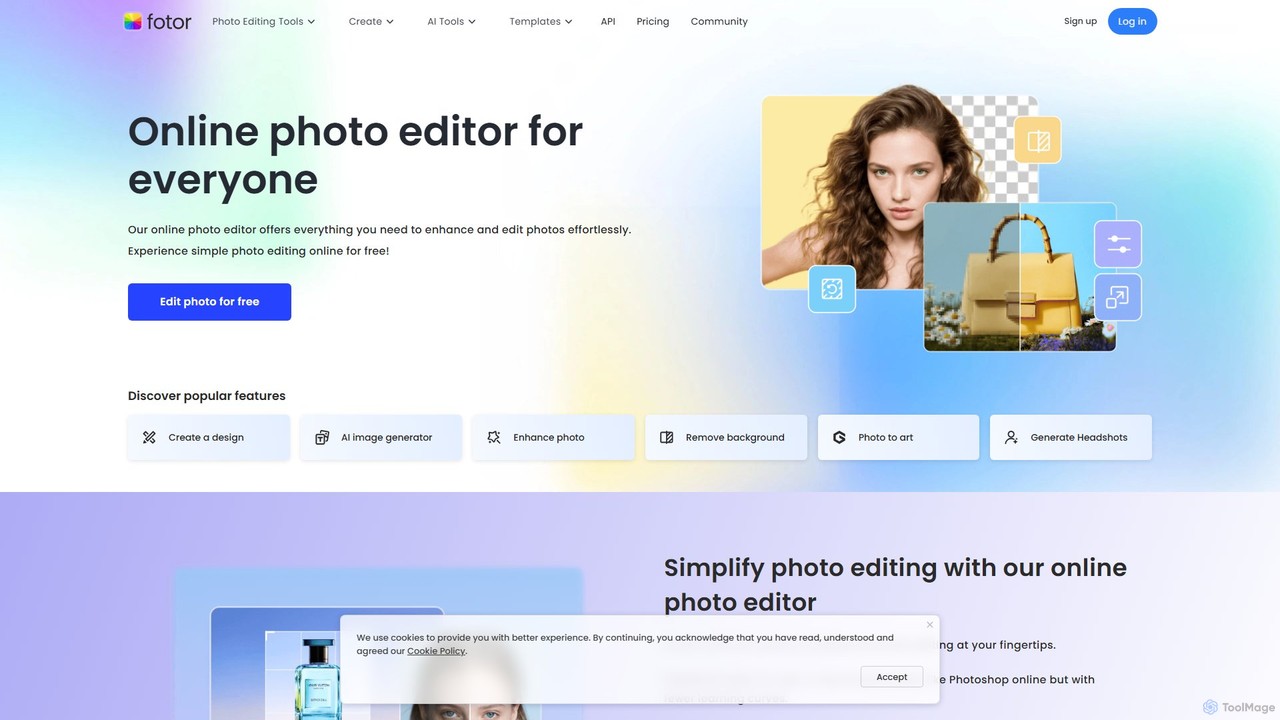
Fotor
Fotor is a comprehensive, all-in-one AI photo editor and design platform. It offers a powerful suite of tools for both beginners and professionals, including one-click photo enhancement, background and object removal, and advanced generative AI features like text-to-image creation, AI-powered object replacement, and image expansion. Fotor simplifies complex editing tasks, making it easy to create stunning visuals for social media, marketing, and personal projects across web, desktop, and mobile devices.
3D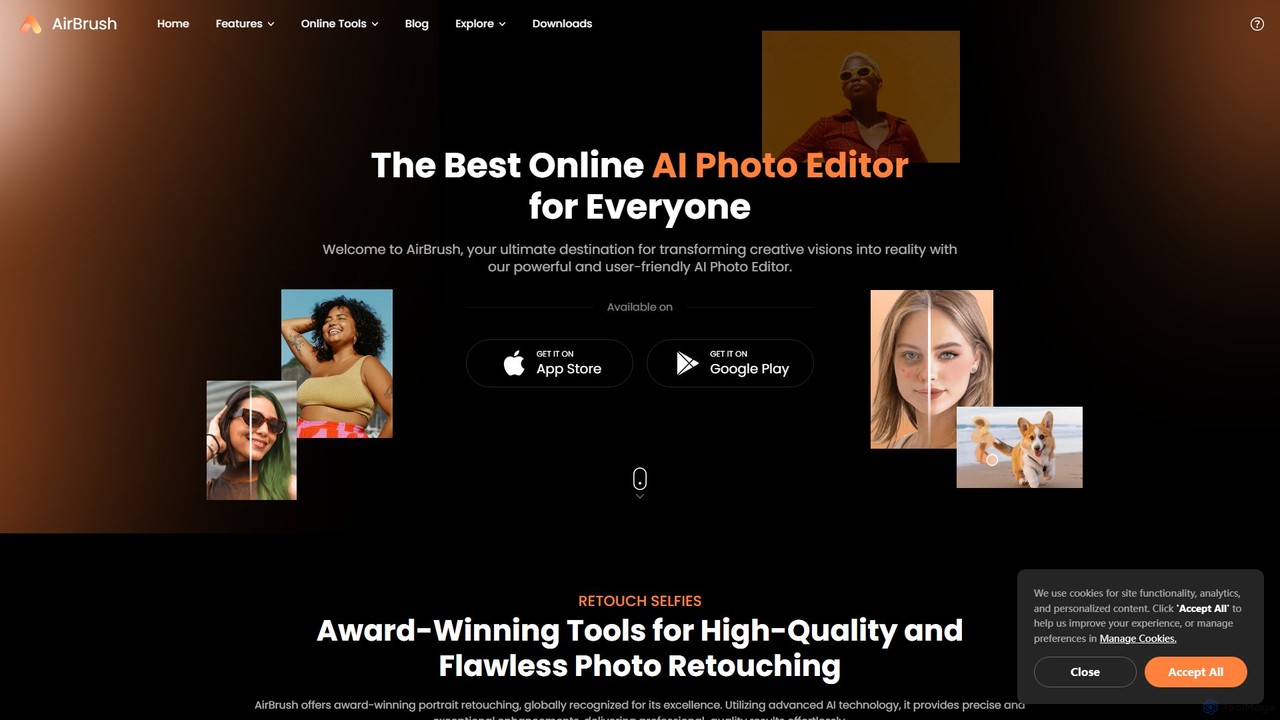
AirBrush
AirBrush is a comprehensive AI-powered photo and video editor available on web and mobile. It offers a wide range of tools for effortless editing, including one-click portrait retouching, image and video enhancement up to 4K, object and background removal, and creative AI generators for avatars and headshots. Designed for both beginners and professionals, AirBrush makes it easy to achieve flawless, high-quality results.
3D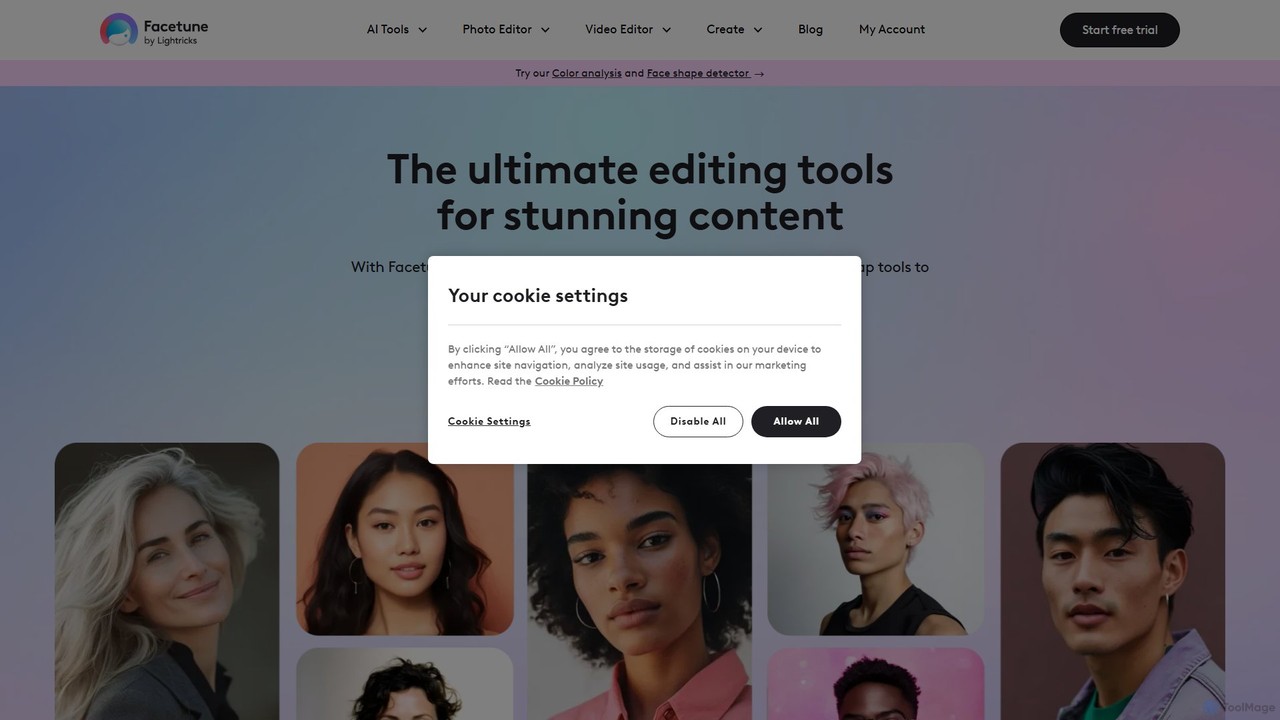
Facetune
Facetune is a premier AI-powered photo and selfie editor app. It offers a vast suite of tools for retouching, face and body reshaping, virtual makeup and hairstyle try-ons, and AI-generated content like professional headshots and creative avatars. It's designed for both casual users and social media creators to effortlessly enhance their photos.
3D
Pixelfox
Pixelfox is a comprehensive, free-to-use AI suite for creators and businesses. It combines a powerful online photo and video editor with over 300 AI writing tools. Effortlessly retouch photos, remove backgrounds, generate images from text, swap faces, and enhance quality. Simultaneously, create SEO-optimized articles, social media content, product descriptions, and much more, all within a single, no-download platform.
3DNero AI
Nero AI is a comprehensive suite of AI-powered tools for image and video enhancement. It offers features like image and video upscaling, photo restoration, background and object removal, face animation, and creative stylization. Designed for creators, marketers, and designers, it provides easy-to-use solutions for both online and desktop platforms to elevate visual content quality.
Graphic DesignMeitu
Meitu is a comprehensive suite of AI-powered tools for photo and video editing, graphic design, and professional creative workflows. It simplifies complex tasks like photo retouching, video quality restoration, and content creation, making advanced editing accessible to everyone from casual users to businesses.
Graphic DesignLightricks
Lightricks is an AI-first company that develops a powerful suite of creative applications for photo and video editing. Its flagship products, including Facetune, Photoleap, Videoleap, and the groundbreaking LTX Studio, empower creators and brands to produce stunning visual content using cutting-edge generative AI technology, bridging the gap between imagination and creation.
Image Editing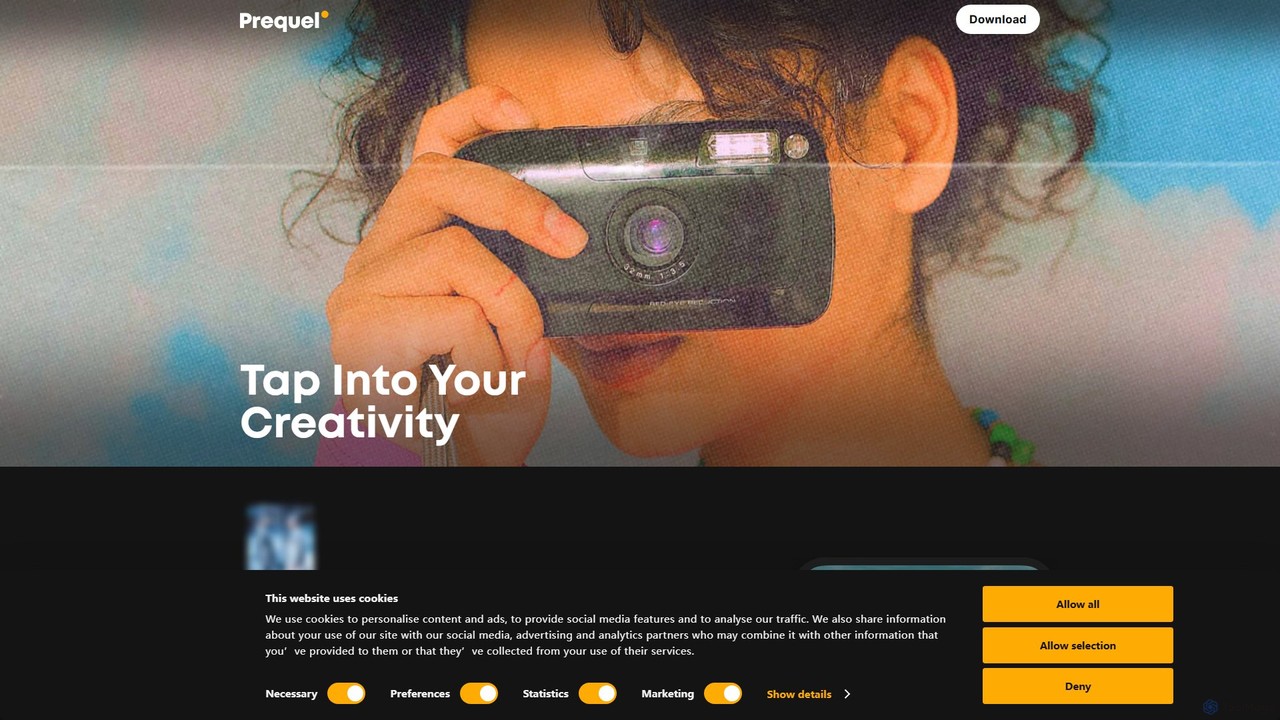
Prequel
Prequel is an AI-powered photo and video editor designed for creating stunning, aesthetic content. It offers a vast library of trendy filters, AI effects, and advanced editing tools, making it easy for users to transform their visuals for social media and personal projects. Ideal for content creators, influencers, and anyone looking to elevate their digital imagery.
Image Editing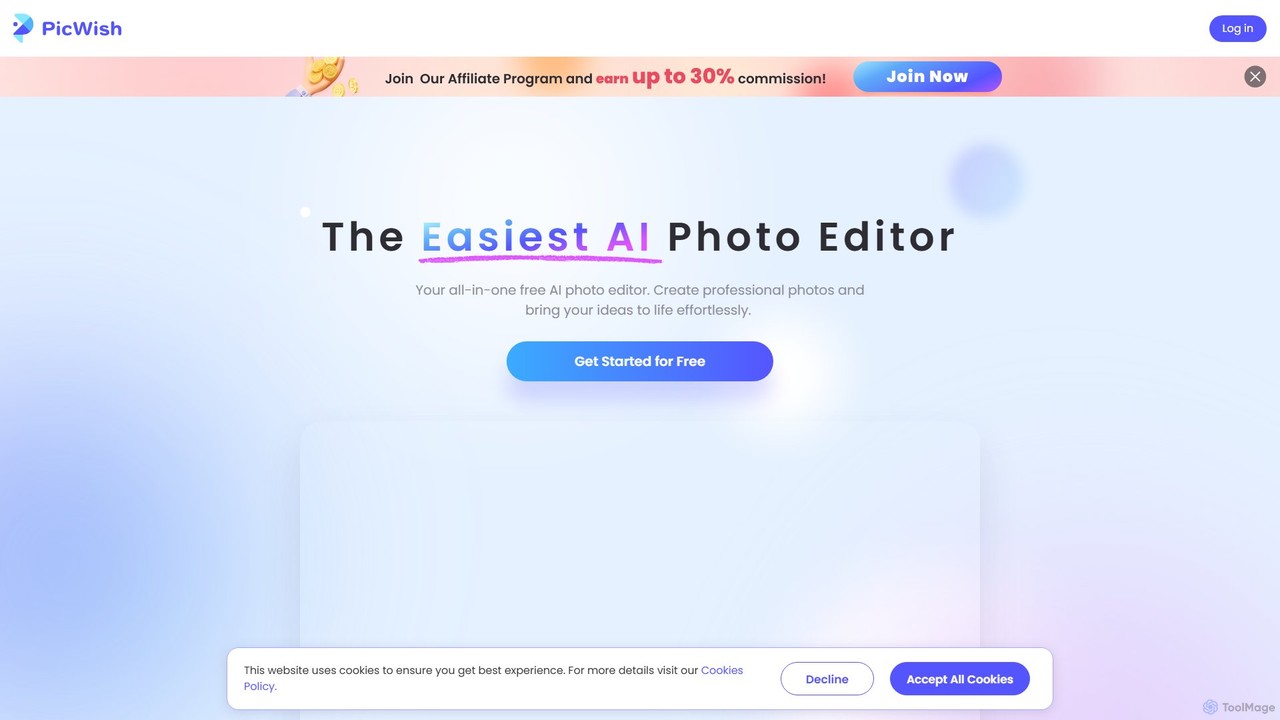
PicWish
PicWish is an all-in-one AI-powered photo editing suite designed to simplify complex image processing. It offers a wide range of free and pro tools, including background removal, photo enhancement, object removal, and AI background generation. Available online and as a dedicated app, PicWish empowers e-commerce sellers, designers, and content creators to produce professional-quality visuals effortlessly, without needing advanced technical skills.
Image Generation
Jyek
Jyek is an AI agent platform that understands objectives, creates execution plans, uses tools, and delivers verifiable results for complex, multi-step tasks.
Automation
PhotoGrid
PhotoGrid is an all-in-one online collage maker and AI photo editor. It offers over 20,000 templates and a suite of powerful AI tools to create stunning photo collages, remove backgrounds, enhance image quality, and apply creative filters, making professional photo editing accessible to everyone.
Collage Maker
PxBee
PxBee is a free, AI-powered photo editor designed to create stunning visuals effortlessly. It specializes in one-click background removal, AI background generation, and photo enhancement. Users can easily change backgrounds, fix blurry images, upscale resolution, and generate realistic scenes, making it ideal for e-commerce, marketing, and creative projects.
Product Photos
BeautyPlus Comments (0)
Sign in to comment.
Sign inNo comments yet.