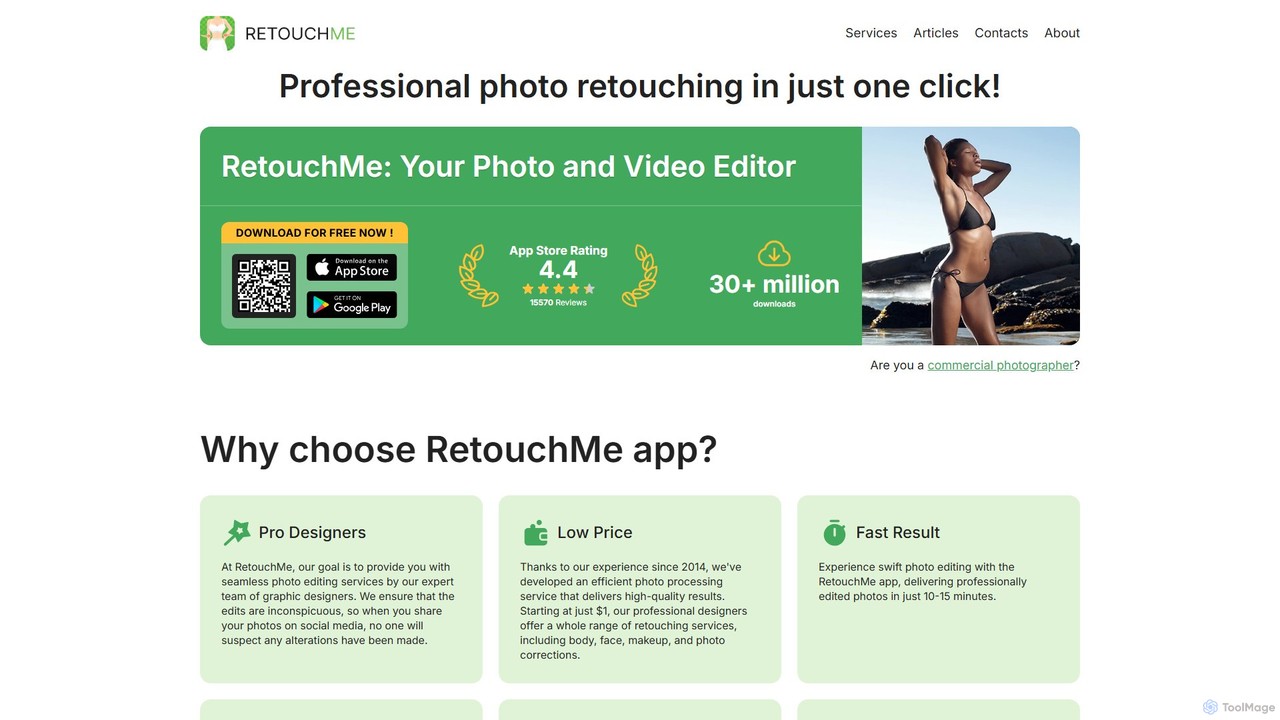
AI Photo Retouching tools are specialized applications within the broader AI Image category, designed to automatically enhance and perfect photographs using artificial intelligence. These tools leverage advanced algorithms to analyze image content, identify imperfections, and apply sophisticated corrections, significantly streamlining the post-processing workflow for both professionals and enthusiasts. They empower users to achieve professional-grade visual quality with unprecedented speed and ease, transforming raw images into polished, captivating visuals ready for various platforms, from social media to print.
Core Features
- Automatic Blemish and Imperfection Removal: Intelligently detects and removes skin imperfections, dust spots, wrinkles, or unwanted small elements from portraits and product shots without requiring tedious manual selection.
- AI-Powered Color Correction and Grading: Analyzes image tones, automatically adjusts white balance, exposure, contrast, and color vibrancy, and can even apply consistent color grading styles across multiple images for optimal visual appeal.
- Smart Object and Background Removal: Seamlessly erases distracting objects or entire backgrounds, intelligently filling in the missing areas with context-aware content, or allowing for easy background replacement and transparency.
- Advanced Portrait Enhancement: Offers specialized features for refining facial features, smoothing skin textures, brightening eyes, and subtly reshaping elements, all while maintaining a natural look.
- Image Upscaling and Noise Reduction: Utilizes AI to intelligently enlarge images without losing detail and effectively reduces digital noise, improving overall clarity and sharpness, especially in low-light photos.
Applicable Scenarios
AI photo retouching tools are indispensable for a wide array of professionals and businesses. Professional photographers use them for batch processing portraits, wedding, and event photos, ensuring consistent quality and saving hours of manual work. E-commerce businesses leverage these tools to standardize product images, remove backgrounds for clean listings, and enhance visual appeal to drive sales. Social media managers and content creators benefit from quick, high-quality edits to maintain a polished and engaging online presence. Additionally, real estate agents use them to optimize property photos, making listings more attractive, and marketing teams employ them for creating compelling visual campaigns.
How to Choose
When selecting an AI photo retouching tool, consider its core functionality and the specific types of edits you need most frequently, such as advanced portrait enhancement, product photo optimization, or large-scale batch processing. Evaluate the quality and naturalness of the AI's output; look for tools that produce realistic results without an "over-processed" look. Check for seamless integration with your existing creative workflows and platforms, like Adobe Photoshop or Lightroom. Compare pricing models, including subscription costs, pay-per-edit options, and any limitations on usage. Finally, assess the user interface for intuitiveness and the learning curve involved, ensuring it aligns with your technical proficiency and time constraints.