
AniEraser Overview
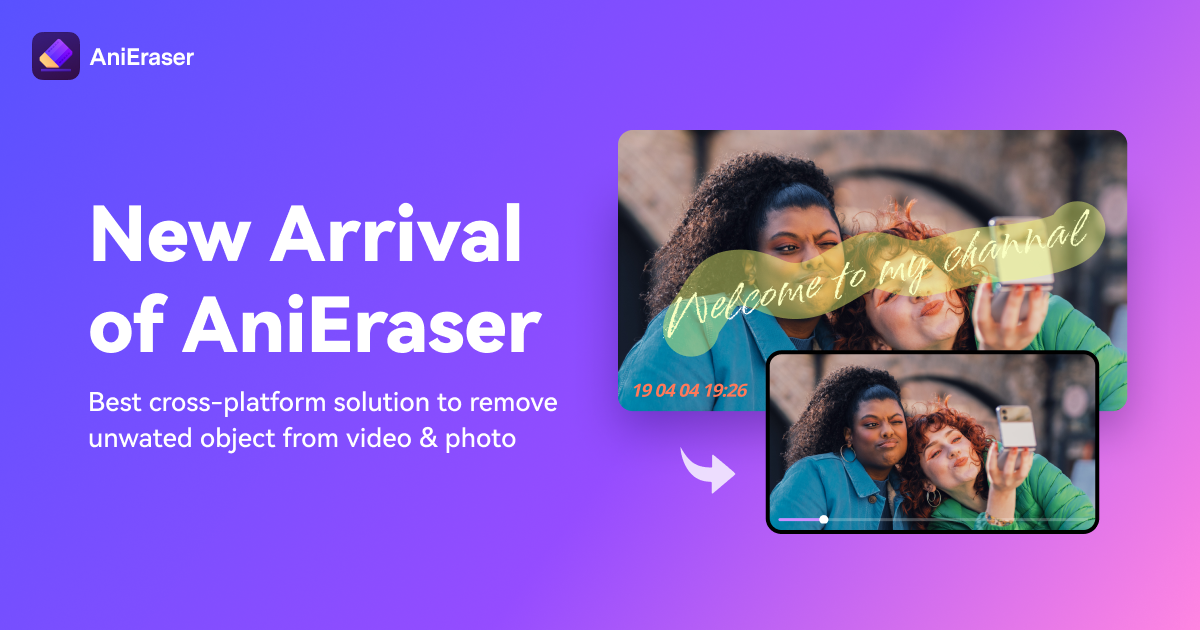
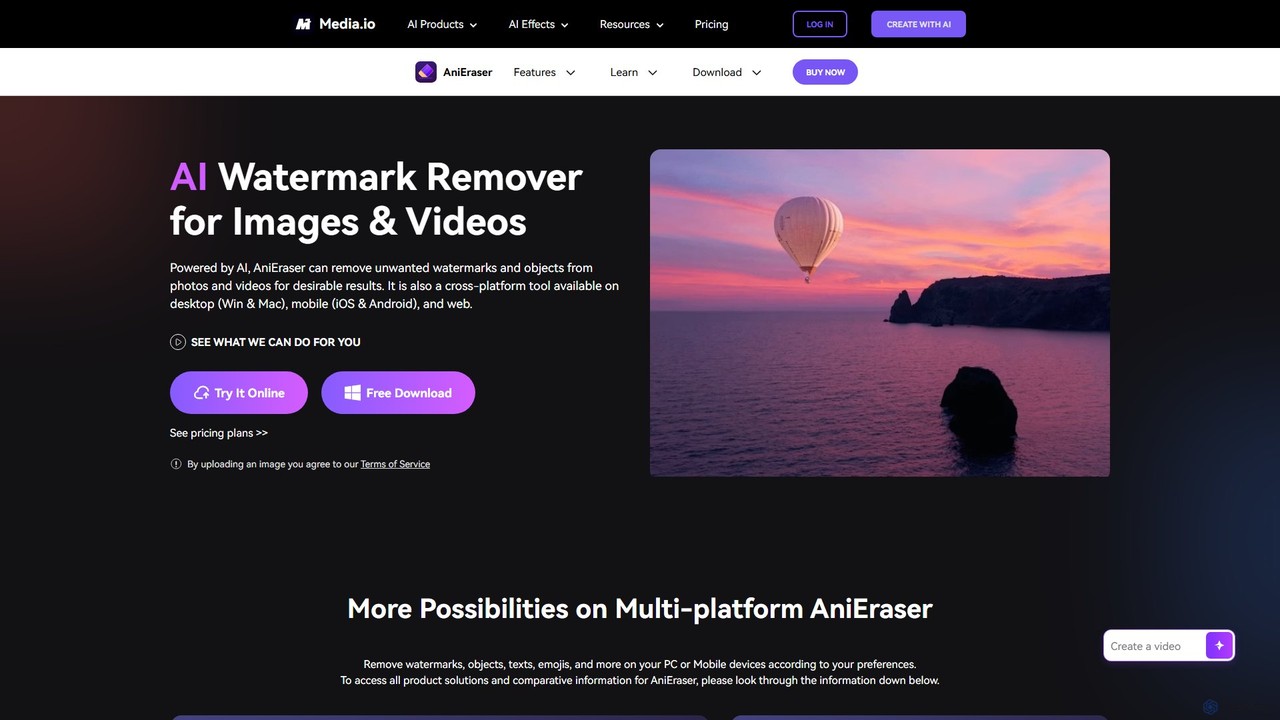
AniEraser is an advanced, AI-powered object removal tool designed to clean up your photos and videos with remarkable ease and precision. It empowers users to eliminate any unwanted elements, such as watermarks, logos, text overlays, passersby, skin blemishes, or distracting background objects, without leaving a trace. As a versatile, cross-platform solution, AniEraser is available as a desktop application for Windows and Mac, a mobile app for iOS and Android, and a convenient online tool accessible from any browser. This allows for a seamless editing experience, where a single subscription grants access across all your devices.
How to use AniEraser
Using AniEraser is an incredibly straightforward process that requires no prior editing experience. The intuitive interface makes object removal achievable in just a few simple steps:
- Upload Your File: Start by uploading the image (JPG, PNG, WEBP, etc.) or video (MP4, MOV, etc.) you wish to edit. You can drag and drop the file directly into the web interface or import it into the desktop or mobile application.
- Select the Object: Use the customizable brush tool to paint over the unwanted object. You can adjust the brush size for precise selection, whether you're removing a tiny blemish or a large watermark. For videos, you can select the object and the tool will track its movement throughout the clip.
- Erase and Save: Once the object is selected, AniEraser's AI algorithm analyzes the surrounding pixels and intelligently reconstructs the area, effectively erasing the object. The process is completed in seconds, leaving you with a clean, high-quality photo or video ready to be downloaded and shared.
Core Features of AniEraser
- AI-Powered Object Removal: Leverages sophisticated AI to accurately identify and remove unwanted elements from both static images and dynamic videos, filling in the background seamlessly.
- Comprehensive Removal Capabilities: Capable of removing a wide range of objects, including watermarks, logos, text, emojis, stickers, people, shadows, glare, and skin imperfections like pimples and wrinkles.
- Cross-Platform Availability: A single AniEraser account works across desktop (Windows & Mac), mobile (iPhone, iPad & Android), and web platforms, providing ultimate flexibility.
- Batch Processing: The desktop version supports batch removal, allowing you to process multiple files at once, significantly saving time and effort for large projects.
- High-Quality Output: Designed to preserve the original quality and details of your media, ensuring that the final result is crisp, clear, and free of blurs or artifacts.
- Old Photo Restoration: Effectively repairs old, scanned photos by removing scratches, spots, and stains, helping to bring cherished memories back to life.
- User-Friendly Interface: Built for simplicity, it enables anyone to achieve professional-level results without needing complex editing skills or software knowledge.
Use Cases for AniEraser
AniEraser is a valuable tool for a wide variety of users:
- Content Creators & Marketers: Quickly remove watermarks or logos from stock footage or images to align with brand guidelines or repurpose content.
- Photographers: Clean up distracting elements like passersby, trash, or power lines from otherwise perfect shots to enhance their composition.
- Social Media Users: Erase text, stickers, or emojis added by social media platforms to restore the original photo or video.
- Real Estate Professionals: Remove unwanted objects from property photos to present a cleaner, more appealing listing.
- Personal Use: Retouch personal portraits by removing blemishes, or restore old family photographs by fixing scratches and tears.
Advantages of AniEraser
AniEraser stands out with several key advantages. Its core strength lies in its powerful AI, which ensures traceless and high-fidelity results. The cross-platform support with a single subscription is a major convenience, allowing you to start a project on your phone and finish it on your desktop. The tool is incredibly fast and efficient, especially with the batch processing feature on desktop. Above all, its simplicity makes advanced photo and video editing accessible to everyone, regardless of their technical skill level.
Pricing and Plans
AniEraser offers a flexible pricing structure to suit different needs, centered around a "Buy 1 Get 3" model where one subscription works on desktop, mobile, and web.
- Free Trial: Allows users to test the service by editing 1 image and 1 video (up to 1 minute) for free on each platform.
- Monthly Plan: Priced at approximately $6.99/month. This plan offers unlimited file processing on the desktop software, and a generous allowance of 50 images and 50 minutes of video on both the mobile and online versions.
- Yearly Plan: The most cost-effective option at approximately $39.99/year. It includes unlimited use on the desktop software and a massive quota of 2000 images and 1000 minutes of video for mobile and online use.
All paid plans include batch erasing on desktop, free updates during the subscription period, 24/7 technical support, and a 30-day money-back guarantee.
Traffic
Latest traffic
Status
Monthly traffic trend
- 2025-9: 827.6K
- 2026-1: 407.8K
- 2026-2: 379.9K
- 2026-3: 359.1K
- 2026-4: 391.6K
- 2026-5: 317.6K
Geography
Top 5 countries / regions
- 🇮🇳India41.8%
- 🇺🇸United States25.7%
- 🇰🇷South Korea13.9%
- 🇵🇭Philippines11.0%
- 🇮🇩Indonesia7.6%
Traffic sources
| Source type | Percentage |
|---|---|
Direct | 76.3% |
Referral | 23.5% |
Email | 0.2% |
Top keywords
| Keyword | Cost per click |
|---|---|
| anieraser | $0.23 |
| remove watermark from video | $0.24 |
| video watermark remover | $0.23 |
| watermark remover | $0.27 |
| watermark remover video | $0.27 |
AniEraser Videos on YouTube

Creator Guff

AI Demos for Creators
AI. Now Y'Know
AniEraser Alternatives
aiwatermarkremover
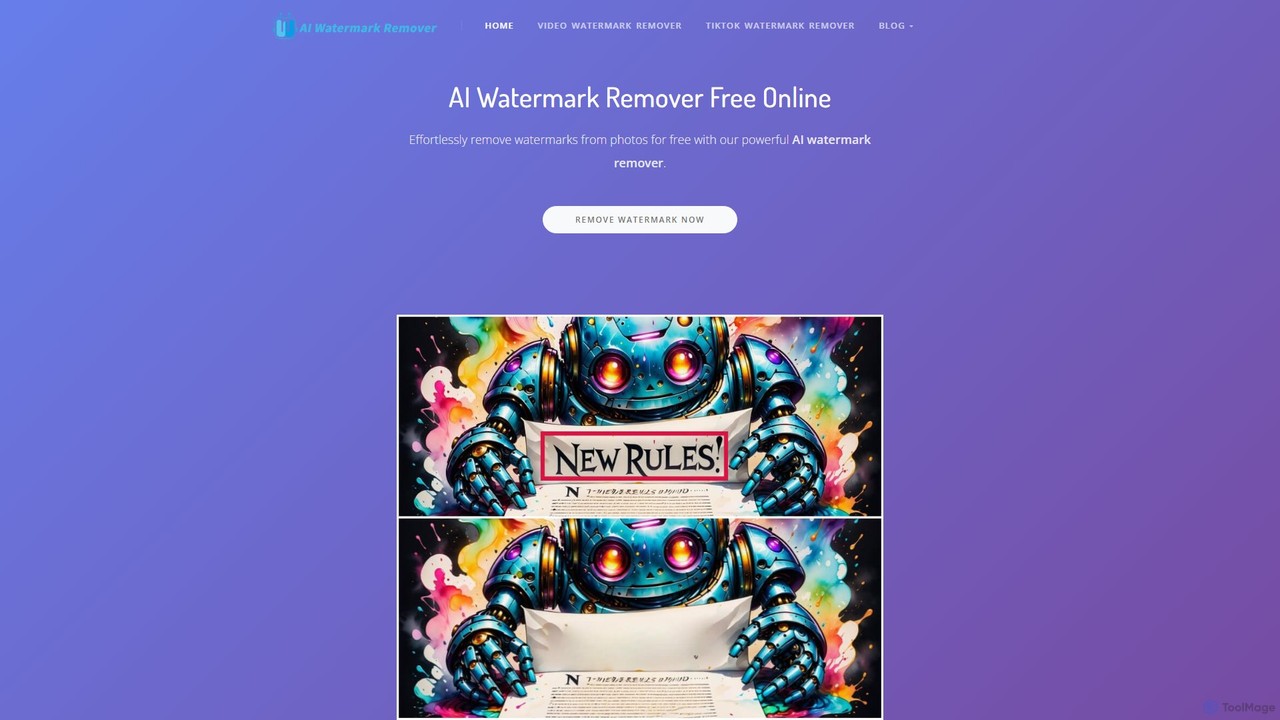
A free, AI-powered online tool for removing watermarks, text, and unwanted objects from photos and videos. No sign-up required, it delivers clean, high-quality results in seconds without adding new watermarks. Ideal for content creators and social media users.
3D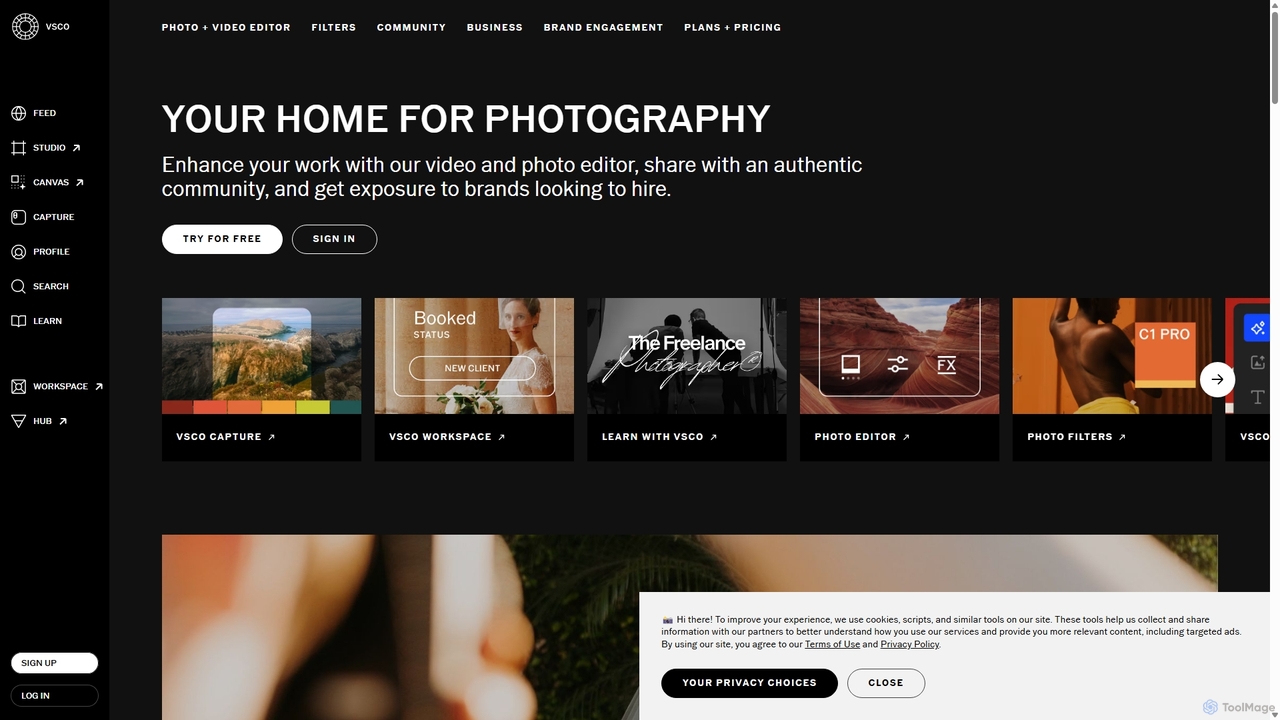
VSCO
VSCO is an all-in-one platform for photographers, offering a powerful photo and video editor with over 200 presets, AI-powered tools, and a vibrant creative community. It also provides professional tools like portfolio websites, studio management software, and opportunities to get hired, supporting creators at every stage of their journey.
3D
Picsart
Picsart is an all-in-one AI-powered creative platform for photo and video editing. It offers a comprehensive suite of tools, including AI image generation, background removal, photo enhancement, and a vast library of templates and stock content. Designed for everyone from beginners to professionals, Picsart simplifies the creation of stunning visuals for social media, marketing, and personal projects, accessible on both web and mobile.
3D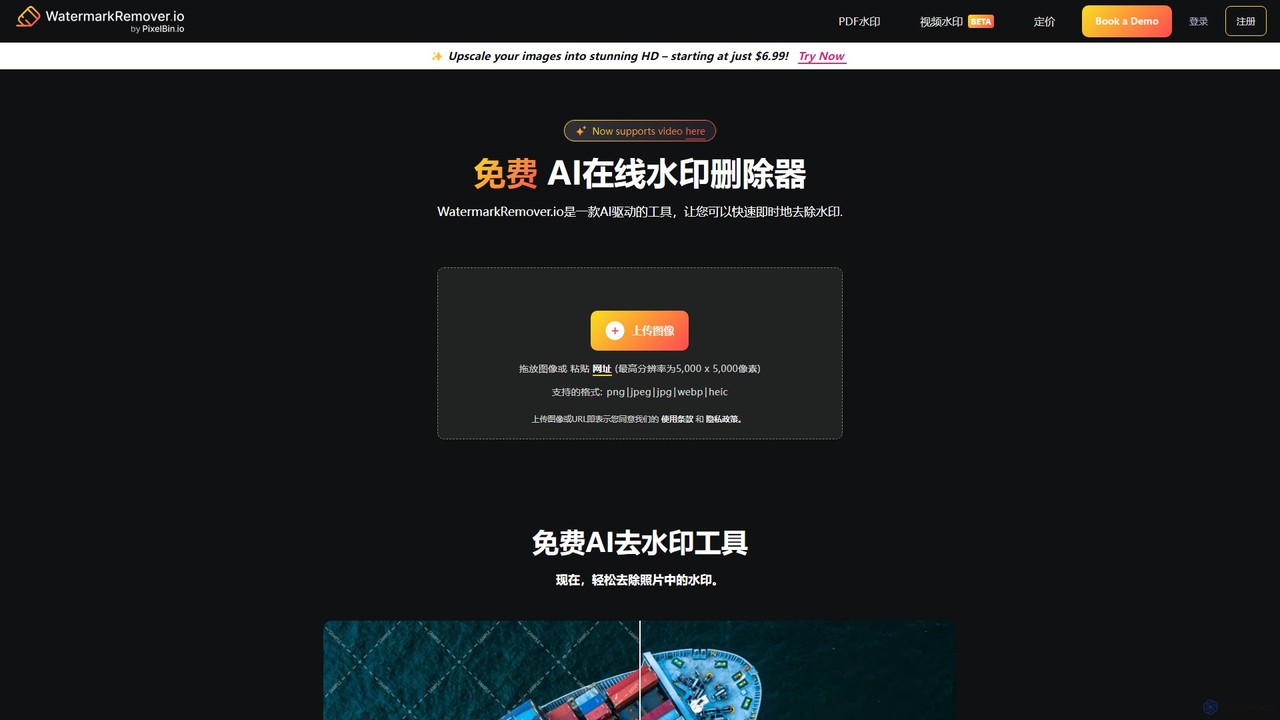
WatermarkRemover.io
WatermarkRemover.io is an AI-powered tool designed to quickly and automatically remove watermarks, logos, and text from images and videos. It requires no manual editing or technical skills. Simply upload your file, and the AI will detect and erase the watermark in seconds, preserving the original quality. It supports various formats and offers batch processing for professional users.
3D
Dewatermark.ai
Dewatermark.ai is an AI-powered online tool designed to effortlessly remove watermarks from images, videos, and PDFs. It offers a fast, simple, and high-quality solution for content creators, marketers, and individuals, preserving original file quality without requiring complex editing skills.
3DAniEraser Categories
AniEraser Embed Widget
Copy this embed code to place the badge on your blog, article, or product site and send readers directly to this ToolMage detail page.

Related AI tools
aiwatermarkremover
A free, AI-powered online tool for removing watermarks, text, and unwanted objects from photos and videos. No sign-up required, it delivers clean, high-quality results in seconds without adding new watermarks. Ideal for content creators and social media users.
3D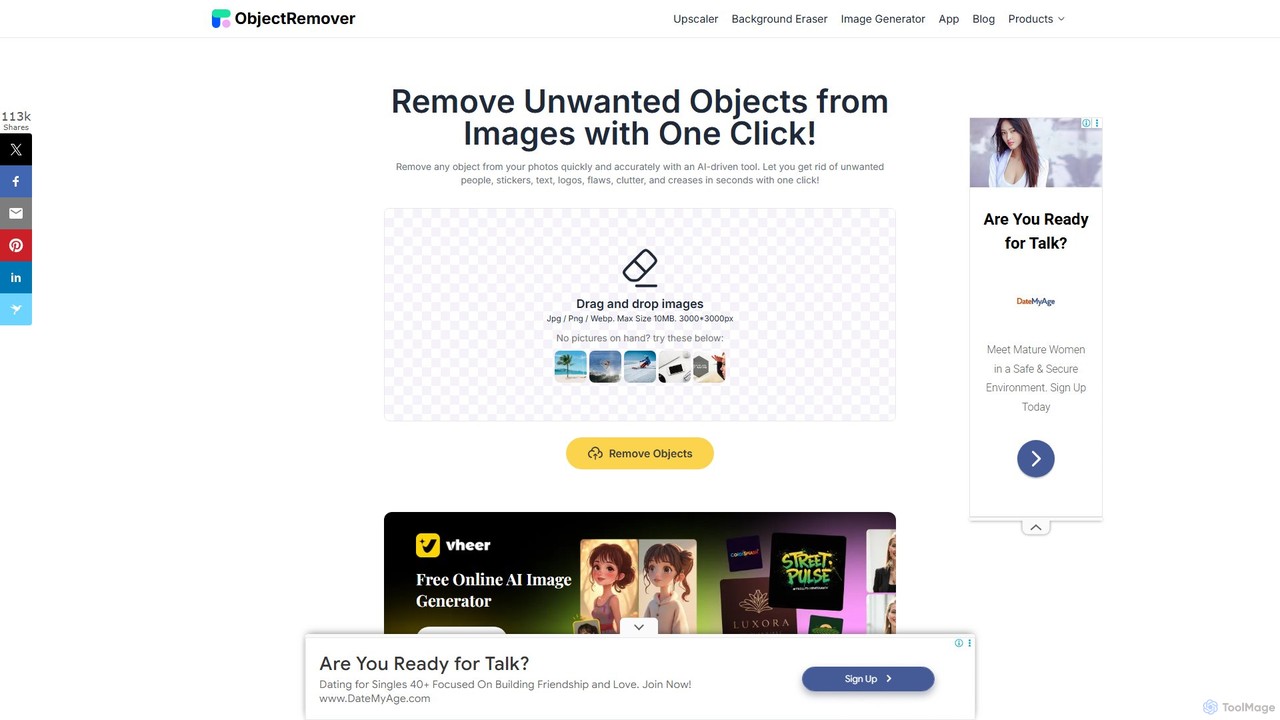
ObjectRemover
ObjectRemover is an AI-powered online tool that allows you to remove unwanted objects, people, text, and blemishes from your photos with a single click. It offers fast, high-quality, and natural-looking results without needing any technical skills. Simply upload your image, mark the object, and let the AI clean it up in seconds.
3D
Remover
Remover is a free AI-powered tool by ZMO.AI that effortlessly removes unwanted objects, people, text, and backgrounds from photos. Ideal for e-commerce, real estate, and general photo cleanup, it provides unlimited edits and professional results in seconds without needing complex software like Photoshop.
3D
hama
hama is an AI-powered image editing tool designed for effortlessly removing unwanted objects, people, text, and watermarks from photos. With a simple brush-over interface, users can clean up images in seconds without needing professional skills. It's ideal for photographers, marketers, and anyone looking to perfect their pictures.
Object Removal
Jyek
Jyek is an AI agent platform that understands objectives, creates execution plans, uses tools, and delivers verifiable results for complex, multi-step tasks.
Automation
jpgrm
jpgrm is an AI-powered magic eraser that effortlessly removes unwanted objects, people, text, and watermarks from your images. Simply upload your photo, brush over the area you want to clean up, and let the advanced AI intelligently erase the selection and reconstruct the background. It's the perfect tool for photographers, marketers, and anyone needing to create flawless images quickly and easily, without complex software.
Object Removal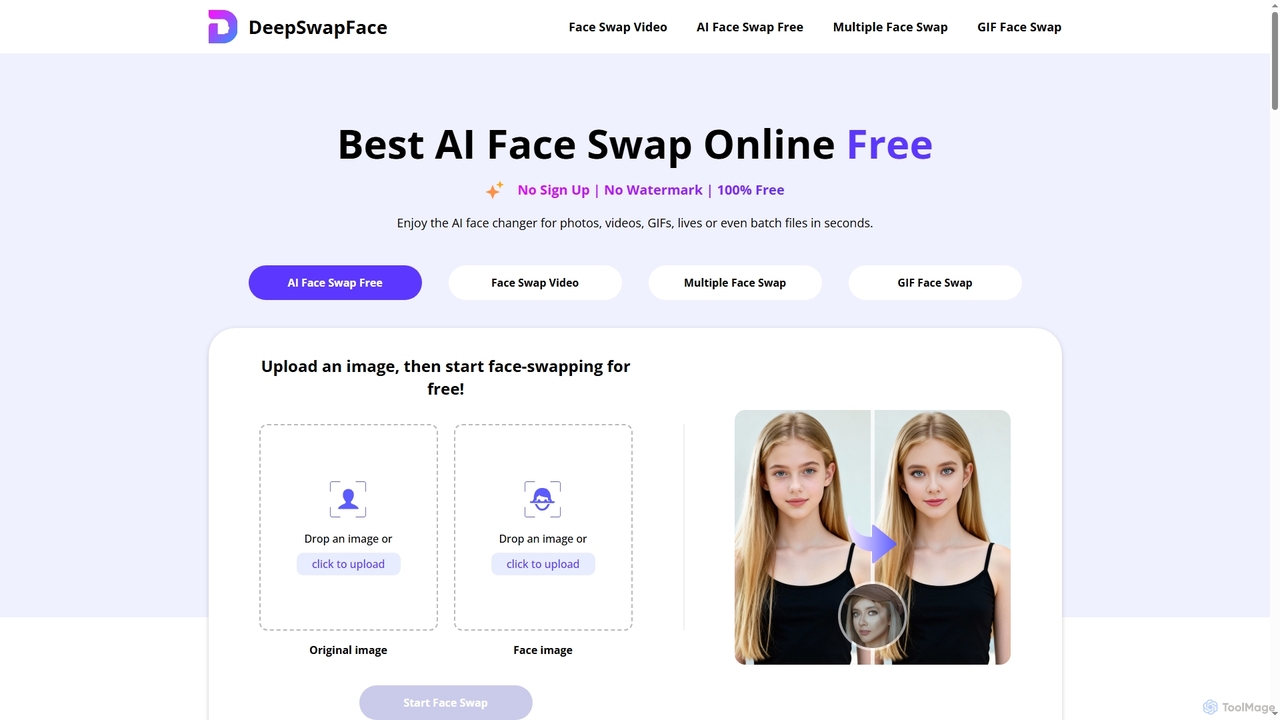
DeepSwapFace
DeepSwapFace is a leading AI-powered online tool for seamless face and body swapping in photos, videos, and GIFs. It offers instant, high-quality results without sign-up or watermarks, making creative editing accessible and fun for everyone. Experience realistic transformations with advanced AI technology.
Face Swap
x_design
x_design is an AI-powered photo and video editing studio designed for marketing and e-commerce. It helps users create warm, authentic visuals by offering tools for background removal, image enhancement, object removal, and generating realistic lifestyle scenes with AI models and props.
Product VisualsVSCO
VSCO is an all-in-one platform for photographers, offering a powerful photo and video editor with over 200 presets, AI-powered tools, and a vibrant creative community. It also provides professional tools like portfolio websites, studio management software, and opportunities to get hired, supporting creators at every stage of their journey.
3DPicsart
Picsart is an all-in-one AI-powered creative platform for photo and video editing. It offers a comprehensive suite of tools, including AI image generation, background removal, photo enhancement, and a vast library of templates and stock content. Designed for everyone from beginners to professionals, Picsart simplifies the creation of stunning visuals for social media, marketing, and personal projects, accessible on both web and mobile.
3DWatermarkRemover.io
WatermarkRemover.io is an AI-powered tool designed to quickly and automatically remove watermarks, logos, and text from images and videos. It requires no manual editing or technical skills. Simply upload your file, and the AI will detect and erase the watermark in seconds, preserving the original quality. It supports various formats and offers batch processing for professional users.
3DDewatermark.ai
Dewatermark.ai is an AI-powered online tool designed to effortlessly remove watermarks from images, videos, and PDFs. It offers a fast, simple, and high-quality solution for content creators, marketers, and individuals, preserving original file quality without requiring complex editing skills.
3D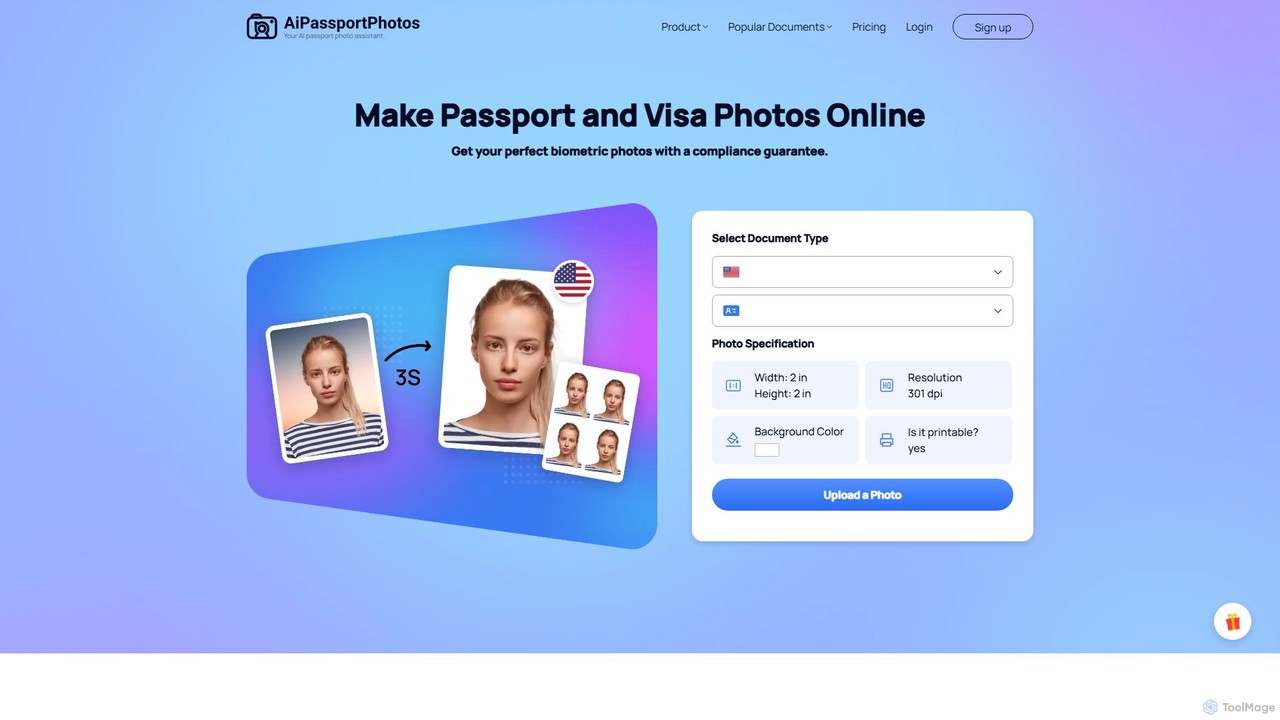
aipassportphotos
An AI-powered online tool that allows users to create fully compliant biometric photos for passports, visas, and IDs in seconds. It automatically adjusts size, background, and other specifications to guarantee acceptance by official authorities, saving time and money.
3D
changeface.online
An AI-powered online tool for seamlessly swapping faces in photos and videos. Create funny memes, engaging social media content, or professional visual effects with just a few clicks. Supports high-resolution output and realistic results.
3D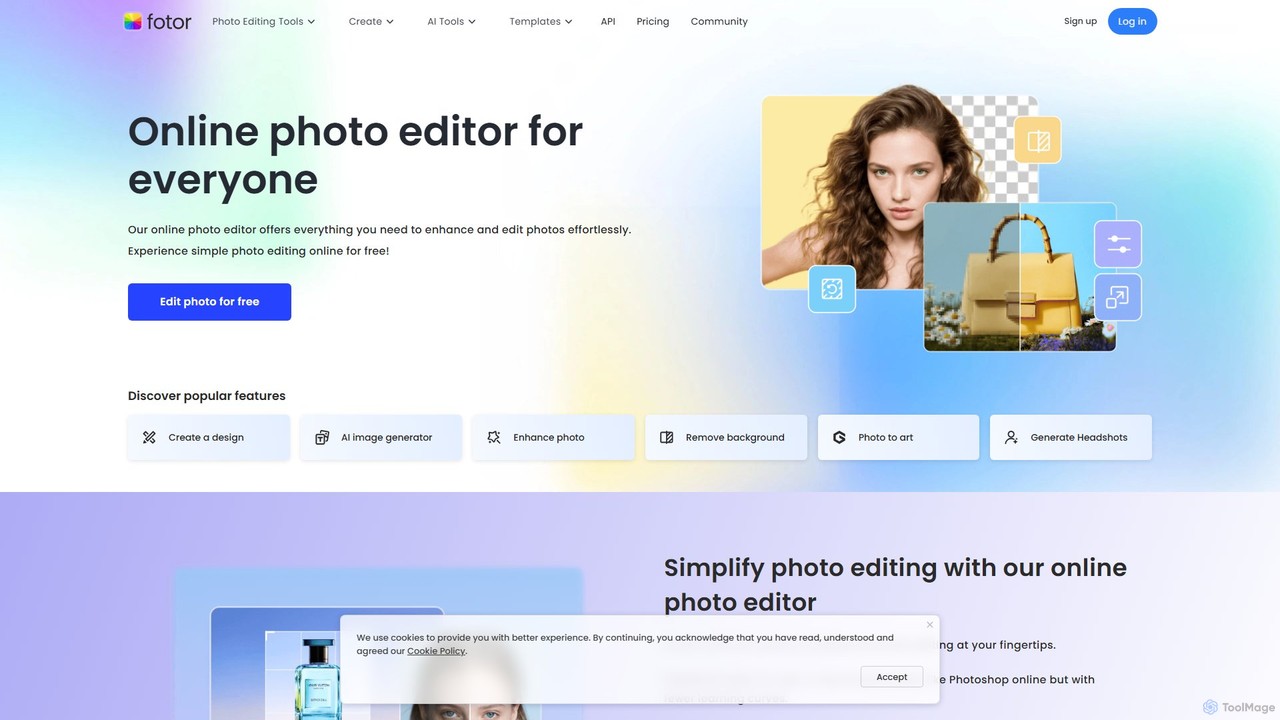
Fotor
Fotor is a comprehensive, all-in-one AI photo editor and design platform. It offers a powerful suite of tools for both beginners and professionals, including one-click photo enhancement, background and object removal, and advanced generative AI features like text-to-image creation, AI-powered object replacement, and image expansion. Fotor simplifies complex editing tasks, making it easy to create stunning visuals for social media, marketing, and personal projects across web, desktop, and mobile devices.
3D
AniEraser Comments (0)
Sign in to comment.
Sign inNo comments yet.