Erazor
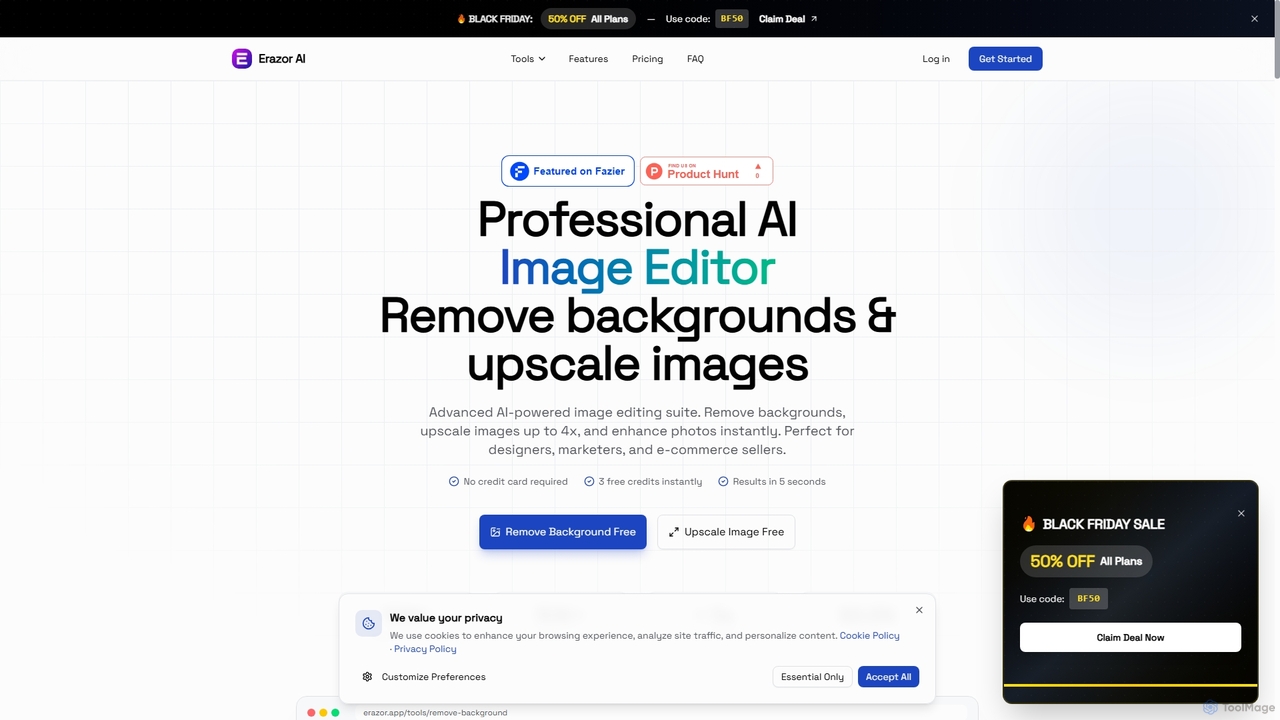
Erazor is a professional AI image editor that specializes in lightning-fast background removal and intelligent image upscaling. Designed …
Erazor is a professional AI image editor that specializes in lightning-fast background removal and intelligent image upscaling. Designed for designers, marketers, and e-commerce sellers, it delivers high-quality results in seconds, enhancing productivity and visual content creation.
Free Background Remover
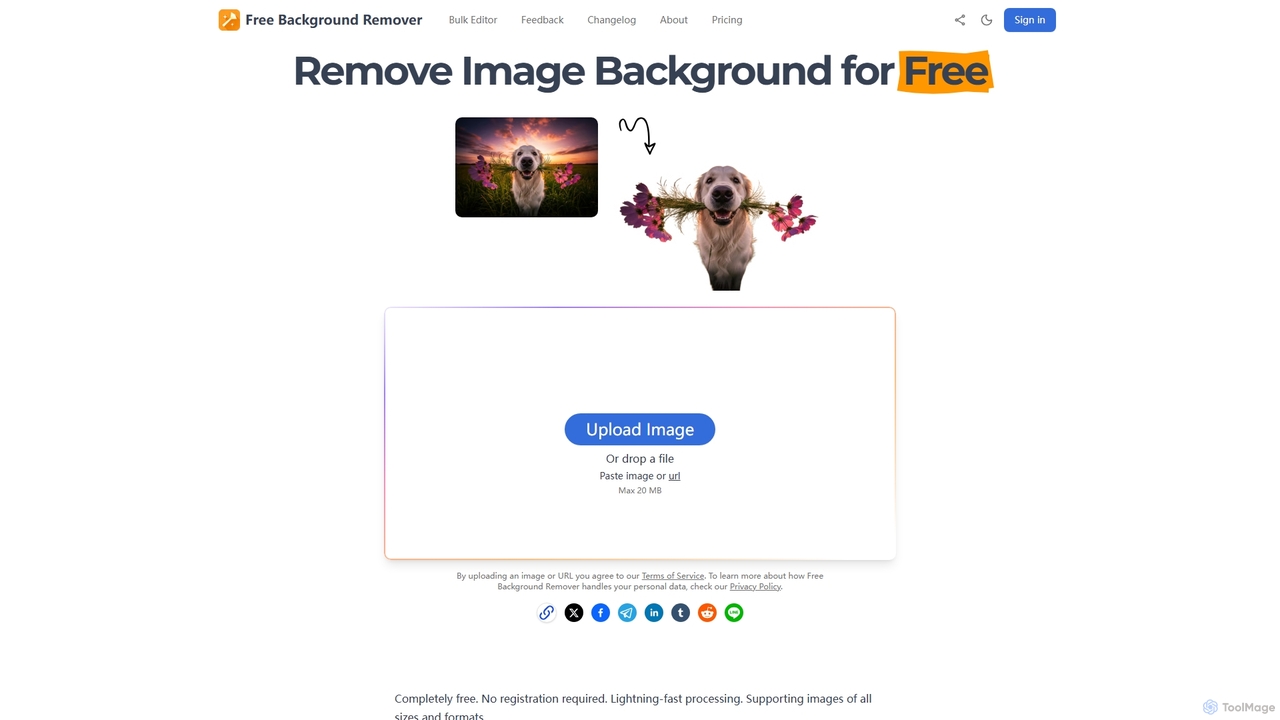
Free Background Remover is an AI-powered online tool designed to precisely remove backgrounds from images in seconds. It …
Free Background Remover is an AI-powered online tool designed to precisely remove backgrounds from images in seconds. It offers lightning-fast processing, supports various image formats, and allows users to add custom backgrounds, all without requiring registration or leaving watermarks. It's ideal for e-commerce, social media, graphic design, and personal photo editing needs.
SUPIR
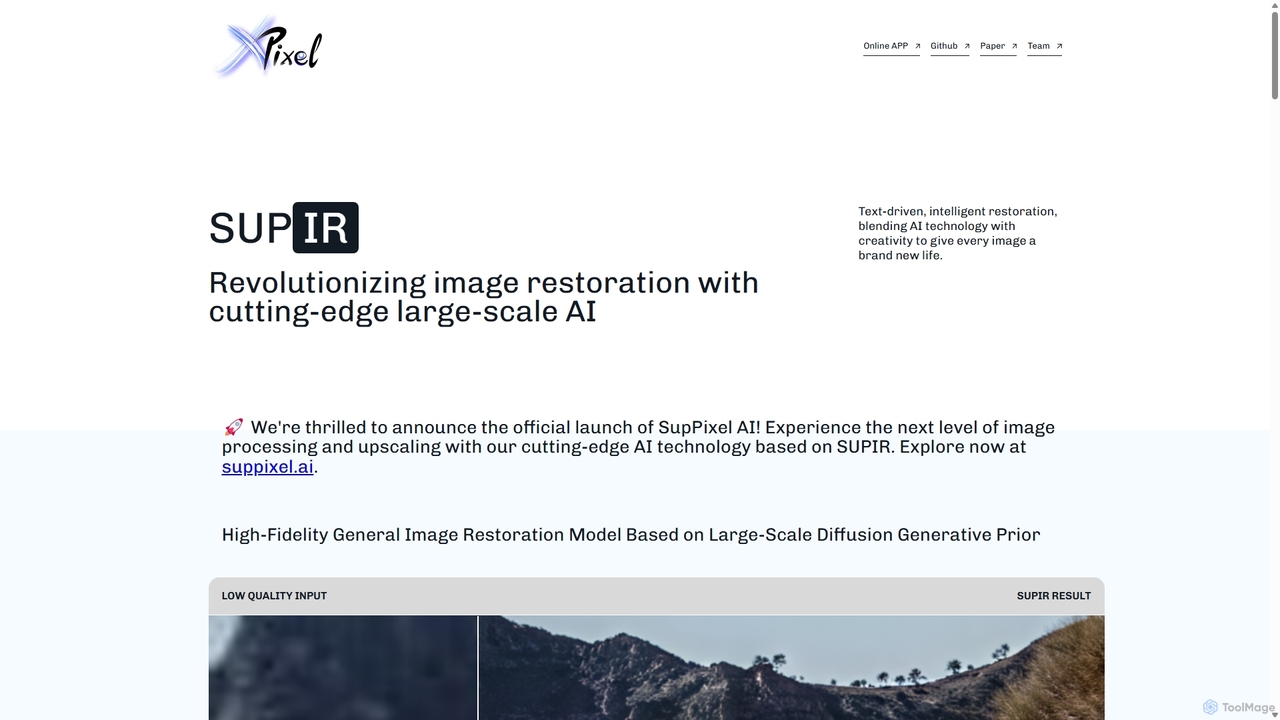
SUPIR (Scaling-up-Prior Image Restoration) is a cutting-edge, high-fidelity general image restoration model. It leverages large-scale diffusion generative priors …
SUPIR (Scaling-up-Prior Image Restoration) is a cutting-edge, high-fidelity general image restoration model. It leverages large-scale diffusion generative priors to intelligently restore and upscale images with stunning clarity and detail. From vintage photos to gaming assets, SUPIR breathes new life into any low-quality image.
hama
hama is an AI-powered image editing tool designed for effortlessly removing unwanted objects, people, text, and watermarks from …
hama is an AI-powered image editing tool designed for effortlessly removing unwanted objects, people, text, and watermarks from photos. With a simple brush-over interface, users can clean up images in seconds without needing professional skills. It's ideal for photographers, marketers, and anyone looking to perfect their pictures.
Media.io Img Sharpener
An AI-powered online tool that instantly sharpens blurry photos, enhances details, and improves overall image quality. It effectively …
An AI-powered online tool that instantly sharpens blurry photos, enhances details, and improves overall image quality. It effectively fixes out-of-focus portraits, removes noise from low-light images, and restores clarity to pixelated pictures with a single click, no editing skills required.
About Photo Editing
AI Photo Editing tools are applications that leverage artificial intelligence to automate and simplify complex image manipulation tasks. These tools utilize machine learning models, such as generative adversarial networks (GANs) and computer vision, to understand image content and perform precise edits with minimal user input. They empower users to achieve professional-quality results in tasks like object removal, background replacement, and image enhancement, significantly reducing editing time. This makes advanced photo editing accessible to both professionals seeking efficiency and amateurs without technical expertise.
Core Features
- AI Object Removal: Intelligently erases unwanted people, text, or objects from a photo, seamlessly reconstructing the background.
- One-Click Enhancement: Automatically adjusts brightness, contrast, color balance, and sharpness to improve overall image quality instantly.
- Smart Background Replacement: Precisely isolates the subject from its background and allows for easy replacement with a new image or a transparent layer.
- Generative Fill & Expand: Uses generative AI to intelligently fill in selected areas or expand the canvas of an image with context-aware content.
- AI Portrait Retouching: Automates common portrait editing tasks like skin smoothing, blemish removal, and teeth whitening while maintaining natural textures.
Use Cases
AI Photo Editing tools are widely used across various fields. In e-commerce, they are essential for creating clean, consistent product images by batch-removing backgrounds. Social media managers and marketers use them to quickly create eye-catching visuals and adapt images for different platform formats. Professional photographers integrate these tools into their workflow to accelerate retouching and culling processes, while casual users can easily improve their personal photos for sharing.
How to Choose
When selecting an AI Photo Editing tool, first consider its core feature set and whether it aligns with your primary needs (e.g., portrait retouching vs. object removal). Evaluate the user interface for ease of use, especially if you are a beginner. For professionals, check for integration capabilities, such as plugins for Adobe Photoshop or Lightroom. Finally, compare pricing models—subscription-based services often provide continuous updates, while one-time purchases might be more cost-effective for occasional use.
Photo EditingUse Cases
E-commerce Product Photo Cleanup
An e-commerce store owner needs to upload hundreds of new product photos. Using a traditional editor, removing the background and minor blemishes from each photo would take hours. With an AI Photo Editing tool, they can batch-process the entire folder. The AI automatically detects and removes the background, creating a clean, transparent PNG for each image. It can also auto-enhance colors to make products look more vibrant, ensuring a professional and consistent look across the online store in a fraction of the time.
Adapting Visuals for Social Media Marketing
A social media manager has a great horizontal photo but needs to post it as a vertical Instagram Story and a square post. Instead of awkwardly cropping the image, they use an AI tool's generative expand feature. The AI analyzes the existing image and intelligently generates new content to extend the top and bottom for the vertical format, and the sides for the square format. This creates perfectly formatted, uncropped visuals for each platform, maintaining the original image's integrity and style in minutes.
Accelerating a Portrait Photographer's Workflow
A portrait photographer has just finished a shoot with 500 photos. Culling and basic retouching is a time-consuming bottleneck. They use an AI Photo Editor to first analyze the entire set, automatically grouping similar shots and flagging photos with closed eyes or poor focus. After selecting the best shots, they apply an AI-powered retouching preset. The tool automatically smooths skin, reduces blemishes, and whitens teeth across all selected photos, while allowing for fine-tuning. This automates 80% of the basic editing, freeing the photographer to focus on creative color grading and final touches.
Restoring and Colorizing Old Family Photos
A user finds a box of old, faded, and scratched black-and-white family photos. They scan the photos to digitize them. Using an AI Photo Editor, they apply a 'Photo Restoration' function. The AI automatically detects and removes scratches, creases, and dust spots. It then uses another feature to intelligently colorize the black-and-white image, making educated guesses about the original colors of clothes and scenery based on its training data. The result is a vibrant, restored color photo that brings cherished family memories back to life without any manual restoration skills.
Enhancing Real Estate Photography
A real estate agent takes photos of a property on an overcast day, resulting in dull and uninviting images. Using an AI Photo Editor, they apply a 'Sky Replacement' feature. The tool automatically masks the grey sky and replaces it with a selection of bright, sunny skies, instantly making the property look more appealing. They also use the one-click enhancement to brighten interiors and make colors pop. Finally, they use the object removal tool to erase a distracting car parked on the street, creating a perfect exterior shot for the listing.
Creating Conceptual Art for a Project Pitch
A graphic designer is pitching a new campaign concept and needs to create a visual mockup quickly. They start with a stock photo of a cityscape. Using an AI editor's generative fill feature, they select the sky and type 'dramatic sunset with futuristic flying vehicles.' The AI generates a new sky that matches the prompt and the photo's perspective. Next, they select a building and use the same feature to 'add a giant holographic billboard.' This process allows them to create a compelling, high-quality concept image in under an hour, a task that would have required extensive compositing skills and much more time traditionally.