
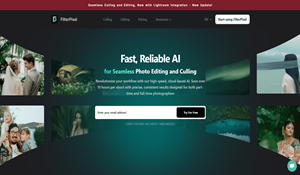
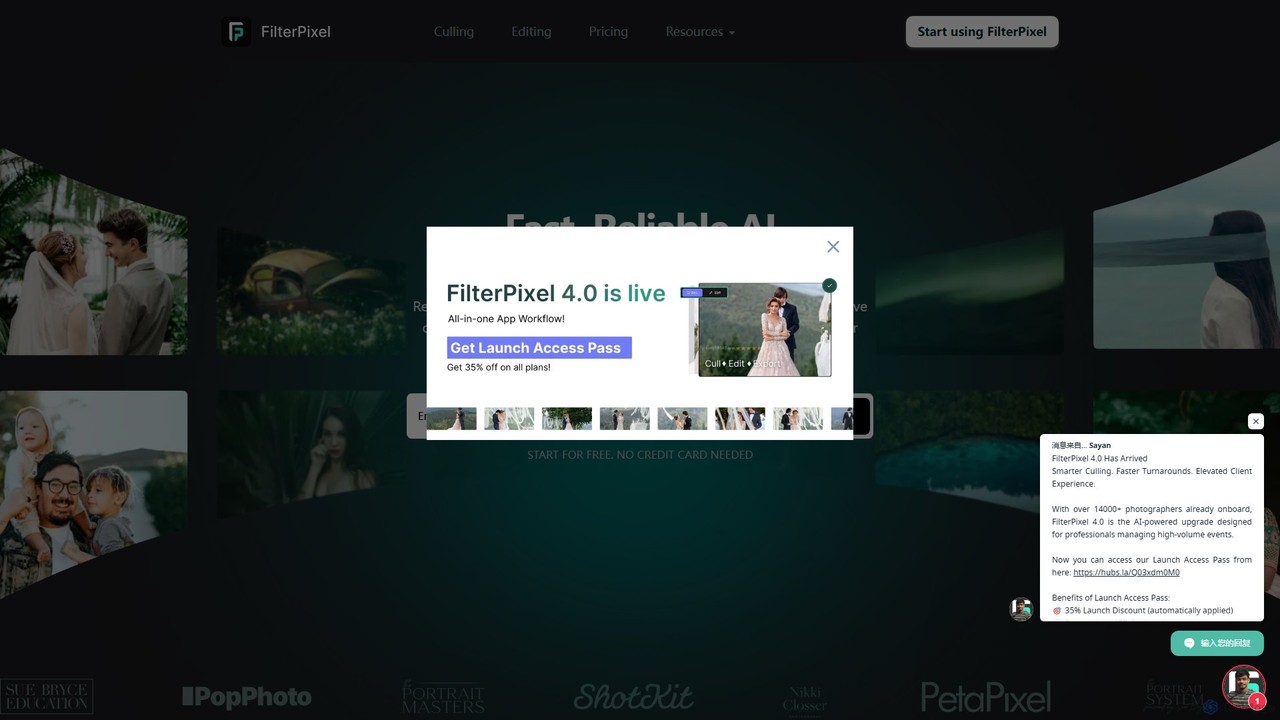
FilterPixel Overview
FilterPixel is a revolutionary AI-powered software designed to transform the post-production workflow for both professional and amateur photographers. Available for Windows and Mac, it offers an all-in-one solution to tackle the most time-consuming tasks: photo culling and editing. By leveraging advanced artificial intelligence, FilterPixel can automatically sift through thousands of photos in minutes, identifying the best shots and rejecting the unwanted ones. It also features a sophisticated AI editor that learns your personal style to deliver consistent, high-quality results, ultimately saving you over 10 hours per shoot and allowing you to focus more on your creativity and business.
How to use FilterPixel
Streamlining your photography workflow with FilterPixel is a simple, multi-step process:
- Import Your Photos: Start by importing your photo albums directly from your memory cards or computer. FilterPixel supports various formats, including RAW, DNG, and JPG, and can handle multiple imports simultaneously.
- Automated AI Culling: Once imported, the AI gets to work. It automatically analyzes your images for technical issues like focus, blur, and closed eyes. It also groups duplicates and highlights the best shot in each set, tagging the rest for rejection.
- Review and Refine: After the AI's initial pass, you can quickly review its selections. The intuitive interface allows you to easily accept, reject, or re-categorize photos, giving you full creative control. The AI learns from your adjustments to become more accurate over time.
- Personalized AI Editing: Train the FilterPixel AI with your own edited photos to create a personalized editing profile. The AI will then mimic your style—from exposure and color adjustments to cropping—and apply it consistently across your selected images in a batch.
- Export Seamlessly: When you're satisfied with the results, export your culled and edited photos directly to your favorite platforms like Adobe Lightroom, Capture One, or Photo Mechanic, or save them in various formats to your computer.
Core Features of FilterPixel
- AI-Powered Culling: Automatically analyzes and sorts thousands of photos in minutes. It intelligently detects and flags technical flaws such as out-of-focus, blurry images, closed eyes, and poor composition.
- Duplicate Detection: Identifies similar or duplicate shots, groups them together, and selects the sharpest, best-composed option, saving you from manual comparison.
- Personalized AI Editing: The AI learns from your past edits to create a unique profile that matches your aesthetic. It can then automatically adjust exposure, contrast, color balance, and more across entire galleries.
- Seamless Workflow Integration: Effortlessly export your work to major editing platforms like Adobe Lightroom, Capture One, and Photo Mechanic, maintaining a smooth and efficient workflow.
- Batch Processing: Designed to handle large volumes of images, allowing you to cull and edit entire photoshoots at once, drastically reducing manual labor.
- Cross-Platform Support: Fully functional on both Windows and macOS operating systems.
- Privacy and Security: Your photos and data are kept private and secure. FilterPixel is GDPR compliant and never shares your images.
Use Cases for FilterPixel
FilterPixel is versatile and provides significant benefits across various photography genres:
- Wedding & Event Photographers: Drastically cut down the hours spent culling thousands of images from an event. Deliver beautiful, consistently edited galleries to clients in days instead of weeks or months.
- Portrait Photographers: Quickly identify the best shots with perfect focus and expressions, ensuring a high-quality selection for clients while maintaining a consistent editing style across the entire session.
- Food & Product Photographers: Efficiently sort through numerous shots to find the ones with the best lighting and composition, and apply uniform edits for a professional look.
- Sports & Action Photographers: Rapidly filter through high-speed burst shots to find the sharpest and most impactful moments, crucial for time-sensitive publications.
- Hobbyist Photographers: Spend less time in front of the computer and more time behind the lens. AI culling and editing make post-production less of a chore and more enjoyable, helping you achieve professional-looking results with ease.
Advantages of FilterPixel
FilterPixel offers a competitive edge by focusing on speed, intelligence, and user control. Its primary advantage is the massive time savings, reducing post-production work by up to 80%. The AI is not just a blunt instrument; it's a learning partner that adapts to your specific style and preferences, ensuring the results are always aligned with your creative vision. Unlike other tools that may only offer culling or editing, FilterPixel integrates both into a single, streamlined application. This eliminates the need to switch between different software, simplifying the entire process from import to final export. Furthermore, its commitment to privacy ensures that your creative work remains yours alone.
Pricing and Plans
FilterPixel offers a flexible pricing structure to suit different needs, including a free trial to experience its full capabilities. The main offering is a subscription-based model that provides unlimited access to all features.
- Free Trial: New users can start with a 14-day free trial without needing a credit card to test the AI culling and editing features.
- Paid Plan: The primary plan is an annual subscription, which is priced around $360 per year. This plan typically includes unlimited photo culling and editing, full access to AI features, and seamless integration with other software.
This model provides a significant return on investment for professional photographers by saving countless hours of manual work.
Traffic
Latest traffic
Status
Monthly traffic trend
- 2025-9: 46.7K
- 2026-1: 49.5K
- 2026-2: 25.2K
- 2026-3: 19.5K
- 2026-4: 27.9K
- 2026-5: 20.5K
Geography
Top 5 countries / regions
- 🇺🇸United States46.9%
- 🇮🇳India15.3%
- 🇨🇦Canada13.7%
- 🇫🇷France12.9%
- 🇬🇧United Kingdom11.2%
Top keywords
| Keyword | Cost per click |
|---|---|
| 2026 photography conferences | $0.00 |
| ai photo selector | $0.00 |
| filterpixe | $0.00 |
| filter pixel | $3.87 |
| filterpixel | $4.92 |
FilterPixel Alternatives
Evoto
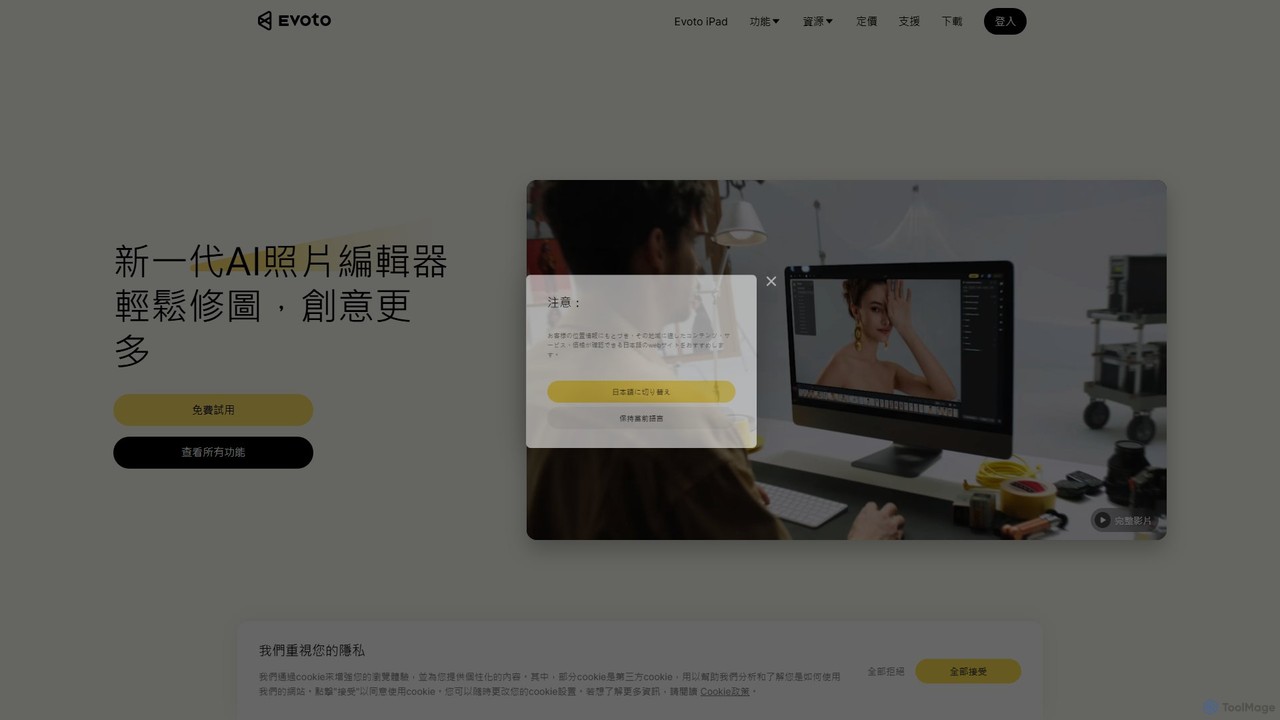
An AI-powered photo editing application designed for professional photographers. Evoto streamlines workflows with powerful tools for portrait retouching, color grading, background removal, and batch processing. It delivers natural, high-quality results in a fraction of the time, boosting productivity for wedding, portrait, and studio photography.
3D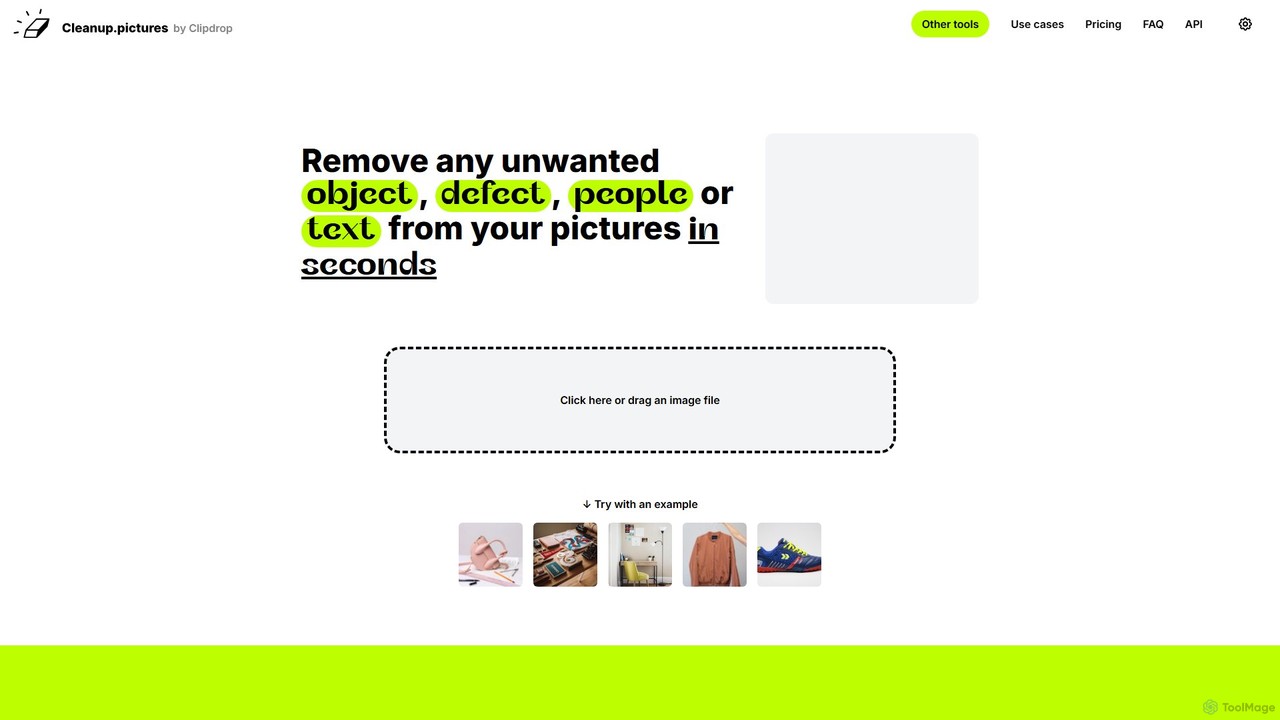
cleanup.pictures
An AI-powered photo editing tool that allows users to effortlessly remove unwanted objects, people, text, and defects from any picture in seconds. It offers incredible quality and a simple drag-and-drop interface, making professional-level retouching accessible to everyone.
3D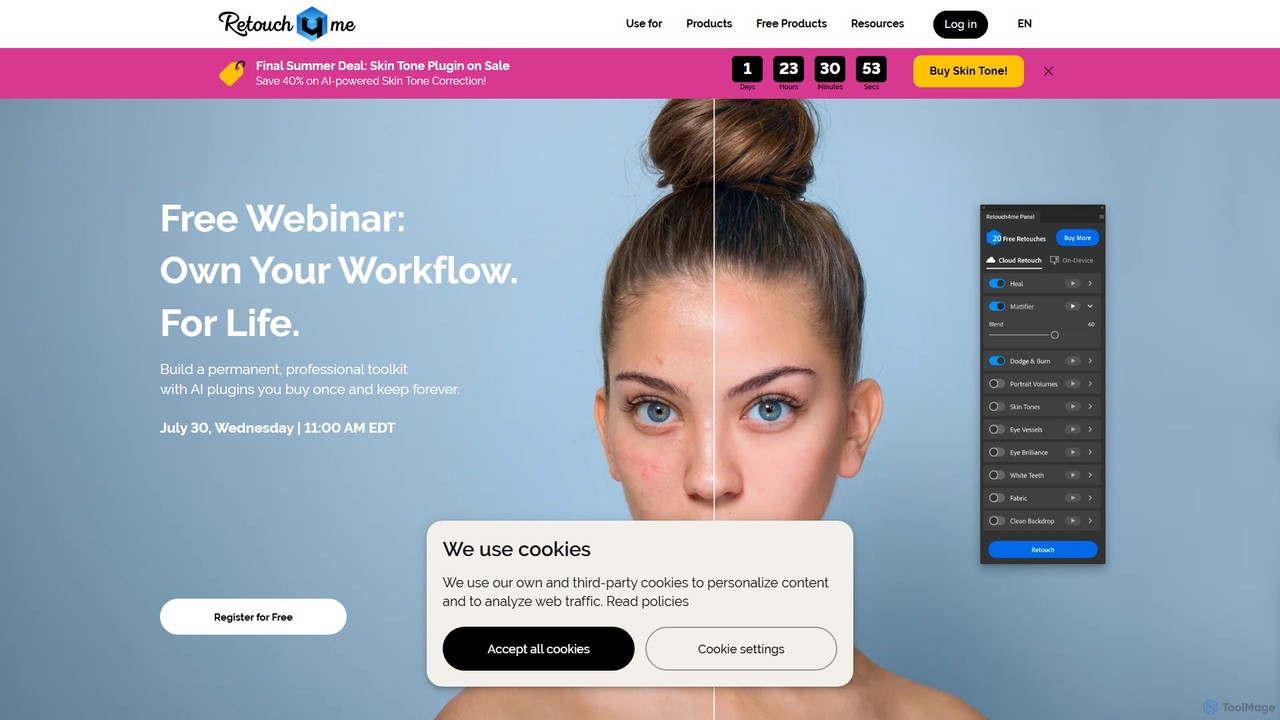
Retouch4me
Retouch4me is a suite of AI-powered plugins and standalone apps designed for professional photographers and videographers. It automates complex retouching tasks like skin smoothing, background cleaning, and color correction, integrating seamlessly with Photoshop, Lightroom, and other editors to dramatically speed up workflows while maintaining natural-looking results.
3D
pixcakeai
pixcakeai is a commercial-grade AI photo editing software for professional photographers. It offers pixel-level retouching with a powerful RAW engine, 16-bit color, and advanced AI tools for portrait enhancement, object removal, and color matching, streamlining the entire photography workflow.
3D
ImageColorizer
ImageColorizer is a comprehensive AI-powered toolkit designed to breathe new life into old photographs. It automatically colorizes black and white images, restores damaged photos by removing scratches and tears, enhances quality by fixing pixelation and blur, and upscales images without losing detail. It's a user-friendly online tool for preserving cherished memories with professional-grade results, no editing skills required.
3DFilterPixel Categories
FilterPixel Embed Widget
Copy this embed code to place the badge on your blog, article, or product site and send readers directly to this ToolMage detail page.

Related AI tools
Aftershoot
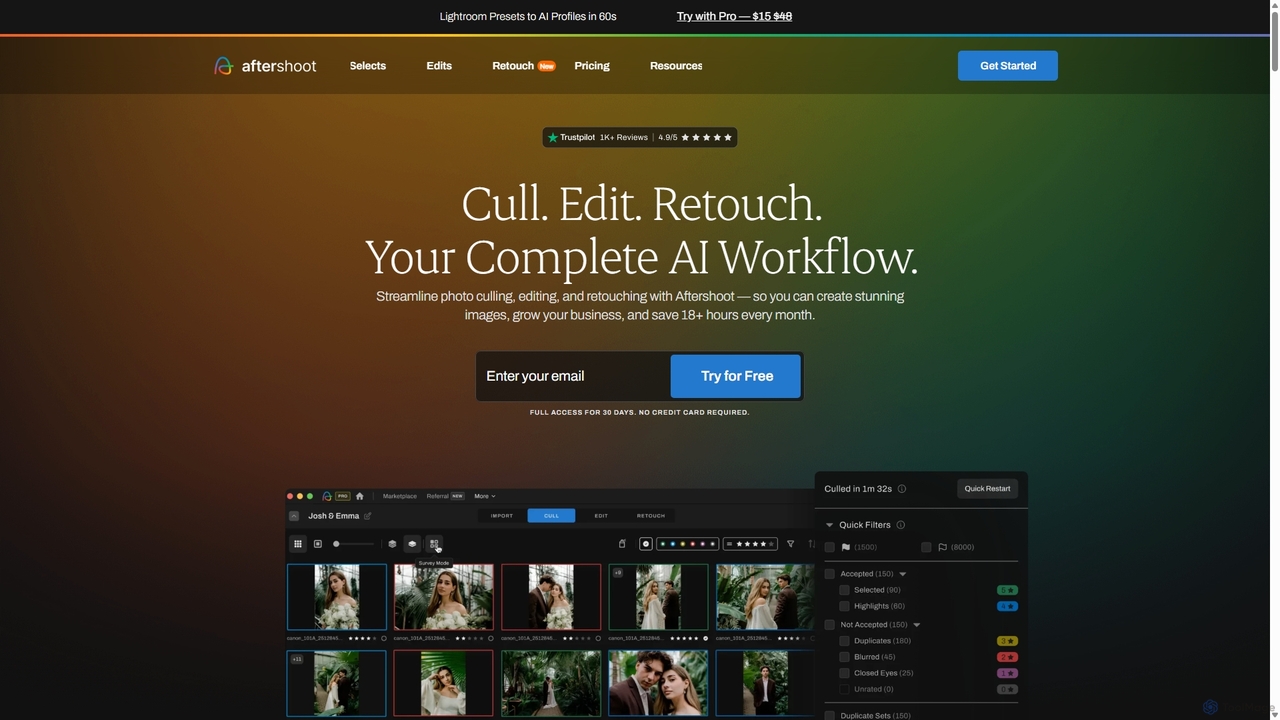
Aftershoot is an all-in-one AI software for photographers, designed to automate and streamline the post-production workflow. It offers intelligent culling to select the best photos, personalized AI editing that learns your style, and advanced AI retouching for portraits. By handling tedious tasks, Aftershoot saves photographers over 18 hours per month, ensuring consistent results and allowing them to focus on creativity and business growth.
Photography
InstantEditAI
InstantEditAI is an AI-powered photo editing tool that delivers professional-grade results in minutes. Specializing in one-click color correction, skin smoothing, and cropping, it's perfect for wedding, event, and family photos. Choose from over 30 styles created by top photographers to transform your images without needing complex software.
Image Editing
Nano Banana
Nano Banana is an advanced AI image editor and generator that allows users to effortlessly transform photos and create stunning visuals. It supports text-to-image generation, comprehensive image editing, and even specialized features like AI action figure creation. With lightning-fast processing and professional-quality output, Nano Banana simplifies complex editing tasks for personal and commercial use.
Digital Art
Aperty
Aperty is an AI-powered portrait photo editor designed for photographers to accelerate their retouching workflow. It offers smart, natural-looking enhancements for skin, eyes, and makeup, and functions as a standalone app for macOS/Windows or as a plugin for Photoshop and Lightroom, ensuring full creative control and efficiency.
Graphics
Dreamwave
Dreamwave is an AI-powered platform that generates realistic, professional-quality headshots in minutes. Simply upload your selfies to create hundreds of photos for individuals or entire teams. It also features advanced AI editing tools, custom photo generation, pet portraits, and product video creation.
Headshot Generation
Novaimg
Novaimg is a versatile online AI tool suite for transforming and enhancing visual content. It offers a range of features including AI image editing with text prompts, 4K image upscaling, realistic face swapping for photos, videos, and GIFs, and an intelligent watermark remover. Designed for ease of use, Novaimg helps users create professional-quality images and videos for social media, e-commerce, and creative projects, often for free or with generous daily limits.
Graphic Design
CreativeMagicPanel
CreativeMagicPanel is an AI-powered retouching panel for Adobe Photoshop designed to dramatically accelerate your photo editing workflow. With over 289 features, it enables photographers and creatives to achieve professional, high-quality results with one-click actions, from flawless skin retouching to advanced color grading, all without recurring fees.
Plugin
Ceacle Pipeline
Ceacle Pipeline is an AI-powered automation platform for creators. It enables the creation of custom workflows to automate repetitive tasks in image processing, content generation, and design. Build pipelines using natural language or templates to save time and boost productivity.
Graphics
RemovebgAPI
RemovebgAPI is a developer-friendly background removal API offering high-accuracy results at a significantly lower cost. It enables businesses to automate image background removal with AI-powered precision, lightning-fast processing, and seamless integration for various applications like e-commerce, real estate, and content creation.
Api
MediaFlows
MediaFlows by Cloudinary is a low-code/no-code workflow automation platform for visual media. It empowers teams to build and scale workflows for managing, processing, and connecting media assets. Leveraging AI for tasks like background removal and alt-text generation, it integrates seamlessly with platforms like Shopify, Akeneo, and OpenAI to boost productivity for marketers, creatives, and developers.
ApiEvoto
An AI-powered photo editing application designed for professional photographers. Evoto streamlines workflows with powerful tools for portrait retouching, color grading, background removal, and batch processing. It delivers natural, high-quality results in a fraction of the time, boosting productivity for wedding, portrait, and studio photography.
3D
picsman
Picsman is an all-in-one AI-powered photo editor designed for ease of use. It offers a comprehensive suite of tools including background removal, object erasing, virtual clothes changing, image enhancement, and AI art generation. Ideal for e-commerce, social media marketing, and personal photo editing, Picsman simplifies complex editing tasks into one-click operations, making professional-quality results accessible to everyone.
3D
Designify
Designify is an AI-powered tool that automatically transforms any photo into a professional design. It removes backgrounds, enhances colors, and adds smart shadows to create stunning visuals for e-commerce, marketing, and social media in seconds. It also offers batch editing and API access for workflow automation.
3D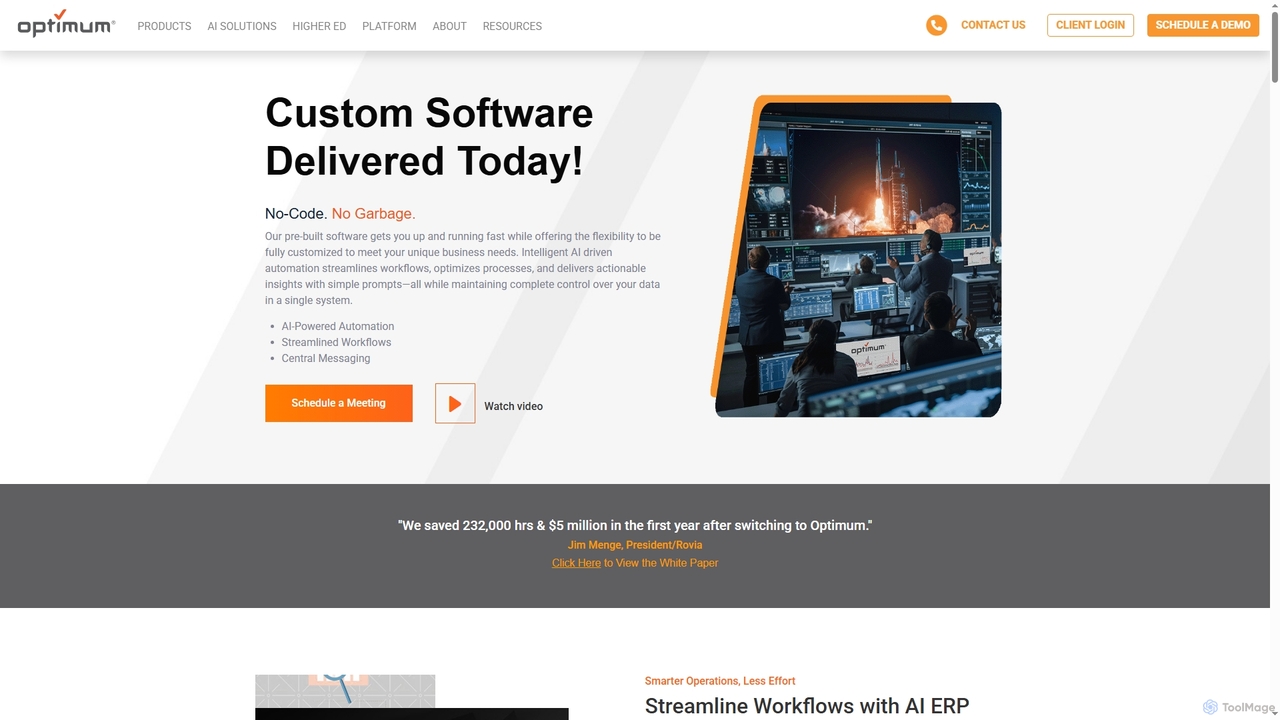
OptimumHQ
OptimumHQ is a no-code adaptive software platform that empowers businesses to rapidly create custom solutions, leveraging AI-driven automation for streamlined workflows, optimized processes, and actionable insights across ERP, CRM, messaging, and digital forms.
3D
FilterPixel Comments (0)
Sign in to comment.
Sign inNo comments yet.