

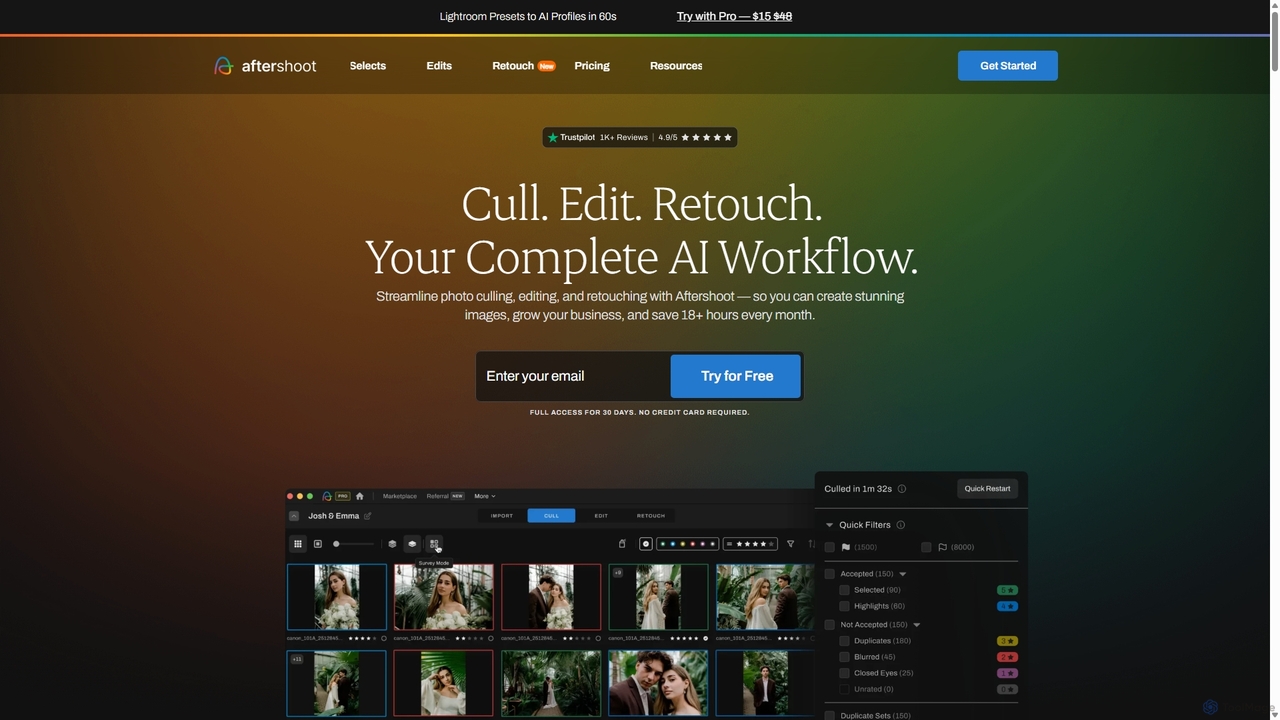
Aftershoot Overview
Aftershoot is a revolutionary AI-powered desktop application designed to transform the post-production workflow for professional photographers. It provides a complete, end-to-end solution for culling, editing, and retouching, saving countless hours and ensuring a consistent aesthetic across all your work. By automating the most time-consuming aspects of photo processing, Aftershoot empowers photographers to reclaim their time, focus on their craft, and grow their business.
How to use Aftershoot
Getting started with Aftershoot is straightforward and designed for a seamless integration into your existing workflow. First, download and install the application on your Windows or MacOS computer. No constant internet connection is required, as it runs locally on your machine. Import your photos (RAW or JPEG) from a recent shoot into the app. For culling, you can let the AI automatically select the best images by filtering out blurry shots, closed eyes, and duplicates, or use the AI-assisted mode to group similar photos and highlight key faces. For editing, you can train a Personal AI Profile by providing your previously edited images. The AI learns your unique style and applies it to new photos. Alternatively, you can use pre-built AI Styles or purchase styles from top photographers in the Marketplace. Once culling and editing are complete, you can use the new AI Retouching feature for portraits. Finally, export your selections and edits with one click to your preferred software like Lightroom, Capture One, or Adobe Bridge.
Core Features of Aftershoot
- AI Automated & Assisted Culling: The AI intelligently selects your best shots based on sharpness, composition, and expressions. It filters out blurs, closed eyes, and duplicates. It also groups similar images, detects key faces, and provides image scores to speed up manual review.
- Personalized AI Editing: Train the AI on your own edited photos to create a Personal AI Editing Profile. This profile learns and replicates your unique style, ensuring consistency across different shoots, lighting conditions, and camera gear.
- Pre-built & Marketplace AI Styles: Get started instantly with a collection of pre-built AI Styles or purchase Creator Styles from renowned photographers in the Aftershoot Marketplace to apply professional looks to your images.
- Advanced Editing Tools: The software includes essential pro tools like AI Masking, AI Straightening, and AI Cropping, which intelligently perform these tasks to save you even more time.
- AI Retouching: A new feature (currently in early release) that offers natural, professional portrait enhancements. It can perform skin smoothing, blemish and wrinkle removal, teeth whitening, and remove glare from glasses, all while maintaining a realistic look.
- Offline Functionality & Unlimited Use: Aftershoot works entirely on your local computer, ensuring privacy and allowing you to work from anywhere. All subscription plans offer unlimited photo culling and editing for a flat fee, with no per-image charges.
Use Cases for Aftershoot
Aftershoot is ideal for high-volume photographers who need to process thousands of images efficiently. Wedding photographers can use it to quickly cull through an entire wedding day's worth of photos, selecting the best moments and applying a consistent editing style to the entire gallery. Portrait and boudoir photographers benefit immensely from the AI Retouching features, which streamline the process of perfecting portraits while maintaining a natural look. Content creators and commercial photographers can leverage Aftershoot to maintain a consistent brand aesthetic across all their visual content, delivering high-quality images faster to their clients.
Advantages of Aftershoot
The primary advantage of Aftershoot is the massive amount of time it saves—over 18 hours per month on average. This allows photographers to achieve a better work-life balance, take on more clients, or invest time in marketing. The flat-fee subscription model with unlimited use is highly cost-effective compared to per-image pricing models. The AI's ability to learn a specific editing style ensures unparalleled consistency, which is crucial for building a professional brand. As an all-in-one tool for culling, editing, and retouching, it simplifies the workflow by eliminating the need to switch between multiple applications. Furthermore, its offline functionality guarantees data privacy and accessibility regardless of internet connectivity.
Pricing and Plans
Aftershoot offers a subscription-based model with a 30-day free trial and a 30-day money-back guarantee. Plans can be billed monthly or annually (saving up to 33%).
- Selects Plan: $10/month (billed annually). Includes unlimited AI culling features only.
- Essentials Plan: $20/month (billed annually). Includes everything in Selects, plus unlimited AI editing using Aftershoot's pre-built Marketplace Styles.
- Pro Plan (Recommended): $40/month (billed annually). Includes everything in Essentials, plus the ability to create your own Personal AI Editing Profile, 3 Instant AI Profiles, and free AI Crop, Straighten & Masking.
- Max Plan: $60/month (billed annually). Designed for high-volume studios, it includes everything in Pro, plus 5 Personal AI Editing Profiles and priority onboarding.
Traffic
Latest traffic
Status
Monthly traffic trend
- 2025-9: 400.0K
- 2026-1: 347.5K
- 2026-2: 300.9K
- 2026-3: 392.2K
- 2026-4: 346.4K
- 2026-5: 382.7K
Geography
Top 5 countries / regions
- 🇺🇸United States62.2%
- 🇧🇷Brazil17.4%
- 🇬🇧United Kingdom10.8%
- 🇨🇦Canada5.1%
- 🇿🇦South Africa4.5%
Traffic sources
| Source type | Percentage |
|---|---|
Direct | 75.5% |
Email | 13.9% |
Referral | 10.6% |
Top keywords
| Keyword | Cost per click |
|---|---|
| aftershoot | $3.15 |
| aftershoot pricing | $5.37 |
| capture one | $1.88 |
| photo mechanic | $2.07 |
| png to jpeg | $0.24 |
Aftershoot Videos on YouTube


Engineering Filmmaker
Photography With Antonio
Joy Zamora


Aftershoot Alternatives
Aperty
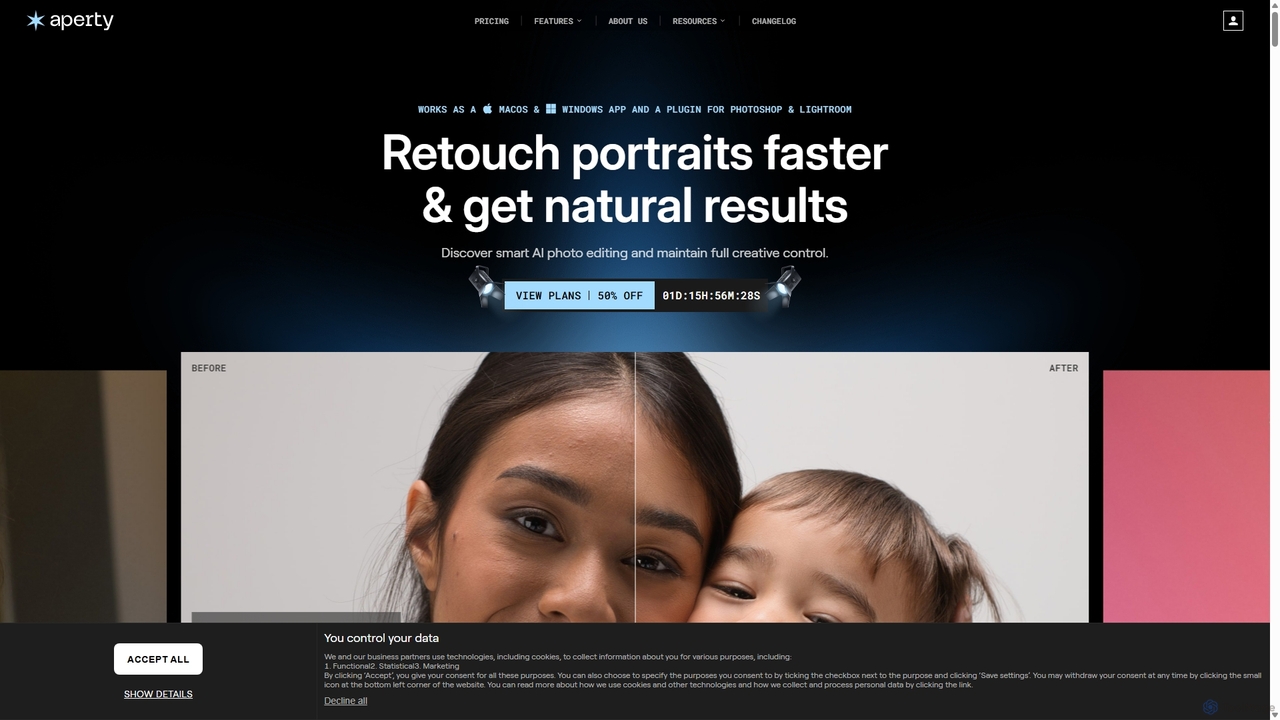
Aperty is an AI-powered portrait photo editor designed for photographers to accelerate their retouching workflow. It offers smart, natural-looking enhancements for skin, eyes, and makeup, and functions as a standalone app for macOS/Windows or as a plugin for Photoshop and Lightroom, ensuring full creative control and efficiency.
Graphics
Odyssey
Odyssey is an all-in-one desktop application for macOS that empowers users to build, run, and share complex AI-powered workflows. It combines image generation, text processing, and powerful automation in a visual, node-based editor. With a focus on privacy, it runs major AI models like Stable Diffusion and Llama2 locally on your machine, ensuring your data remains secure. It's a one-time purchase for a lifetime license, designed for creatives, marketers, and developers.
Creative Assistant
Nano Banana
Nano Banana is an advanced AI image editor and generator that allows users to effortlessly transform photos and create stunning visuals. It supports text-to-image generation, comprehensive image editing, and even specialized features like AI action figure creation. With lightning-fast processing and professional-quality output, Nano Banana simplifies complex editing tasks for personal and commercial use.
Digital Art
BgSub
BgSub is a free, AI-powered tool for instantly removing and replacing image backgrounds. It prioritizes user privacy by processing images directly in the browser without any uploads. Features include high-precision cutouts, background replacement with colors, gradients, or images, and AI-driven color correction.
Image Editing
Slashimagine
A developer-focused platform offering a unified REST API for leading AI generative models. It specializes in providing reliable, scalable access to Midjourney for high-quality image generation, as well as APIs for video creation (RunwayML, Luma AI), faceswapping, and realistic photo generation. It simplifies integration, manages underlying complexities like Discord accounts, and provides tools for developers to easily embed AI creativity into their applications and workflows.
ApiAftershoot Categories
Aftershoot Jobs
Aftershoot Embed Widget
Copy this embed code to place the badge on your blog, article, or product site and send readers directly to this ToolMage detail page.

Related AI tools
Nano Banana
Nano Banana is an advanced AI image editor and generator that allows users to effortlessly transform photos and create stunning visuals. It supports text-to-image generation, comprehensive image editing, and even specialized features like AI action figure creation. With lightning-fast processing and professional-quality output, Nano Banana simplifies complex editing tasks for personal and commercial use.
Digital Art
Nanobananainpaint
Nanobananainpaint is an AI-powered online photo editor that allows users to effortlessly remove unwanted objects, people, or text from images in seconds. With its intuitive brush-and-go interface, it simplifies complex photo editing tasks, making professional-quality image cleanups accessible to everyone without requiring any software installation or learning curve.
Image Generation
FilterPixel
FilterPixel is an AI-powered software designed for photographers to automate and accelerate photo culling and editing. It intelligently selects the best images from large batches by filtering out blurry, out-of-focus, or poorly composed shots. The AI can also learn your unique editing style to apply consistent enhancements across entire galleries, saving you hours of post-production work and helping you deliver stunning results faster.
3DAperty
Aperty is an AI-powered portrait photo editor designed for photographers to accelerate their retouching workflow. It offers smart, natural-looking enhancements for skin, eyes, and makeup, and functions as a standalone app for macOS/Windows or as a plugin for Photoshop and Lightroom, ensuring full creative control and efficiency.
GraphicsOdyssey
Odyssey is an all-in-one desktop application for macOS that empowers users to build, run, and share complex AI-powered workflows. It combines image generation, text processing, and powerful automation in a visual, node-based editor. With a focus on privacy, it runs major AI models like Stable Diffusion and Llama2 locally on your machine, ensuring your data remains secure. It's a one-time purchase for a lifetime license, designed for creatives, marketers, and developers.
Creative Assistant
Adobe
Adobe is the industry-leading suite of creative, marketing, and document management software, supercharged with powerful generative AI. Featuring tools like Photoshop, Premiere Pro, and Acrobat, integrated with Adobe Firefly AI, it empowers creators, businesses, and individuals to bring any idea to life, from stunning visuals and cinematic videos to intelligent, interactive documents.
Graphic Design
Nano Banana
Nano Banana is a state-of-the-art AI platform that revolutionizes image generation and editing using natural language. It offers unmatched multi-image fusion, exceptional character consistency, and rapid creation of high-quality visuals from simple text commands, catering to a wide range of creative and commercial needs.
Enhancement
FaceApp
FaceApp is a leading AI-powered photo and selfie editor for iOS and Android. With over a billion downloads, it uses advanced neural networks to offer hyper-realistic transformations. Effortlessly apply filters for aging, gender swap, makeup, hairstyles, and beauty retouching. Perfect for creating stunning, shareable content for social media or simply for fun.
Entertainment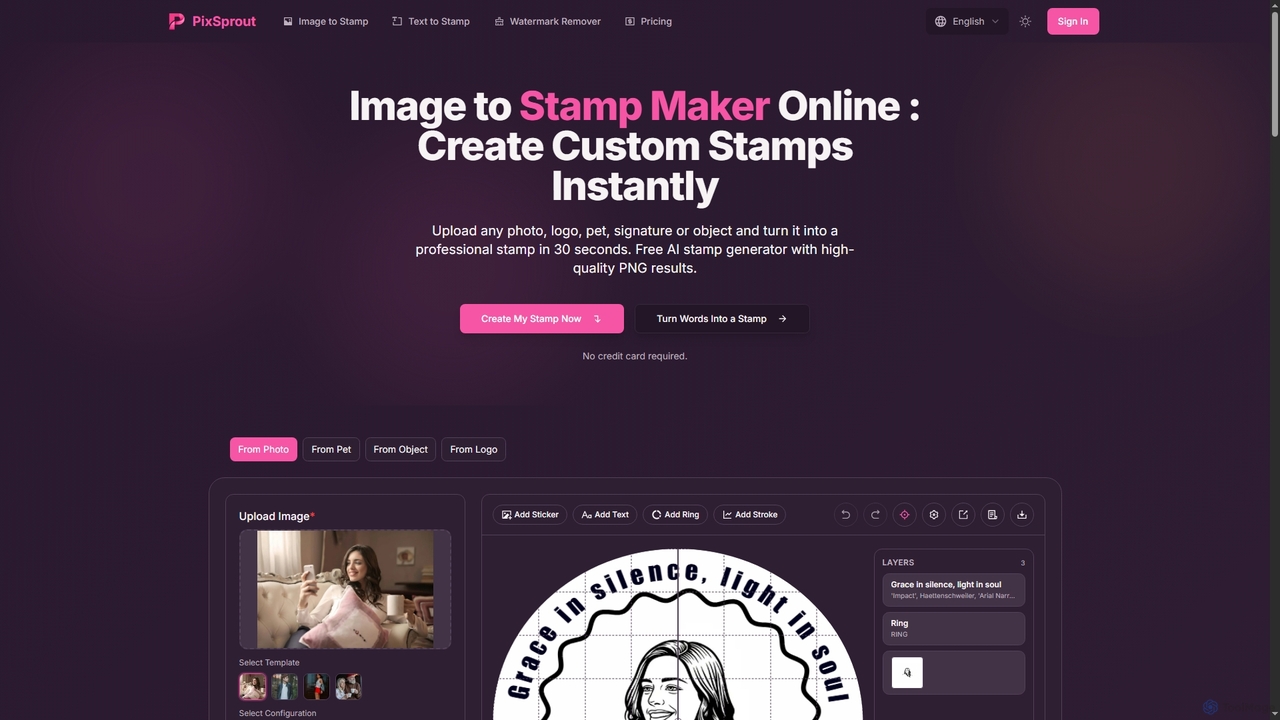
Pixsprout
Pixsprout is an AI-powered online toolkit for creating custom digital stamps from images or text prompts in seconds. It also features an automatic AI watermark remover. Ideal for business branding, personal projects, and creative designs, offering high-resolution, watermark-free PNG downloads.
Logo Generator
Jyek
Jyek is an AI agent platform that understands objectives, creates execution plans, uses tools, and delivers verifiable results for complex, multi-step tasks.
Automation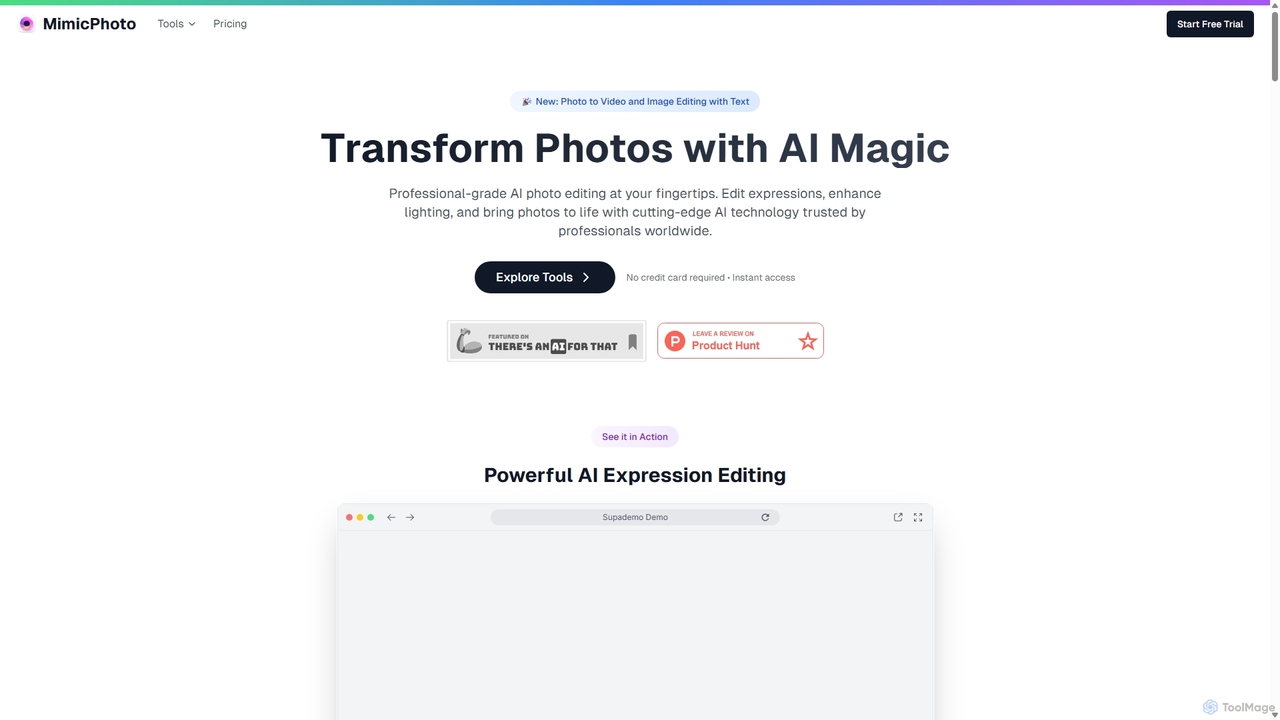
MimicPhoto
MimicPhoto is a professional-grade AI photo and video editing suite. It excels at manipulating facial expressions, relighting photos, and animating static images into dynamic videos. With features like text-based image editing, AI effects, face swapping, and object removal, it's designed for photographers, content creators, and marketers to save time and produce stunning, natural-looking results.
Avatars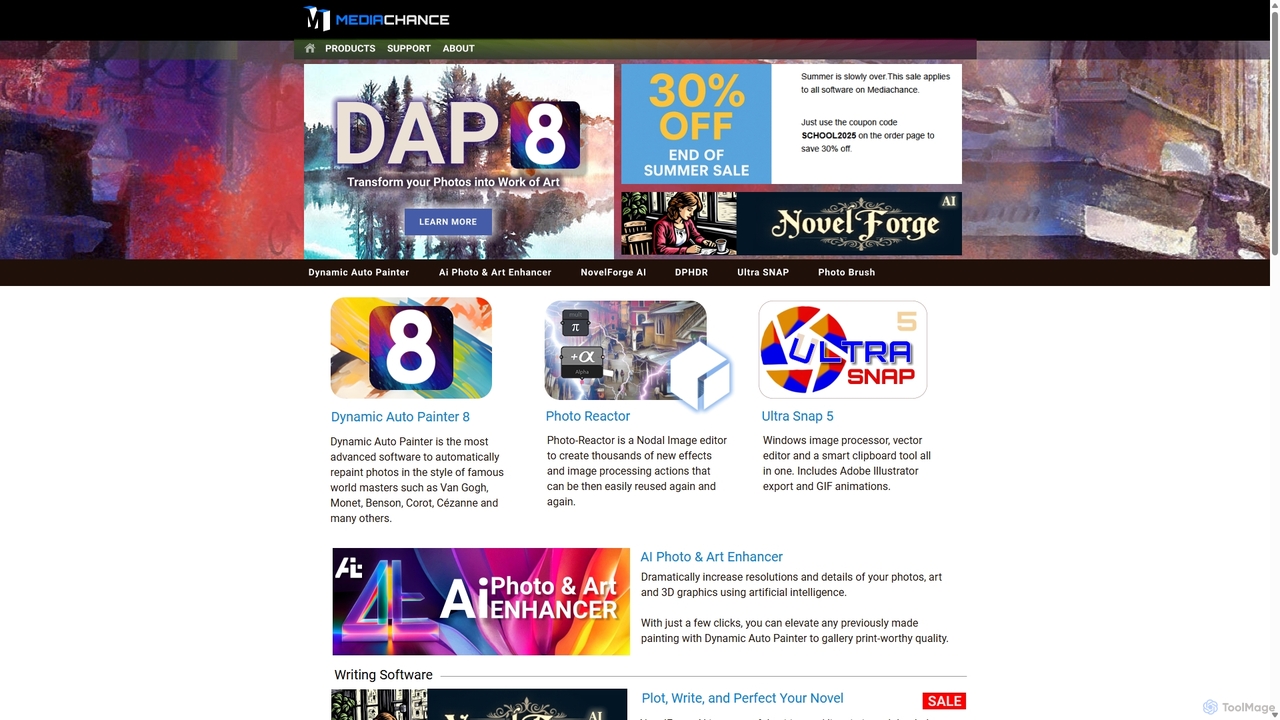
Mediachance
Mediachance offers a comprehensive suite of innovative graphics, video, and multimedia software for Windows. Since 1998, they have developed powerful tools for digital artists, photographers, and writers, including AI-powered applications like Dynamic Auto Painter for artistic photo conversion, AI Photo & Art Enhancer for upscaling, and NovelForge AI for creative writing assistance.
3D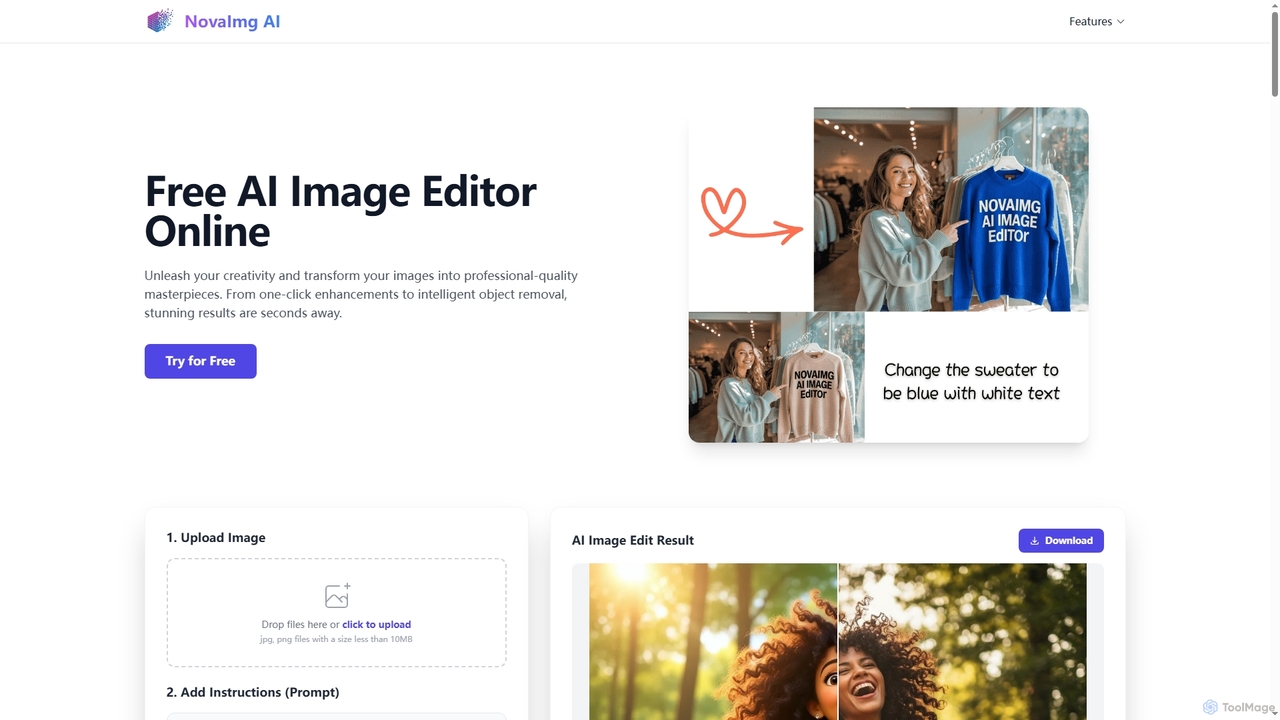
Novaimg
Novaimg is a versatile online AI tool suite for transforming and enhancing visual content. It offers a range of features including AI image editing with text prompts, 4K image upscaling, realistic face swapping for photos, videos, and GIFs, and an intelligent watermark remover. Designed for ease of use, Novaimg helps users create professional-quality images and videos for social media, e-commerce, and creative projects, often for free or with generous daily limits.
Graphic Design
Remover
Remover is a free AI-powered tool by ZMO.AI that effortlessly removes unwanted objects, people, text, and backgrounds from photos. Ideal for e-commerce, real estate, and general photo cleanup, it provides unlimited edits and professional results in seconds without needing complex software like Photoshop.
3D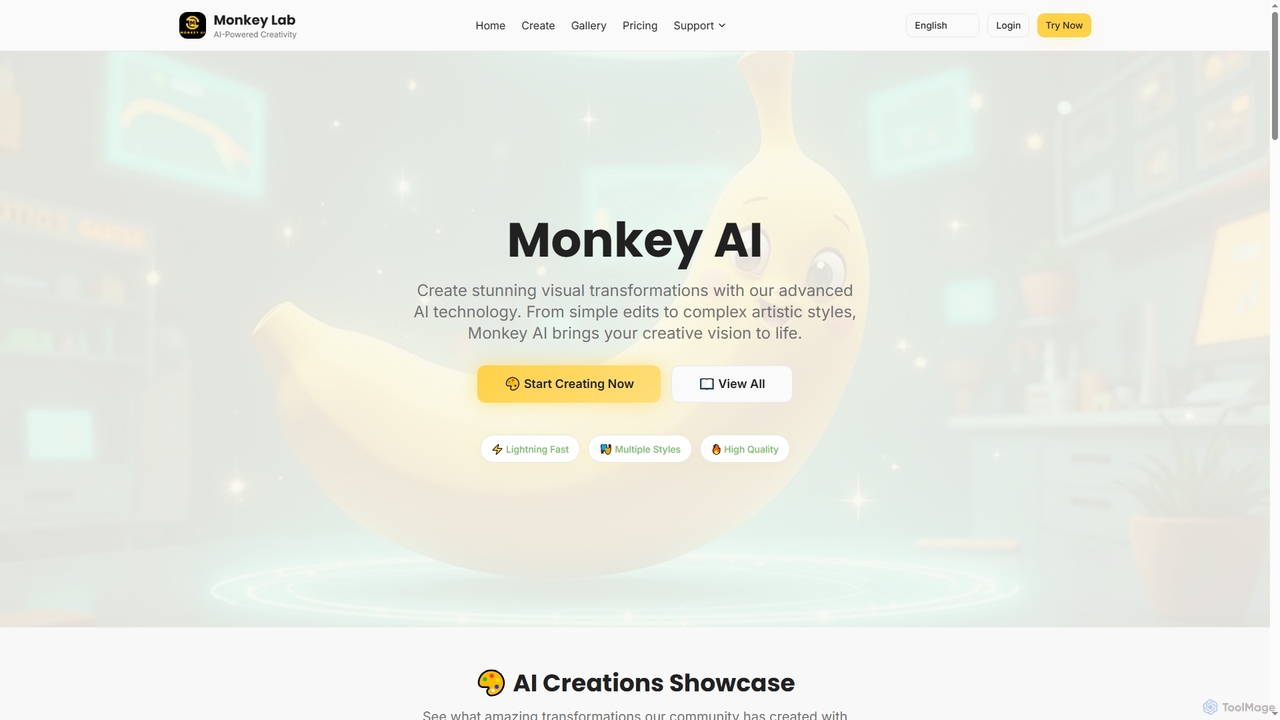
Monkey AI
Monkey AI is an advanced online AI image generator that transforms visual concepts into stunning creations. It offers lightning-fast processing, multiple artistic styles, and high-quality outputs, enabling users to perform complex artistic transformations and simple edits with ease, bringing diverse creative visions to life.
Art Generation
Aftershoot Comments (0)
Sign in to comment.
Sign inNo comments yet.