

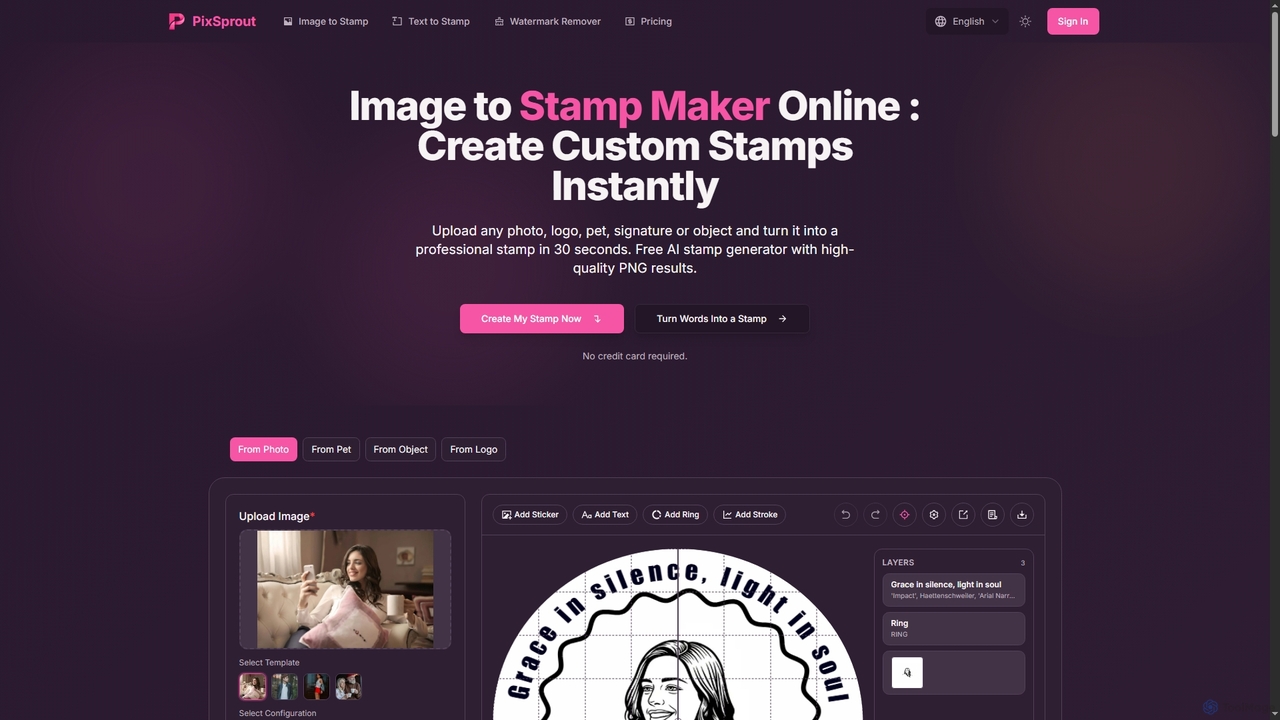
Pixsprout Overview
Pixsprout is a versatile and user-friendly online platform that leverages artificial intelligence to offer a suite of creative tools. It specializes in generating professional-quality digital stamps from various sources, including photos, logos, pets, signatures, and even simple text descriptions. The process is designed to be incredibly fast, typically taking about 30 seconds from upload to download. In addition to its stamp creation capabilities, Pixsprout provides a powerful AI Watermark Remover that automatically detects and erases watermarks from images, making it a comprehensive solution for designers, marketers, and hobbyists.
How to use Pixsprout
Using Pixsprout is straightforward and requires no design skills.
For Image-to-Stamp:
1. Select the type of stamp you want to create (e.g., Photo, Logo, Pet).
2. Upload your image in JPG, PNG, GIF, or WEBP format.
3. The AI processes the image, enhancing contrast and detail.
4. Customize the generated stamp using the built-in editor to add text, rings, or other elements.
5. Download the final design as a high-resolution transparent PNG.
For Text-to-Stamp:
1. Navigate to the Text to Stamp Generator.
2. Type a descriptive prompt of the stamp you envision.
3. Choose a style or template if desired.
4. Click 'Generate' and the AI will create a unique design based on your text.
5. Preview and download the result.
For Watermark Remover:
1. Go to the AI Watermark Remover tool.
2. Upload the image containing the watermark.
3. The AI automatically detects and removes all visible watermarks.
4. Download the clean, restored image.
Core Features of Pixsprout
- AI-Powered Stamp Generation: Instantly transforms photos, logos, signatures, and text into digital stamps.
- Text-to-Stamp Creator: Generates unique stamp designs from textual descriptions.
- Automatic Watermark Remover: AI detects and erases all visible watermarks from photos without manual selection.
- High-Resolution Output: Delivers all designs as 300 DPI transparent PNG files, ready for print and digital use.
- No Sign-Up Required: Free features are accessible instantly without needing to create an account.
- Built-in Editor: Allows for post-generation customization with text, shapes, and borders.
- Commercial Use Rights: All downloaded stamps come with rights for commercial use in branding, marketing, and more.
- Fast Processing: Most operations are completed in approximately 30 seconds.
Use Cases for Pixsprout
Pixsprout is suitable for a wide range of applications:
Business Branding: Create professional company seals and logo stamps for documents, contracts, and marketing materials.
Personal Projects: Design unique stamps from personal photos for scrapbooking, journaling, or creative artwork.
E-commerce: Prepare clean product images by removing supplier watermarks or create branded stamps for packaging.
Document Authentication: Generate digital signature stamps for invoices, contracts, and personal correspondence.
Creative Design: Turn any object, like cars or toys, into custom stamps for gifts or collections.
Advantages of Pixsprout
The primary advantage of Pixsprout is its combination of speed, simplicity, and quality. Users can generate professional-grade assets without any prior design experience. The free tier is generous, offering high-resolution, watermark-free downloads with commercial rights, making it highly accessible. The AI-driven process eliminates manual work, whether it's designing a stamp from scratch or painstakingly removing a watermark. Its versatility in handling different inputs (images, text) makes it a one-stop tool for various creative needs.
Pricing and Plans
Pixsprout operates on a freemium model with credit packs for advanced usage. Credits are used for generating stamp images, removing backgrounds, and exporting in HD.
- Starter Pack: $5.00 for 50 credits (up to 5 stamp images).
- Pro Pack: $15.00 for 200 credits (up to 20 stamp images).
- Profession Pack: $50.00 for 1000 credits (up to 100 stamp images, unlimited background removals & HD exports).
Pixsprout FAQ
Traffic
Latest traffic
Status
Monthly traffic trend
- 2026-1: 1.0K
- 2026-2: 7.8K
- 2026-3: 9.6K
- 2026-4: 16.2K
- 2026-5: 35.4K
Geography
Top 5 countries / regions
- 🇨🇳China37.5%
- 🇳🇬Nigeria19.5%
- 🇮🇳India16.0%
- 🇹🇼Taiwan13.5%
- 🇫🇷France13.4%
Traffic sources
| Source type | Percentage |
|---|---|
Direct | 96.8% |
Referral | 3.2% |
Top keywords
| Keyword | Cost per click |
|---|---|
| 이미지파일을 도장으로 변환 | $0.00 |
| free online stamp creator based on existing image | $0.00 |
| stamp maker | $0.32 |
| تحويل الى ختم | $0.00 |
| ハンコ風ロゴ 自動作成 無料 | $0.00 |
Pixsprout Alternatives

Photoleap
Photoleap is a powerful all-in-one AI photo editing app by Lightricks. It combines traditional editing tools with a massive suite of cutting-edge AI features, allowing users to transform photos, generate stunning AI art from text, create professional headshots, and apply creative effects with ease. It's designed for everyone from social media creators to casual users looking to elevate their images.
Generative Art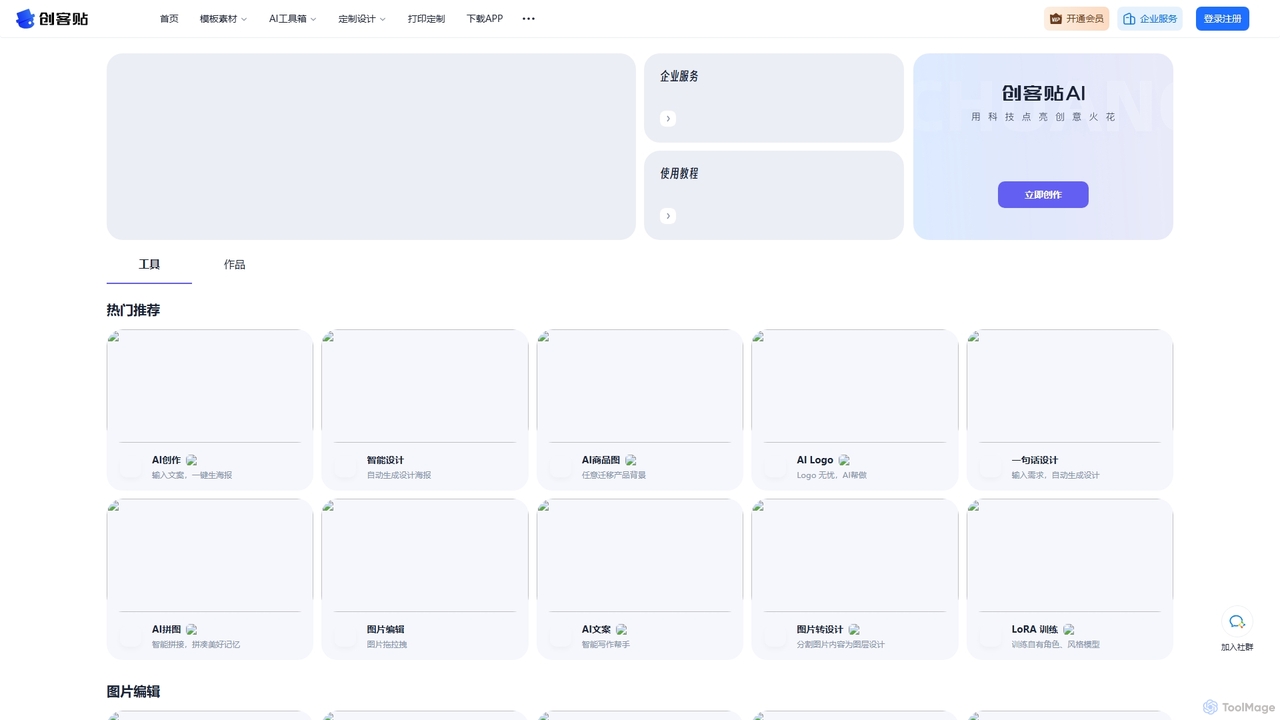
Chuangkit AI
Chuangkit AI is an all-in-one intelligent design platform that leverages AI to automate creative workflows. It enables users to generate posters, product photos, logos, and social media content from simple text prompts, and offers a comprehensive suite of AI-powered image editing tools.
Graphic Design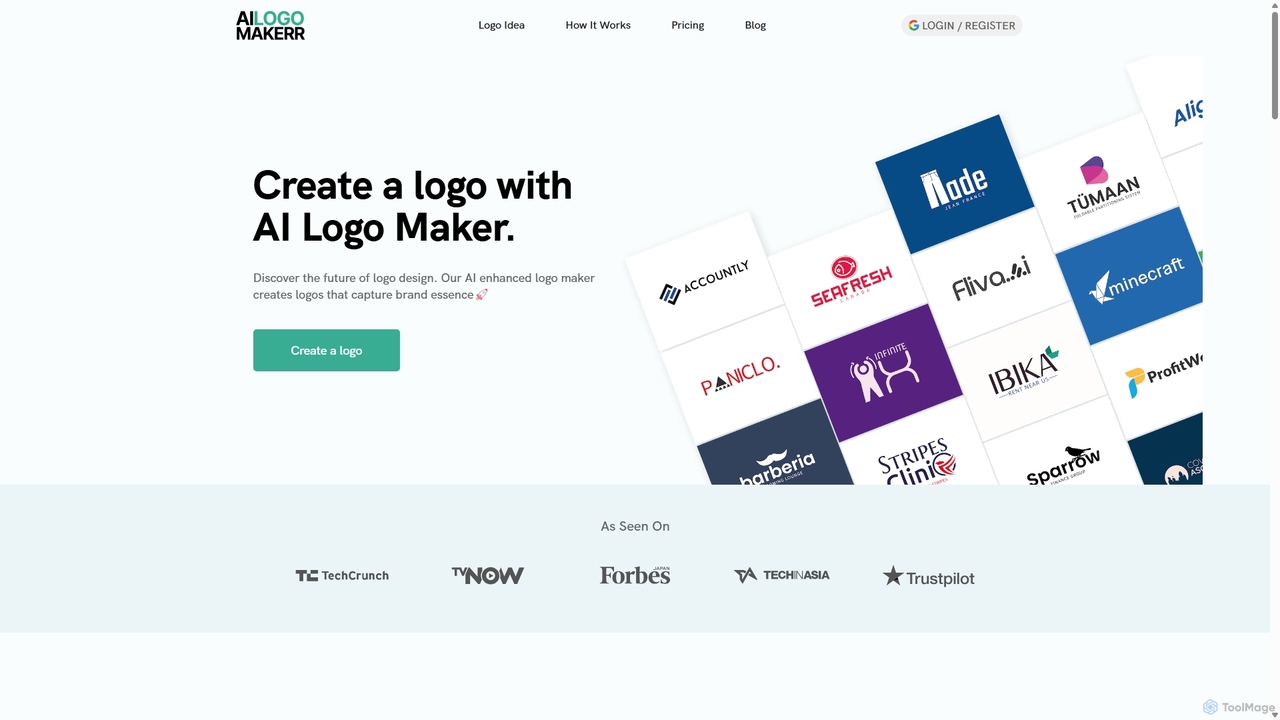
Ailogomakerr
Ailogomakerr is an AI-powered logo generator that enables users to create professional logos and complete branding kits in minutes. It leverages artificial intelligence to understand design trends, offering a seamless process from logo creation to brand integration across various marketing materials without requiring any design skills.
Brand Kit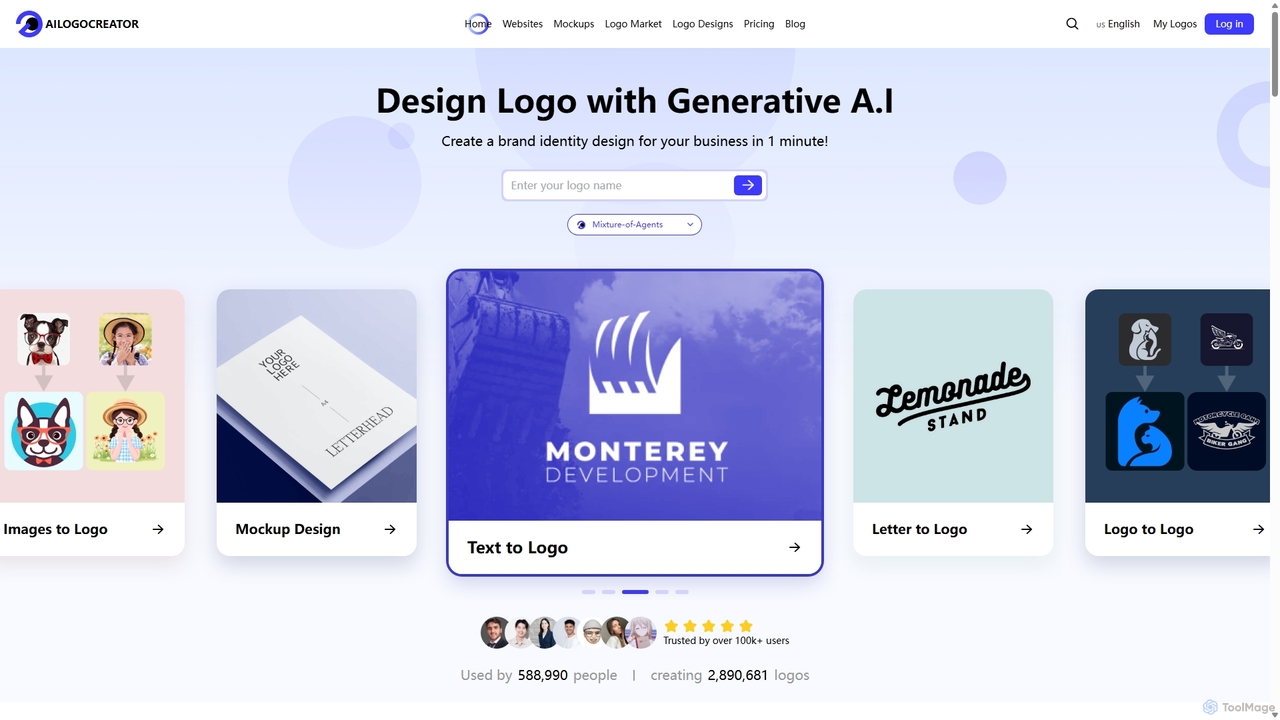
AILogoCreator
AILogoCreator is an advanced AI-powered platform that enables users to generate unique, professional logos and complete brand identities in minutes. It offers multiple creation methods, including text-to-logo, image-to-logo, and sketch-to-logo. The tool provides a full brand kit with social media assets, business cards, and high-resolution vector files, making professional branding accessible to everyone without needing design skills.
Image Generator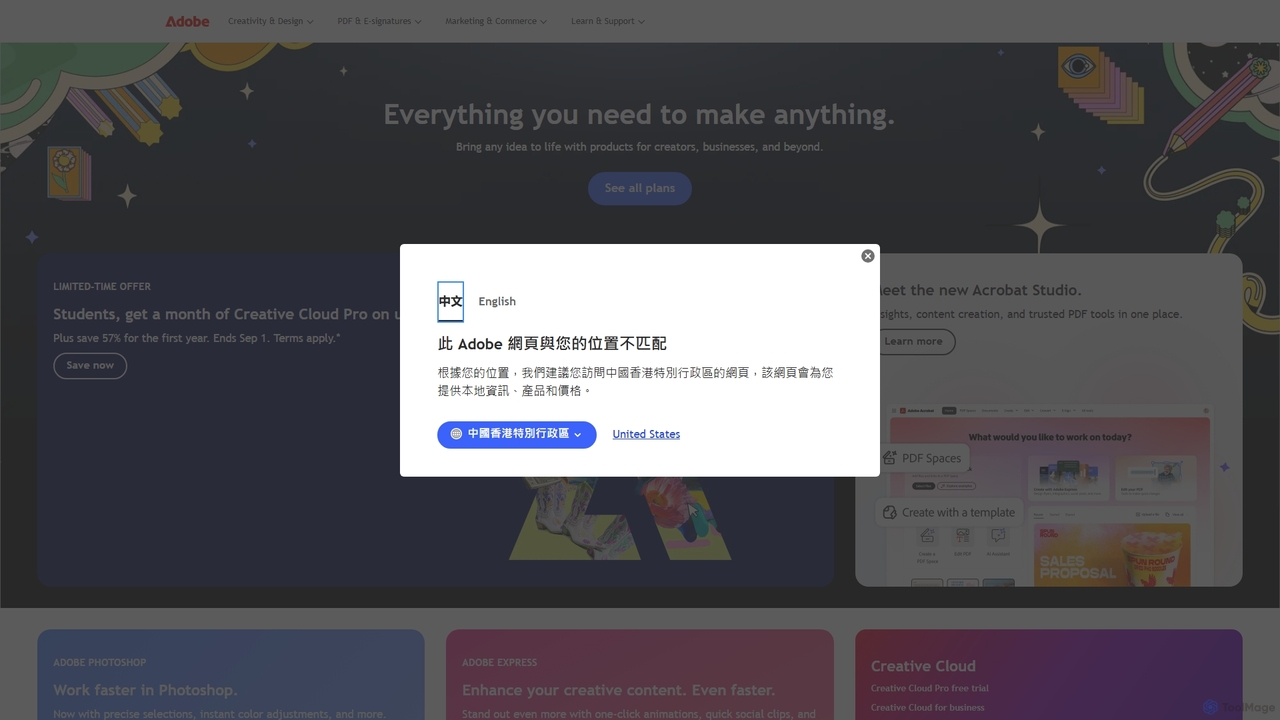
Adobe
Adobe is the industry-leading suite of creative, marketing, and document management software, supercharged with powerful generative AI. Featuring tools like Photoshop, Premiere Pro, and Acrobat, integrated with Adobe Firefly AI, it empowers creators, businesses, and individuals to bring any idea to life, from stunning visuals and cinematic videos to intelligent, interactive documents.
Graphic DesignPixsprout Categories
Pixsprout Jobs
Pixsprout Embed Widget
Copy this embed code to place the badge on your blog, article, or product site and send readers directly to this ToolMage detail page.

Related AI tools
Chuangkit AI
Chuangkit AI is an all-in-one intelligent design platform that leverages AI to automate creative workflows. It enables users to generate posters, product photos, logos, and social media content from simple text prompts, and offers a comprehensive suite of AI-powered image editing tools.
Graphic DesignAilogomakerr
Ailogomakerr is an AI-powered logo generator that enables users to create professional logos and complete branding kits in minutes. It leverages artificial intelligence to understand design trends, offering a seamless process from logo creation to brand integration across various marketing materials without requiring any design skills.
Brand KitAILogoCreator
AILogoCreator is an advanced AI-powered platform that enables users to generate unique, professional logos and complete brand identities in minutes. It offers multiple creation methods, including text-to-logo, image-to-logo, and sketch-to-logo. The tool provides a full brand kit with social media assets, business cards, and high-resolution vector files, making professional branding accessible to everyone without needing design skills.
Image GeneratorPhotoleap
Photoleap is a powerful all-in-one AI photo editing app by Lightricks. It combines traditional editing tools with a massive suite of cutting-edge AI features, allowing users to transform photos, generate stunning AI art from text, create professional headshots, and apply creative effects with ease. It's designed for everyone from social media creators to casual users looking to elevate their images.
Generative Art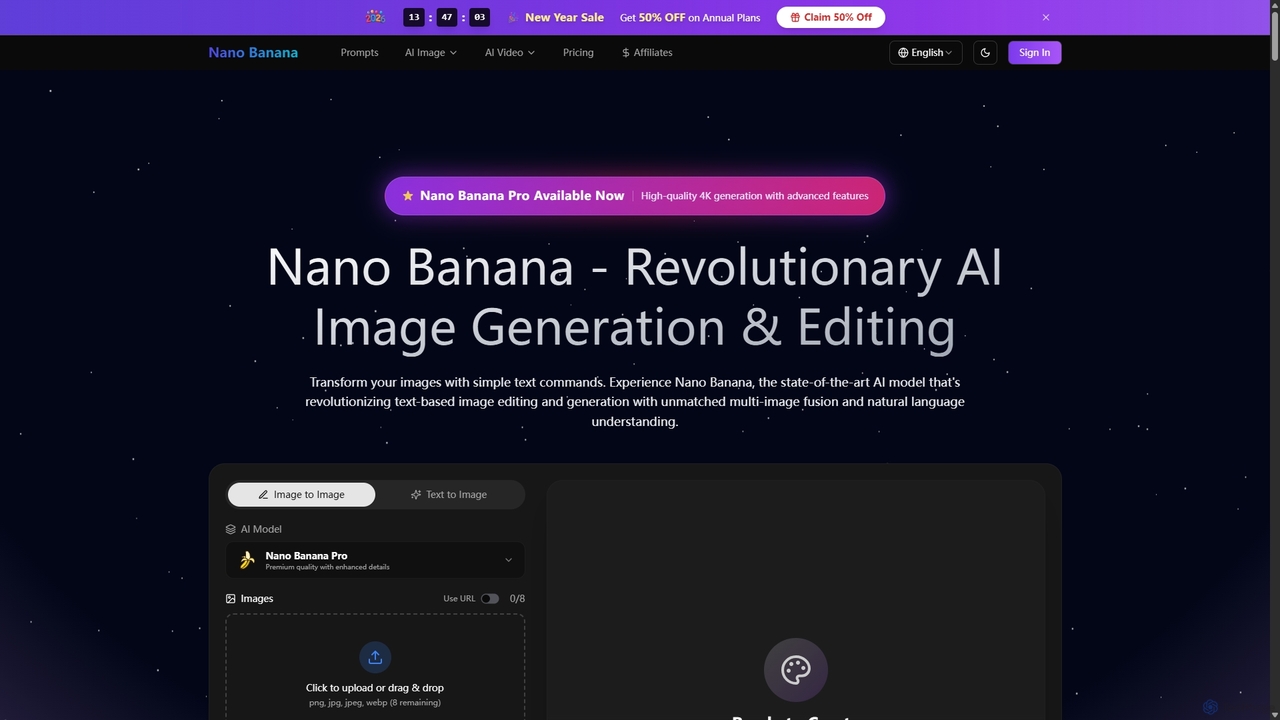
Nano Banana
Nano Banana is a state-of-the-art AI platform that revolutionizes image generation and editing using natural language. It offers unmatched multi-image fusion, exceptional character consistency, and rapid creation of high-quality visuals from simple text commands, catering to a wide range of creative and commercial needs.
Enhancement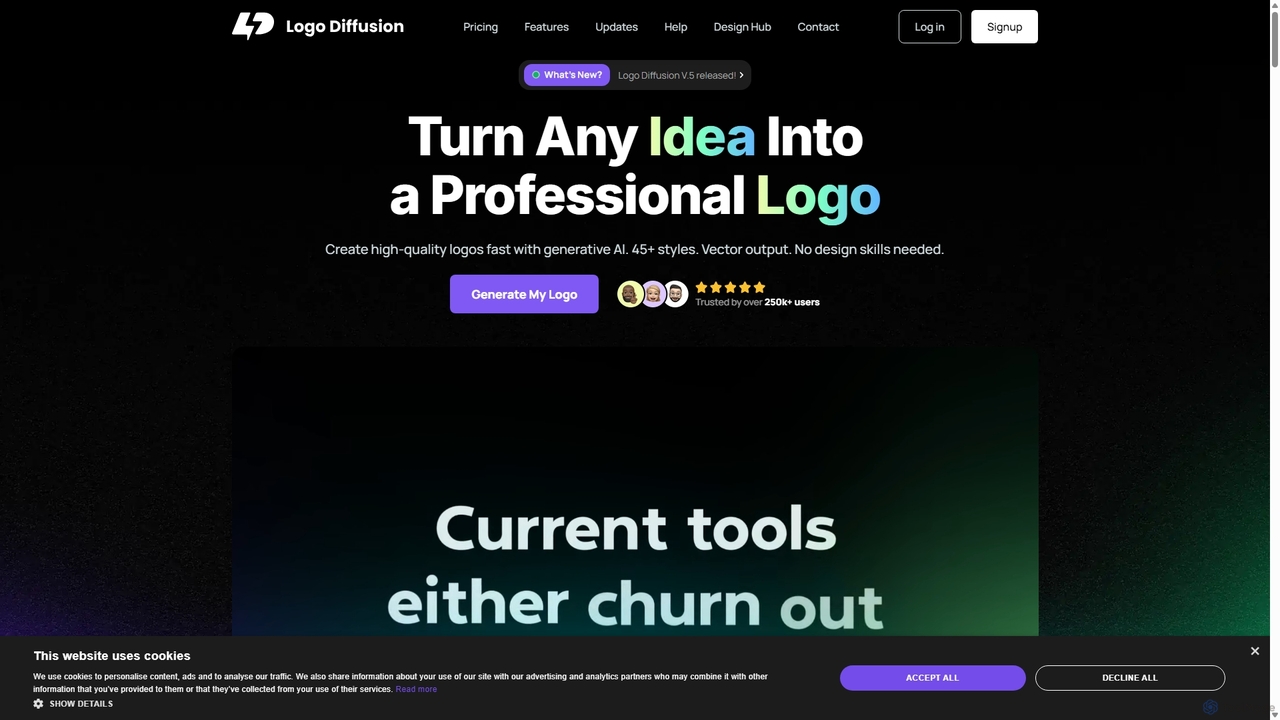
Logo Diffusion
Logo Diffusion is an AI-powered platform for creating professional logos and brand assets. It offers multiple creation methods, including text-to-logo, sketch-to-logo, and logo redesign. With over 45 styles, vector export, and a suite of tools like background removal and 2D-to-3D conversion, it empowers users without design skills to generate high-quality, unique brand identities quickly.
Image Generation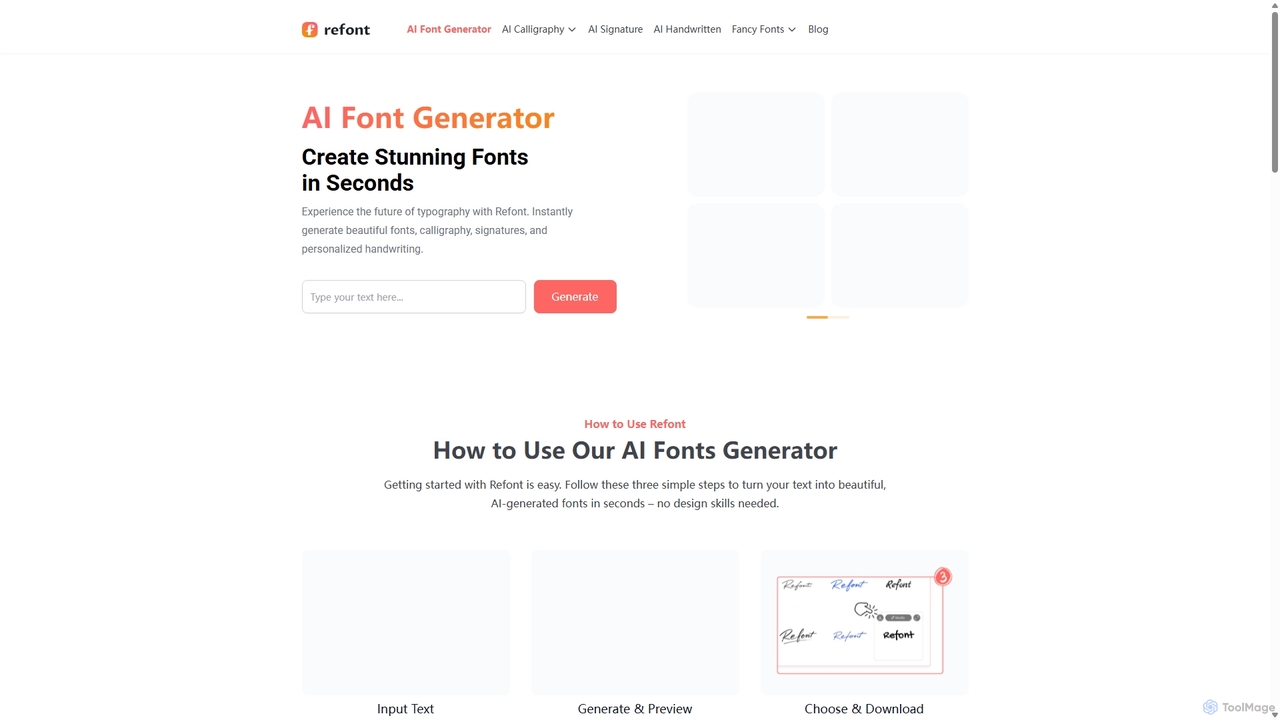
Refont
Refont is a powerful AI font generator that instantly creates stunning calligraphy, personalized signatures, realistic handwriting, and fancy text styles. Ideal for designers, creators, and professionals, it transforms your text into beautiful visual art in seconds, for free and without requiring a login.
Calligraphy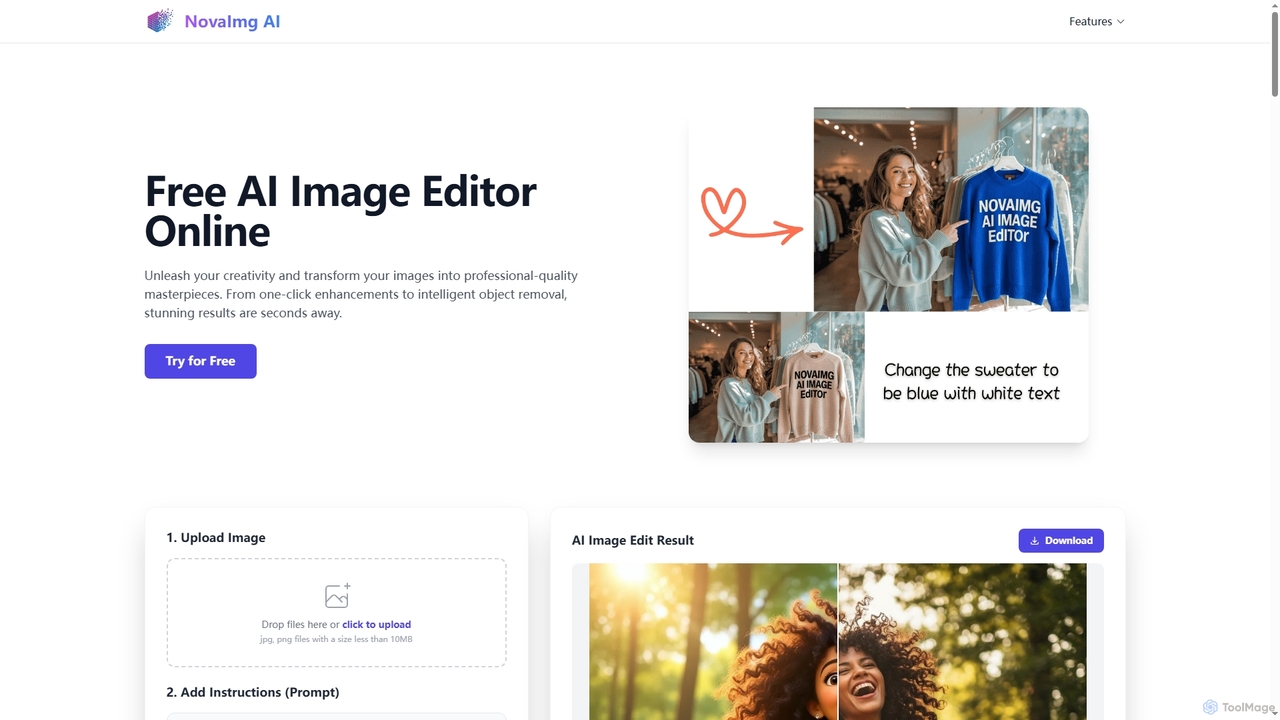
Novaimg
Novaimg is a versatile online AI tool suite for transforming and enhancing visual content. It offers a range of features including AI image editing with text prompts, 4K image upscaling, realistic face swapping for photos, videos, and GIFs, and an intelligent watermark remover. Designed for ease of use, Novaimg helps users create professional-quality images and videos for social media, e-commerce, and creative projects, often for free or with generous daily limits.
Graphic Design
Logo by ShapeFactory
Logo by ShapeFactory is an AI-powered logo maker designed for simplicity and speed. It enables users to create clean, professional logos in minutes without design experience. Ideal for startups, small businesses, and content creators seeking a hassle-free branding solution with customizable templates and high-resolution downloads.
Brand Identity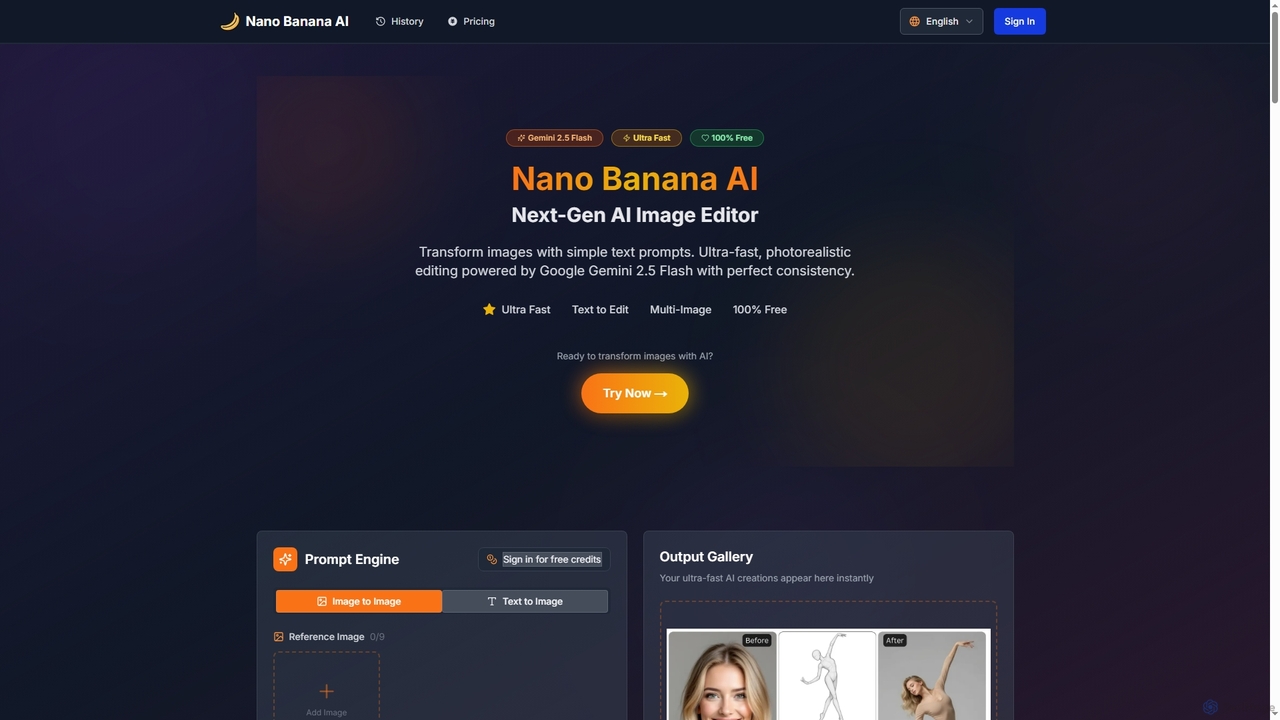
Nano Banana AI
Nano Banana AI is an advanced AI image editor powered by Google Gemini 2.5 Flash, enabling users to transform photos with simple text prompts. It offers ultra-fast, photorealistic editing with perfect character and scene consistency, featuring tools for face swapping, background changes, hairstyle alterations, and a unique Polaroid vintage photo generator. It's designed for both personal and professional creative workflows.
Creative Tools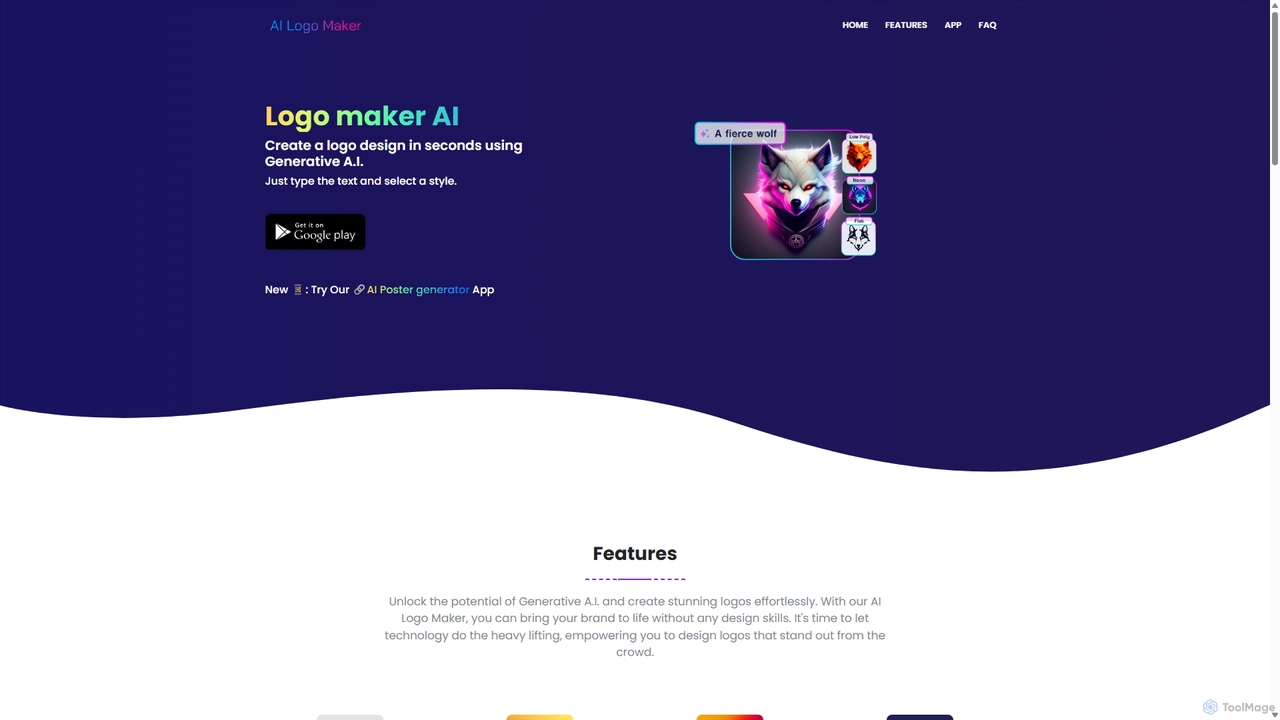
Ailogomaker
Ailogomaker is an AI-powered logo generator that enables users to create professional and unique logos in minutes, without any design experience. It offers extensive customization options, supports various logo styles, and provides high-resolution, commercially-usable files for your brand.
Graphics
LogoCreatorAI
LogoCreatorAI is an AI-powered design tool that generates unique, professional logos for startups, designers, and solopreneurs. Simply choose your style, concept, and colors, and the AI will create multiple high-resolution logo options with transparent backgrounds in seconds, ready for commercial use.
Image Generator
Gempix2
Gempix2 is an advanced AI image generation and editing platform powered by Google Gemini 3 Pro Image (Nano Banana Pro) APIs. It enables users to create stunning visuals from text, modify existing images, and generate style variations with precise control, multilingual text rendering, and factual grounding.
Creative Asset Generation
Pixelfox
Pixelfox is a comprehensive, free-to-use AI suite for creators and businesses. It combines a powerful online photo and video editor with over 300 AI writing tools. Effortlessly retouch photos, remove backgrounds, generate images from text, swap faces, and enhance quality. Simultaneously, create SEO-optimized articles, social media content, product descriptions, and much more, all within a single, no-download platform.
3D
MindPic
MindPic is a free online AI photo editor and design tool that empowers users to effortlessly enhance, transform, and generate images. It offers a suite of AI-powered features like object removal, background replacement, image upscaling, photo retouching, and art generation from text or reference images, all without requiring any login or prior editing experience.
Graphic Design
Pixsprout Comments (0)
Sign in to comment.
Sign inNo comments yet.