ToolMage
Sign in

Best 18 Enhancement AI tools for Image Editing

Popular Enhancement AI tools in Image Editing include AIEnhancer, Nano Banana, Fiddl, ImageFX, instantdeco, Gepetto, Novaimg, Styldod, RoomStaging, and colossis, helping you work more efficiently.

Nano Banana
Paid

Nano Banana

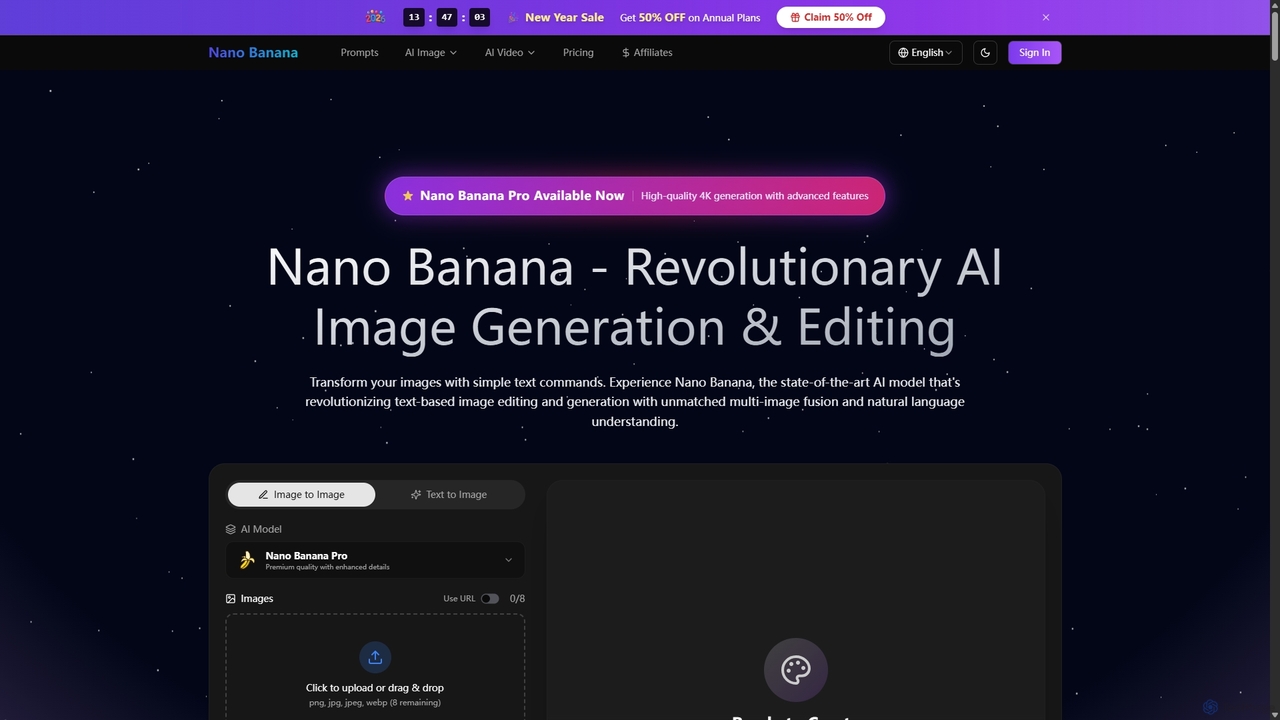
Nano Banana is a state-of-the-art AI platform that revolutionizes image generation and editing using natural language. It offers unmatched multi-image fusion, exceptional character consistency, and rapid creation of high-quality visuals from simple text commands, catering to a wide range of creative and commercial needs.

Enhancement
Visits 355.1KFavorites 40Likes 38
RoomStaging
Freemium

RoomStaging

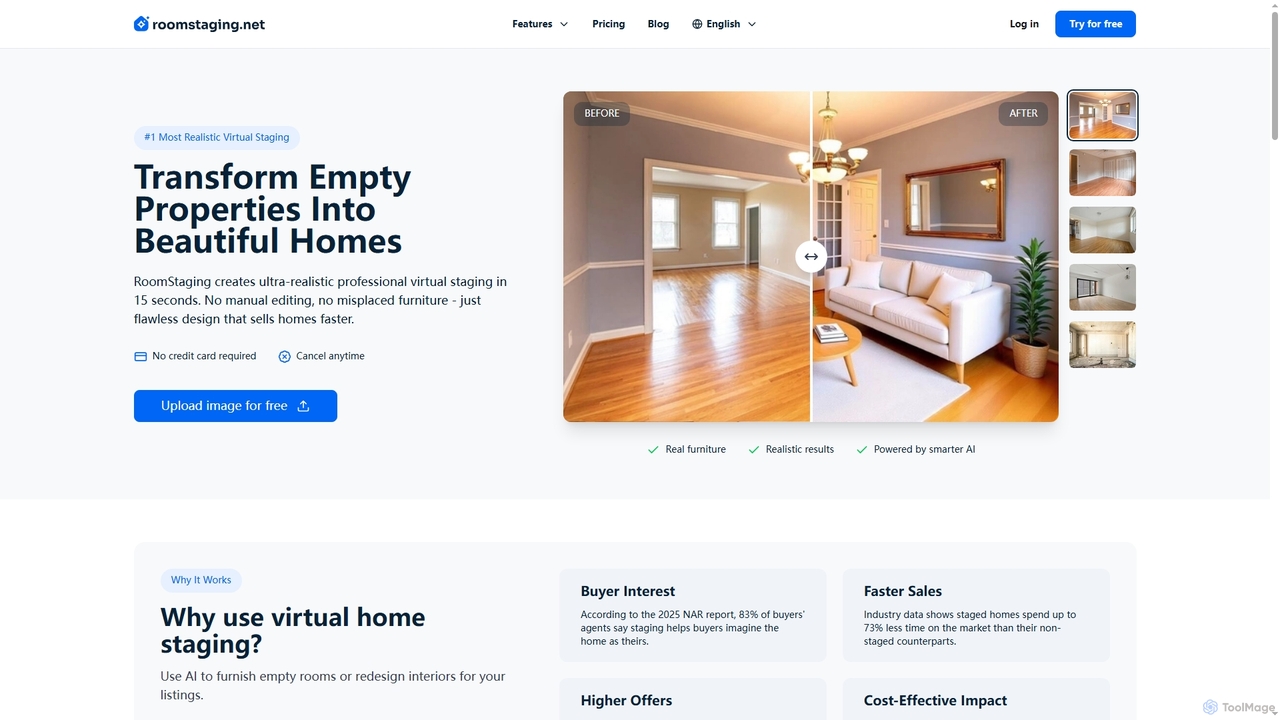
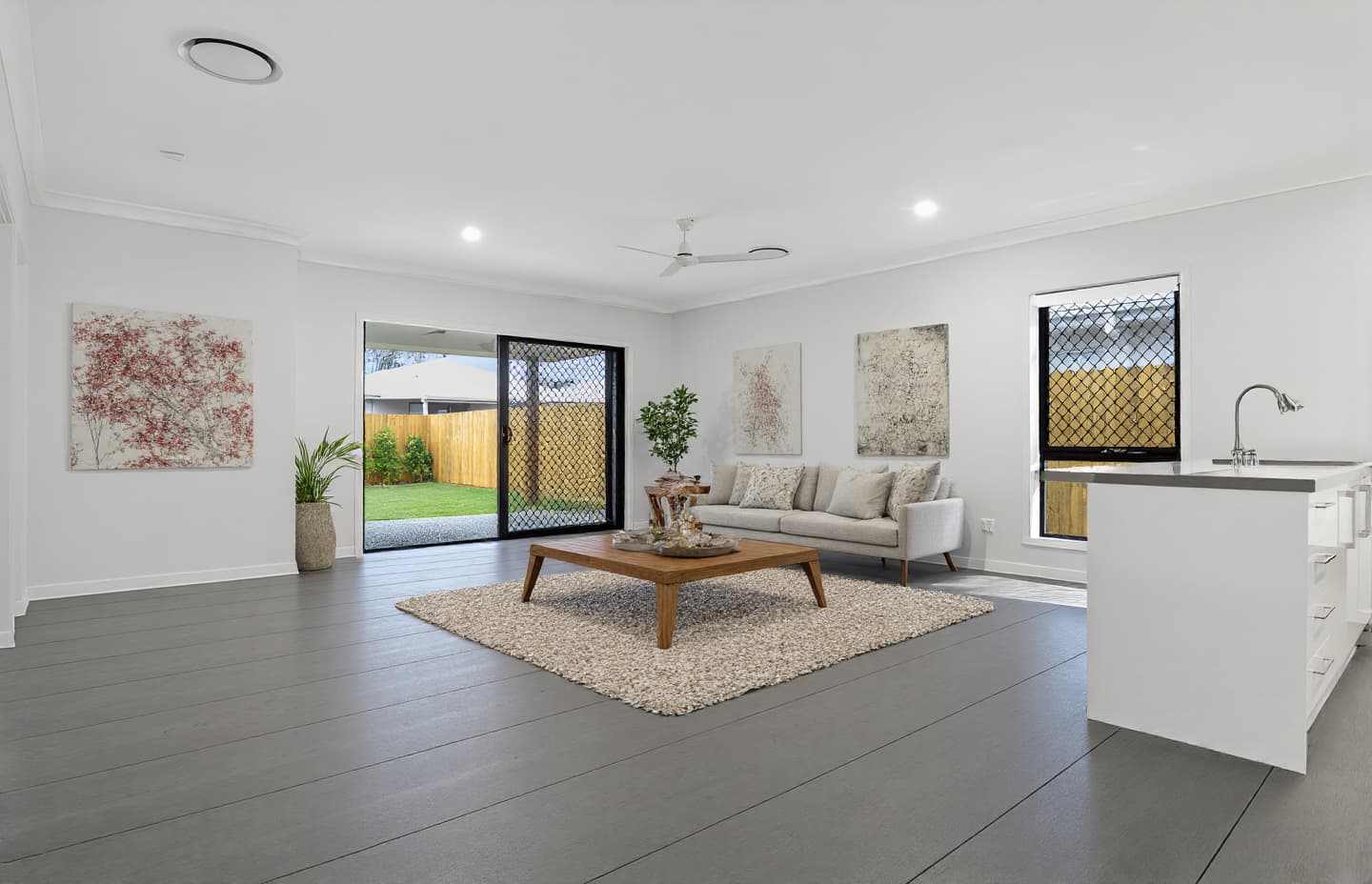
RoomStaging is an AI-powered virtual home staging platform that transforms empty or outdated properties into beautifully furnished, photorealistic spaces in just 15 seconds. Designed for real estate professionals, it helps attract buyers, accelerate sales, and increase offer values by digitally enhancing property listings with realistic interior designs and furniture arrangements.

Interior Design
Visits 10.4KFavorites 40Likes 47
Flixly
Freemium

Flixly

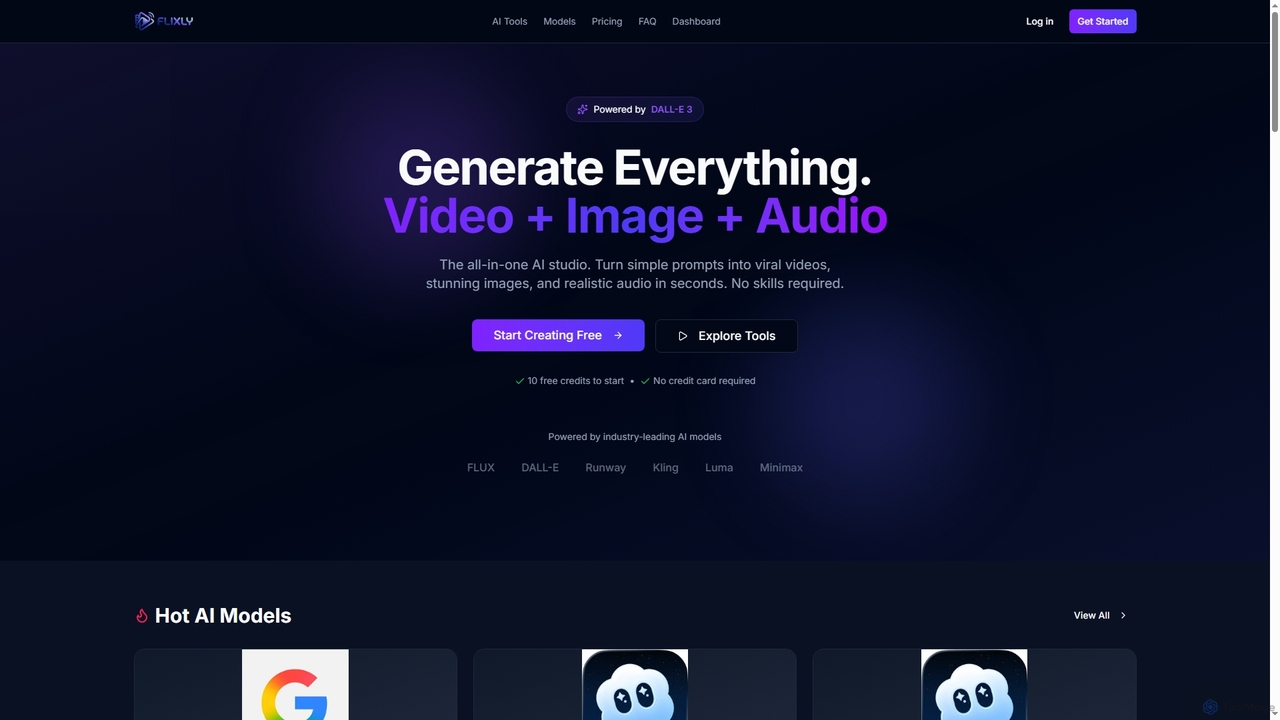
Flixly is an all-in-one AI studio that transforms simple text prompts into stunning videos, images, and realistic audio in seconds. Leveraging industry-leading AI models like DALL-E 3 and Sora 2, it offers a comprehensive suite of creative tools for everyone, no technical skills required. Start creating with 10 free credits today.

Ai Art
Visits 6.4KFavorites 74Likes 75
Fiddl
Freemium

Fiddl

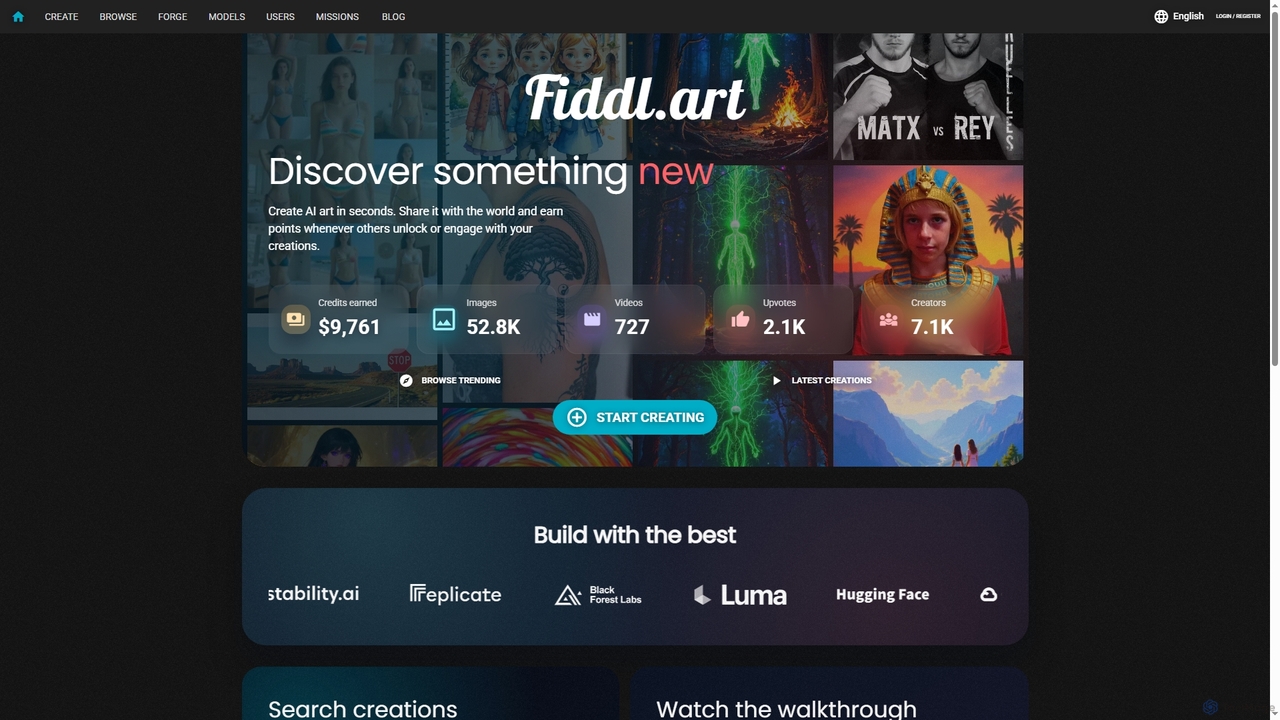
Fiddl is an advanced AI art and video generation platform that allows users to create stunning visuals in seconds. It features a diverse range of AI models, custom model training, and a vibrant community where creators can share their work, earn points, and explore new artistic possibilities without a subscription.

Generative Art
Visits 179.6KFavorites 99Likes 107
Hocha
Freemium

Hocha

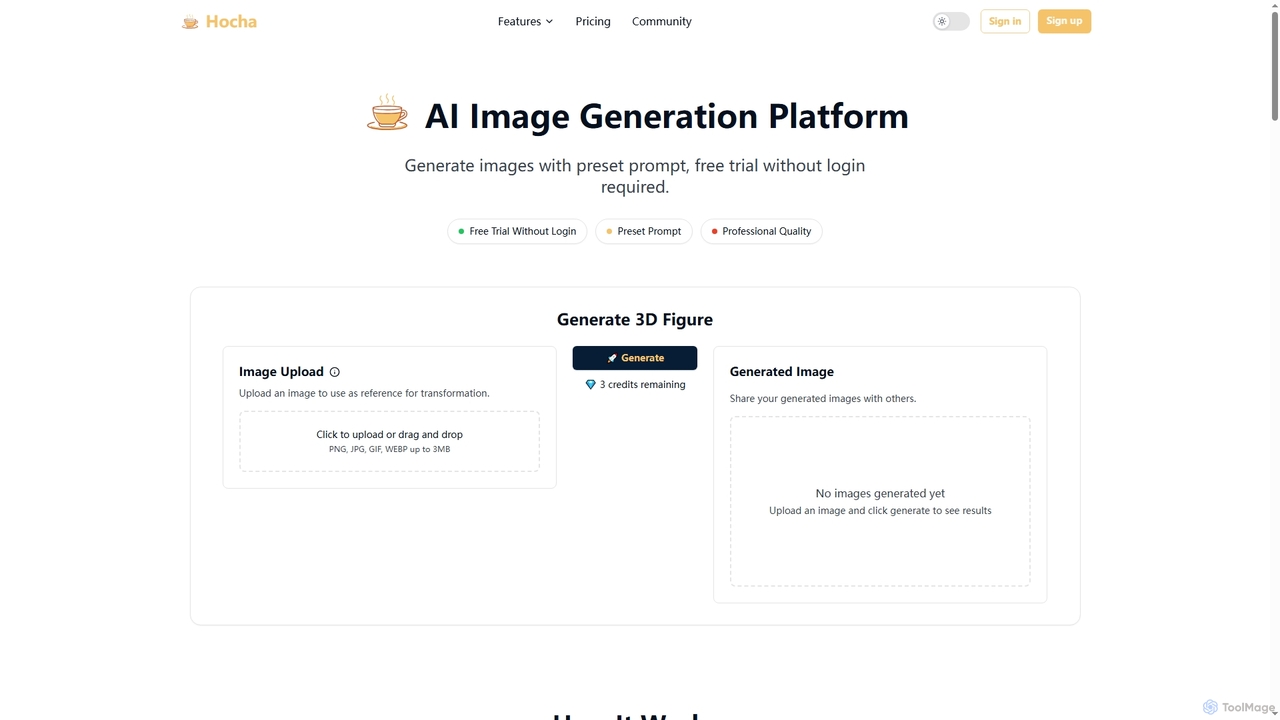
Hocha is an AI-powered image generation and editing platform that allows users to transform images into stunning 3D figures, create professional headshots, generate diverse character illustrations, and enhance photos with advanced AI models. It offers a free trial without login, fast results, and commercial licensing options.

Creative Asset Generation
Visits 5.2KFavorites 114Likes 110
Novaimg
Freemium

Novaimg

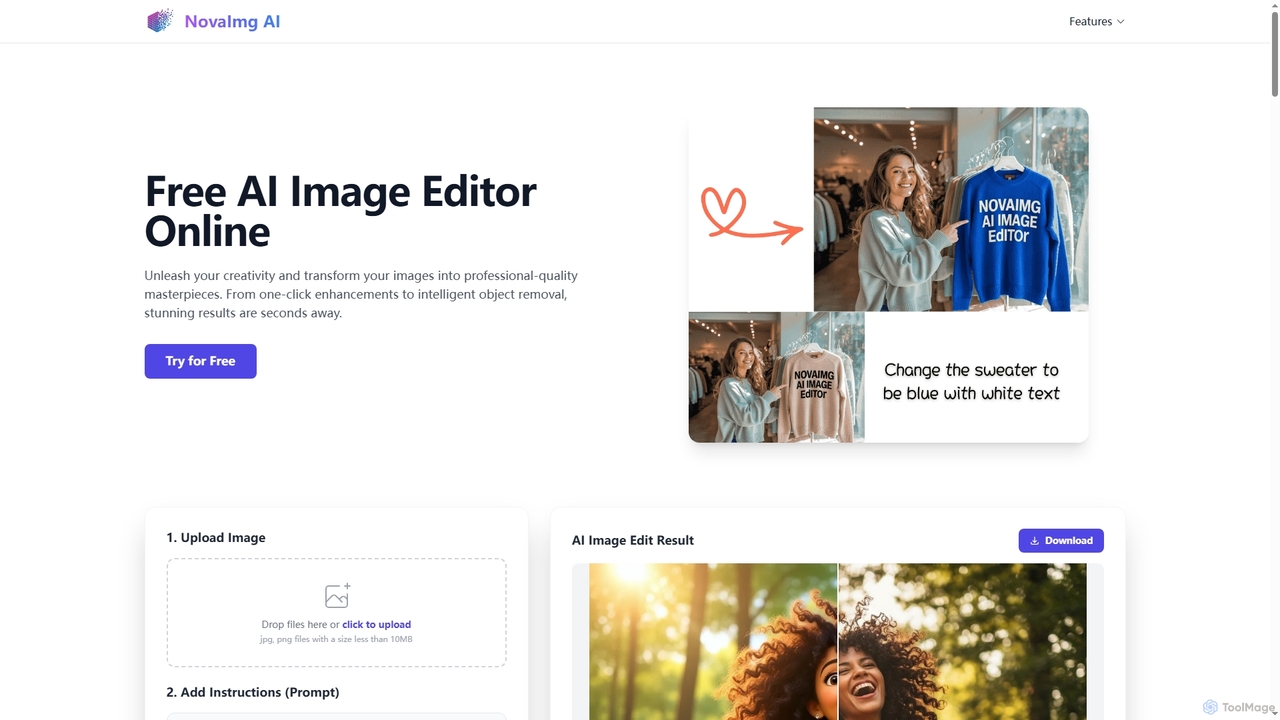
Novaimg is a versatile online AI tool suite for transforming and enhancing visual content. It offers a range of features including AI image editing with text prompts, 4K image upscaling, realistic face swapping for photos, videos, and GIFs, and an intelligent watermark remover. Designed for ease of use, Novaimg helps users create professional-quality images and videos for social media, e-commerce, and creative projects, often for free or with generous daily limits.

Graphic Design
Visits 26.7KFavorites 89Likes 85
AIEnhancer
Freemium

AIEnhancer

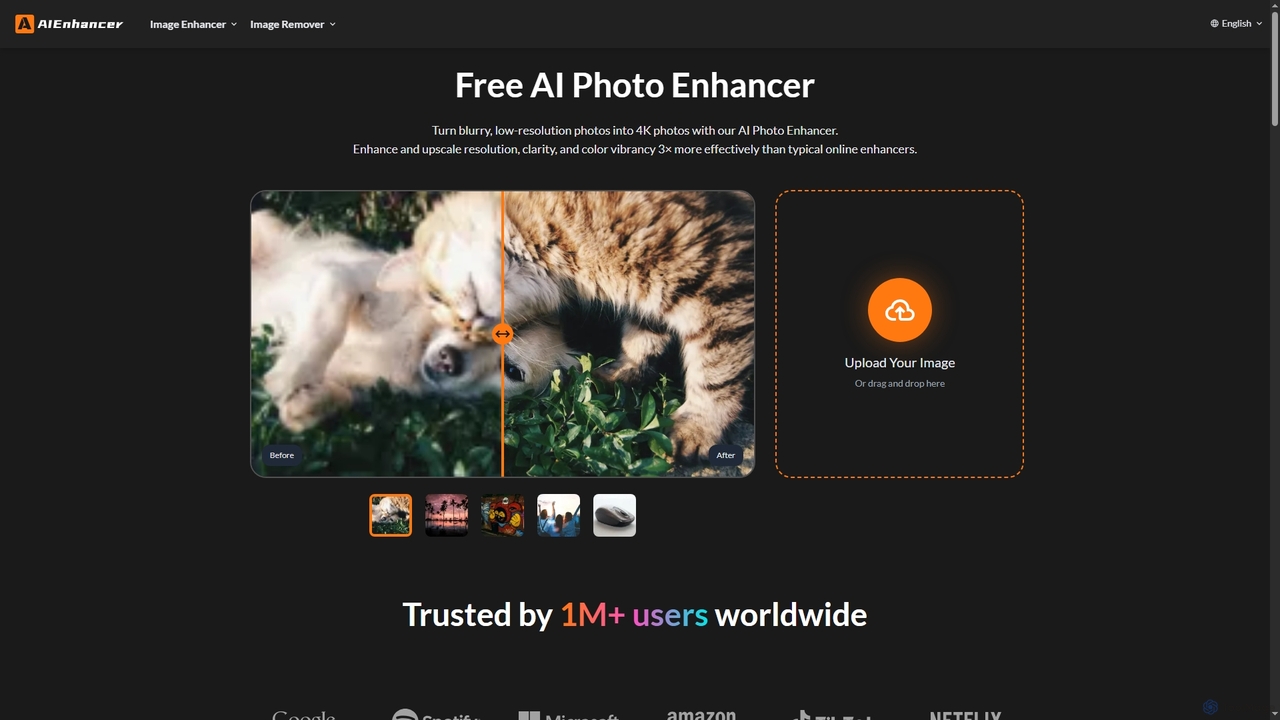
AIEnhancer is a powerful online AI tool that transforms and perfects images. It enhances resolution, restores old photos, removes blur and noise, sharpens details, converts to HD, and precisely removes backgrounds, making professional-grade photo editing accessible and effortless for everyone.

Background Removal
Visits 797.3KFavorites 141Likes 139
ImageFX
Freemium

ImageFX

ImageFX is an AI-powered platform that transforms creative visions into stunning images and videos. It offers professional-grade results in seconds, without requiring design skills, featuring text-to-image, image-to-image, text-to-video, and image-to-video capabilities, along with advanced editing tools for diverse creative needs.

Creative Asset Generation
Visits 58.3KFavorites 105Likes 97
Renovate AI
Freemium

Renovate AI

Renovate AI is an innovative AI-powered tool that instantly transforms interior and exterior spaces. Users can upload a photo, select a design style, and visualize stunning renovations, virtual staging, and design concepts in seconds, making home improvement and property visualization effortless.

Architectural Visualization
Visits 5.2KFavorites 103Likes 122
Unblurimg
Freemium

Unblurimg

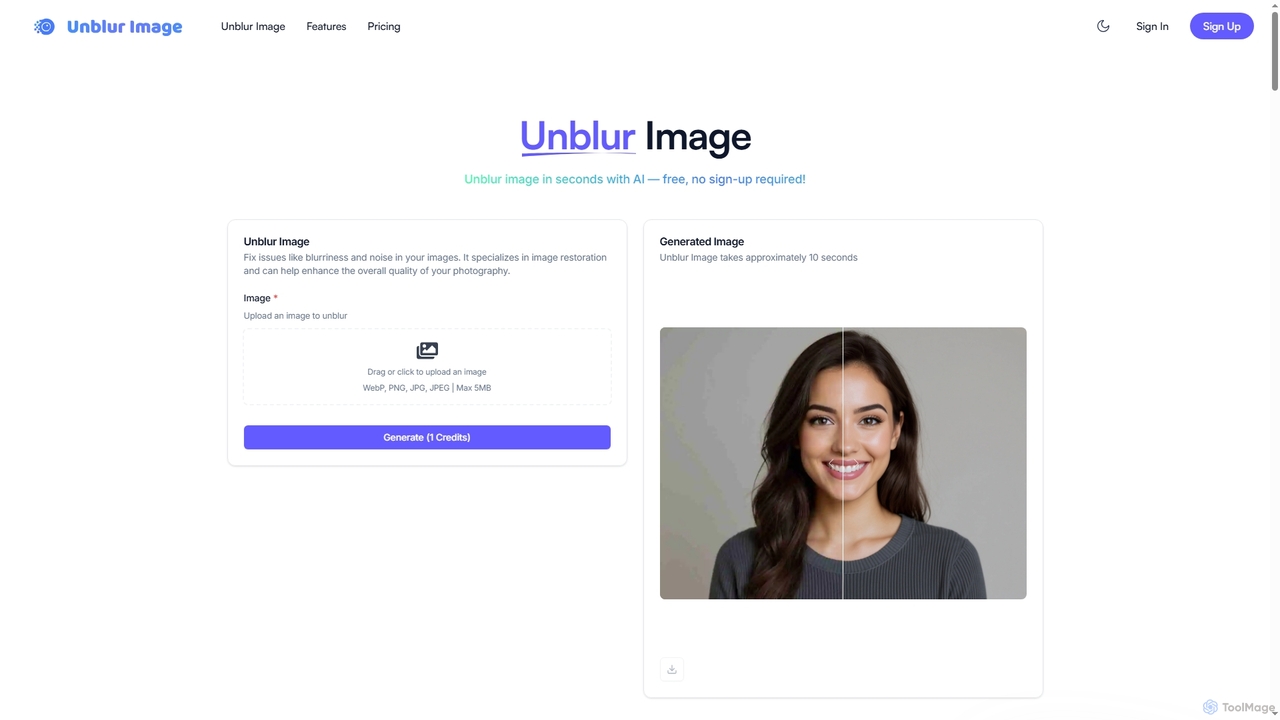
Unblurimg is an advanced AI-powered online tool designed to effortlessly fix blurry photos, restore lost clarity, and enhance overall image quality. It intelligently sharpens details, reduces noise, and can even upscale images with a single click. Offering a generous free tier without requiring sign-up, Unblurimg provides a quick and effective solution to transform unclear memories and professional shots into crisp, high-definition visuals.

Image Processing
Visits 5.5KFavorites 131Likes 137
Nano Banana
Freemium

Nano Banana

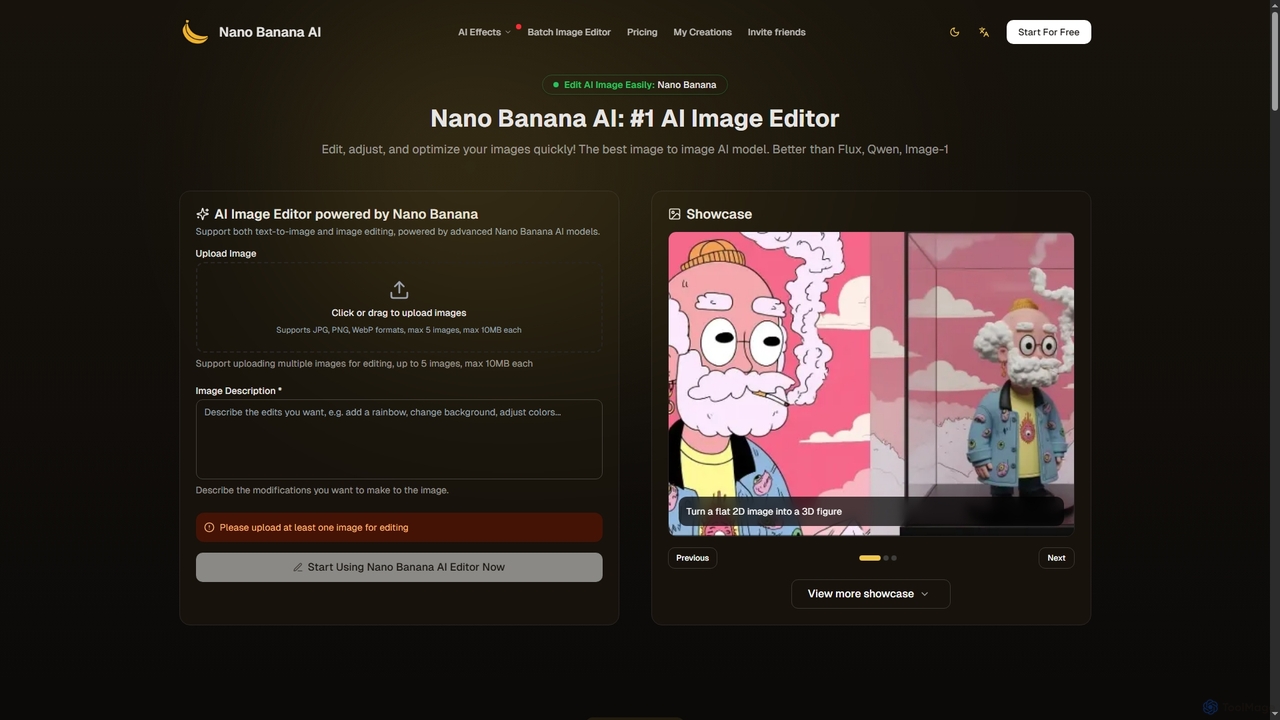
Nano Banana is an advanced AI image editor and generator that allows users to effortlessly transform photos and create stunning visuals. It supports text-to-image generation, comprehensive image editing, and even specialized features like AI action figure creation. With lightning-fast processing and professional-quality output, Nano Banana simplifies complex editing tasks for personal and commercial use.

Digital Art
Visits 385.9KFavorites 107Likes 111
Interior Deco
Paid

Interior Deco

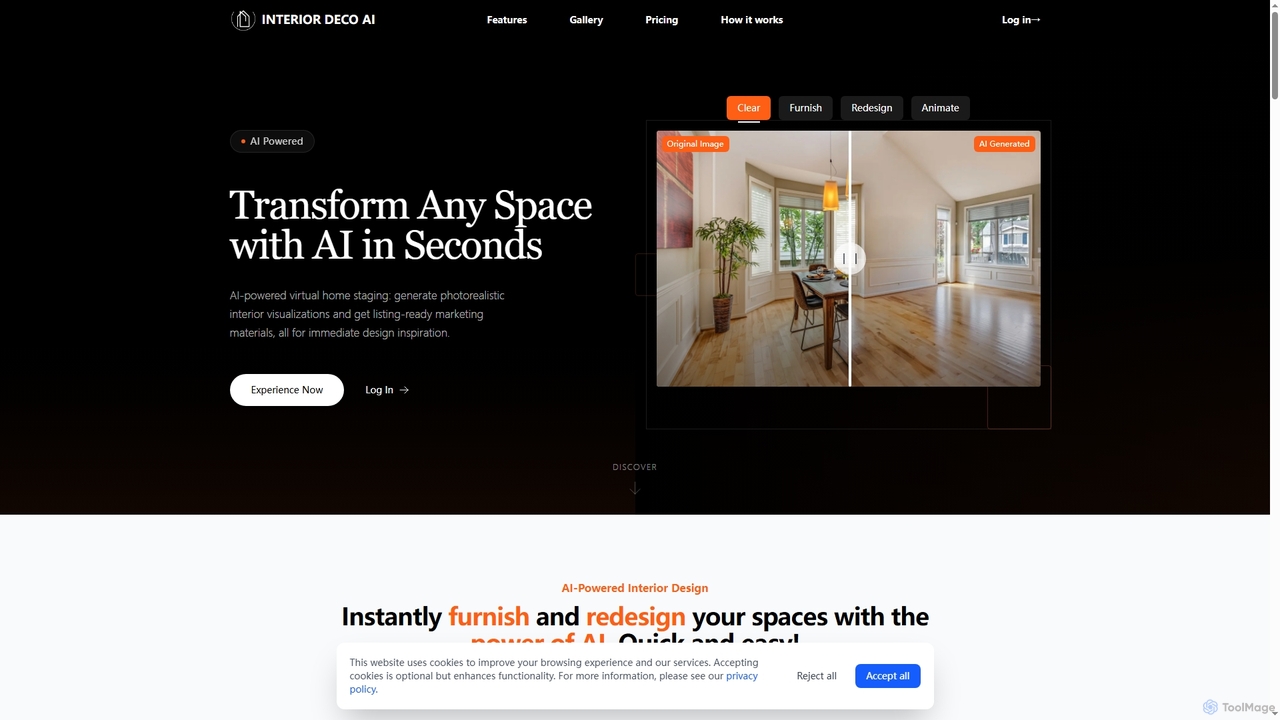
Interior Deco is an AI-powered platform that transforms any room or property image into redesigned furnished visuals and animated videos. It's perfect for real estate agents, interior designers, and homeowners looking to create appealing property listings and visualize design ideas efficiently.

Home Decor
Visits 6.8KFavorites 93Likes 100
Homeshotpro
Freemium

Homeshotpro

HomeShotPro is an AI-powered platform designed for real estate professionals to instantly enhance property photos. It offers features like virtual staging, image enhancement, item removal, and day-to-dusk conversion, helping agents, photographers, and property managers create stunning, market-ready visuals in minutes, ultimately attracting more buyers and selling properties faster.

Enhancement
Visits 5.2KFavorites 126Likes 128
homeshotpro
Freemium

homeshotpro

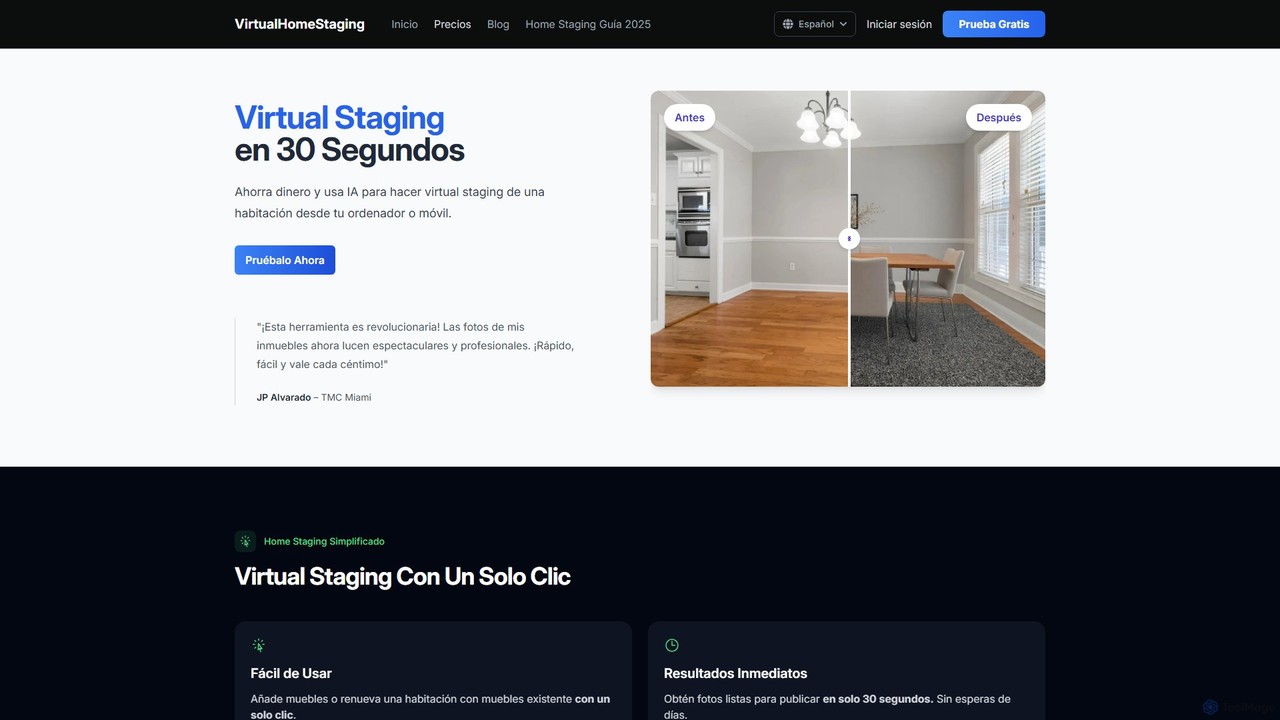
homeshotpro is an AI-powered virtual staging tool that transforms empty or outdated property photos into beautifully furnished, market-ready images in just 30 seconds. Designed for real estate agents and property managers, it helps increase buyer interest, accelerate sales, and secure higher offers by showcasing a property's full potential affordably and instantly.

Enhancement
Visits 5.1KFavorites 151Likes 161
instantdeco
Freemium

instantdeco

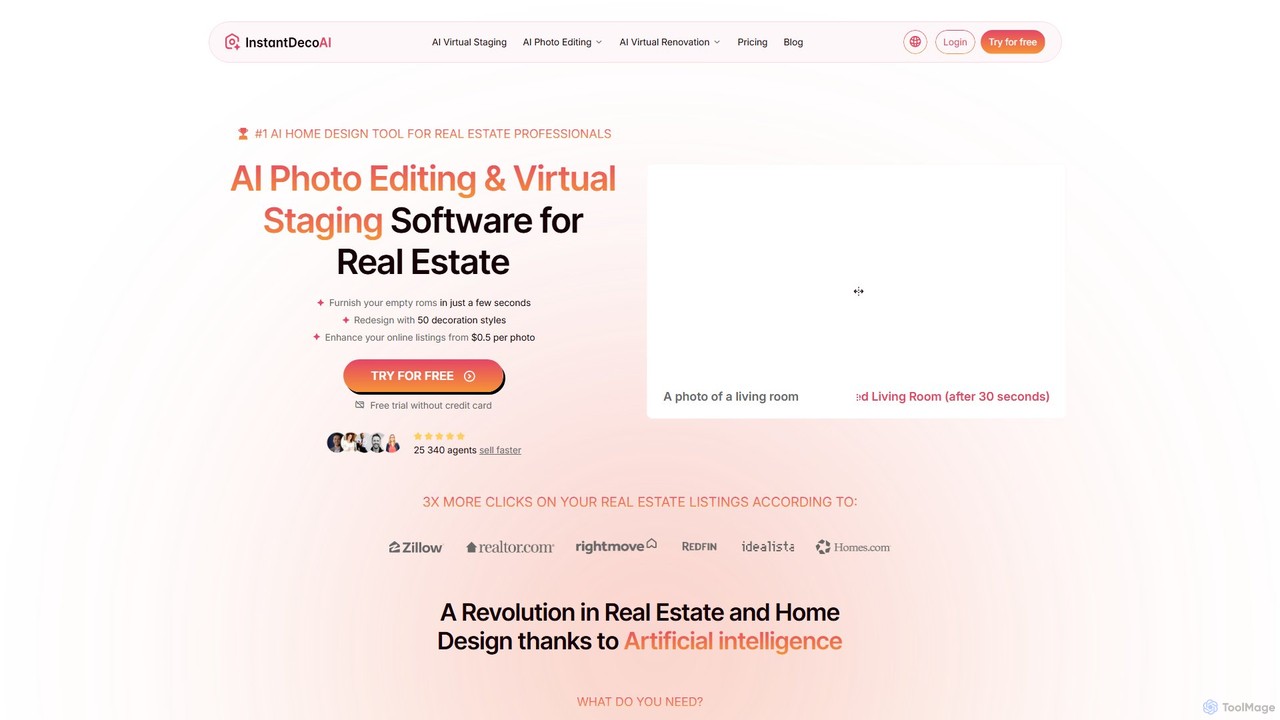
instantdeco is an AI-powered platform for real estate professionals, designers, and property owners. It offers instant virtual staging, interior redesign, photo enhancement, and exterior design in seconds. Transform empty or cluttered rooms into appealing, fully furnished spaces with over 50 design styles, boosting property listings and accelerating sales.

Interior Design
Visits 47KFavorites 133Likes 125
Styldod
Freemium

Styldod

Styldod is an AI-powered platform and expert service for the real estate industry, specializing in virtual staging, image enhancement, clutter removal, and marketing content generation. It helps agents, brokerages, and MLSs create stunning, professional property listings quickly and affordably.

Enhancement
Visits 17.7KFavorites 142Likes 136
Gepetto
Freemium

Gepetto

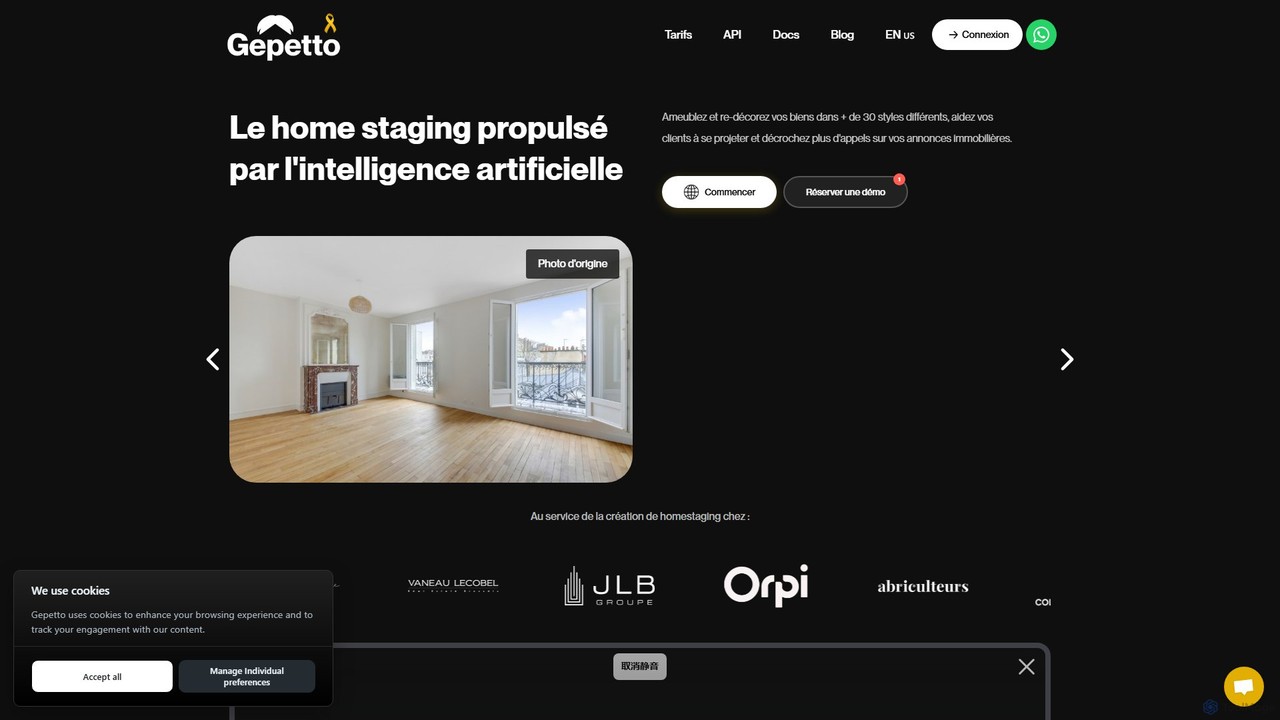
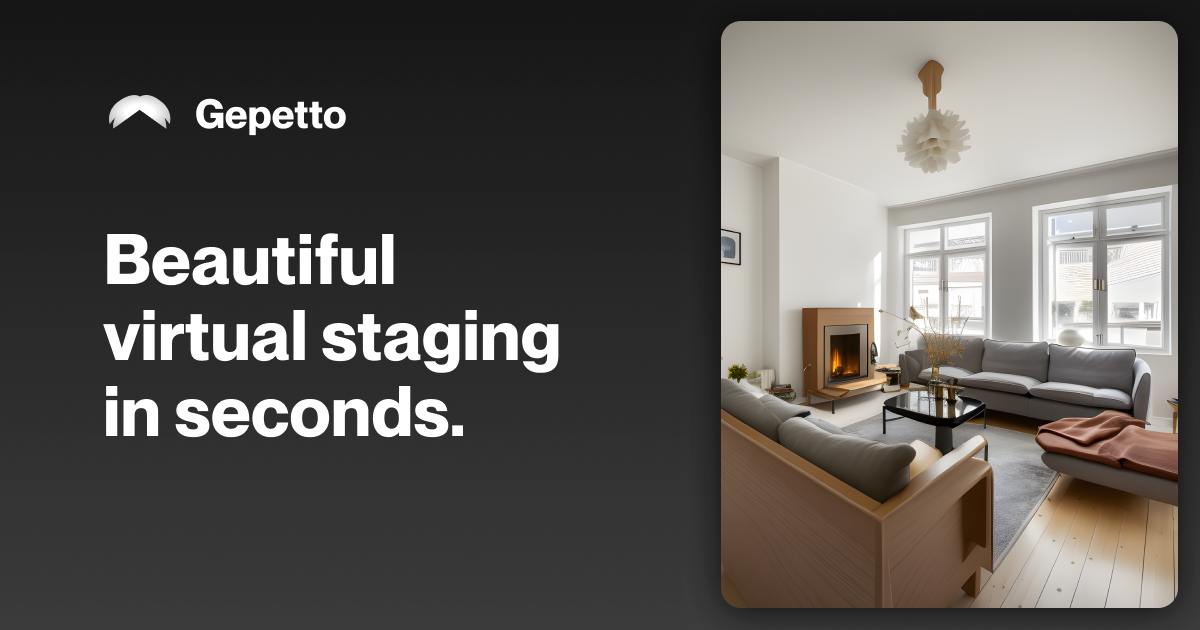
Gepetto is an AI-powered virtual home staging and interior design platform. It enables real estate professionals and designers to furnish empty rooms, redecorate existing spaces in over 30 styles, renovate interiors and exteriors, and enhance property photos in seconds. Simply upload an image to generate photorealistic visualizations, helping clients project themselves and boosting property sales.

Interior Design
Visits 30.5KFavorites 123Likes 134
colossis
Paid

colossis

colossis is an AI-powered tool designed for real estate professionals to create stunning, high-resolution virtual staging images. It effortlessly transforms empty or cluttered property photos into beautifully furnished and decorated spaces in 8K resolution. By decluttering, rearranging furniture, and adding decor, colossis helps listings stand out in crowded search results, attract more clicks, and engage potential buyers or renters more effectively.

Enhancement
Visits 9.2KFavorites 131Likes 114

About Enhancement

AI Image Enhancement tools are a specialized category of image editors that use algorithms to automatically improve the quality of photos and graphics. They leverage deep learning models to analyze and fix common issues like low resolution, blurriness, digital noise, and poor lighting. These tools are ideal for photographers, designers, and marketers who need to quickly upscale images, restore old photos, or sharpen details without complex manual editing. Unlike general editors, their primary focus is on technical quality improvement rather than creative alteration.

Core Features

  • Resolution Upscaling: Increases image dimensions and pixel count using AI to generate sharp, natural details, avoiding traditional pixelation.
  • Noise & Grain Reduction: Intelligently removes unwanted digital noise from low-light or high-ISO photos while preserving textures.
  • Sharpening & Deblurring: Corrects focus issues, motion blur, and general softness to reveal crisp details and clear edges.
  • Color & Light Correction: Automatically adjusts brightness, contrast, and color balance for a more vibrant and realistic appearance.
  • AI Photo Restoration: Repairs scratches, creases, and color fading in old or damaged photographs, often enhancing facial details.

Use Cases

These tools are widely used by professional photographers to salvage imperfect shots, e-commerce businesses to enhance product photos for online stores, and graphic designers to improve the quality of stock images or client-provided assets. They are also valuable for archivists and individuals looking to restore and preserve historical or family photographs.

How to Choose

When selecting an AI Image Enhancement tool, consider its specific capabilities—some excel at upscaling while others focus on restoration. Evaluate its batch processing features for workflow efficiency. Check supported file formats, especially if you work with RAW images. Finally, compare the level of user control; some offer one-click solutions, while others provide sliders for fine-tuning the results.

Featured tool rankings

Enhancement use cases

1

Upscaling Low-Resolution Images for Printing

A graphic designer receives a low-resolution logo from a client for a large-format banner. Using a traditional resizing tool would result in a blurry, pixelated mess. Instead, the designer uploads the logo to an AI Image Enhancement tool. The tool's upscaling feature analyzes the image and intelligently generates new pixel data, increasing the resolution by 4x or 8x while maintaining sharp edges and clear details. The result is a high-resolution, print-ready file that ensures a professional and crisp appearance on the final banner, saving hours of manual vectorization work.

2

Restoring Old Family Photographs

An individual is digitizing their grandparents' photo album. Many photos are faded, scratched, and have color shifts due to age. They use an AI photo restoration tool to breathe new life into these memories. By uploading the scanned images, the AI automatically detects and removes scratches and creases, corrects the faded colors to their original vibrancy, and sharpens blurry faces. This process transforms delicate, damaged prints into clear, shareable digital images, preserving family history for future generations without needing professional restoration services.

3

Enhancing E-commerce Product Photos

An online store owner takes product photos with a smartphone, but they lack the professional polish of competitor sites. The images are slightly soft and the colors aren't perfectly accurate. Instead of a costly reshoot, the owner uses an AI enhancement tool to batch-process the entire photo catalog. The tool automatically sharpens the product details, corrects the color balance to match the real-life product, and adjusts brightness and contrast for a clean, appealing look. This quick, automated step significantly improves the visual quality of the store, leading to increased customer trust and higher conversion rates.

4

Improving Real Estate Photography

A real estate agent takes photos of a property's interior, but due to mixed indoor and window lighting, the images look dark in some areas and have an unnatural color cast. To make the listing more appealing, the agent processes the photos through an AI enhancement tool. The tool's lighting correction feature intelligently brightens shadows without blowing out highlights, creating a balanced exposure. It also automatically neutralizes the color cast, resulting in clean, natural-looking whites and accurate colors. The final images are bright, clear, and inviting, attracting more potential buyers to the online listing.

5

Sharpening User-Generated Content for Marketing

A marketing team runs a campaign encouraging customers to share photos with their product. While the content is authentic, the quality varies, with many images being slightly blurry due to social media compression. To maintain brand standards, the team uses an AI sharpener on the best submissions. The tool enhances fine details and clarifies edges without creating artificial halos. This allows the brand to repurpose authentic customer photos into high-quality marketing assets for social media feeds, ads, and websites, boosting engagement and social proof.

6

Denoising Astrophotography and Night Shots

A photographer captures a stunning long-exposure shot of the Milky Way, but the high ISO setting required results in significant digital noise, obscuring fine details in the stars and nebula. Manually removing this noise is tedious and often softens the image too much. By using a specialized AI denoiser, the photographer can automatically remove the noise while preserving sharp details. The AI is trained to distinguish between noise and actual image data like stars, resulting in a clean, crisp, and detailed night sky photograph that is ready for printing or sharing.

Enhancement FAQ

What are AI Image Enhancement tools?

AI Image Enhancement tools are software applications that use artificial intelligence to automatically improve the technical quality of digital images. Unlike general photo editors, they focus on specific tasks like increasing resolution (upscaling), reducing noise, sharpening blurry details, and correcting colors. They are designed to fix flaws and restore quality with minimal user input, making them powerful for both professionals and casual users.

How do AI enhancers differ from traditional photo editors like Photoshop?

Traditional editors like Photoshop are powerful toolkits that require manual skill and knowledge. A user needs to know which filters, layers, and sliders to adjust to achieve a desired result. AI enhancers, on the other hand, automate these complex processes. They use trained models to analyze the image and apply optimal corrections with one click. While Photoshop offers more creative control, AI enhancers provide a much faster and more accessible way to achieve specific technical improvements like sharpening or upscaling.

What is 'AI upscaling' and how does it work?

AI upscaling is the process of increasing an image's resolution (its pixel dimensions) without the typical blurriness of traditional resizing. It works by using a trained neural network, often a Generative Adversarial Network (GAN), which has learned from millions of high- and low-resolution image pairs. When you provide a low-resolution image, the AI doesn't just stretch the pixels; it intelligently predicts and generates new, realistic pixel data to fill in the gaps, resulting in a larger image that remains sharp and detailed.

Who should use AI Image Enhancement tools?

These tools are beneficial for a wide range of users. Key groups include:

  • Photographers: To rescue shots taken in difficult conditions (e.g., low light, slight motion blur) and to upscale images for large prints.
  • E-commerce Sellers: To quickly improve batches of product photos for a more professional online store.
  • Graphic Designers: To enhance low-quality assets provided by clients or found in stock libraries.
  • Marketers: To improve user-generated content or other visual assets for campaigns.
  • Individuals: To restore old family photos or improve personal snapshots.
How to choose the right AI Image Enhancement tool?

To choose the right tool, consider these factors:

  • Primary Function: Identify your main need. Do you primarily need to upscale, denoise, restore, or correct colors? Some tools specialize, while others are all-in-one.
  • Batch Processing: If you have many images to process, look for a tool with efficient batch processing capabilities to save time.
  • File Format Support: Ensure the tool supports your required formats, such as JPG, PNG, and especially RAW files for professional photography.
  • Integration: Check if it's a standalone application, a web-based tool, or a plugin that integrates with your existing workflow (e.g., Photoshop, Lightroom).
  • Pricing Model: Compare costs, whether it's a one-time purchase, a monthly subscription, or a pay-per-image credit system.