Ailogomaker
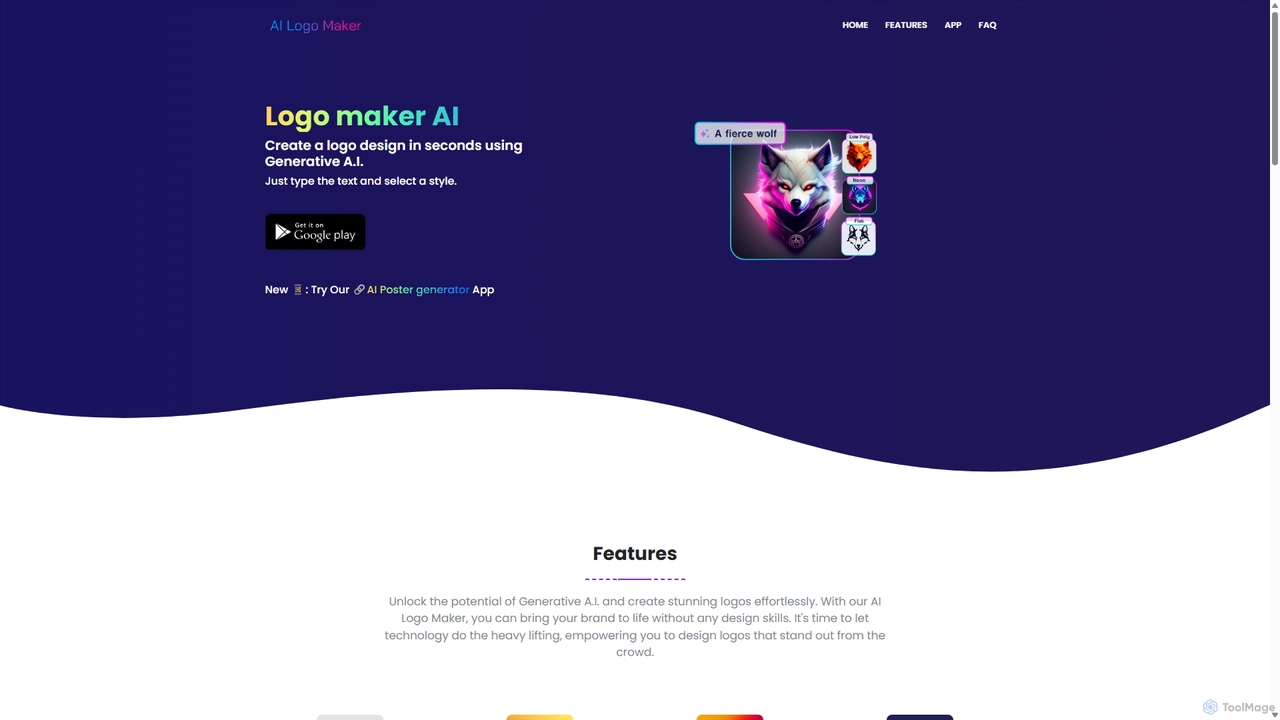
Ailogomaker is an AI-powered logo generator that enables users to create professional and unique logos in minutes, without …
Ailogomaker is an AI-powered logo generator that enables users to create professional and unique logos in minutes, without any design experience. It offers extensive customization options, supports various logo styles, and provides high-resolution, commercially-usable files for your brand.
About Graphics
AI Graphics tools are a sophisticated category of artificial intelligence applications specifically engineered to create, manipulate, and enhance visual content across various mediums. Leveraging advanced machine learning algorithms, these tools can generate stunning images, scalable vectors, and intricate 3D assets from simple text prompts, sketches, or existing media, as well as automate complex and time-consuming editing tasks. They empower artists, graphic designers, marketers, and content creators to significantly accelerate their workflows, explore new creative possibilities, and produce high-quality, professional-grade visuals with unprecedented efficiency, positioning them as a vital component within the broader digital art and design landscape.
Core Features
- Generative Design: Create unique images, illustrations, concept art, or 3D models from textual descriptions, simple inputs, or even rough sketches.
- Style Transfer & Enhancement: Apply diverse artistic styles to existing visuals, upscale image resolutions without loss of detail, or automatically improve overall image quality and aesthetics.
- Object Manipulation: Precisely remove backgrounds, replace specific elements, add new objects into scenes, or modify existing ones with intelligent, context-aware AI assistance.
- Vectorization & Iconography: Convert raster images into scalable vector graphics, generate custom icons, logos, or UI elements that maintain clarity at any size.
- Automated Editing & Restoration: Perform advanced color correction, remove imperfections like blemishes or noise, or restore old, damaged photos with intelligent algorithms, saving significant manual effort.
Use Cases
AI Graphics tools are becoming indispensable for professionals across various industries. Graphic designers utilize them for rapid concept iteration, generating multiple design variations, and creating diverse marketing assets. Marketers leverage these tools to produce engaging visual content for social media campaigns, advertisements, and product mockups at scale. Game developers benefit from AI for quickly generating concept art, textures, and even basic 3D models, accelerating the pre-production phase. E-commerce businesses automate product image editing, ensuring consistent backgrounds and lighting for hundreds of items, while architects and interior designers enhance visualizations with realistic textures and environmental details.
How to Choose
When selecting an AI Graphics tool, evaluate its output quality and fidelity to your specific creative vision and brand guidelines. Consider the breadth and depth of specific features offered, such as advanced generative capabilities, precise editing controls, or robust 3D modeling support. Assess its ease of use, the learning curve involved, and its integration capabilities with your existing design software ecosystem. Furthermore, compare the pricing model, including subscription costs and credit usage, to ensure it aligns with your project volume and budget, and check for community support or available tutorials.

GraphicsUse Cases
Generating Diverse Marketing Visuals
Marketing teams and content creators can leverage AI Graphics tools to rapidly produce a wide array of visual assets for campaigns. By inputting text prompts or reference images, they can generate social media graphics, ad banners, product mockups, and website hero images in various styles and formats, significantly reducing design time and enabling A/B testing with diverse visuals.
Rapid Concept Art for Game & Film Development
Game artists and film concept designers use AI Graphics tools to accelerate the initial ideation phase. They can input descriptions of characters, environments, or props to instantly generate multiple visual concepts, exploring different styles, moods, and compositions. This allows for quicker iteration and refinement, helping to visualize complex ideas before committing to detailed production.
Automated E-commerce Product Image Enhancement
E-commerce businesses and online retailers can utilize AI Graphics tools to streamline their product photography workflow. These tools can automatically remove backgrounds, adjust lighting, correct colors, and even generate lifestyle mockups for hundreds of product images simultaneously. This ensures visual consistency across product listings, saves significant manual editing time, and enhances the overall professional appearance of online stores.
Personalized Digital Art and Illustration Creation
Individual artists and hobbyists can use AI Graphics tools to create unique digital artworks and illustrations without extensive manual drawing skills. By providing textual prompts describing desired scenes, characters, or abstract concepts, they can generate high-quality images in various artistic styles. This democratizes art creation, allowing for personal expression and the exploration of imaginative ideas with ease.
Enhancing Architectural & Interior Design Visualizations
Architects, interior designers, and real estate professionals can employ AI Graphics tools to elevate their project visualizations. These tools can add realistic textures to 3D models, generate diverse environmental backgrounds, or even populate interior spaces with furniture and decor based on design specifications. This helps clients better envision proposed designs, making presentations more impactful and engaging.
Creating Scalable Vector Graphics for Branding & UI/UX
Graphic designers and UI/UX specialists can use AI Graphics tools to generate scalable vector graphics, icons, and logos. From simple text descriptions or rough sketches, AI can produce clean, editable vector assets that maintain quality at any resolution. This is particularly useful for branding projects, website interfaces, and mobile app designs, ensuring visual consistency and flexibility.