ToolMage
Sign in

Best 3 Creative Assistant for Design

Popular Creative Assistant in Design include Saifs AI, Odyssey, and Fluxx, helping you work more efficiently.

Odyssey
Paid

Odyssey

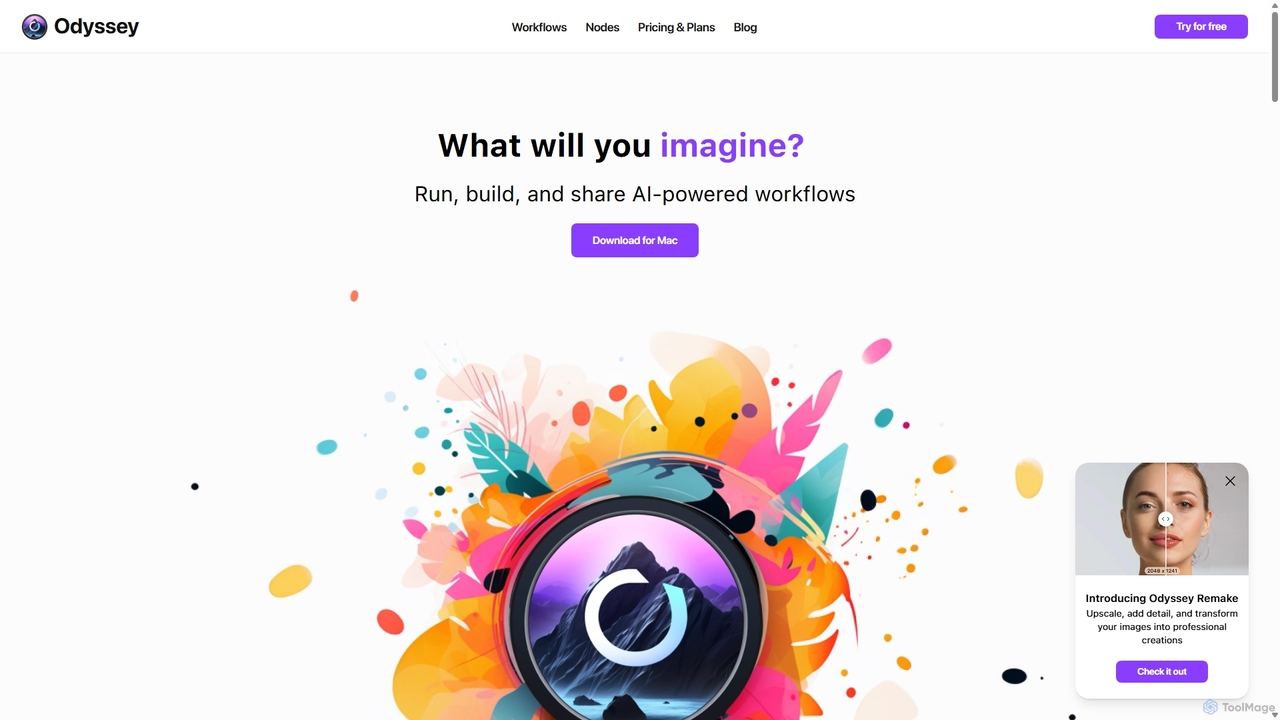
Odyssey is an all-in-one desktop application for macOS that empowers users to build, run, and share complex AI-powered workflows. It combines image generation, text processing, and powerful automation in a visual, node-based editor. With a focus on privacy, it runs major AI models like Stable Diffusion and Llama2 locally on your machine, ensuring your data remains secure. It's a one-time purchase for a lifetime license, designed for creatives, marketers, and developers.

Creative Assistant
Visits 10KFavorites 131Likes 124
Fluxx
Freemium

Fluxx

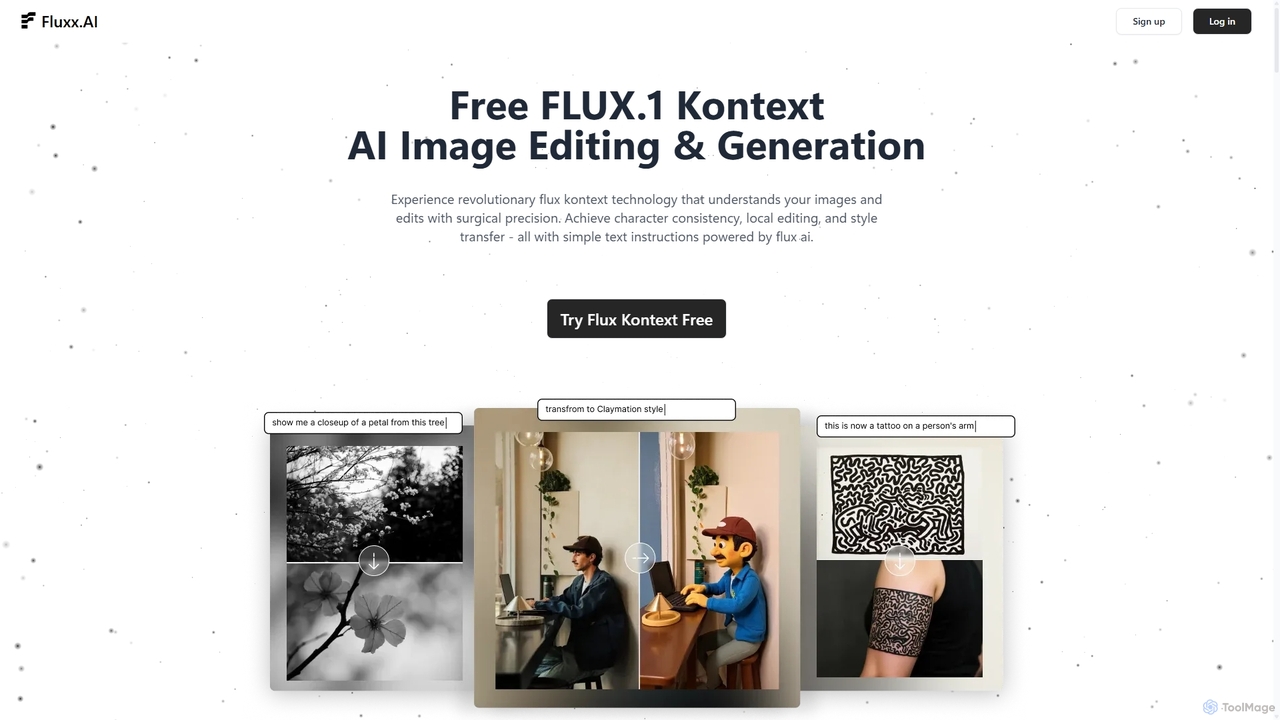
Fluxx is a revolutionary AI image editing and generation platform powered by the FLUX.1 Kontext model. It uniquely understands both text and visual context, enabling surgical precision in local edits, maintaining character consistency across scenes, and executing style transfers with simple text instructions. Developed by the team behind Stable Diffusion, it offers professional-grade results with exceptional speed.

Creative Assistant
Visits 9.6KFavorites 162Likes 150
Saifs AI
Paid

Saifs AI

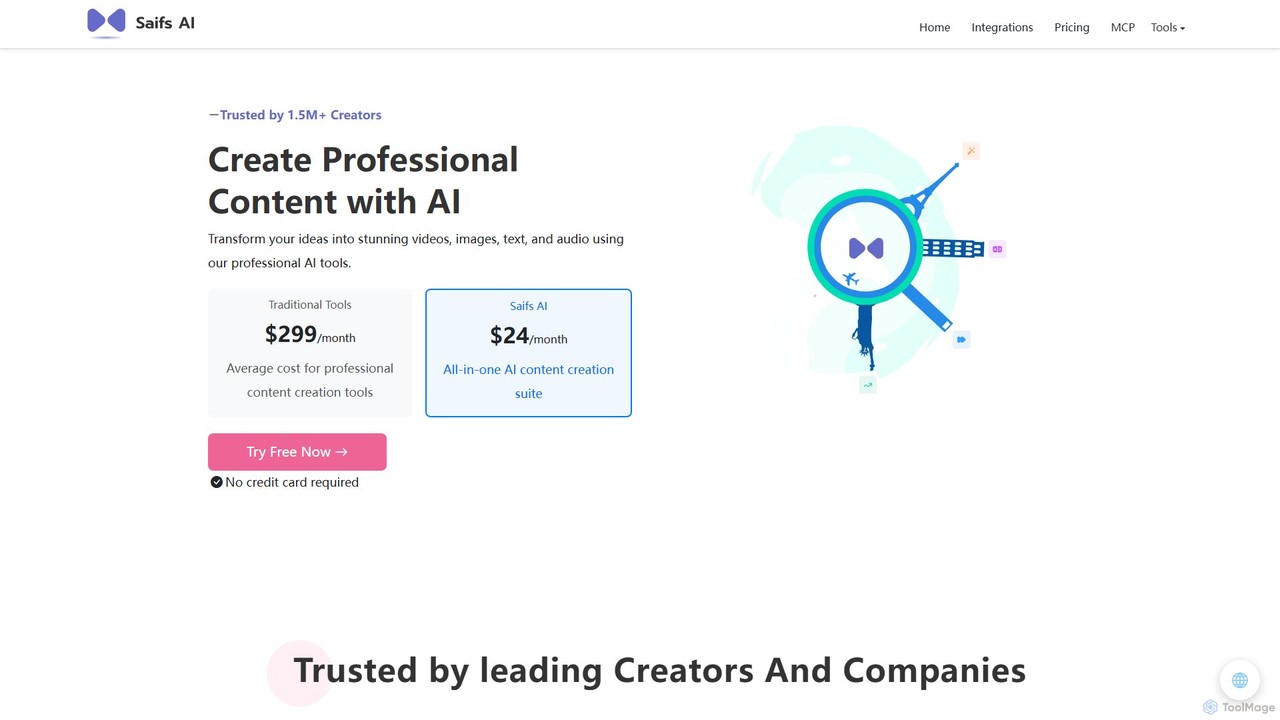
Saifs AI is a comprehensive AI-powered suite for professional content creation. It offers a range of tools for generating and editing video, images, text, and audio. Its key strength lies in its seamless integrations with popular platforms like Adobe Creative Suite, Canva, Figma, and Google Workspace, embedding AI capabilities directly into your existing workflows.

Generative Ai
Visits 57.1KFavorites 123Likes 129

About Creative Assistant

Creative Assistant tools are AI-powered partners designed to augment and accelerate the human creative process. They leverage generative models and vast datasets to provide inspiration, generate initial concepts, and help overcome creative blocks. These assistants are particularly valuable in the early stages of a design project, offering everything from mood boards and color palettes to alternative design variations. Unlike tools focused solely on final execution, a Creative Assistant acts as a collaborative brainstormer, enriching the ideation phase.

Core Features

  • Conceptual Brainstorming: Generates diverse ideas, themes, and visual directions based on simple text prompts or images.
  • Automated Mood Boarding: Quickly curates and arranges images, color schemes, and typography to establish a project's aesthetic.
  • Style Exploration & Variation: Applies various artistic styles to a concept or produces multiple iterations of a single idea.
  • Inspiration Discovery: Analyzes user input to find relevant visual references and emerging design trends from across the web.

Use Cases

These tools are ideal for graphic designers, marketing teams, UI/UX professionals, and content creators. They are used for initiating branding projects, brainstorming advertising campaign visuals, exploring different user interface styles, and generating fresh ideas for social media content.

How to Choose

When selecting a Creative Assistant, consider the scope of its creative capabilities (e.g., image, text, color), its integration with your existing design software (like Figma or Adobe CC), the level of user control over generated outputs, and the quality of its underlying inspiration database.

Featured tool rankings

Creative Assistant use cases

1

Brainstorming a New Brand Identity

A freelance designer is tasked with creating a brand identity for a new eco-friendly coffee shop. Using a Creative Assistant, they input keywords like 'organic,' 'community,' 'warm,' and 'modern.' The AI generates dozens of logo concepts, suggests earthy color palettes, and provides font pairings that match the brand's ethos. This process, which would typically take days of manual research and sketching, is condensed into a few hours, providing a rich set of initial directions to present to the client.

2

Creating a Marketing Campaign Mood Board

A marketing team is planning a summer campaign for a new beverage. They use a Creative Assistant to build a comprehensive mood board. By providing a brief description of the target audience and campaign goals, the tool automatically gathers vibrant lifestyle images, suggests catchy taglines, and curates a color scheme that evokes a feeling of refreshment and fun. This allows the team to align on a visual direction quickly before committing resources to photoshoots and graphic design.

3

Exploring UI Design Styles for an App

A UI/UX designer needs to present different visual concepts for a new mobile banking app. Instead of manually creating multiple mockups, they use a Creative Assistant. They upload a basic wireframe, and the tool applies various design styles—such as minimalist, neumorphic, and dark mode—to it. This enables stakeholders to visualize different possibilities instantly and make an informed decision on the app's final look and feel, significantly speeding up the design approval process.

4

Overcoming Creative Block for Social Media

A social media manager is responsible for creating daily content for a fashion brand but is running out of ideas. They turn to a Creative Assistant for inspiration. By inputting the theme 'autumn collection,' the AI suggests post concepts, generates visually appealing image ideas, writes draft captions in different tones of voice, and even recommends relevant trending hashtags. This helps maintain a consistent and engaging content calendar without creative burnout.

5

Developing Concepts for Interior Design

An interior designer is working on a client's living room project. They upload a photo of a single piece of furniture the client loves. The Creative Assistant analyzes the item's style, color, and texture, then generates a complete room concept around it. It suggests complementary furniture, wall colors, lighting fixtures, and decor items, presenting them in a cohesive mood board. This provides a powerful visual tool for client consultations and design development.

6

Generating Unique Prompts for Digital Art

A digital artist is looking for a new source of inspiration to break their routine. They use a Creative Assistant's 'idea mixer' function. The tool combines random concepts, such as 'cyberpunk forest' and 'art nouveau astronaut,' to create unique and challenging prompts. This sparks new creative pathways and helps the artist explore themes and styles they might not have considered otherwise, pushing the boundaries of their personal portfolio.

Creative Assistant FAQ

What is an AI Creative Assistant?

An AI Creative Assistant is a tool designed to act as a collaborative partner in the creative process, particularly during the ideation and conceptualization phases. Unlike tools that simply execute commands, it helps generate ideas, find inspiration, create mood boards, and explore different stylistic directions. It's built to augment human creativity, not replace it, by overcoming creative blocks and accelerating brainstorming.

How does a Creative Assistant differ from an AI Image Generator?

The primary difference lies in their purpose. An AI Image Generator is focused on the final output—creating a specific image from a detailed prompt. A Creative Assistant is focused on the process—it helps with the journey of discovering an idea. While it may generate images, its core function is broader, including suggesting color palettes, creating mood boards, and providing multiple conceptual directions to help a designer or artist brainstorm and refine their vision.

How do I choose the right AI Creative Assistant?

To choose the right tool, consider these factors:

  • Creative Focus: Does it specialize in visuals, text, color theory, or a combination? Match it to your primary need.
  • Integration: Check if it connects with your main design software (e.g., Figma, Adobe Creative Suite) for a smooth workflow.
  • Control vs. Automation: Decide if you prefer a tool that gives you fine-grained control or one that provides highly automated suggestions.
  • Collaboration Features: If you work in a team, look for features that allow sharing and feedback on generated ideas.
Who can benefit from using an AI Creative Assistant?

A wide range of professionals and hobbyists can benefit. This includes graphic designers starting new projects, marketing teams brainstorming campaigns, UI/UX designers exploring interface styles, content creators seeking fresh ideas, and artists or writers looking to overcome creative blocks. Essentially, anyone involved in the initial stages of a creative project can use these tools to enhance their workflow and output.

What are the key functions of a Creative Assistant?

Key functions go beyond simple idea generation. They typically include:

  • Mood Board Creation: Automatically compiling images, colors, and fonts to define a visual style.
  • Concept Variation: Taking a single idea and producing numerous alternatives in different styles.
  • Trend Analysis: Identifying and suggesting emerging visual trends relevant to your project.
  • Inspirational Search: Providing a more intuitive, context-aware visual search than standard search engines.