

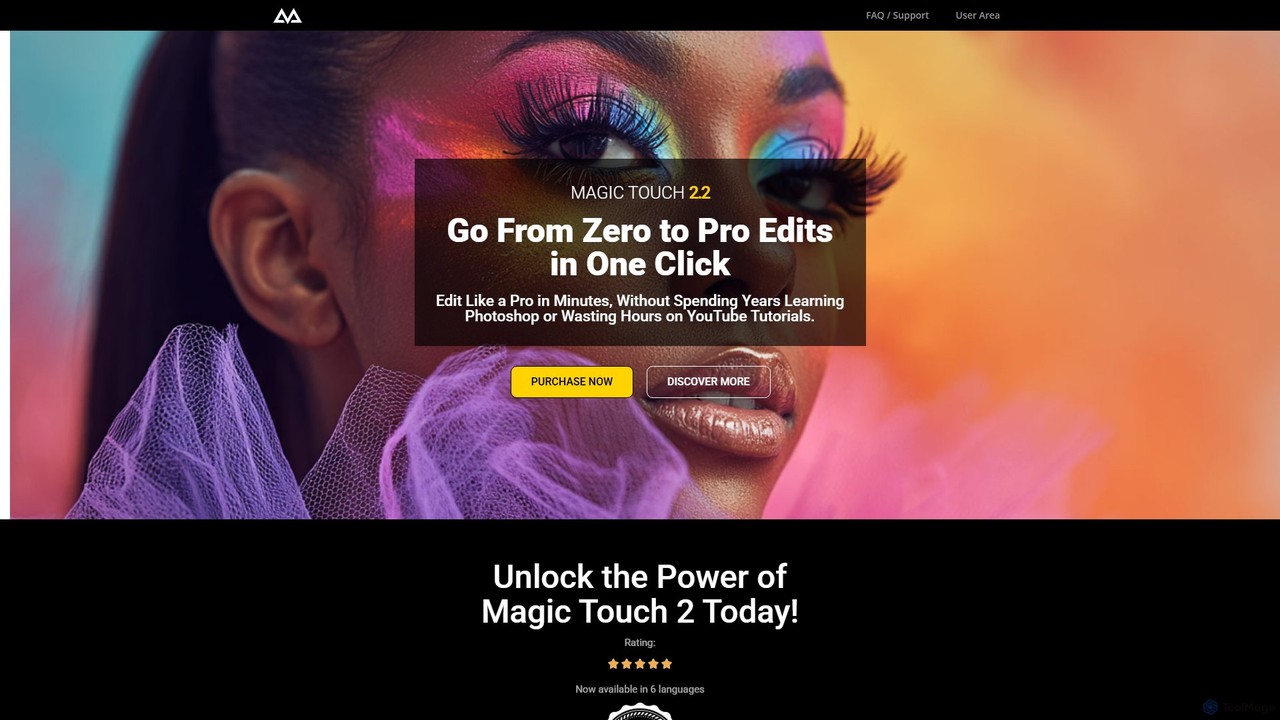
CreativeMagicPanel Overview
CreativeMagicPanel is a revolutionary plugin for Adobe Photoshop, engineered to transform your photo editing process. Trusted by over 32,000 creatives, it allows you to go from a standard shot to a professionally edited masterpiece in just minutes, not hours. By integrating advanced AI, including face and body recognition powered by Adobe Sensei, the panel automates complex tasks that would typically require years of experience to master. It offers a comprehensive suite of over 289 tools and features, making it one of the most powerful workflow acceleration tools available for photographers.
The core philosophy behind CreativeMagicPanel is to eliminate tedious, repetitive tasks and empower users to focus on their creativity. Whether you're a portrait, wedding, or landscape photographer, this panel provides everything you need to enhance your images. From one-click skin smoothing that bypasses complex frequency separation techniques to sophisticated color matching algorithms, the panel is designed for both speed and quality. It's a one-time purchase, granting you lifetime access to unlimited edits and future updates without any subscriptions.
How to use CreativeMagicPanel
Using CreativeMagicPanel is designed to be intuitive and seamless. First, you purchase and download the panel for your operating system (Windows or macOS). After installation within Adobe Photoshop (CC 2023 or newer for Magic Touch 2.2), the panel appears in your workspace. Simply open an image you wish to edit. You can then navigate through the panel's organized sections, such as Retouching, Color Tools, Corrections, and Overlays. Select a feature, like 'Perfect Skin' or an AI-driven face adjustment, and apply it with a single click. The panel intelligently creates and manages layers, allowing for full control and non-destructive editing.
Core Features of CreativeMagicPanel
- AI Face & Body Recognition: Automatically detects and allows for one-click adjustments to eyes, nose, lips, and face shape using Adobe Sensei AI.
- Perfect Skin Retouching: Achieve flawless, natural-looking skin in seconds with advanced algorithms that simplify the process, eliminating the need for manual frequency separation.
- 289+ Tools and Features: A massive library of actions, filters, and looks, including quick actions, professional color grading tools, image corrections, and luminosity mask selections.
- Advanced Color Matching: A sophisticated algorithm allows you to transfer the color palette from a reference image to your photo seamlessly.
- Creative Overlays: Enhance your images with a vast collection of custom overlays, including premium light effects, analog light leaks, and realistic skies.
- One-Time Payment: Get lifetime access to the panel and all future updates with a single purchase, with no recurring subscription fees.
- Cross-Platform Compatibility: Fully compatible with both Windows and Mac, and optimized for Apple Silicon (M-series) chips.
Use Cases for CreativeMagicPanel
Portrait Photographers: Drastically reduce retouching time for client portraits. Effortlessly smooth skin, enhance eyes and lips, and apply stylistic color grades to create stunning final images.
Wedding Photographers: Speed up the post-production of hundreds of photos. Apply consistent looks and corrections across an entire wedding album with just a few clicks.
Commercial & E-commerce Photographers: Quickly polish product photos, correct colors, and ensure a clean, professional look for online stores and advertisements.
Landscape Photographers: Use tools like sky replacement, color enhancement, and dynamic range correction to bring out the best in your scenic shots.
Social Media Influencers & Content Creators: Create high-quality, eye-catching images for your feed without needing to be a Photoshop expert, ensuring a consistent and professional aesthetic.
Advantages of CreativeMagicPanel
The primary advantage of CreativeMagicPanel is the immense time savings it offers, increasing editing speed by up to 40x. This allows photographers to take on more clients and increase their earnings. Its intuitive, one-click interface makes professional retouching accessible to users of all skill levels. The one-time payment model is a significant financial benefit over subscription-based software. Furthermore, the AI-driven features deliver consistently high-quality results that would otherwise require significant manual effort and technical skill.
Pricing and Plans
CreativeMagicPanel is available through a one-time payment, with several promotional packages offering significant value. All plans include lifetime access and free future updates.
- Full House Collection: Priced at a promotional rate of $59.99 (full price $650). This is the most comprehensive package, including the Magic Touch 2 Plugin, Magic Color Plugin, Match Color Pro 3 Plugin, Magic Scape Panel, and extensive bonuses like 100+ premium overlays, 26 ACR presets, 30 color LUTs, and more.
- Creative Master Pack: Available for $47.78 (full price $266). This pack includes the core plugins and all the same bonuses as the Full House Collection, offering a powerful toolkit for most users.
- Essential Magic Pack: A foundational package that includes the core Magic Touch 2 plugin and essential features to get started with accelerated editing.
All purchases are secure and can be made via Credit Card, Debit Card, PayPal, Apple Pay, or Google Pay.
Traffic
Latest traffic
Status
Monthly traffic trend
- 2025-9: 5.4K
- 2026-1: 16.2K
- 2026-2: 13.6K
- 2026-3: 12.5K
- 2026-4: 15.9K
- 2026-5: 11.0K
Geography
Top 5 countries / regions
- 🇯🇲Jamaica84.5%
- 🇺🇸United States10.6%
- 🇲🇽Mexico4.4%
- 🇮🇳India0.5%
Top keywords
| Keyword | Cost per click |
|---|---|
| beautify retouch panel | $0.00 |
| color grading panel photoshop | $0.00 |
| fast retouch panel | $0.00 |
| makeup plugin photoshop | $0.00 |
| photoshop retouch plugins | $2.56 |
CreativeMagicPanel Alternatives
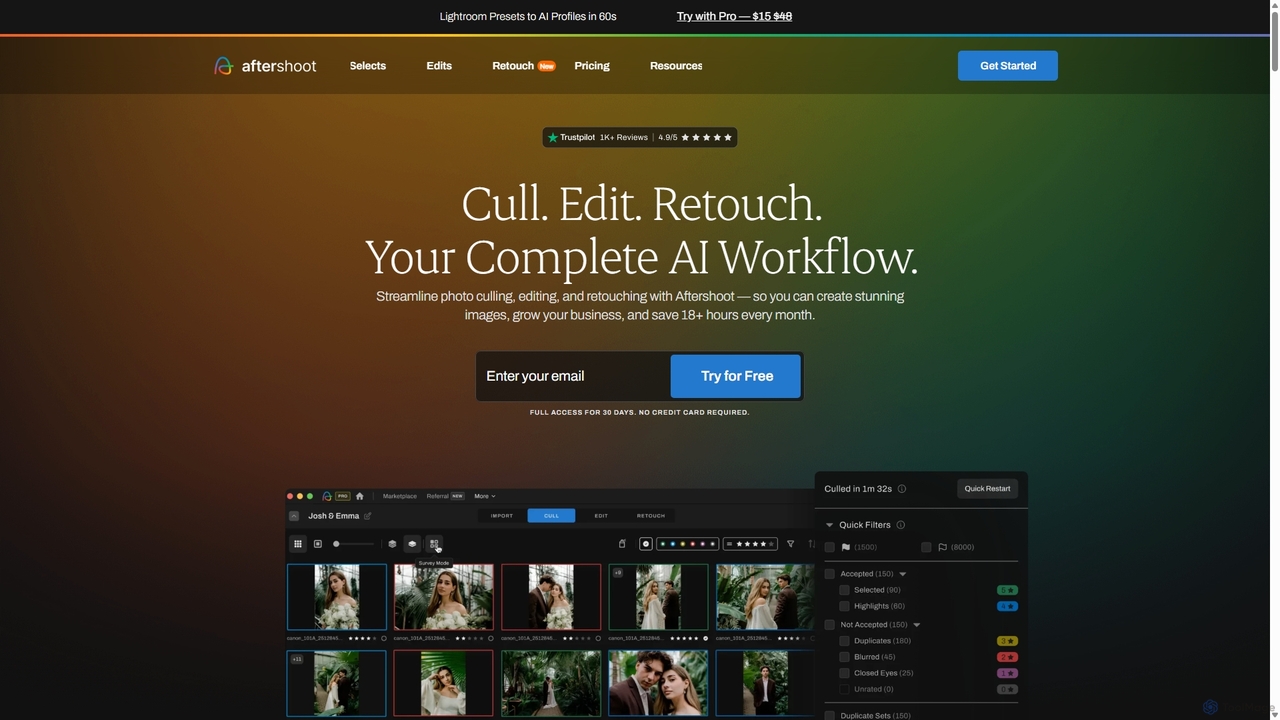
Aftershoot
Aftershoot is an all-in-one AI software for photographers, designed to automate and streamline the post-production workflow. It offers intelligent culling to select the best photos, personalized AI editing that learns your style, and advanced AI retouching for portraits. By handling tedious tasks, Aftershoot saves photographers over 18 hours per month, ensuring consistent results and allowing them to focus on creativity and business growth.
Photography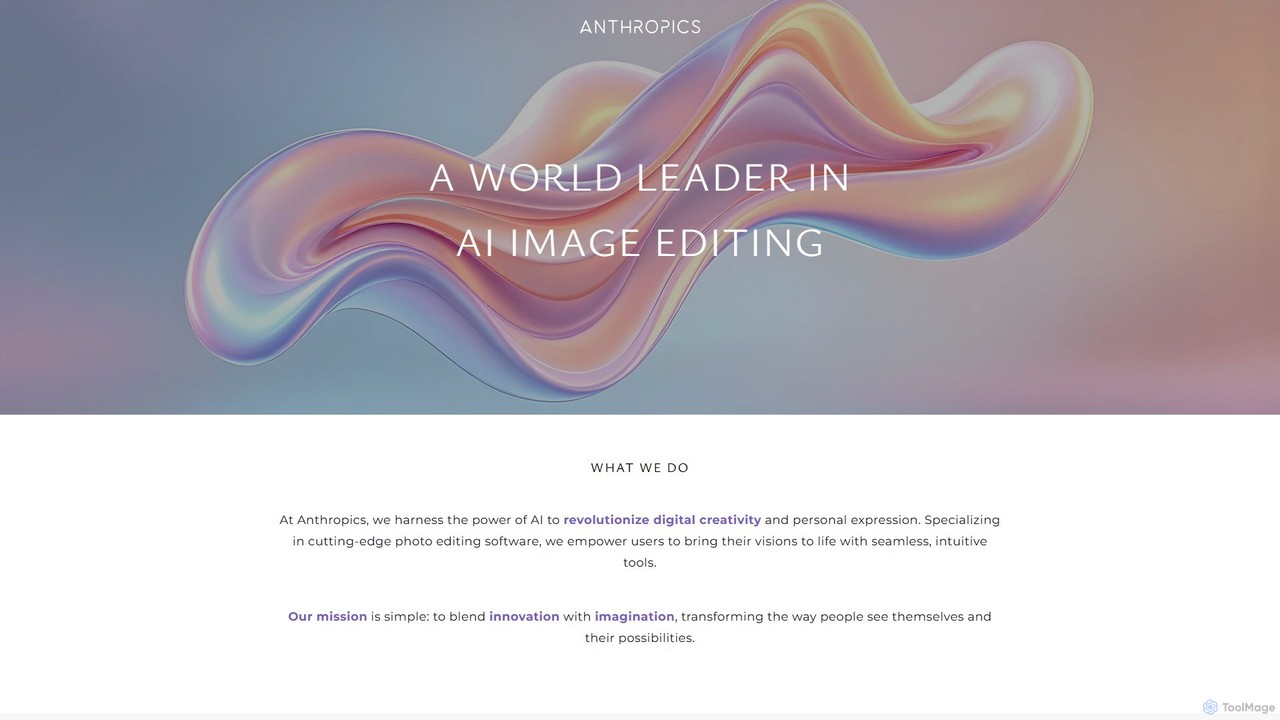
Anthropics Technology
Anthropics Technology develops a world-leading suite of AI-powered photo editing software, including PortraitPro, LandscapePro, and PortraitPro Body. These tools use advanced AI and generative AI to automate complex retouching and enhancement tasks, enabling both professionals and amateurs to achieve stunning, natural-looking results with incredible speed and ease.
Retouching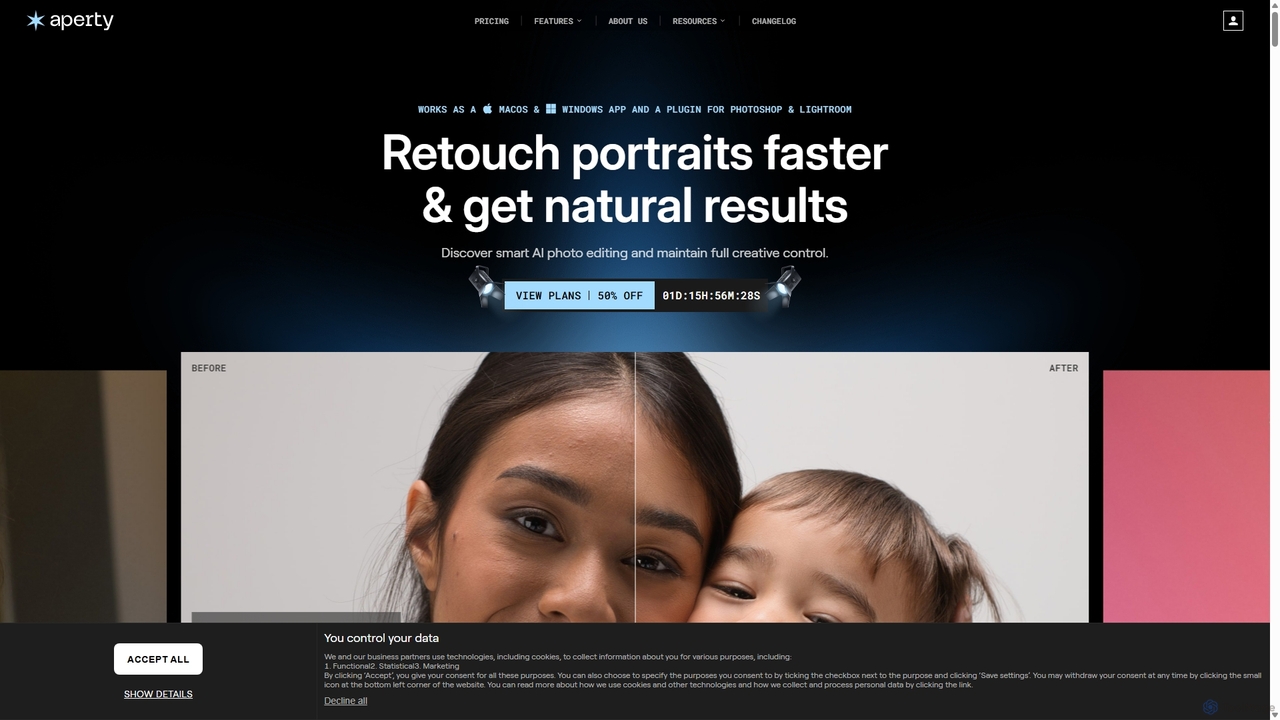
Aperty
Aperty is an AI-powered portrait photo editor designed for photographers to accelerate their retouching workflow. It offers smart, natural-looking enhancements for skin, eyes, and makeup, and functions as a standalone app for macOS/Windows or as a plugin for Photoshop and Lightroom, ensuring full creative control and efficiency.
Graphics
remove.bg
remove.bg is an AI-powered tool that automatically removes the background from any image in just 5 seconds. It uses advanced AI to accurately handle challenging edges like hair and fur. Ideal for photographers, e-commerce businesses, marketers, and developers, it offers web, desktop, and plugin integrations to streamline workflows.
Editing
Jotform
Jotform is a powerful no-code online form builder that allows anyone to create custom forms for data collection, payments, and workflow automation. With a drag-and-drop interface, over 10,000 templates, and extensive integrations, it simplifies everything from lead generation and surveys to event registrations and e-commerce. Its robust security features, including HIPAA and PCI compliance, make it a trusted choice for over 30 million users worldwide.
Data CollectionCreativeMagicPanel Categories
CreativeMagicPanel Embed Widget
Copy this embed code to place the badge on your blog, article, or product site and send readers directly to this ToolMage detail page.

Related AI tools
Aftershoot
Aftershoot is an all-in-one AI software for photographers, designed to automate and streamline the post-production workflow. It offers intelligent culling to select the best photos, personalized AI editing that learns your style, and advanced AI retouching for portraits. By handling tedious tasks, Aftershoot saves photographers over 18 hours per month, ensuring consistent results and allowing them to focus on creativity and business growth.
PhotographyAnthropics Technology
Anthropics Technology develops a world-leading suite of AI-powered photo editing software, including PortraitPro, LandscapePro, and PortraitPro Body. These tools use advanced AI and generative AI to automate complex retouching and enhancement tasks, enabling both professionals and amateurs to achieve stunning, natural-looking results with incredible speed and ease.
Retouching
Nano Banana
Nano Banana is an advanced AI image editor and generator that allows users to effortlessly transform photos and create stunning visuals. It supports text-to-image generation, comprehensive image editing, and even specialized features like AI action figure creation. With lightning-fast processing and professional-quality output, Nano Banana simplifies complex editing tasks for personal and commercial use.
Digital Art
InstantEditAI
InstantEditAI is an AI-powered photo editing tool that delivers professional-grade results in minutes. Specializing in one-click color correction, skin smoothing, and cropping, it's perfect for wedding, event, and family photos. Choose from over 30 styles created by top photographers to transform your images without needing complex software.
Image EditingAperty
Aperty is an AI-powered portrait photo editor designed for photographers to accelerate their retouching workflow. It offers smart, natural-looking enhancements for skin, eyes, and makeup, and functions as a standalone app for macOS/Windows or as a plugin for Photoshop and Lightroom, ensuring full creative control and efficiency.
Graphics
Retouch4me
Retouch4me is a suite of AI-powered plugins and standalone apps designed for professional photographers and videographers. It automates complex retouching tasks like skin smoothing, background cleaning, and color correction, integrating seamlessly with Photoshop, Lightroom, and other editors to dramatically speed up workflows while maintaining natural-looking results.
3D
pixcakeai
pixcakeai is a commercial-grade AI photo editing software for professional photographers. It offers pixel-level retouching with a powerful RAW engine, 16-bit color, and advanced AI tools for portrait enhancement, object removal, and color matching, streamlining the entire photography workflow.
3D
aihomedesign
aihomedesign is an AI-powered toolbox for the real estate industry, designed to enhance property listings. It offers a suite of tools including virtual staging, item removal, image enhancement, and day-to-dusk conversion, delivering photorealistic results in just 30 seconds. It's built for agents, photographers, and brokerages to create stunning visuals quickly and affordably, helping properties stand out and sell faster.
Interior Design
Color.io
Color.io is an AI-powered RAW photo editor and 3D LUT creator for photographers and filmmakers. It specializes in advanced film emulation, cinema-quality color grading, and AI-driven look transfer. Create and export professional 3D LUTs compatible with DaVinci Resolve, Premiere Pro, Lightroom, and more.
3D
MimicPhoto
MimicPhoto is a professional-grade AI photo and video editing suite. It excels at manipulating facial expressions, relighting photos, and animating static images into dynamic videos. With features like text-based image editing, AI effects, face swapping, and object removal, it's designed for photographers, content creators, and marketers to save time and produce stunning, natural-looking results.
Avatars
Mediachance
Mediachance offers a comprehensive suite of innovative graphics, video, and multimedia software for Windows. Since 1998, they have developed powerful tools for digital artists, photographers, and writers, including AI-powered applications like Dynamic Auto Painter for artistic photo conversion, AI Photo & Art Enhancer for upscaling, and NovelForge AI for creative writing assistance.
3D
FilterPixel
FilterPixel is an AI-powered software designed for photographers to automate and accelerate photo culling and editing. It intelligently selects the best images from large batches by filtering out blurry, out-of-focus, or poorly composed shots. The AI can also learn your unique editing style to apply consistent enhancements across entire galleries, saving you hours of post-production work and helping you deliver stunning results faster.
3D
Styldod
Styldod is an AI-powered platform and expert service for the real estate industry, specializing in virtual staging, image enhancement, clutter removal, and marketing content generation. It helps agents, brokerages, and MLSs create stunning, professional property listings quickly and affordably.
Enhancement
Colorify
Colorify is an AI-powered tool that automatically adds realistic color to black and white photos. By leveraging advanced deep learning algorithms, it breathes new life into historical images, old family portraits, and any monochrome picture. Simply upload your image, and the AI will intelligently analyze and colorize it in seconds, preserving details and creating a vibrant, natural-looking result. It's perfect for historians, genealogists, artists, and anyone looking to restore and reimagine their vintage photo collections.
Photography
whatcharacterdoilooklike
An AI-powered entertainment tool that analyzes your photo to find your doppelgänger among thousands of characters from movies, TV shows, and games. It offers a fun face-matching experience, allowing you to discover your look-alike and even swap faces with them. The service is free, privacy-conscious, and perfect for sharing on social media.
Face Swap
CreativeMagicPanel Comments (0)
Sign in to comment.
Sign inNo comments yet.