Image Editing Best in category 3 results Retouching AI Tool

Popular AI tools in the Retouching field of Image Editing include Enhancor、CreativeMagicPanel、Makehot, etc., helping you quickly improve efficiency.

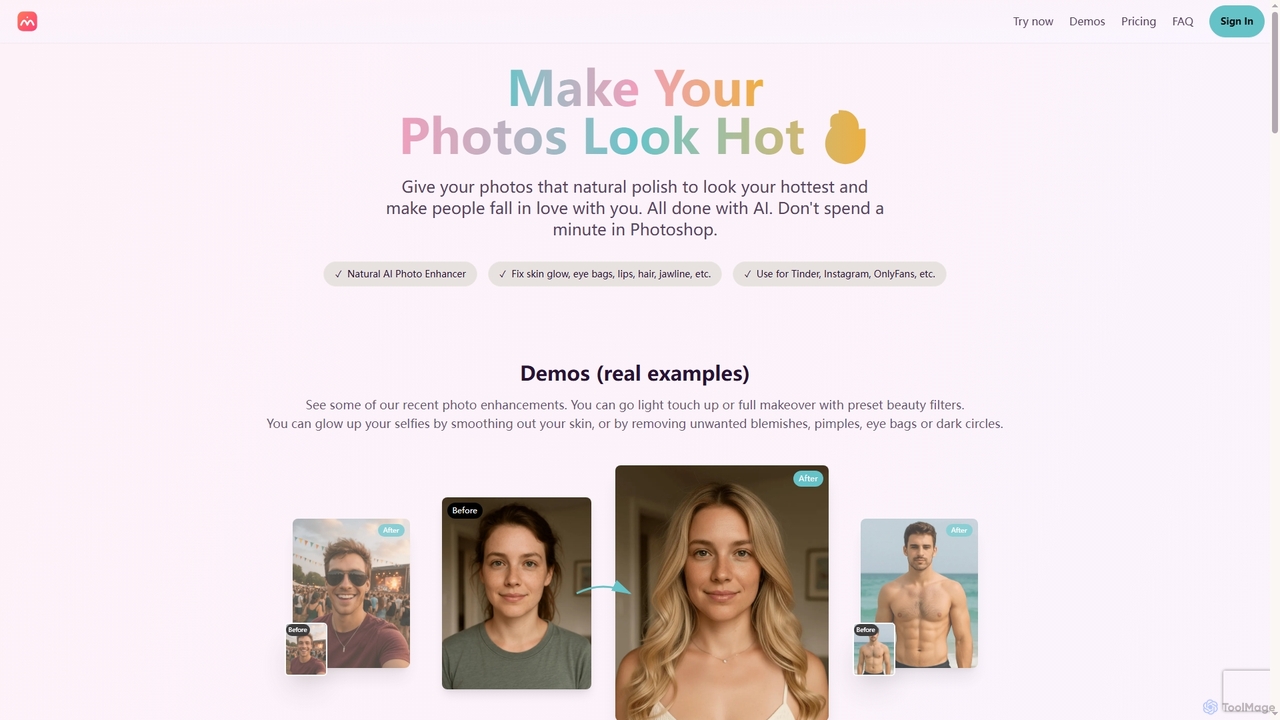
Makehot

Makehot

Makehot is an AI-powered photo enhancer designed to naturally improve your photos in seconds. It offers features like …

2.9K
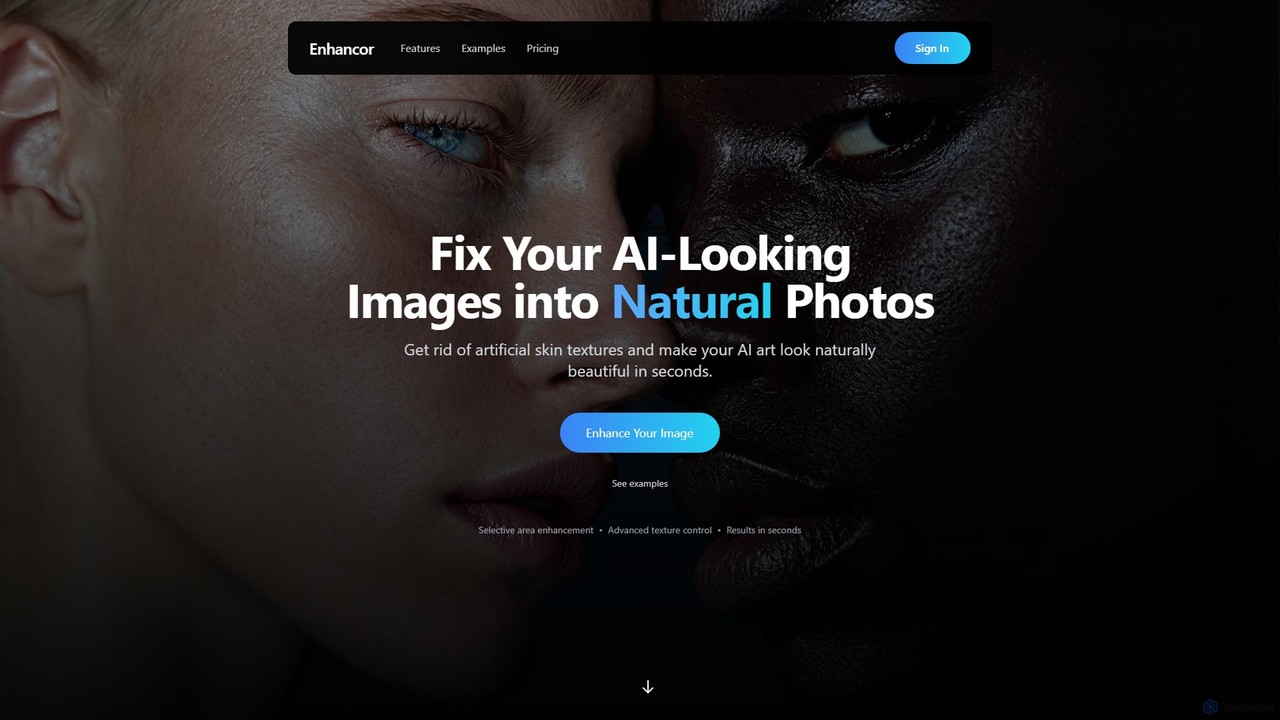
Enhancor

Enhancor

Enhancor is an AI-powered tool designed to transform AI-generated images into photorealistic portraits. It specializes in fixing artificial-looking …

241.1K
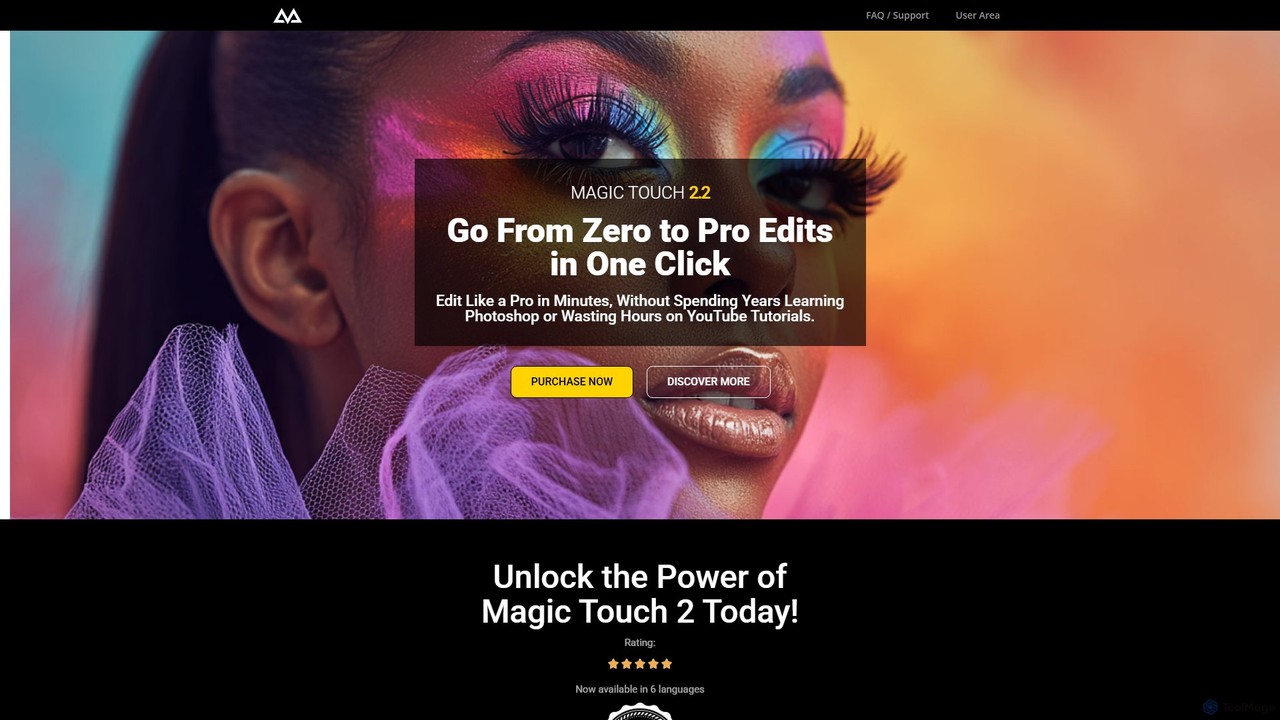
CreativeMagicPanel

CreativeMagicPanel

CreativeMagicPanel is an AI-powered retouching panel for Adobe Photoshop designed to dramatically accelerate your photo editing workflow. With …

17.7K

About Retouching

AI Retouching tools are specialized applications that use artificial intelligence to automate and perfect the process of enhancing digital photos. They leverage advanced algorithms to identify and correct imperfections, such as skin blemishes, wrinkles, or unwanted objects, with remarkable precision. These tools are designed to produce natural-looking results, saving significant time compared to manual editing in traditional software. The core value lies in their ability to simplify complex retouching tasks, making professional-grade photo enhancement accessible to a wider range of users.

Core Features

  • Intelligent Skin Enhancement: Automatically detects and smooths skin while preserving natural texture and pores, avoiding an artificial look.
  • Blemish and Imperfection Removal: Uses AI to identify and seamlessly remove acne, scars, spots, and other minor flaws with a single click.
  • Content-Aware Object Removal: Erases unwanted elements or people from an image and intelligently reconstructs the background.
  • Automated Portrait Adjustments: Enhances facial features by brightening eyes, whitening teeth, and subtly reshaping contours for a more flattering look.
  • Background Manipulation: Precisely separates the subject from the background for easy replacement, blurring, or extension.

Use Cases

AI Retouching tools are widely used by professional photographers for wedding, portrait, and fashion shoots to accelerate post-production workflows. E-commerce businesses rely on them to clean up product photos for consistent and appealing online catalogs. Additionally, social media creators and individuals use these tools to create polished, high-quality images for their profiles and posts.

How to Choose

When selecting an AI Retouching tool, consider the quality and realism of its automated results—good tools preserve texture. Evaluate its batch processing capabilities for handling large photo sets. Check for integration options, such as plugins for Adobe Photoshop or Lightroom, to fit into your existing workflow. Finally, assess the level of manual control offered, as the ability to fine-tune AI suggestions is crucial for professional work.

RetouchingUse Cases

1

High-Volume Portrait Retouching for Photographers

A professional portrait photographer often shoots hundreds of photos for a single client session. Manually retouching each image to remove minor blemishes, smooth skin, and enhance eyes can take hours or even days. By using an AI Retouching tool, the photographer can apply intelligent presets across the entire photo set. The AI automatically detects faces, smooths skin while retaining texture, whitens teeth, and adds a subtle sparkle to the eyes. This reduces the editing time by up to 80%, allowing the photographer to deliver finished galleries faster and take on more clients.

2

E-commerce Product Image Cleanup

For an online store, product images must be clean, consistent, and free of distractions. However, photos often capture dust, fingerprints, scratches, or unwanted reflections on the product. An e-commerce manager can use an AI Retouching tool to quickly clean up these imperfections across thousands of images. The tool's object removal feature can also erase props or supports used during the photoshoot, creating a perfect 'floating' product on a clean background. This ensures a professional and uniform look for the entire product catalog, which can directly impact customer trust and conversion rates.

3

Polishing Social Media Content

Social media influencers and content creators need to maintain a consistent and high-quality visual aesthetic. An AI Retouching tool allows them to quickly enhance their selfies and lifestyle photos before posting. They can instantly remove temporary skin blemishes, reduce under-eye circles from a long day of shooting, and even subtly adjust lighting on their face to look their best. The background enhancement features also help in creating a more professional look by blurring distracting backgrounds, making the subject stand out more effectively.

4

Real Estate Photo Enhancement

In real estate marketing, compelling photos are essential to attract potential buyers. AI Retouching tools help agents and photographers improve property images by removing distracting elements. This can include erasing cars from a driveway, removing clutter like trash cans or garden hoses from the yard, or even fixing patches of dead grass on a lawn. The result is a cleaner, more idealized version of the property that is more likely to capture a buyer's interest and make a strong first impression online.

5

Restoring and Reviving Old Photographs

Families often have cherished old photographs that are damaged by time, showing scratches, creases, dust spots, or fading. AI Retouching tools equipped with restoration features can work wonders on these images. The AI can intelligently identify and remove scratches and creases by reconstructing the damaged areas based on surrounding pixels. It can also enhance faded colors and improve overall clarity, breathing new life into precious memories and preserving them for future generations without requiring specialized manual restoration skills.

6

Streamlining Fashion and Beauty Editorials

In the fast-paced world of fashion and beauty magazines, editors work with tight deadlines to produce flawless images. AI Retouching tools are used to perform high-end skin retouching, ensuring a consistent and perfect complexion on models across an entire editorial spread. The tools can handle complex tasks like removing stray hairs, evening out skin tone, and cleaning up makeup smudges with precision. This automation allows human editors to focus their expertise on more creative and stylistic adjustments, such as color grading and composition.

RetouchingFrequently Asked Questions