

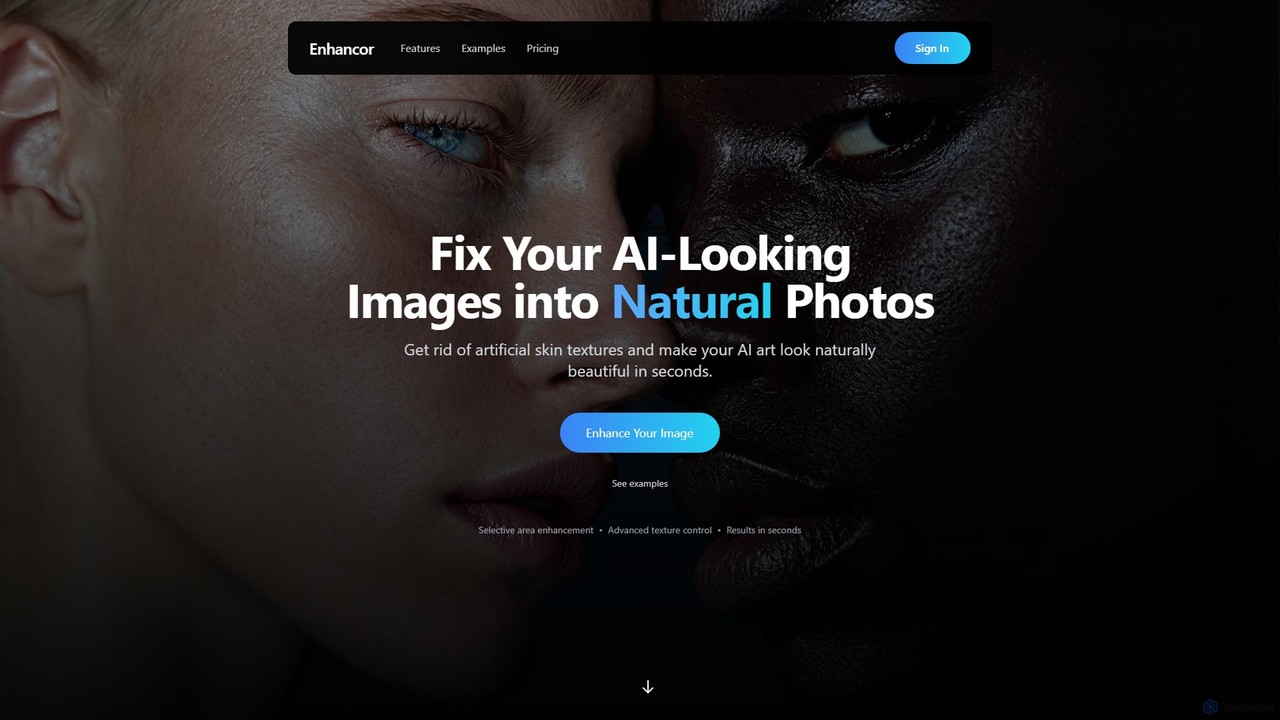
Enhancor Overview
Enhancor is a specialized AI tool dedicated to elevating the quality of AI-generated images, particularly portraits, to a level of photorealism previously unattainable. It addresses a common issue in AI art: the unnaturally smooth and artificial-looking skin. By leveraging advanced machine learning models, Enhancor meticulously analyzes and reconstructs skin textures, replacing the artificial sheen with lifelike details, realistic pores, and natural light scattering. This process transforms a digital creation into a portrait that is virtually indistinguishable from a high-quality photograph, all within seconds.
The platform is designed for a wide range of users, from digital artists and photographers to social media managers and creators of virtual influencers. It provides an intuitive interface with powerful controls, allowing for both broad enhancements and fine-tuned adjustments. Beyond skin texture, Enhancor also offers 4K upscaling capabilities, ensuring that the final images are not only realistic but also crystal-clear and ready for professional use. A key principle of the tool is identity preservation, meaning it enhances the quality and realism without altering the fundamental facial features and identity of the subject.
How to use Enhancor
Using Enhancor is a straightforward process designed for efficiency and ease of use:
- Upload Your Image: Start by uploading an AI-generated image in a common format like PNG, JPEG, or WebP. The tool is compatible with outputs from Midjourney, DALL-E, Stable Diffusion, and other generators.
- Optimize for Cost (Optional): Before processing, you can use the built-in smart cropping and resizing tools. The face detection feature automatically identifies and crops to the facial area, and the resizer allows you to adjust dimensions, helping you save up to 60% on processing credits.
- Select Enhancement Areas: Choose the specific parts of the image you want to enhance. You can select the entire face or target specific zones like the skin, nose, mouth, or eyes for more focused results.
- Fine-Tune Controls: Adjust the intuitive sliders for Texture, Detail, and Smoothness to achieve your desired look. You can also choose from predefined texture styles like 'Natural', 'Smooth', or 'Detailed'.
- Process and Download: Once you are satisfied with the settings, click to process the image. The enhancement is typically completed in seconds. You can then download the high-resolution, photorealistic result.
For the Cinematic B-roll Generator, the process is prompt-based: describe your scene, choose a camera style (e.g., iPhone) and aspect ratio, fine-tune realism, and generate the image.
Core Features of Enhancor
- AI Skin Realism Technology: Replaces artificial smoothness with natural skin textures, including realistic pores, light scattering, and subtle imperfections.
- 4K Ultra HD Upscaling: Enhances image resolution up to 4096x4096 pixels, delivering stunning detail and sharpness without artifacts.
- Selective Area Enhancement: Provides the ability to apply enhancements to specific facial areas (face, skin, eyes, etc.) while leaving other parts untouched.
- Precise Control Panel: Features intuitive sliders to control the intensity of texture, detail, and smoothness, giving users full creative command.
- Identity Preservation: Advanced algorithms ensure that while the texture and quality are improved, the core identity and recognizable features of the subject are maintained.
- Built-in Cost Optimization Tools: Includes smart face cropping and image resizing to reduce the number of credits used per image, making the process more economical.
- Cinematic B-roll Generator: A new feature to instantly create realistic, cinematic B-roll images from text prompts, perfect for video content creators.
- Broad Compatibility: Seamlessly works with images created by any major AI image generation platform.
Use Cases for Enhancor
Enhancor is a valuable tool for various creative and professional applications:
- AI Artists & Digital Illustrators: To add a final layer of photorealism to their character portraits and concept art, making their creations more believable and impactful.
- Virtual Influencer Creators: To humanize AI-generated models like Lil Miquela or Aitana Lopez, giving them lifelike skin and features that resonate with audiences on social media.
- Social Media & Marketing Professionals: To create high-quality, realistic visuals for campaigns without the need for expensive photoshoots.
- Video Content Creators: To generate realistic source images for image-to-video animations or to create custom cinematic B-roll for YouTube, TikTok, and Reels.
- Photographers: To enhance and retouch digital portraits, adding texture and detail that may have been lost during editing.
Advantages of Enhancor
Enhancor stands out with several key advantages:
- Unmatched Realism: It focuses specifically on the most challenging aspect of AI portraits—skin—and delivers exceptionally natural results.
- Speed and Efficiency: The entire enhancement process takes just a few seconds, dramatically speeding up creative workflows.
- User Control: Unlike fully automated tools, Enhancor provides granular control over the enhancement process.
- Cost-Effective: With built-in optimization tools and flexible credit-based plans, it offers a high return on investment.
- API Access: Available for higher-tier plans, allowing for integration into custom workflows and applications.
Pricing and Plans
Enhancor offers a flexible, credit-based subscription model where credits never expire and roll over monthly.
- Basic ($9/mo): 9,900 monthly credits for up to 90 enhancements at HD resolution (1080p). Includes basic skin enhancement and standard tools.
- Creator ($19/mo): 20,900 monthly credits for up to 190 enhancements at up to 2K resolution. Includes advanced skin enhancement and priority processing.
- Professional ($35/mo): 43,750 monthly credits for up to 250 enhancements at up to 4K resolution. Offers photo-real restoration, full precision controls, and highest priority processing.
- Enterprise ($99/mo): 108,000 monthly credits for up to 707 enhancements at up to 4K resolution. Includes team management tools, 24/7 priority support, and full API access.
Traffic
Latest traffic
Status
Monthly traffic trend
- 2025-9: 485.0K
- 2026-1: 454.6K
- 2026-2: 344.9K
- 2026-3: 252.3K
- 2026-4: 239.4K
- 2026-5: 176.5K
Geography
Top 5 countries / regions
- 🇺🇸United States56.2%
- 🇮🇳India16.5%
- 🇩🇪Germany10.8%
- 🇧🇷Brazil8.9%
- 🇮🇩Indonesia7.7%
Traffic sources
| Source type | Percentage |
|---|---|
Direct | 91.7% |
Referral | 7.5% |
Email | 0.9% |
Top keywords
| Keyword | Cost per click |
|---|---|
| enhancer ai | $0.85 |
| enhancor | $1.78 |
| enhancor ai | $1.29 |
| enhancor v4 | $0.00 |
| kora ai | $9.90 |
Enhancor Videos on YouTube


Enhancor Alternatives
Video Ocean
Video Ocean is an all-in-one AI creative studio that transforms ideas into stunning videos and images. It offers a comprehensive suite of tools, including text-to-video, image-to-video, lip-sync, and multi-reference generation, making high-quality video production accessible to everyone, from marketers to content creators.
Image Generation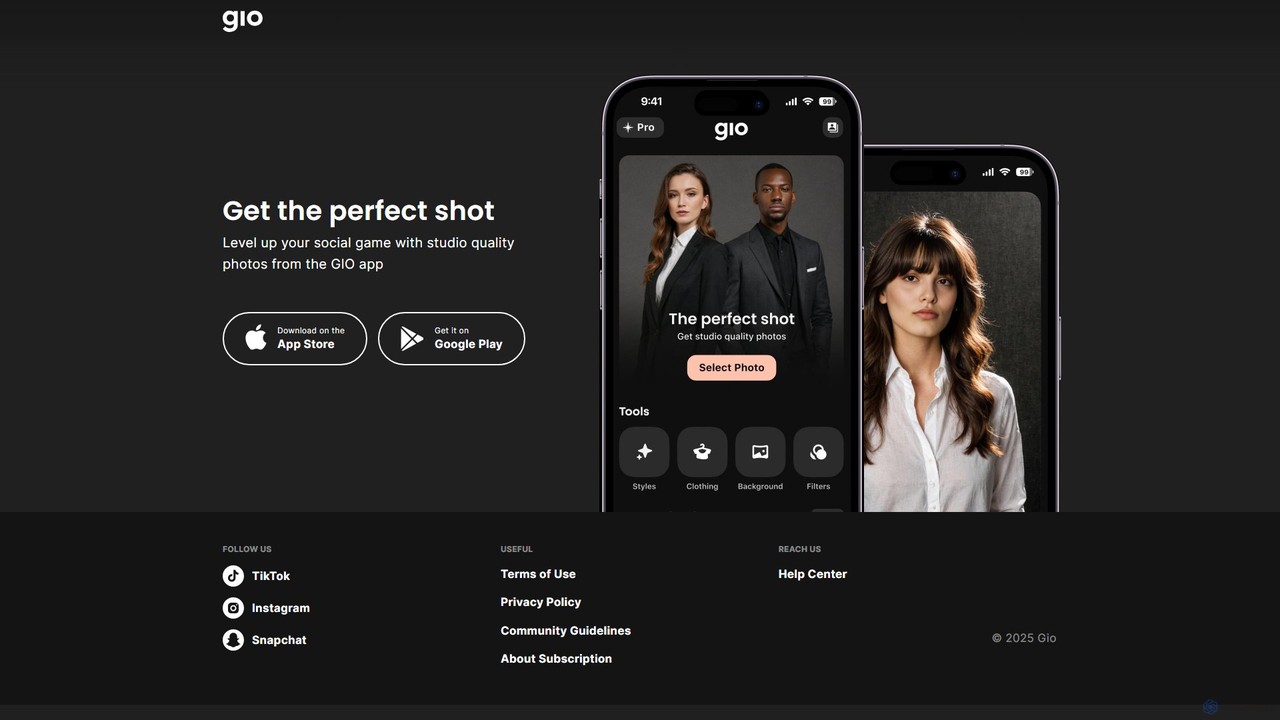
Gio
Gio is an AI-powered mobile photo editing app designed to elevate your social media content. It transforms regular photos into studio-quality images with just a few taps. Ideal for influencers, professionals, and anyone looking to create stunning portraits and headshots, Gio offers a suite of advanced AI tools for effortless, professional-grade results directly from your smartphone.
Image Generation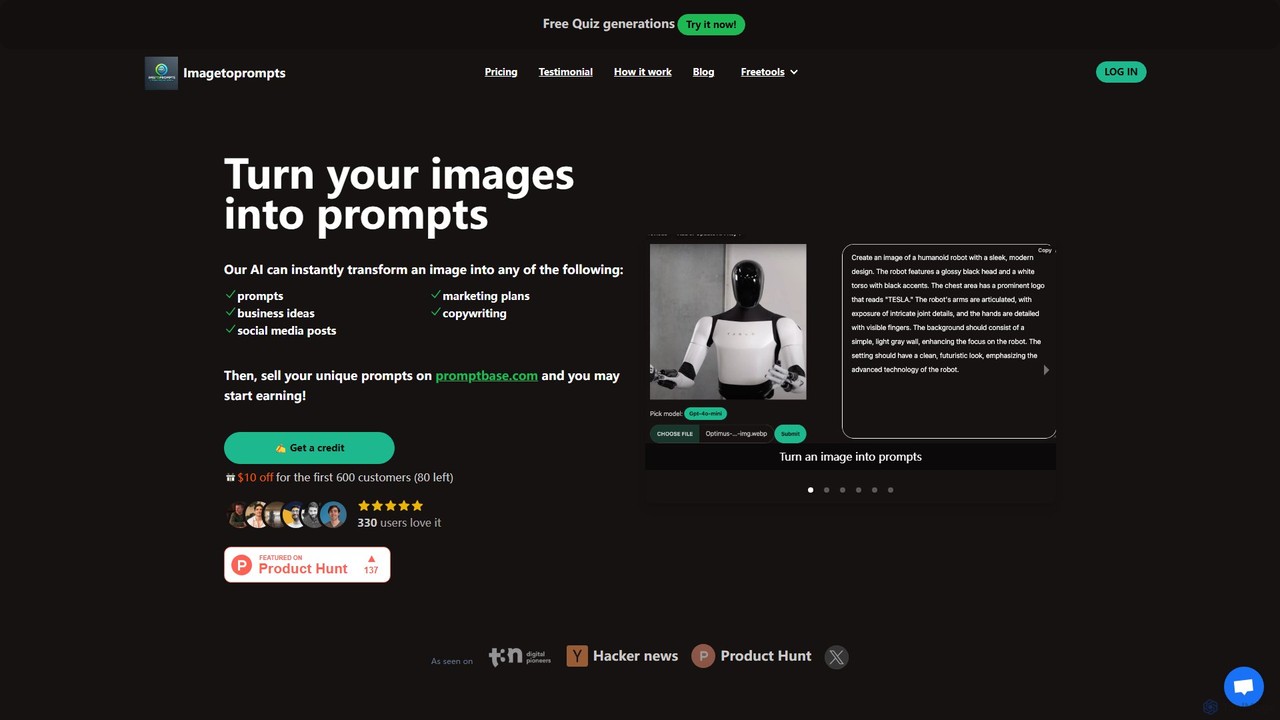
imgtoprompts
imgtoprompts is a versatile AI tool that transforms images into a wide range of text-based content. By analyzing any uploaded image, it can generate detailed prompts for AI art generators like Midjourney or DALL-E, create comprehensive marketing plans, draft compelling copywriting, brainstorm business ideas, and write social media posts. It's designed for creators, marketers, and entrepreneurs to unlock inspiration and streamline content creation directly from visual cues.
Prompt Generation
Seedance AI
Seedance AI is a premier AI video generation platform by ByteDance that transforms text and images into expressive, cinematic videos. Powered by the Seedance 1.0 Pro model, it allows users to create high-resolution, emotionally rich animations with advanced camera controls and stylistic flexibility. No editing skills are needed, making it perfect for creators, marketers, and storytellers.
Image Generation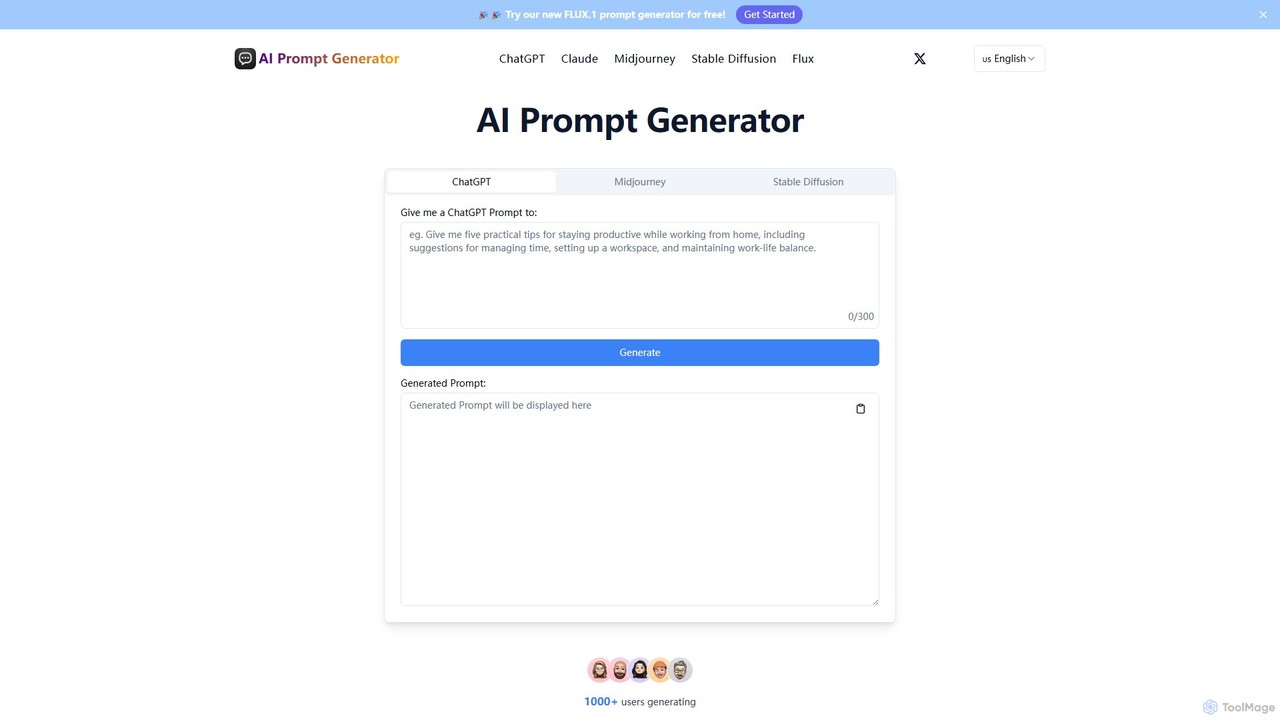
aipromptgenerator
A free AI prompt generator that creates and optimizes high-quality prompts for various AI models, including ChatGPT, Claude, Midjourney, and Stable Diffusion. Enhance your creativity and get better results from AI for content creation, art generation, and more.
Image GenerationEnhancor Categories
Enhancor Embed Widget
Copy this embed code to place the badge on your blog, article, or product site and send readers directly to this ToolMage detail page.

Related AI tools
promptextend
promptextend is an AI-powered prompt engineering assistant that transforms your simple ideas into detailed, optimized prompts for various AI models. Enhance your creative output for AI art, text generation, and more by automatically extending and refining your initial concepts for superior results.
Image Generators
Jyek
Jyek is an AI agent platform that understands objectives, creates execution plans, uses tools, and delivers verifiable results for complex, multi-step tasks.
Automationimgtoprompts
imgtoprompts is a versatile AI tool that transforms images into a wide range of text-based content. By analyzing any uploaded image, it can generate detailed prompts for AI art generators like Midjourney or DALL-E, create comprehensive marketing plans, draft compelling copywriting, brainstorm business ideas, and write social media posts. It's designed for creators, marketers, and entrepreneurs to unlock inspiration and streamline content creation directly from visual cues.
Prompt Generationaipromptgenerator
A free AI prompt generator that creates and optimizes high-quality prompts for various AI models, including ChatGPT, Claude, Midjourney, and Stable Diffusion. Enhance your creativity and get better results from AI for content creation, art generation, and more.
Image Generation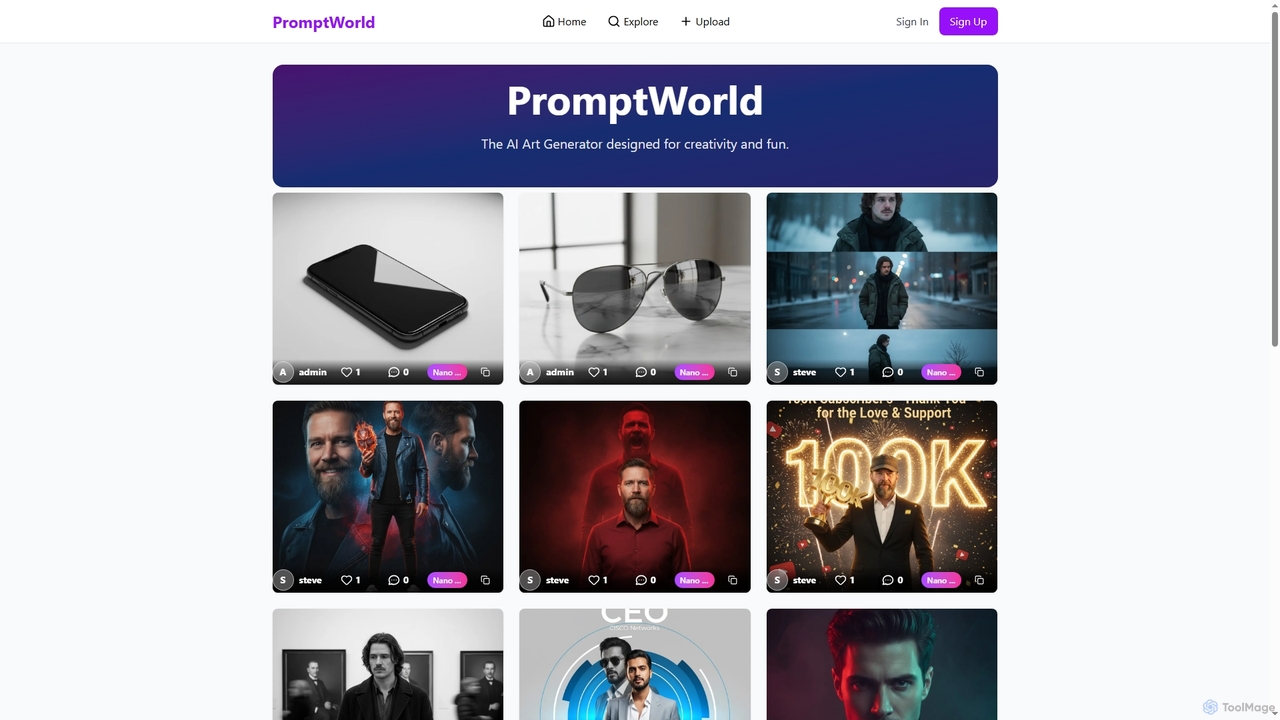
Promptworld
Promptworld is a community-driven platform for AI art enthusiasts. It serves as a central gallery to explore, share, and discover images created with various AI art generators like Midjourney, DALL-E, and Stable Diffusion. Users can browse by category or AI tool and upload their own creations.
Art
Text2Img.VIP
Text2Img.VIP is an AI-powered platform that transforms text descriptions into stunning, high-quality images. Leveraging advanced models like Stable Diffusion, Midjourney, and DALL-E, it serves designers, marketers, and educators. The tool offers a freemium model, providing both free access with basic features and paid plans for faster generation and priority support.
Graphic Design
aiartapps
aiartapps is a comprehensive directory and resource hub for the AI art ecosystem. It curates and categorizes a wide range of AI art generators, tools, learning materials, and community platforms, helping designers, prompt engineers, and enthusiasts discover everything they need in one place.
Art Aggregator
octiaiprompt
OctiAI Prompt is an advanced AI prompt generator for text, image, and video creation. It helps users craft detailed, effective prompts for models like Midjourney, DALL-E, and ChatGPT. Enhance your creativity and streamline your workflow by transforming simple ideas into powerful, optimized instructions for superior AI-generated content.
Image Generators
ShotAI
ShotAI is a multi-model AI image generation platform that allows users to compare outputs from various AI models simultaneously with a single prompt. It streamlines the creative process by offering instant side-by-side comparisons and professional tools for creators.
Ai Art
PromptxArt
PromptxArt is an AI-powered online tool designed to help users generate detailed and creative prompts for text-to-image art generators like Midjourney, Stable Diffusion, and DALL-E. It simplifies the complex process of prompt engineering, enabling both beginners and professionals to create stunning visual art by transforming simple ideas into sophisticated, well-structured prompts.
Prompt Generation
PromptPerfect
PromptPerfect is an advanced AI prompt engineering toolkit designed to help users create, optimize, and analyze prompts for large language and diffusion models like GPT-4, Claude, and Midjourney. It enhances the quality and relevance of AI-generated content, images, and code, saving time and effort for creators, marketers, and developers.
Image Generation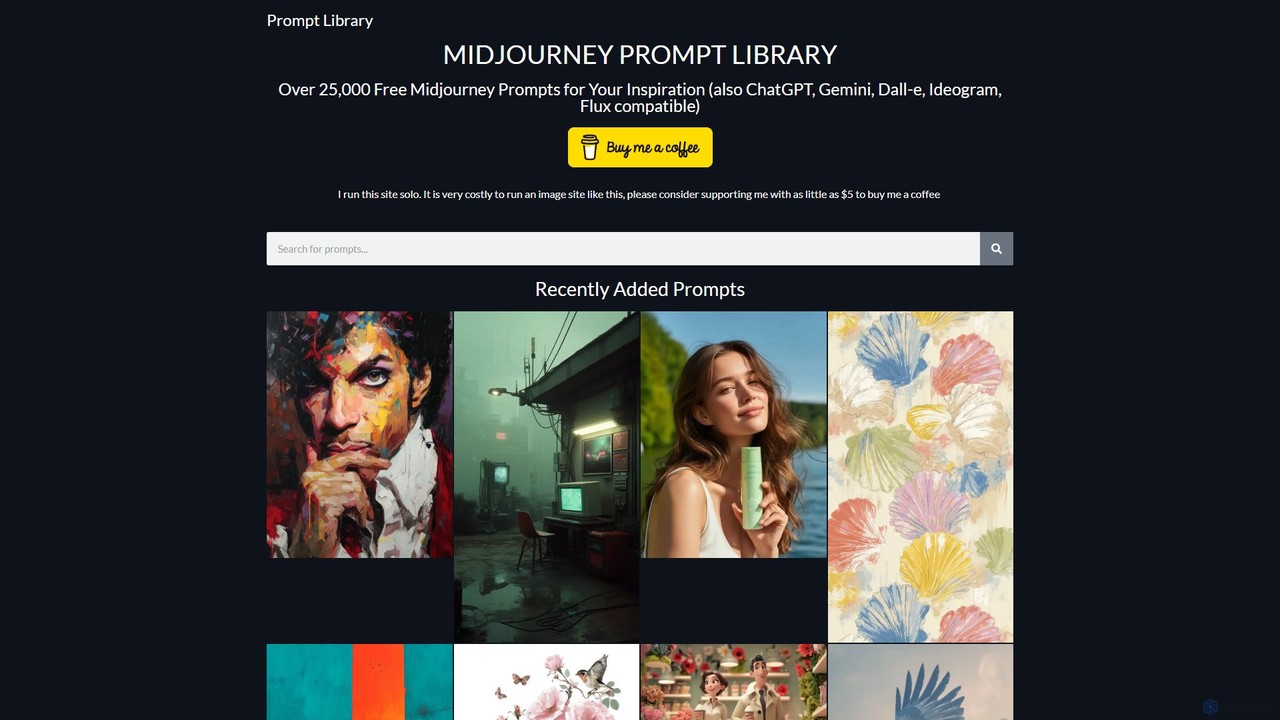
Prompt Library
A massive, free library of over 25,000 prompts for leading AI models like Midjourney, ChatGPT, Gemini, and DALL-E. Find inspiration and copy-paste high-quality prompts for image and text generation, saving time and enhancing your creative projects.
Image Generation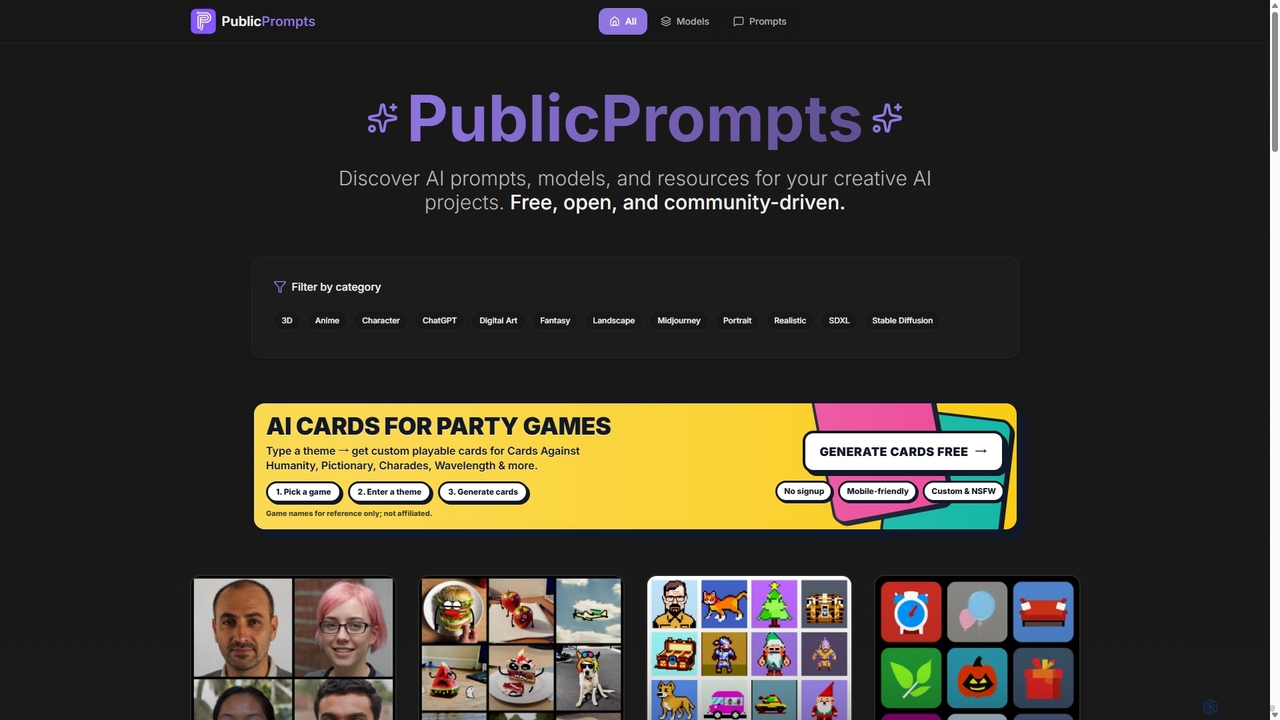
Public Prompts
Public Prompts is a free, open, and community-driven platform offering a vast collection of AI prompts, models, and resources for creative projects. It provides high-quality prompts for image generators like Midjourney and Stable Diffusion, as well as fine-tuned models to achieve specific artistic styles, empowering creators to accelerate their workflows.
Image Generation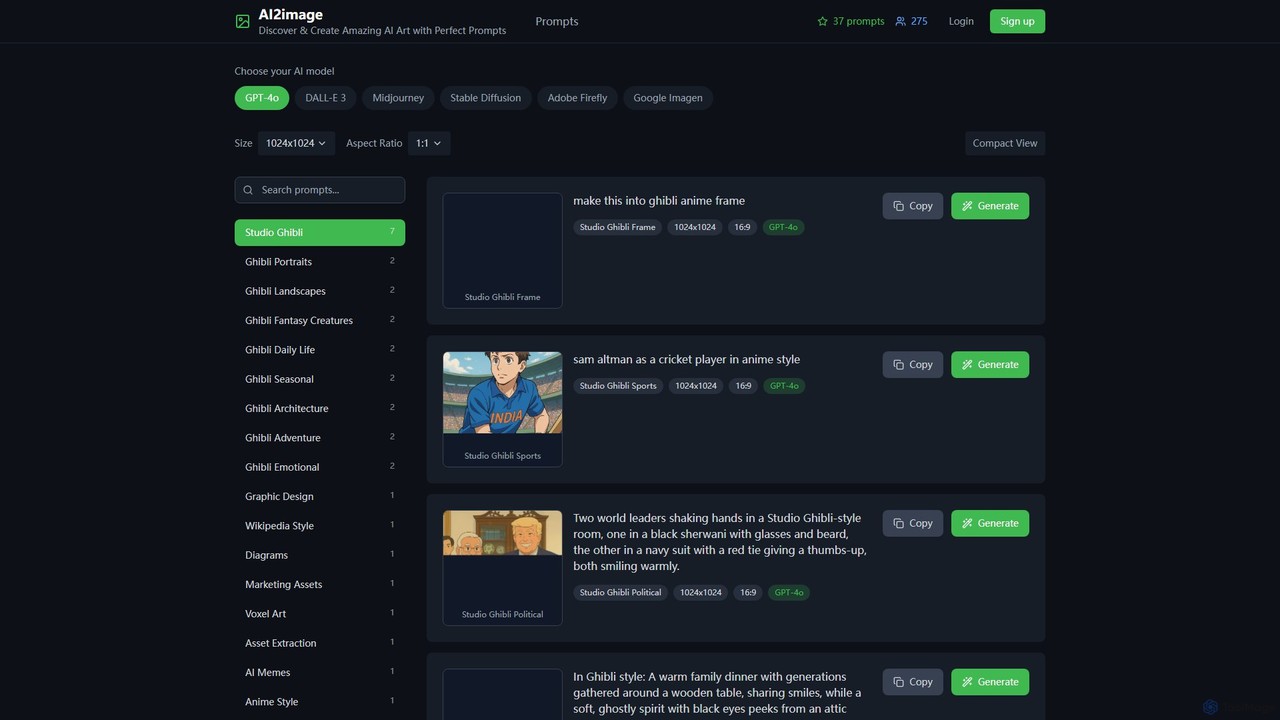
ai2image
ai2image is a specialized AI image generation platform and open-source prompt library, focusing on creating stunning Studio Ghibli-style artwork. It provides a vast collection of high-quality, community-contributed prompts optimized for models like GPT-4o, DALL-E 3, and Midjourney, making it easy for anyone to generate magical, anime-inspired images.
Image Generation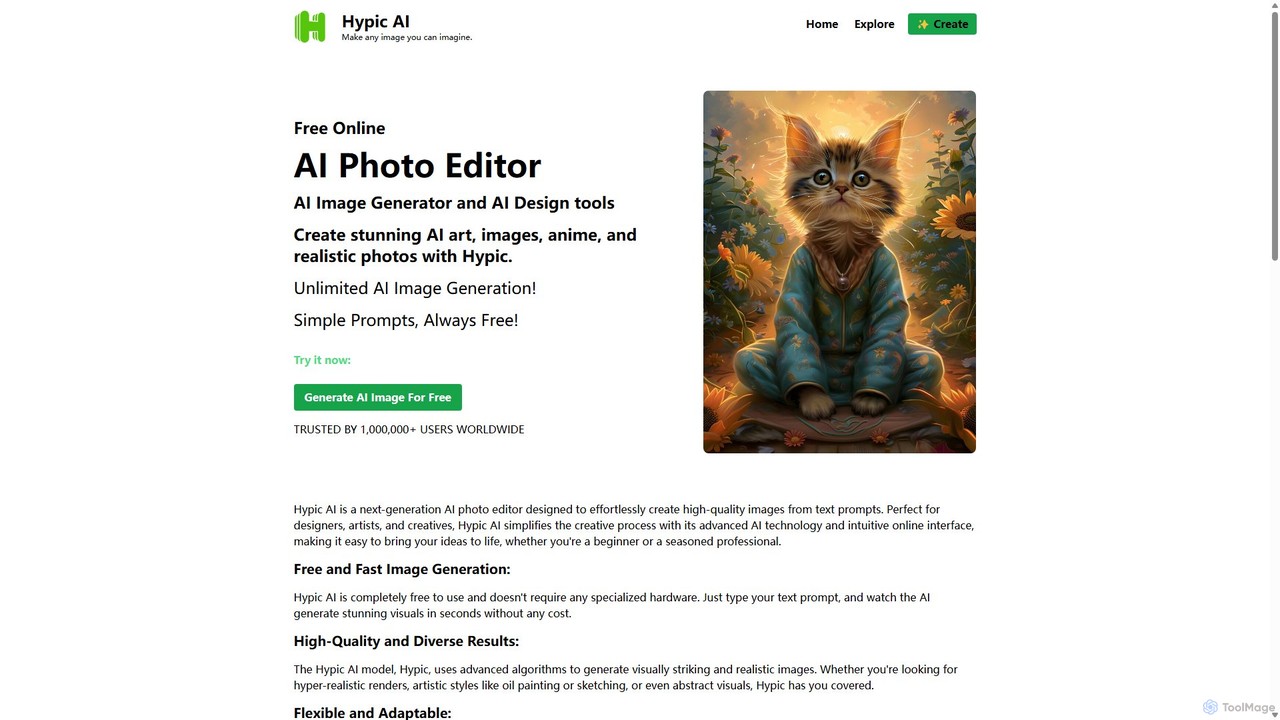
Hypic
Hypic is a powerful, all-in-one AI photo editing app for both beginners and professionals. It offers a wide range of AI-powered features, including one-tap portrait retouching, object removal, background replacement, and creative filters. Elevate your photos for social media, personal use, or e-commerce with professional-grade tools made simple and accessible on your mobile device.
Image Generation
Enhancor Comments (0)
Sign in to comment.
Sign inNo comments yet.