ToolMage
Sign in

Best 2 Plugin AI tools for Design

Popular Plugin AI tools in Design include CreativeMagicPanel and TextWise, helping you work more efficiently.

CreativeMagicPanel
Paid

CreativeMagicPanel

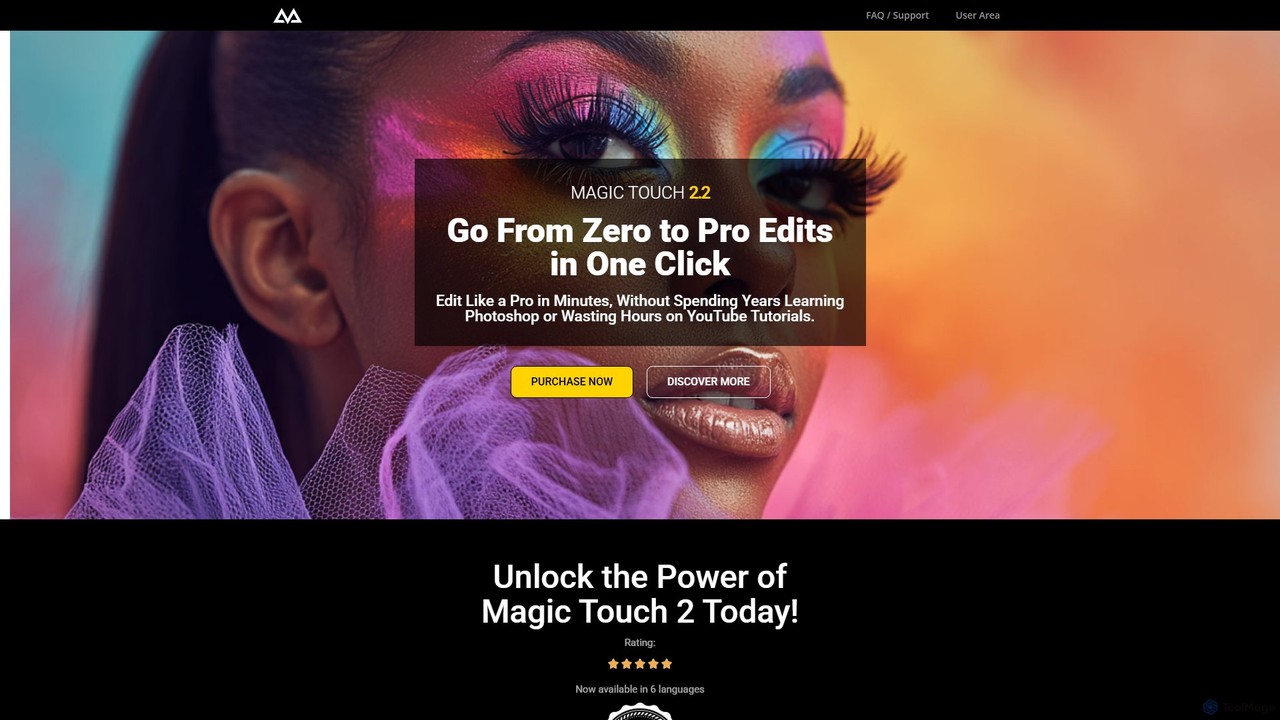
CreativeMagicPanel is an AI-powered retouching panel for Adobe Photoshop designed to dramatically accelerate your photo editing workflow. With over 289 features, it enables photographers and creatives to achieve professional, high-quality results with one-click actions, from flawless skin retouching to advanced color grading, all without recurring fees.

Plugin
Visits 17.7KFavorites 129Likes 117
TextWise
Freemium

TextWise

TextWise is a powerful AI-powered Figma plugin designed to supercharge your design workflow. It seamlessly integrates an advanced translator, a sophisticated paraphraser, and a versatile content writer directly into the Figma interface. Effortlessly translate your designs into over 30 languages, refine your copy for clarity and impact, and generate engaging text for any context, all without ever leaving your design canvas.

Plugin
Visits 6.3KFavorites 138Likes 144

About Plugin

AI Plugins are specialized add-ons that integrate artificial intelligence capabilities directly into existing design software. These tools leverage AI algorithms to automate repetitive tasks, generate creative assets, and provide intelligent design assistance within your familiar design environment. They significantly streamline workflows, enhance creativity, and enable designers to achieve more sophisticated results with greater efficiency.

Core Features

  • Automated Asset Generation: Generate images, icons, textures, or design elements directly from text prompts or basic inputs within the design software.
  • Intelligent Image Editing: Perform advanced edits like background removal, image upscaling, object replacement, or style transfer with AI precision.
  • Design Optimization & Suggestions: Analyze designs for consistency, suggest layout improvements, color palettes, or font pairings.
  • Content Integration: Seamlessly pull AI-generated text, mockups, or data into design projects.

Applicable Scenarios

Designers across various disciplines utilize AI plugins to accelerate their creative process. Graphic designers can quickly generate multiple logo variations or social media graphics. UI/UX designers use them for rapid prototyping, generating diverse icon sets, or testing different layout options. Illustrators can leverage AI to create initial concept art or apply unique artistic styles to their work, significantly reducing manual effort and speeding up iteration cycles.

How to Choose

When selecting an AI plugin, consider its compatibility with your primary design software and operating system. Evaluate the specific AI capabilities offered, ensuring they align with your workflow needs, such as image generation, editing, or content automation. Look for ease of use, a clear interface, and reliable performance. Finally, assess the pricing model and community support to ensure long-term value and assistance.

Plugin use cases

1

Generate Diverse Design Concepts

A graphic designer uses an AI plugin within their design software to input a brief for a new brand identity. The plugin then generates dozens of unique logo variations, color palettes, and typography suggestions, allowing for rapid exploration of creative directions and significantly shortening the initial ideation phase.

2

Automate Image Background Removal

An e-commerce designer needs to prepare hundreds of product images for an online store. They use an AI plugin to automatically detect and remove backgrounds from all images in a batch, ensuring clean, consistent product shots without manual selection or masking, saving hours of tedious work.

3

Upscale Low-Resolution Assets

A web designer has several low-resolution client-provided images that need to be used in a high-resolution web layout. An AI upscaling plugin enhances the image quality and detail without pixelation, making them suitable for print or large digital displays, thus avoiding the need to request new assets.

4

Create AI-Powered Mockups

A UI/UX designer integrates an AI plugin into their prototyping tool to generate realistic user interface mockups based on wireframes. The plugin can populate layouts with contextually relevant placeholder content, diverse user avatars, and even suggest design system components, accelerating the presentation and feedback process.

5

Translate Design Elements & Text

A global marketing team needs to adapt campaign visuals for multiple languages. An AI plugin automatically translates text within design elements (buttons, banners, infographics) while maintaining layout integrity, ensuring consistent messaging across different regions without manual text replacement.

6

Enhance Photo Realism & Detail

A concept artist uses an AI plugin to refine initial sketches or rough renders. The plugin can add realistic textures, lighting effects, and intricate details to characters or environments, transforming basic artwork into highly polished, production-ready visuals, and allowing for quick artistic iterations.

Plugin FAQ

What are AI design plugins?

AI design plugins are software extensions that embed artificial intelligence functionalities directly into popular design applications like Photoshop, Figma, or Adobe XD. They are designed to enhance and automate various aspects of the design workflow, from content generation and image manipulation to design optimization and creative assistance.

How do AI plugins differ from standalone AI design tools?

AI plugins integrate AI capabilities within your existing design software, allowing you to leverage AI without switching applications. Standalone AI design tools are separate applications that offer AI features, often requiring you to export and import assets. Plugins prioritize workflow continuity, while standalone tools might offer more specialized or powerful AI features.

What are the main benefits of using AI plugins in design?

AI plugins offer several key benefits: they automate repetitive tasks (like background removal or upscaling), accelerate content generation (e.g., generating images from text), provide intelligent design suggestions, and streamline overall workflows. This leads to significant time savings, increased productivity, and the ability to explore more creative options.

Which design software commonly supports AI plugins?

Many popular design software applications support AI plugins, including Adobe Photoshop, Adobe Illustrator, Adobe XD, Figma, Sketch, and Affinity Photo. The availability of specific AI plugins depends on the software's ecosystem and developer support, but the trend is towards broader integration across major platforms.

How do I choose the best AI plugin for my design needs?

To choose the best AI plugin, first identify your specific design challenges (e.g., image generation, editing, automation). Then, check for compatibility with your current design software. Evaluate the plugin's features, user interface, and performance. Consider user reviews, pricing models (subscription vs. one-time purchase), and the level of customer support available.