ToolMage
Sign in

Best 2 Retouching AI tools for Design

Popular Retouching AI tools in Design include Anthropics Technology and Glasses Gone, helping you work more efficiently.

Glasses Gone
Freemium

Glasses Gone

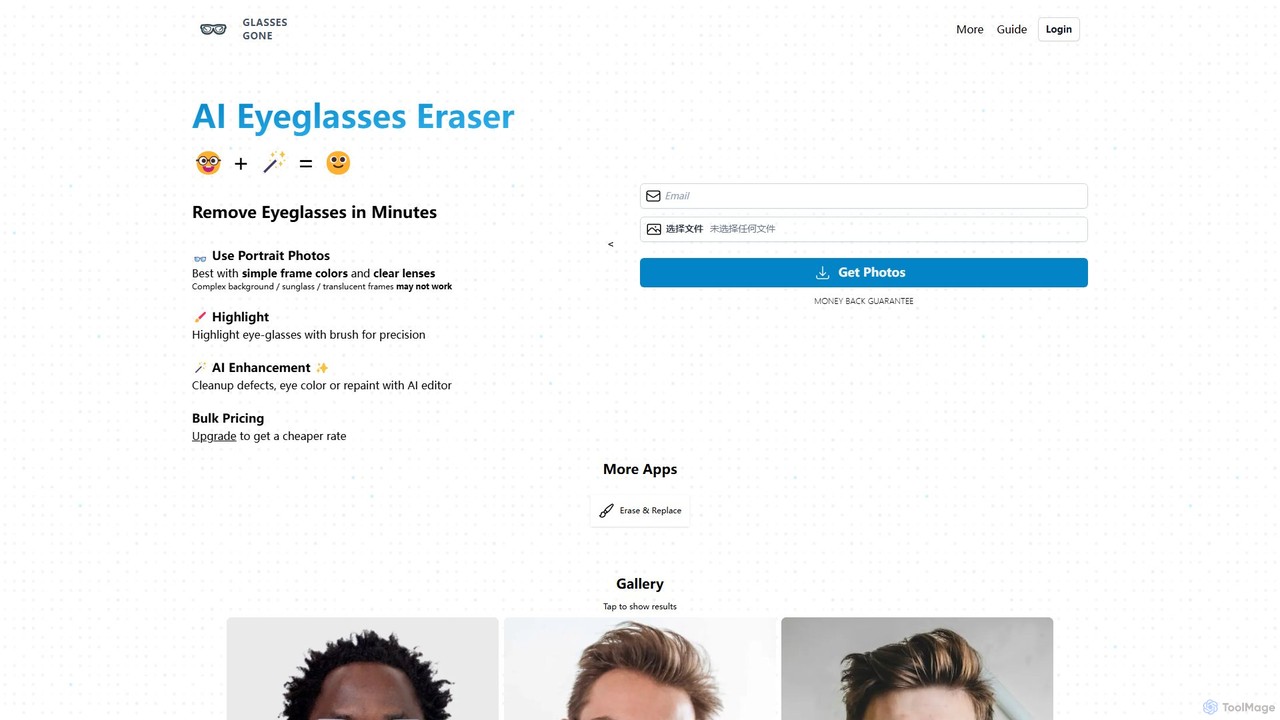
Glasses Gone is a specialized AI-powered tool designed to remove eyeglasses from portrait photos in minutes. Simply upload an image, highlight the glasses with a brush, and let the AI generate a natural-looking, glasses-free version of the portrait.

Retouching
Visits 7.5KFavorites 137Likes 153
Anthropics Technology
Paid

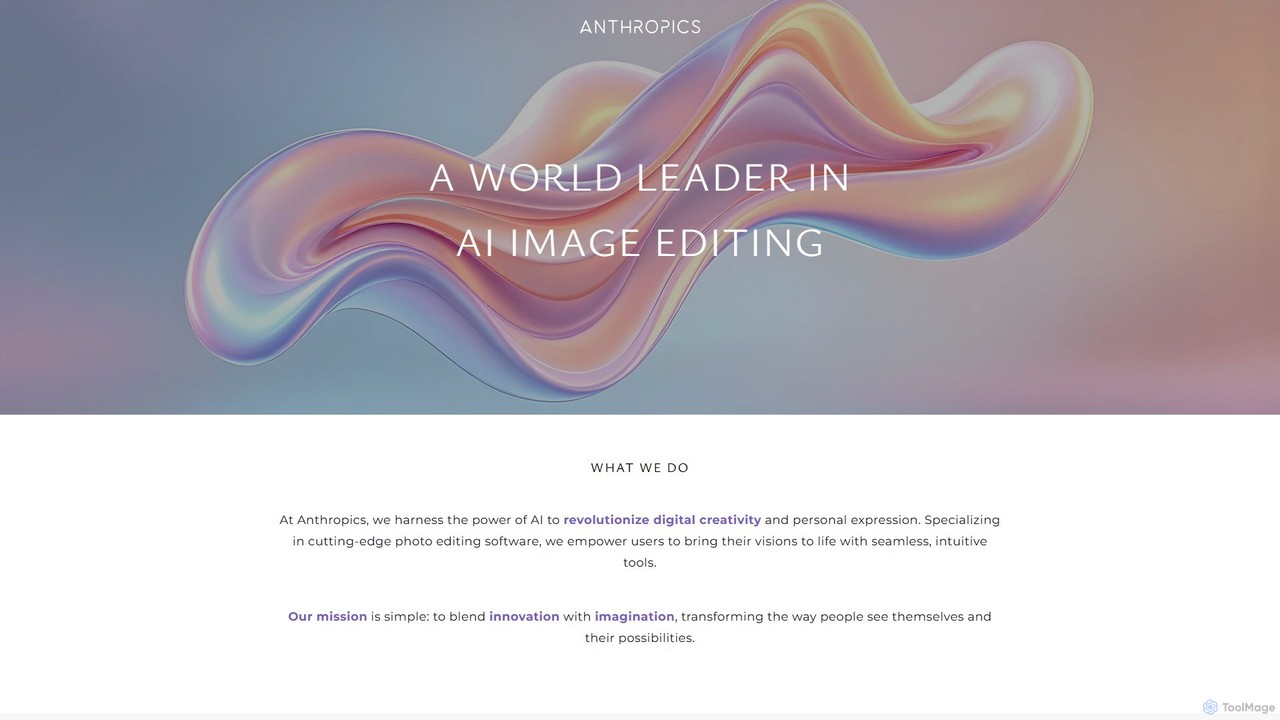
Anthropics Technology

Anthropics Technology develops a world-leading suite of AI-powered photo editing software, including PortraitPro, LandscapePro, and PortraitPro Body. These tools use advanced AI and generative AI to automate complex retouching and enhancement tasks, enabling both professionals and amateurs to achieve stunning, natural-looking results with incredible speed and ease.

Retouching
Visits 76KFavorites 160Likes 138

About Retouching

AI Retouching tools are a specialized class of design software that uses machine learning to automate and enhance the process of refining images. These tools leverage advanced algorithms to perform precise tasks like blemish removal, skin smoothing, object erasing, and background replacement with minimal user input. They empower photographers, marketers, and e-commerce businesses to achieve professional-quality results efficiently, significantly reducing the time spent on manual editing. Many also incorporate generative AI to intelligently reconstruct or fill in parts of an image, offering capabilities beyond traditional pixel manipulation.

Core Features

  • Intelligent Object Removal: Automatically detects and erases unwanted objects or people from photos, seamlessly reconstructing the background.
  • Automated Portrait Enhancement: Provides one-click solutions for skin smoothing, blemish removal, teeth whitening, and reducing wrinkles while maintaining natural texture.
  • Precise Background Management: Instantly removes, replaces, or generates new backgrounds for product photos, portraits, and marketing visuals.
  • Smart Color & Light Correction: Analyzes and adjusts exposure, contrast, white balance, and color vibrancy to improve overall image quality.
  • AI-Powered Sharpening & Upscaling: Enhances image details and increases resolution without introducing common artifacts like noise or halos.

Use Cases

These tools are widely used by professional photographers for portrait and event photo editing, e-gcommerce businesses for creating clean product listings, and marketing teams for polishing social media content. Real estate agents also use them to enhance property photos by removing clutter or improving lighting.

How to Choose

When selecting an AI Retouching tool, consider the specificity of its features for your needs (e.g., portrait vs. product). Evaluate the naturalness and precision of the results. For high-volume work, check for batch processing capabilities. Also, consider its integration options, such as plugins for Adobe Photoshop or Lightroom, to fit into your existing workflow.

Retouching use cases

1

E-commerce Product Photo Cleanup

An e-commerce manager needs to prepare hundreds of new product photos for an upcoming launch. Instead of manually editing each image to remove dust, minor scratches, or distracting reflections, they use an AI retouching tool. They upload the entire batch of photos, and the tool automatically identifies and corrects these imperfections across all images. This process ensures a clean, professional, and consistent look for the online store, reducing editing time from days to just a few hours.

2

Professional Portrait Retouching

A portrait photographer has just finished a client photoshoot and needs to deliver a gallery of polished images. Using an AI retouching tool, they apply a preset that automatically performs skin smoothing, removes blemishes, whitens teeth, and enhances eyes across all photos. The AI maintains a natural skin texture, avoiding an overly processed look. This automates the most time-consuming part of the workflow, allowing the photographer to focus on creative adjustments like color grading and composition.

3

Real Estate Photo Enhancement

A real estate agent needs to make property photos more appealing to potential buyers. They use an AI retouching tool to quickly remove distracting elements like trash cans from the exterior shot and clutter from interior rooms. The tool also features a sky replacement function, allowing them to change a dull, overcast sky into a bright, sunny one with a single click. These enhancements significantly improve the visual appeal of the property listing, potentially leading to more inquiries and a faster sale.

4

Removing Unwanted Objects from Photos

A travel blogger captures a beautiful landscape shot, but an unexpected tourist walks into the frame. Instead of discarding the photo, they use an AI retouching tool's object removal feature. They simply draw a rough outline around the person, and the AI intelligently removes them, filling in the background with realistic, context-aware details like grass, sky, or water. This allows them to salvage perfect shots that would otherwise be ruined by distracting elements.

5

Restoring Old and Damaged Photographs

A user finds a collection of old, faded family photos with scratches, creases, and spots. They scan the photos and upload them to an AI retouching tool specializing in photo restoration. The AI automatically detects and repairs the damage, removes the scratches, and enhances the faded colors. Some advanced tools can even colorize black-and-white photos with impressive accuracy. This process digitally preserves precious memories, making them vibrant and clear for future generations to enjoy.

6

Changing Backgrounds for Marketing Visuals

A marketing team has a great photo of a model but needs to use it for different seasonal campaigns (e.g., a summer beach ad and a winter holiday promotion). Instead of costly reshoots, they use an AI retouching tool to instantly remove the original background. They can then replace it with a stock photo of a beach, a snowy landscape, or even a solid color. This flexibility allows them to repurpose a single asset into multiple, contextually relevant marketing visuals, saving time and budget.

Retouching FAQ

What are AI Retouching tools?

AI Retouching tools are specialized software that use artificial intelligence to automate complex image editing tasks. Unlike general-purpose photo editors, they focus on specific refinement functions like removing unwanted objects, smoothing skin, correcting colors, and replacing backgrounds with high precision and minimal manual effort. They are designed to help users achieve professional-looking results quickly, making them valuable for photographers, marketers, and e-commerce businesses who need to process images efficiently.

How do AI Retouching tools differ from general AI Image Editors?

The main difference lies in their focus and depth of features. AI Retouching tools are specialists, excelling at specific, detailed cleanup and enhancement tasks like blemish removal or object erasing. General AI Image Editors are generalists, offering a broader range of functions like applying artistic filters, adding text, and making basic adjustments. While an editor might have a basic 'remove object' feature, a dedicated retouching tool will typically offer more precision, better background reconstruction, and more natural-looking results for that specific task.

Who are the primary users of AI Retouching tools?

AI Retouching tools are beneficial for a wide range of users, but the primary groups include:

  • Professional Photographers: For speeding up the editing workflow for portraits, weddings, and events by automating repetitive tasks.
  • E-commerce Businesses: For creating clean, consistent, and professional product images at scale by removing backgrounds and correcting imperfections.
  • Marketers and Social Media Managers: For quickly polishing images for campaigns, posts, and advertisements without needing advanced editing skills.
  • Real Estate Agents: For enhancing property photos by removing clutter, improving lighting, and replacing skies to attract more buyers.
What key features should I look for in an AI Retouching tool?

When choosing an AI Retouching tool, focus on features that match your specific needs. Key aspects to consider include:

  • Quality of Results: Does the tool produce natural-looking results? For example, does skin smoothing retain texture, and is object removal seamless?
  • Precision and Control: Can you adjust the intensity of the effects or manually refine the AI's selections?
  • Batch Processing: If you work with many images, the ability to apply edits to hundreds of photos at once is a crucial time-saver.
  • Specific Functions: Look for tools that excel at your most common tasks, whether it's background removal, portrait enhancement, or photo restoration.
  • Integration: Check if it works as a standalone app or as a plugin for software you already use, like Adobe Photoshop or Lightroom.
Can AI completely replace manual retouching by a professional?

AI is a powerful assistant, not a complete replacement. It excels at automating time-consuming and repetitive tasks, handling about 80-90% of standard retouching work with incredible speed. This frees up professionals to focus on the more creative and nuanced aspects of editing, such as advanced color grading, complex compositing, and applying a unique artistic style. For high-end commercial, fashion, or artistic photography, the critical eye and creative decisions of a human expert remain essential for achieving the final, polished result.