
mlblocks Overview
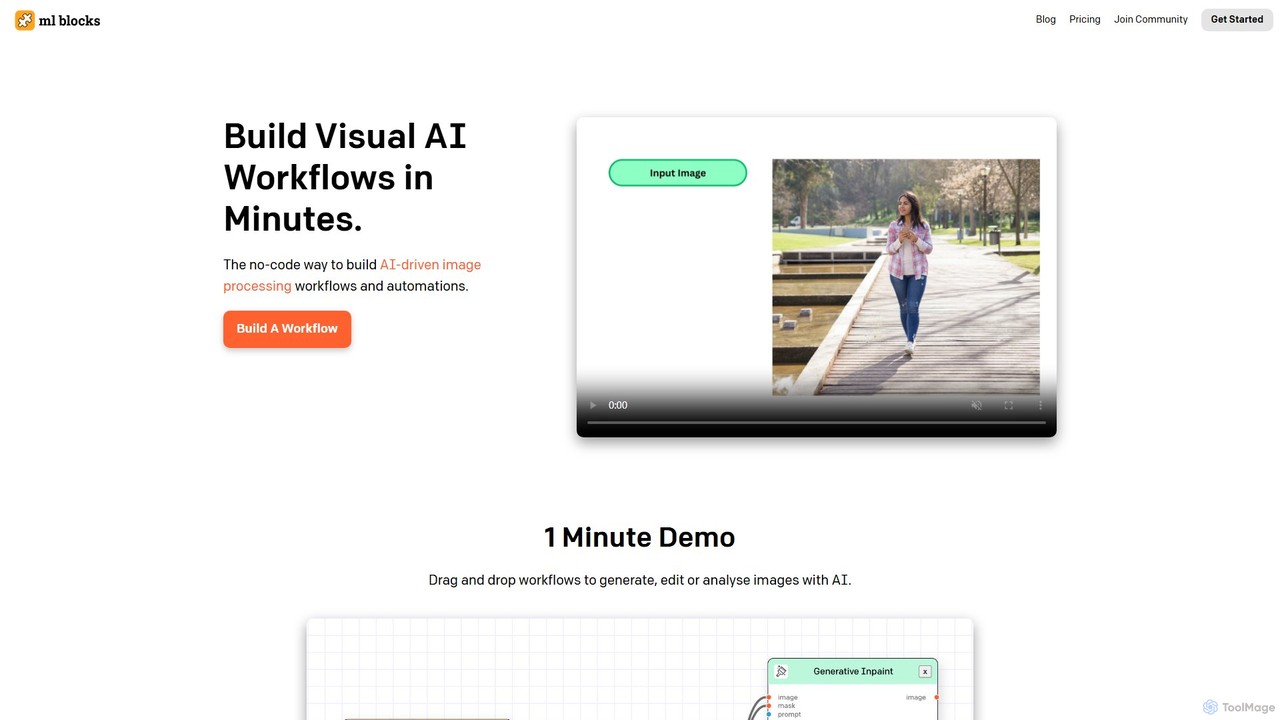
mlblocks is a revolutionary no-code platform designed to simplify and automate complex image processing tasks. It empowers users to build sophisticated, AI-driven visual workflows through an intuitive drag-and-drop interface. Whether you need to generate new images, perform intricate edits, or analyze visual data, mlblocks provides the tools to accomplish these tasks in minutes, eliminating the need for programming skills. The platform seamlessly integrates powerful AI models with traditional image editing functions, offering unparalleled flexibility and efficiency.
How to use mlblocks
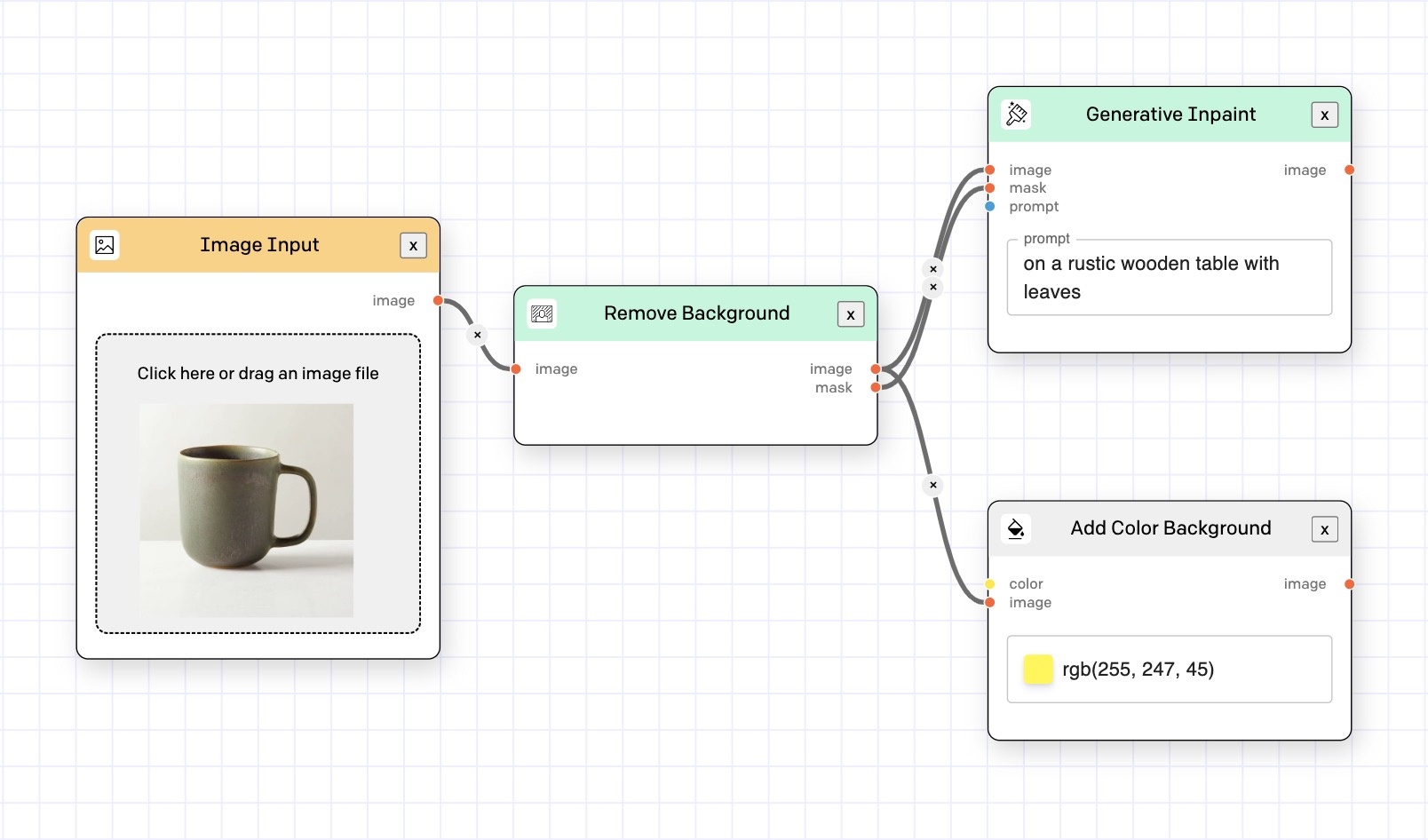
Using mlblocks is a straightforward, visual process. First, you sign up and purchase credits for AI-powered operations. The platform's core is its visual workflow builder. You start by selecting an input source, such as uploading an image or providing a URL. Then, you drag and drop various functional 'blocks' onto the canvas. These blocks are categorized into AI operations (like 'Generate Image with Stable Diffusion', 'Remove Background', 'Detect Objects') and standard editing functions ('Crop', 'Resize', 'Recolor', 'Add Watermark'). You connect these blocks in your desired sequence to create a custom pipeline. Once the workflow is designed, you can run it on a single image or in batch mode on thousands of images. The final, processed images can then be downloaded, and the workflow can be saved for future use or triggered via an API for full automation.
Core Features of mlblocks
- Visual Workflow Builder: An intuitive drag-and-drop canvas to design and visualize complex image processing pipelines without writing code.
- AI Image Generation: Leverage state-of-the-art models like Stable Diffusion to generate original images, create variations, or use in-painting to modify specific areas.
- AI-Powered Analysis: Extract valuable data from images using models for object detection, image segmentation, text recognition (OCR), and more.
- Advanced Image Editing Suite: A comprehensive set of traditional editing tools, including cropping, resizing, color adjustments, filters, background removal, and watermarking.
- Workflow Automation & API Access: Save your custom workflows and run them on demand. Integrate them into your existing applications and services using the mlblocks API.
- Batch Processing: Apply any workflow to large volumes of images simultaneously, drastically increasing productivity for bulk tasks.
Use Cases for mlblocks
mlblocks is versatile and can be applied across various industries. For e-commerce, it can automate background removal from product photos, resize images for different marketplaces, and generate lifestyle mockups. Marketers and social media managers can use it to batch-create branded content, generate unique visuals for campaigns, and resize advertisements for multiple platforms. Content creators can automate the production of blog images and YouTube thumbnails. For machine learning developers, it's a powerful tool for pre-processing large image datasets for model training. Real estate agents can enhance property photos by correcting colors, removing clutter, or even generating virtual staging concepts.
Advantages of mlblocks
The primary advantage of mlblocks is its no-code simplicity, making advanced AI image processing accessible to everyone, regardless of technical expertise. This significantly reduces development time and costs. The platform's flexibility allows users to combine numerous AI and editing steps to create highly customized and specific solutions. It is built for scalability, capable of handling thousands of images automatically. Furthermore, its transparent pay-as-you-go pricing is a major benefit; there are no subscriptions, and credits never expire, ensuring you only pay for what you use. This combination of power, ease of use, and cost-effectiveness makes mlblocks a highly efficient tool for any image-related task.
Pricing and Plans
mlblocks operates on a simple and transparent pay-as-you-go pricing model. There are no monthly subscriptions or recurring fees. Users purchase credits, which are then used to run AI-powered blocks within a workflow. Basic image editing functions like crop and resize are free to use. The platform offers a starting package, for example, $20 for a set of credits. A key advantage is that the credits have no expiry date, allowing users to buy them in advance and use them whenever needed. This model provides maximum flexibility and cost control, making it ideal for both sporadic users and those with high-volume needs.
mlblocks Alternatives

Anakin.ai
Anakin.ai is an all-in-one, no-code AI platform designed to boost productivity. It allows users to build custom AI applications, automate workflows, and perform tasks like content creation, image generation, and data analysis. By integrating major AI models like GPT-4, Claude 3, and Stable Diffusion, Anakin.ai provides a vast library of pre-built apps and a powerful visual editor, making advanced AI accessible to everyone, from individuals to teams, without needing to code.
No Code
Freeflo
Freeflo is a visual, node-based platform for building, testing, and deploying complex AI workflows. It allows users to connect various AI models (like GPT, Claude, Stable Diffusion) and tools without writing code, automating intricate tasks through a drag-and-drop interface.
Workflow Builder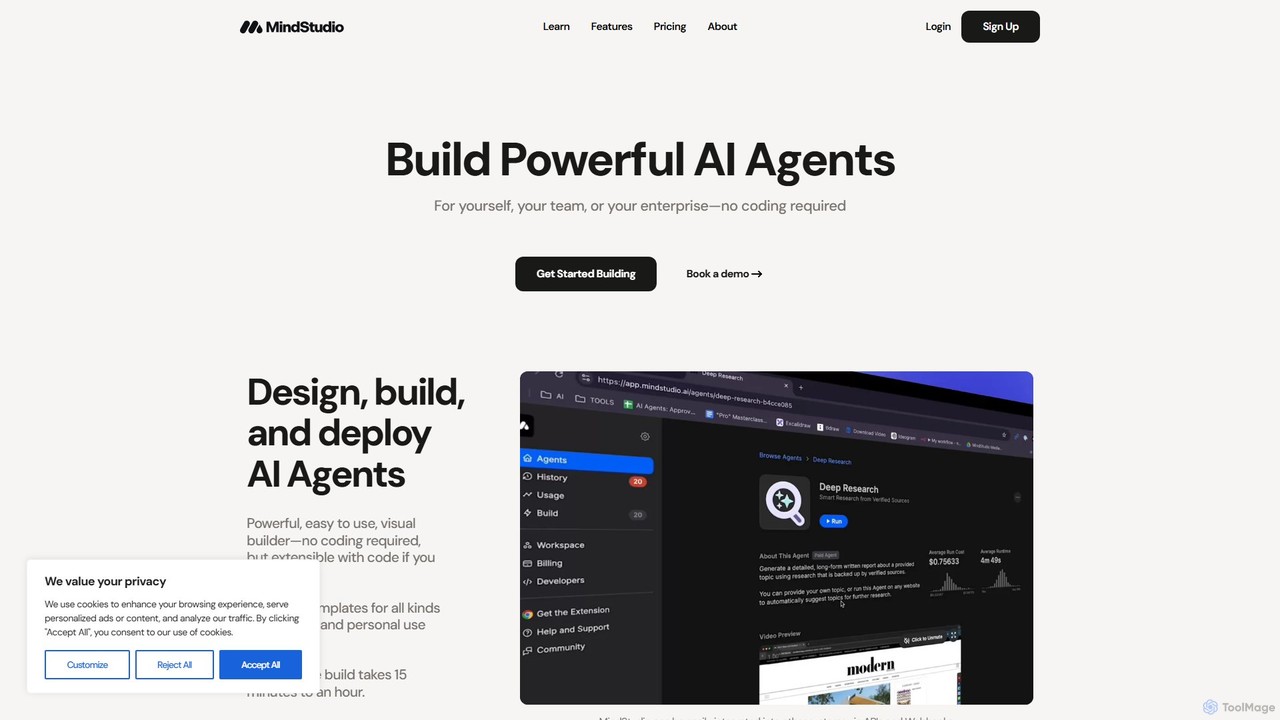
MindStudio
MindStudio is a powerful no-code platform for designing, building, and deploying custom AI agents. It enables users to create AI-powered web apps, automations, and extensions for personal, team, or enterprise use through an intuitive visual builder, without needing to write any code.
Workflow Management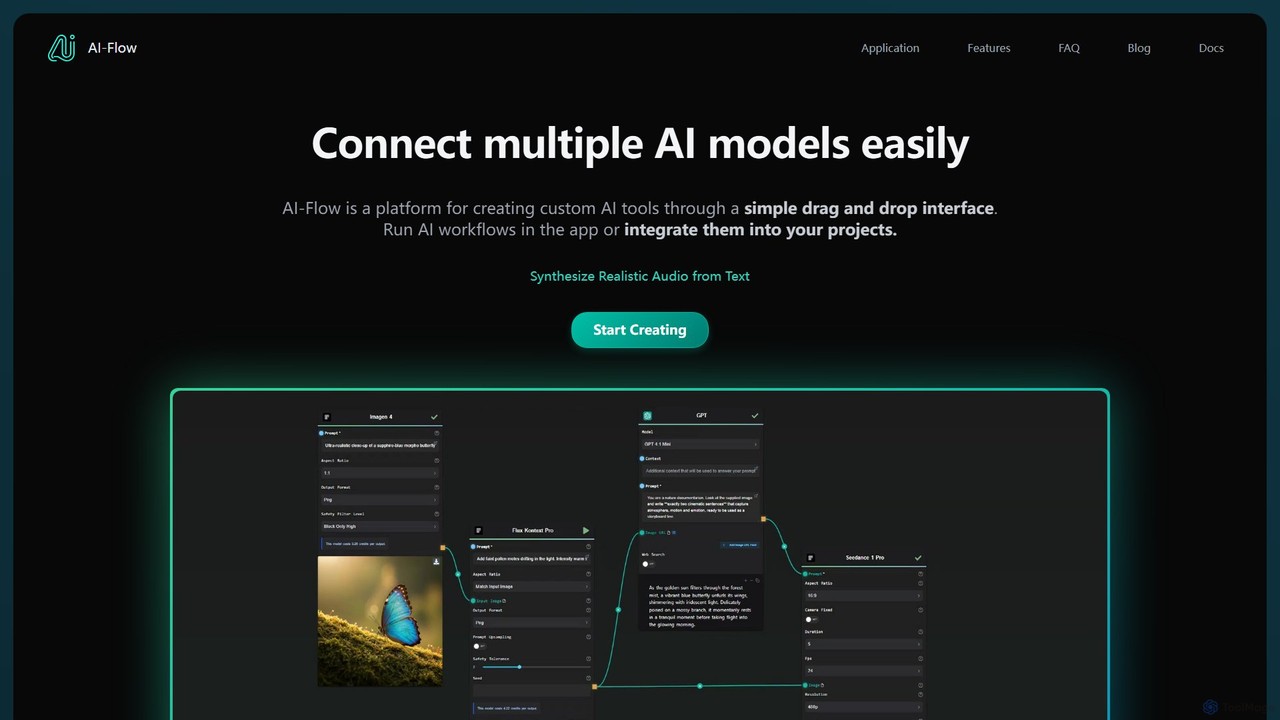
AI-Flow
AI-Flow is a no-code platform for creating custom AI tools and complex workflows. It features a simple drag-and-drop interface to connect and chain multiple AI models from providers like OpenAI, StabilityAI, and Anthropic. Users can build, run, and integrate these AI workflows into their projects via API, automating tasks from content creation to data analysis.
No Code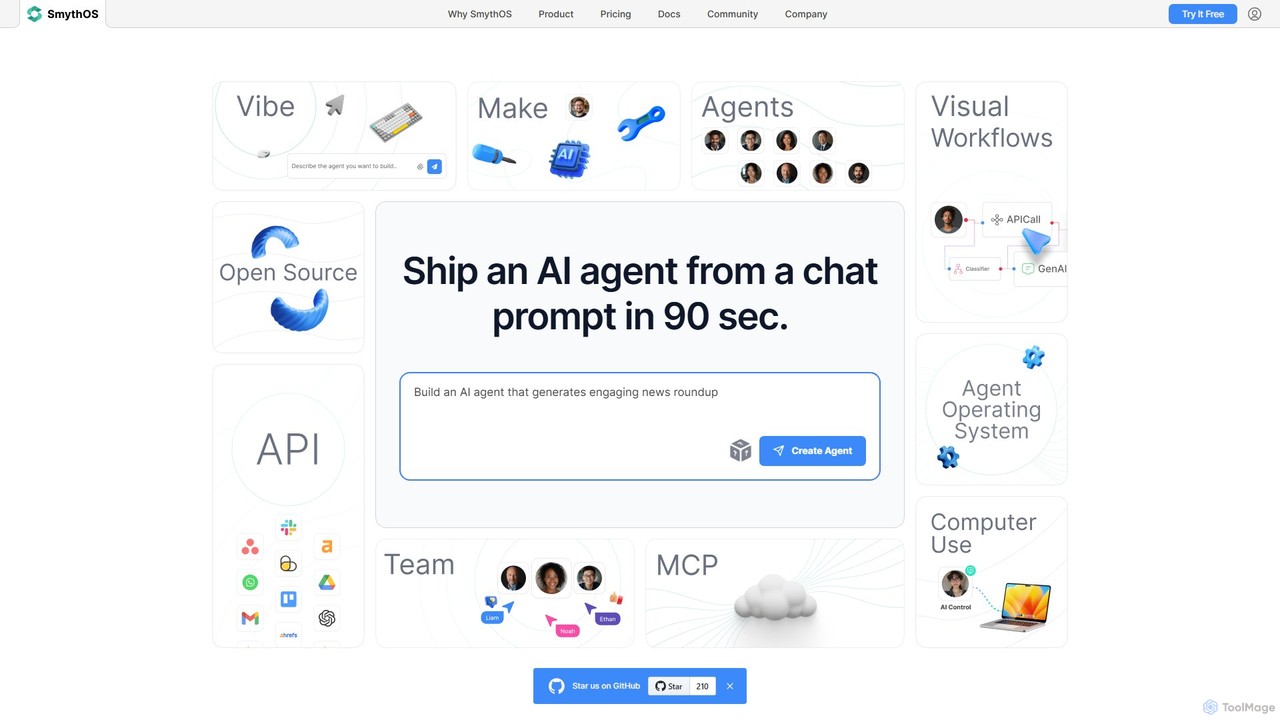
SmythOS
SmythOS is a no-code platform for building, testing, and deploying powerful AI agents. It features a visual drag-and-drop builder, allowing users to create complex workflows, automate tasks, and integrate with any API in minutes. Ideal for developers, startups, and enterprises looking to leverage AI for process automation and enhanced productivity.
No Codemlblocks Categories
mlblocks Embed Widget
Copy this embed code to place the badge on your blog, article, or product site and send readers directly to this ToolMage detail page.

Related AI tools
Freeflo
Freeflo is a visual, node-based platform for building, testing, and deploying complex AI workflows. It allows users to connect various AI models (like GPT, Claude, Stable Diffusion) and tools without writing code, automating intricate tasks through a drag-and-drop interface.
Workflow Builder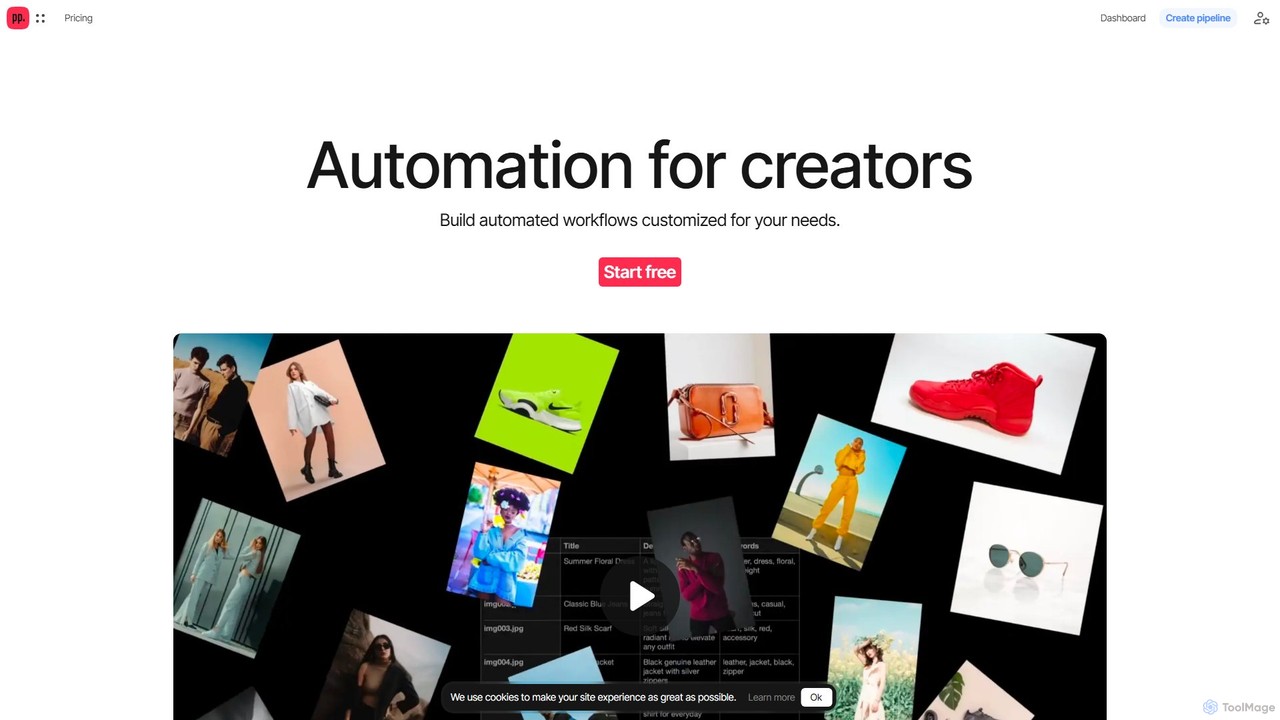
Ceacle Pipeline
Ceacle Pipeline is an AI-powered automation platform for creators. It enables the creation of custom workflows to automate repetitive tasks in image processing, content generation, and design. Build pipelines using natural language or templates to save time and boost productivity.
GraphicsAnakin.ai
Anakin.ai is an all-in-one, no-code AI platform designed to boost productivity. It allows users to build custom AI applications, automate workflows, and perform tasks like content creation, image generation, and data analysis. By integrating major AI models like GPT-4, Claude 3, and Stable Diffusion, Anakin.ai provides a vast library of pre-built apps and a powerful visual editor, making advanced AI accessible to everyone, from individuals to teams, without needing to code.
No Code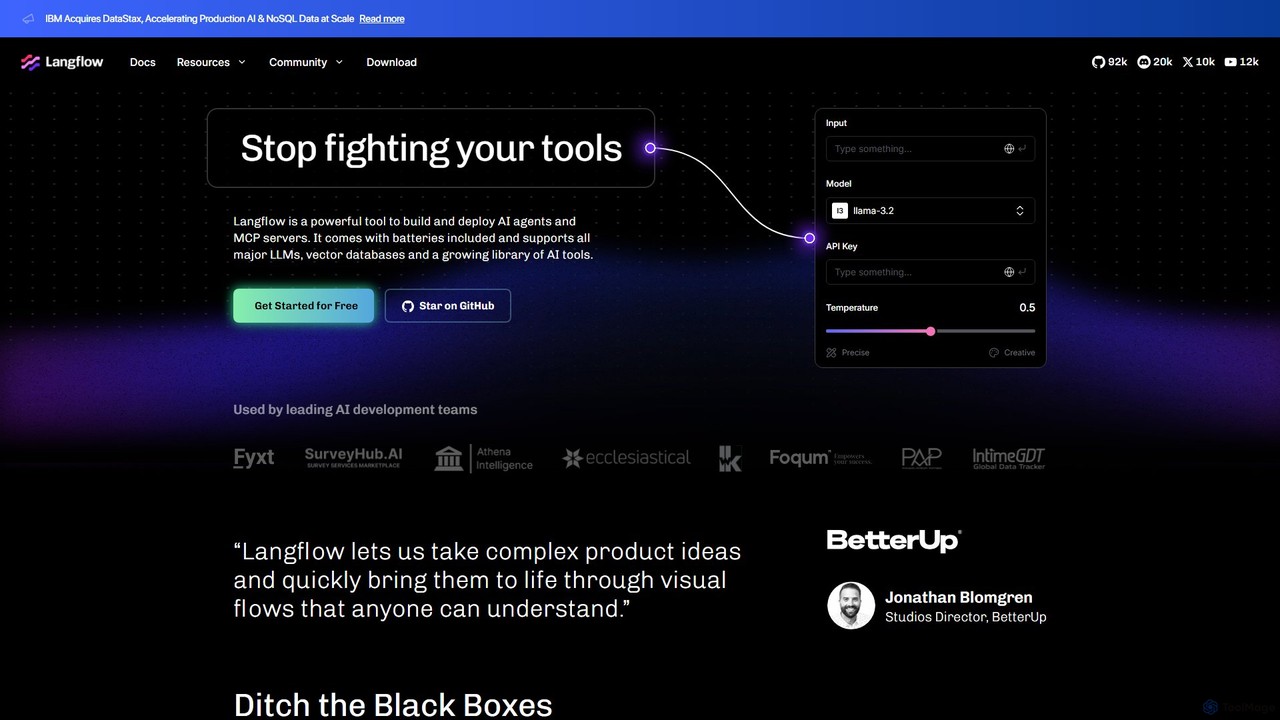
Langflow
Langflow is an open-source, visual UI for building and deploying AI applications. It features a drag-and-drop interface to chain LLMs, agents, and tools, enabling rapid prototyping and deployment of complex workflows like RAG and multi-agent systems. It supports extensive integrations and offers both self-hosted and cloud options.
Low Code No Code
Brancher.ai
Brancher.ai is a no-code platform that empowers users to build and monetize custom AI applications by connecting various AI models. Create complex workflows and innovative tools with a simple drag-and-drop interface, without writing a single line of code. Share your creations with a community and unlock new revenue streams.
Application Builder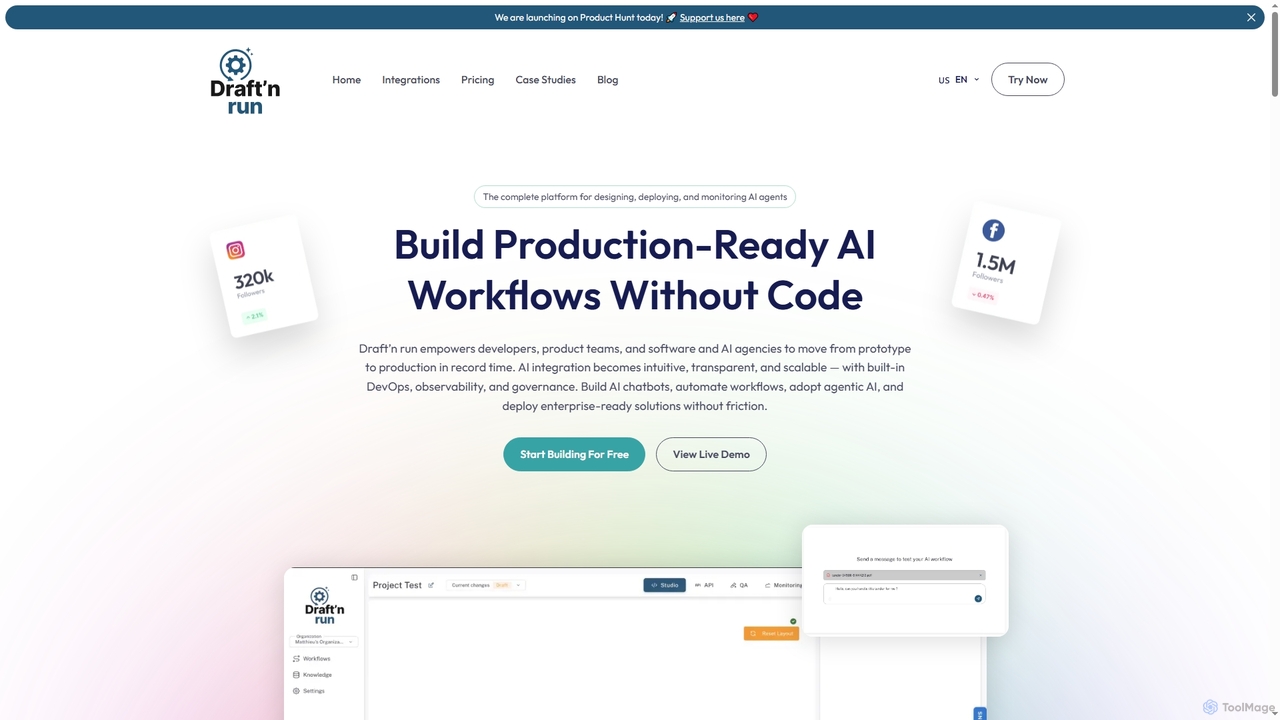
Draftnrun
Draftnrun is an open-source AI agent platform that empowers developers, product teams, and agencies to design, deploy, and monitor production-ready AI workflows without code. It offers a visual builder, comprehensive observability, and flexible deployment options, accelerating AI integration and ensuring full control.
Chatbot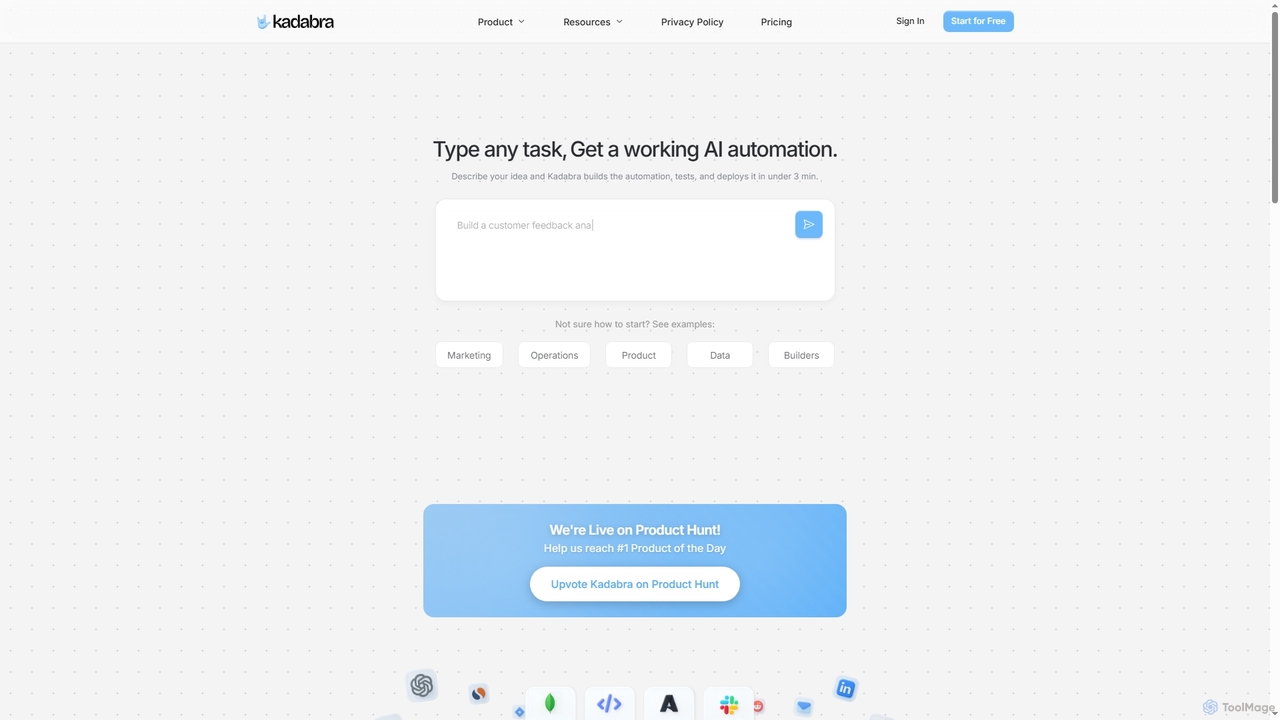
Kadabra
Kadabra is an AI-powered platform that transforms plain English descriptions into functional, deployable business and data automations. It allows users to build, test, and deploy complex workflows visually in minutes, integrating with a wide range of popular tools to streamline operations and enhance productivity.
Operations ManagementMindStudio
MindStudio is a powerful no-code platform for designing, building, and deploying custom AI agents. It enables users to create AI-powered web apps, automations, and extensions for personal, team, or enterprise use through an intuitive visual builder, without needing to write any code.
Workflow ManagementAI-Flow
AI-Flow is a no-code platform for creating custom AI tools and complex workflows. It features a simple drag-and-drop interface to connect and chain multiple AI models from providers like OpenAI, StabilityAI, and Anthropic. Users can build, run, and integrate these AI workflows into their projects via API, automating tasks from content creation to data analysis.
No CodeSmythOS
SmythOS is a no-code platform for building, testing, and deploying powerful AI agents. It features a visual drag-and-drop builder, allowing users to create complex workflows, automate tasks, and integrate with any API in minutes. Ideal for developers, startups, and enterprises looking to leverage AI for process automation and enhanced productivity.
No Code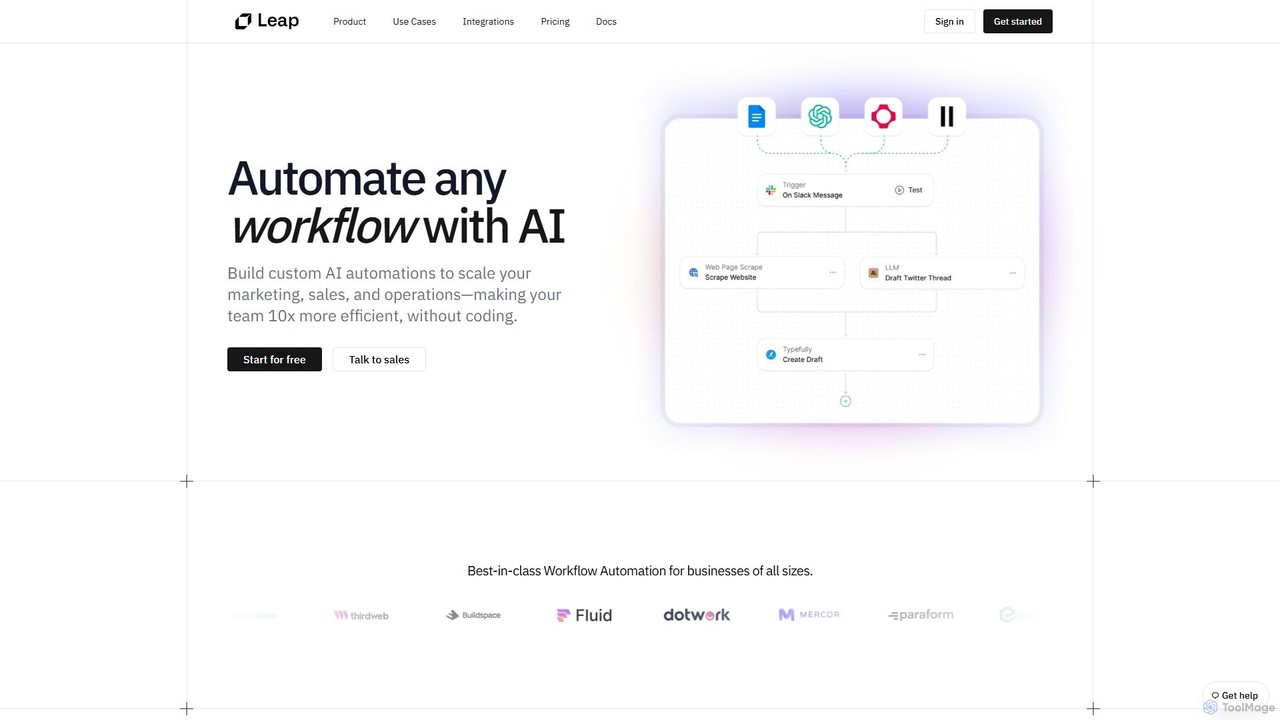
Leap AI
Leap AI is a no-code platform that empowers businesses to build and automate custom AI workflows. It enhances marketing, sales, and operations by connecting with your existing tools, making your team 10x more efficient without writing a single line of code. Utilize pre-built templates or create unique automations from scratch with a simple drag-and-drop interface.
No Code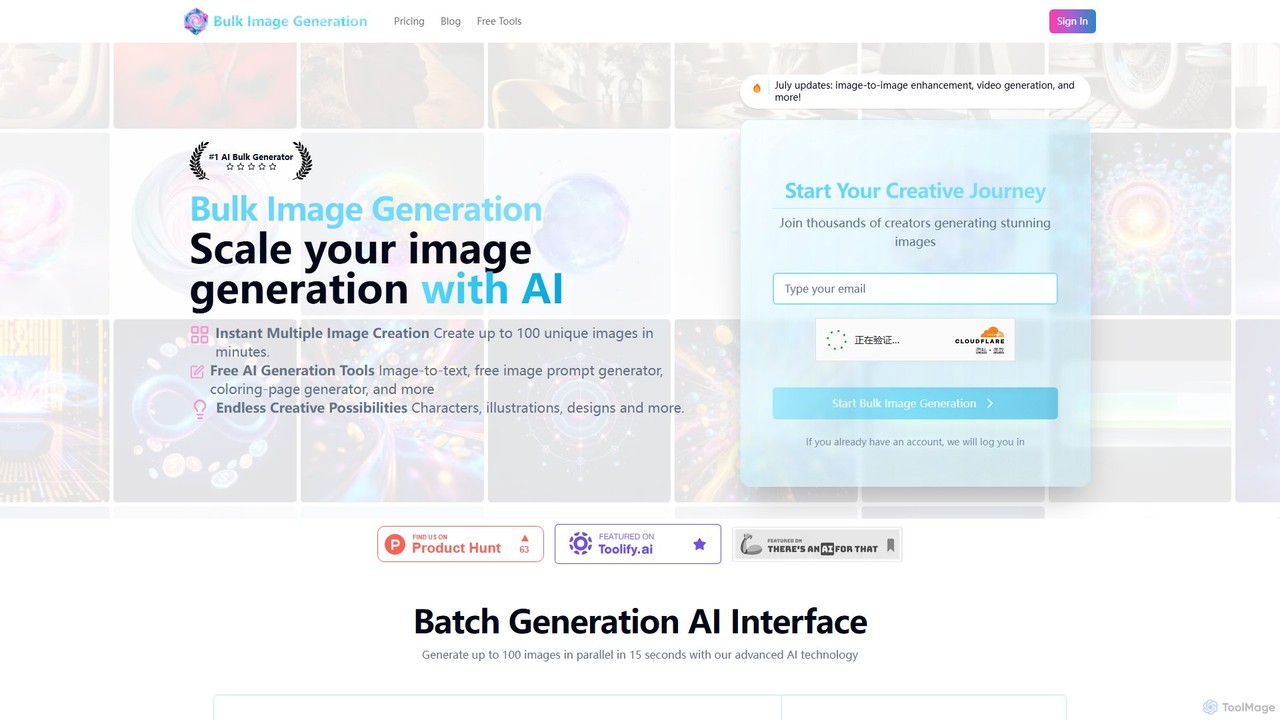
bulkimagegeneration
bulkimagegeneration is a powerful AI platform designed to scale visual content creation by generating up to 100 unique, professional images in seconds. Powered by advanced models like Flux 1.1 and DALL-E 3, it simplifies the creative process by eliminating the need for complex prompt engineering. It also features a suite of bulk editing tools, including face swapping, background removal, and resizing, making it ideal for marketers, designers, game developers, and content creators.
Graphic Design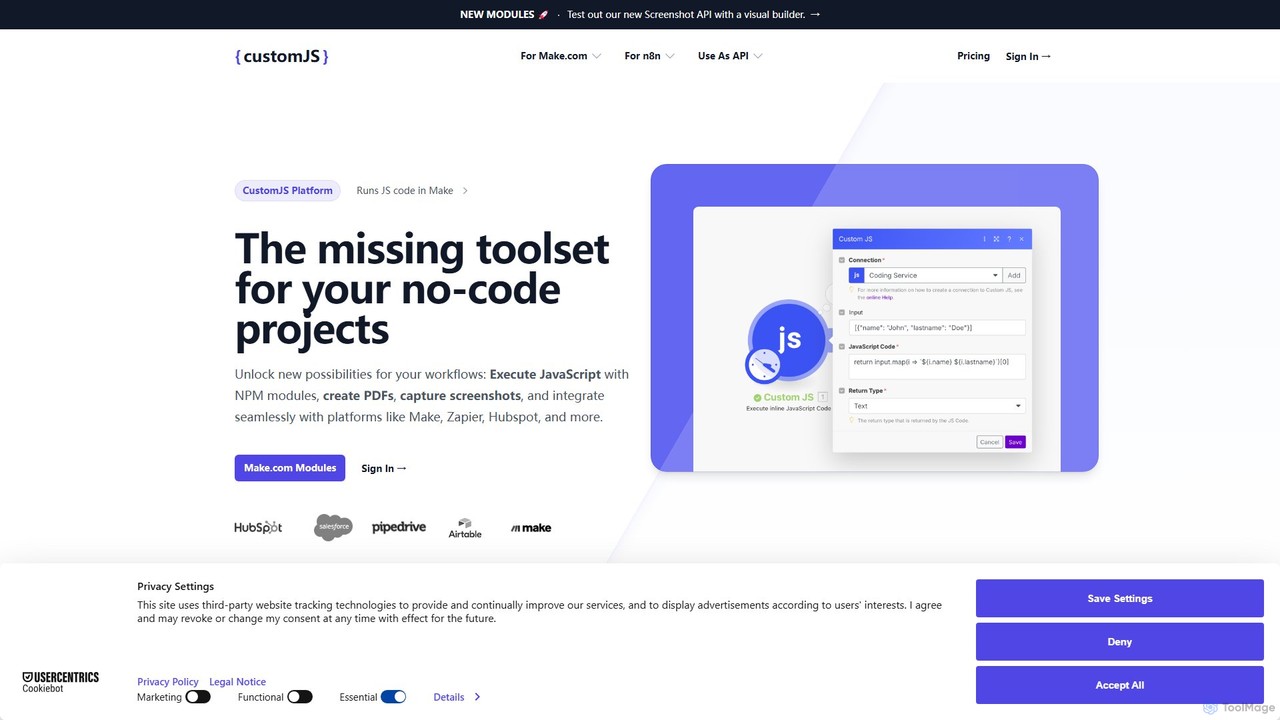
CustomJS
CustomJS is a powerful platform that bridges the gap between no-code and custom development. It allows you to execute JavaScript, use NPM modules, and integrate custom logic into your favorite automation platforms like Make, Zapier, and Airtable. Unlock advanced functionalities like PDF generation, web scraping, and API creation without managing your own servers.
Backend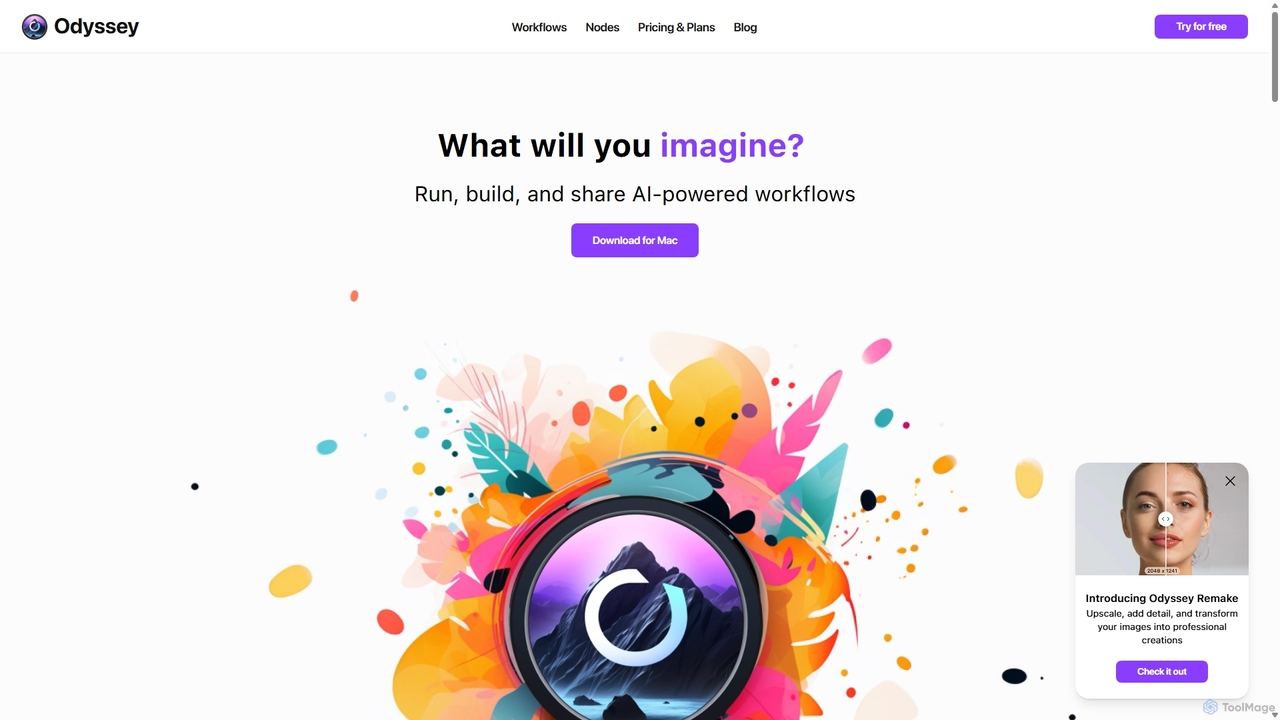
Odyssey
Odyssey is an all-in-one desktop application for macOS that empowers users to build, run, and share complex AI-powered workflows. It combines image generation, text processing, and powerful automation in a visual, node-based editor. With a focus on privacy, it runs major AI models like Stable Diffusion and Llama2 locally on your machine, ensuring your data remains secure. It's a one-time purchase for a lifetime license, designed for creatives, marketers, and developers.
Creative Assistant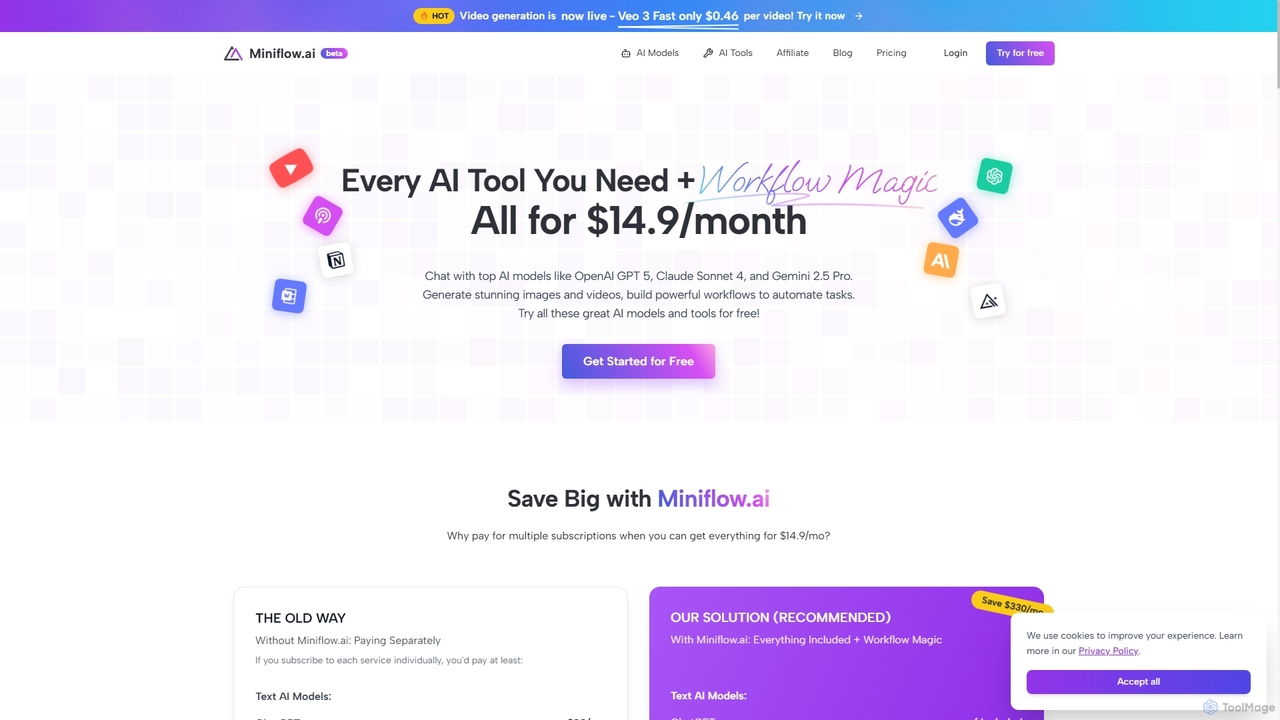
Miniflow.ai
Miniflow.ai is an all-in-one AI platform that consolidates top AI models for text, image, and video generation into a single subscription. It features a powerful no-code visual workflow builder, allowing users to chain multiple AI models and automate complex tasks, saving significant costs compared to individual subscriptions.
Ai Platform
mlblocks Comments (0)
Sign in to comment.
Sign inNo comments yet.