ToolMage
Sign in

Best 3 Application Builder AI tools for Developer Tools

Popular Application Builder AI tools in Developer Tools include Brancher.ai, NeoApps.AI, and toolmark.ai, helping you work more efficiently.

Brancher.ai
Freemium

Brancher.ai

Brancher.ai is a no-code platform that empowers users to build and monetize custom AI applications by connecting various AI models. Create complex workflows and innovative tools with a simple drag-and-drop interface, without writing a single line of code. Share your creations with a community and unlock new revenue streams.

Application Builder
Visits 14.6KFavorites 137Likes 163
NeoApps.AI
Freemium

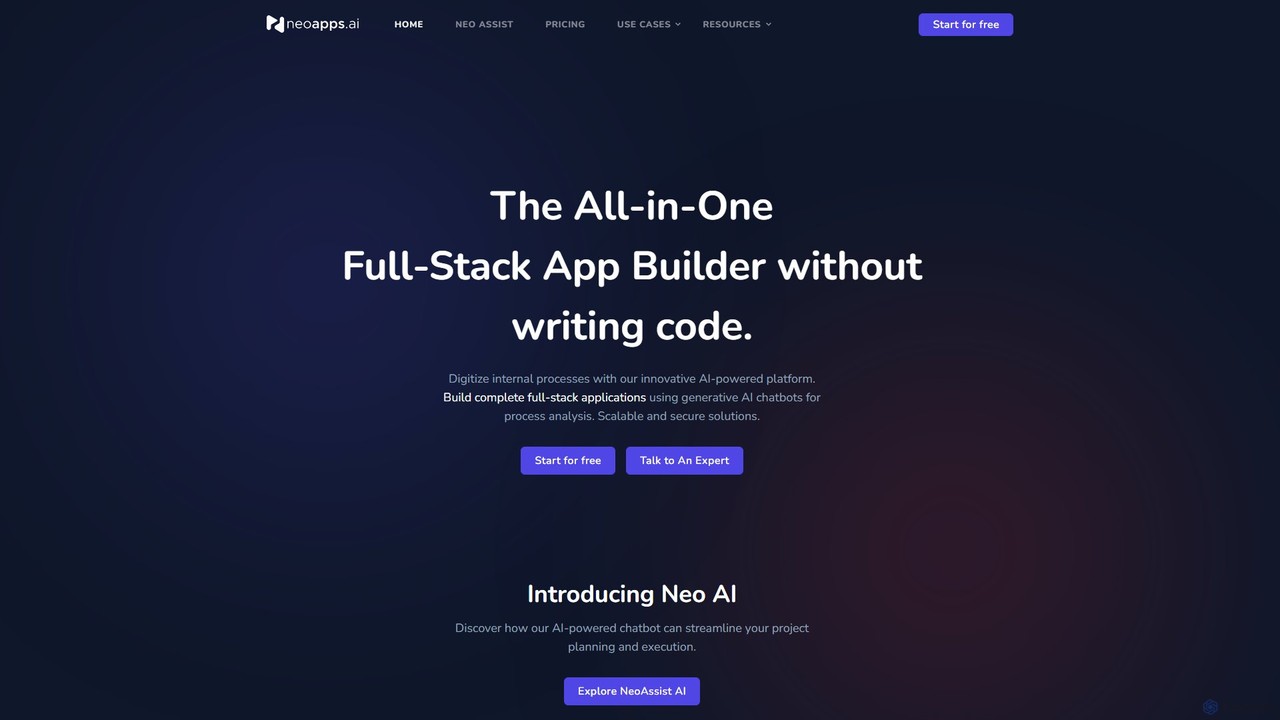
NeoApps.AI

NeoApps.AI is an AI-powered application development platform that automates the entire software creation process. Using a conversational chatbot, it helps you plan your project, automatically generates a scalable database, sets up business logic, and writes deployment-ready code. It offers a seamless, error-free build and deployment process, allowing users to create, customize, and redeploy applications with minimal to no coding, while also providing full code download capabilities for complete ownership and control.

Application Builder
Visits 8.6KFavorites 113Likes 144
toolmark.ai
Freemium

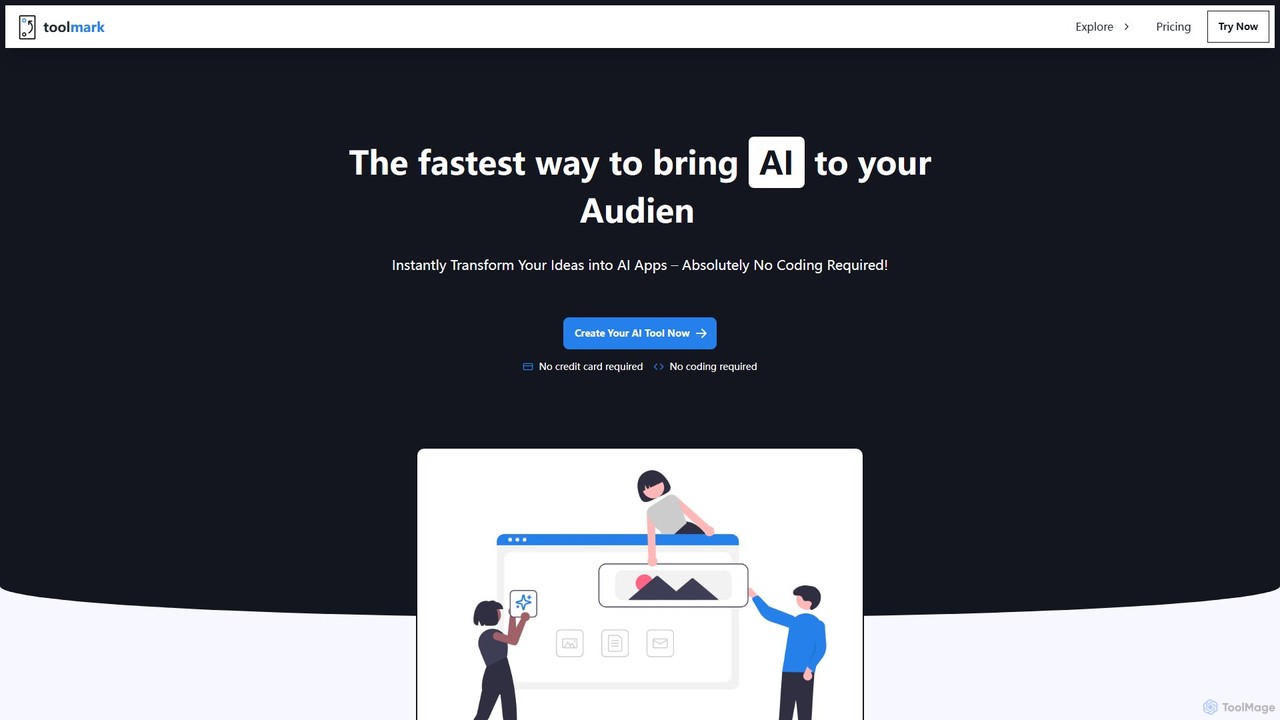
toolmark.ai

A no-code AI tool builder that empowers users to create, publish, and monetize custom AI applications, website widgets, and Chrome extensions. Using an intuitive drag-and-drop interface, you can integrate powerful AI models like GPT-4o, DALL-E, and Gemini to build tools for marketing, career development, productivity, and more, all without writing a single line of code.

Application Builder
Visits 8.6KFavorites 136Likes 138

About Application Builder

Application Builders are AI-powered platforms that enable users to design, develop, and deploy custom software applications with minimal to no coding. These tools leverage visual interfaces and pre-built components, significantly accelerating the application development lifecycle. They empower businesses and individuals to create tailored solutions for specific needs, from internal operational tools to customer-facing applications, without extensive programming knowledge. This approach democratizes app creation, making sophisticated software accessible to a broader audience within the broader category of Developer Tools.

Core Features

  • Visual Development Interface: Drag-and-drop elements and intuitive visual editors for designing user interfaces and workflows.
  • Pre-built Components & Templates: Libraries of ready-to-use modules, forms, and templates for common functionalities like data entry, reporting, and user authentication.
  • Workflow Automation: Tools to define and automate business processes, data flows, and task sequences within the application.
  • Data Management & Integration: Capabilities to connect with various data sources, manage databases, and integrate with third-party services via APIs.
  • Deployment & Hosting: Built-in options for publishing applications to web, mobile, or internal servers, often with managed hosting.

Use Cases

Application Builders are widely adopted across various industries for streamlining operations and enhancing digital capabilities. They are particularly valuable for small to medium-sized businesses, departmental teams within larger enterprises, and individual entrepreneurs. These platforms facilitate the creation of internal tools, customer portals, and specialized data management systems, reducing reliance on traditional IT departments and external developers.

How to Choose

When selecting an Application Builder, consider the specific needs of your project, including the complexity of the desired application and the technical proficiency of your team. Evaluate the platform's scalability, integration capabilities with existing systems, and the range of pre-built components available. Additionally, assess the pricing model, community support, and the vendor's long-term vision for the platform to ensure it aligns with your future growth.

Application Builder use cases

1

Automating Internal Business Workflows

A small business owner creates a custom CRM to manage leads, track sales, and automate follow-up emails, integrating with their existing email service. This streamlines customer relationship management and reduces manual data entry, saving significant operational time.

2

Building Customer Self-Service Portals

An e-commerce company develops a portal where customers can track orders, view purchase history, and submit support tickets without needing direct agent interaction. This improves customer satisfaction by providing instant access to information and reduces the workload on customer support teams.

3

Developing Field Service Management Apps

A construction company builds a mobile app for its field technicians to access project plans, report progress, and submit inspection forms directly from job sites. This enhances real-time data collection, improves communication between field and office, and boosts overall operational efficiency.

4

Creating Event Registration & Management Systems

An event organizer designs a comprehensive system for online registration, payment processing, attendee management, and communication for various events. This simplifies event logistics, automates repetitive tasks, and improves the overall participant experience, allowing for more efficient event execution.

5

Rapid Prototyping and MVP Development

A startup uses an Application Builder to quickly develop a Minimum Viable Product (MVP) for a new service, testing core functionalities and gathering early user feedback before investing in full-scale custom development. This accelerates market entry, validates business ideas efficiently, and reduces initial development costs.

6

Custom Data Collection and Reporting Tools

A research institution builds a specialized application for researchers to collect specific data points in the field, analyze findings, and generate custom reports for various studies. This ensures data accuracy, streamlines the research process, and facilitates tailored insights for academic or scientific purposes.

Application Builder FAQ

What are Application Builders?

Application Builders are platforms that enable users to create custom software applications using visual interfaces and pre-built components, often with little to no coding. They democratize app development by allowing individuals and businesses to quickly build tailored solutions for specific needs, from internal tools to customer-facing applications, without extensive programming expertise. They are a key part of modern developer tools, focusing on rapid deployment and accessibility.

How do Application Builders differ from traditional coding?

Application Builders primarily use visual drag-and-drop interfaces and pre-configured modules, abstracting away complex coding. Traditional coding involves writing lines of code in programming languages, offering maximum flexibility. Application Builders provide faster development cycles and lower technical barriers, making them ideal for rapid prototyping and business users, while traditional coding is suited for highly complex or unique requirements.

Who can benefit most from using Application Builders?

Application Builders are ideal for business users, entrepreneurs, small to medium-sized businesses, and departmental teams within larger enterprises who need custom software but lack extensive development resources or time. They empower non-technical users to solve specific business problems by creating their own applications, automating workflows, and managing data more effectively, reducing reliance on IT departments.

What are the key features to look for in an Application Builder?

When choosing an Application Builder, prioritize features like an intuitive visual development interface, a rich library of pre-built components and templates, robust data management and integration capabilities, and flexible deployment options. Also consider workflow automation tools, security features, scalability, and the level of community or vendor support available to ensure it meets your project's specific needs.

Can Application Builders integrate with existing systems?

Yes, most modern Application Builders offer strong integration capabilities. They typically support connections to various data sources, cloud services, and third-party applications through APIs, webhooks, or pre-built connectors. This allows newly built applications to seamlessly exchange data and interact with your existing IT ecosystem, enhancing overall operational efficiency and data consistency.