

Mems Overview
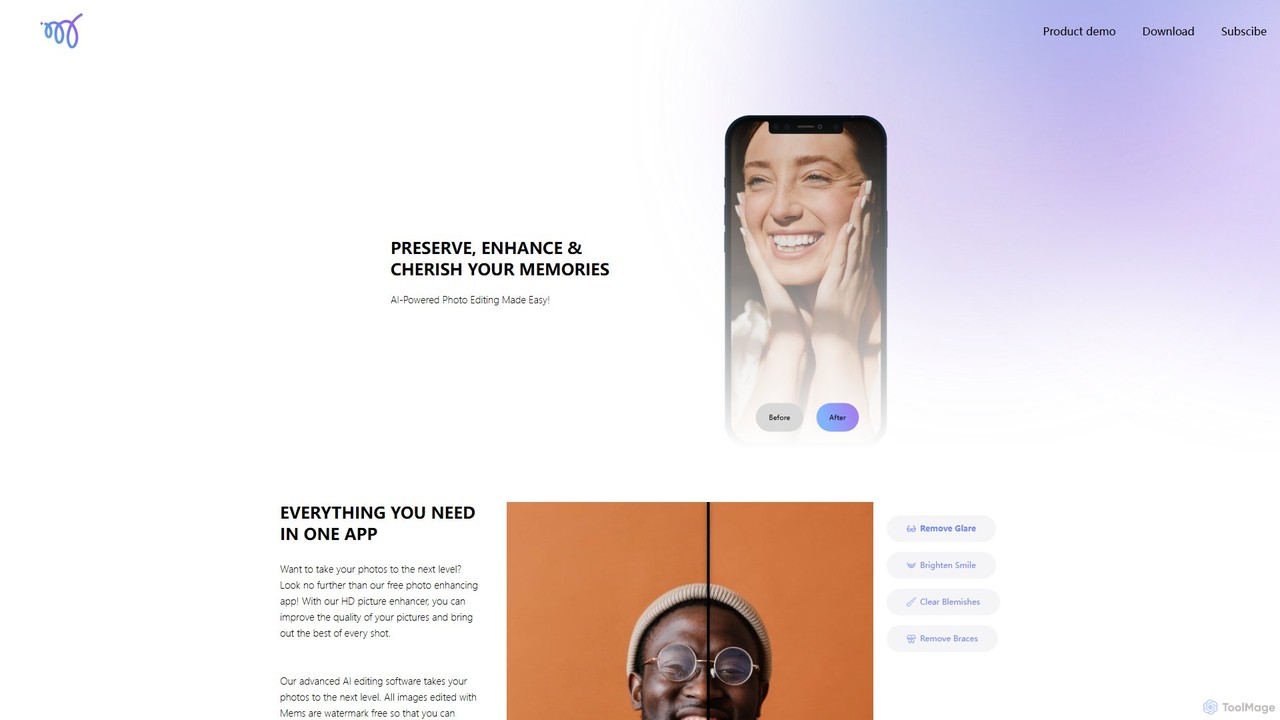
Mems is an advanced AI-powered photo editing application designed to preserve, enhance, and cherish your most valuable memories. It simplifies the complex process of photo editing, making it accessible to everyone, from professional photographers to casual users. The app's core philosophy is to provide powerful tools that deliver natural-looking results, ensuring your photos are improved without looking artificial or over-filtered. All edits made with Mems are completely watermark-free, giving you the freedom to share your enhanced moments without any restrictions.
The application leverages sophisticated AI algorithms to analyze and improve your images instantly. Whether you're looking to sharpen a blurry shot, correct lighting, or perfect a selfie, Mems offers a comprehensive suite of features in a single, user-friendly interface. It stands out for its ability to perform detailed retouching tasks that traditionally require professional software, such as removing braces or glare, with just a single tap.
How to use Mems
Using Mems is designed to be a simple and intuitive process:
- Download the App: Visit the Mems website and scan the QR code with your phone's camera to be directed to the appropriate app store (Apple App Store or Google Play Store) to download the Mems app.
- Select a Photo: Open the app and grant it permission to access your photo library. Browse your gallery and choose the image you wish to enhance.
- Apply AI Enhancements: Once the photo is loaded, you can choose from various AI tools. Use the general 'Enhance' feature for an all-around improvement in quality, resolution, and color.
- Use Specific Retouching Tools: For portraits, select specific tools like 'Clear Blemishes' to remove acne, 'Brighten Smile' to whiten teeth, 'Remove Braces' for a perfect smile, or 'Remove Glare' to fix photos taken in tricky lighting.
- Preview and Save: The app will show you a before-and-after comparison. Once you are satisfied with the result, save the high-resolution, watermark-free image directly to your device.
- Share Your Memories: Share your beautifully enhanced photos directly from the app to your favorite social media platforms or with friends and family.
Core Features of Mems
- AI HD Picture Enhancer: Automatically improves the overall quality, sharpness, and clarity of your photos, turning standard pictures into high-definition masterpieces.
- Advanced Portrait Retouching: A suite of tools dedicated to perfecting portraits. This includes a blemish remover that preserves natural skin texture, a smile enhancer to brighten teeth, and a unique feature to seamlessly remove dental braces.
- Glare Removal: Intelligently identifies and removes unwanted glare and reflections from photos, which is especially useful for pictures taken through windows or of subjects wearing glasses.
- One-Tap Editing: The majority of the app's functions are powered by AI and work with a single tap, eliminating the need for manual adjustments or technical editing skills.
- Watermark-Free Exports: All edited images can be saved and shared in high quality without any distracting watermarks, preserving the integrity of your photos.
Use Cases for Mems
Mems is a versatile tool suitable for a wide range of users:
- Social Media Users: Create flawless selfies and portraits for Instagram, TikTok, and Facebook, ensuring you always look your best.
- Family Photographers: Enhance precious family photos, brighten up vacation shots, and improve the quality of everyday moments captured on your phone.
- Photo Restoration: Use the HD enhancer to improve the quality and clarity of old, scanned photographs, bringing cherished memories back to life.
- Amateur and Professional Photographers: Perform quick, on-the-go edits and touch-ups on a mobile device without needing to transfer files to a desktop computer.
- Anyone Wanting to Look Their Best: Boost your confidence by easily removing temporary imperfections like acne or even digitally removing braces for a special occasion photo.
Advantages of Mems
Mems offers several key advantages over other photo editing apps:
- Natural-Looking Results: The AI is trained to make subtle, realistic enhancements, avoiding the plastic or 'filtered' look. It's particularly praised for maintaining natural skin texture during retouching.
- Simplicity and Speed: The one-tap interface makes powerful editing accessible to users of all skill levels, delivering instant results.
- All-in-One Solution: It combines general photo enhancement with specialized, high-demand retouching features like brace and glare removal in a single app.
- User Freedom: Providing watermark-free exports is a significant user-centric benefit that many competitors charge for.
Pricing and Plans
Mems operates on a freemium model, offering both free and paid subscription options:
- Free Version: Users can download the app for free and access a range of core enhancement and retouching features. This version may have limitations, such as a daily cap on the number of photos you can save or access to standard-definition exports only.
- Subscription (Mems Pro): By subscribing, users unlock the full potential of the app. This typically includes unlimited access to all features, the ability to save in the highest possible resolution, an ad-free experience, and priority access to new tools as they are released. Specific pricing details are available within the app.
Mems Alternatives
Skylum
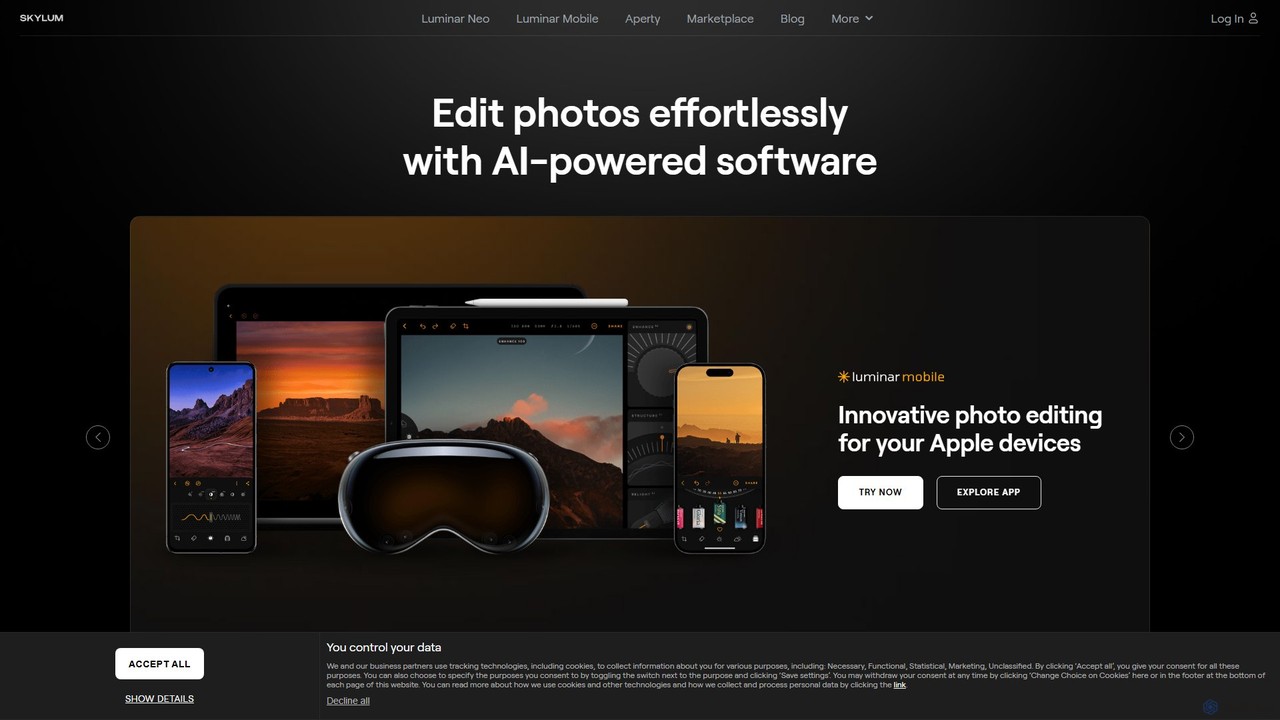
Skylum develops AI-powered photo editing software, including the flagship Luminar Neo. Designed for photographers of all skill levels, its tools simplify complex editing tasks like sky replacement, portrait retouching, and landscape enhancement, enabling users to achieve professional-quality results with intuitive controls and creative automation.
Graphics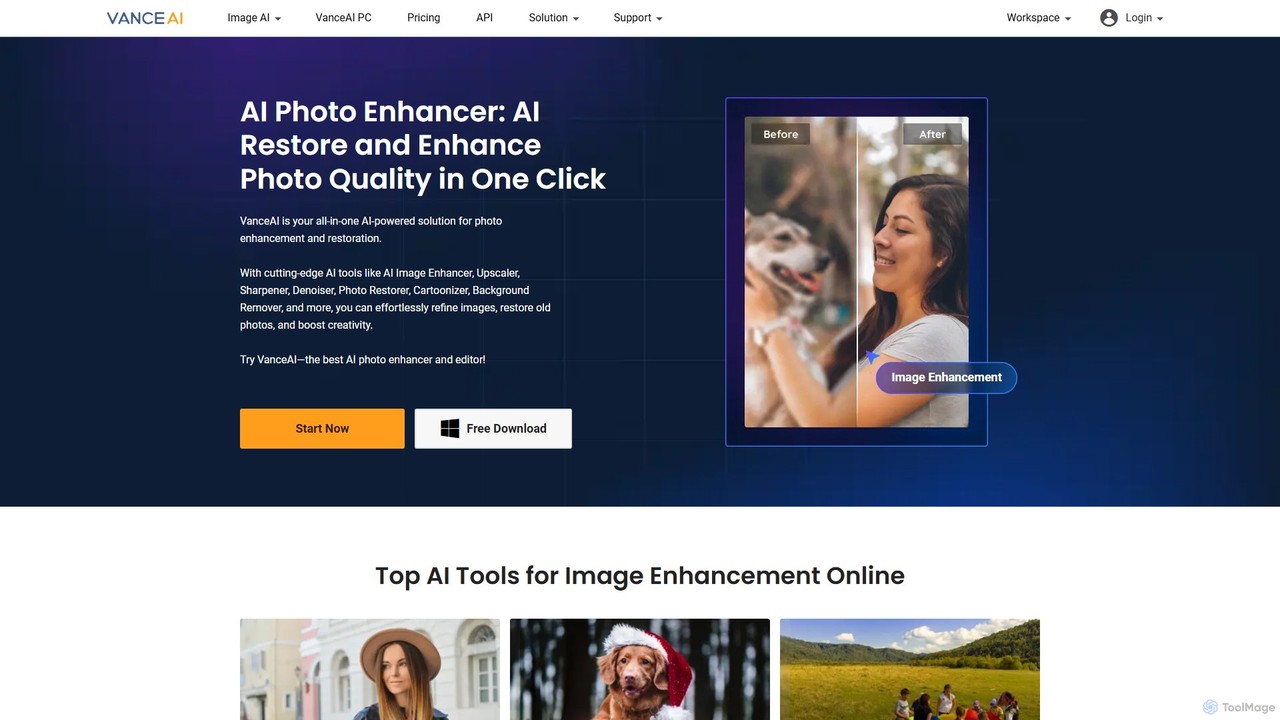
VanceAI
VanceAI is a comprehensive, AI-powered suite for photo enhancement, restoration, and editing. It offers a wide range of tools, including an image upscaler, sharpener, denoiser, background remover, and photo restorer. With one-click solutions and batch processing capabilities, VanceAI helps users from photographers to e-commerce businesses improve image quality, streamline workflows, and boost creativity effortlessly, available both online and as a desktop application.
Image Editing
ImageColorizer
ImageColorizer is a comprehensive AI-powered toolkit designed to breathe new life into old photographs. It automatically colorizes black and white images, restores damaged photos by removing scratches and tears, enhances quality by fixing pixelation and blur, and upscales images without losing detail. It's a user-friendly online tool for preserving cherished memories with professional-grade results, no editing skills required.
3D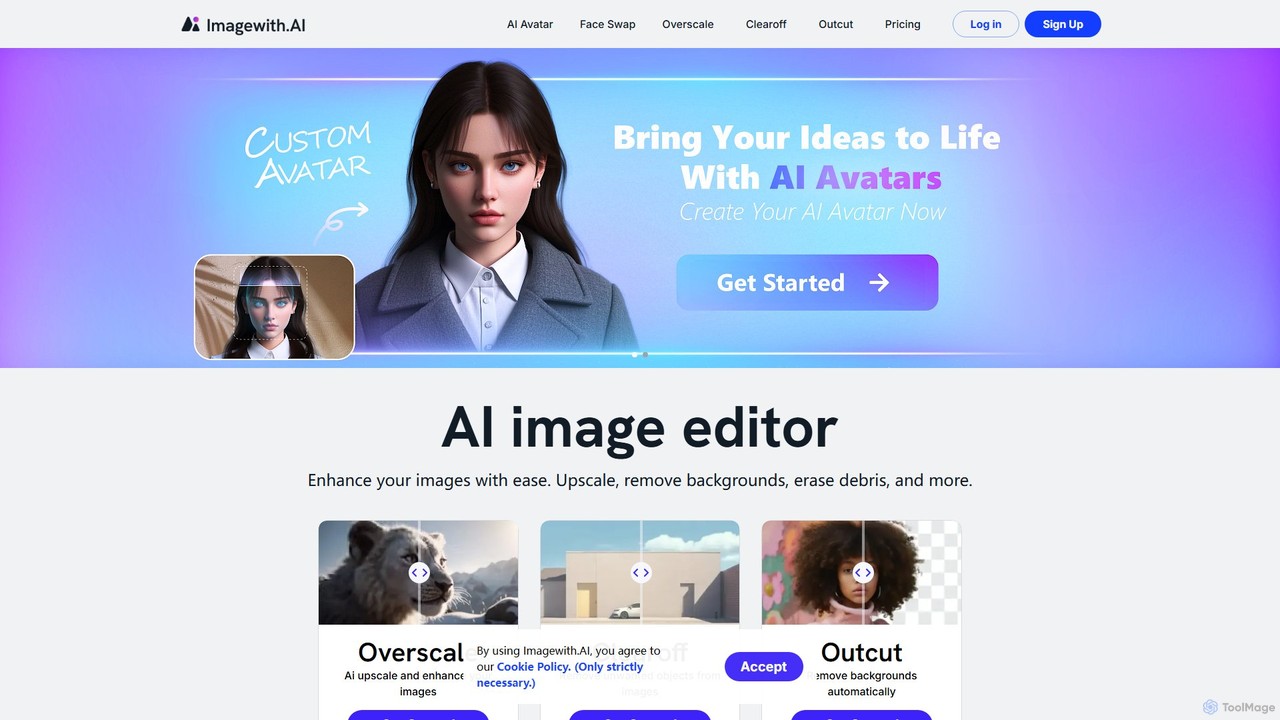
imagewith.ai
imagewith.ai is an AI-powered online image editing suite designed to simplify complex photo editing tasks. It offers a set of powerful tools including an image upscaler (Overscale), a background remover (Outcut), and an object remover (Clearoff). This platform enables users of all skill levels, from amateur photographers to e-commerce professionals, to enhance, clean, and perfect their images with just a few clicks, boosting efficiency and creativity without the need for complex software.
Product Photos
InstantEditAI
InstantEditAI is an AI-powered photo editing tool that delivers professional-grade results in minutes. Specializing in one-click color correction, skin smoothing, and cropping, it's perfect for wedding, event, and family photos. Choose from over 30 styles created by top photographers to transform your images without needing complex software.
Image EditingMems Categories
Mems Embed Widget
Copy this embed code to place the badge on your blog, article, or product site and send readers directly to this ToolMage detail page.

Related AI tools
VanceAI
VanceAI is a comprehensive, AI-powered suite for photo enhancement, restoration, and editing. It offers a wide range of tools, including an image upscaler, sharpener, denoiser, background remover, and photo restorer. With one-click solutions and batch processing capabilities, VanceAI helps users from photographers to e-commerce businesses improve image quality, streamline workflows, and boost creativity effortlessly, available both online and as a desktop application.
Image EditingImageColorizer
ImageColorizer is a comprehensive AI-powered toolkit designed to breathe new life into old photographs. It automatically colorizes black and white images, restores damaged photos by removing scratches and tears, enhances quality by fixing pixelation and blur, and upscales images without losing detail. It's a user-friendly online tool for preserving cherished memories with professional-grade results, no editing skills required.
3Dimagewith.ai
imagewith.ai is an AI-powered online image editing suite designed to simplify complex photo editing tasks. It offers a set of powerful tools including an image upscaler (Overscale), a background remover (Outcut), and an object remover (Clearoff). This platform enables users of all skill levels, from amateur photographers to e-commerce professionals, to enhance, clean, and perfect their images with just a few clicks, boosting efficiency and creativity without the need for complex software.
Product Photos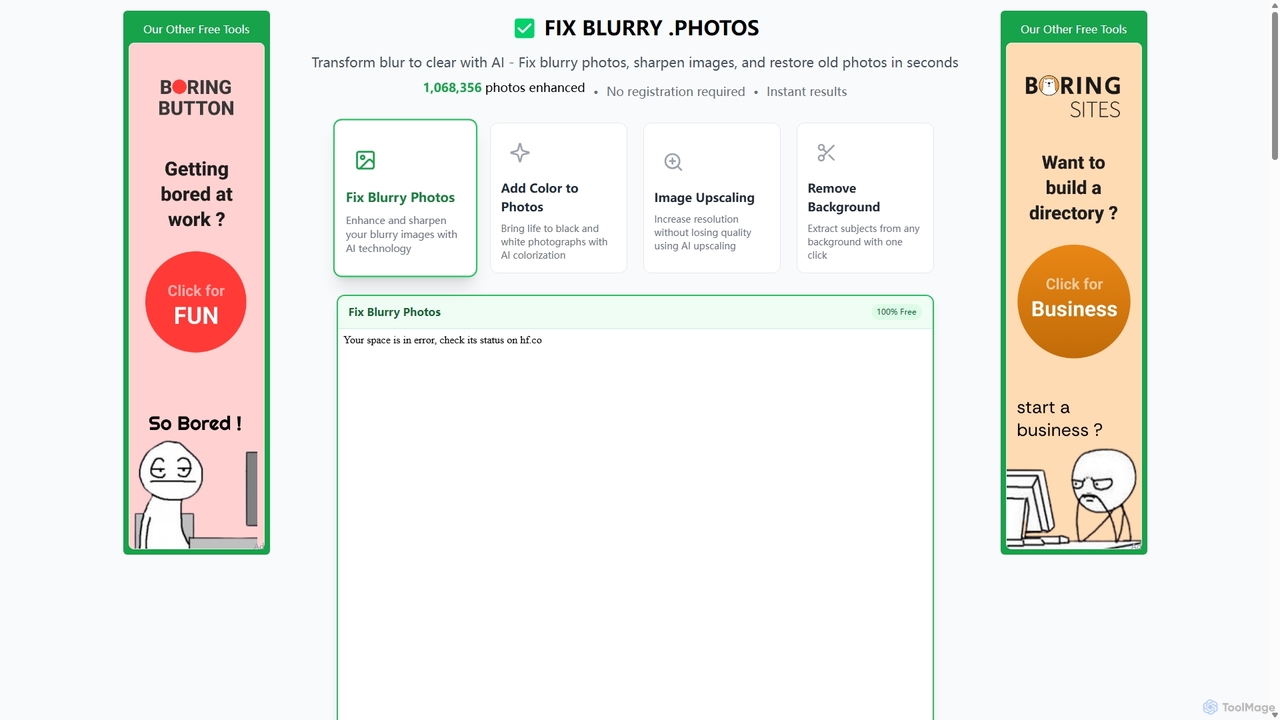
Fixblurry
fixblurry is a free, AI-powered online tool suite designed to enhance your images instantly. It specializes in unblurring and sharpening photos, restoring old or faded pictures, upscaling low-resolution images without quality loss, colorizing black-and-white photos, and removing backgrounds with a single click. No registration or software installation is required, offering professional-grade results for everyone.
Image Editing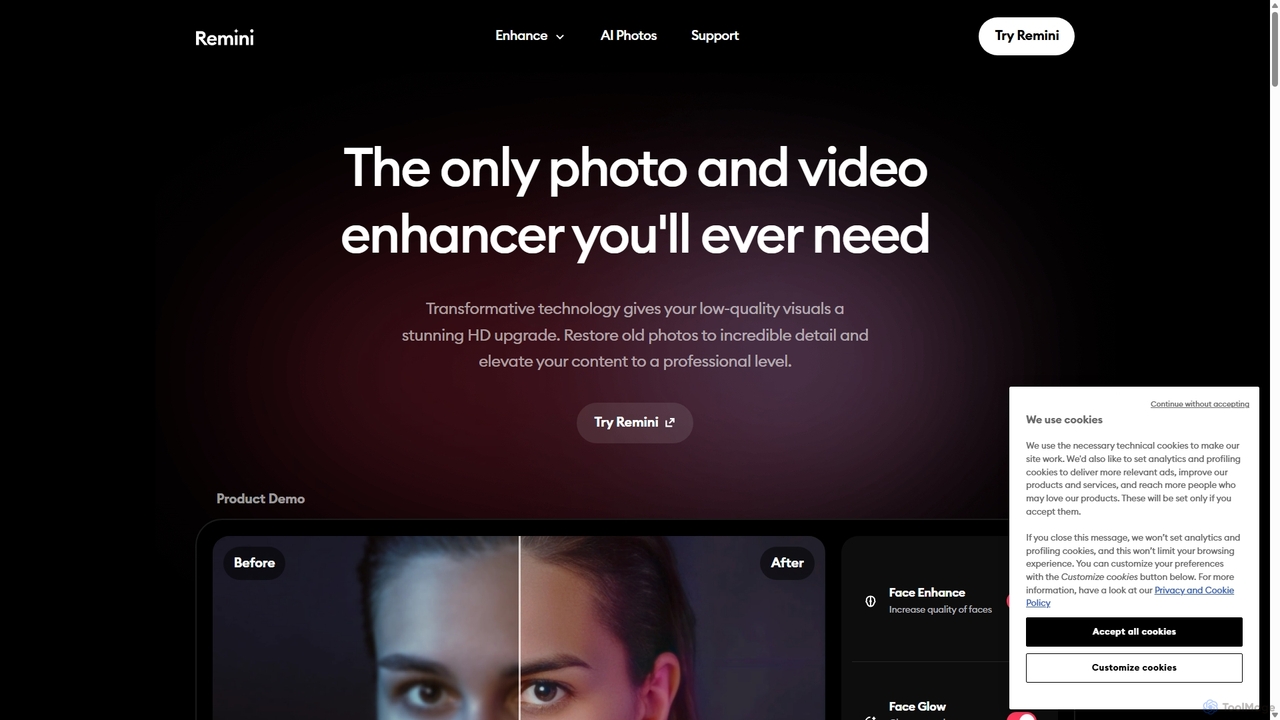
Remini
Remini is an AI-powered photo and video enhancer that transforms low-quality, blurry, or old images and videos into stunning high-definition visuals. Using advanced AI, it restores details, sharpens focus, reduces noise, and can even generate professional-quality AI photos of yourself.
3D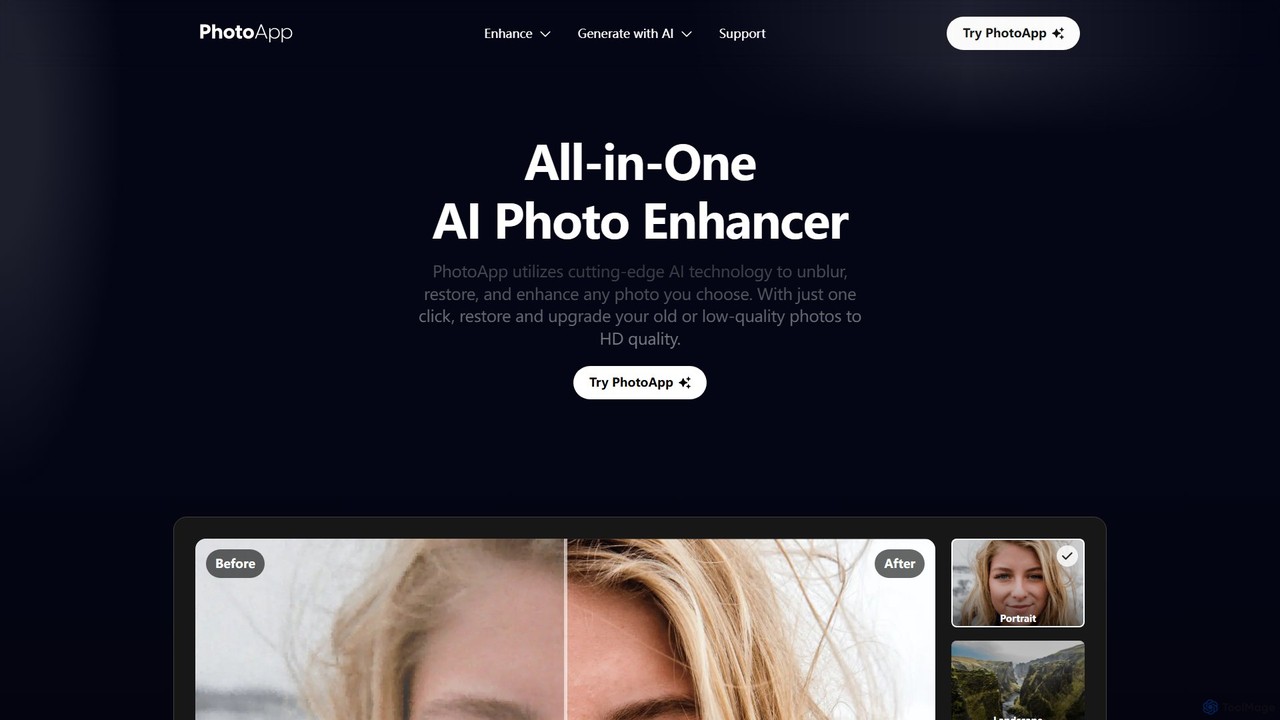
PhotoApp
PhotoApp is an all-in-one AI photo editor that enhances, restores, and unblurs your images with a single click. Using advanced AI, it sharpens details, removes noise, corrects colors, and revives old photos. It also features an AI photo generator to create professional-quality images of yourself. Available on iOS and Android for on-the-go editing.
3D
Nero Lens
Nero Lens is an all-in-one AI-powered photo enhancer app that instantly upscales, restores, colorizes, and denoises images. It also features an AI avatar and headshot generator, turning your selfies into stunning, stylized photos for social media, dating profiles, or professional use.
Ai Avatar Generator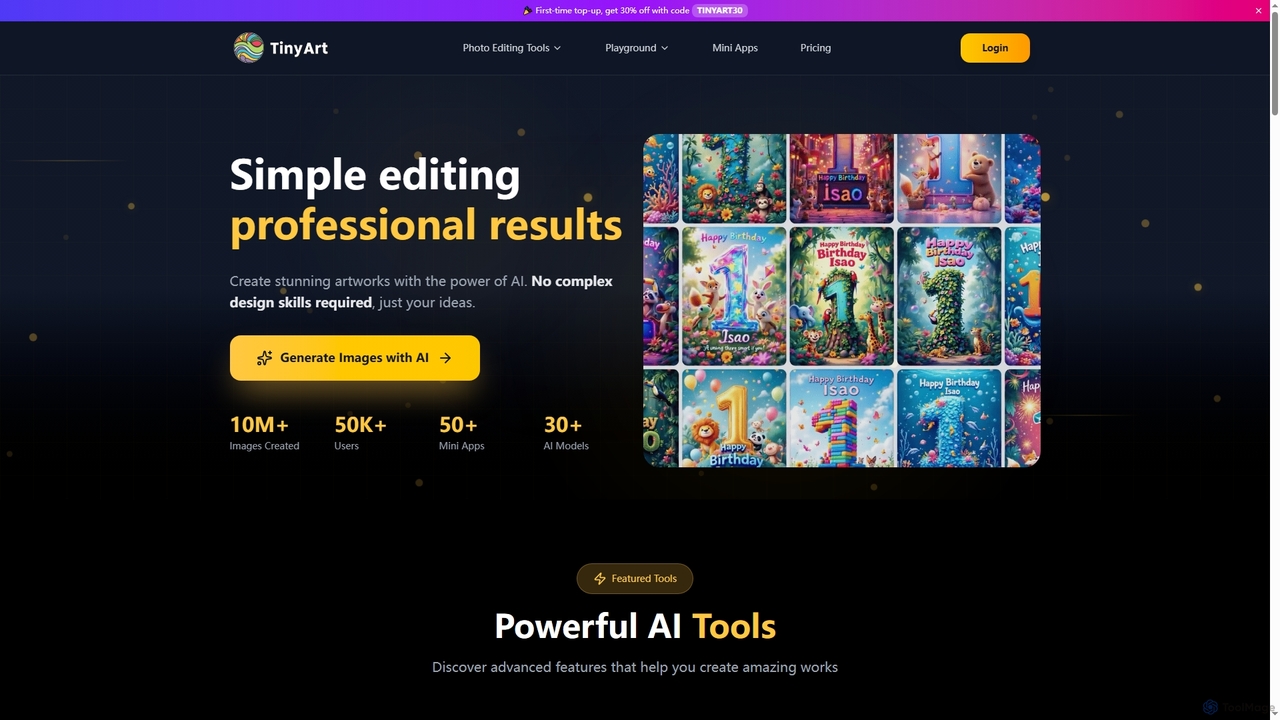
TinyArt
TinyArt is an AI-powered photo editing and image generation platform designed for professional results without complex design skills. It offers a suite of tools including background removal, image upscaling, watermark removal, object cleanup, and text-to-image generation, alongside specialized mini-apps for ID photos, face swaps, and photo restoration.
Creative Tools
photofix
Photofix is an all-in-one AI-powered platform for photo restoration and enhancement. Effortlessly repair old, damaged photos, colorize black and white images, remove unwanted objects, and upscale resolution with just a few clicks. Ideal for photographers, families, and businesses.
3D
Upscale.media
Upscale.media is a free AI-powered tool that automatically upscales and enhances images in seconds. It increases image resolution by up to 8x without losing quality, sharpens details, and removes artifacts. Ideal for e-commerce, photographers, and personal use, it offers web, mobile app, and API access for seamless integration.
Image Editing
PhotoGrid
PhotoGrid is an all-in-one online collage maker and AI photo editor. It offers over 20,000 templates and a suite of powerful AI tools to create stunning photo collages, remove backgrounds, enhance image quality, and apply creative filters, making professional photo editing accessible to everyone.
Collage Maker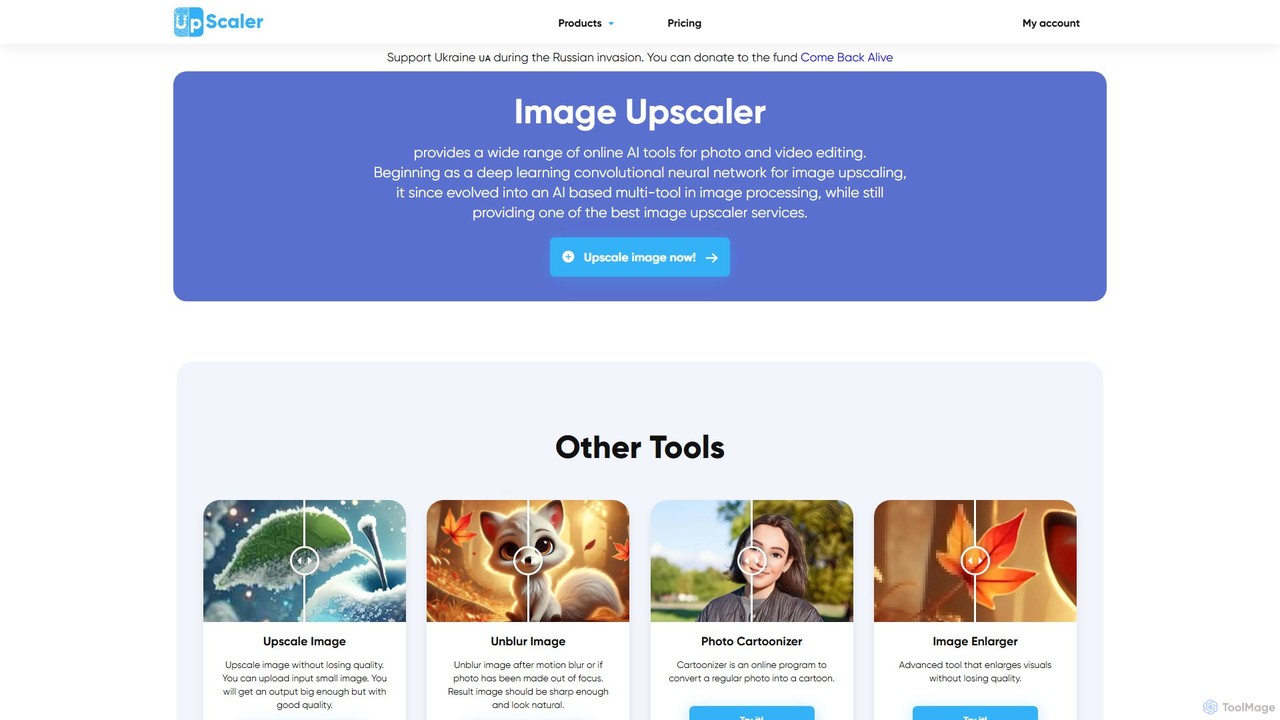
ImageUpscaler
An all-in-one AI-powered platform for image enhancement. Upscale photos up to 4x without quality loss, remove backgrounds, deblur images, generate art from text, and utilize a wide range of creative tools like cartoonizers, colorizers, and object removers. Ideal for professionals and hobbyists.
Graphics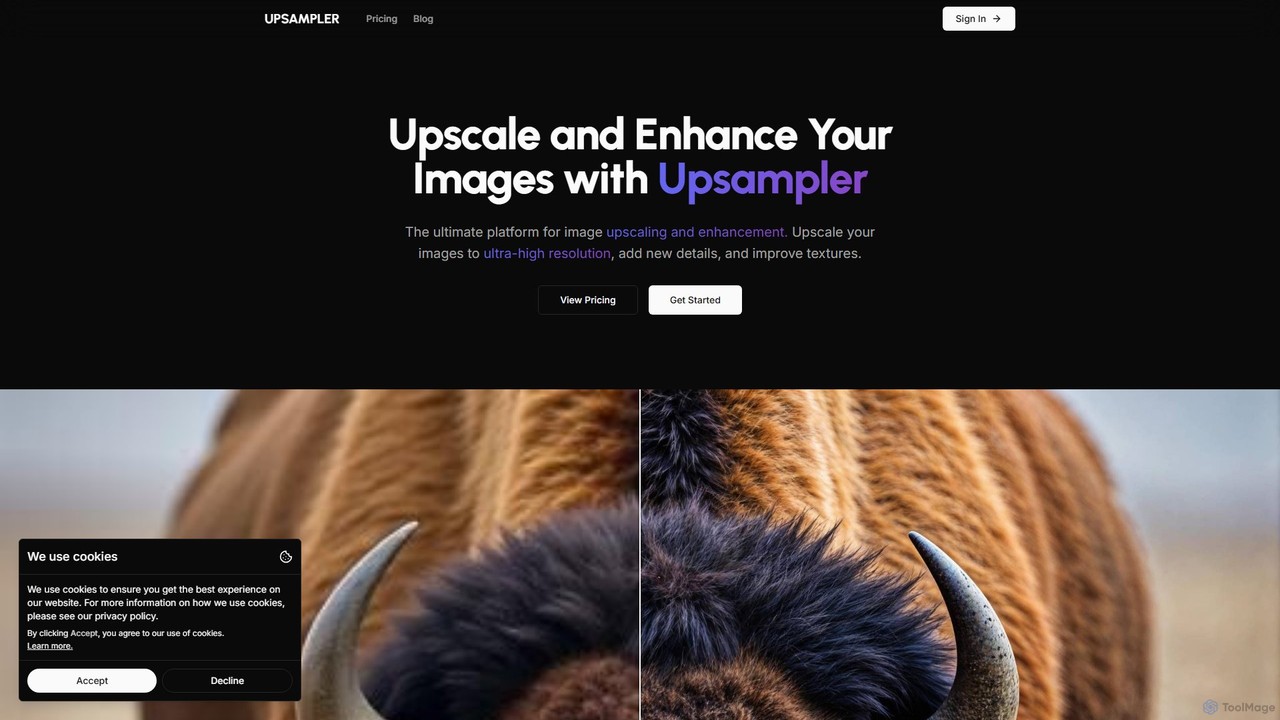
Upsampler
Upsampler is a comprehensive AI-powered online platform for image upscaling, enhancement, restoration, and generation. It features multiple upscaling modes like Smart, Dynamic, and Precise to cater to different image types, from AI art to real photos. It also offers generative fill, photo restoration, and integrates top AI models like GPT-4o and Imagen for image creation.
Image Generation
Photoleap
Photoleap is a powerful all-in-one AI photo editing app by Lightricks. It combines traditional editing tools with a massive suite of cutting-edge AI features, allowing users to transform photos, generate stunning AI art from text, create professional headshots, and apply creative effects with ease. It's designed for everyone from social media creators to casual users looking to elevate their images.
Generative Art
Nero Lens
Nero Lens is an all-in-one AI-powered photo enhancement application for mobile and PC. It specializes in upscaling, restoring old photos, denoising, colorizing, and creating unique AI-generated portraits and art styles. Instantly transform blurry, low-resolution, or damaged images into stunning, high-quality visuals with a single tap.
Generative Art
Mems Comments (0)
Sign in to comment.
Sign inNo comments yet.