


PanoSlice Pro Overview
PanoSlice Pro is a revolutionary application that leverages artificial intelligence to help users create captivating and immersive social media posts from panoramic images. Traditionally, sharing wide panoramic photos on platforms like Instagram has been a challenge, often resulting in poor cropping or a loss of detail. PanoSlice Pro solves this problem by intelligently segmenting a single panoramic picture into multiple, perfectly aligned images, ready to be uploaded as a seamless carousel post that users can swipe through.
The core of PanoSlice Pro is its AI-driven composition engine. Instead of just crudely dividing the image into equal parts, the AI analyzes the content of the photo—identifying key subjects, horizons, and compositional lines—to determine the most aesthetically pleasing cut points. This ensures that important elements are not awkwardly split between frames, resulting in a professional and visually coherent narrative. It's the perfect tool for landscape photographers, real estate agents, travel bloggers, and anyone looking to share expansive views in their full splendor.
How to use PanoSlice Pro
Using PanoSlice Pro is designed to be an intuitive and straightforward process, allowing you to create stunning content in just a few steps:
- Upload Your Panorama: Start by selecting and uploading your wide-format or panoramic photo directly into the app.
- AI-Powered Slicing: The AI will automatically analyze your image and suggest the optimal number of slices and cut points for a seamless carousel. You can choose from various grid layouts (e.g., 1x2, 1x3, up to 1x10).
- Customize and Preview: While the AI provides excellent suggestions, you have full control to manually adjust the slice lines if needed. A real-time preview shows you exactly how the final swipeable post will look.
- Select Aspect Ratio: Choose from presets optimized for different platforms and formats, such as Instagram Posts (1:1, 4:5) or Stories (9:16).
- Export and Share: Once you are satisfied, export the sliced images to your device's gallery in high resolution. The images are numbered in order, making it easy to upload them to Instagram or other social media platforms.
Core Features of PanoSlice Pro
- AI Smart Slicing: Content-aware algorithm that intelligently identifies the best points to slice a panorama for a natural, flowing composition.
- Multiple Grid Layouts: Offers a variety of slicing options, from 2 to 10 images, to fit the narrative of your photo.
- Social Media Presets: Includes pre-configured aspect ratios for Instagram posts, carousels, stories, and other popular social media platforms.
- High-Resolution Export: Maintains the original quality of your photos, ensuring your exported slices are crisp and clear.
- Seamless Edge-to-Edge Matching: Guarantees that each slice perfectly aligns with the next, creating a flawless, continuous image when swiped.
- Manual Adjustment: Provides the flexibility to fine-tune the AI's suggestions, giving you complete creative control.
- Watermark-Free Option: The Pro version allows for exporting images without any branding, perfect for professional use.
Use Cases for PanoSlice Pro
PanoSlice Pro is versatile and can be used by various professionals and enthusiasts:
- Photographers: Showcase breathtaking landscape, cityscape, and astrophotography panoramas in full detail on social media.
- Travel Influencers: Create immersive travel stories by sharing wide-angle shots of beaches, mountains, and landmarks.
- Real Estate Agents: Provide virtual tours of properties by creating swipeable panoramic images of rooms and exteriors.
- Event Marketers: Capture the full scale of a concert, conference, or sporting event in a single, interactive post.
- Artists and Designers: Display wide-format digital art or design portfolios without compromising the original composition.
Advantages of PanoSlice Pro
The main advantage of PanoSlice Pro is its ability to combine powerful AI technology with a user-friendly interface. It saves significant time compared to manually slicing images in complex software like Photoshop. The AI-driven approach ensures a higher quality, more professional-looking result than basic grid-splitting apps. By creating an interactive and engaging format, it helps increase user engagement and makes your content stand out on crowded social media feeds.
Pricing and Plans
PanoSlice Pro likely operates on a freemium model to cater to a wide range of users:
- Free Plan: Allows users to try the core features, such as slicing a limited number of photos per day or being restricted to smaller grids (e.g., up to 3 slices). Exports on this plan may include a watermark.
- Pro Plan (Subscription): A monthly or annual subscription that unlocks all features, including unlimited slicing, access to all grid layouts, high-resolution export, AI enhancement tools, and watermark-free exports. This plan is ideal for professionals and frequent users.
PanoSlice Pro Alternatives
Ultraswap AI
Ultraswap AI is a powerful AI-driven face-swapping platform designed for content creators, marketers, and influencers. It enables users to create high-quality, realistic face swaps in both images and videos effortlessly. Please note that Ultraswap AI has now been rebranded and integrated into Pykaso.ai, where its advanced features continue to be available.
Meme Generator
PhotoGrid
PhotoGrid is an all-in-one online collage maker and AI photo editor. It offers over 20,000 templates and a suite of powerful AI tools to create stunning photo collages, remove backgrounds, enhance image quality, and apply creative filters, making professional photo editing accessible to everyone.
Collage Maker
Instasize
Instasize is an all-in-one creative toolkit for photo and video editing, specifically designed for social media content creators. It offers a suite of powerful tools, including an intuitive image resizer, AI-powered features like background removal and image expansion, professional filters, and text styles to help users create stunning visuals effortlessly for platforms like Instagram, TikTok, and more.
Image Editing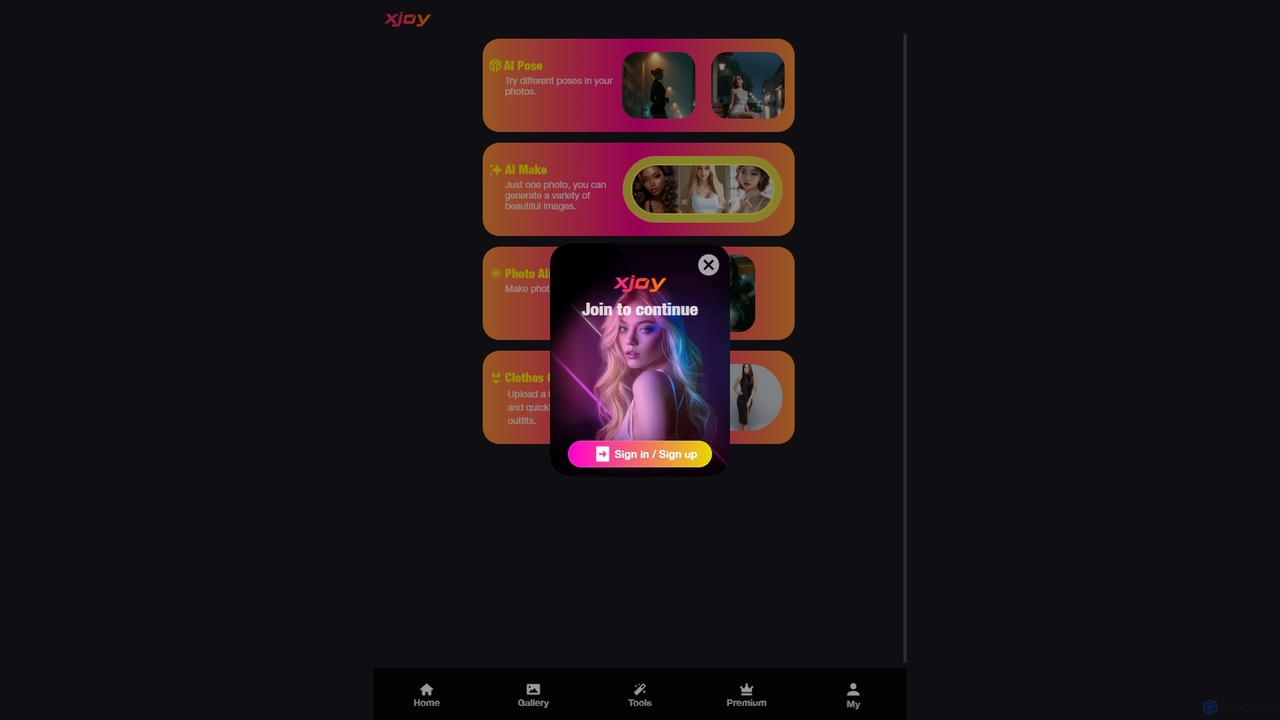
XJoy
XJoy is a versatile AI-powered photo editing suite that transforms your images. With just one photo, you can change poses, generate diverse visual styles, animate still pictures to make them come alive, and virtually try on different outfits. It's designed for creators, social media users, and anyone looking to add a creative spark to their photos with ease.
Entertainment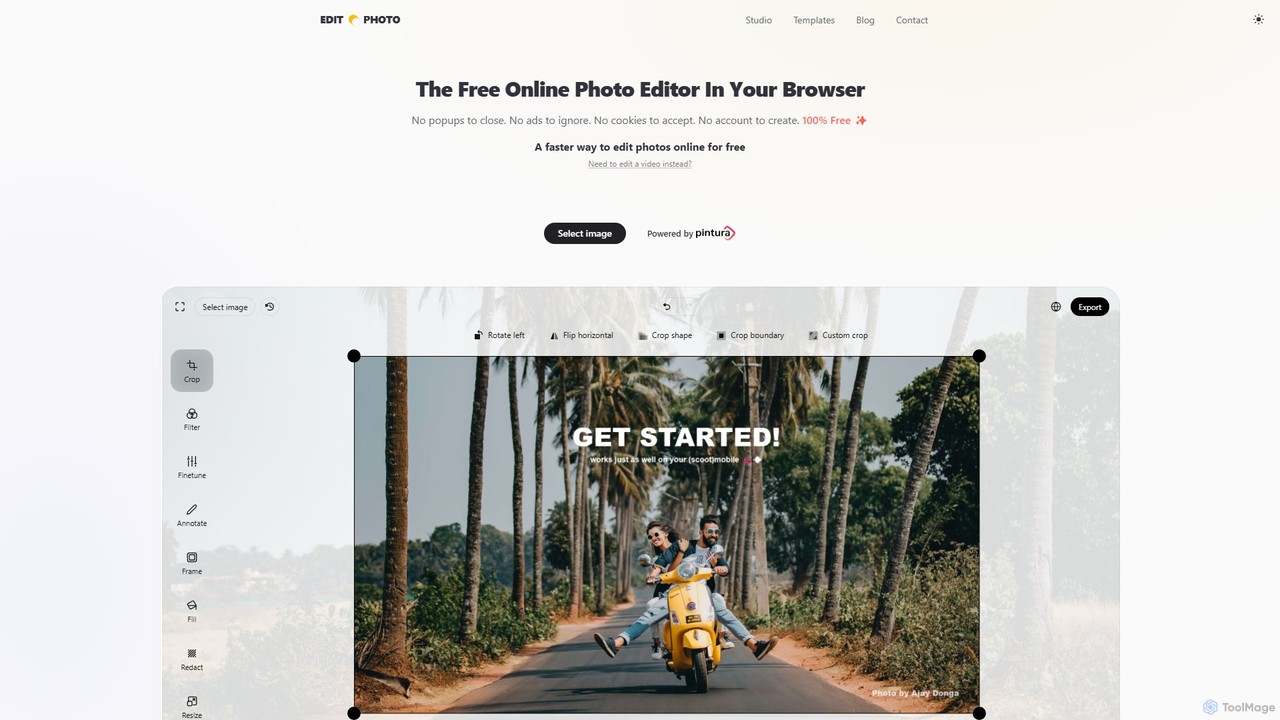
Edit.Photo
A completely free, private, and browser-based online photo editor. Edit.Photo offers a seamless experience with no ads, popups, or account creation. It features quick editing tools, social media templates, and a unique studio to build your own custom editor.
Image EditingPanoSlice Pro Categories
PanoSlice Pro Embed Widget
Copy this embed code to place the badge on your blog, article, or product site and send readers directly to this ToolMage detail page.

Related AI tools
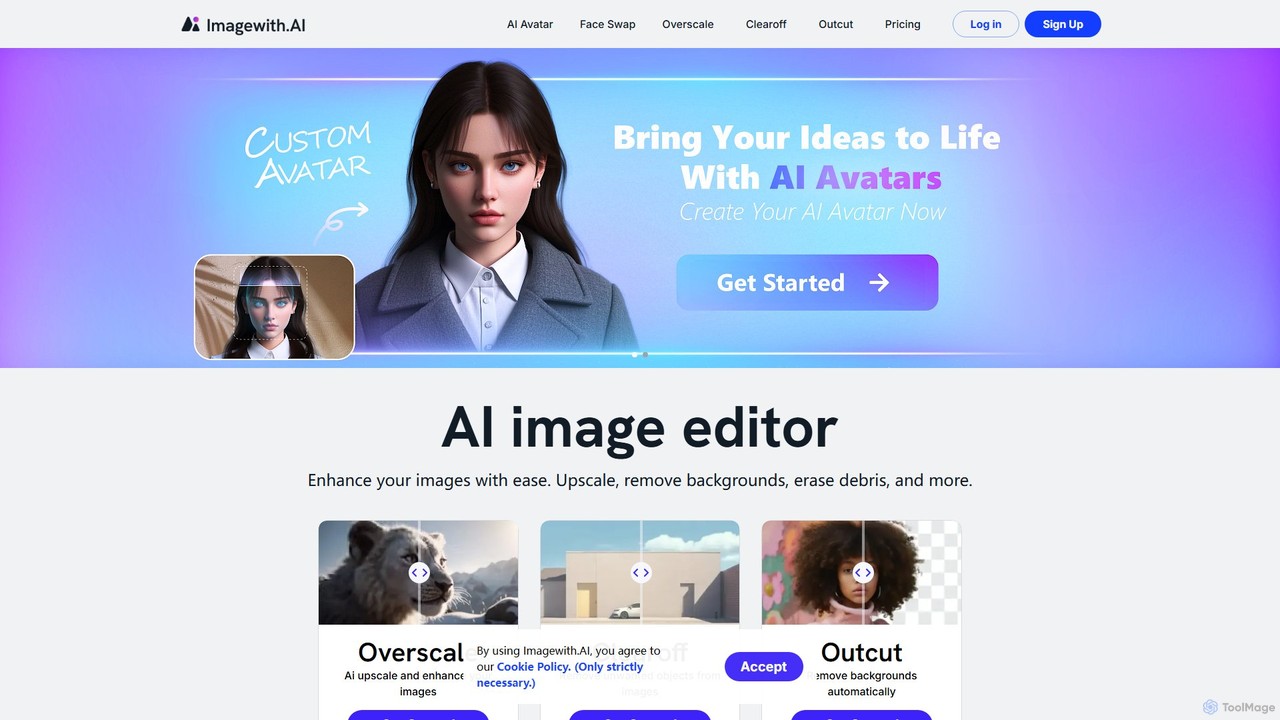
imagewith.ai
imagewith.ai is an AI-powered online image editing suite designed to simplify complex photo editing tasks. It offers a set of powerful tools including an image upscaler (Overscale), a background remover (Outcut), and an object remover (Clearoff). This platform enables users of all skill levels, from amateur photographers to e-commerce professionals, to enhance, clean, and perfect their images with just a few clicks, boosting efficiency and creativity without the need for complex software.
Product Photos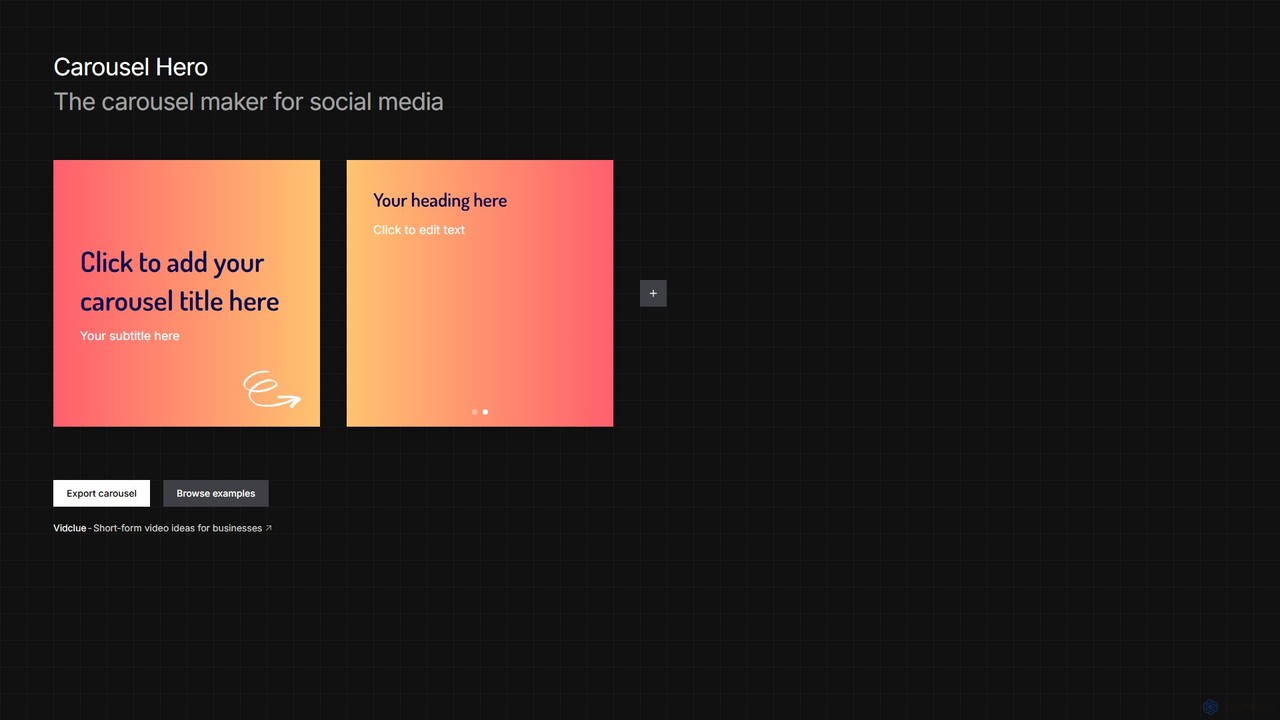
Carousel Hero
Carousel Hero is a free, no-signup online tool for creating engaging social media carousels. It offers templates and a simple editor to craft multi-slide posts for platforms like Instagram and TikTok, helping users boost engagement and brand visibility effortlessly.
Visual ContentUltraswap AI
Ultraswap AI is a powerful AI-driven face-swapping platform designed for content creators, marketers, and influencers. It enables users to create high-quality, realistic face swaps in both images and videos effortlessly. Please note that Ultraswap AI has now been rebranded and integrated into Pykaso.ai, where its advanced features continue to be available.
Meme Generator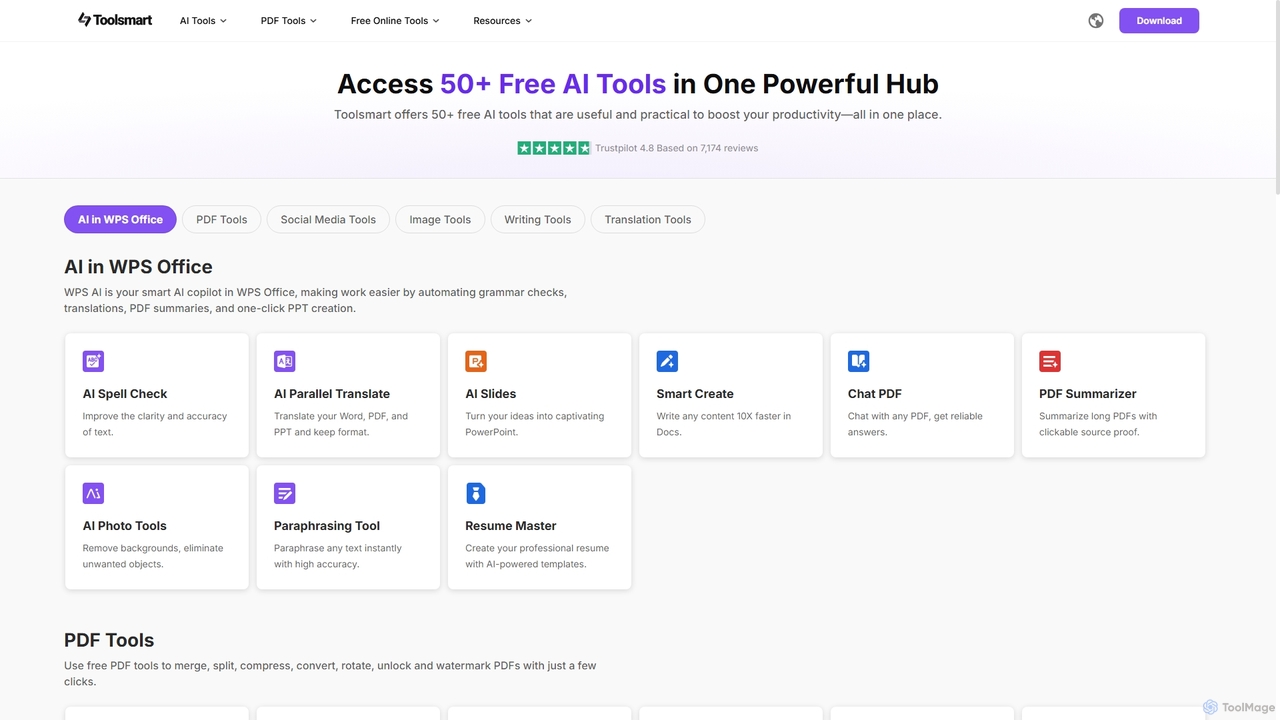
Toolsmart
Toolsmart is a comprehensive suite of over 50 free AI-powered tools designed to boost productivity. It offers a wide range of utilities in one convenient hub, including PDF converters and editors, social media video downloaders, advanced image editing tools like background and watermark removers, and a variety of AI writing assistants for paraphrasing, summarizing, and humanizing text. No sign-up is required for most tools, providing a fast, accessible, and ad-free user experience for creators, marketers, and professionals.
Pdf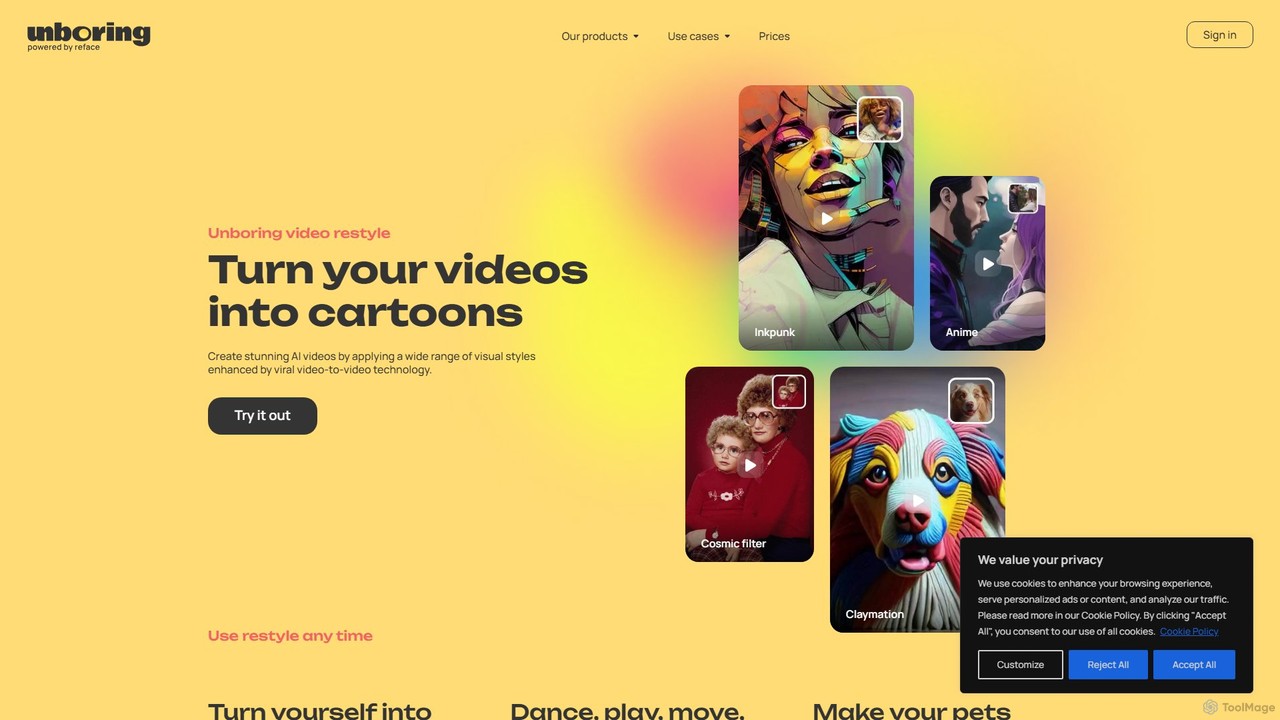
unboring
unboring is an AI-powered online tool by Reface that specializes in high-quality face swapping and photo animation. It allows users to transform static images into dynamic, entertaining content like memes, animated portraits, and funny videos, making content creation simple and fun.
Meme Generator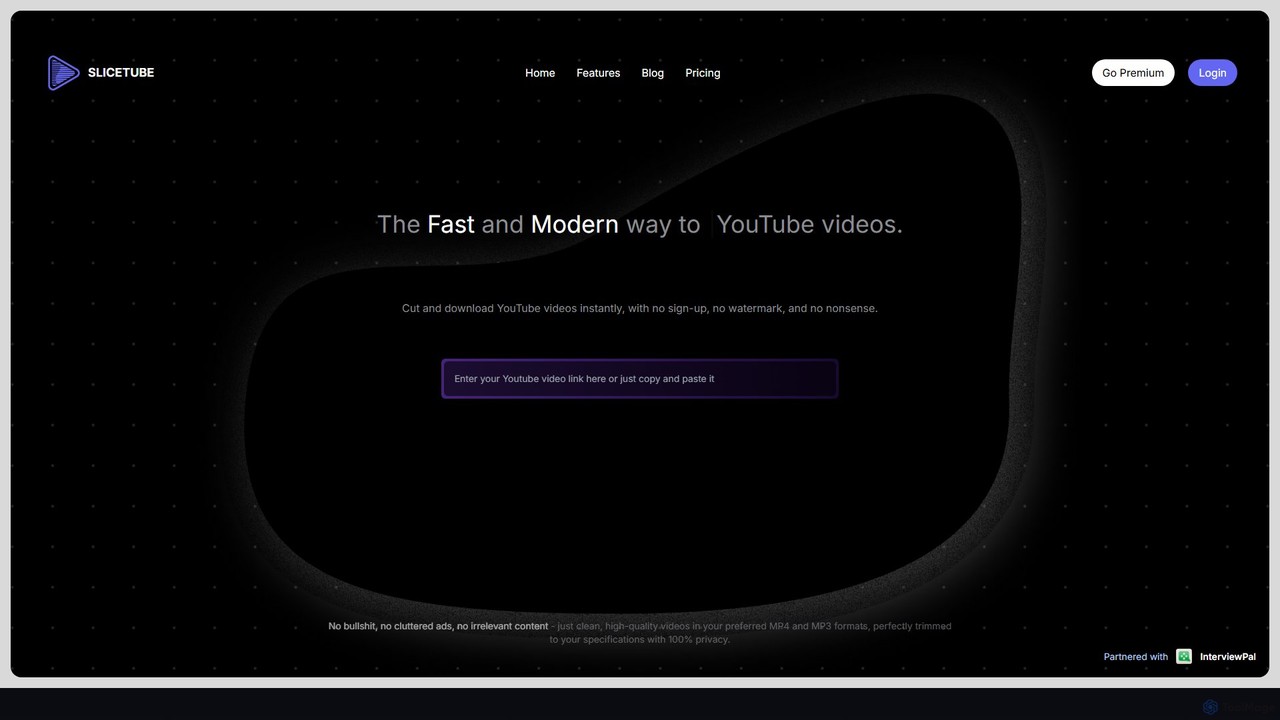
SliceTube
SliceTube is a fast, modern web tool for instantly cutting, trimming, and downloading YouTube videos. It offers a clean, ad-free experience with no watermarks. Users can download clips in high-quality formats like MP4, MP3, and WEBM, with support for up to 4K resolution. It's perfect for content creators, students, and anyone needing to quickly repurpose YouTube content without complex software or sign-ups.
Downloader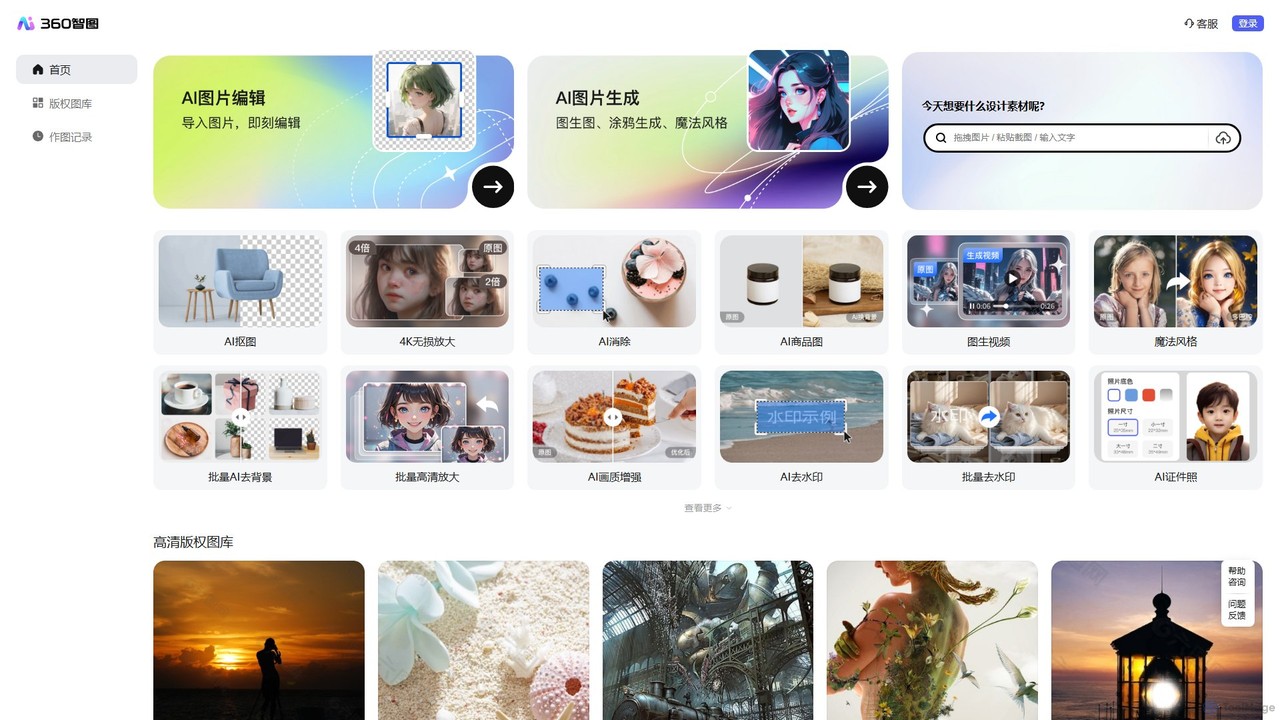
360 Zhitou
360 Zhitou is a comprehensive AI-powered image creation and editing platform. It offers a suite of tools including AI background removal, 4K image upscaling, object and watermark removal, AI-generated product photos, image-to-video conversion, and artistic style transfer. It's designed for e-commerce, marketing, and design professionals.
Generative Art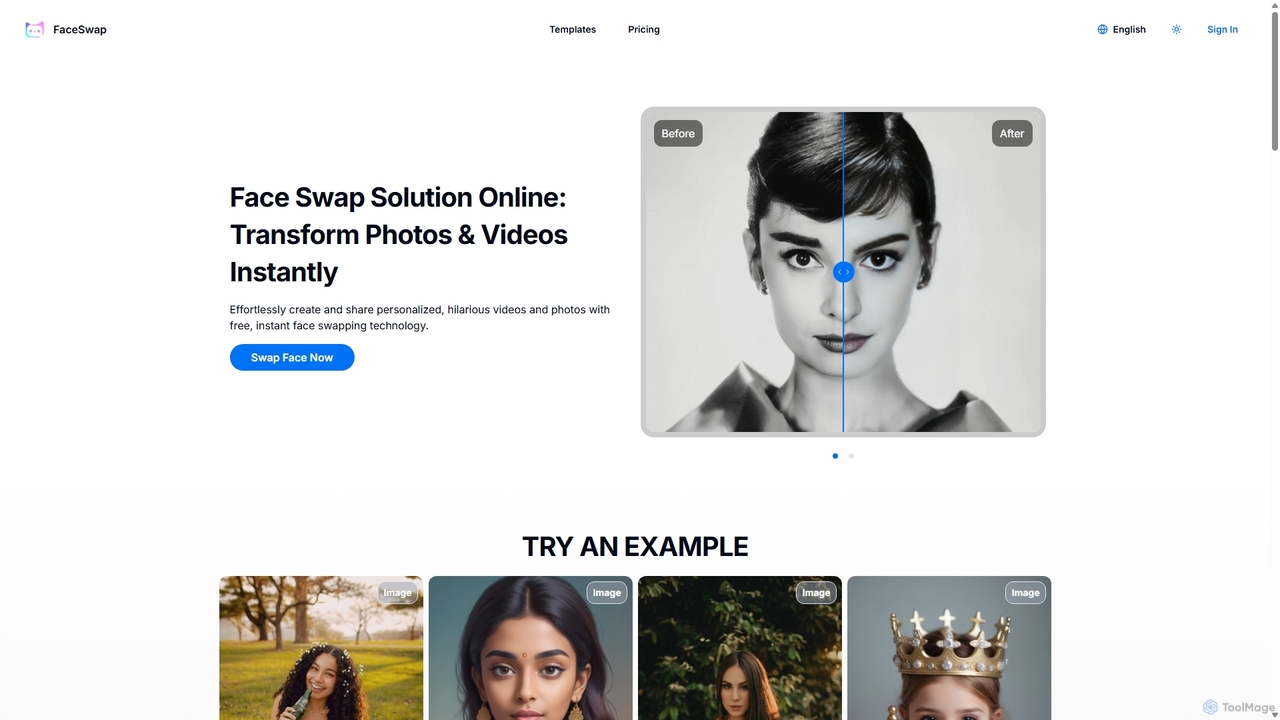
FaceSwap
FaceSwap is a free online AI tool that allows you to instantly swap faces in photos and videos. With support for single, group, and multi-person swaps, it's perfect for creating hilarious memes, engaging social media content, and personalized videos. The platform is user-friendly, requires no installation, and prioritizes user privacy by not storing any uploaded files.
Meme Generator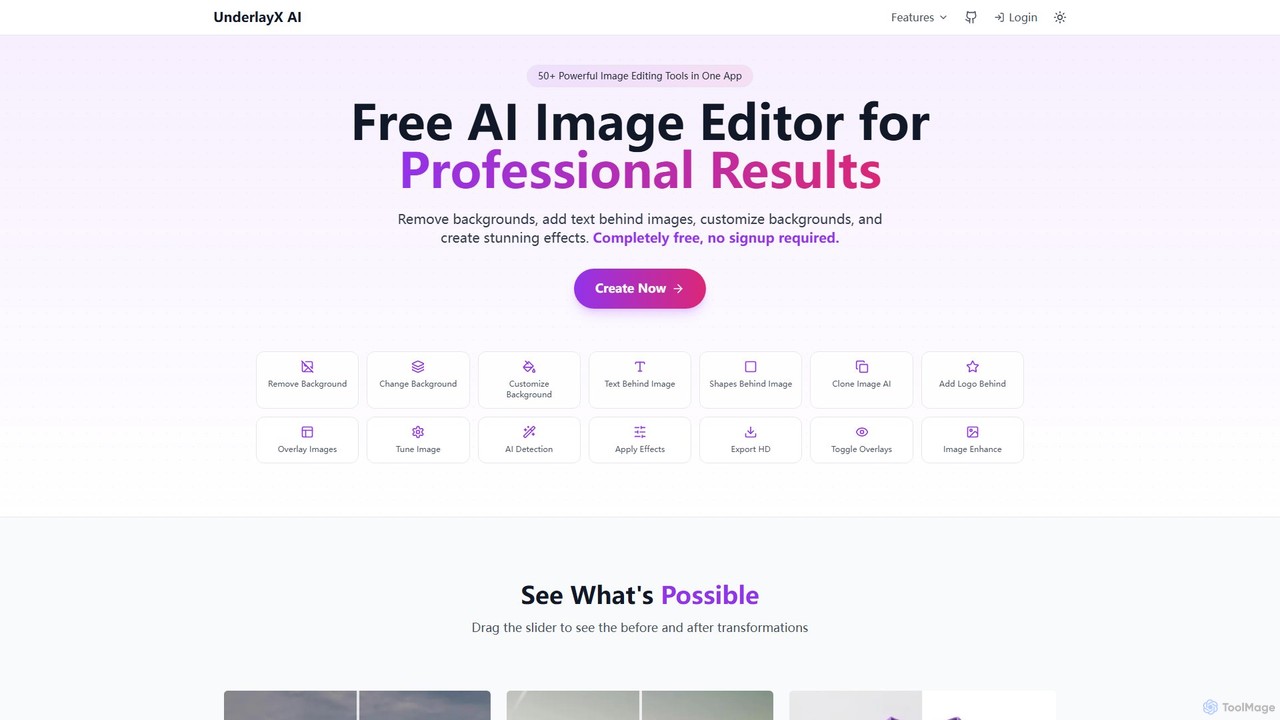
UnderlayX
UnderlayX is a free, all-in-one AI image editor that requires no signup. It specializes in advanced features like one-click background removal, placing text and objects behind subjects, and AI-powered object cloning. Ideal for content creators, marketers, and photographers to create professional visuals effortlessly.
Graphics
StarVoiceAI
StarVoiceAI is a powerful AI voice generator that lets you create audio and video clips using the voices of celebrities, animated characters, or even your own cloned voice. Type any text, choose a character, and generate hilarious, personalized content in any language for social media, memes, or greetings.
Voice Synthesis
Pixfy
Pixfy is an all-in-one AI image editor that lets you edit photos using simple text commands. From object removal and background changes to AI image generation and virtual try-ons, Pixfy makes professional photo editing accessible to everyone, no complex skills required.
Image Editing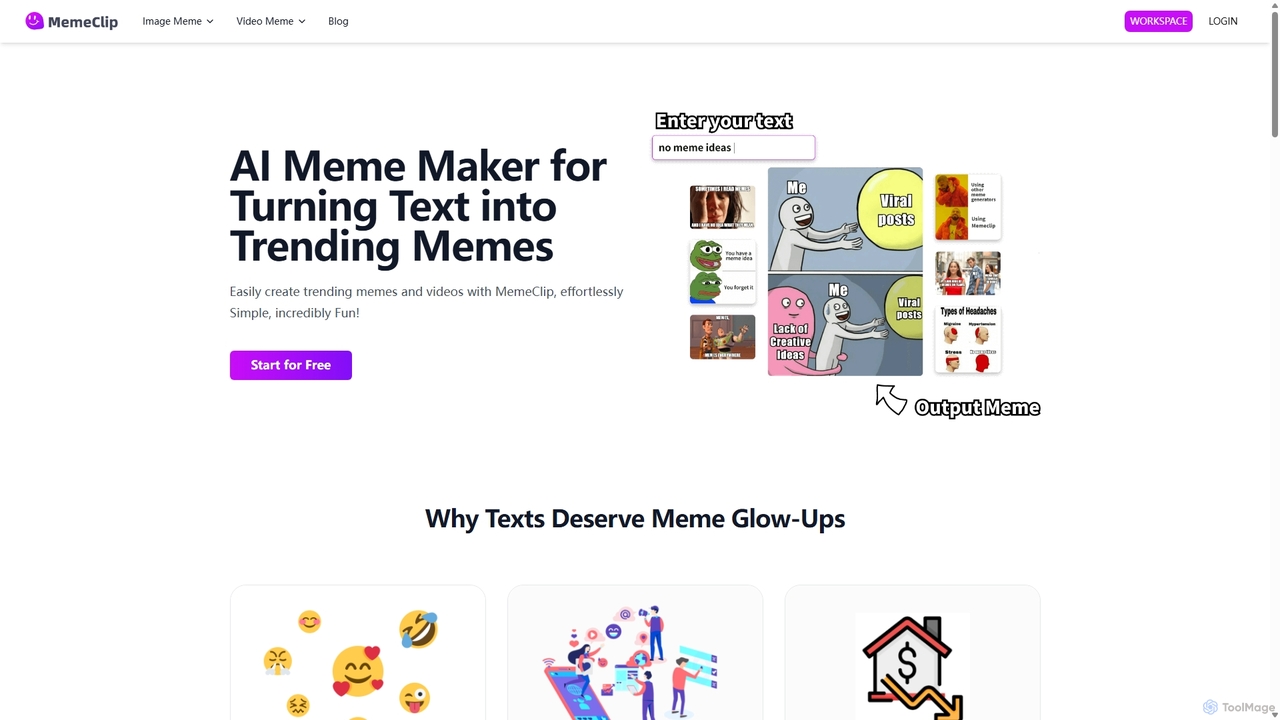
MemeClip
MemeClip is an AI-powered meme maker that instantly transforms text and photos into trending image and video memes. Ideal for social media managers, marketers, and creators, it offers a suite of tools including a text-to-meme generator, photo animators, and viral video filters, making content creation fast, fun, and effortless.
Meme Generator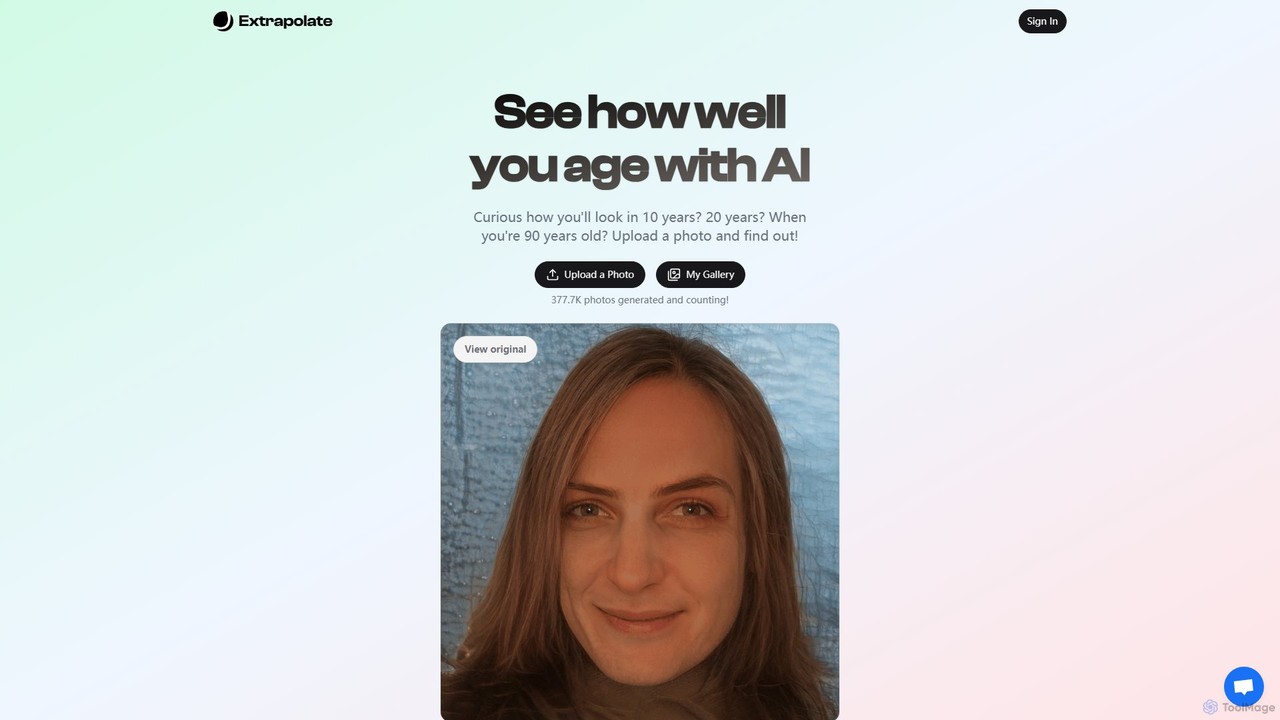
Extrapolate
Extrapolate is an AI-powered web application that allows you to see how your face will age over time. By simply uploading a photo, you can generate realistic images of yourself at various future ages, such as 10, 20, or even up to 90 years old. It's a fun and fascinating tool for personal curiosity, social media sharing, and exploring the power of generative AI.
Photo & Video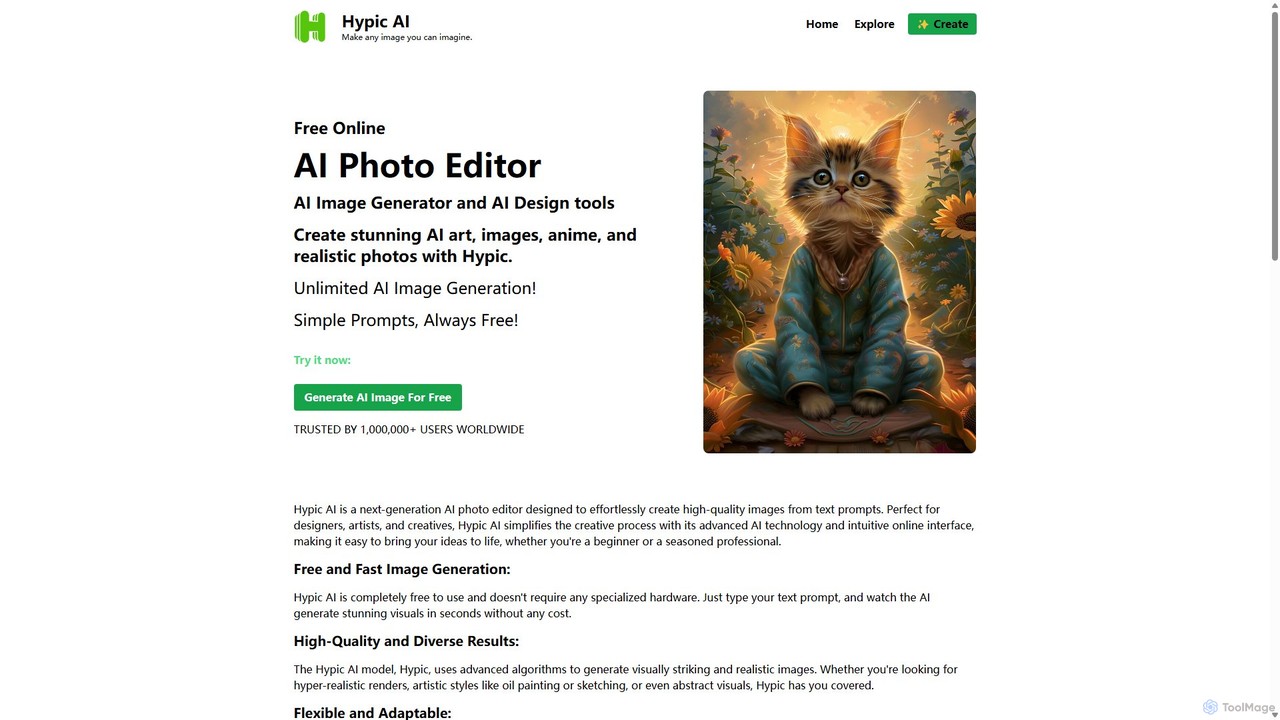
Hypic
Hypic is a powerful, all-in-one AI photo editing app for both beginners and professionals. It offers a wide range of AI-powered features, including one-tap portrait retouching, object removal, background replacement, and creative filters. Elevate your photos for social media, personal use, or e-commerce with professional-grade tools made simple and accessible on your mobile device.
Image Generation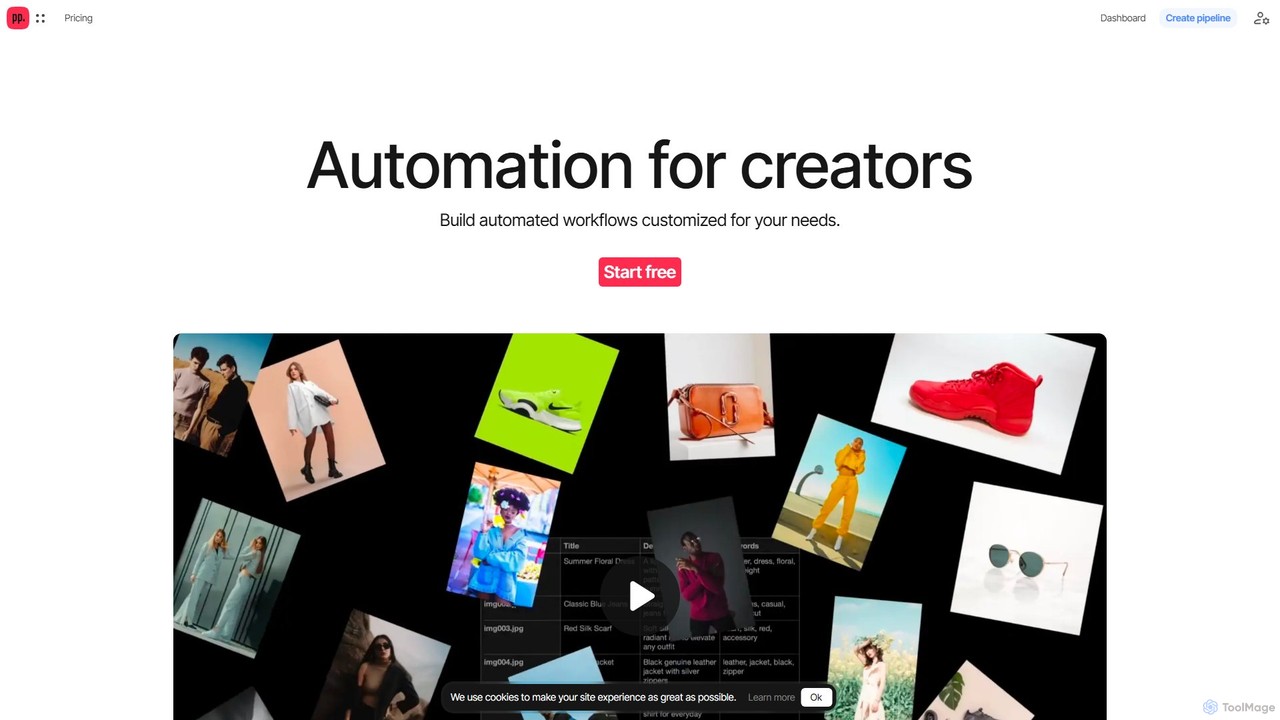
Ceacle Pipeline
Ceacle Pipeline is an AI-powered automation platform for creators. It enables the creation of custom workflows to automate repetitive tasks in image processing, content generation, and design. Build pipelines using natural language or templates to save time and boost productivity.
Graphics
PanoSlice Pro Comments (0)
Sign in to comment.
Sign inNo comments yet.