ToolMage
Sign in

Best 5 Visual Content AI tools for Content Creation

Popular Visual Content AI tools in Content Creation include Imagetranslate, FixArt, Food Camera, Image to Video Free, and Carousel Hero, helping you work more efficiently.

FixArt
Freemium

FixArt

FixArt is a comprehensive AI-powered creative hub offering free, unrestricted tools for generating stunning videos and images. Transform static photos into dynamic animations, convert text into captivating videos, reimagine existing images, or create visuals from scratch—all without sign-up or content filters, delivering professional-grade results in 4K.

Digital Art
Visits 74.5KFavorites 10Likes 10
Food Camera
Freemium

Food Camera

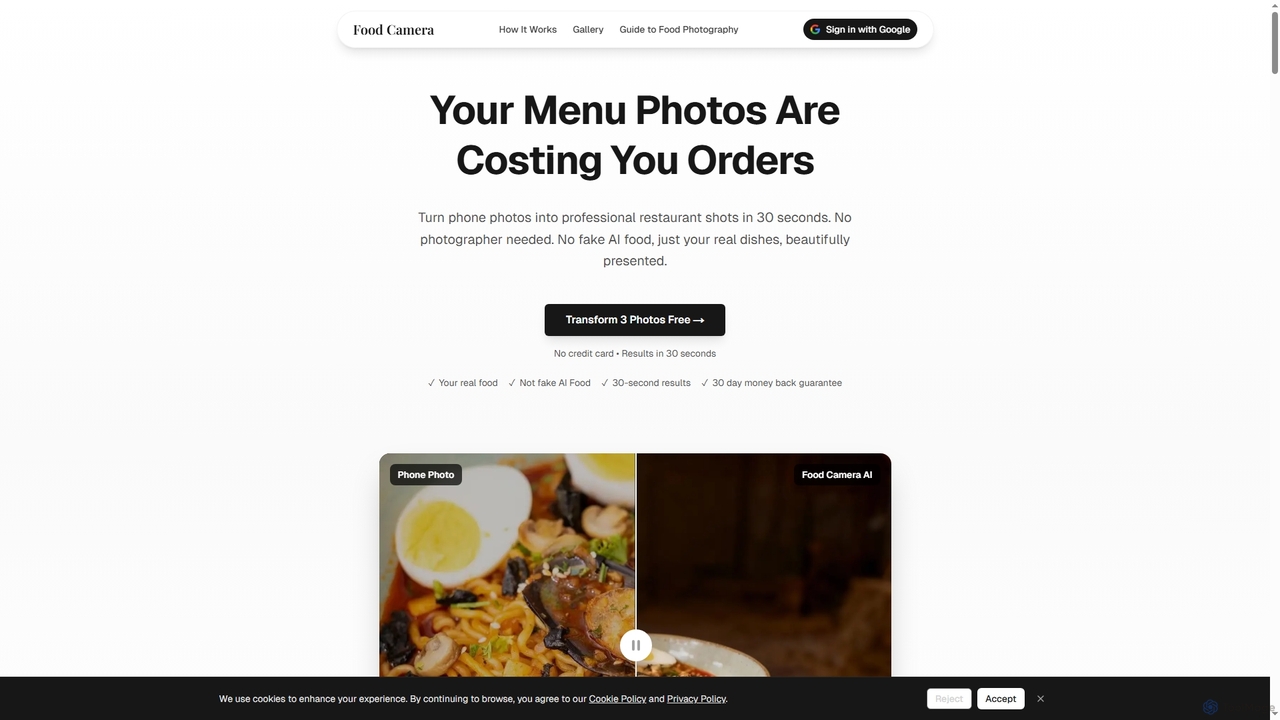
Food Camera is an AI-powered tool that transforms ordinary phone photos of food into professional, studio-quality images in just 30 seconds. It enhances lighting, styling, and composition without altering the real dish, making it perfect for menus, delivery apps, and social media.

Small Business Tools
Visits 4.4KFavorites 130Likes 128
Image to Video Free
Freemium

Image to Video Free

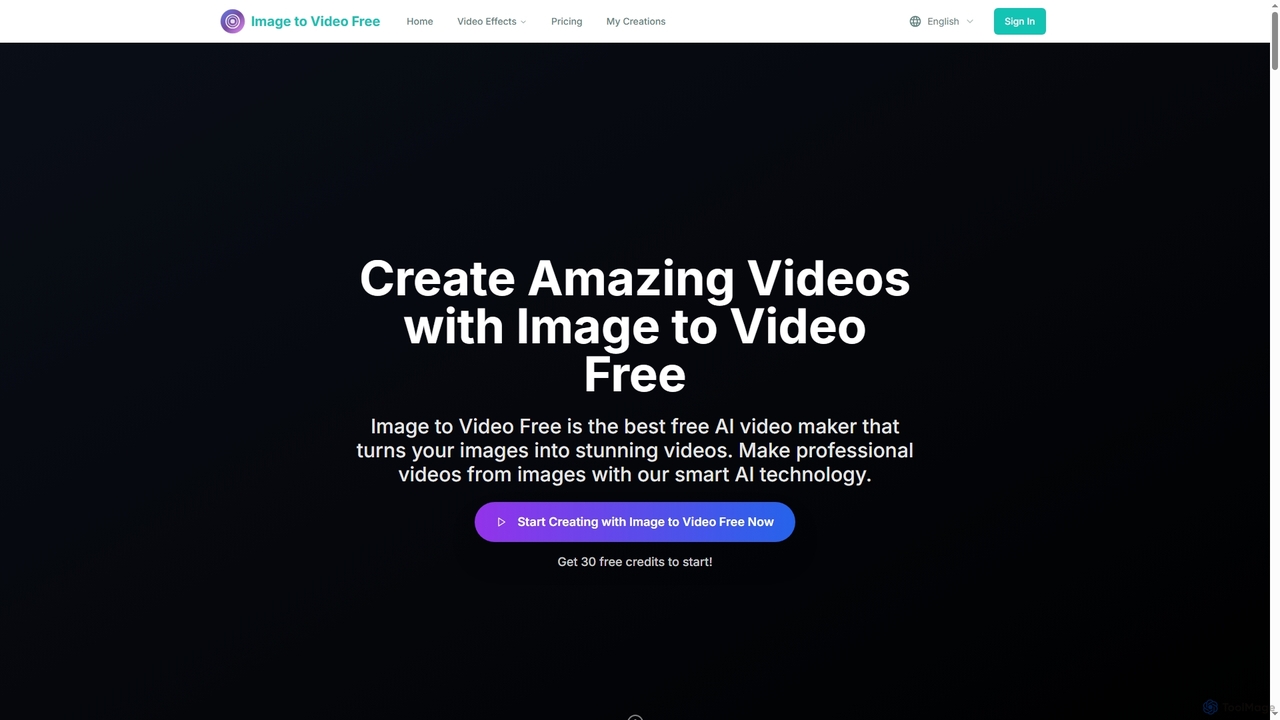
Image to Video Free is an AI-powered online tool that transforms your static images into stunning, professional-quality videos. It offers a seamless, browser-based experience for creating dynamic visual content with various styles, AI-enhanced transitions, and watermark-free exports, making video creation accessible for everyone.

Visual Content
Visits 3.5KFavorites 120Likes 115
Imagetranslate
Freemium

Imagetranslate

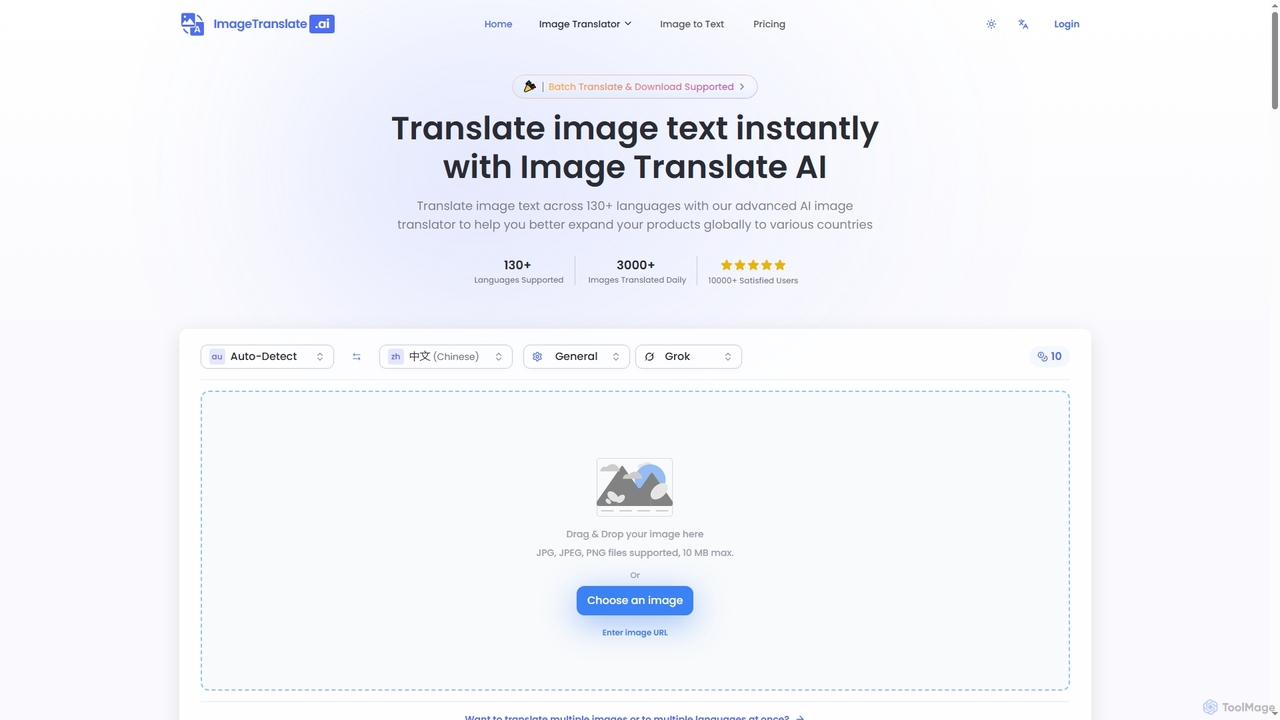
Imagetranslate is an advanced AI-powered image translator that instantly translates text within images across over 130 languages. It preserves original layouts and styles, supports batch processing, and offers specialized modes for e-commerce, manga, and light novels, making global content accessible for personal and professional use.

E Commerce Tools
Visits 255KFavorites 109Likes 98
Carousel Hero
Free

Carousel Hero

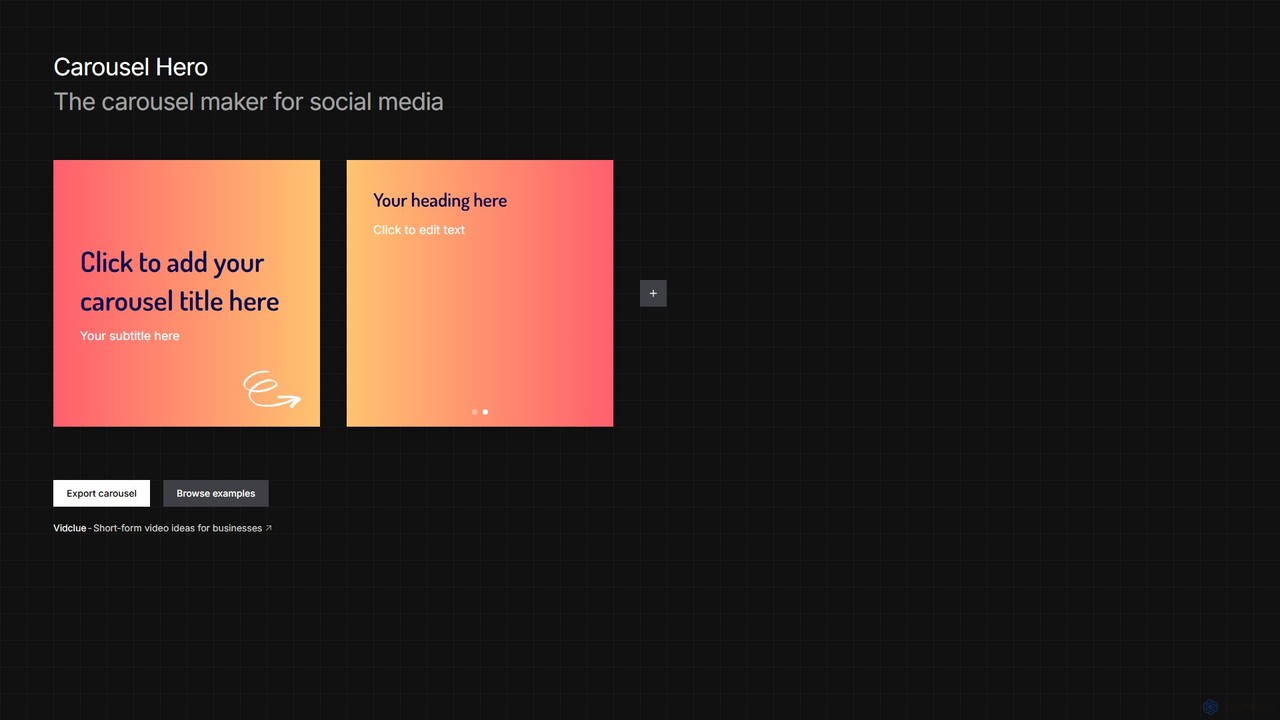
Carousel Hero is a free, no-signup online tool for creating engaging social media carousels. It offers templates and a simple editor to craft multi-slide posts for platforms like Instagram and TikTok, helping users boost engagement and brand visibility effortlessly.

Visual Content
Visits 3.5KFavorites 130Likes 131

About Visual Content

Visual Content AI tools are a category of AI-powered applications designed to generate, enhance, and manipulate visual assets, ranging from images and videos to graphics and 3D models. These tools leverage advanced artificial intelligence algorithms, such as generative adversarial networks (GANs) and diffusion models, to automate complex design tasks and unlock new creative possibilities. They empower users to produce high-quality visual content rapidly, personalize marketing materials, and scale their content production efforts without extensive manual design work.

Core Features

  • AI Image Generation: Create unique images from text descriptions (text-to-image) or transform existing images (image-to-image).
  • Automated Video Editing: Generate short videos, apply effects, or automate cuts and transitions based on input scripts or raw footage.
  • Graphic Design Automation: Produce logos, banners, and social media graphics using AI-driven templates and style suggestions.
  • Image Enhancement & Restoration: Upscale low-resolution images, remove imperfections, restore old photos, or apply artistic styles.
  • Object & Background Manipulation: Automatically remove backgrounds, replace objects, or modify elements within an image with precision.

Applicable Scenarios

Visual Content AI tools are indispensable for marketing professionals creating engaging campaigns, e-commerce businesses generating diverse product visuals, and content creators producing unique digital art or social media posts. They also serve game developers for asset creation and educators for designing compelling learning materials.

How to Choose

When selecting a Visual Content AI tool, consider the quality and style of its output, the range of features (e.g., image vs. video generation), ease of use, and integration capabilities with existing workflows. Evaluate the pricing model, supported file formats, and the level of customization offered to ensure it aligns with your specific creative and business needs.

Featured tool rankings

Visual Content use cases

1

Generate Diverse Social Media Graphics

Marketing teams use AI to quickly produce a variety of eye-catching images and short videos for social media campaigns. By inputting text prompts or brand guidelines, they can generate multiple visual options, test different styles, and maintain a consistent brand aesthetic across platforms, significantly reducing design time and costs.

2

Automate E-commerce Product Visuals

Online retailers leverage AI to create high-quality product photos, remove backgrounds, or generate lifestyle mockups. This allows them to rapidly produce hundreds of product variations, adapt images for different marketplaces, and personalize visuals for targeted advertising, enhancing customer engagement and conversion rates.

3

Create Explainer Videos from Scripts

Content creators and educators utilize AI to transform written scripts into engaging animated or live-action explainer videos. The AI can generate relevant visuals, select appropriate music, and even provide voiceovers, streamlining the video production process from concept to final cut, making complex topics accessible.

4

Design Unique Logos and Brand Assets

Startups and small businesses employ AI to explore numerous logo concepts and brand identity elements based on simple textual descriptions of their vision. This accelerates the branding process, offering diverse creative directions and allowing for rapid iteration and refinement before committing to a final design.

5

Enhance and Restore Archival Imagery

Historians, photographers, and individuals use AI tools to upscale low-resolution historical photos, repair damage like scratches or fading, and accurately colorize black and white images. This process breathes new life into old visuals, preserving cultural heritage and making historical content more accessible and vibrant.

6

Develop Game Environment Textures and Assets

Game developers integrate AI visual content tools to generate unique textures, environmental elements, and conceptual art for their games. By providing simple prompts or reference images, they can rapidly prototype different visual styles and create a vast library of diverse assets, accelerating the game development pipeline.

Visual Content FAQ

What are AI Visual Content tools?

AI Visual Content tools are advanced software applications that utilize artificial intelligence to automate and assist in the creation, editing, and enhancement of visual media. This includes generating images from text, transforming videos, designing graphics, and restoring photos. They leverage machine learning models like generative adversarial networks (GANs) and diffusion models to understand prompts and produce high-quality, often unique, visual outputs.

How do AI Visual Content tools work?

These tools primarily work by processing user inputs, such as text descriptions, existing images, or video footage, through sophisticated AI models. For image generation, models like DALL-E or Midjourney interpret text prompts to synthesize new images pixel by pixel. For video, AI can analyze content for automated editing, apply effects, or even generate entire scenes. The underlying technology involves deep learning, natural language processing, and computer vision to understand context and generate relevant visual data.

What are the main benefits of using AI for visual content?

The primary benefits include significantly increased efficiency, enhanced creativity, and scalability. AI tools can generate visual assets in seconds, drastically reducing the time and cost associated with manual design. They enable users without design expertise to create professional-grade visuals and offer unique creative directions that might not be conceived by humans. This allows businesses and individuals to produce a high volume of diverse content for various platforms.

How do I choose the best AI Visual Content tool for my needs?

To select the best tool, consider your primary use case (e.g., image generation, video editing, graphic design). Evaluate the quality and style of the AI's output, ensuring it meets your aesthetic standards. Look for user-friendliness, integration with your existing software, and the level of customization available. Finally, compare pricing models, supported file formats, and community support to find a tool that aligns with your budget and technical requirements.

What's the difference between AI Visual Content generation and traditional graphic design software?

Traditional graphic design software (e.g., Photoshop, Illustrator) relies on manual input and skill to create visuals, offering precise control over every element. AI Visual Content generation, conversely, automates much of this process, creating visuals from prompts or existing data with minimal manual effort. While traditional tools offer unparalleled control for skilled designers, AI tools excel in speed, scalability, and generating novel concepts, democratizing design for a broader audience and accelerating creative workflows.