Productivity Best in category 1 results Downloader AI Tool

Popular AI tools in the Downloader field of Productivity include SliceTube, etc., helping you quickly improve efficiency.

SliceTube

SliceTube

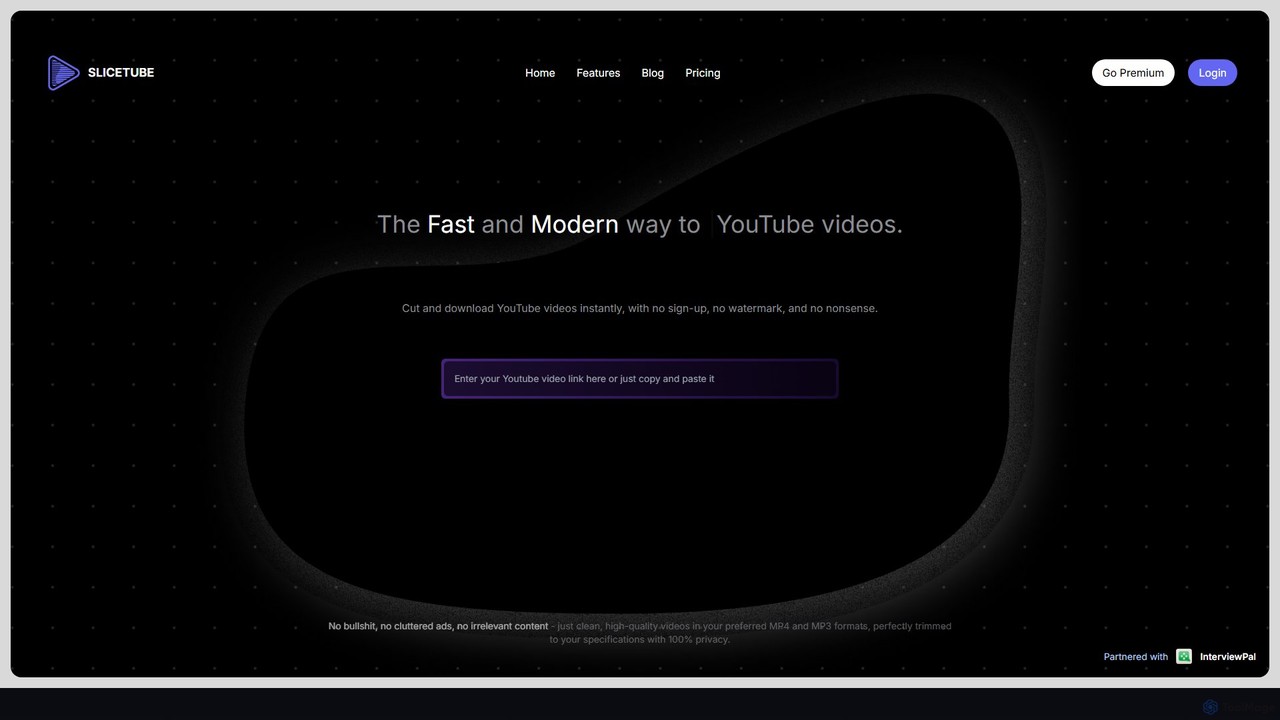
SliceTube is a fast, modern web tool for instantly cutting, trimming, and downloading YouTube videos. It offers a …

445.5K

About Downloader

AI Downloaders are a class of productivity tools that use artificial intelligence to intelligently capture and save online media content. These tools employ smart algorithms to parse complex web pages, detect embeddable media, and automate the downloading process from various sources. Their primary value lies in streamlining the acquisition of digital assets, allowing users to efficiently gather videos, audio, and other files for offline use, analysis, or archiving. AI enhances this process by handling batch operations, extracting metadata, and optimizing output formats automatically.

Core Features

  • Smart URL Parsing: Automatically detects and processes media links from complex or dynamic web pages, including entire playlists.
  • Format & Quality Optimization: Recommends or automatically converts files to the optimal format and resolution based on user needs or device compatibility.
  • Batch Downloading: Manages the simultaneous download of multiple files or entire collections from a single command, maintaining order and structure.
  • Metadata Extraction: Automatically captures and embeds useful information such as titles, descriptions, thumbnails, and subtitles with the downloaded file.

Use Cases

AI Downloaders are frequently used by content creators for archiving B-roll and reference materials, by educators for creating offline course libraries from online lectures, and by market researchers for analyzing competitor video content in bulk. They are also essential for journalists and archivists who need to preserve digital evidence from online sources reliably.

How to Choose

When selecting an AI Downloader, consider the range of supported platforms (e.g., YouTube, Vimeo, social media), the variety of available output formats and quality options (e.g., MP4, MP3, 4K), the robustness of its batch processing capabilities, and the accuracy of its metadata and subtitle extraction features. Ease of use and download speed are also critical factors for productivity.

DownloaderUse Cases

1

Archive B-Roll and References for Video Production

A video editor working on a documentary needs to gather dozens of archival clips, news reports, and reference videos from various online platforms. Instead of manually downloading each file, they use an AI Downloader to process a list of URLs in a batch. The tool automatically selects the highest available quality, downloads all clips, and extracts metadata like original titles and upload dates, organizing them into a project folder. This saves hours of tedious work and ensures all source material is properly cataloged for the editing process.

2

Create Offline Libraries for Education and Training

An educator is preparing a course on digital marketing and wants to include a series of expert interviews and case study videos from YouTube and Vimeo. To ensure smooth playback in a classroom with unreliable internet, they use an AI Downloader. The tool downloads an entire playlist with one click, automatically fetches available subtitles for accessibility, and converts the videos into a standard MP4 format. This creates a self-contained, offline course library that can be easily shared with students and used without connectivity issues.

3

Bulk Download Social Media Content for Market Research

A marketing analyst is tasked with analyzing a competitor's video marketing strategy on platforms like TikTok and Instagram. Using an AI Downloader, they can input the competitor's profile URL and automatically download all their video content from the past quarter. The tool not only saves the videos but also extracts captions, hashtags, and engagement metrics into a spreadsheet. This provides a comprehensive dataset for analysis, enabling the analyst to identify trends and patterns in the competitor's content strategy without spending days on manual data collection.

4

Preserve Digital Evidence for Journalism and Legal Cases

A journalist investigating a story needs to archive social media videos and online news clips that could be deleted or altered. An AI Downloader is used to securely save these videos. The tool is configured to download the highest quality version along with crucial metadata, such as the original URL, timestamp, and user profile information. This creates a verifiable and preserved copy of the digital evidence, which is essential for fact-checking, reporting, and potential use in legal proceedings, ensuring the integrity of the source material.

5

Convert Online Videos to Audio for Podcasts or Listening

A user wants to listen to a long video lecture or an interview during their commute. Instead of streaming the video and consuming data, they use an AI Downloader with audio extraction capabilities. They paste the video URL, and the tool intelligently strips the video track, converting the content directly into a high-quality MP3 file. It also automatically transfers the title and artist metadata to the audio file, making it easy to organize in a music library or podcast app. This provides a convenient way to consume video-based content in an audio-only format.

6

Build a Personal Media Library for Offline Access

An individual wants to create a personal backup of their favorite tutorials, music playlists, and documentaries from online sources. They are concerned that this content might be removed or become unavailable in the future. Using an AI Downloader, they schedule regular downloads of their subscribed channels and playlists. The tool runs in the background, automatically fetching new content as it's published and organizing it into a local media library. This ensures they have a permanent, offline copy of their valued content, accessible anytime without relying on internet connectivity or the original platform's availability.

DownloaderFrequently Asked Questions