


FaceCropJet Overview
FaceCropJet is a sophisticated and efficient desktop application designed to streamline the process of creating profile pictures for official documents. Leveraging advanced artificial intelligence, this software automatically detects human faces in any image and crops them to precise specifications, making it an indispensable tool for organizations and individuals who need to process large volumes of photos for ID cards, passports, or corporate profiles. The software operates entirely offline on your Windows or macOS computer, ensuring that your data remains private and secure.
The core of FaceCropJet is its powerful AI engine, which intelligently identifies facial features to ensure a perfect crop every time. It eliminates the tedious and time-consuming manual work of opening each image, selecting the face, and cropping it. With its batch processing capabilities, users can process hundreds or even thousands of images in a single operation, achieving consistent and professional results in a fraction of the time.
How to use FaceCropJet
Using FaceCropJet is designed to be simple and intuitive, requiring minimal technical expertise. The typical workflow is as follows:
- Installation: Download the appropriate version for your operating system (Windows or macOS) from the official website and install the application.
- Add Images: Launch FaceCropJet and add your photos. You can drag and drop individual images, multiple files, or an entire folder of images directly into the application interface.
- Configure Settings (Optional): While the software is designed for zero-configuration use, you can customize the output. Options include selecting the crop mode (e.g., face only, or face with shoulders), choosing the output image format, and specifying the destination folder for the cropped images.
- Process: Click the 'Start Processing' button. FaceCropJet's AI will then analyze each image, detect the face, and save a perfectly cropped version to your designated output folder.
- Automated Workflow (Robot Mode): For continuous processing, you can activate 'Robot Mode'. Simply set an input folder to monitor. The software will then run in the background, automatically detecting and cropping any new photos that are added to that folder, creating a fully automated, hands-off workflow.
Core Features of FaceCropJet
- Intelligent Face Detection: Utilizes advanced AI algorithms to accurately locate faces in images of any size, format, or quality.
- Batch Processing: Process an unlimited number of photos in a single batch, saving countless hours of manual labor.
- Fully Automatic Cropping: The software automatically determines the best crop area with zero manual intervention required. An optional manual selection tool is also available for specific cases.
- Folder Monitoring (Robot Mode): Set the application to monitor a specific directory. It will automatically process any new images copied to that folder, ideal for integrated workflows.
- Windows Service Module: A special edition for Windows Servers can run as an unattended background service, starting automatically with the system and processing photos 24/7.
- Customizable Crop Options: Choose between standard face crops or include the shoulders for a more traditional profile picture. The crop window dimensions are also customizable.
- Privacy Guaranteed: All image processing happens locally on your machine. Your photos are never uploaded to any server, ensuring complete data privacy and security.
- Cross-Platform Support: Native applications are available for both Windows and macOS, featuring user-friendly interfaces tailored to each ecosystem.
Use Cases for FaceCropJet
FaceCropJet is a versatile tool suitable for a wide range of applications:
- Corporate & HR Departments: Quickly and efficiently process employee photos for company ID cards, internal directories, and HR management systems.
- Educational Institutions: Schools, colleges, and universities can automate the creation of student and staff ID cards at the beginning of each academic year.
- Event Management: Organizers can produce professional-looking badges with attendee photos for conferences, trade shows, and seminars.
- Photography Studios: Professional photographers can expedite the process of preparing passport and visa photos for their clients, ensuring they meet strict government requirements.
- Government & Security Agencies: Streamline the processing of photos for official identification documents and security passes.
Advantages of FaceCropJet
The primary advantage of FaceCropJet is its massive efficiency gain. It transforms a multi-step, manual task into a single, automated action. This leads to significant time and cost savings. Furthermore, it ensures consistency across all images, which is crucial for professional-looking ID cards and official documents. The local processing model is a key differentiator, offering unparalleled privacy and security, a critical concern when handling personal data. Its ease of use makes it accessible to users of all skill levels, from administrative staff to IT professionals.
Pricing and Plans
FaceCropJet is offered as a paid software with a one-time license purchase, making it a cost-effective solution without recurring subscription fees. A fully functional trial version is available for download, allowing users to test its capabilities before committing to a purchase. Different editions, such as a standard desktop version and a more advanced Service Edition for Windows Servers, are likely available to cater to different needs. For the most up-to-date pricing and plan details, please visit the official FaceCropJet website.
Traffic
Latest traffic
Status
Monthly traffic trend
- 2025-9: 1.7K
- 2026-1: 2.5K
- 2026-2: 1.8K
- 2026-3: 1.7K
- 2026-4: 1.4K
- 2026-5: 665
Geography
Top 5 countries / regions
- 🇮🇳India52.3%
- 🇺🇸United States47.7%
Top keywords
| Keyword | Cost per click |
|---|---|
| crop an image to passport size using galaxy laptop | $0.00 |
| face crop | $0.00 |
| face crop jet | $0.00 |
| how to create a compliant us passport photo using a smartphone: 2026 step-by-step guide | $0.00 |
| passport size photo maker | $0.18 |
FaceCropJet Alternatives
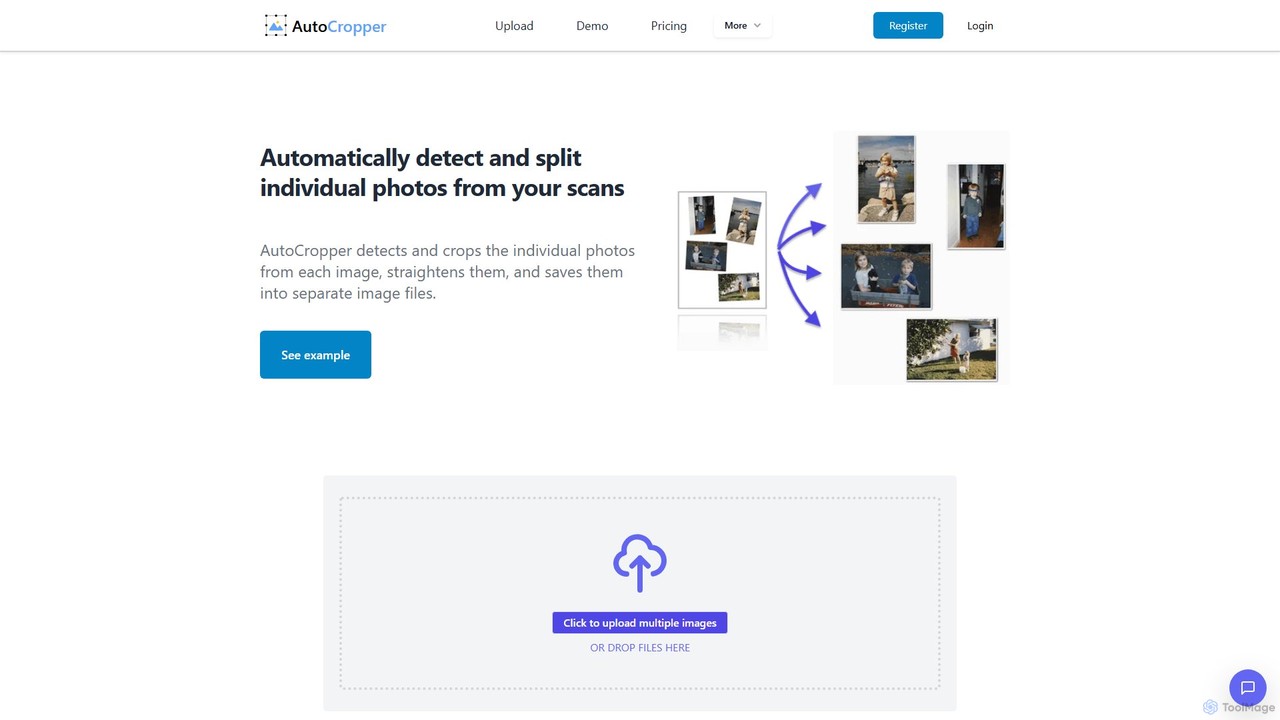
AutoCropper
AutoCropper is an intelligent online tool designed to automatically detect, crop, and split multiple photos from a single scanned image. It streamlines the process of digitizing photo collections by eliminating manual cropping, correcting rotation, and saving each photo as a separate, full-quality file. Ideal for digital archivists, card sellers, and anyone looking to preserve old photographs efficiently.
3D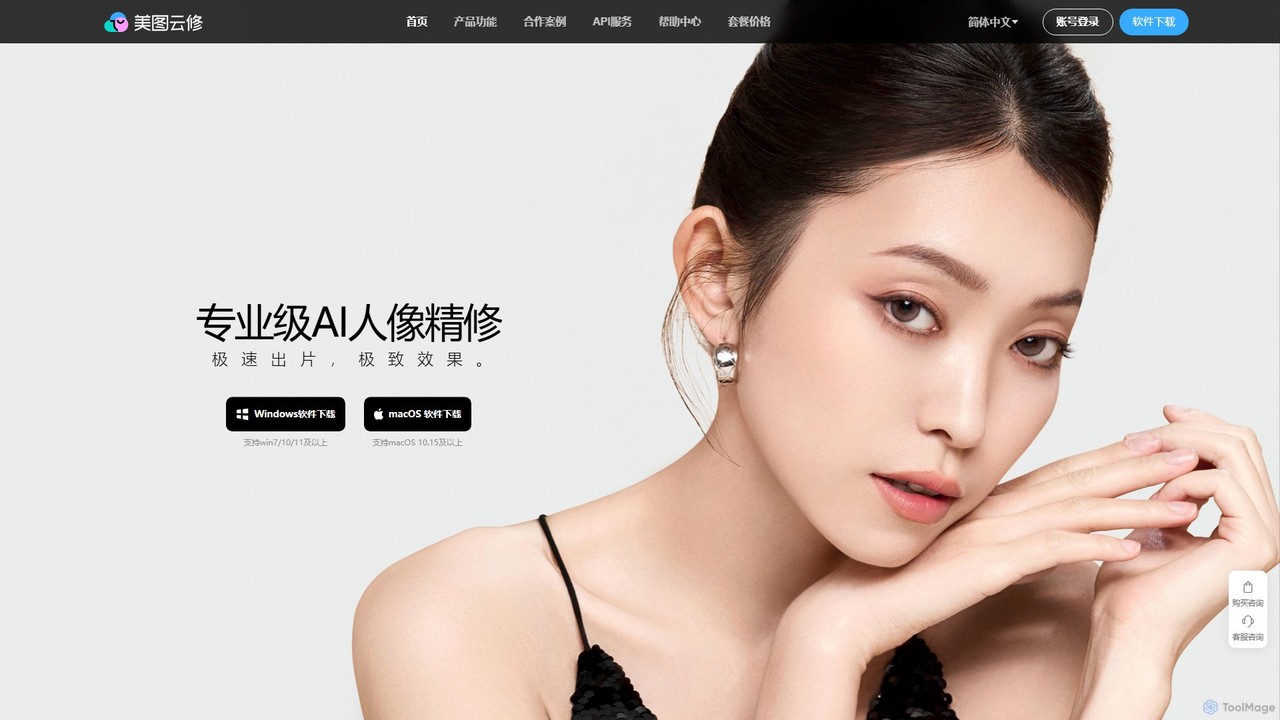
Yunxiu
Yunxiu is a professional-grade AI portrait retouching software by Meitu, designed for commercial photographers. It leverages advanced AI to automate and accelerate post-production, enabling batch processing of up to 1000 photos per hour with high-quality, natural-looking results.
3D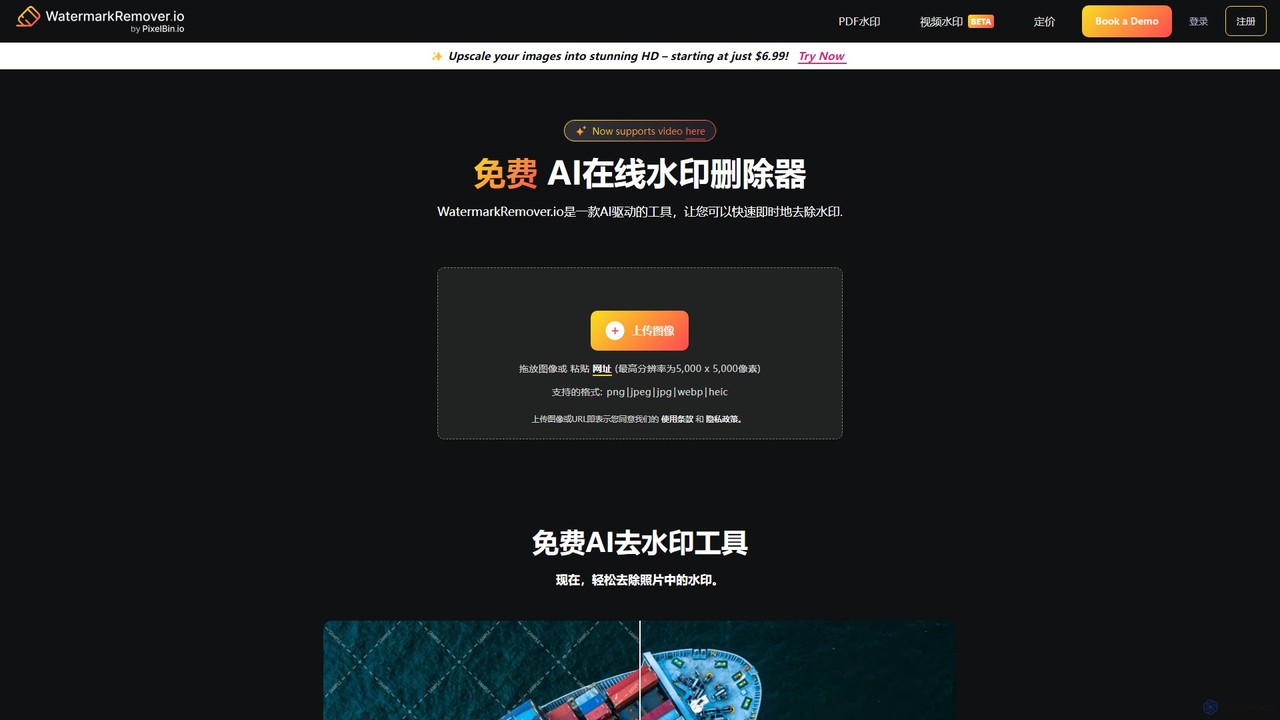
WatermarkRemover.io
WatermarkRemover.io is an AI-powered tool designed to quickly and automatically remove watermarks, logos, and text from images and videos. It requires no manual editing or technical skills. Simply upload your file, and the AI will detect and erase the watermark in seconds, preserving the original quality. It supports various formats and offers batch processing for professional users.
3D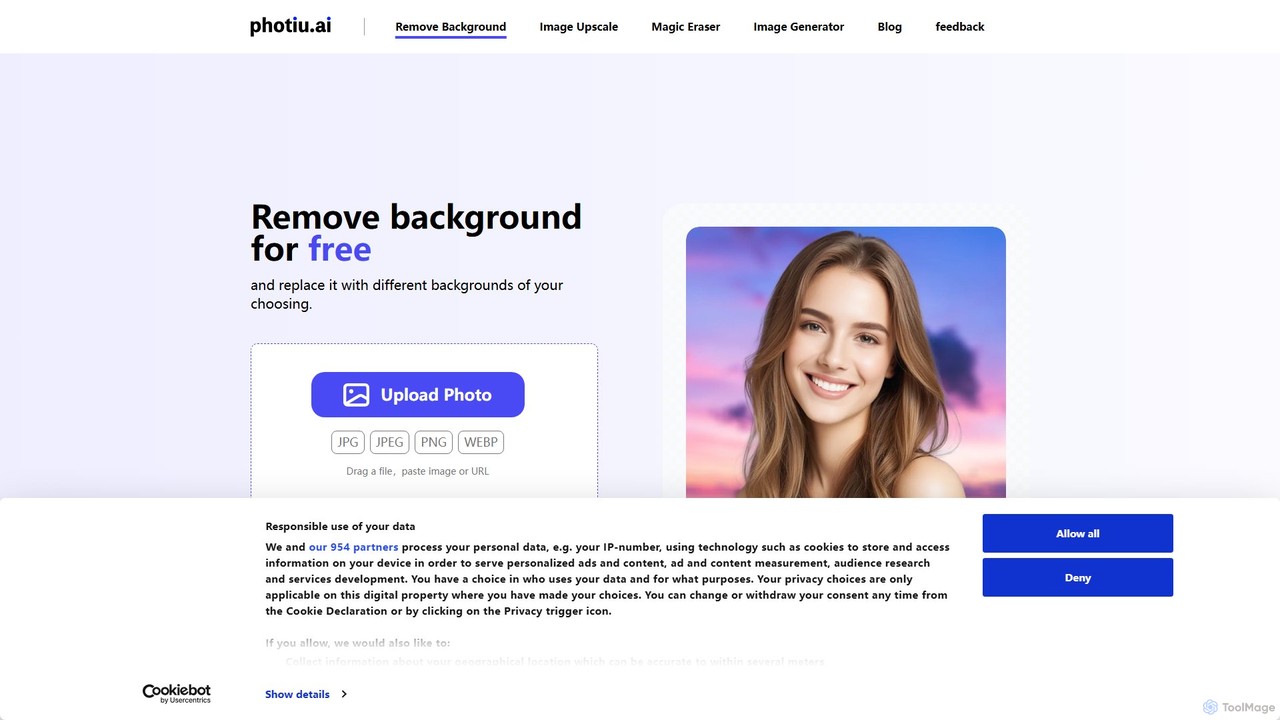
Photiu.ai
Photiu.ai is an AI-powered online image editing suite designed to simplify complex photo manipulation tasks. It offers a set of powerful tools, including a precise background remover, an intelligent object eraser for cleaning up images, and a high-quality image upscaler. This platform is perfect for e-commerce store owners, marketers, photographers, and social media creators who need professional-looking images quickly and without the need for advanced software skills.
3D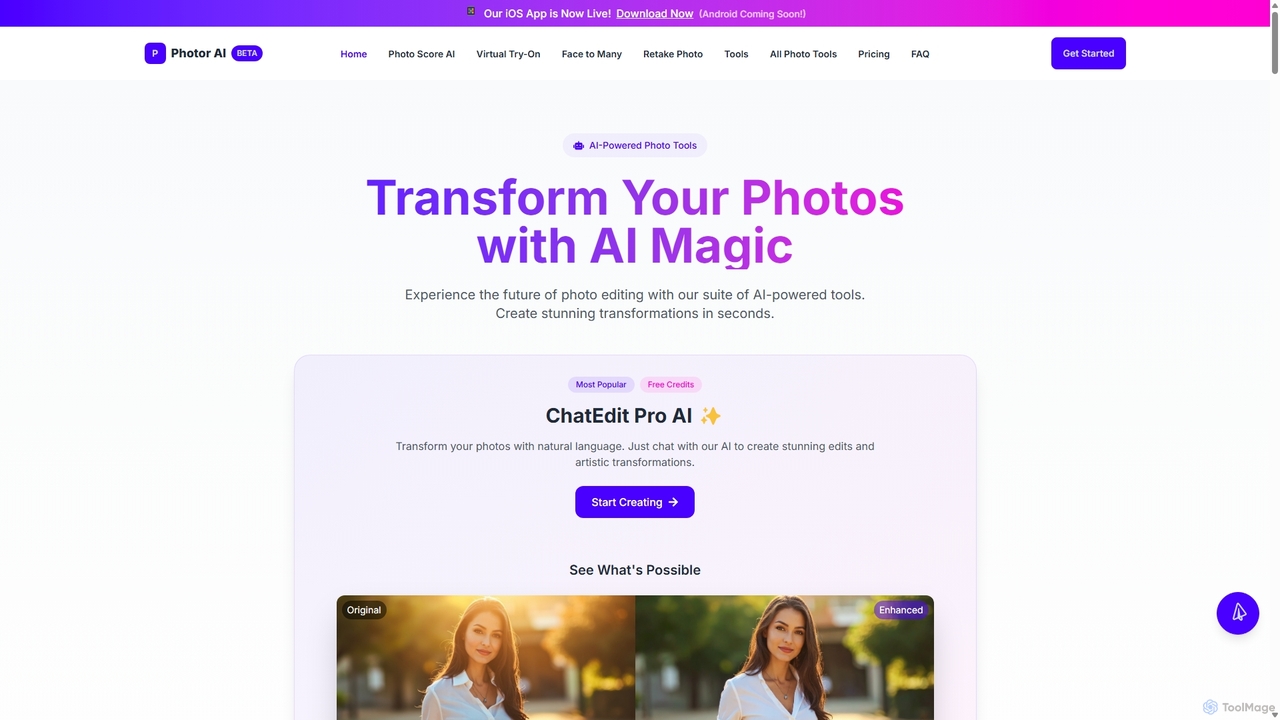
Photor
Photor is a comprehensive AI-powered photo editing suite designed to transform and enhance images with ease. It offers a wide range of tools, from one-click enhancements and style transfers to advanced features like natural language editing via chat, AI photo analysis for professional feedback, and a video generator. It caters to both hobbyists and professional photographers, simplifying complex editing tasks into intuitive, AI-driven workflows.
3DFaceCropJet Categories
FaceCropJet Embed Widget
Copy this embed code to place the badge on your blog, article, or product site and send readers directly to this ToolMage detail page.

Related AI tools
PhotoAiD
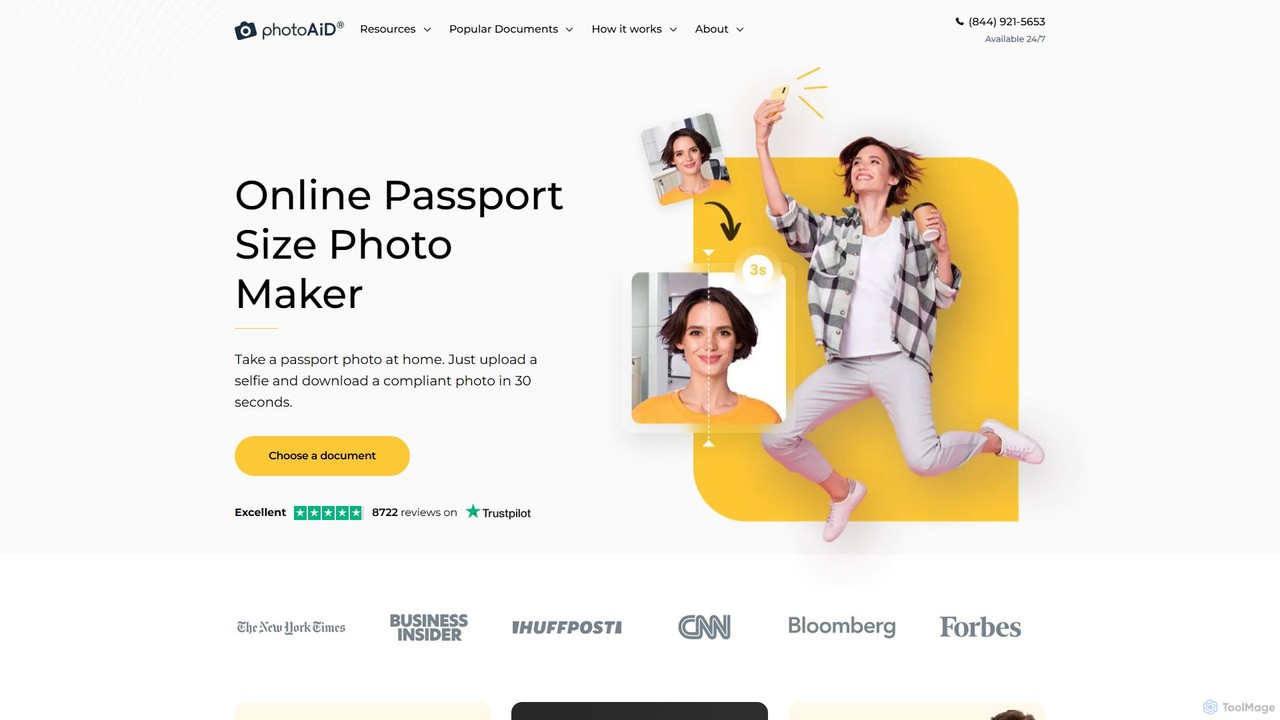
PhotoAiD is an AI-powered tool that allows users to create fully compliant biometric photos for passports, visas, and various IDs in minutes. Using a smartphone, you can take a photo at home, and the app's AI will automatically adjust it to meet official requirements, followed by an expert verification for a 100% acceptance guarantee.
3D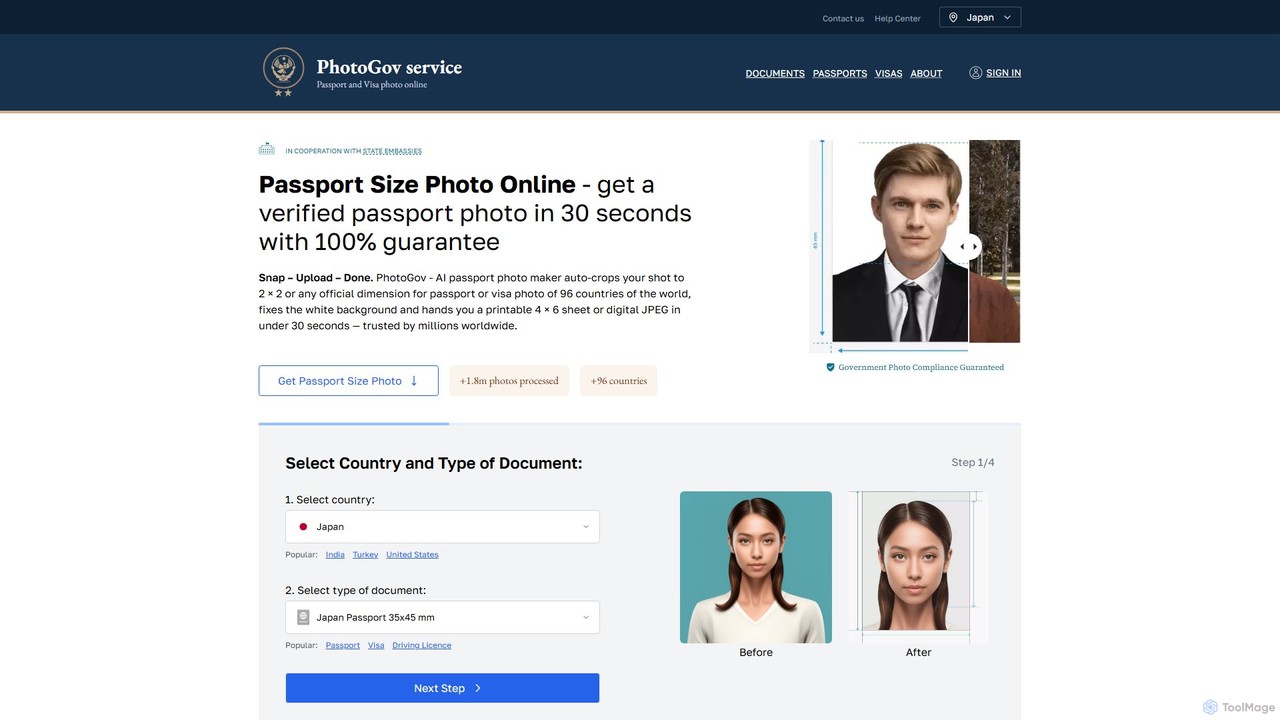
photogov
An AI-powered online tool that creates fully compliant passport, visa, and ID photos in seconds. It automatically crops, resizes, removes the background, and adjusts your photo to meet the official requirements of over 120 countries. Get a government-approved photo from home, saving time and money.
3D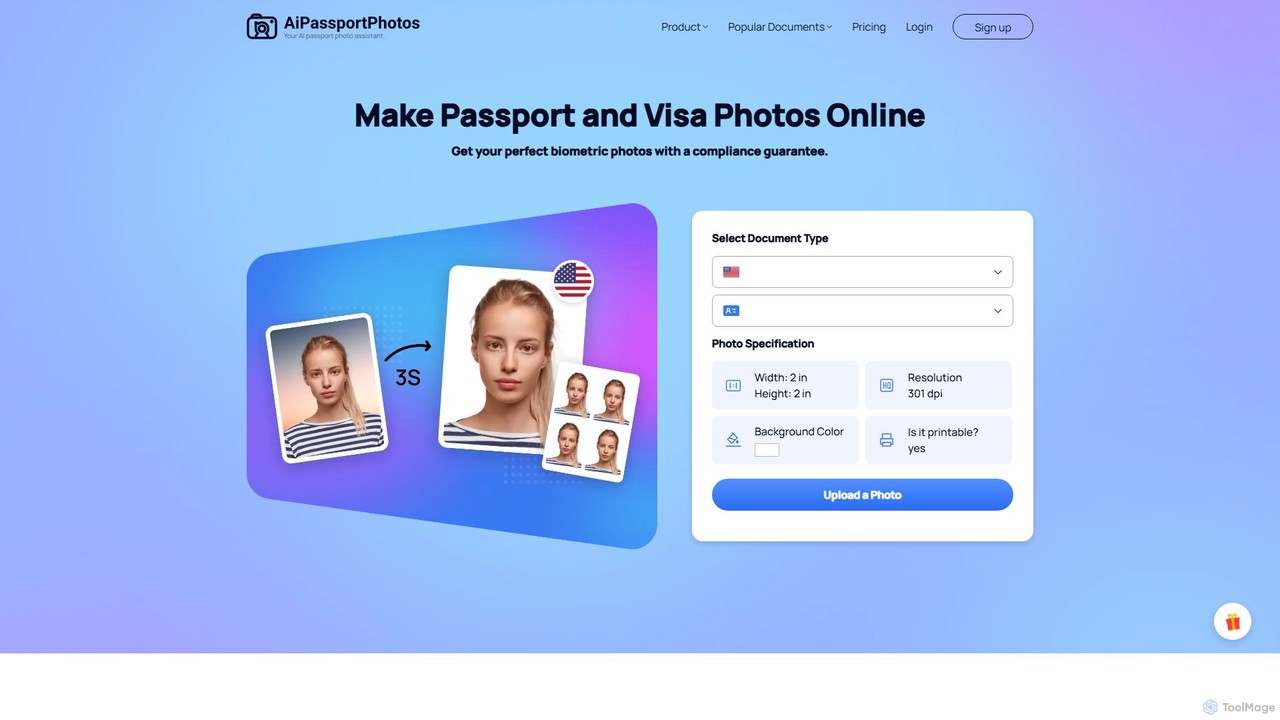
aipassportphotos
An AI-powered online tool that allows users to create fully compliant biometric photos for passports, visas, and IDs in seconds. It automatically adjusts size, background, and other specifications to guarantee acceptance by official authorities, saving time and money.
3D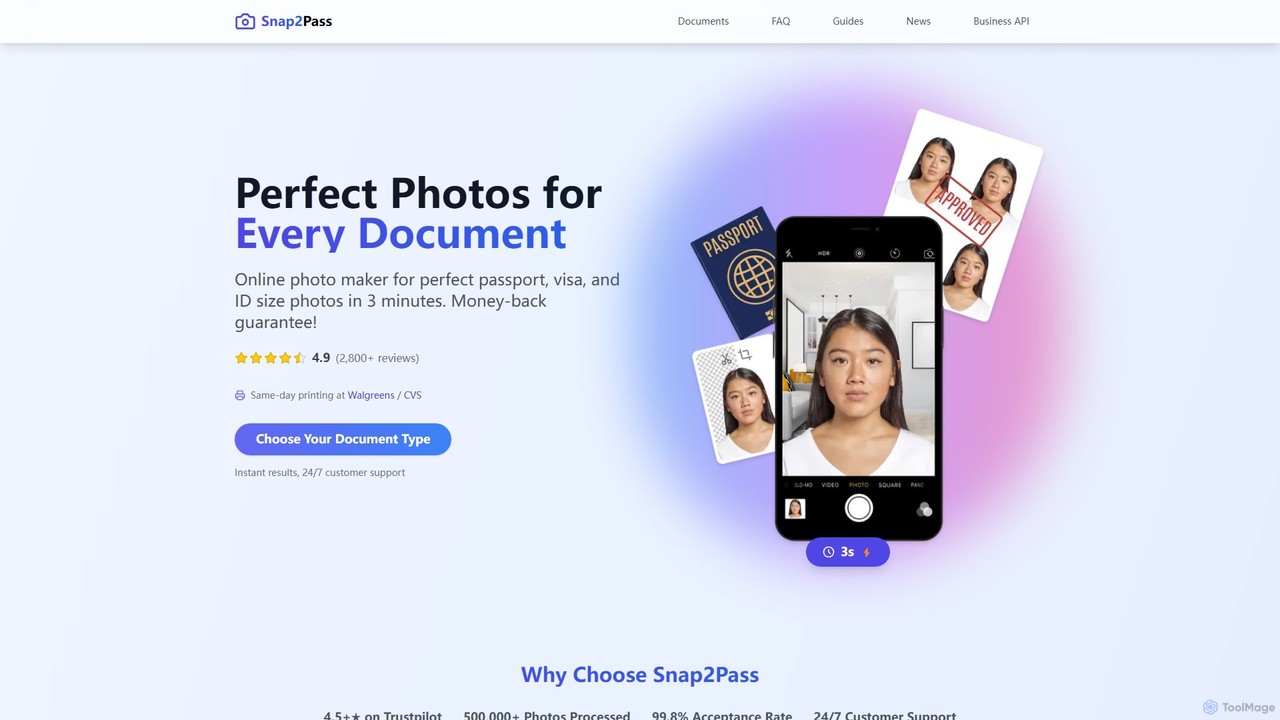
snap2pass
Snap2Pass is an AI-powered online tool that creates perfectly compliant passport, visa, and ID photos in minutes. It uses advanced AI to automatically check, resize, and edit your photo to meet official government requirements, guaranteeing acceptance or your money back.
3D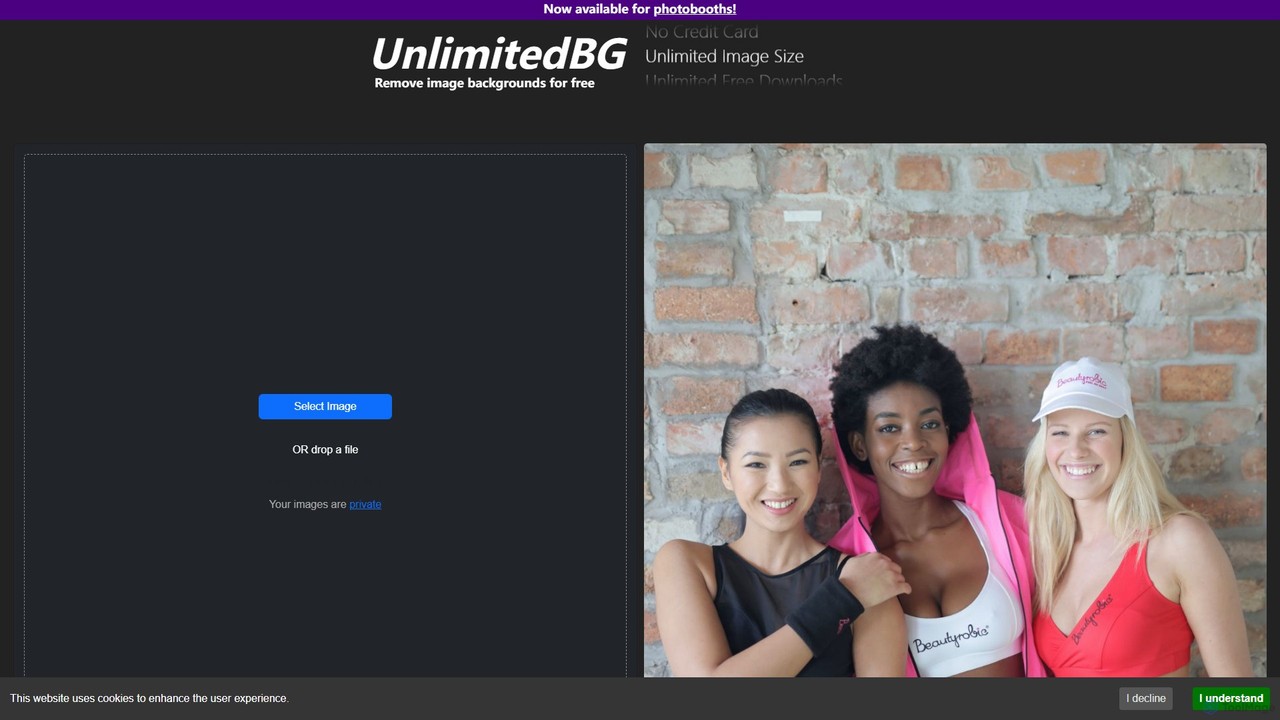
UnlimitedBG
UnlimitedBG is a versatile AI tool offering a 100% free online background remover with no limits on usage, size, or downloads. It also provides a professional, offline-capable desktop application for photobooths with a flat-rate subscription, ensuring high-quality, instant results for both casual users and event professionals.
Background Removal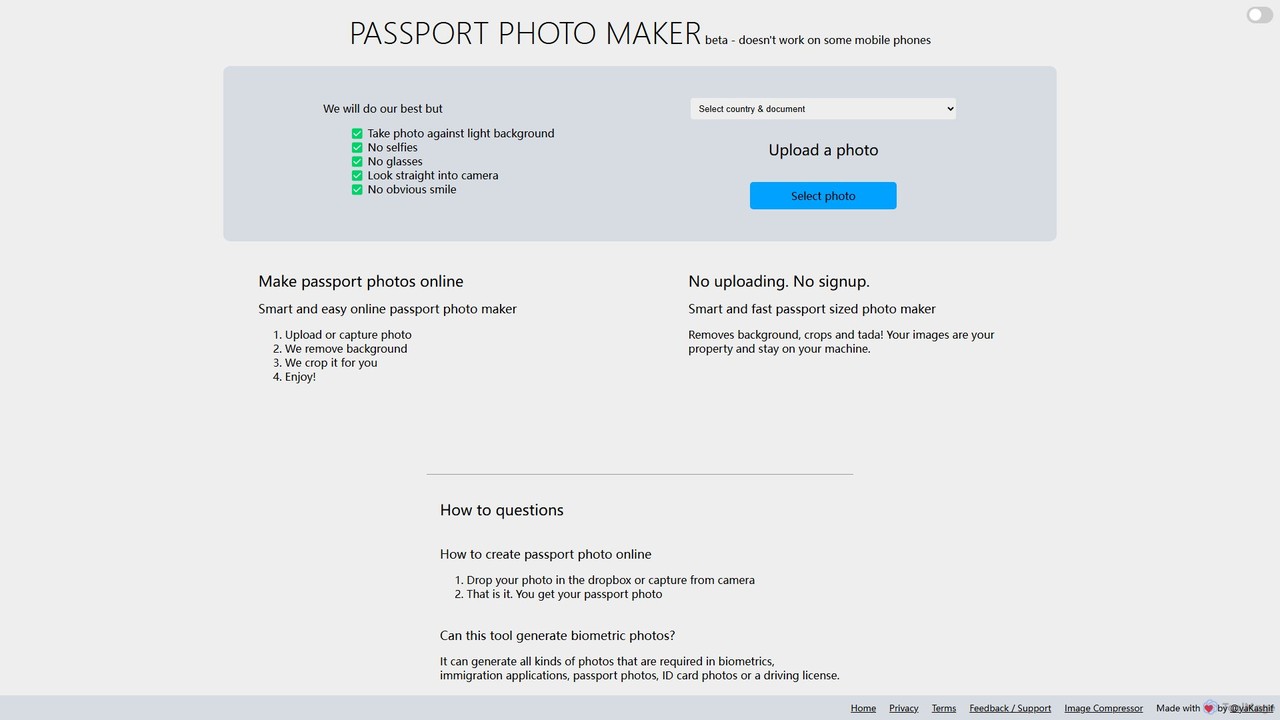
Passport Photo Maker
A free, AI-powered online tool that instantly creates compliant passport, visa, and ID photos. It automatically removes backgrounds, crops images to official specifications for hundreds of documents across various countries, ensuring privacy with on-device processing.
Image Editing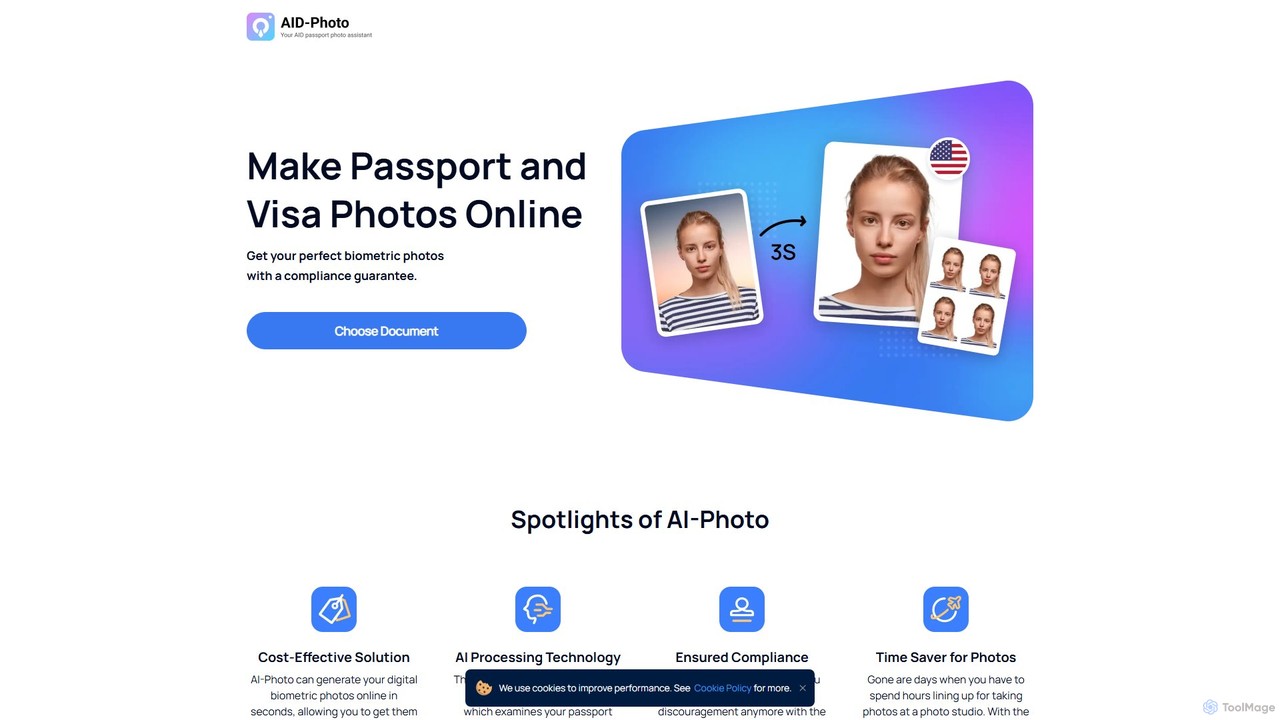
idphotoonline
An AI-powered tool that creates compliant passport, visa, and ID photos online in seconds. Upload a photo, and the AI will automatically verify, crop, and adjust it to meet official requirements, guaranteeing acceptance. It's a fast, convenient, and cost-effective alternative to traditional photo studios.
Image Editing
passport_photos.ai
An AI-powered online tool that allows users to create fully compliant passport, visa, and ID photos from home in minutes. Simply upload a photo from your smartphone, and the AI will automatically verify, crop, resize, and adjust the background to meet official government requirements, with a 100% approval guarantee.
Photo Editing
Frankenfile
Frankenfile is an AI-powered assistant for MacOS that automates your file management tasks. Simply describe what you want to do in plain English, and the app handles complex operations on images, videos, audio, and PDFs. It runs entirely locally, ensuring your files remain private and secure.
Task AutomationAutoCropper
AutoCropper is an intelligent online tool designed to automatically detect, crop, and split multiple photos from a single scanned image. It streamlines the process of digitizing photo collections by eliminating manual cropping, correcting rotation, and saving each photo as a separate, full-quality file. Ideal for digital archivists, card sellers, and anyone looking to preserve old photographs efficiently.
3DYunxiu
Yunxiu is a professional-grade AI portrait retouching software by Meitu, designed for commercial photographers. It leverages advanced AI to automate and accelerate post-production, enabling batch processing of up to 1000 photos per hour with high-quality, natural-looking results.
3D
remove.bg
remove.bg is an AI-powered tool that automatically removes the background from any image in just 5 seconds. It uses advanced AI to accurately handle challenging edges like hair and fur. Ideal for photographers, e-commerce businesses, marketers, and developers, it offers web, desktop, and plugin integrations to streamline workflows.
Editing
Home Assistant
Home Assistant is a powerful, open-source home automation platform that prioritizes local control and user privacy. It integrates with thousands of smart devices and services, allowing you to create powerful automations, custom dashboards, and even use a private, local voice assistant. Powered by a global community, it puts you in complete control of your smart home data.
Open Source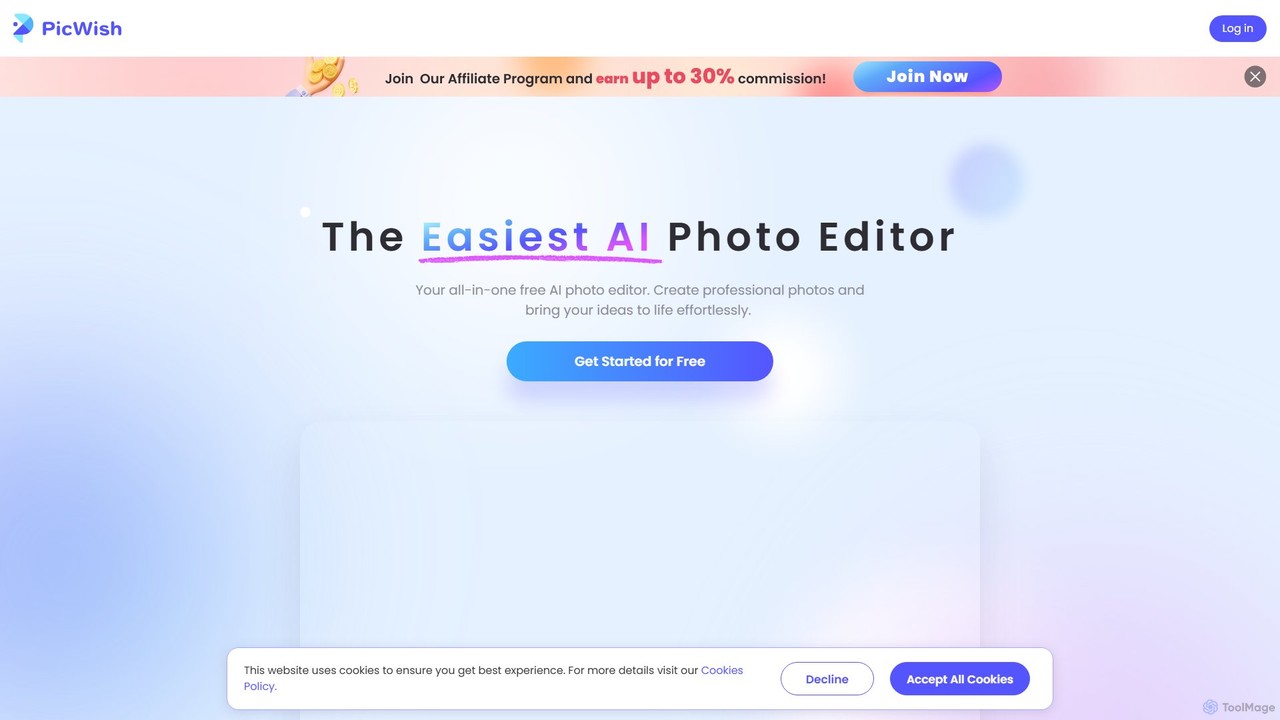
PicWish
PicWish is an all-in-one AI-powered photo editing suite designed to simplify complex image processing. It offers a wide range of free and pro tools, including background removal, photo enhancement, object removal, and AI background generation. Available online and as a dedicated app, PicWish empowers e-commerce sellers, designers, and content creators to produce professional-quality visuals effortlessly, without needing advanced technical skills.
Image Generation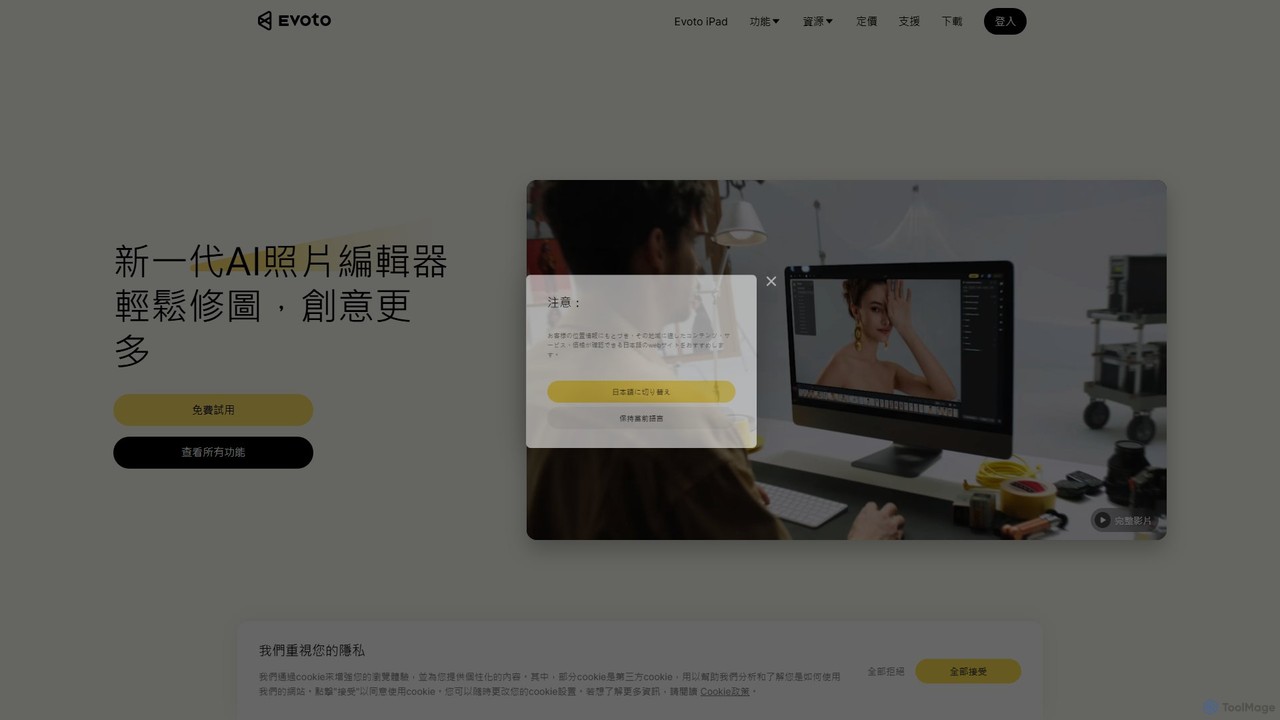
Evoto
An AI-powered photo editing application designed for professional photographers. Evoto streamlines workflows with powerful tools for portrait retouching, color grading, background removal, and batch processing. It delivers natural, high-quality results in a fraction of the time, boosting productivity for wedding, portrait, and studio photography.
3D
FaceCropJet Comments (0)
Sign in to comment.
Sign inNo comments yet.