ToolMage
Sign in

Best 10 Photo Editing AI tools for Image

Popular Photo Editing AI tools in Image include FaceApp, ROAST, Anthropics Technology, Aperty, Kacha, Nero Lens, Photoflow, Optivizio, Glasses Gone, and passport_photos.ai, helping you work more efficiently.

Nero Lens
Freemium

Nero Lens

Nero Lens is an all-in-one AI-powered photo enhancer app that instantly upscales, restores, colorizes, and denoises images. It also features an AI avatar and headshot generator, turning your selfies into stunning, stylized photos for social media, dating profiles, or professional use.

Ai Avatar Generator
Visits 7.4KFavorites 143Likes 131
Aperty
Freemium

Aperty

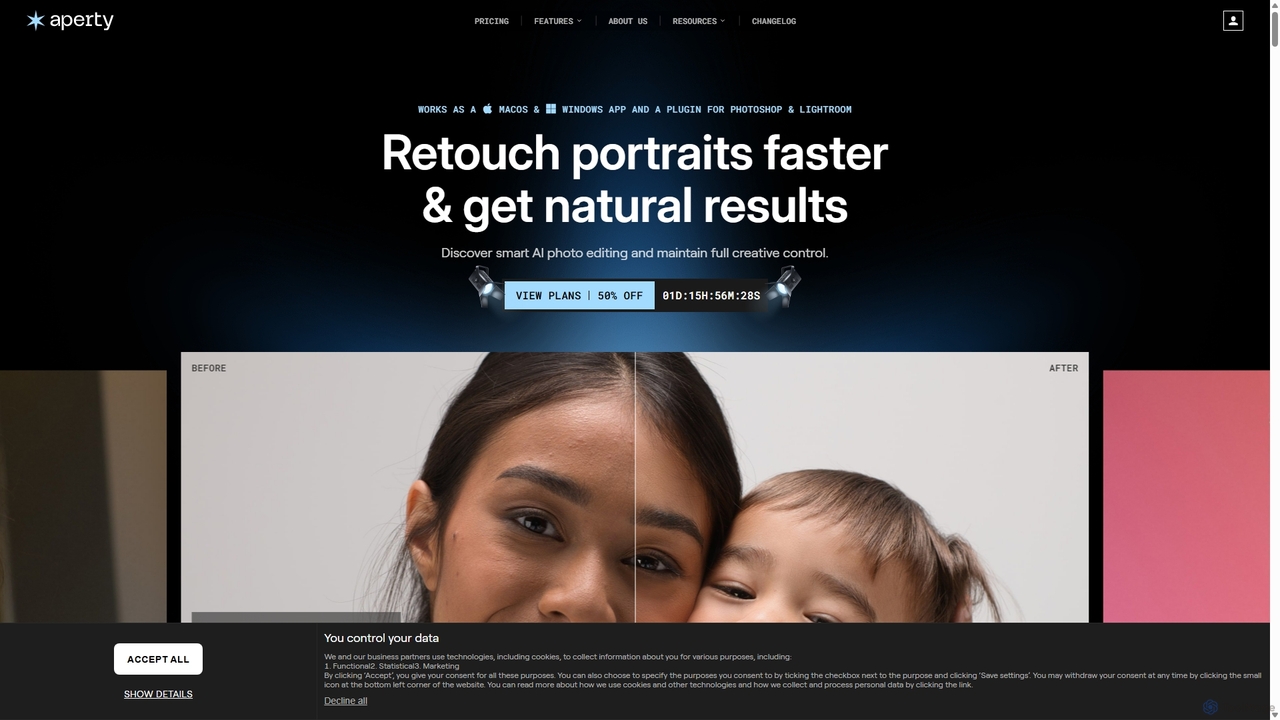
Aperty is an AI-powered portrait photo editor designed for photographers to accelerate their retouching workflow. It offers smart, natural-looking enhancements for skin, eyes, and makeup, and functions as a standalone app for macOS/Windows or as a plugin for Photoshop and Lightroom, ensuring full creative control and efficiency.

Graphics
Visits 46.4KFavorites 108Likes 120
FaceApp
Freemium

FaceApp

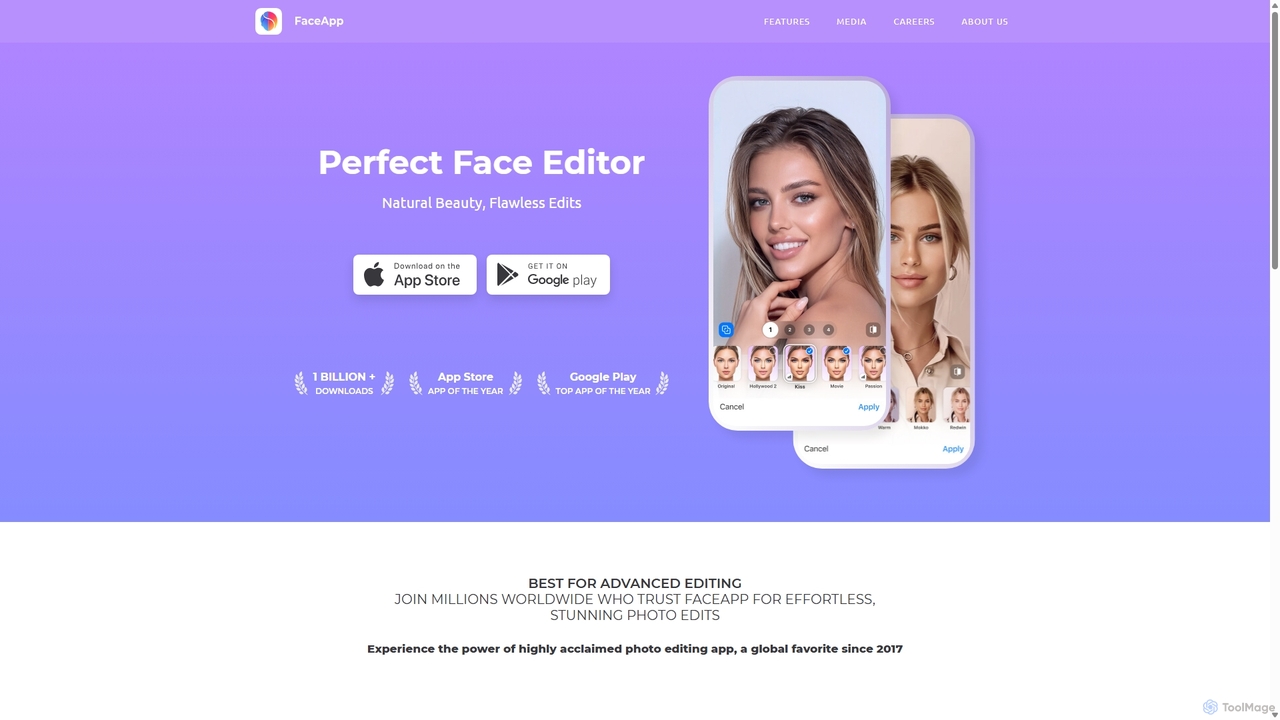
FaceApp is a leading AI-powered photo and selfie editor for iOS and Android. With over a billion downloads, it uses advanced neural networks to offer hyper-realistic transformations. Effortlessly apply filters for aging, gender swap, makeup, hairstyles, and beauty retouching. Perfect for creating stunning, shareable content for social media or simply for fun.

Entertainment
Visits 354.4KFavorites 115Likes 135
ROAST
Paid

ROAST

ROAST is an AI-powered platform designed to optimize your online dating profile. It provides data-driven feedback, expert reviews, and AI-generated photos to help you get 10x more matches on apps like Tinder, Bumble, and Hinge. Boost your profile, increase your confidence, and find better dates.

Photo Editing
Visits 86.9KFavorites 100Likes 112
Photoflow
Paid

Photoflow

Photoflow is an AI-powered platform that generates studio-quality, professional headshots in minutes. Simply upload your casual photos, and the AI will create hundreds of high-resolution options with various styles, backgrounds, and outfits. It's ideal for individuals, teams, and enterprises looking to elevate their professional image affordably and efficiently, eliminating the need for traditional photoshoots.

Photo Editing
Visits 6.2KFavorites 157Likes 149
Optivizio
Paid

Optivizio

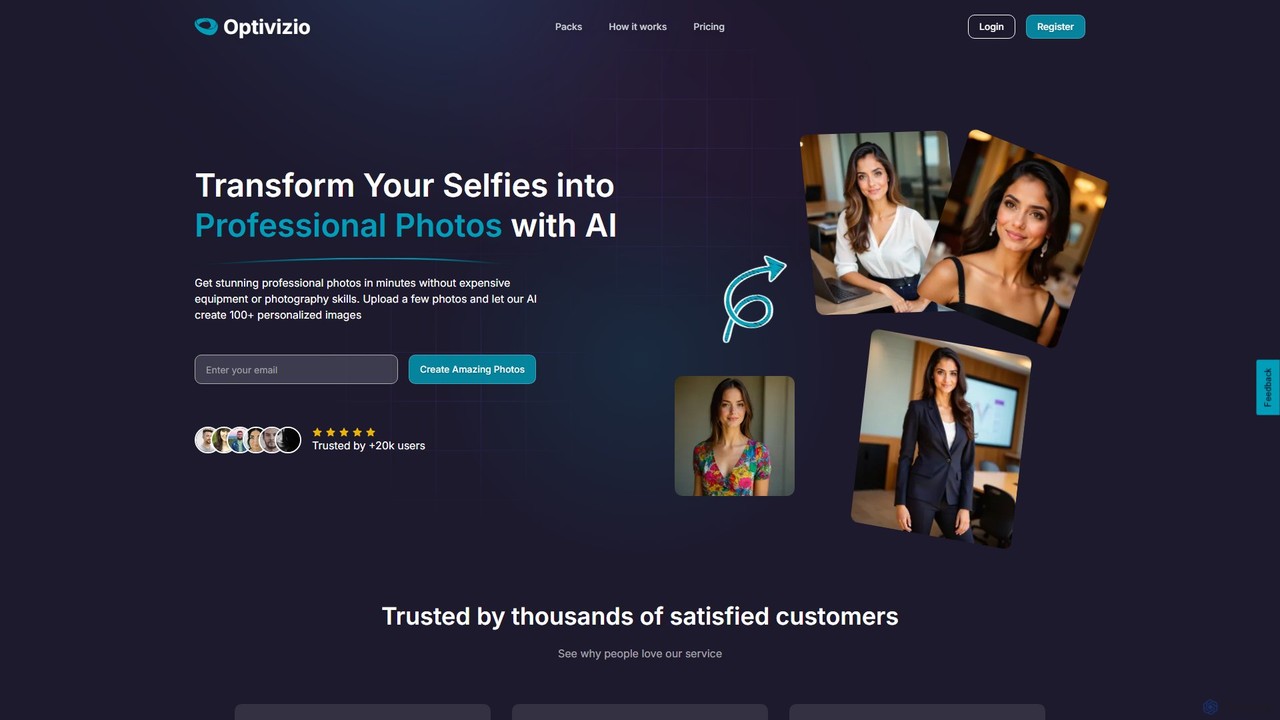
Optivizio is an AI-powered photo generator that transforms your selfies into stunning, professional-quality photos in minutes. By creating a digital twin from a few uploaded images, you can generate over 100 personalized photos across 70+ styles for professional profiles, dating apps, social media, and more, without needing expensive equipment or photography skills.

Photo Editing
Visits 5.9KFavorites 131Likes 117
passport_photos.ai
Paid

passport_photos.ai

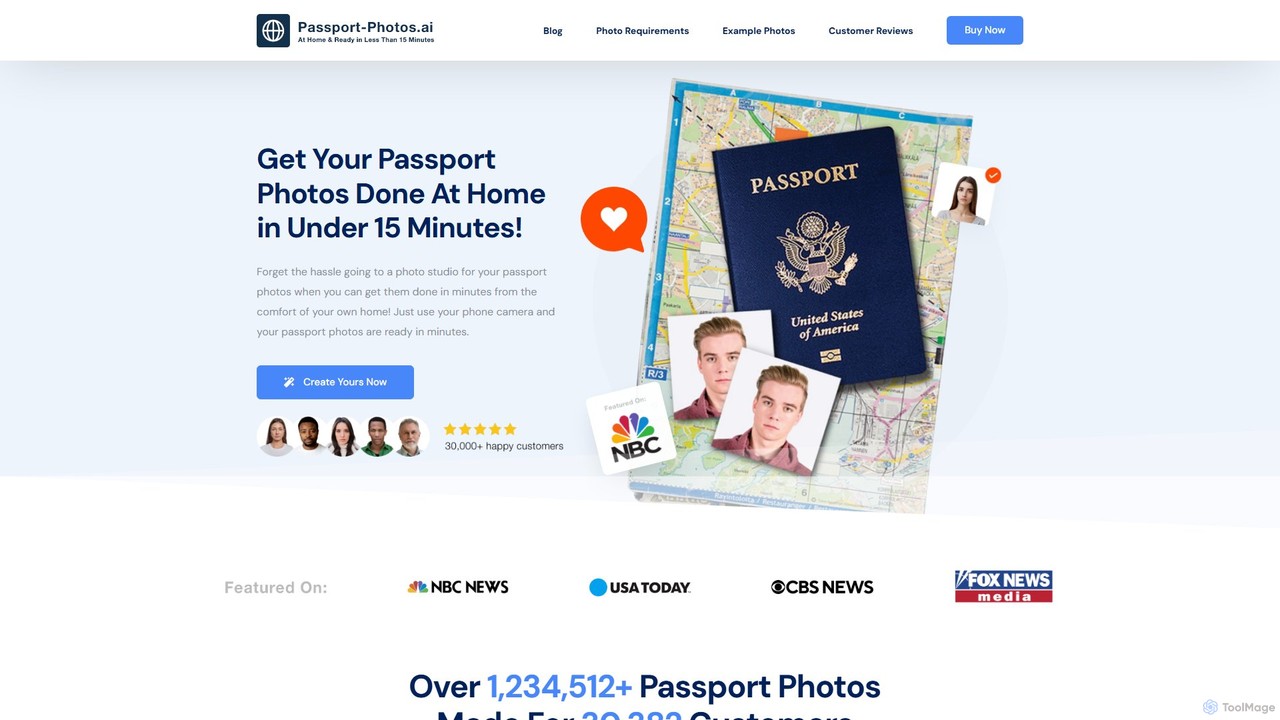
An AI-powered online tool that allows users to create fully compliant passport, visa, and ID photos from home in minutes. Simply upload a photo from your smartphone, and the AI will automatically verify, crop, resize, and adjust the background to meet official government requirements, with a 100% approval guarantee.

Photo Editing
Visits 5.1KFavorites 111Likes 126
Glasses Gone
Freemium

Glasses Gone

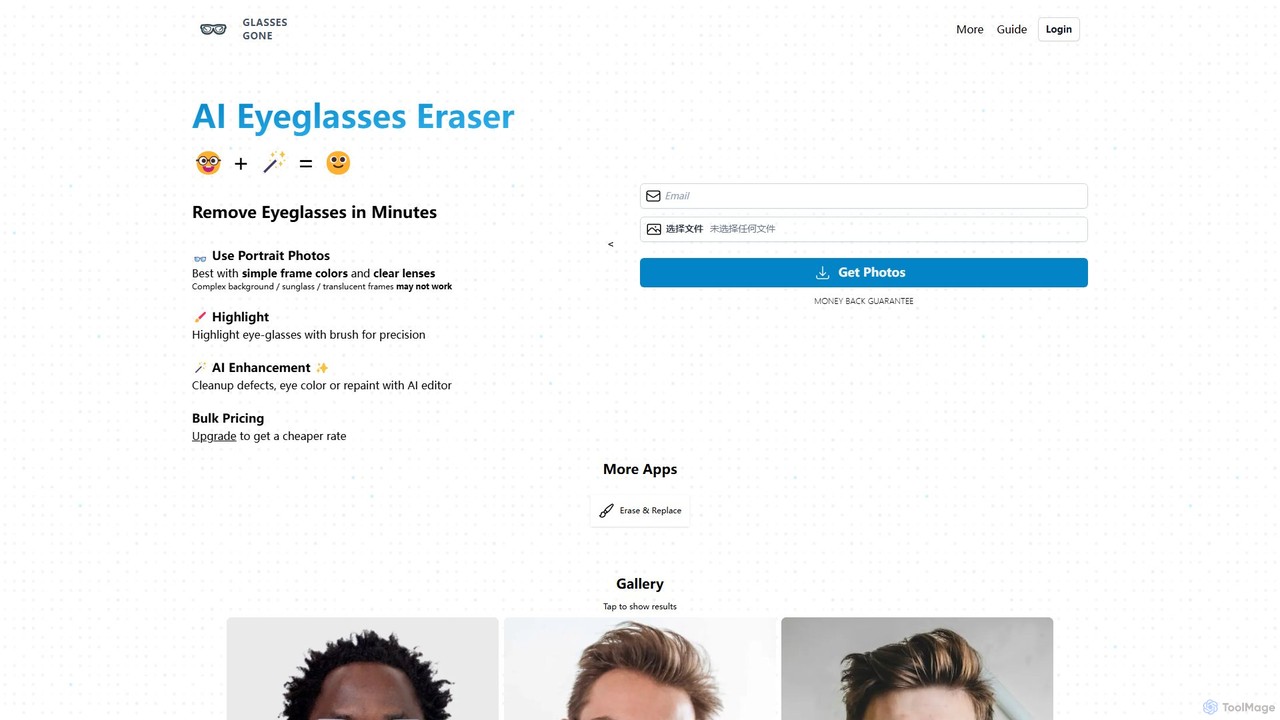
Glasses Gone is a specialized AI-powered tool designed to remove eyeglasses from portrait photos in minutes. Simply upload an image, highlight the glasses with a brush, and let the AI generate a natural-looking, glasses-free version of the portrait.

Retouching
Visits 5.1KFavorites 121Likes 125
Anthropics Technology
Paid

Anthropics Technology

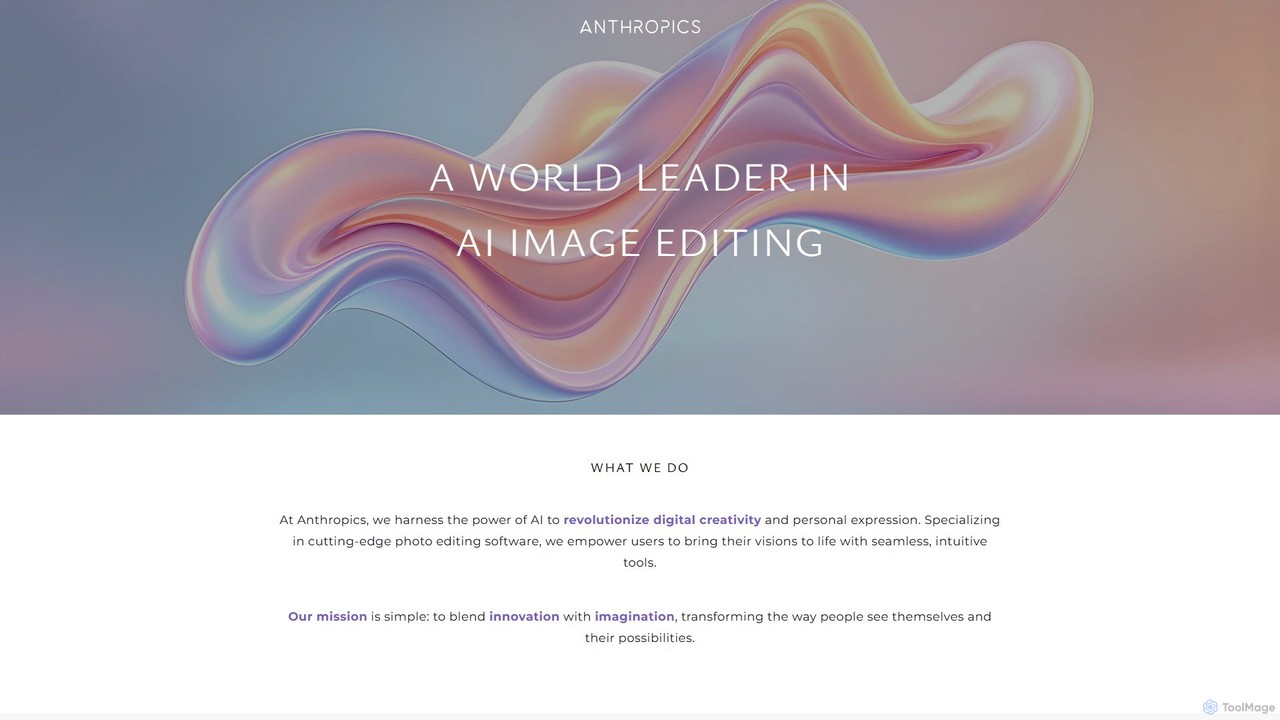
Anthropics Technology develops a world-leading suite of AI-powered photo editing software, including PortraitPro, LandscapePro, and PortraitPro Body. These tools use advanced AI and generative AI to automate complex retouching and enhancement tasks, enabling both professionals and amateurs to achieve stunning, natural-looking results with incredible speed and ease.

Retouching
Visits 73.6KFavorites 139Likes 123
Kacha
Freemium

Kacha

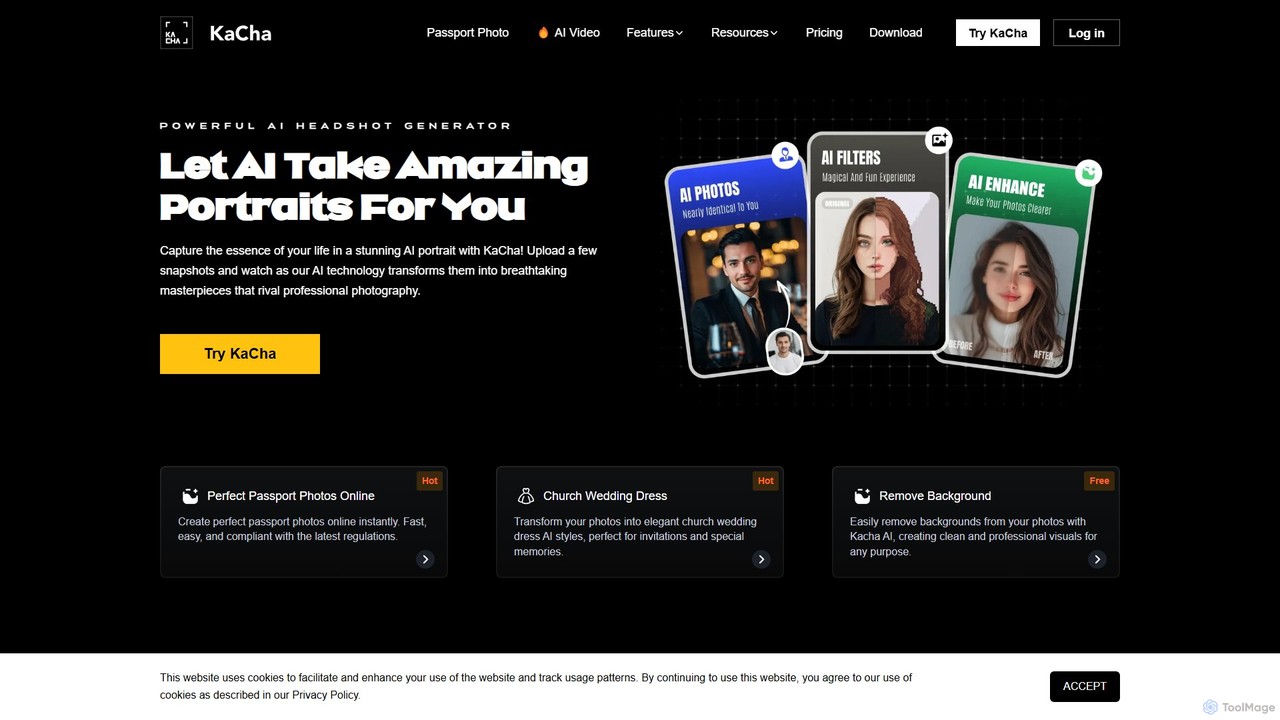
Kacha is a powerful AI-driven platform for generating professional headshots, creative avatars, and compliant passport photos. Simply upload your selfies, and Kacha's advanced AI transforms them into high-quality images for corporate profiles, social media, or official documents, offering a wide range of styles and customization options.

Avatar And Portrait
Visits 10KFavorites 123Likes 130

About Photo Editing

AI Photo Editing tools are applications that leverage artificial intelligence to automate and enhance the process of modifying digital images. These tools use machine learning models trained on vast datasets to understand image context, enabling complex edits like object removal, background replacement, and intelligent enhancement with minimal user input. They empower users of all skill levels to achieve professional-quality results quickly, transforming tedious manual tasks into simple, often one-click, operations. This technology makes advanced photo manipulation more accessible and efficient than ever before.

Core Features

  • AI Object Removal: Intelligently erases unwanted people, objects, or text from photos and realistically reconstructs the background.
  • One-Click Enhancement: Automatically adjusts lighting, color balance, contrast, and sharpness to improve overall image quality instantly.
  • Smart Background Replacement: Precisely isolates subjects from their background and allows for seamless replacement with a new scene or a transparent layer.
  • AI Portrait Retouching: Automates tasks like skin smoothing, blemish removal, teeth whitening, and facial feature enhancement while maintaining a natural look.
  • Generative Fill & Expand: Uses generative AI to add new elements to an image or extend its borders based on the surrounding context or text prompts.

Use Cases

AI Photo Editing tools are widely used by social media managers for creating engaging content, e-commerce store owners for producing clean product photos, and professional photographers for speeding up their post-production workflow. They are also valuable for real estate agents enhancing property images and casual users looking to improve personal photos for sharing.

How to Choose

When selecting an AI Photo Editing tool, consider the specific features you need most, such as portrait retouching or background removal. Evaluate the user interface for ease of use, especially if you are a beginner. Check the pricing model (subscription vs. one-time purchase) and review the quality and speed of the AI processing to ensure it meets your standards for final output.

Featured tool rankings

Photo Editing use cases

1

E-commerce Product Photo Enhancement

E-commerce store owners often need to process hundreds of product photos to meet platform standards. Using an AI Photo Editing tool, they can automate background removal for an entire batch of images, ensuring a clean, consistent white background for all products. The AI can also automatically correct colors and enhance lighting to make products look more appealing, significantly reducing manual editing time and improving the overall quality of the online store's visual presentation.

2

Quick Edits for Social Media Content

A content creator needs to post high-quality photos daily on social media. Instead of spending hours in complex software, they use an AI editor's one-click enhancement feature to instantly balance the colors and lighting of their photos. For travel shots, they can use the AI sky replacement tool to turn a dull, overcast sky into a vibrant sunset, making the post more eye-catching and increasing engagement without needing advanced editing skills.

3

Real Estate Photography Enhancement

A real estate agent needs to make property photos look their best to attract buyers. Using an AI photo editor, they can quickly correct lens distortion from wide-angle shots, brighten interiors that were poorly lit, and use AI enhancement to make colors pop. The AI object removal feature is perfect for decluttering rooms by digitally removing personal items or distracting elements, presenting a clean and appealing space to potential clients without physical staging.

4

Restoring and Colorizing Old Photos

A user wants to bring an old, faded black-and-white family photograph back to life. They can use an AI photo editor to automatically repair scratches, tears, and creases with high accuracy. Following the repair, the AI colorization feature can analyze the image and apply realistic colors to the scene, transforming the monochrome memory into a vibrant, modern-looking picture. This entire process, which once required a specialist, can now be done in minutes.

5

Creative Compositing with Generative Fill

An artist or designer wants to create a surreal image by combining different elements. They can start with a photo of a landscape and use the AI's generative fill feature. By selecting an area of the sky and typing a prompt like "a galaxy with two moons," the tool generates a new sky that blends seamlessly with the original photo. They can further add elements like "a floating castle on a cloud" to build a complex composite image quickly, enabling creative exploration that would be highly time-consuming with traditional methods.

6

Streamlining a Photographer's Workflow

A professional event photographer returns from a shoot with over a thousand photos. Instead of manually adjusting each one, they use an AI editor to apply a consistent style and correction profile across the entire set. The AI can analyze each photo for exposure and color balance, applying intelligent adjustments tailored to the individual image while maintaining a cohesive look. This batch processing capability reduces editing time from days to hours, allowing the photographer to deliver the final images to the client much faster.

Photo Editing FAQ

What are AI Photo Editing tools?

AI Photo Editing tools are software applications that use artificial intelligence, particularly machine learning and computer vision, to simplify and automate complex photo editing tasks. Unlike traditional editors that require manual adjustments, these tools can analyze image content to perform actions like one-click enhancements, intelligent object removal, and automatic background replacement. They are designed to help both beginners and professionals achieve high-quality results faster and more efficiently.

How do AI photo editors differ from traditional software like Photoshop?

The main difference lies in automation and control. Traditional software like Photoshop provides granular, manual control over every aspect of an image, requiring skill and time. AI photo editors automate these complex processes. For example, removing an object in Photoshop requires careful manual selection and cloning, while an AI tool often does it with a single brush stroke. AI editors excel at speed and ease of use for specific tasks, whereas traditional software offers unparalleled depth and flexibility for creative professionals.

How to choose the right AI Photo Editing tool?

To choose the right tool, first identify your primary needs. Are you focused on portrait retouching, background removal for products, or creative enhancements? Then, consider these factors:

  • Feature Set: Ensure the tool has the specific AI functions you require.
  • Ease of Use: Look for an intuitive interface that matches your skill level. Some tools are simple one-click solutions, while others offer more control.
  • Quality of Results: Test the tool with your own images to see if the AI's output is natural and high-quality.
  • Pricing: Compare subscription models, one-time fees, and free versions to find what fits your budget.
  • Integration: If you use other software like Lightroom or Figma, check for available plugins or integrations to streamline your workflow.
What are the key features of AI Photo Editing tools?

Most AI Photo Editing tools share a set of core features designed for efficiency. Key features typically include:

  • Automated Enhancements: One-click adjustments for color, light, and sharpness.
  • Object and Blemish Removal: Intelligently painting out unwanted elements from a photo.
  • Background Removal/Replacement: Automatically detecting and isolating subjects to change the background.
  • AI Portrait Tools: Features for skin smoothing, teeth whitening, and adjusting facial features.
  • Noise Reduction and Sharpening: Cleaning up low-light photos and improving detail without creating artifacts.
  • Generative AI: Adding, extending, or replacing parts of an image using text prompts.
Can AI Photo Editing tools replace professional photographers?

No, AI photo editing tools are not a replacement for professional photographers. They are powerful assistants that augment a photographer's skills, not substitute them. A professional's expertise lies in composition, lighting, client interaction, and creative vision—areas AI cannot replicate. These tools automate tedious post-production tasks, freeing up photographers to focus more on the creative aspects of their work. For amateurs, they lower the barrier to achieving high-quality results, but they do not replace the art and science of professional photography.