

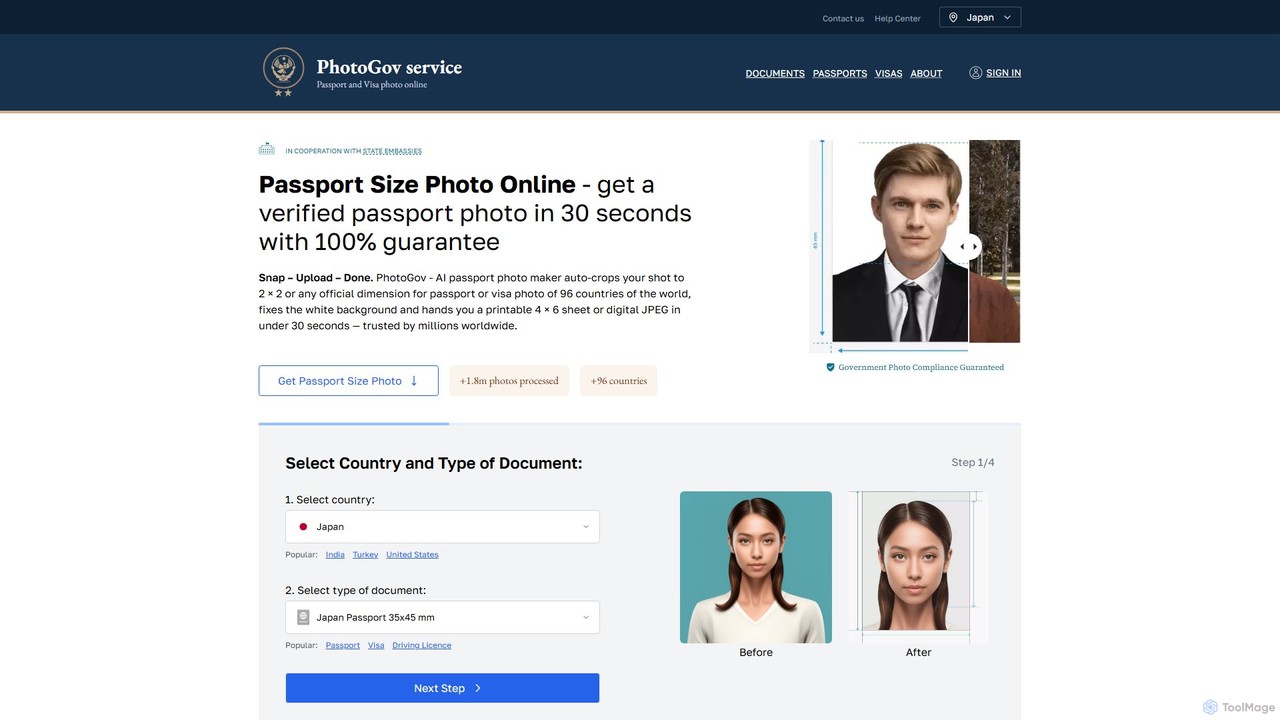
photogov Overview
PhotoGov is an advanced AI-powered tool designed to simplify the creation of official document photos. It eliminates the need for photo booths or professional studios by allowing users to generate compliant passport, visa, and ID photos from the comfort of their own home using a smartphone or digital camera. The service supports over 1,000 document types across more than 120 countries, ensuring that every photo meets the strict, up-to-date government regulations. With features like automatic background removal, smart cropping, and lighting correction, PhotoGov guarantees a high acceptance rate for all official submissions.
How to use photogov
Using PhotoGov is a straightforward, three-step process that requires no technical expertise:
- Upload Your Photo: First, select your country and the type of document you need (e.g., US Passport, Schengen Visa). Then, take a selfie against a plain wall or upload a suitable existing photo from your device. The platform supports common formats like JPEG, PNG, and HEIF.
- Let AI Work Its Magic: In about 30 seconds, PhotoGov's AI analyzes your image. It automatically crops the photo to the precise official dimensions, removes the existing background and replaces it with a compliant one (typically plain white or light grey), and adjusts the lighting and color for a natural, clear result.
- Download Your Compliant Photo: Review the AI-processed preview. Once you are satisfied, you can download the final, government-approved photo. You'll receive a digital file for online applications and a printable 4x6 inch template to get physical copies at home or a local print shop.
Core Features of photogov
- AI-Powered Compliance Verification: The system is trained on the specific requirements for over 1,000 document types from 120+ countries, ensuring your photo meets all standards for size, background, head position, and more.
- Automatic Cropping & Resizing: Intelligently crops and resizes the image to the exact dimensions required by the selected document, such as 2x2 inches for the US or 35x45 mm for the EU.
- Background Remover & Editor: Instantly removes any distracting background and replaces it with a plain, neutral-colored one that meets official specifications.
- Lighting & Color Correction: Automatically enhances the photo's lighting and color balance to ensure a natural skin tone and a sharp, high-quality image without shadows.
- Expert Verification: For added assurance, an optional layer of human expert review is available to double-check that the photo fully complies with all official regulations.
- Printable Templates: Generates a ready-to-print photo sheet (e.g., 4x6 inch) containing multiple copies of your ID photo, making it easy and cost-effective to print.
Use Cases for photogov
PhotoGov is ideal for a wide range of users and situations:
- International Travelers: Individuals applying for new passports, renewing existing ones, or obtaining visas for tourism, work, or study.
- Official ID Applicants: People needing compliant photos for national ID cards, driving licenses, residency permits, or professional certifications.
- Parents and Guardians: A simple solution for taking compliant passport or ID photos of infants and young children at home, avoiding the stress of a photo booth.
- Businesses and Organizations: Companies requiring standardized, professional ID photos for employee badges, security passes, or membership cards.
Advantages of photogov
- Cost-Effective: Significantly cheaper than traditional photo studios, with the ability to create photos for many document types completely free of charge.
- Time-Saving: The entire process takes only a few minutes, from uploading a photo to downloading the finished product, all without leaving your home.
- Convenience and 24/7 Availability: Accessible anytime, anywhere, on any device with an internet connection, perfect for last-minute applications.
- High Acceptance Rate: With a 99% government acceptance guarantee backed by AI and expert verification, it minimizes the risk of application rejection due to photo issues.
- User-Friendly: The intuitive interface makes it easy for anyone to get a professional-quality ID photo, regardless of technical skill.
- Secure and Private: Uses HTTPS and encryption to protect your data, with a strict policy of deleting your photos from servers after processing to ensure privacy.
Pricing and Plans
PhotoGov operates on a freemium model. Creating photos for over 1,000 types of documents is completely free. For certain high-demand documents or to access priority processing during peak times, a small one-time fee ranging from $2.90 to $6.90 may be applied. This priority service ensures faster processing and is still up to 3 times less expensive than traditional photo studios. There are no subscriptions or hidden costs.
Traffic
Latest traffic
Status
Monthly traffic trend
- 2025-9: 368.6K
- 2026-1: 325.0K
- 2026-2: 427.6K
- 2026-3: 344.7K
- 2026-4: 281.1K
- 2026-5: 318.9K
Geography
Top 5 countries / regions
- 🇺🇸United States45.3%
- 🇮🇳India28.5%
- 🇵🇭Philippines9.3%
- 🇨🇦Canada8.6%
- 🇲🇾Malaysia8.3%
Traffic sources
| Source type | Percentage |
|---|---|
Direct | 82.0% |
Referral | 12.2% |
Email | 5.8% |
Top keywords
| Keyword | Cost per click |
|---|---|
| passport photo maker | $0.28 |
| passport size photo | $0.21 |
| passport size photo maker | $0.18 |
| photogov | $1.59 |
| us passport photo tool | $1.39 |
photogov Alternatives
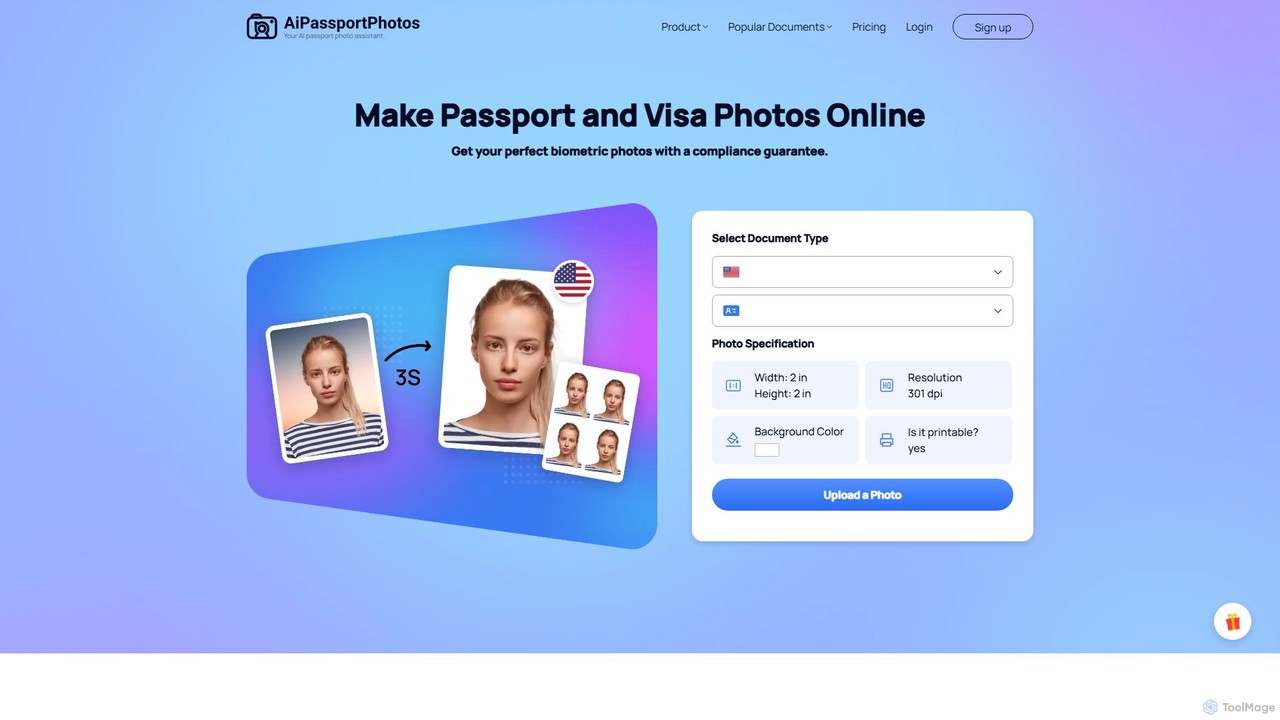
aipassportphotos
An AI-powered online tool that allows users to create fully compliant biometric photos for passports, visas, and IDs in seconds. It automatically adjusts size, background, and other specifications to guarantee acceptance by official authorities, saving time and money.
3D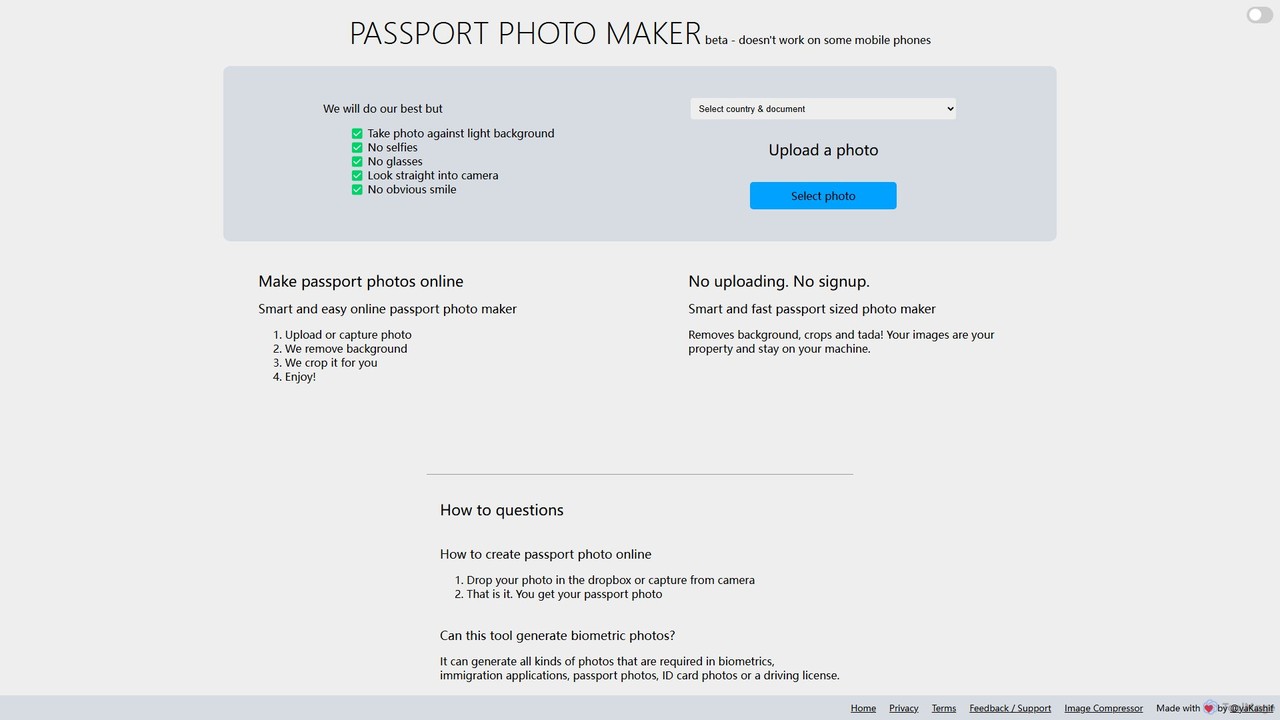
Passport Photo Maker
A free, AI-powered online tool that instantly creates compliant passport, visa, and ID photos. It automatically removes backgrounds, crops images to official specifications for hundreds of documents across various countries, ensuring privacy with on-device processing.
Image Editing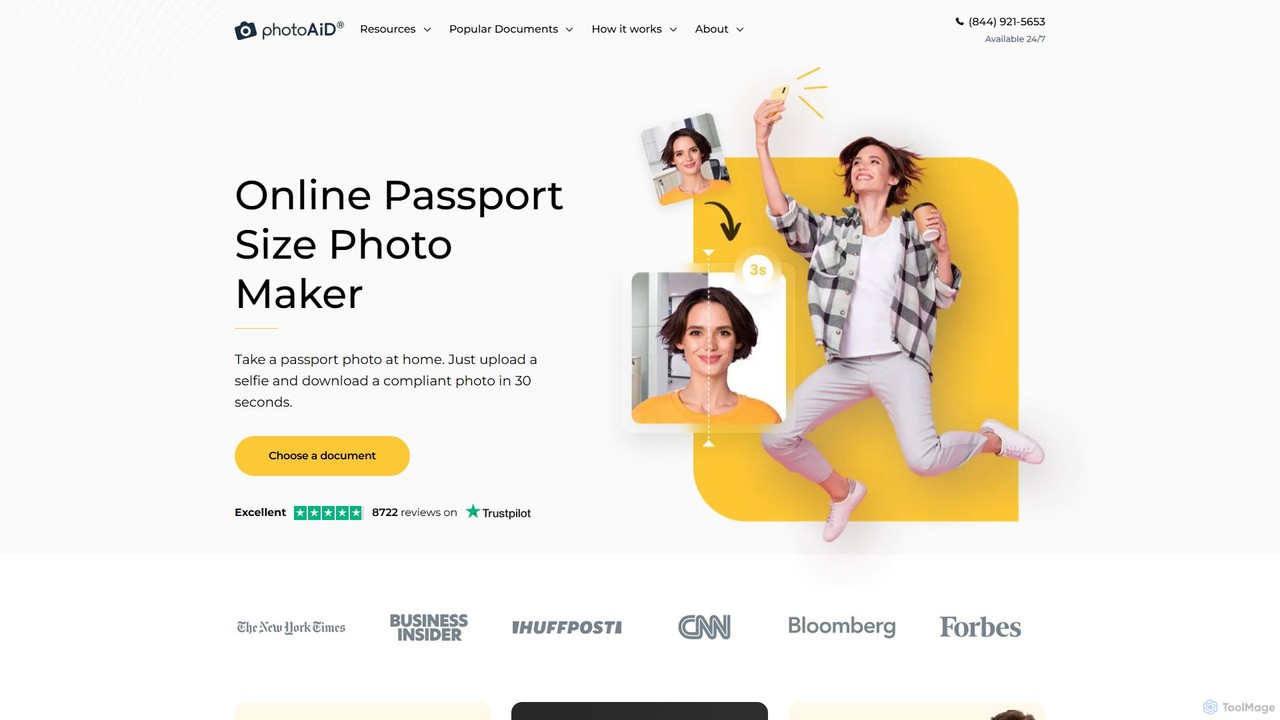
PhotoAiD
PhotoAiD is an AI-powered tool that allows users to create fully compliant biometric photos for passports, visas, and various IDs in minutes. Using a smartphone, you can take a photo at home, and the app's AI will automatically adjust it to meet official requirements, followed by an expert verification for a 100% acceptance guarantee.
3D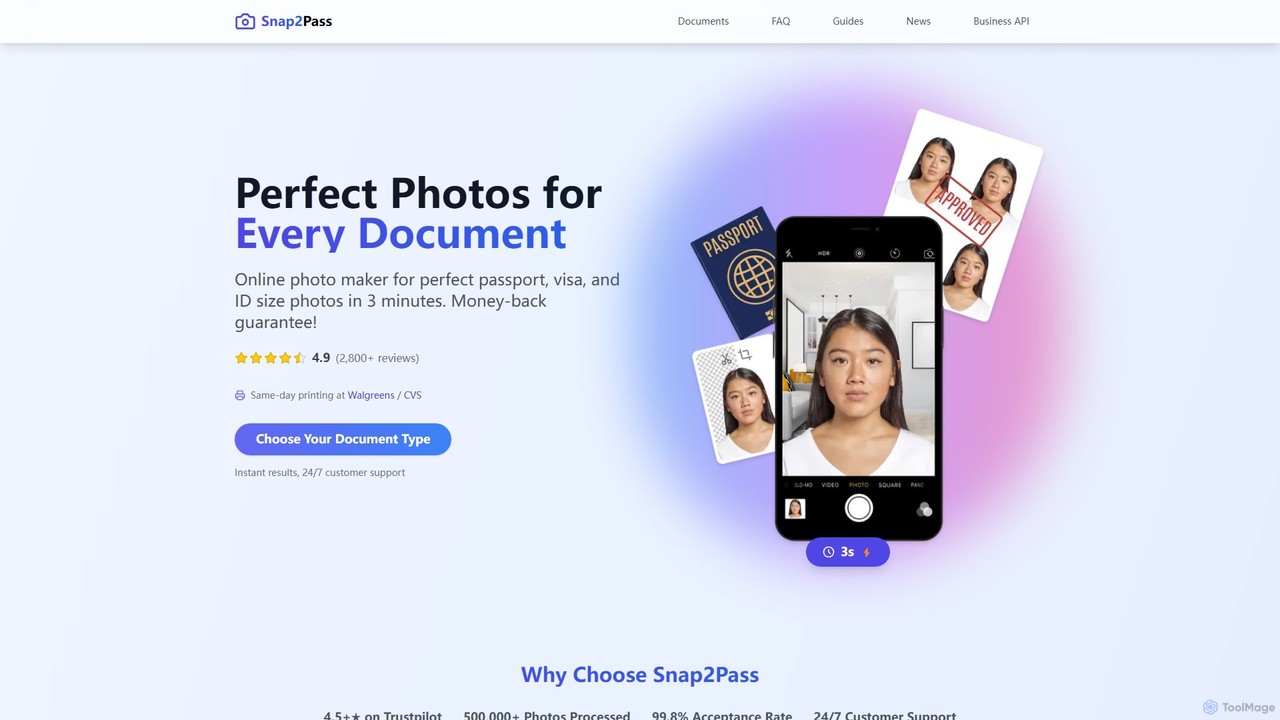
snap2pass
Snap2Pass is an AI-powered online tool that creates perfectly compliant passport, visa, and ID photos in minutes. It uses advanced AI to automatically check, resize, and edit your photo to meet official government requirements, guaranteeing acceptance or your money back.
3D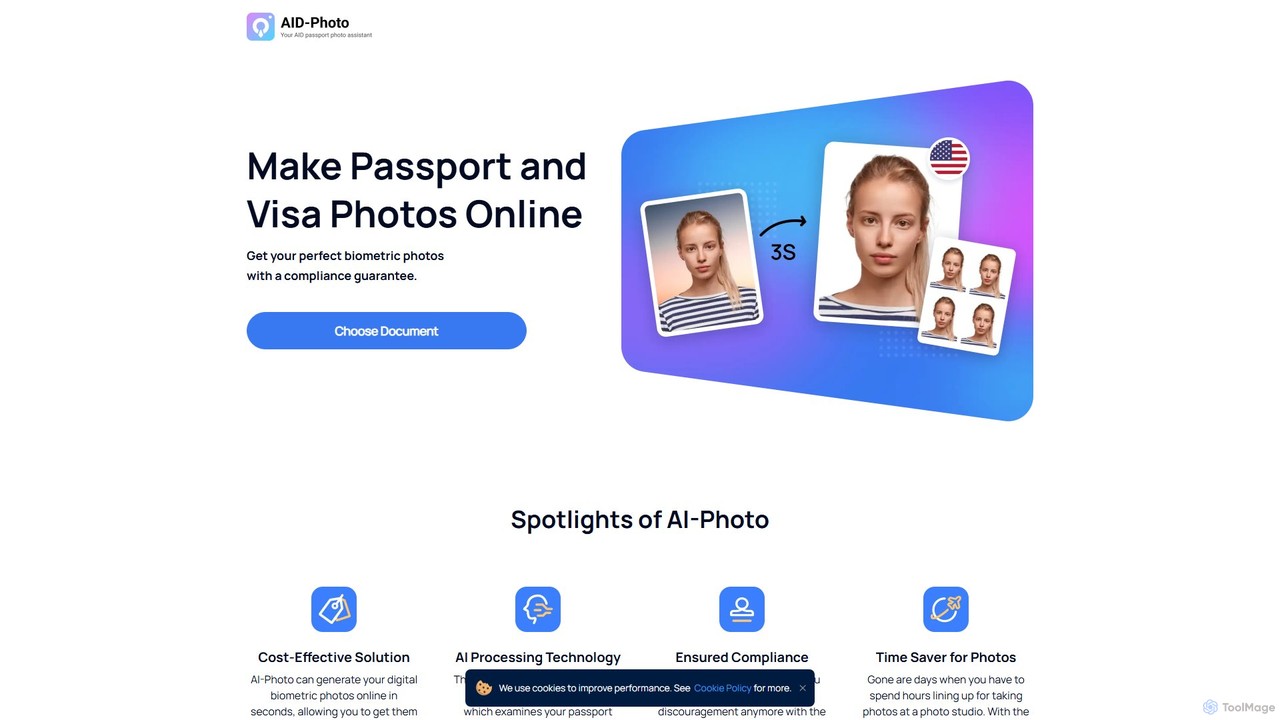
idphotoonline
An AI-powered tool that creates compliant passport, visa, and ID photos online in seconds. Upload a photo, and the AI will automatically verify, crop, and adjust it to meet official requirements, guaranteeing acceptance. It's a fast, convenient, and cost-effective alternative to traditional photo studios.
Image Editingphotogov Categories
photogov Embed Widget
Copy this embed code to place the badge on your blog, article, or product site and send readers directly to this ToolMage detail page.

Related AI tools
Passport Photo Maker
A free, AI-powered online tool that instantly creates compliant passport, visa, and ID photos. It automatically removes backgrounds, crops images to official specifications for hundreds of documents across various countries, ensuring privacy with on-device processing.
Image Editingidphotoonline
An AI-powered tool that creates compliant passport, visa, and ID photos online in seconds. Upload a photo, and the AI will automatically verify, crop, and adjust it to meet official requirements, guaranteeing acceptance. It's a fast, convenient, and cost-effective alternative to traditional photo studios.
Image EditingPhotoAiD
PhotoAiD is an AI-powered tool that allows users to create fully compliant biometric photos for passports, visas, and various IDs in minutes. Using a smartphone, you can take a photo at home, and the app's AI will automatically adjust it to meet official requirements, followed by an expert verification for a 100% acceptance guarantee.
3Dsnap2pass
Snap2Pass is an AI-powered online tool that creates perfectly compliant passport, visa, and ID photos in minutes. It uses advanced AI to automatically check, resize, and edit your photo to meet official government requirements, guaranteeing acceptance or your money back.
3Daipassportphotos
An AI-powered online tool that allows users to create fully compliant biometric photos for passports, visas, and IDs in seconds. It automatically adjusts size, background, and other specifications to guarantee acceptance by official authorities, saving time and money.
3D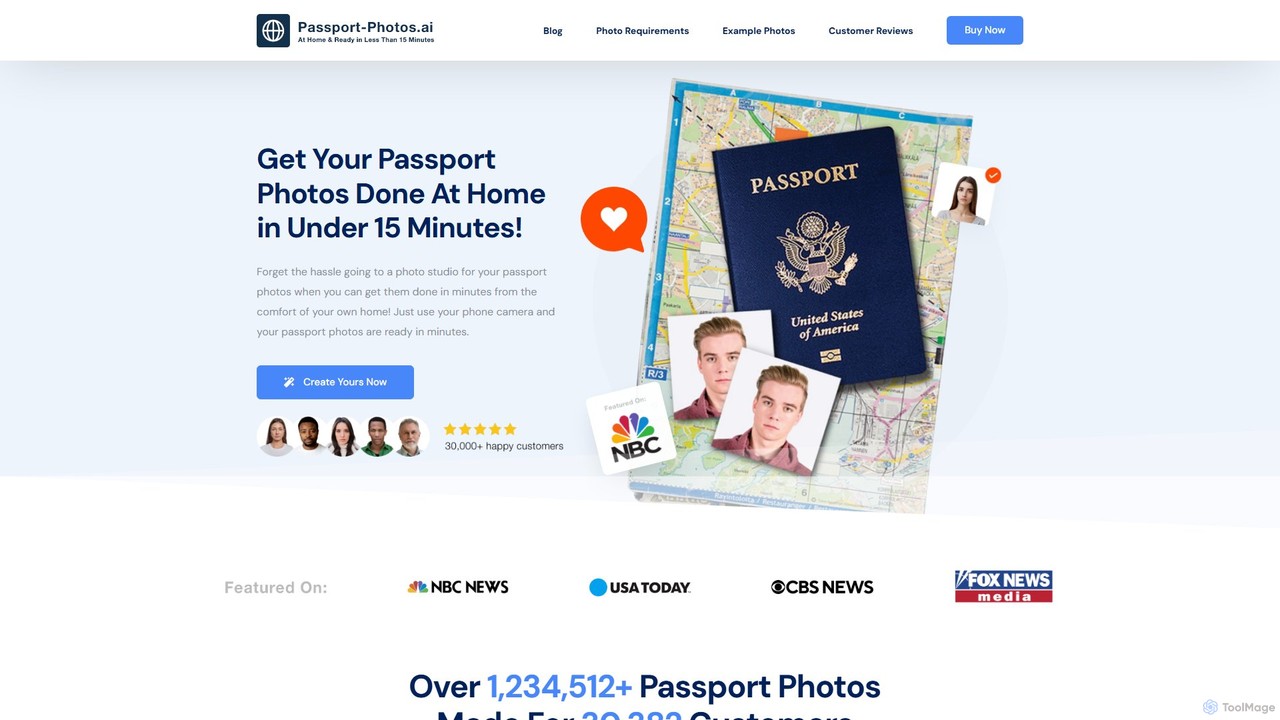
passport_photos.ai
An AI-powered online tool that allows users to create fully compliant passport, visa, and ID photos from home in minutes. Simply upload a photo from your smartphone, and the AI will automatically verify, crop, resize, and adjust the background to meet official government requirements, with a 100% approval guarantee.
Photo Editing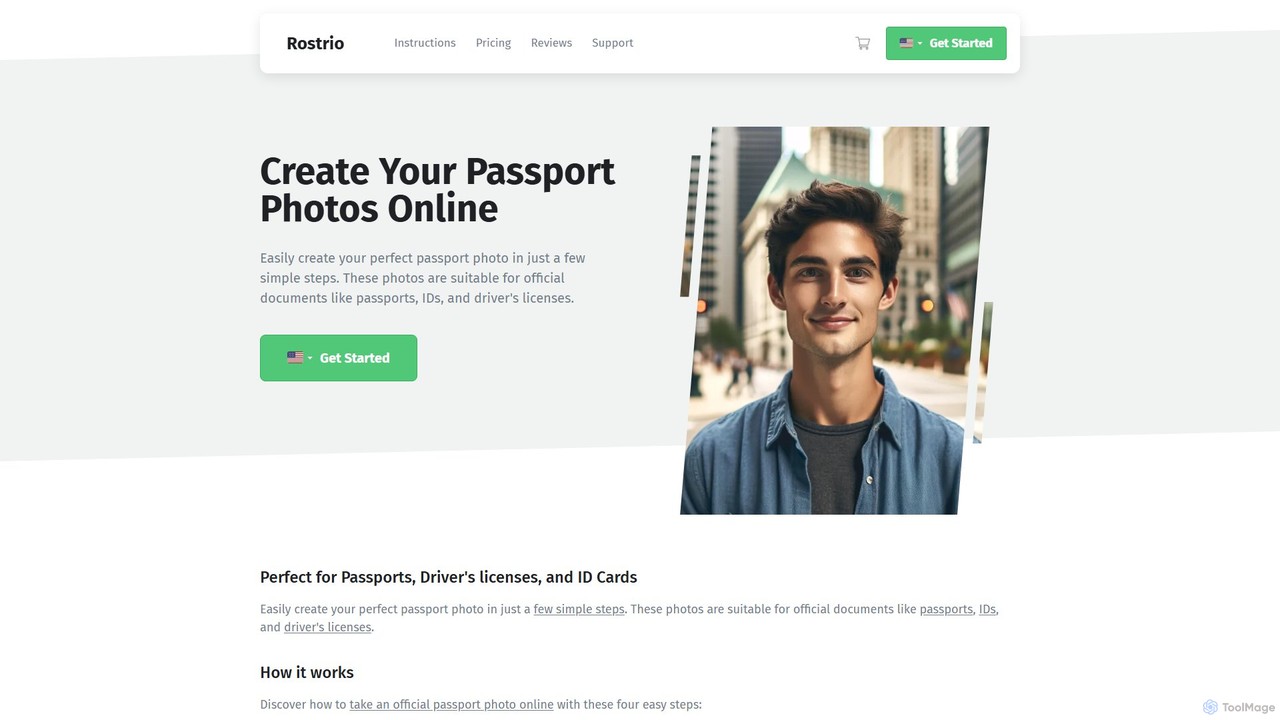
passphoto
passphoto is an AI-powered online service that helps you create official, compliant passport, ID, and visa photos from home. Simply upload your photo, and the AI will automatically verify it against the specific requirements of your chosen country, ensuring it meets standards for size, background, and lighting. Get your perfect photos delivered digitally or by mail.
3D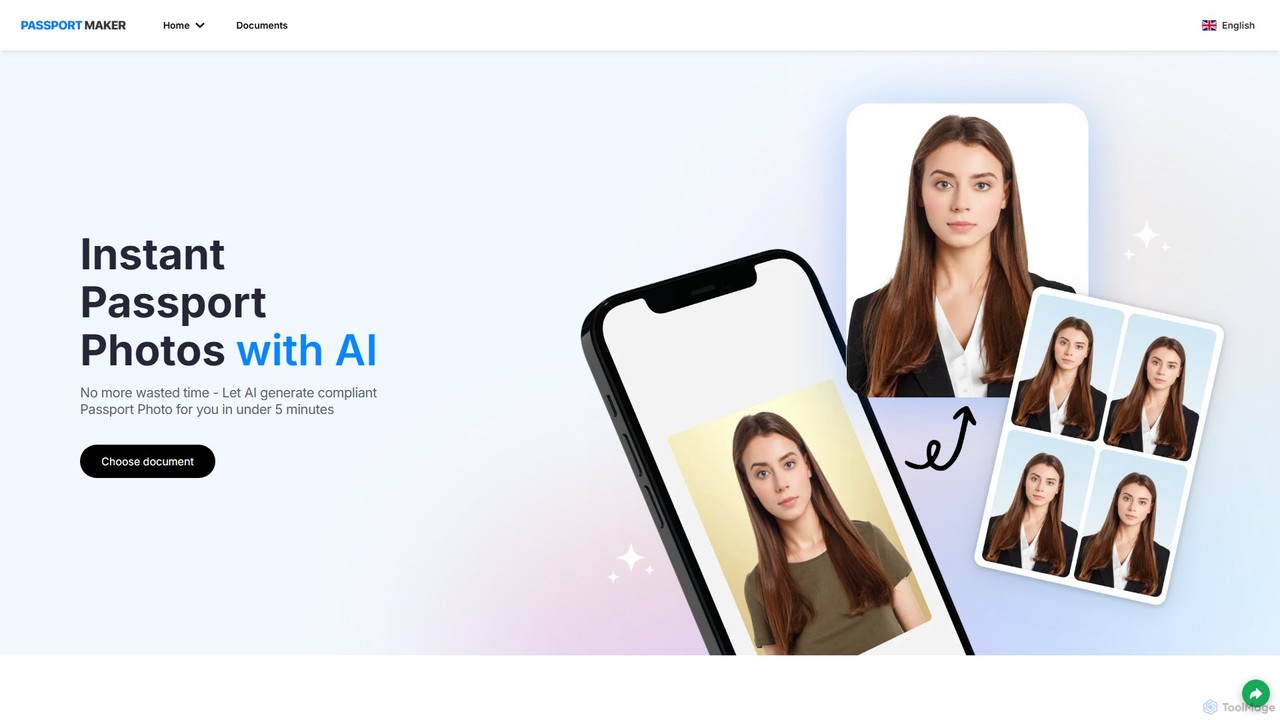
passportmaker
passportmaker is an AI-powered tool that allows you to create perfectly compliant passport, visa, and ID photos in seconds. Upload your picture, and the AI will automatically handle resizing, background removal, and compliance checks for various official documents worldwide. You can even change your outfit digitally for a professional look.
Image Editing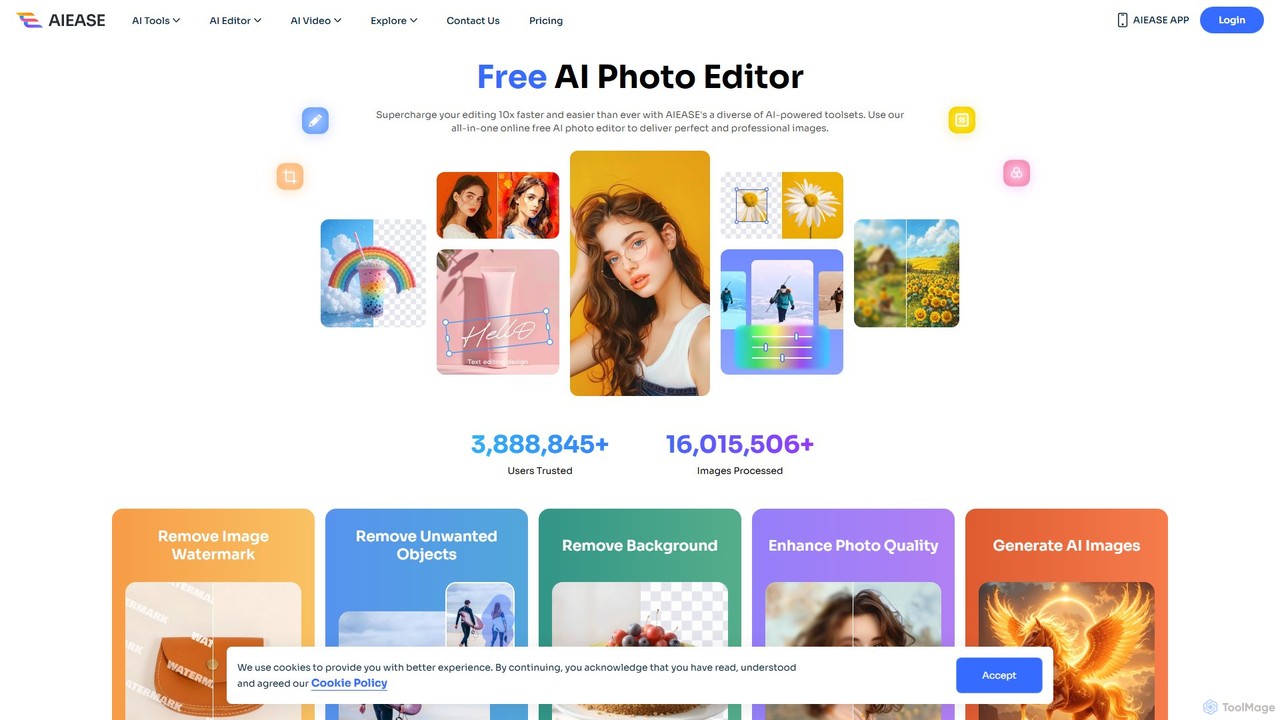
AIEASE
AIEASE is a comprehensive, all-in-one AI photo editing suite designed to simplify and accelerate your workflow. It offers a wide range of tools, from background and object removal to photo enhancement, AI image generation, and creative effects like face swapping and hairstyle changes. Available on web and mobile, it caters to both professional and personal use cases, making advanced photo editing accessible to everyone.
3D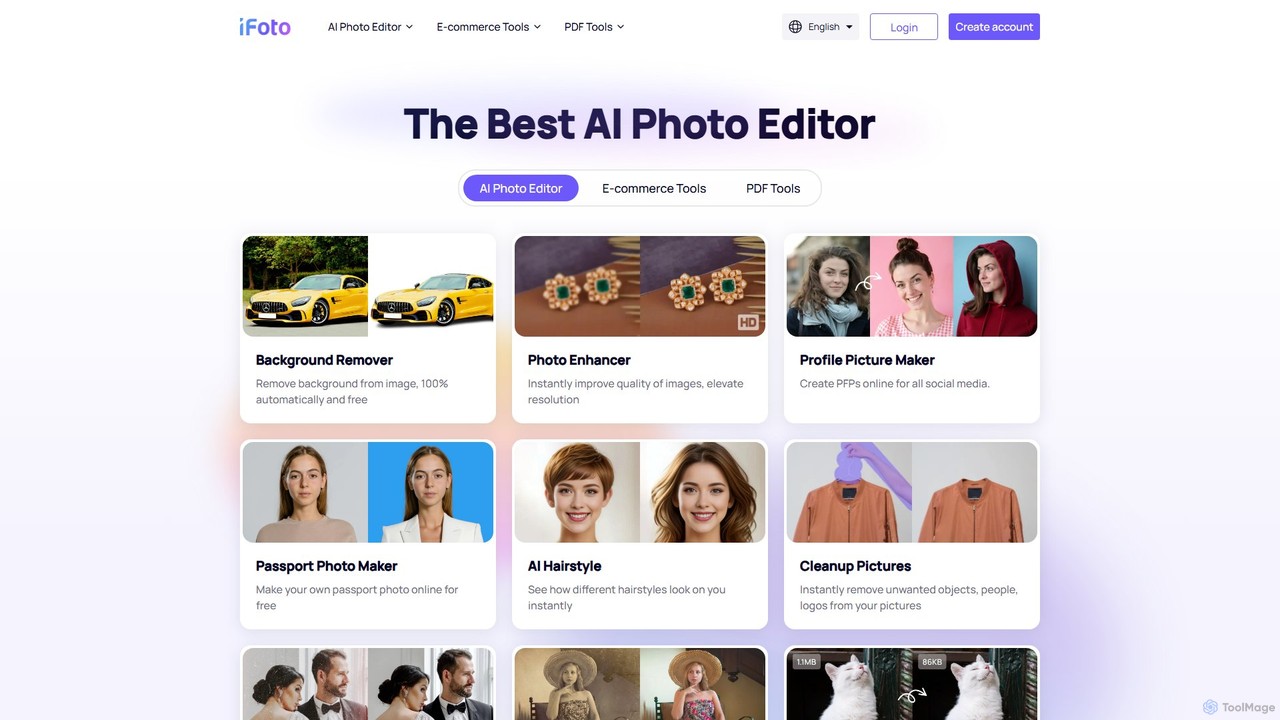
iFoto
iFoto is an all-in-one AI-powered photo studio designed to revolutionize e-commerce visuals. It offers a comprehensive suite of tools for AI fashion models, product photography, background removal, photo enhancement, and even PDF management. It empowers businesses and creators to produce high-quality, professional images effortlessly, saving significant time and cost compared to traditional methods.
3D
FaceCropJet
FaceCropJet is an AI-powered desktop software that automatically detects and crops faces from photos, creating perfectly formatted images for ID cards, passports, and profiles. It supports batch processing and folder monitoring for complete automation.
3D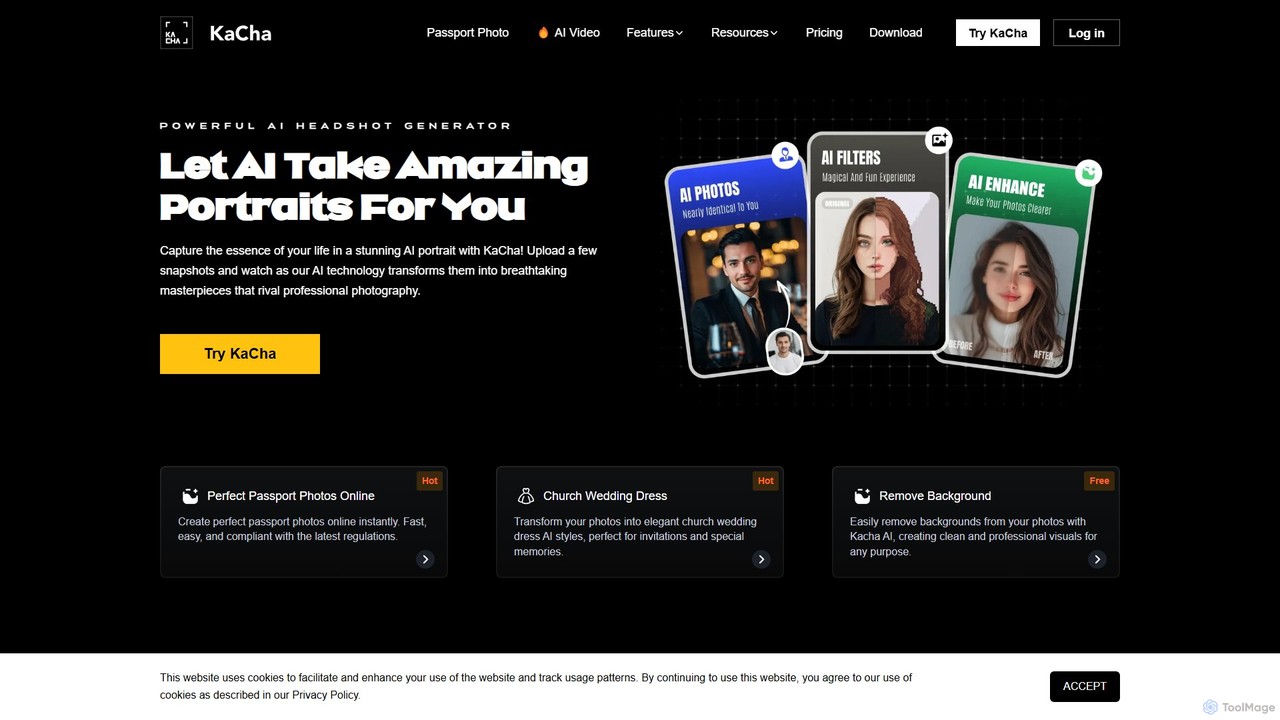
Kacha
Kacha is a powerful AI-driven platform for generating professional headshots, creative avatars, and compliant passport photos. Simply upload your selfies, and Kacha's advanced AI transforms them into high-quality images for corporate profiles, social media, or official documents, offering a wide range of styles and customization options.
Avatar And Portrait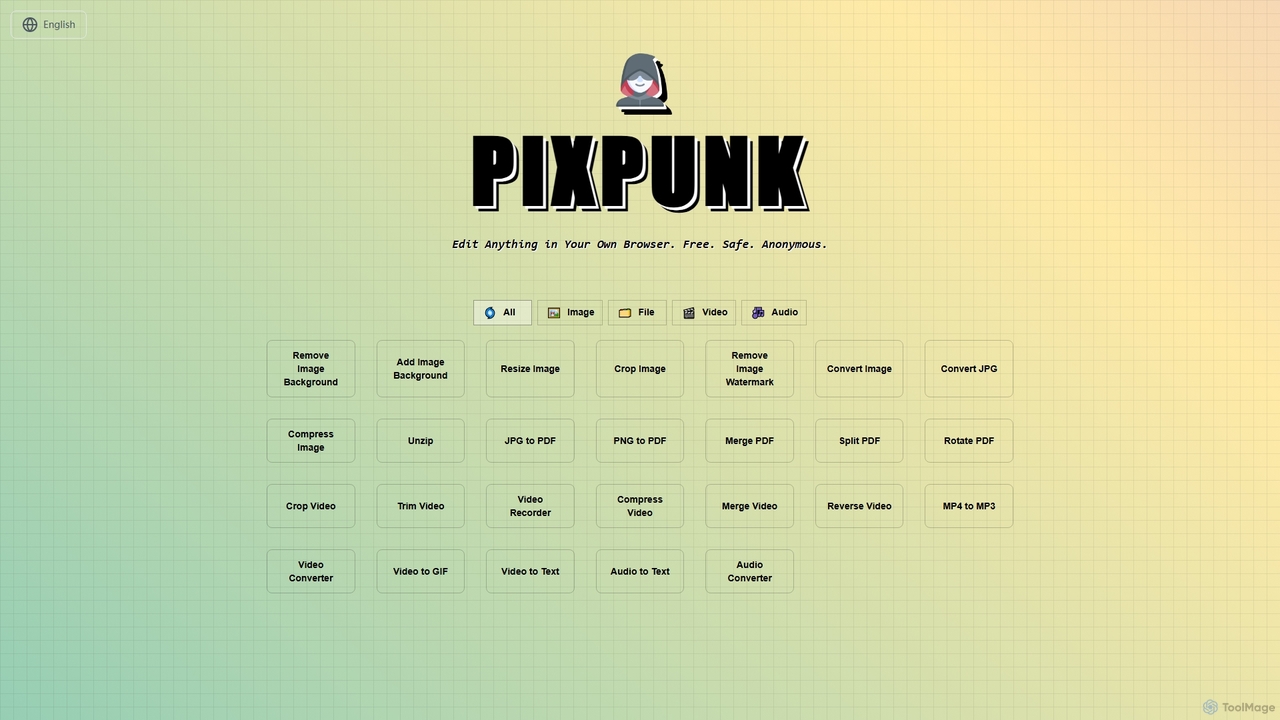
PixPunk
PixPunk is a free, safe, and anonymous online tool that allows users to edit images, convert files, and process videos and audio directly in their browser. It offers a suite of functionalities including background removal, image resizing, cropping, and format conversion, all without uploads or watermarks, ensuring maximum privacy.
Audio Converter
Picsart
Picsart is an all-in-one AI-powered creative platform for photo and video editing. It offers a comprehensive suite of tools, including AI image generation, background removal, photo enhancement, and a vast library of templates and stock content. Designed for everyone from beginners to professionals, Picsart simplifies the creation of stunning visuals for social media, marketing, and personal projects, accessible on both web and mobile.
3D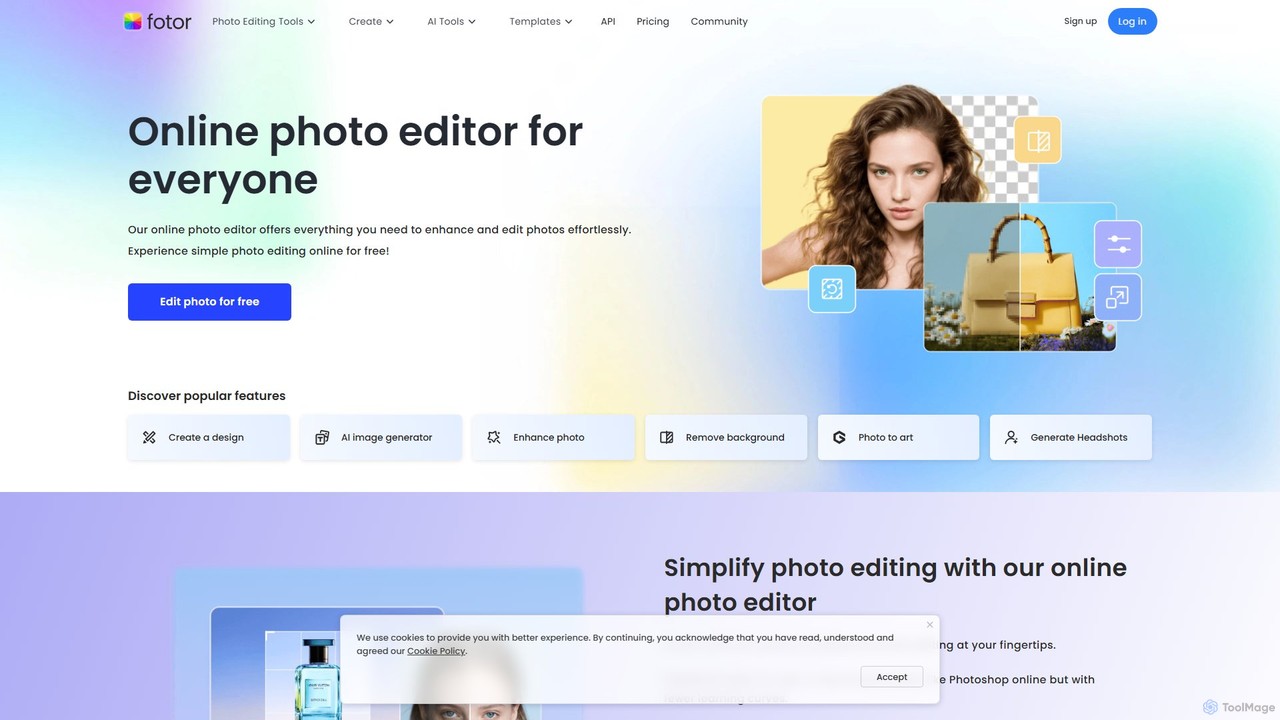
Fotor
Fotor is a comprehensive, all-in-one AI photo editor and design platform. It offers a powerful suite of tools for both beginners and professionals, including one-click photo enhancement, background and object removal, and advanced generative AI features like text-to-image creation, AI-powered object replacement, and image expansion. Fotor simplifies complex editing tasks, making it easy to create stunning visuals for social media, marketing, and personal projects across web, desktop, and mobile devices.
3D
photogov Comments (0)
Sign in to comment.
Sign inNo comments yet.