

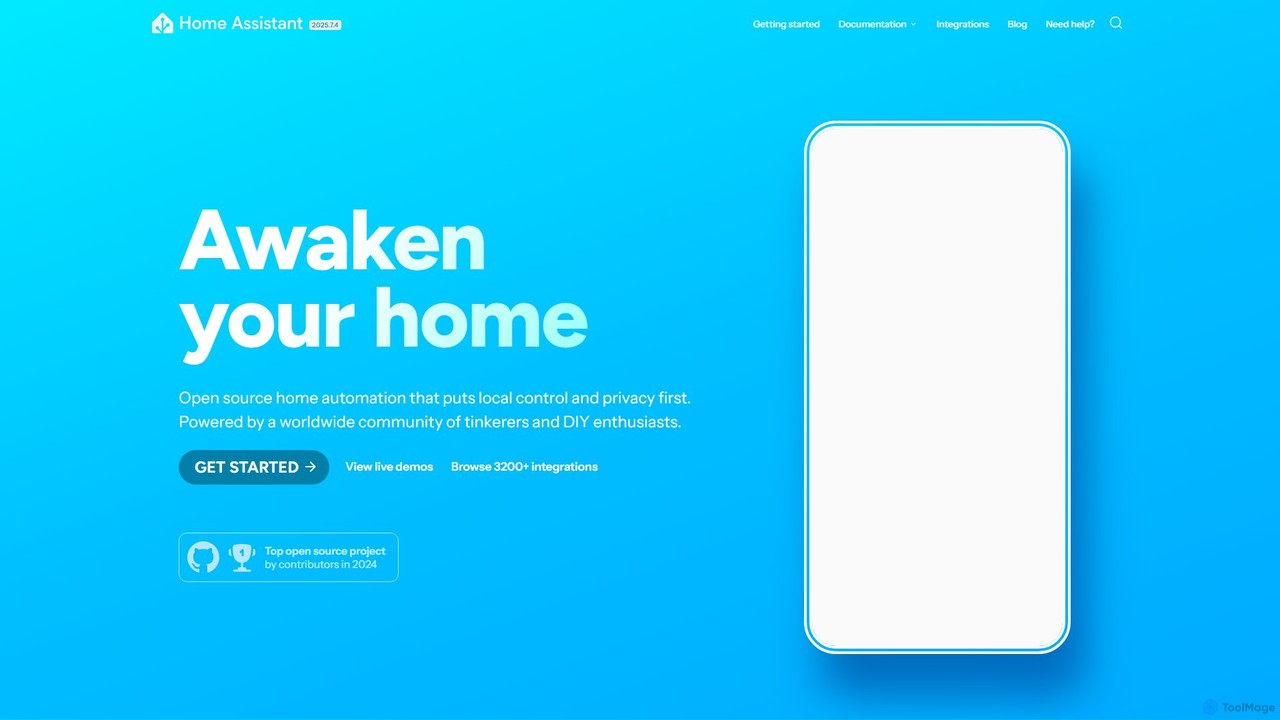
Home Assistant Overview
Home Assistant is an open-source home automation platform designed to be the central control system for your smart home. Founded on the principles of local control and privacy, it allows you to manage a vast array of smart devices without relying on cloud services. This means your data stays in your home, secure and private. Powered by a worldwide community of DIY enthusiasts and developers, Home Assistant is constantly evolving, offering unparalleled flexibility and power. It's run by the non-profit Open Home Foundation, ensuring it will never be sold or acquired, keeping its focus firmly on the user.
How to use Home Assistant
Getting started with Home Assistant involves a few key steps to create your personalized smart home hub:
- Installation: Choose your preferred installation method. For ease of use, you can use Home Assistant Operating System on dedicated hardware like a Raspberry Pi or official devices like Home Assistant Green. Alternatively, you can run it as a container on an existing server.
- Device Integration: Once installed, Home Assistant automatically scans your local network for compatible devices. You can easily add them through the user interface. With over 3,200 integrations, you can connect devices from thousands of different brands.
- Create Automations: Unleash the platform's power with the automation engine. Use the visual editor to create rules based on triggers (e.g., sunset, motion detected), conditions (e.g., only when you're home), and actions (e.g., turn on lights, send a notification). For beginners, ready-made automation 'blueprints' from the community are a great starting point.
- Build Dashboards: Customize how you view and control your home. The drag-and-drop dashboard editor lets you add various 'cards' to display sensor data, control switches, view camera feeds, and much more. Create different dashboards for different devices or rooms.
- Use Voice Control: Set up 'Assist', Home Assistant’s private voice assistant. It runs entirely locally, so your commands are processed instantly and privately. You can customize it and use it on your phone, smartwatch, or dedicated voice assistant hardware.
- Extend with Add-ons: Browse the add-on store to install other applications that enhance your system, such as AdGuard for network-wide ad-blocking or Node-RED for more complex visual automations.
Core Features of Home Assistant
- Massive Integration Library: Integrates with over 3,200 devices and services, from lights and switches to thermostats and voice assistants like Google Assistant and Alexa.
- Powerful Automation Engine: A highly flexible system for creating simple or complex automations using a visual editor or YAML for advanced users.
- Versatile Dashboards: Fully customizable dashboards with a drag-and-drop interface to visualize data and control every aspect of your smart home.
- Private Voice Assistant (Assist): A built-in, open-source voice assistant that processes commands locally, ensuring speed and privacy.
- Local First, Cloud Second: Prioritizes local communication with devices for reliability and privacy. It only uses the cloud when no local alternative exists.
- Home Energy Management: A dedicated dashboard to monitor your electricity grid usage, solar panel production, and individual device consumption to help you save money.
- Companion Mobile Apps: Official apps for iOS and Android provide quick control, notifications, and can be used for presence detection to trigger automations.
- Extensible via Add-ons: A built-in store for easily installing and managing third-party applications that run alongside Home Assistant.
Use Cases for Home Assistant
Home Assistant can be adapted to countless scenarios, including:
- Welcome Home Scene: Automatically turn on lights, adjust the thermostat, and play music when you arrive home, based on your phone's location.
- Enhanced Security: Receive a notification with a snapshot from your camera if motion is detected while you're away, or get an alert if a garage door is left open after you leave.
- Energy Optimization: Automate your home to use energy when it's cheapest, for example, by charging your electric vehicle or running the dishwasher overnight. Monitor your solar panels and maximize self-consumption.
- Morning Routine: As your alarm goes off, have Home Assistant gently fade up the lights, open the blinds, read you the weather forecast, and start the coffee maker.
- Voice-Controlled Environment: Use Assist to control everything without lifting a finger. Say "Hey Nabu, it's movie time" to dim the lights, close the curtains, and turn on the TV and sound system.
Advantages of Home Assistant
- Ultimate Privacy and Control: Your data stays on your hardware. You are in complete control, free from corporate data mining or unexpected service shutdowns.
- Open Source and Community-Driven: The platform is transparent, constantly improving, and supported by a massive, friendly community ready to help and share ideas.
- No Vendor Lock-In: It connects to thousands of devices from hundreds of brands, giving you the freedom to choose the best products without being tied to a single ecosystem.
- Infinitely Customizable: From the dashboard's look and feel to the complexity of your automations, you can tailor every aspect of the system to your exact needs.
- Cost-Effective: The core software is 100% free. Your only costs are the hardware you choose to run it on, which can be as cheap as a single-board computer.
Pricing and Plans
Home Assistant's pricing model is flexible and user-centric:
- Core Software (Free): The Home Assistant software is completely free and open-source. You can download and install it on your own hardware (e.g., a Raspberry Pi, an old PC, or a virtual machine) without any cost.
- Optional Hardware: For a plug-and-play experience, you can purchase official hardware like the Home Assistant Green or the more powerful Home Assistant Yellow. These devices come pre-installed with Home Assistant and are optimized for performance.
- Home Assistant Cloud (Optional Subscription): For a small monthly fee (around $5/month), this service simplifies remote access to your Home Assistant instance and provides seamless, one-click integration with voice assistants like Amazon Alexa and Google Assistant, without requiring complex network configurations like port forwarding.
Traffic
Latest traffic
Status
Monthly traffic trend
- 2025-9: 5.9M
- 2026-1: 8.0M
- 2026-2: 6.5M
- 2026-3: 6.3M
- 2026-4: 5.7M
- 2026-5: 5.7M
Geography
Top 5 countries / regions
- 🇺🇸United States38.5%
- 🇩🇪Germany36.9%
- 🇳🇱Netherlands8.9%
- 🇬🇧United Kingdom8.5%
- 🇫🇷France7.2%
Traffic sources
| Source type | Percentage |
|---|---|
Direct | 74.8% |
Referral | 24.3% |
Email | 0.9% |
Top keywords
| Keyword | Cost per click |
|---|---|
| fish audio | $0.29 |
| home assistant | $0.71 |
| homeassistant | $0.78 |
| home assistant green | $0.61 |
| home assistant os | $0.22 |
Home Assistant Videos on YouTube
StratoBuilds





Creator Magic
Automation Addict
Home Assistant Alternatives
Napi Bot
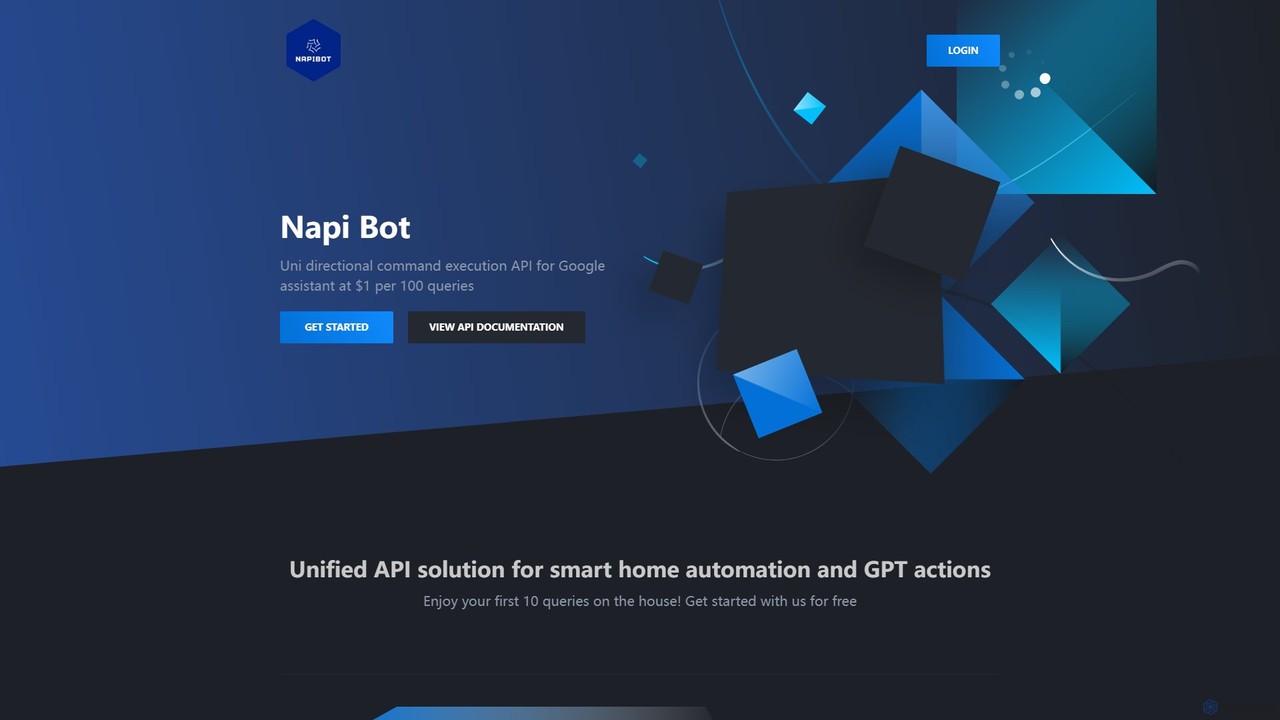
Napi Bot is a developer-focused API that enables unidirectional command execution for Google Assistant. It provides a unified, simple solution for triggering smart home automation and advanced GPT-powered actions, allowing you to programmatically control your Google Assistant ecosystem. Ideal for developers, hobbyists, and IoT enthusiasts.
Api
Gainium
Gainium is an advanced, open-source crypto trading bot platform. It provides a comprehensive suite of tools for automated trading, including smart trading, grid bots, DCA bots, and powerful backtesting capabilities. Designed for both beginners and professional traders, it supports multiple exchanges and fosters a community-driven approach to strategy development and sharing.
Open Source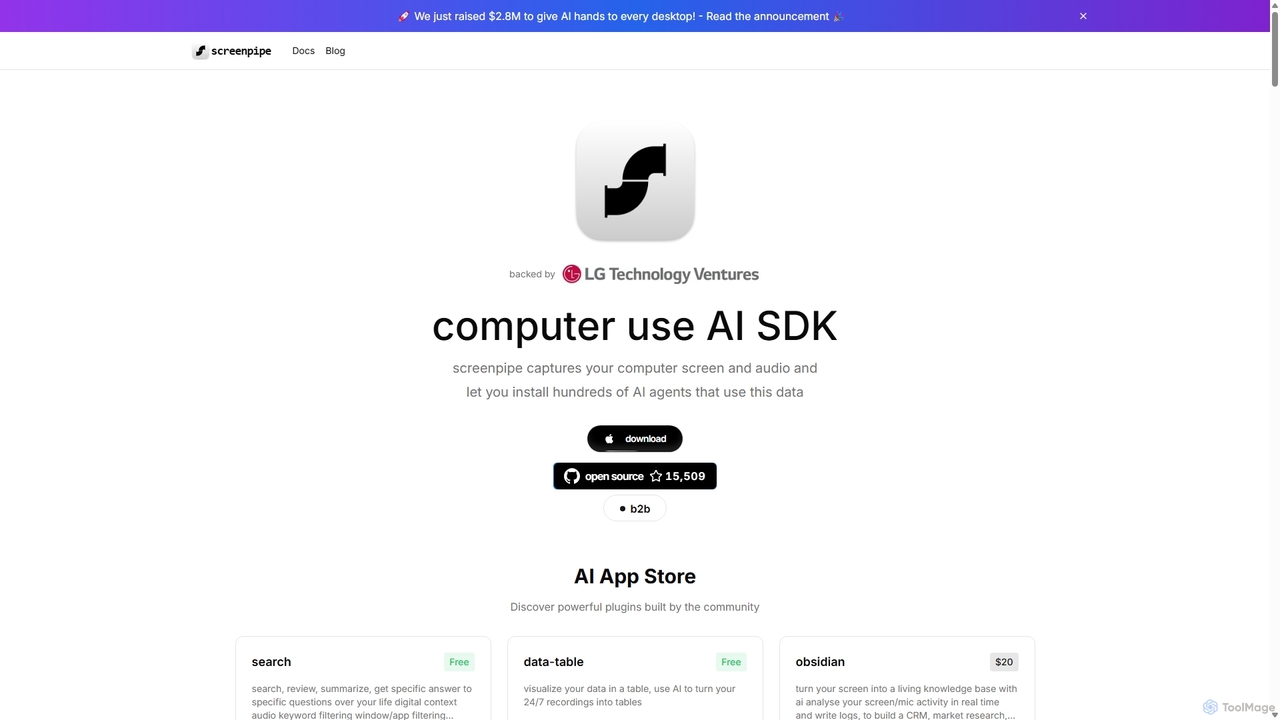
Screenpipe
Screenpipe is an open-source AI SDK that captures your computer's screen and audio 24/7, creating a local, private digital memory. It powers a rich ecosystem of AI agents that can search, summarize, and automate tasks based on your complete digital context, turning your computer usage into a powerful, personalized AI.
Personal Data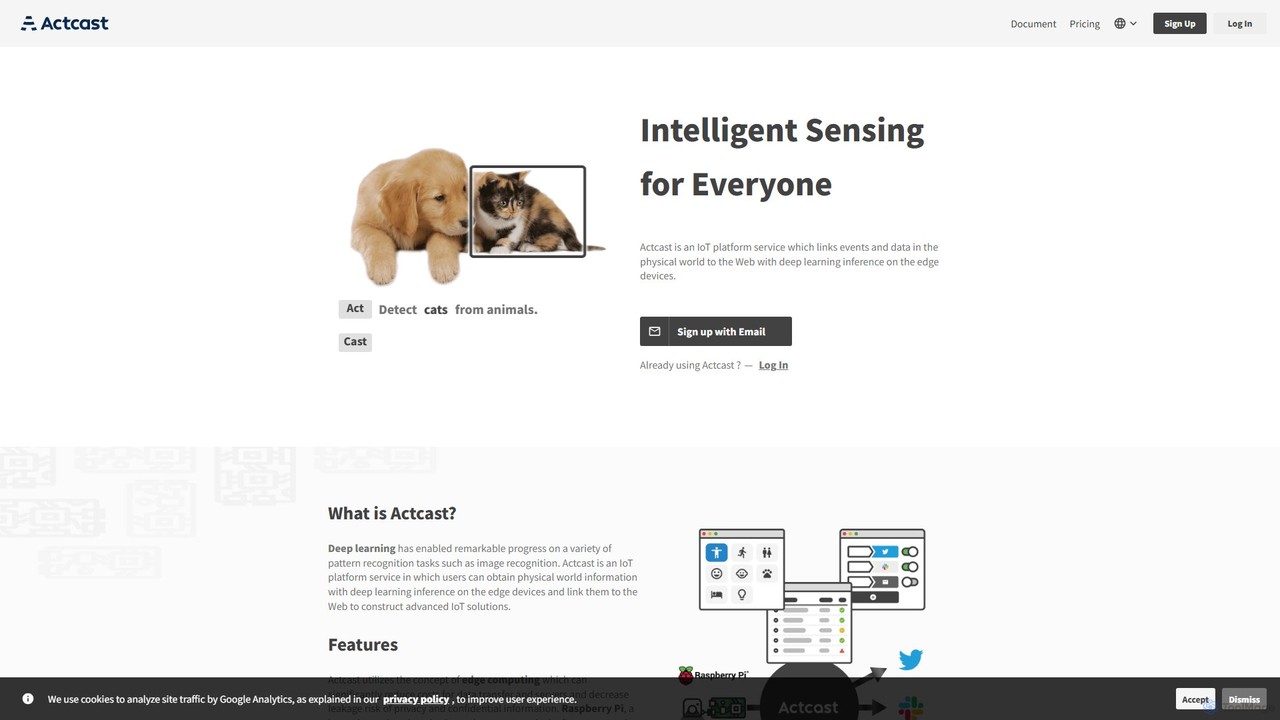
Actcast
Actcast is an IoT platform service that enables developers to deploy deep learning models on edge devices like Raspberry Pi. It connects physical world events to web services through on-device AI inference, focusing on edge computing to reduce costs, lower latency, and enhance data privacy.
Edge Computing
wequ
wequ (Mysterious Duck) is a powerful platform that connects your mobile voice assistants (like Siri, Google Assistant) and smart speakers to your PC and IoT devices, enabling you to control them with voice commands. It offers deep customization through scripts and an open API.
ApiHome Assistant Categories
Home Assistant Embed Widget
Copy this embed code to place the badge on your blog, article, or product site and send readers directly to this ToolMage detail page.

Related AI tools
OpenVoiceOS
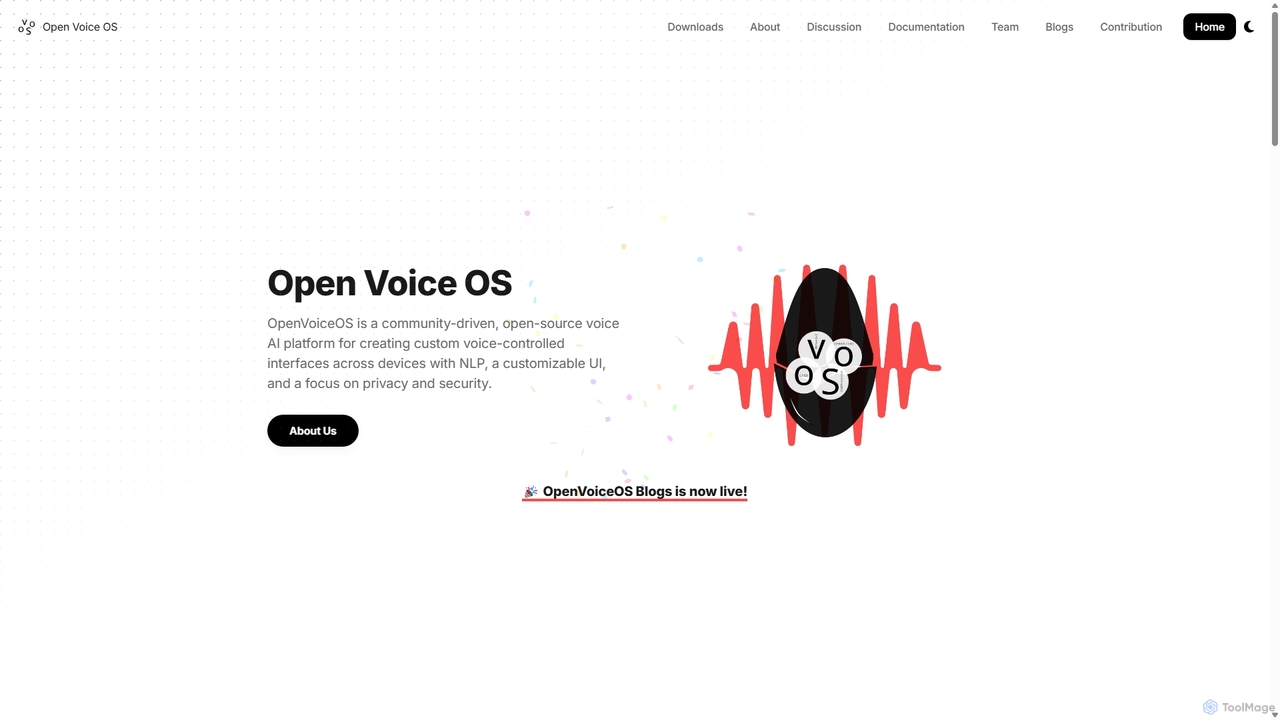
OpenVoiceOS is a community-driven, open-source voice AI platform for creating custom, private, and secure voice-controlled interfaces. It runs on various hardware like Raspberry Pi and Linux desktops, offering a flexible, plugin-based architecture for developers and DIY enthusiasts.
Voice & SpeechNapi Bot
Napi Bot is a developer-focused API that enables unidirectional command execution for Google Assistant. It provides a unified, simple solution for triggering smart home automation and advanced GPT-powered actions, allowing you to programmatically control your Google Assistant ecosystem. Ideal for developers, hobbyists, and IoT enthusiasts.
ApiScreenpipe
Screenpipe is an open-source AI SDK that captures your computer's screen and audio 24/7, creating a local, private digital memory. It powers a rich ecosystem of AI agents that can search, summarize, and automate tasks based on your complete digital context, turning your computer usage into a powerful, personalized AI.
Personal DataActcast
Actcast is an IoT platform service that enables developers to deploy deep learning models on edge devices like Raspberry Pi. It connects physical world events to web services through on-device AI inference, focusing on edge computing to reduce costs, lower latency, and enhance data privacy.
Edge Computing
Jyek
Jyek is an AI agent platform that understands objectives, creates execution plans, uses tools, and delivers verifiable results for complex, multi-step tasks.
Automationwequ
wequ (Mysterious Duck) is a powerful platform that connects your mobile voice assistants (like Siri, Google Assistant) and smart speakers to your PC and IoT devices, enabling you to control them with voice commands. It offers deep customization through scripts and an open API.
Api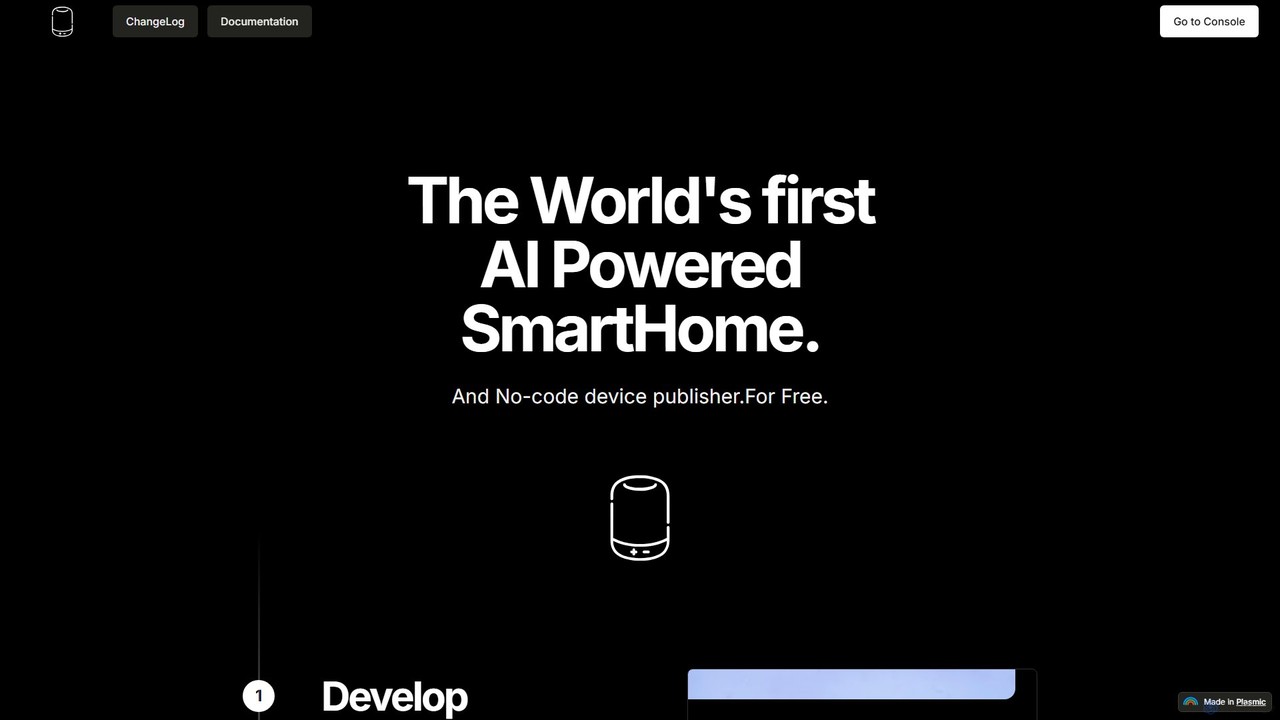
Devath
Devath is the world's first AI-powered, no-code platform for smart home development. It enables developers and hobbyists to create, test, and publish IoT applications using natural language instructions, drastically simplifying hardware integration and automation.
No Code & Low Code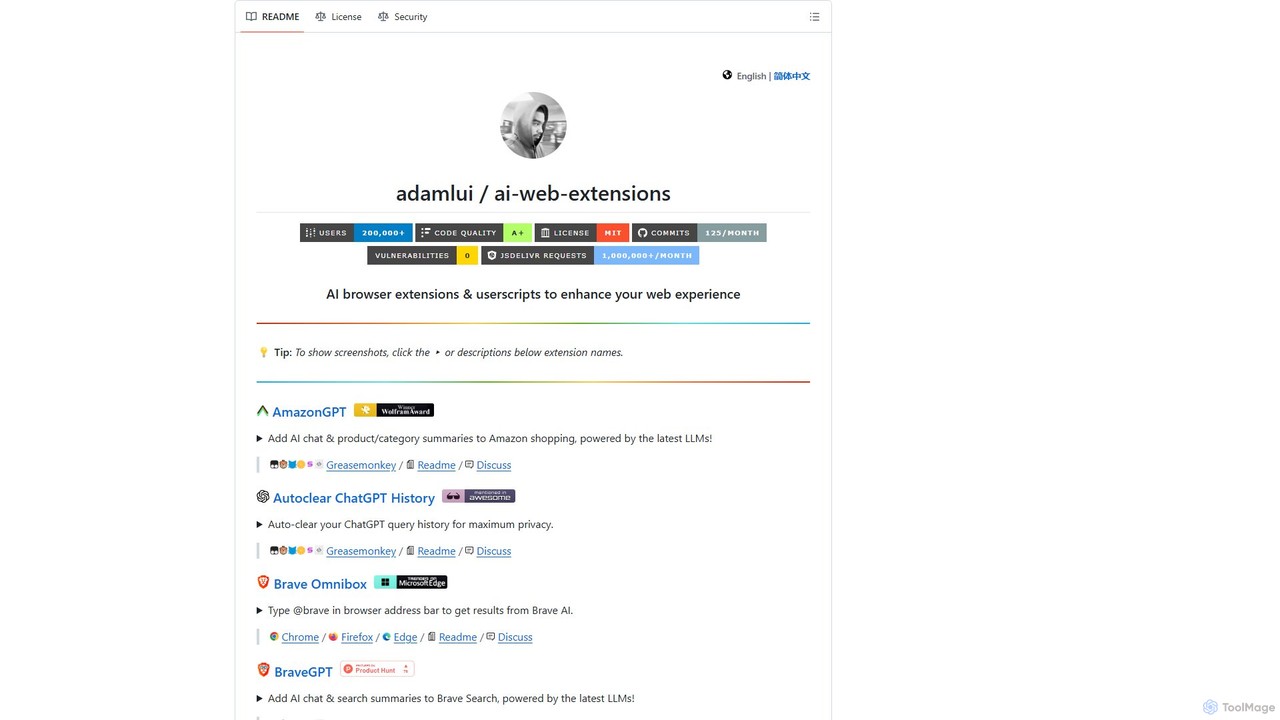
ChatGPT EVO
ChatGPT EVO is a powerful suite of open-source browser extensions and userscripts designed to augment your web experience. It seamlessly integrates AI functionalities from models like ChatGPT into your daily browsing, including search engines, e-commerce sites, and the browser's address bar, boosting productivity and providing instant information.
Code Assistant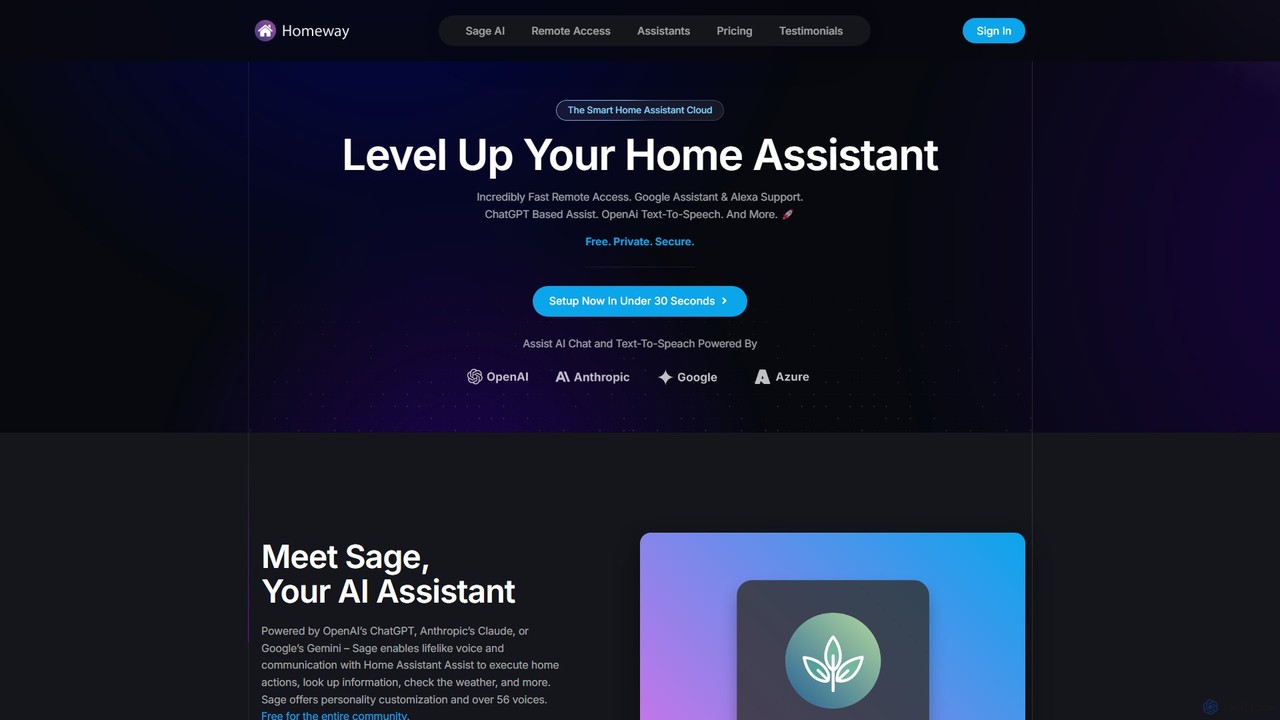
Homeway
Homeway enhances your Home Assistant experience with free, secure, and incredibly fast remote access. It features Sage, a powerful AI assistant powered by models like ChatGPT, Claude, and Gemini, enabling natural voice commands for home control, information retrieval, and more. With easy 30-second setup, Google Assistant/Alexa integration, and customizable text-to-speech voices, Homeway is the ultimate cloud upgrade for your smart home.
Voice Assistant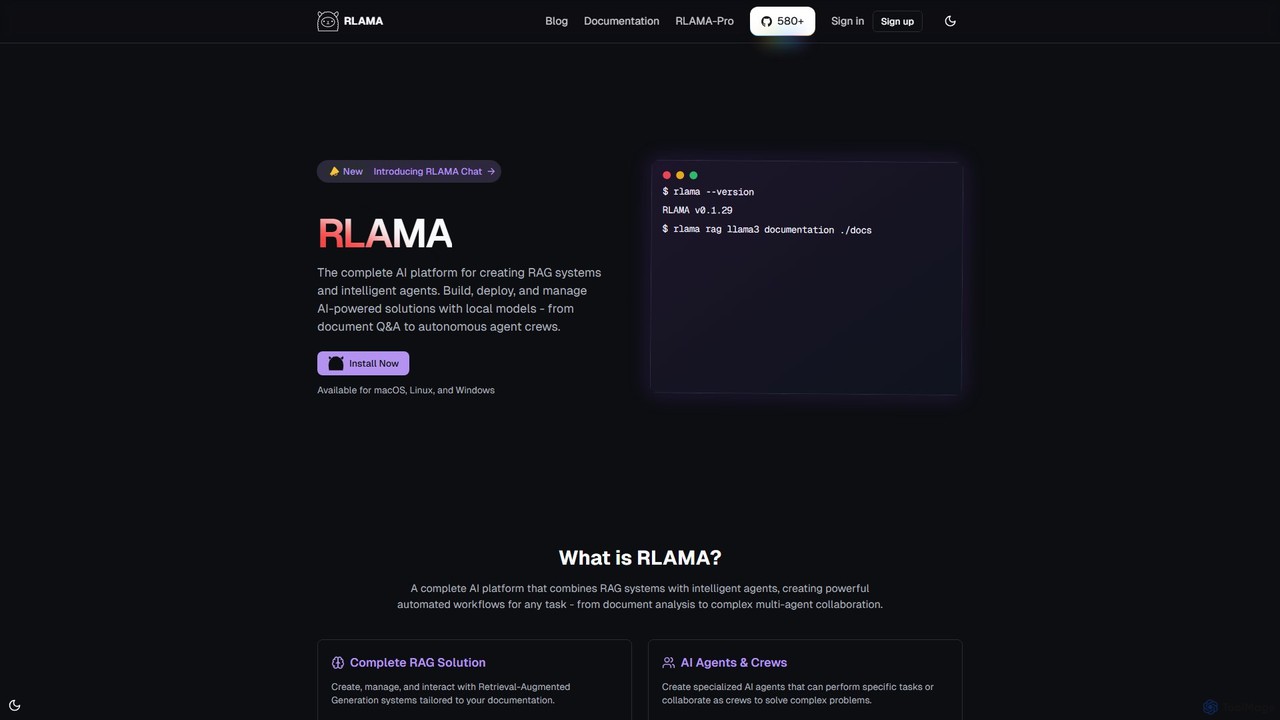
RLAMA
RLAMA is a comprehensive, local-first AI platform for creating Retrieval-Augmented Generation (RAG) systems and intelligent AI agents. It enables users to build, deploy, and manage powerful AI solutions on their own machines, ensuring 100% data privacy. With a robust CLI, a visual builder, and multi-agent orchestration, it's designed for tasks ranging from private document Q&A to complex automated workflows.
Custom Chatbots
vocode
Vocode is an open-source platform for building, deploying, and scaling hyperrealistic voice AI agents. It provides developers with a core framework and an enterprise-grade API to create sophisticated voice-based LLM applications for tasks like automated customer service, sales calls, and interactive voice response (IVR) systems.
Voicebot
codegate
Codegate is an open-source security gateway and multiplexing framework for AI agentic systems. Developed by Stacklok, it provides secure workspaces and policy-based access control, enabling developers to build and manage complex multi-agent applications safely and efficiently.
Agentic Frameworks
pinokio
Pinokio is a desktop browser that allows you to install, run, and control AI applications and terminal-based apps on your computer with a single click. It simplifies the complex setup of open-source AI models by automating environment creation, dependency management, and execution. This empowers users of all skill levels to experiment with powerful AI tools locally, ensuring privacy and full control over their data.
Model Deployment
Omi
Omi is an open-source, wearable AI hardware device designed to capture your thoughts and conversations 24/7. It transforms spoken words into actionable insights, notes, and tasks through a rich ecosystem of apps. Available as a necklace or glasses, Omi serves individuals, developers, and enterprises with its customizable, white-label solutions.
Open Source
Activepieces
Activepieces is an open-source, AI-first automation platform that allows you to build workflows and AI agents without code. It connects over 350 applications, enabling seamless automation for marketing, sales, and operations. It offers both cloud and self-hosted options for maximum flexibility and data control.
Ai Agent
Home Assistant Comments (0)
Sign in to comment.
Sign inNo comments yet.