


wequ Overview
wequ, also known as Mysterious Duck (神秘鸭), is an innovative application and platform designed to significantly enhance the capabilities of your existing voice assistants and smart speakers. It acts as a bridge, allowing you to use voice commands from services like Siri, Google Assistant, Alexa, and others to control your personal computer and various Internet of Things (IoT) devices. This transforms your voice assistant from a simple information tool into a powerful remote control for your entire digital and smart home ecosystem.
The core principle of wequ is to intercept voice commands sent from your phone or smart speaker and translate them into actionable tasks on your PC or connected hardware. Whether you want to shut down your computer from another room, launch your favorite game without touching the keyboard, or run a complex script with a simple phrase, wequ makes it possible. It is built for convenience, productivity, and for the tech enthusiast who loves to tinker and automate.
How to use wequ
Getting started with wequ is a straightforward process designed to get you up and running quickly:
- Registration: First, create a free account on the wequ official website to access the platform.
- Download PC Client: Download and install the wequ client software on your Windows PC. This client runs in the background and listens for commands from the wequ server.
- Link Your Device: Launch the PC client and log in with your wequ account to link your computer to the platform.
- Configure Voice Assistant: Set up your mobile voice assistant to interact with wequ. For example, with an iPhone, you can use the 'Shortcuts' app to create a new shortcut that sends a request to a specific wequ API endpoint. You can then assign a custom phrase like "Hey Siri, open League of Legends."
- Create Custom Commands: In the wequ web dashboard, you can define your custom commands. You can specify what happens when a command is received. This can be opening a website, launching an application, or executing a custom command-line (CMD) or shell script for more advanced tasks.
- Execute: Simply speak the command to your voice assistant. The command is sent to wequ, which then instructs your PC client to perform the specified action instantly.
Core Features of wequ
- Universal Voice Assistant Support: wequ is compatible with a wide range of popular voice assistants, including Apple's Siri, Google Assistant, and Amazon's Alexa, as well as smart speakers like Xiao Ai, Tmall Genie, and Xiaodu.
- Powerful PC Control: Execute almost any task on your computer. Open applications, files, and folders, browse specific websites, control your browser, or perform system actions like shutdown, restart, and sleep.
- Deep Customization with Scripts: For advanced users, wequ allows the execution of any shell or CMD commands. This unlocks limitless possibilities for automation, from running complex batch files to controlling development environments.
- Screen Macro Automation: The platform includes a screen recording and playback feature. This allows you to record a sequence of mouse clicks and keyboard inputs and save it as a macro, which can then be triggered by a voice command. This is perfect for automating repetitive tasks without writing any code.
- Open API for DIY & IoT: wequ provides an open API, empowering developers and hobbyists to integrate their own hardware. You can connect and control devices like Raspberry Pi, Arduino, or other microcontrollers, making it a fantastic tool for smart home DIY projects.
Use Cases for wequ
wequ's flexibility makes it suitable for a variety of scenarios:
- Gamers: Launch games and communication apps instantly. For example: "Hey Siri, get my game ready" could launch Steam, Discord, and the game itself.
- Professionals & Developers: Streamline workflows. "Okay Google, start my workday" could open your IDE, project folders, and a local development server.
- Everyday Convenience: Control your PC from anywhere in your home. "Alexa, shut down my office computer" before going to bed.
- Content Creators: Automate recording setups. "Hey Siri, start streaming" could launch OBS, open your streaming dashboard, and turn on your key lights via a connected IoT device.
- Smart Home Enthusiasts: Use it as a central hub to control custom-built IoT gadgets that aren't supported by major smart home ecosystems.
Advantages of wequ
The primary advantage of wequ is the freedom and power it gives to the user. It breaks down the walled gardens of voice assistants, allowing them to interact with the open and customizable environment of a PC. Its support for raw command-line scripts makes it infinitely more flexible than IFTTT or other similar services for PC control. The inclusion of an open API and macro recording makes it accessible to both developers and non-technical users, creating a versatile and powerful automation ecosystem.
Pricing and Plans
wequ operates on a freemium model. The free plan provides access to the core features, allowing users to control their PC and create a generous number of custom commands. For power users, developers, or those who need higher API call limits, faster response times, or access to premium features, an affordable subscription plan is expected to be available. For the most current and detailed pricing information, please visit the official wequ website.
wequ Alternatives
Napi Bot
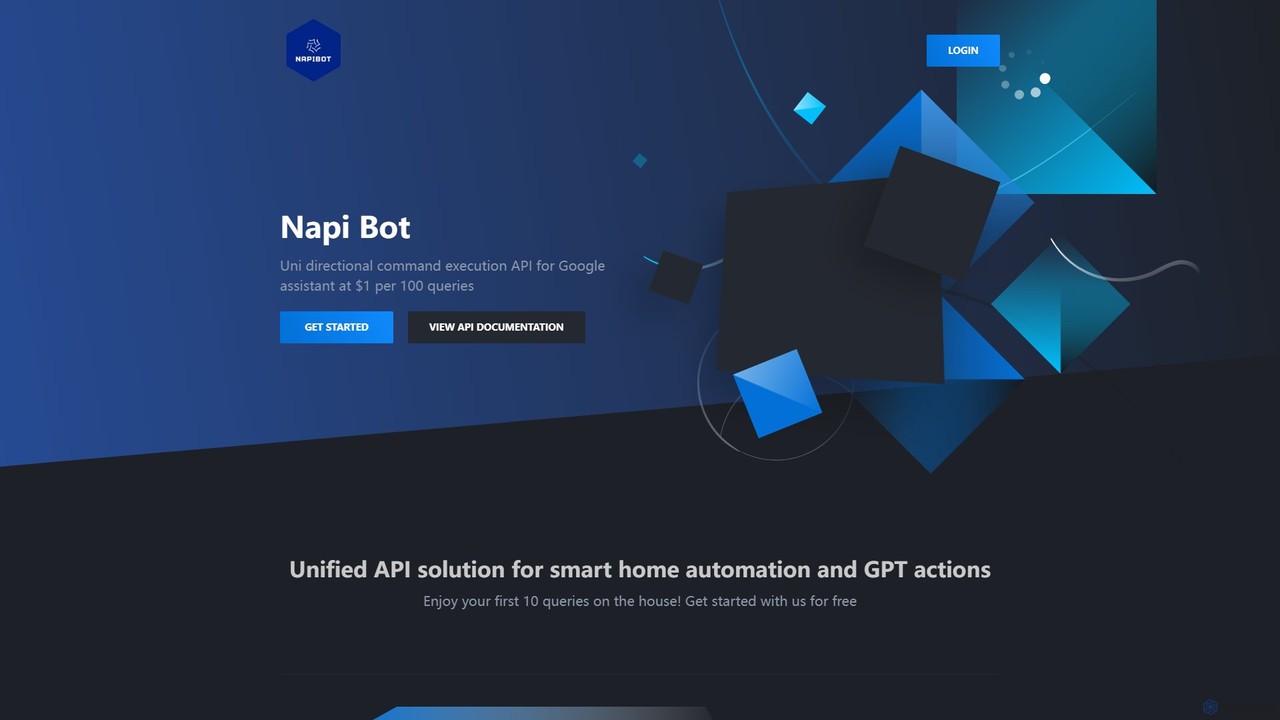
Napi Bot is a developer-focused API that enables unidirectional command execution for Google Assistant. It provides a unified, simple solution for triggering smart home automation and advanced GPT-powered actions, allowing you to programmatically control your Google Assistant ecosystem. Ideal for developers, hobbyists, and IoT enthusiasts.
Api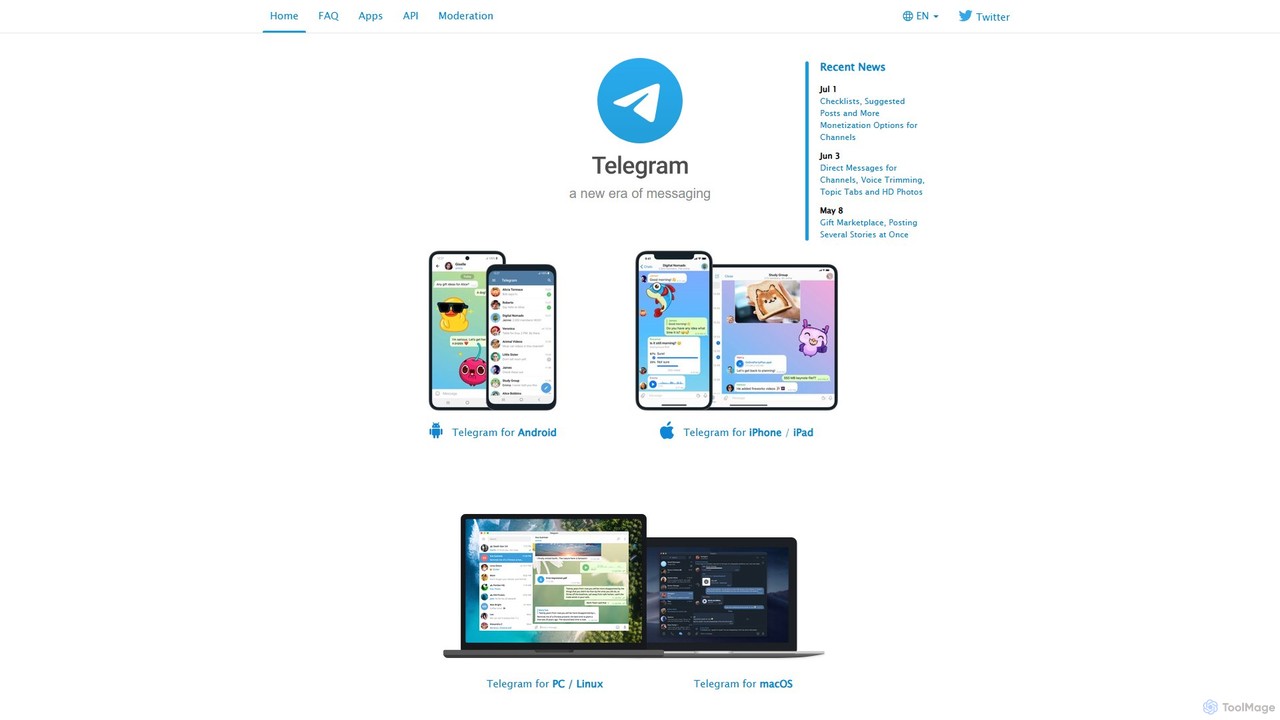
Telegram Messenger
Telegram is a globally renowned secure messaging app focused on speed and privacy. It doubles as a powerful platform for a vast ecosystem of AI-powered bots, enabling automation, community management, content creation, and direct integration with various AI services within a seamless chat interface.
Community Management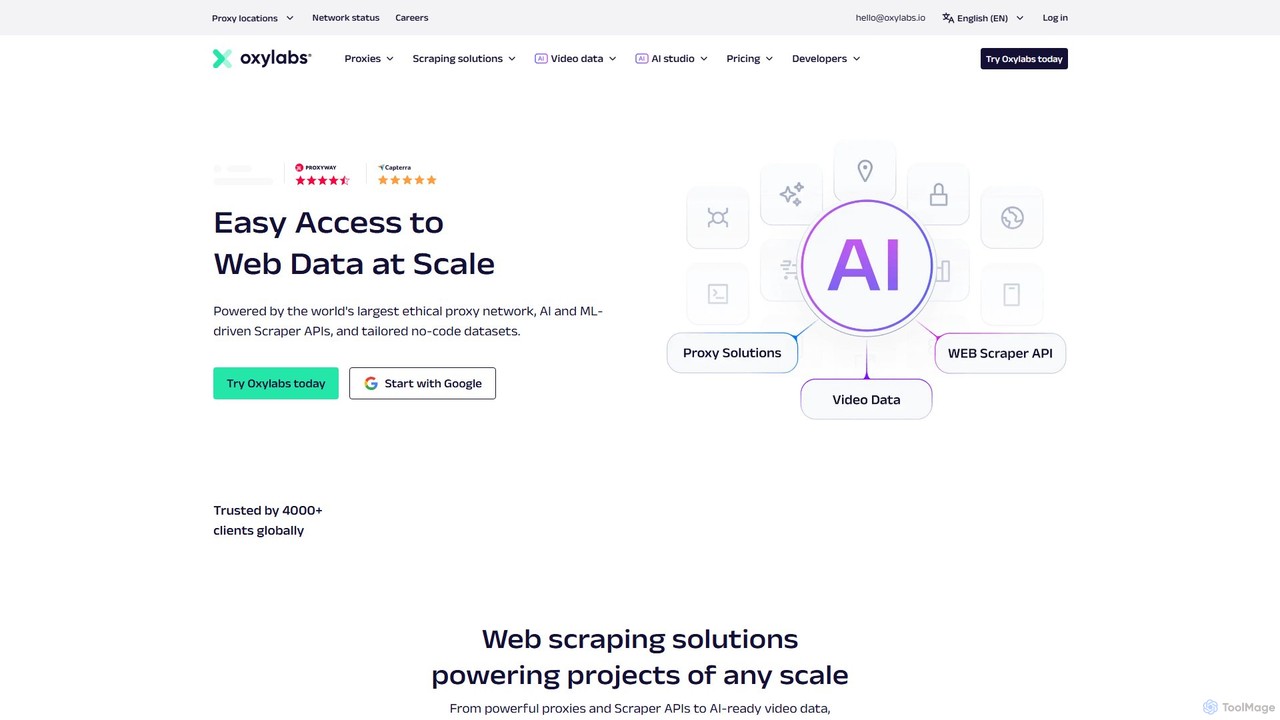
Oxylabs
Oxylabs is a leading provider of premium proxy services and enterprise-level web data gathering solutions. Leveraging a massive, ethically-sourced proxy network of over 177 million IPs, it offers AI-powered Scraper APIs, a Web Unblocker, and the new AI Studio for natural language data extraction. It enables businesses to collect public web data at scale for e-commerce, cybersecurity, brand protection, and market research without getting blocked.
Market Intelligence
NopeCHA
NopeCHA is an AI-powered CAPTCHA solver that automates the process of bypassing human verification tests. Available as a browser extension and a developer API, it offers a fast, affordable, and undetectable solution for various CAPTCHA types, including reCAPTCHA, FunCAPTCHA, and Cloudflare Turnstile.
Utilities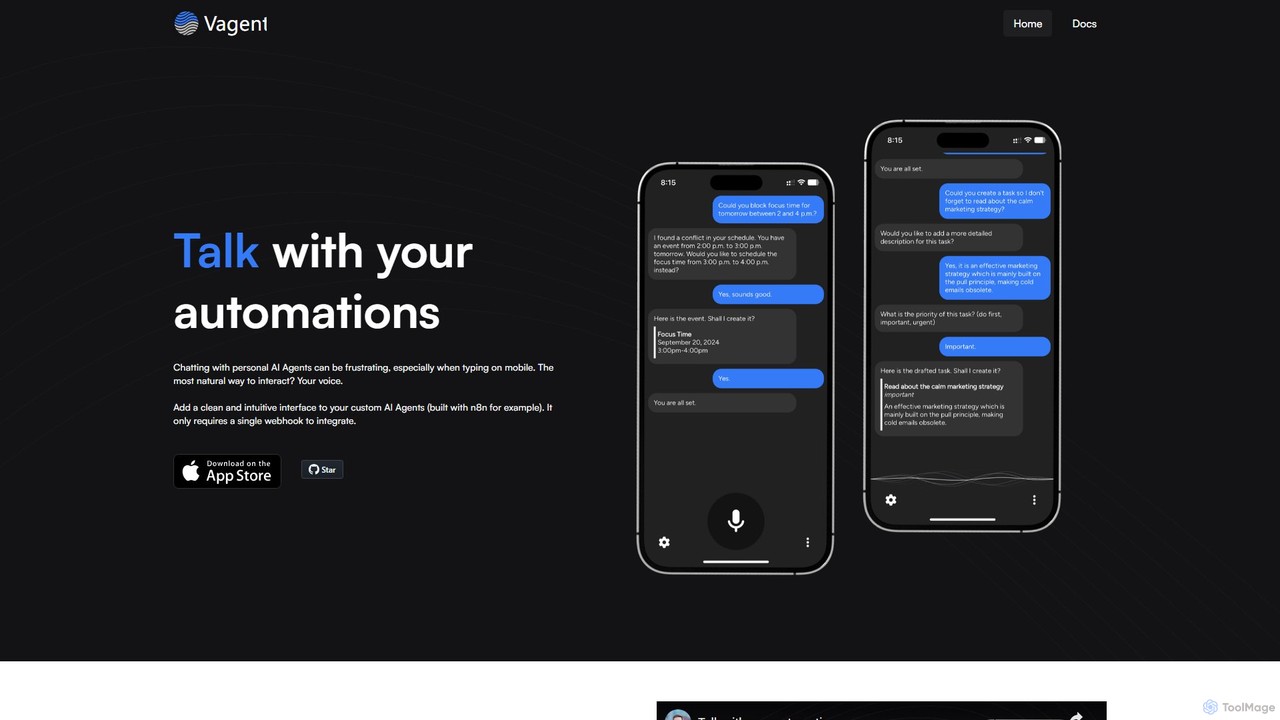
Vagent
Vagent is a privacy-focused application that provides a voice interface for your custom automations. Connect it to any backend system, like n8n or your own scripts, via a simple webhook. Use high-quality, natural-sounding speech powered by OpenAI to interact with and control your personal or professional workflows, all while keeping your data stored locally on your device.
Voice Assistantwequ Categories
wequ Embed Widget
Copy this embed code to place the badge on your blog, article, or product site and send readers directly to this ToolMage detail page.

Related AI tools
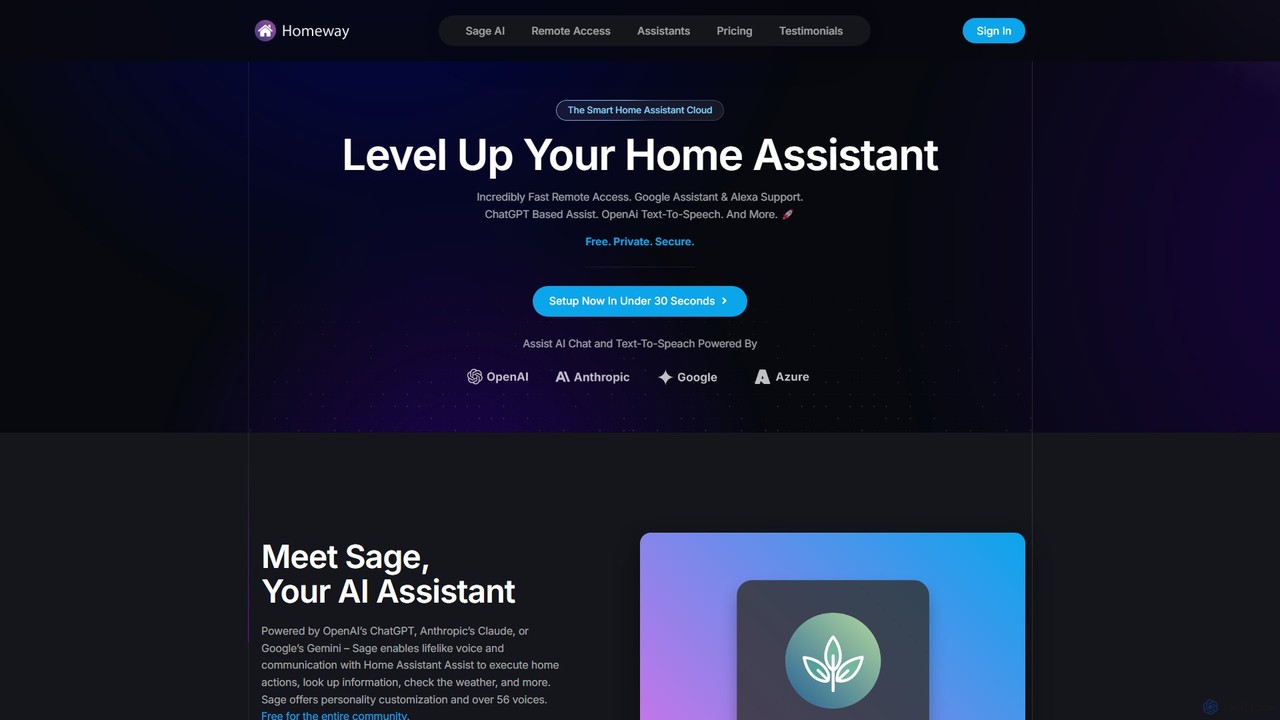
Homeway
Homeway enhances your Home Assistant experience with free, secure, and incredibly fast remote access. It features Sage, a powerful AI assistant powered by models like ChatGPT, Claude, and Gemini, enabling natural voice commands for home control, information retrieval, and more. With easy 30-second setup, Google Assistant/Alexa integration, and customizable text-to-speech voices, Homeway is the ultimate cloud upgrade for your smart home.
Voice AssistantNapi Bot
Napi Bot is a developer-focused API that enables unidirectional command execution for Google Assistant. It provides a unified, simple solution for triggering smart home automation and advanced GPT-powered actions, allowing you to programmatically control your Google Assistant ecosystem. Ideal for developers, hobbyists, and IoT enthusiasts.
Api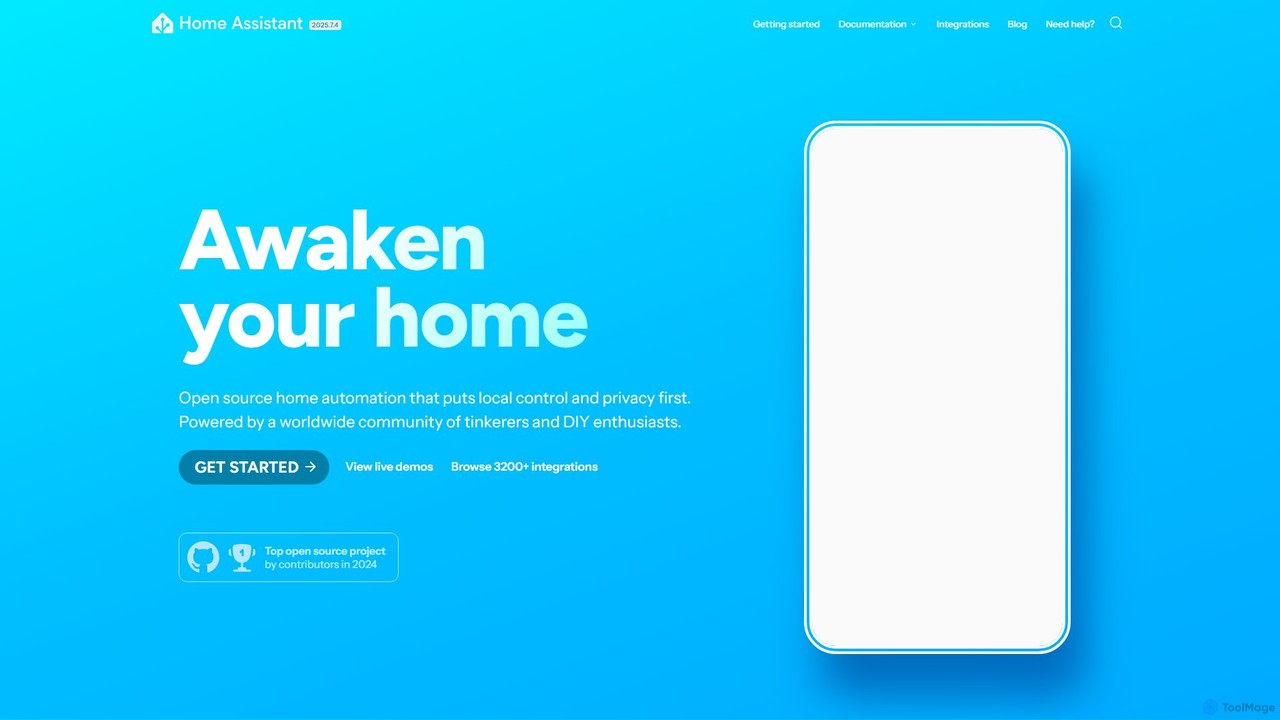
Home Assistant
Home Assistant is a powerful, open-source home automation platform that prioritizes local control and user privacy. It integrates with thousands of smart devices and services, allowing you to create powerful automations, custom dashboards, and even use a private, local voice assistant. Powered by a global community, it puts you in complete control of your smart home data.
Open Source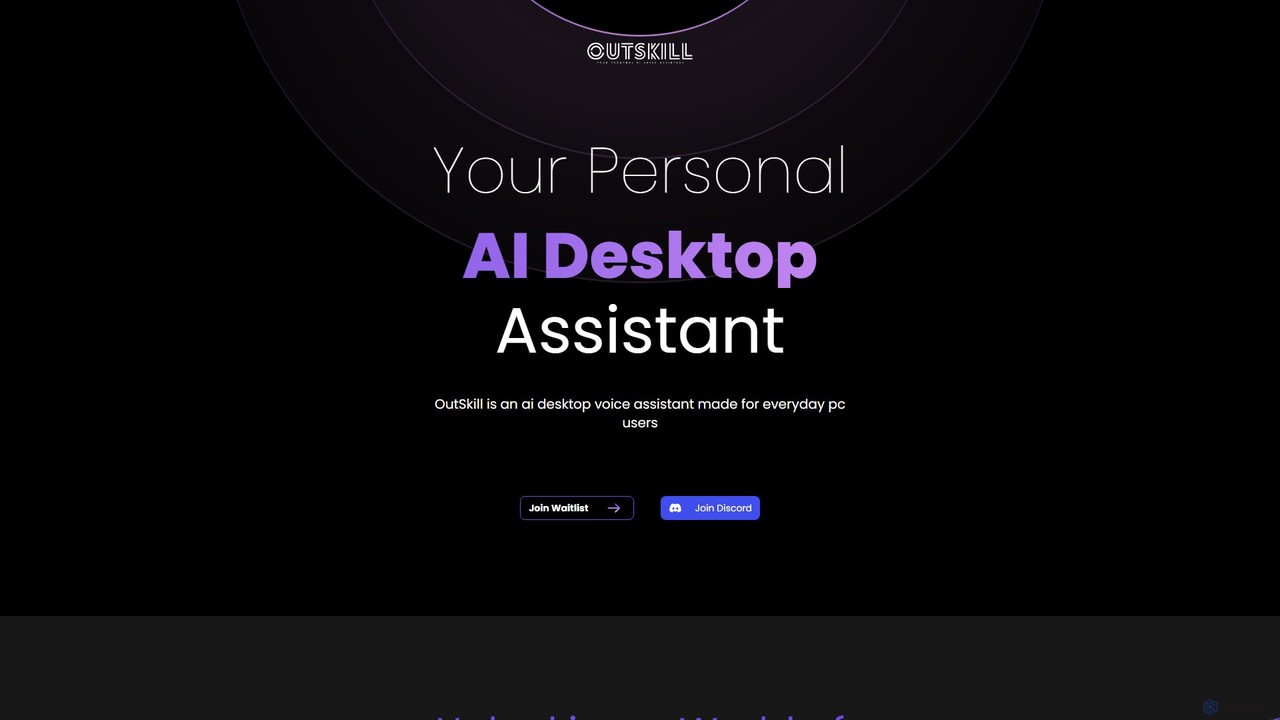
Outskill
Outskill is a revolutionary AI-powered desktop voice assistant designed for both productivity and gaming. Control your PC, manage applications, automate workflows, and enhance your gaming experience with simple voice commands. It integrates seamlessly with your apps to provide a personalized, hands-free computing experience.
Gameassistant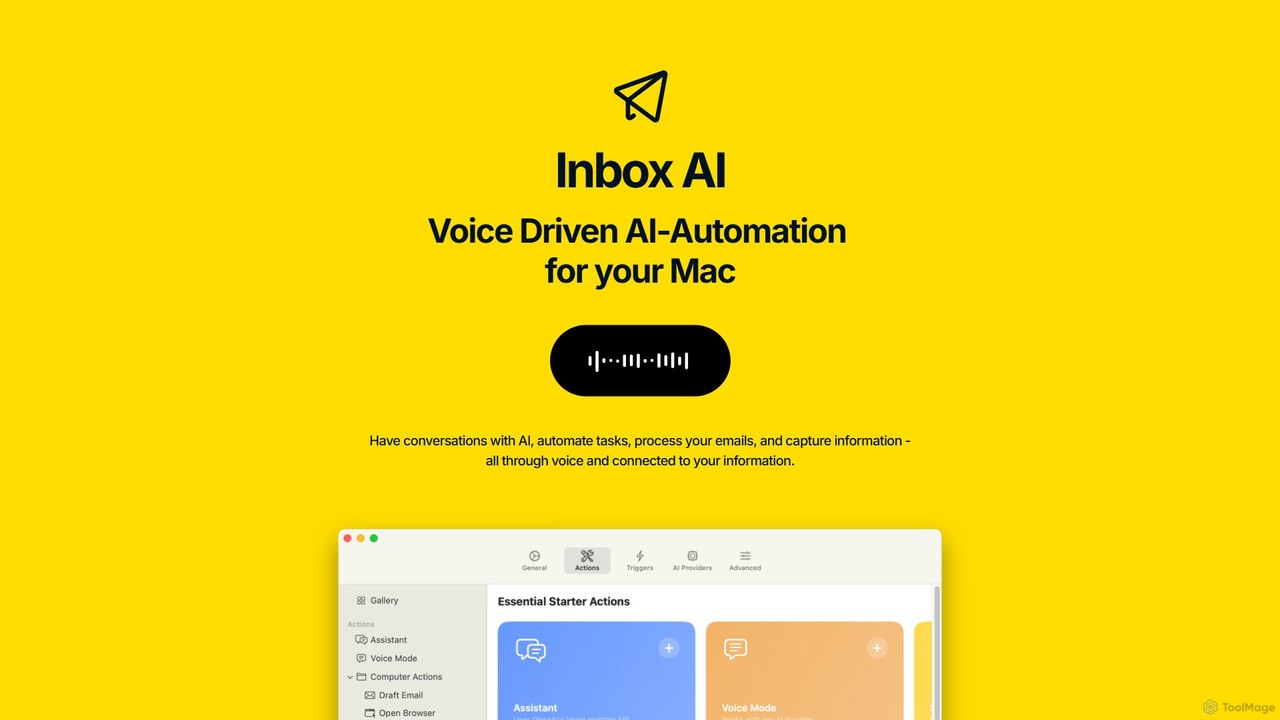
inbox_ai
inbox_ai is a powerful voice-driven AI automation tool for macOS. It allows you to create custom voice commands and build intelligent assistants to streamline your workflow. With features like on-screen quick capture, email filtering, and deep integration with native macOS apps and services like Raycast and PopClip, inbox_ai puts advanced AI capabilities at your fingertips. It operates entirely on-device, ensuring your data remains private and secure, with no login required.
Workflow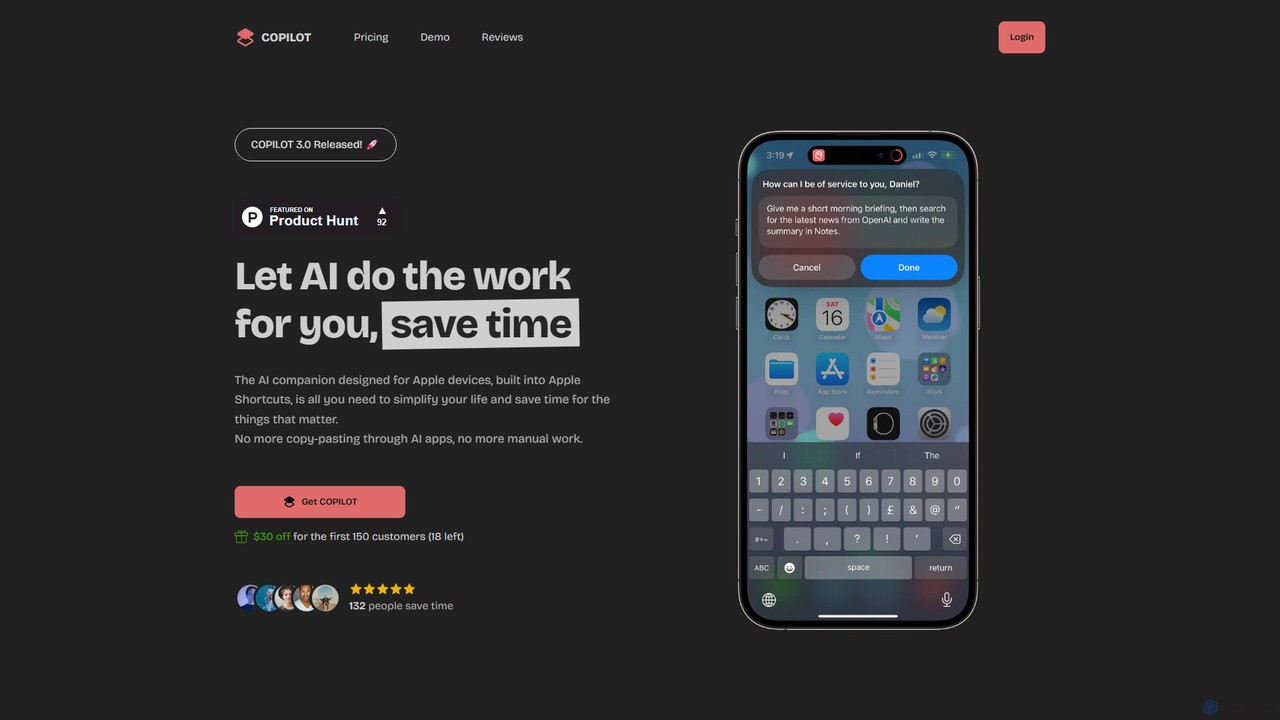
COPILOT
COPILOT is an AI assistant deeply integrated into the Apple ecosystem via Shortcuts. It automates daily tasks like summarizing schedules, browsing the web, writing content, and generating images, all within your favorite apps. Designed for Apple users, it eliminates the need for constant app-switching and copy-pasting, saving you time and streamlining your workflow.
Personal Assistant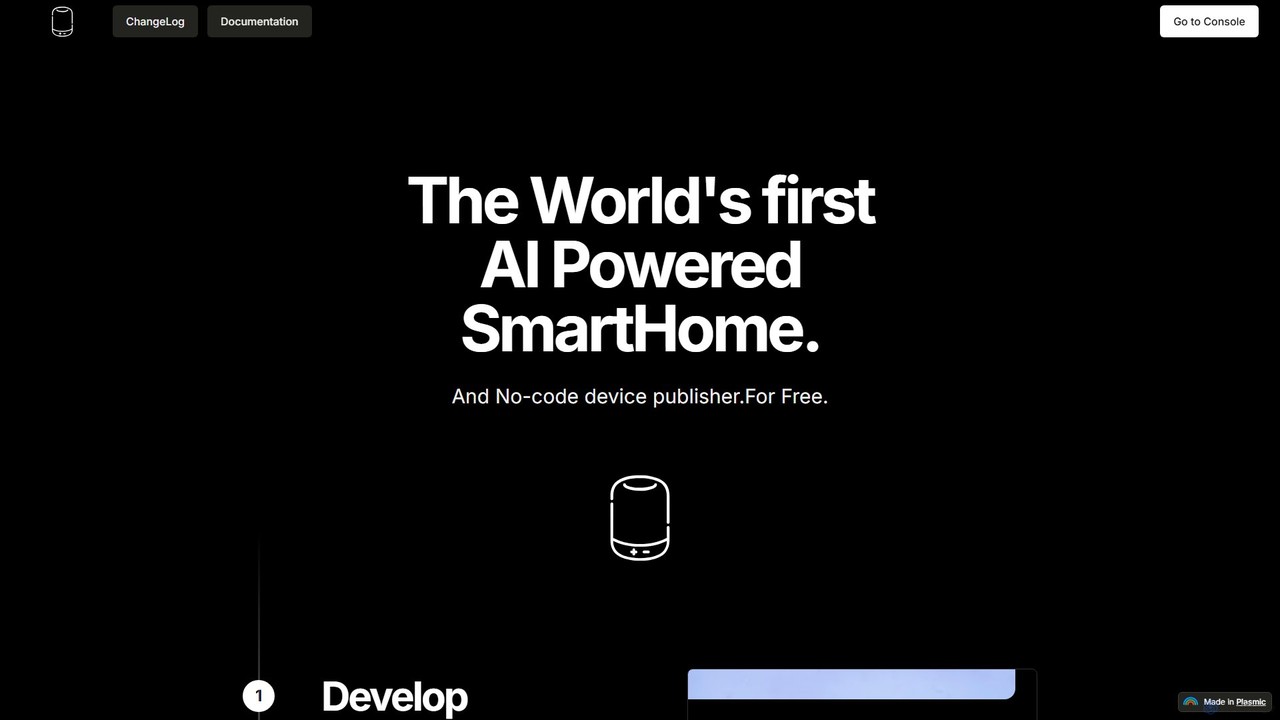
Devath
Devath is the world's first AI-powered, no-code platform for smart home development. It enables developers and hobbyists to create, test, and publish IoT applications using natural language instructions, drastically simplifying hardware integration and automation.
No Code & Low CodeTelegram Messenger
Telegram is a globally renowned secure messaging app focused on speed and privacy. It doubles as a powerful platform for a vast ecosystem of AI-powered bots, enabling automation, community management, content creation, and direct integration with various AI services within a seamless chat interface.
Community ManagementOxylabs
Oxylabs is a leading provider of premium proxy services and enterprise-level web data gathering solutions. Leveraging a massive, ethically-sourced proxy network of over 177 million IPs, it offers AI-powered Scraper APIs, a Web Unblocker, and the new AI Studio for natural language data extraction. It enables businesses to collect public web data at scale for e-commerce, cybersecurity, brand protection, and market research without getting blocked.
Market IntelligenceNopeCHA
NopeCHA is an AI-powered CAPTCHA solver that automates the process of bypassing human verification tests. Available as a browser extension and a developer API, it offers a fast, affordable, and undetectable solution for various CAPTCHA types, including reCAPTCHA, FunCAPTCHA, and Cloudflare Turnstile.
UtilitiesVagent
Vagent is a privacy-focused application that provides a voice interface for your custom automations. Connect it to any backend system, like n8n or your own scripts, via a simple webhook. Use high-quality, natural-sounding speech powered by OpenAI to interact with and control your personal or professional workflows, all while keeping your data stored locally on your device.
Voice Assistant
UIB
UIB is an enterprise-grade omnichannel messaging and conversational AI platform. It simplifies human-to-machine communication by unifying over 50 channels like WhatsApp and Messenger via a single API (UnificationEngine®). It also offers a white-label, NLP-agnostic chatbot builder (Unified AI®) and an integration marketplace (H2X®) for IoT and cloud services, enabling seamless, scalable customer experiences.
Chatbot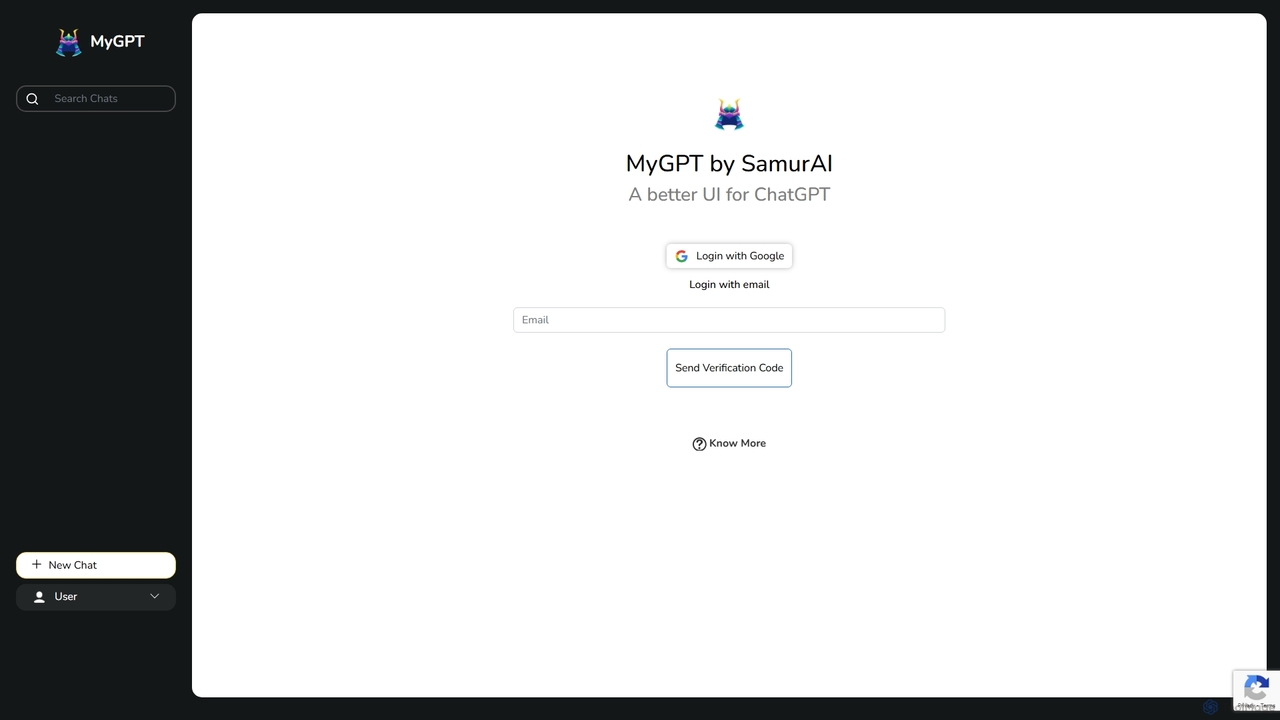
MyGPT
MyGPT is an advanced platform offering a superior UI for ChatGPT, enhanced with powerful features like AutoGPT for autonomous tasks, EmbedAI for custom website chatbots, and GPT Actions for real-world API integrations. Build, automate, and deploy AI with ease.
Chatbots
Jyek
Jyek is an AI agent platform that understands objectives, creates execution plans, uses tools, and delivers verifiable results for complex, multi-step tasks.
Automation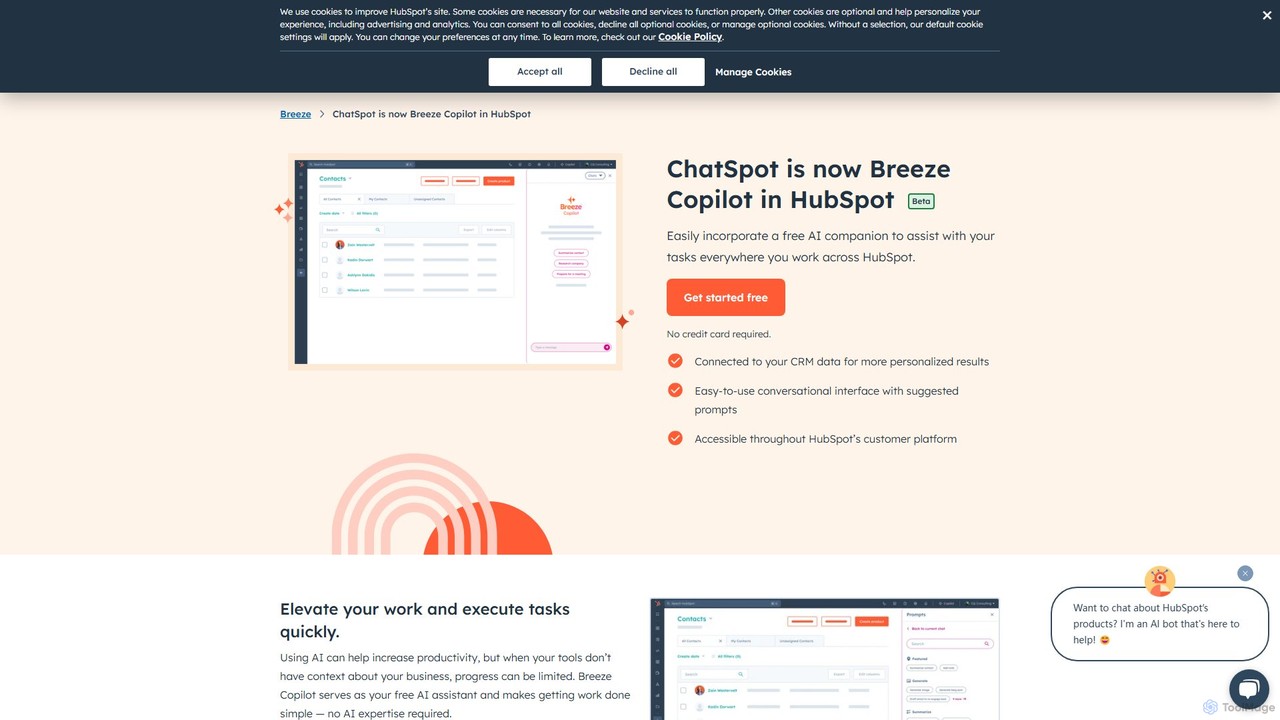
Breeze Copilot
Breeze Copilot is a free AI assistant integrated directly into the HubSpot platform. It leverages your CRM data to provide personalized assistance across sales, marketing, and customer service. Boost productivity by using its conversational interface to research prospects, create content, summarize records, and streamline your daily tasks without needing any AI expertise.
Ai Assistant
wequ Comments (0)
Sign in to comment.
Sign inNo comments yet.