

Make Overview
Make is a leading no-code development platform that empowers users to visually design, build, and automate workflows to drive business efficiency and innovation. It serves as a central hub for automation, allowing you to connect over 2,500 pre-built applications or any service with an API. With a strong emphasis on AI, Make integrates seamlessly with tools like OpenAI (ChatGPT, DALL-E), Google Gemini, and Perplexity AI, enabling the creation of sophisticated, intelligent automations and autonomous AI agents.
The platform's intuitive, visual-first interface allows teams to collaborate effectively on designing, refining, and deploying complex processes. From simple data synchronization between two apps to transforming an entire business model, Make provides the flexibility and scalability needed to meet diverse challenges. It's trusted by over 350,000 customers to solve problems, break down data silos, and accelerate growth across departments like IT, marketing, sales, and finance.
How to use Make
Getting started with Make is straightforward, thanks to its visual and logical approach to automation. The core concept is the 'scenario', which is a visual representation of your workflow.
- Choose a Trigger: Every scenario starts with a trigger module. This is an event that initiates the automation, such as a new email in Gmail, a new row in a Google Sheet, or a new form submission.
- Add Modules: After the trigger, you add action or search modules. These are the tasks you want to automate. For example, you can add a module to create a new contact in HubSpot CRM, send a message in Slack, or analyze text with OpenAI.
- Connect and Map Data: You visually connect the modules in the order you want them to execute. Then, you map data from one module to another. For instance, you can take the 'email address' from a form submission and map it to the 'email' field of a new CRM contact.
- Build AI Agents: For more advanced tasks, you can build Make AI Agents. This involves setting up an agent, providing it with tools (like access to your apps), connecting it to inputs (like customer queries), and defining how it should return structured responses.
- Visualize and Scale: Use the Make Grid to get a real-time map of your entire automation landscape. This helps you understand how scenarios, apps, and AI components are connected, allowing you to optimize and scale with confidence.
Core Features of Make
- Visual Workflow Builder: An intuitive drag-and-drop interface for creating, viewing, and managing automations without writing any code.
- Extensive App Integration: A library of over 2,500 pre-built app integrations, including popular CRM, marketing, e-commerce, and AI platforms.
- Universal API Connector: The ability to connect to any online service with an API, even if it's not in the pre-built library.
- Make AI Agents: A feature to build autonomous AI agents that can think, act, and make decisions in real-time to handle complex tasks like customer support or lead qualification.
- Make Grid: A visualization tool that provides a holistic view of all your automations, helping you manage complexity and identify optimization opportunities.
- Advanced Flow Control: Tools like routers, iterators, and aggregators allow for the creation of highly complex and conditional workflows.
- Enterprise-Grade Security: Features like GDPR and SOC 2 Type II compliance, data encryption, and Single Sign-On (SSO) to ensure data security and governance.
- Pre-built Templates: Thousands of ready-to-use templates to kickstart common automation workflows.
Use Cases for Make
Make is versatile and can be applied across various business functions:
- Marketing Automation: Automate social media posting, manage customer feedback, personalize marketing campaigns using AI, and automate newsletter creation. For example, automatically repurpose a TikTok video into a LinkedIn post.
- Sales & CRM: Sync data between your e-commerce platform and CRM, enrich leads with business data, create new contacts from form submissions, and automate follow-up emails.
- IT & Operations: Automate incident management, streamline team communication by connecting apps like Slack and project management tools, and integrate AI for data classification and workflow management.
- Customer Support: Build AI-powered chatbots that can handle customer queries, triple support resolution rates by using AI agents to filter and rank responses, and automatically create support tickets from emails or messages.
- HR & Recruiting: Create an AI recruiting agent to automatically screen resumes, evaluate candidates based on predefined criteria, and rank them to help your team hire faster.
Advantages of Make
Make offers significant advantages for businesses looking to automate:
- Democratization of Automation: Its no-code, visual platform empowers 'citizen developers' in any department to build powerful automations without relying on IT.
- Speed and Agility: Rapidly test and deploy new ideas. A process that might take months with traditional coding can be built and tested in weeks or even days.
- Scalability: The platform is designed to grow with your business, from automating a single task to orchestrating complex, company-wide processes.
- Cost-Effective: Reduces manual labor and the need for expensive developer resources, delivering a high return on investment. As one customer put it, it's like having "an extra employee (or 10) for a fraction of the cost."
- Powerful AI Integration: Goes beyond simple task automation by enabling the creation of intelligent systems that can analyze, think, and act.
Pricing and Plans
Make operates on a freemium model, making it accessible for individuals and small teams to get started.
- Free Plan: A generous free tier with no time limit, perfect for exploring the platform's capabilities and building simple automations. It typically includes a certain number of operations per month.
- Paid Plans (Core, Pro, Teams): As your needs grow, you can upgrade to paid plans that offer more operations, faster execution intervals, more active scenarios, and advanced features.
- Enterprise Plan: A custom plan designed for large organizations that require enhanced security, governance, dedicated support, and the ability to manage complex, mission-critical automations.
Each paid tier is designed to provide more power and flexibility, ensuring that there is a suitable plan for every level of automation maturity.
Traffic
Latest traffic
Status
Monthly traffic trend
- 2026-1: 5.4M
- 2026-2: 5.0M
- 2026-3: 6.1M
- 2026-4: 5.9M
- 2026-5: 6.7M
Geography
Top 5 countries / regions
- 🇺🇸United States40.6%
- 🇮🇳India19.7%
- 🇫🇷France18.9%
- 🇩🇪Germany11.1%
- 🇮🇱Israel9.8%
Traffic sources
| Source type | Percentage |
|---|---|
Direct | 90.8% |
Referral | 6.2% |
Email | 3.0% |
Make Videos on YouTube
![[Demo] Stop Copy-Pasting from PDFs: Meet Make AI Content Extractor](https://i.ytimg.com/vi/OB4sbSrzlYs/maxresdefault.jpg)


Learn AI with Ritika

Full Send - Accounting & Data

Manav Singh


Make Alternatives
Albato
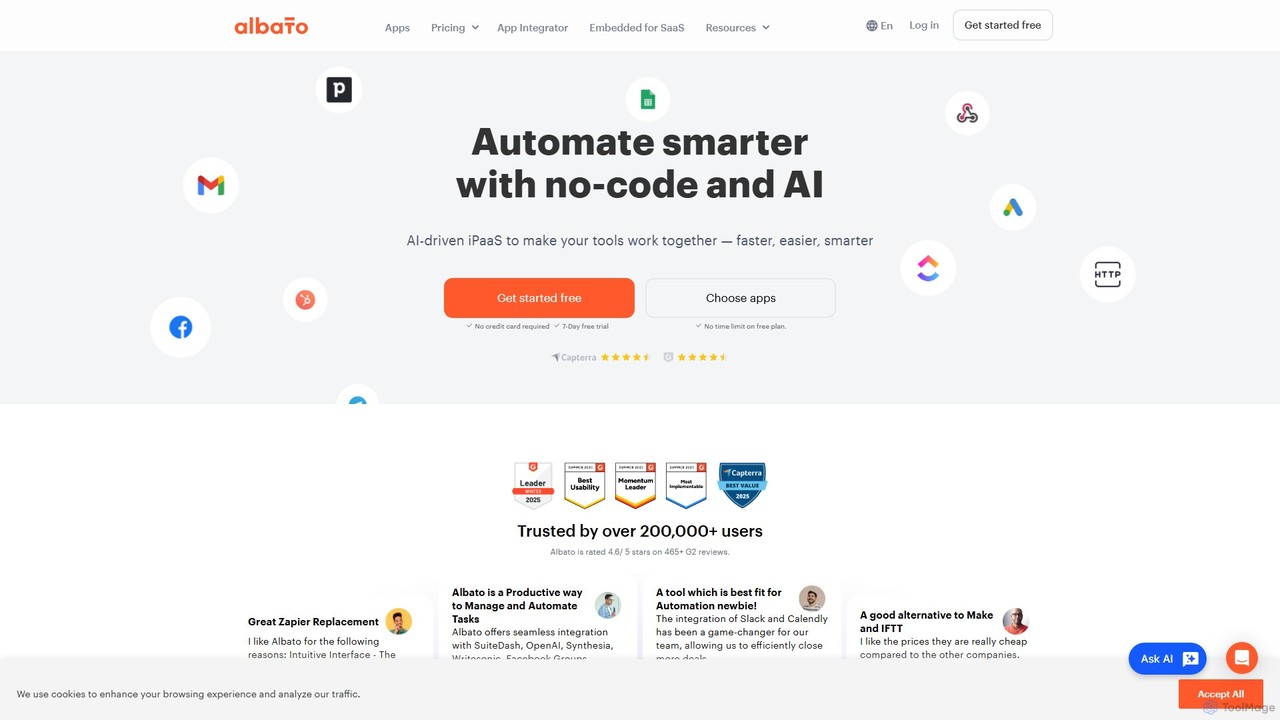
Albato is an AI-driven, no-code integration platform (iPaaS) that empowers users to connect over 800 applications and automate complex workflows effortlessly. It serves as a powerful alternative to Zapier and Make, offering an intuitive interface, extensive app library, and the ability to build custom integrations. Ideal for businesses of all sizes, Albato simplifies data synchronization, task automation, and process management, enhancing productivity and efficiency without requiring any coding knowledge.
Workflow Management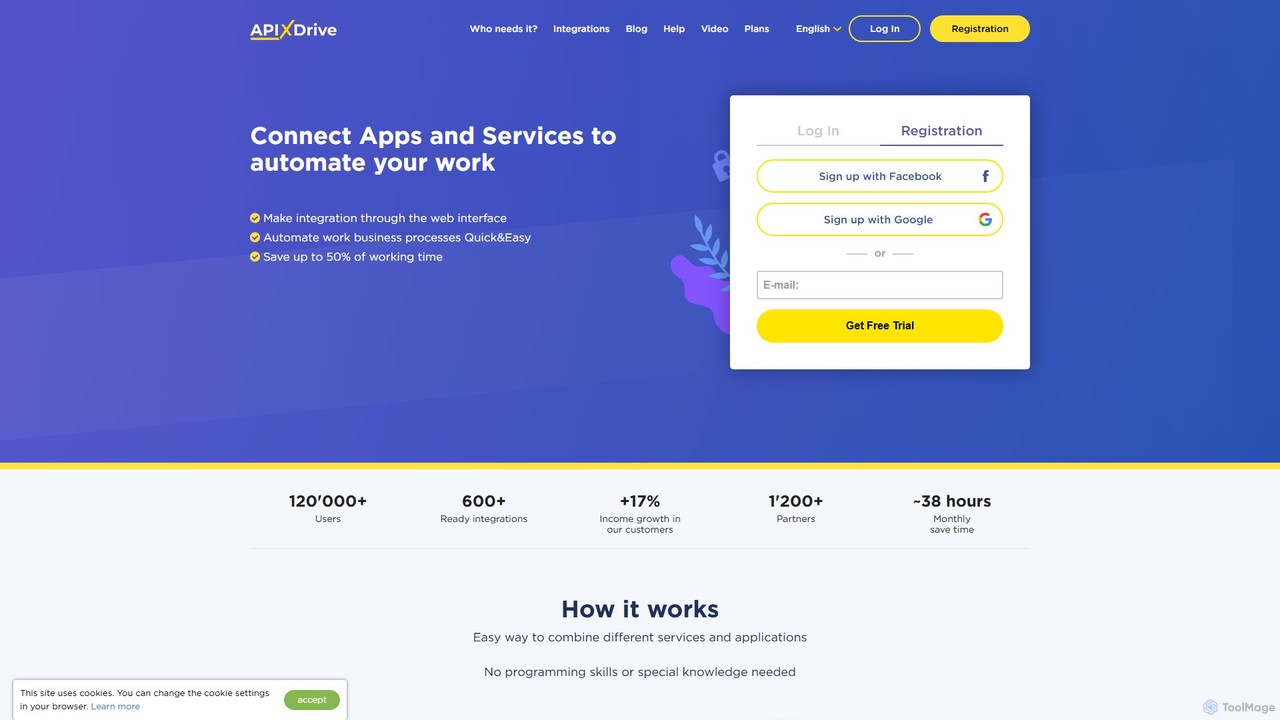
apix_drive
ApiX-Drive is a no-code integration platform that automates workflows by connecting over 600 apps and services. Easily link your CRM, marketing tools, e-commerce platforms, and AI applications like ChatGPT without any programming skills. Streamline data transfer, automate lead management, and save significant time.
Api Management
Activepieces
Activepieces is an open-source, AI-first automation platform that allows you to build workflows and AI agents without code. It connects over 350 applications, enabling seamless automation for marketing, sales, and operations. It offers both cloud and self-hosted options for maximum flexibility and data control.
Ai Agent
bika.ai
bika.ai is an AI Organizer platform that lets you build agentic AI teams. It integrates AI agents, no-code automation, a high-performance database, and dashboards into a single workspace. Designed for marketing, sales, and project management, it helps automate repetitive tasks, manage massive datasets, and streamline business operations without needing multiple separate tools.
Crm
RetroFix
RetroFix is an AI-powered automation platform that lets you build complex workflows using plain English. Simply describe the task you want to automate, and RetroFix's AI will write, test, and monitor the entire process. It connects with over 2600 applications, eliminating the need for code or complex flowcharts.
Workflow ManagementMake Categories
Make Embed Widget
Copy this embed code to place the badge on your blog, article, or product site and send readers directly to this ToolMage detail page.

Related AI tools
apix_drive
ApiX-Drive is a no-code integration platform that automates workflows by connecting over 600 apps and services. Easily link your CRM, marketing tools, e-commerce platforms, and AI applications like ChatGPT without any programming skills. Streamline data transfer, automate lead management, and save significant time.
Api ManagementAlbato
Albato is an AI-driven, no-code integration platform (iPaaS) that empowers users to connect over 800 applications and automate complex workflows effortlessly. It serves as a powerful alternative to Zapier and Make, offering an intuitive interface, extensive app library, and the ability to build custom integrations. Ideal for businesses of all sizes, Albato simplifies data synchronization, task automation, and process management, enhancing productivity and efficiency without requiring any coding knowledge.
Workflow Management
Jyek
Jyek is an AI agent platform that understands objectives, creates execution plans, uses tools, and delivers verifiable results for complex, multi-step tasks.
Automation
Pipedream
Pipedream is a developer-focused integration platform designed to automate workflows by connecting APIs, AI models, and databases with remarkable speed. It offers a visual workflow builder, code-level control with support for Node.js, Python, and Go, and a library of over 2,700 integrated applications. It's built for developers to create, deploy, and manage everything from simple automations to complex, production-scale AI agents and integrations.
Api ManagementActivepieces
Activepieces is an open-source, AI-first automation platform that allows you to build workflows and AI agents without code. It connects over 350 applications, enabling seamless automation for marketing, sales, and operations. It offers both cloud and self-hosted options for maximum flexibility and data control.
Ai AgentRetroFix
RetroFix is an AI-powered automation platform that lets you build complex workflows using plain English. Simply describe the task you want to automate, and RetroFix's AI will write, test, and monitor the entire process. It connects with over 2600 applications, eliminating the need for code or complex flowcharts.
Workflow Management
automi
automi is an AI-powered, no-code platform for building custom AI agents and automating complex workflows. Connect hundreds of apps, integrate powerful AI models, and streamline your business processes to boost productivity and save time.
Workflow Management
itsimple
itsimple is an AI-powered no-code platform that simplifies business process automation. It enables users to connect various applications, automate repetitive tasks, and create complex workflows without writing any code, boosting productivity and operational efficiency for teams of all sizes.
Data Integration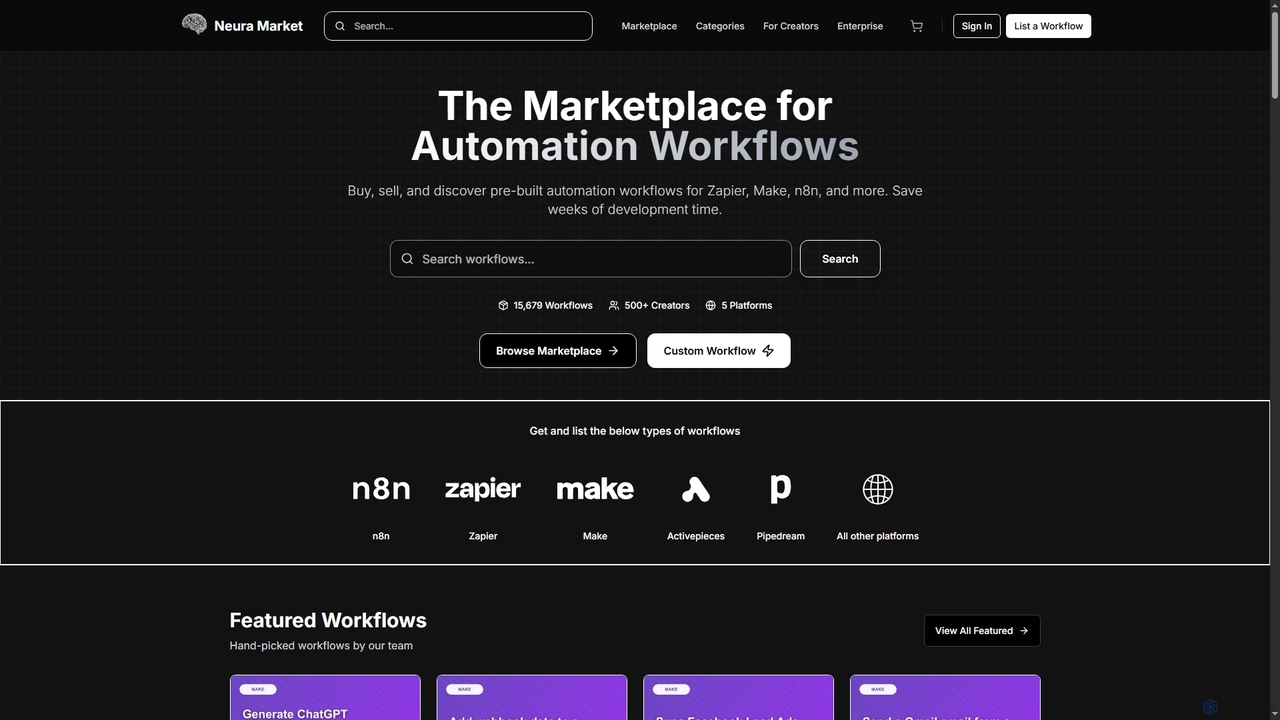
Neura
Neura is the leading marketplace for discovering, buying, and selling pre-built automation workflows. It empowers individuals and enterprises to streamline operations, integrate AI tools like ChatGPT, and save significant development time across platforms such as Zapier, Make, and n8n. With a vast library of workflows and a robust creator ecosystem, Neura simplifies complex automation tasks for various business needs.
Workflow Automation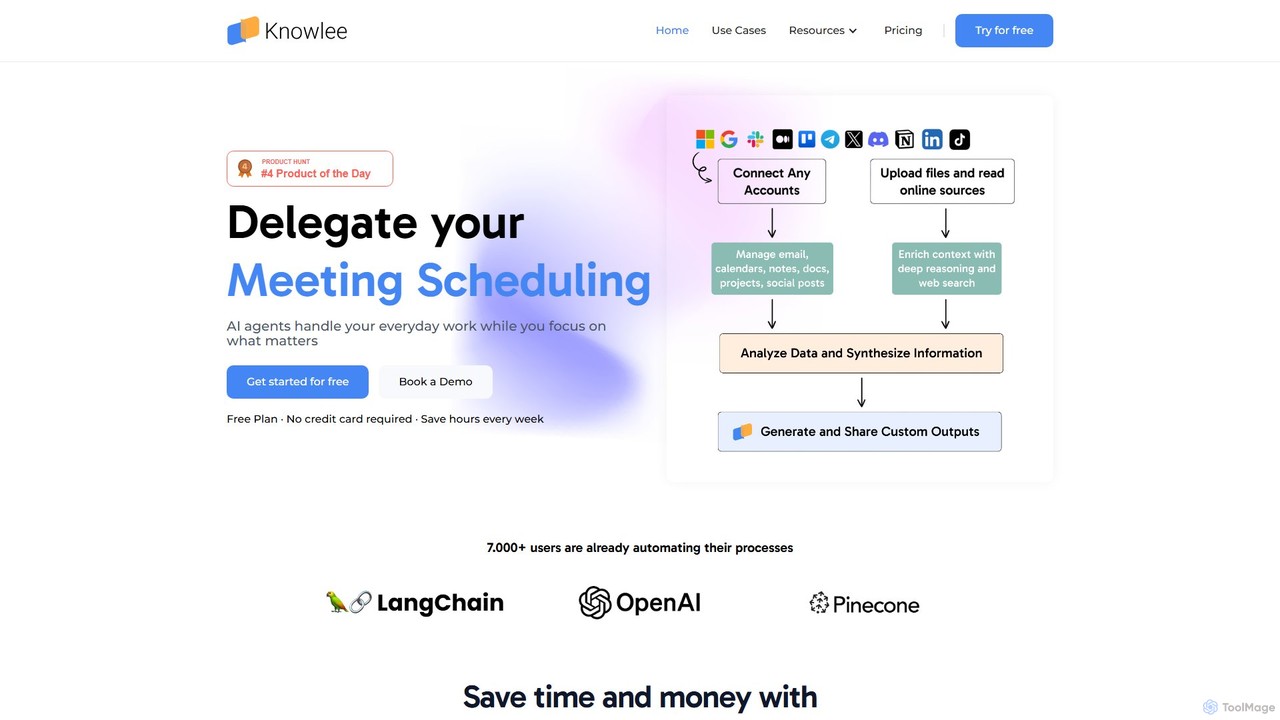
Knowlee
Knowlee is a no-code AI automation platform that enables you to build and deploy a team of AI agents. These agents can automate tasks across sales, marketing, HR, and project management by integrating with your existing tools like Google Workspace, Slack, and Notion. Streamline workflows, enhance productivity, and unlock new operational efficiencies without writing a single line of code.
Workflow Management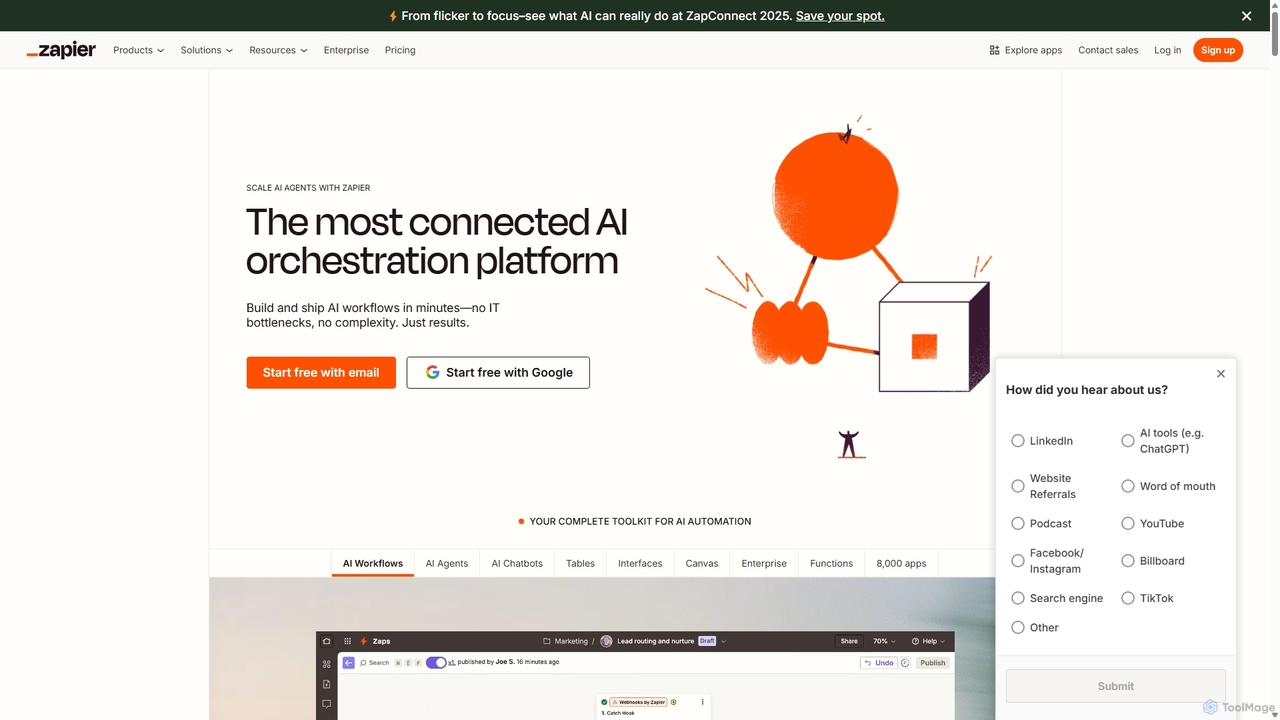
Zapier
Zapier is a leading no-code automation platform that empowers you to connect over 8,000 web apps. It now features a powerful AI toolkit, allowing you to build custom AI workflows, agents, and chatbots to automate tasks, streamline processes, and scale your business operations without writing a single line of code. From simple two-step integrations to complex, multi-step AI-powered workflows, Zapier makes automation accessible to everyone.
Ai Agent Builder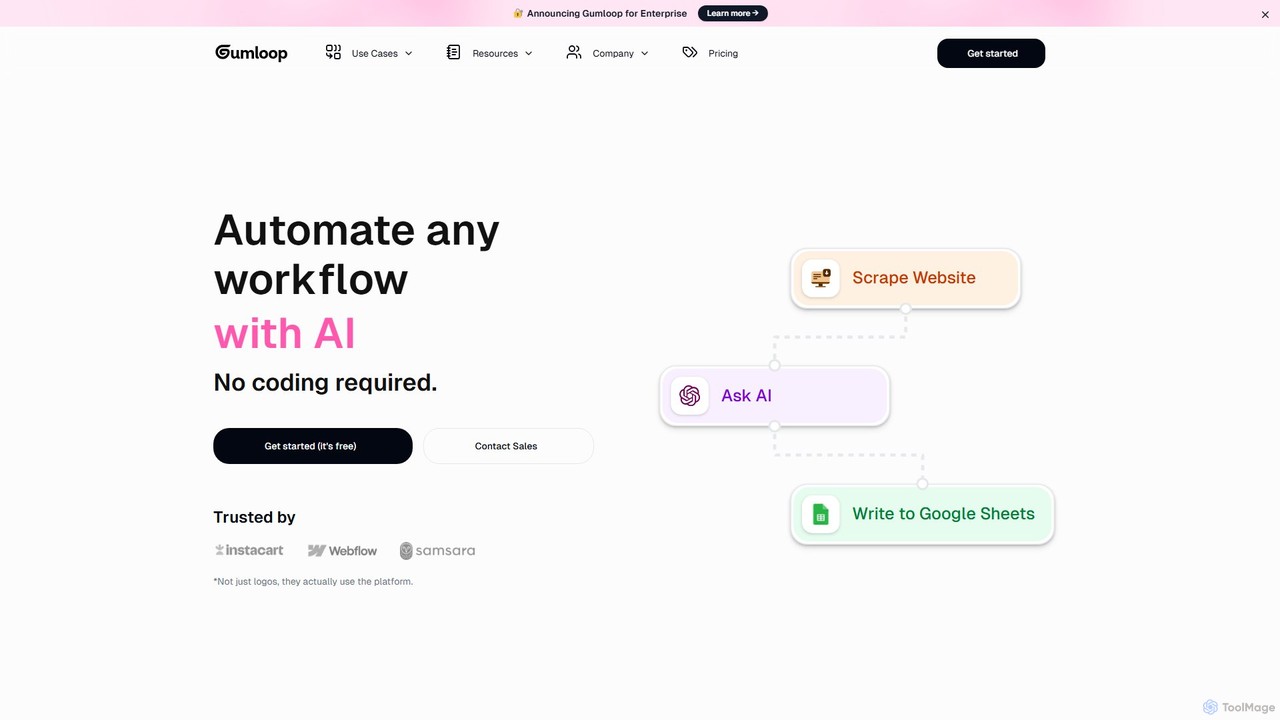
Gumloop
Gumloop is a no-code AI automation framework that allows users to build complex workflows visually. Through a drag-and-drop interface, you can connect various applications, automate tasks, and create custom AI tools without writing a single line of code. It's designed for both individuals and enterprises to scale operations efficiently.
No Code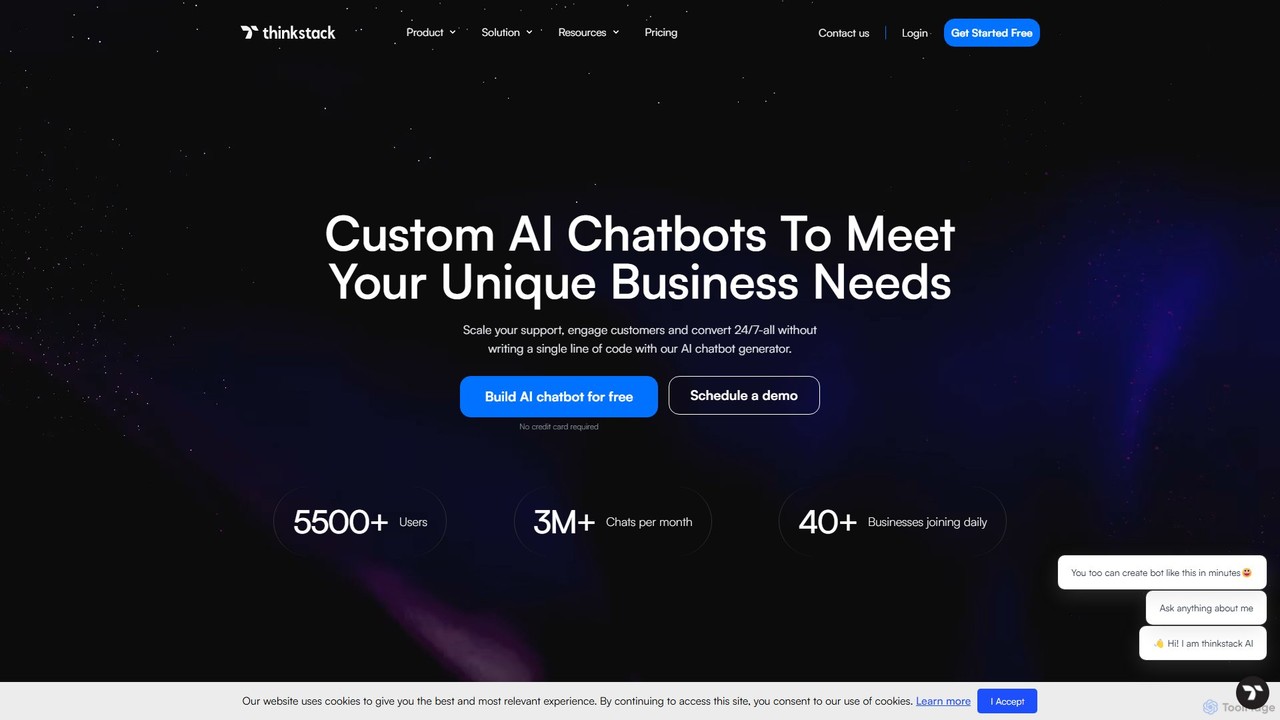
thinkstack
thinkstack is a no-code AI platform for creating custom AI agents and chatbots. Train them on your unique business data to automate customer support, scale engagement, and generate leads 24/7. Easily embed your AI chatbot on any website, app, or social platform and integrate with tools like Zapier, CRMs, and APIs without writing a single line of code.
Chatbot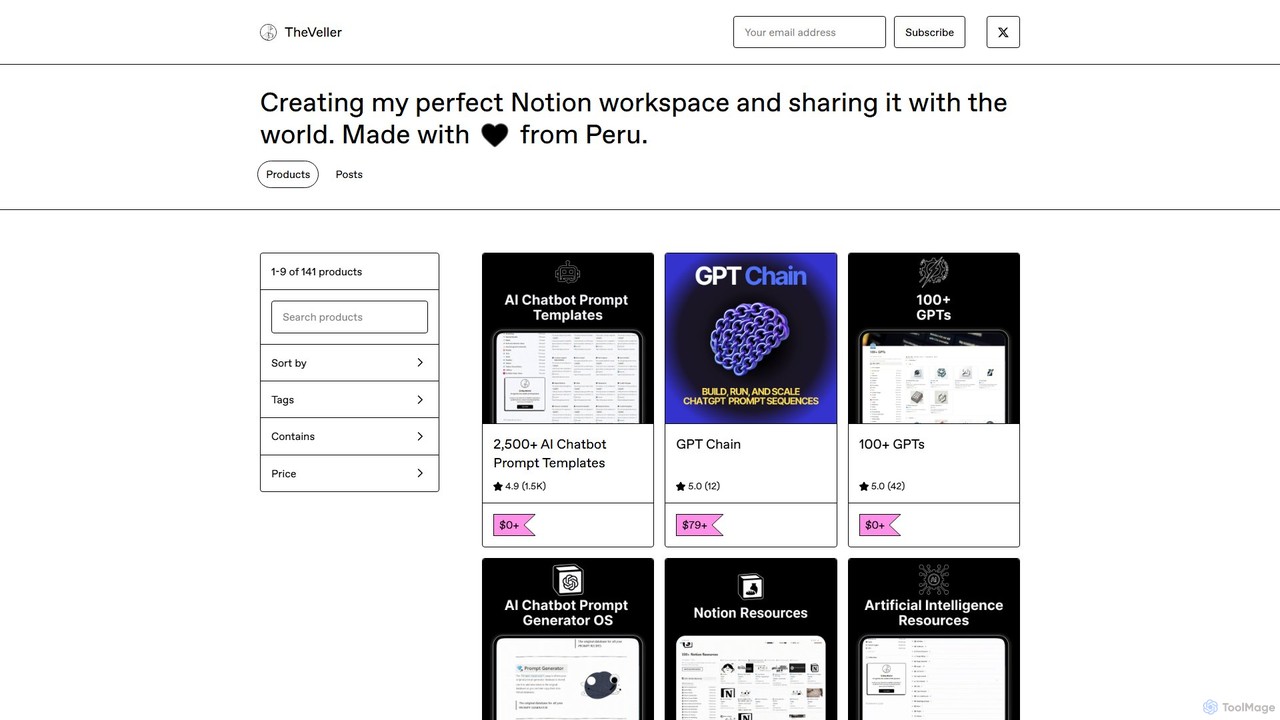
GPT Chain
GPT Chain is a powerful browser extension that transforms ChatGPT into a 24/7 automation engine. It allows you to build, run, and scale complex, multi-step workflows using an intuitive drag-and-drop visual builder. Automate repetitive prompting tasks, generate content at scale, and execute entire prompt sequences with a single click—all without writing code, connecting APIs, or incurring extra costs.
No Code
Nekton
Nekton is an AI-powered automation platform that transforms plain English descriptions into cloud-based workflows. It integrates with thousands of apps, allowing users to automate tasks in marketing, software development, and sales without writing code. Powered by OpenAI, it features an interactive chat for refining automations, scheduled runs, and sharable workflows.
No Code
Make Comments (0)
Sign in to comment.
Sign inNo comments yet.