ToolMage
Sign in

Best 3 Voice Assistant for Ai Assistant

Popular Voice Assistant in Ai Assistant include Homeway, Askie, and DaVinsiri, helping you work more efficiently.

Askie
Freemium

Askie

Askie is an AI-powered educational app designed for children, offering a safe and engaging learning environment. It features real-time voice chat powered by GPT-5 and creative image generation using Google's Nano Banana AI. With age-adaptive content, parental controls, and COPPA compliance, Askie helps children learn through conversation and creativity while ensuring their safety and privacy.

Voice Assistant
Visits 13.6KFavorites 142Likes 119
DaVinsiri
Freemium

DaVinsiri

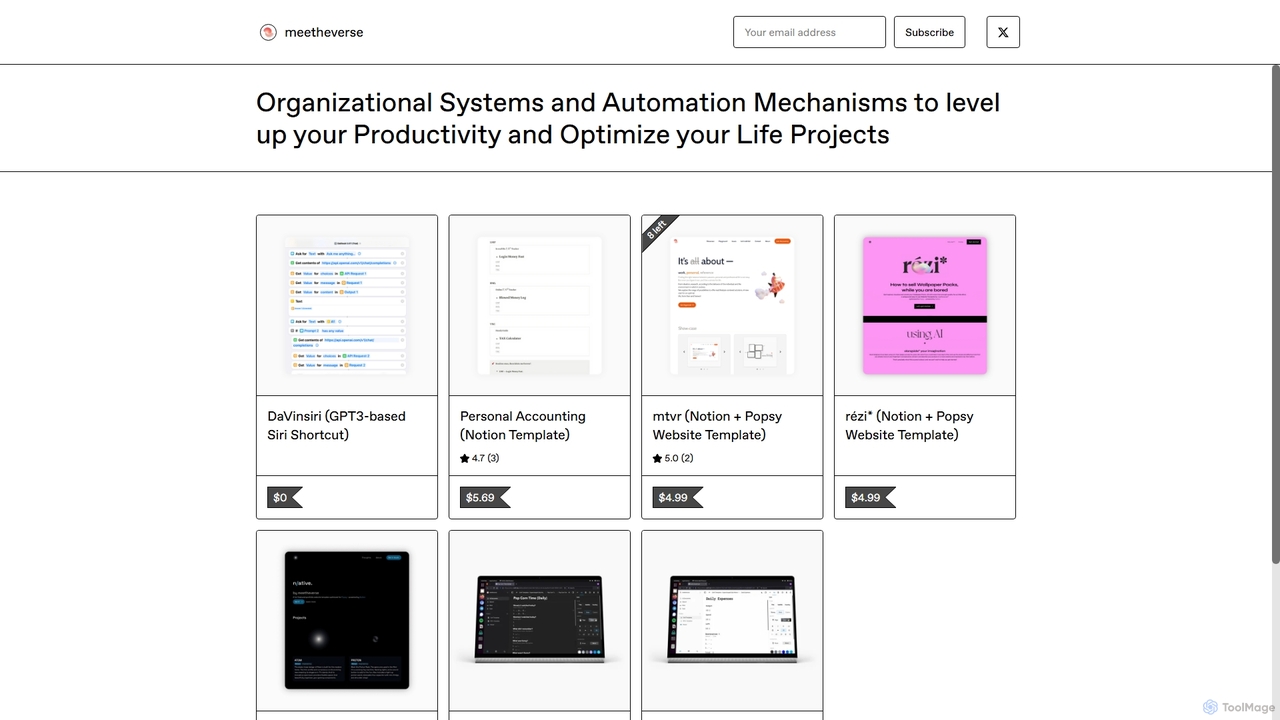
DaVinsiri is an advanced Siri Shortcut powered by OpenAI's GPT-3.5 Turbo, transforming Siri into a powerful AI assistant. It allows users to generate intelligent responses, get quick answers, and create content directly through voice or text commands. With seamless iOS integration like Back Tap and Share Sheet, it enhances productivity across all Apple devices.

Voice Assistant
Visits 5.5KFavorites 124Likes 124
Homeway
Freemium

Homeway

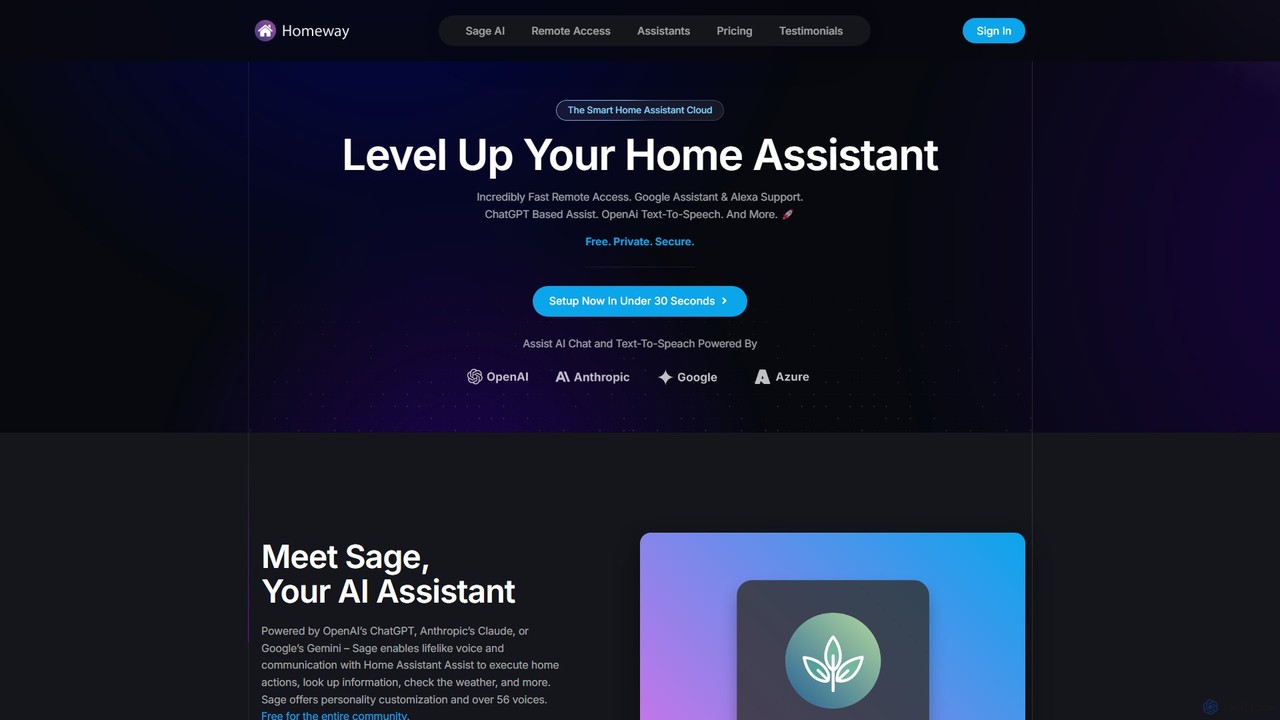
Homeway enhances your Home Assistant experience with free, secure, and incredibly fast remote access. It features Sage, a powerful AI assistant powered by models like ChatGPT, Claude, and Gemini, enabling natural voice commands for home control, information retrieval, and more. With easy 30-second setup, Google Assistant/Alexa integration, and customizable text-to-speech voices, Homeway is the ultimate cloud upgrade for your smart home.

Voice Assistant
Visits 43.4KFavorites 122Likes 108

About Voice Assistant

Voice Assistants are AI-powered software tools designed to understand and respond to human voice commands, enabling hands-free interaction with devices and services. Leveraging advanced Natural Language Processing (NLP) and Automatic Speech Recognition (ASR), these assistants convert spoken language into actionable instructions, providing information, performing tasks, and controlling smart devices. They offer a convenient and intuitive way to manage daily routines, access information, and enhance productivity without needing to type or tap.

Core Features

  • Voice Command Recognition: Accurately interprets spoken instructions and queries, even with varying accents and speech patterns.
  • Natural Language Understanding (NLU): Processes and comprehends the meaning and intent behind complex conversational input.
  • Task Automation: Executes a wide range of commands, from setting alarms and sending messages to playing music and making calls.
  • Smart Device Integration: Connects with and controls smart home appliances, IoT devices, and other compatible systems.
  • Personalized Responses: Learns user preferences and context over time to deliver more relevant and tailored interactions.

Use Cases

Voice assistants are widely adopted across various sectors, from personal use in smart homes to professional applications in offices and customer service. They streamline daily tasks for individuals, provide accessibility solutions, and enhance operational efficiency for businesses by automating routine interactions and information retrieval.

How to Choose

When selecting a voice assistant, consider its accuracy in speech recognition, the breadth of its integration with other devices and services, and its privacy policies regarding data handling. Evaluate the range of supported languages, customization options, and the overall ecosystem it operates within to ensure it meets your specific needs and preferences.

Voice Assistant use cases

1

Smart Home Management

Homeowners can use voice assistants to effortlessly control various smart home devices. By simply speaking commands, users can adjust thermostats, turn lights on or off, lock doors, or play media, creating a seamless and integrated living environment. This hands-free control enhances convenience and accessibility, especially when hands are occupied or mobility is limited.

2

Personal Productivity Enhancement

Professionals and individuals leverage voice assistants to manage their daily schedules and tasks more efficiently. Users can set reminders, schedule meetings, add items to shopping lists, or dictate notes without interrupting their workflow. This allows for quick information capture and task organization, significantly boosting personal productivity throughout the day.

3

Hands-Free Navigation and Communication

Drivers and commuters utilize voice assistants for safe and convenient in-car experiences. They can get real-time navigation directions, make hands-free calls, send text messages, or control music playback without taking their eyes off the road. This enhances safety and keeps users connected while on the go, minimizing distractions.

4

Quick Information Retrieval

Anyone needing immediate answers can turn to voice assistants for rapid information retrieval. Users can ask about weather forecasts, news headlines, sports scores, general knowledge facts, or unit conversions. The assistant quickly processes the query and provides concise, relevant information, making it an invaluable tool for instant access to data.

5

Accessibility and Inclusive Interaction

Voice assistants provide crucial support for individuals with visual impairments, motor disabilities, or other accessibility needs. They enable users to interact with technology, access information, and control their environment through spoken commands, overcoming traditional interface barriers. This fosters greater independence and inclusion in the digital world.

6

Voice-Enabled Customer Support

Businesses integrate voice assistants into their customer service channels to automate routine inquiries and provide instant support. Customers can speak their questions to get answers about product information, order status, or troubleshooting steps, reducing wait times and freeing up human agents for more complex issues. This improves customer satisfaction and operational efficiency.

Voice Assistant FAQ

What are Voice Assistants?

Voice Assistants are AI-powered software programs that interpret and respond to human voice commands. They use technologies like Automatic Speech Recognition (ASR) to convert speech to text and Natural Language Processing (NLP) to understand intent, allowing users to perform tasks, retrieve information, and control devices through natural spoken language. They act as a hands-free interface to digital services.

How do Voice Assistants work?

Voice assistants typically work by first using Automatic Speech Recognition (ASR) to convert spoken words into text. This text is then processed by Natural Language Processing (NLP) algorithms to understand the user's intent and extract key information. Based on this understanding, the assistant executes a command, retrieves data, or interacts with other services. Finally, Text-to-Speech (TTS) technology converts the response back into spoken audio for the user.

What tasks can Voice Assistants perform?

Voice assistants can perform a wide array of tasks, including setting alarms and timers, playing music or podcasts, making calls and sending messages, providing weather updates and news briefings, and offering navigation directions. They can also control smart home devices like lights and thermostats, answer general knowledge questions, and manage calendar events, significantly simplifying daily routines.

How do Voice Assistants differ from traditional AI Chatbots?

While both Voice Assistants and traditional AI Chatbots use NLP, their primary interaction methods differ. Voice Assistants primarily interact through spoken language, requiring ASR and Text-to-Speech (TTS) capabilities, making them ideal for hands-free use. Chatbots, on the other hand, typically interact via text-based interfaces. Voice assistants excel in scenarios where visual interaction is impractical or impossible, whereas chatbots are often preferred for detailed textual exchanges.

How to choose the right Voice Assistant for my needs?

To choose the right voice assistant, consider its compatibility with your existing devices and smart home ecosystem, as seamless integration is key. Evaluate its accuracy in understanding your voice and language, the range of tasks it can perform, and its privacy features regarding data collection and usage. Also, look into the availability of third-party integrations and the overall user community support.