wequ
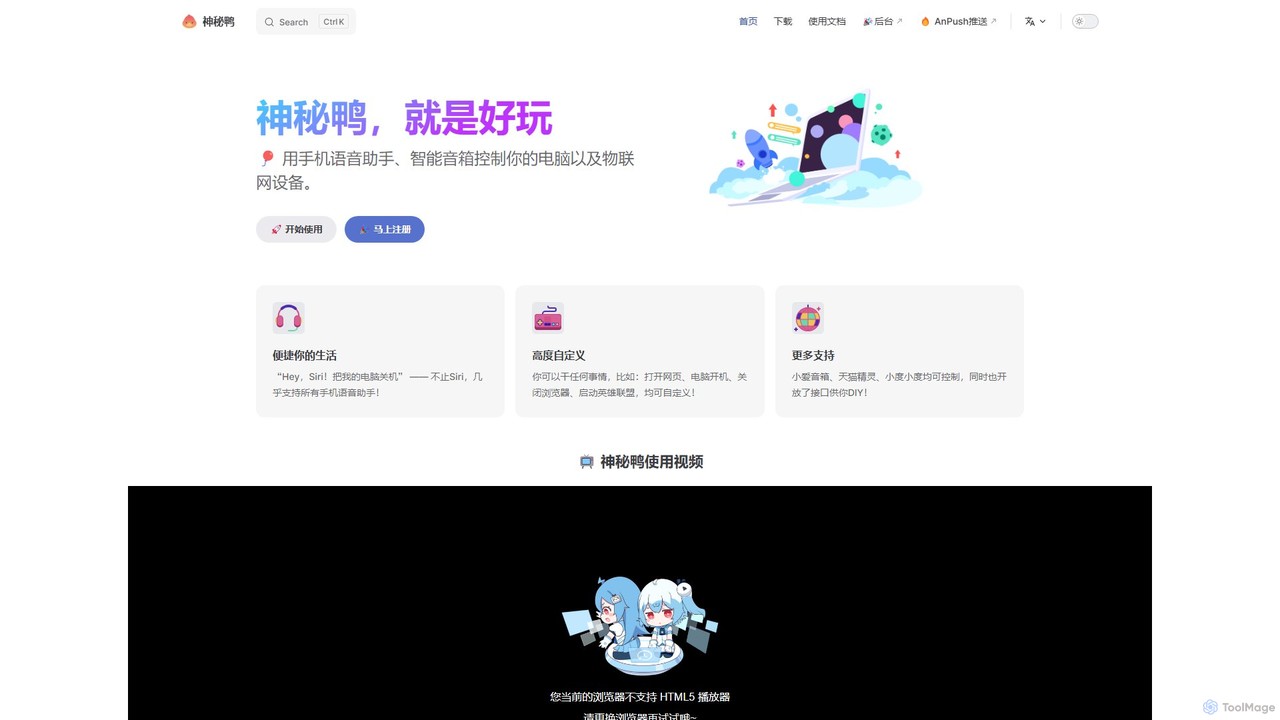
wequ (Mysterious Duck) is a powerful platform that connects your mobile voice assistants (like Siri, Google Assistant) and …
wequ (Mysterious Duck) is a powerful platform that connects your mobile voice assistants (like Siri, Google Assistant) and smart speakers to your PC and IoT devices, enabling you to control them with voice commands. It offers deep customization through scripts and an open API.
About Remote Control
AI Remote Control tools are applications that provide secure access and management of a computer or device from a distance, enhanced with artificial intelligence. These tools leverage AI to automate tasks, analyze system performance, and bolster security beyond traditional screen sharing. They are designed to improve the efficiency of IT support, system administration, and remote operations by enabling proactive monitoring and intelligent automation. This intelligent layer allows for faster problem resolution and more reliable management of remote assets.
Core Features
- Intelligent Automation: Execute complex scripts and routine maintenance tasks automatically based on predefined triggers or AI analysis.
- Predictive Analytics: Monitor remote system health to predict potential hardware failures or software issues before they impact users.
- Session Recording & Analysis: AI analyzes recorded support sessions to identify recurring problems, agent performance, and areas for workflow improvement.
- Enhanced Security: Utilize AI for anomaly detection, identifying unusual user behavior or potential security threats during a remote session.
- Smart Connection Optimization: Automatically adjust streaming quality and protocol based on network conditions to ensure a smooth, low-latency connection.
Use Cases
These tools are essential for IT departments, Managed Service Providers (MSPs), and DevOps teams. They are used for providing remote technical support to employees or customers, managing fleets of servers in data centers, and administering unattended systems like digital signage or industrial machinery. Remote developers also use them to access powerful, centralized development environments securely.
How to Choose
When selecting an AI Remote Control tool, consider the strength of its security features, including end-to-end encryption and multi-factor authentication. Evaluate its cross-platform compatibility (Windows, macOS, Linux, mobile) and performance, especially connection latency. Assess the depth of its AI capabilities—whether you need simple automation or advanced predictive analytics. Finally, check for integrations with existing IT management systems like helpdesk or ticketing software.
Remote ControlUse Cases
Proactive IT Support for Enterprise Fleets
An IT administrator for a large corporation is responsible for maintaining hundreds of employee laptops. Instead of waiting for support tickets, they use an AI Remote Control tool to proactively monitor the entire fleet. The AI flags a device with degrading disk performance, predicts a potential failure within a week, and automatically creates a high-priority ticket. The admin then remotely connects, runs advanced diagnostics suggested by the AI, and schedules a replacement before the user experiences any downtime, significantly improving employee productivity and reducing support costs.
Automated Server Patch Management
A DevOps engineer manages a global cluster of web servers. Manually applying security patches is time-consuming and prone to error. They use an AI Remote Control tool to automate this process. The engineer defines a workflow where the AI connects to each server during off-peak hours, applies the necessary patches, runs a verification script to ensure all services are operational, and generates a compliance report. If an update fails, the AI automatically rolls back the changes and alerts the engineer with detailed logs, ensuring 100% uptime and consistent security across the infrastructure.
Guided Support for Non-Technical Customers
A customer support agent for a software company needs to help a non-technical user configure complex settings. Using an AI Remote Control tool, the agent initiates a session where they can see the customer's screen. Instead of just taking over, the AI's guidance feature highlights the exact buttons and menus the customer needs to click in sequence. It also provides on-screen text prompts. This empowers the customer to perform the actions themselves, improving their confidence and reducing the likelihood of future calls for the same issue. The session is resolved 50% faster than with traditional remote control.
Managing Unattended Digital Signage Networks
A retail chain operates thousands of digital signage screens across its stores nationwide. A facilities manager uses an AI Remote Control tool to oversee this network from a central dashboard. The AI constantly monitors the health of each screen, checking for connectivity issues, frozen applications, or hardware errors. If a screen goes offline, the AI automatically attempts a series of recovery actions, such as rebooting the device or restarting the player software. It only creates an alert for the manager if human intervention is required, reducing manual checks by 95% and ensuring maximum advertising uptime.
Secure Remote Access for Software Development
A software developer working from home needs access to a powerful, secure workstation located in the corporate office. They use an AI Remote Control tool that provides a low-latency, high-fidelity connection. The AI component actively monitors the session for anomalous behavior, such as unusual file transfer patterns or access attempts to unauthorized directories. If a threat is detected, the session is automatically locked, and an alert is sent to the security team. This allows the developer to work productively from anywhere while ensuring that sensitive source code and company data remain protected within the corporate network.
Analyzing Remote Support Session Recordings
A support manager wants to improve team performance and identify common product issues. Their AI Remote Control tool records all support sessions. The manager uses the AI analysis feature to process hours of recordings automatically. The AI transcribes the audio, identifies keywords related to customer complaints, measures average handling time for different issue types, and flags sessions where the support agent deviated from standard procedures. This data provides actionable insights for training programs and product development priorities, without requiring the manager to manually review every video.