

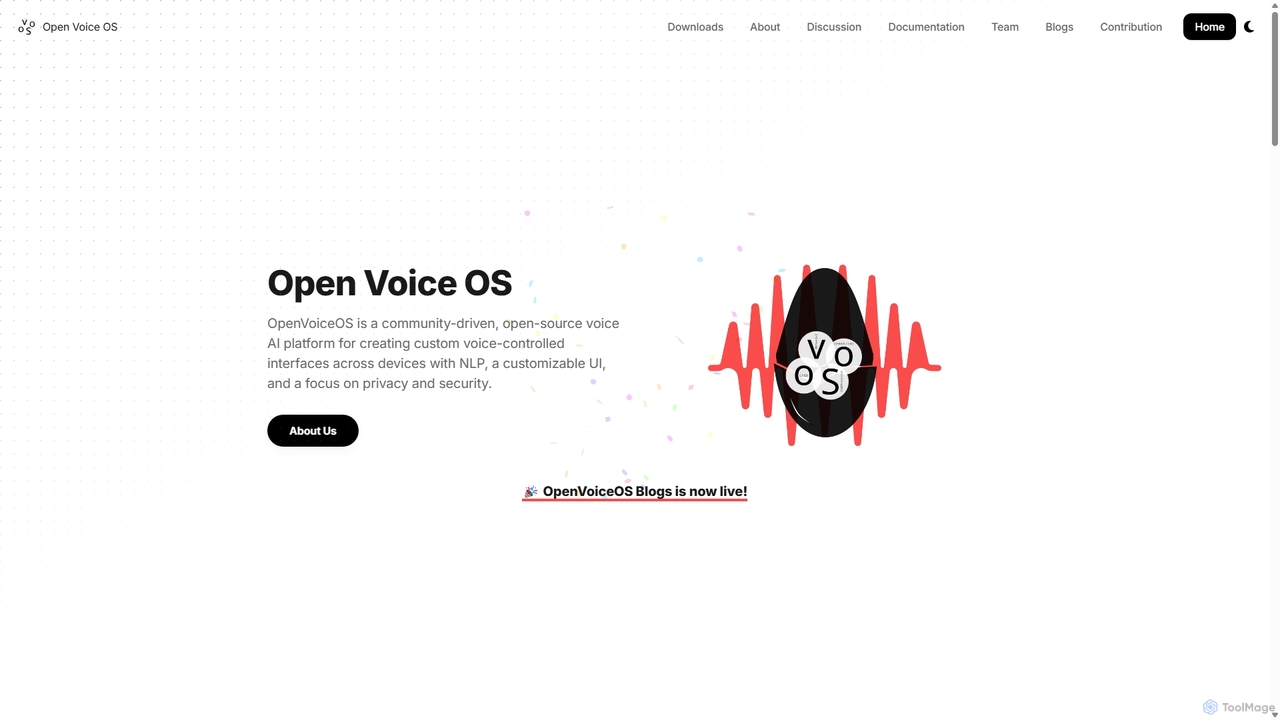
OpenVoiceOS Overview
OpenVoiceOS is a community-driven, open-source voice AI platform designed for creating custom voice-controlled interfaces across a wide range of devices. With a strong emphasis on Natural Language Processing (NLP), a customizable user interface, and a core focus on privacy and security, it empowers developers, hobbyists, and businesses to build their own voice assistants without relying on proprietary cloud services. Born from the Mycroft community as an unsanctioned "Mycroft Community Edition," OpenVoiceOS has evolved into a fully independent project that maintains an enhanced fork of Mycroft-core, offering extra functionality while ensuring compatibility.
The platform is built to be multi-platform and experimental at its core. It can be deployed on embedded headless devices, single-board computers (SBCs) like the Raspberry Pi, or even standard Linux desktops. This flexibility makes it an ideal playground for anyone interested in cutting-edge voice assistance technology, from building a DIY smart speaker to integrating voice control into a commercial product. The project thrives on contributions from a global community of developers, ensuring continuous innovation and support for new devices and features.
How to use OpenVoiceOS
Getting started with OpenVoiceOS is designed to be straightforward for users with varying technical skills. The platform offers several installation methods to suit different needs:
- Installer Script: For a quick and easy setup on a compatible Linux system, you can use the official installer script. Simply run a single command in your terminal, and the script will handle the installation process for you.
- Docker: If you prefer a stable, isolated, and easily manageable environment, the Docker installation is the recommended choice. It encapsulates the entire OS in a container, simplifying deployment and updates.
- Python Virtual Environment: For developers who want to dive into the code, modify the core components, or contribute to the project, setting up in a Python virtual environment is the ideal path. This gives you full access to the source code to tinker with.
- Pre-built Images: For popular hardware like the Raspberry Pi (models 3B, 3B+, 4, Zero 2) and Mycroft® devices (Mark I, Mark II), OpenVoiceOS provides stripped-down, optimized Linux OS images. You can download the image, flash it to an SD card, and have a dedicated voice assistant device running in minutes.
Once installed, configuration is managed through settings files where you can choose your preferred Speech-to-Text (STT) and Text-to-Speech (TTS) engines, customize the wake word, and install new skills from the community marketplace.
Core Features of OpenVoiceOS
- Community-Driven & Open Source: Powered by a global community of developers under the Apache 2.0 license, ensuring it remains free, transparent, and constantly evolving.
- Multi-Platform Support: Runs on a wide variety of hardware, including Raspberry Pi, Mark I & II devices, standard Linux desktops, and Docker containers.
- Privacy-Focused Architecture: Designed to work offline. While the default STT requires an internet connection, it supports self-hosted, offline options like Vosk, giving you full control over your data.
- Modular Plugin System: Both STT and TTS functionalities are handled by plugins. This allows users to easily switch between online services (Google, Amazon Polly) and local, offline engines (Vosk, Mimic3).
- Extensible with Skills: Enhance the functionality of your assistant by installing or creating skills. The platform allows you to control smart home devices, play music, set reminders, get information, and much more.
- Customizable Wake Word & UI: You are not locked into a specific wake word. The platform allows for customization, and its UI is designed to be adaptable for small, touch-friendly screens on embedded systems.
Use Cases for OpenVoiceOS
The flexibility of OpenVoiceOS opens up a wide range of applications:
- DIY Smart Speaker: Build a fully functional, private smart speaker using a Raspberry Pi and a microphone/speaker setup.
- Smart Home Hub: Use it as a central voice-controlled hub to manage various smart home devices without sending your commands to a third-party cloud.
- In-Vehicle Assistant: Integrate a custom voice assistant into a car or other vehicle for hands-free control and information.
- Custom Business Solutions: Businesses can create branded voice assistants for their products or services, providing a unique user experience while maintaining data privacy.
- Educational & Research Platform: An excellent tool for students, researchers, and hobbyists to learn about and experiment with voice AI, NLP, and IoT technologies.
Advantages of OpenVoiceOS
OpenVoiceOS offers significant advantages over mainstream commercial voice assistants:
- Full Ownership and Privacy: Your voice data can be processed locally, ensuring it never leaves your device without your permission.
- Unmatched Customization: From the wake word to the voice, skills, and hardware, nearly every aspect of the assistant can be tailored to your specific needs.
- No Vendor Lock-in: Being open-source and hardware-agnostic, you are free to choose your hardware and software components, and can switch them at any time.
- Cost-Effective: The software is completely free, and it can run on low-cost, widely available hardware like the Raspberry Pi.
- Active and Supportive Community: Gain access to a vibrant community for support, collaboration, and a rich ecosystem of community-developed skills and plugins.
Pricing and Plans
OpenVoiceOS is completely free and open source, released under the permissive Apache License 2.0. This means you can use, modify, and distribute it for personal or commercial purposes without any fees. The project is sustained by community contributions and optional donations, which are appreciated but not required to use the software.
Traffic
Latest traffic
Status
Monthly traffic trend
- 2025-9: 18.1K
- 2026-1: 21.5K
- 2026-2: 13.4K
- 2026-3: 14.6K
- 2026-4: 14.1K
- 2026-5: 9.8K
Geography
Top 5 countries / regions
- 🇺🇸United States32.2%
- 🇪🇸Spain18.4%
- 🇧🇷Brazil17.0%
- 🇮🇳India16.3%
- 🇩🇪Germany16.1%
Top keywords
| Keyword | Cost per click |
|---|---|
| openvoice | $5.15 |
| open voice os | $0.00 |
| openvoiceos | $0.00 |
| voice activated devices open source | $0.00 |
| voiceos | $2.58 |
OpenVoiceOS Alternatives
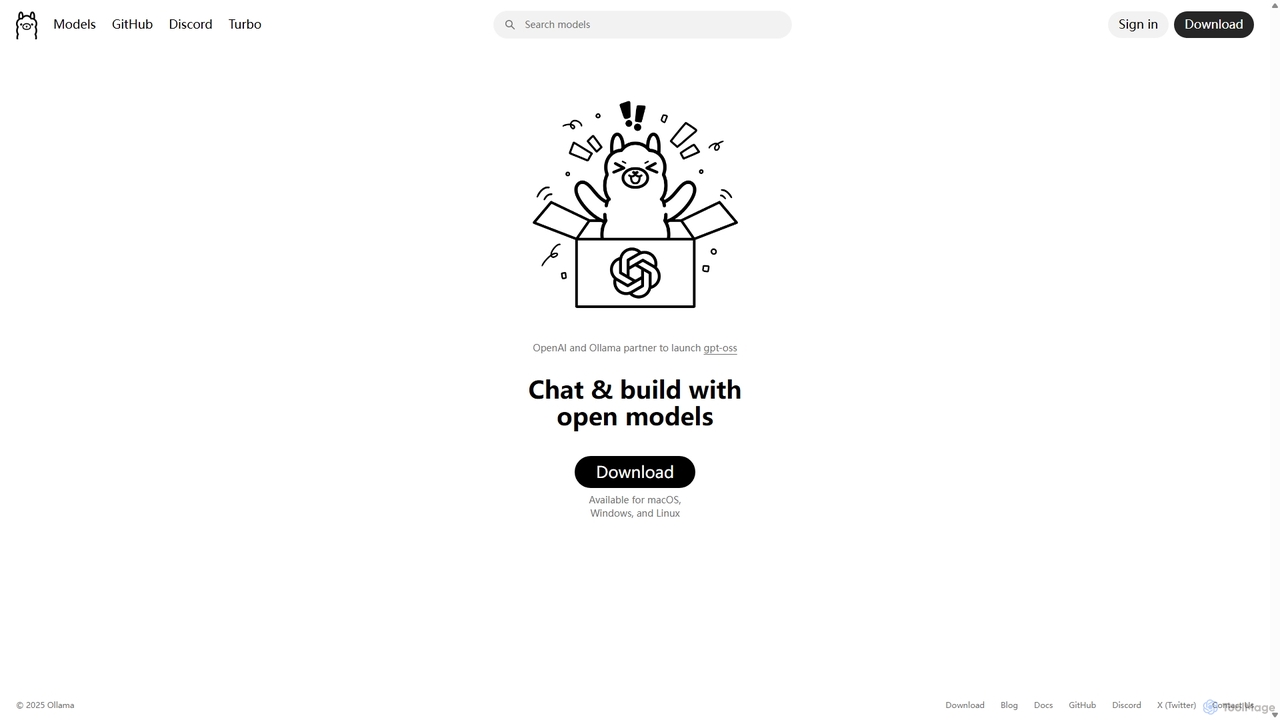
Ollama
Ollama is a powerful open-source framework for running large language models (LLMs) like Llama 3, Mistral, and Gemma locally on your own hardware. Available for macOS, Windows, and Linux, it simplifies the setup and management of open-source models, enabling private, offline, and cost-effective AI development and usage.
Machine Learning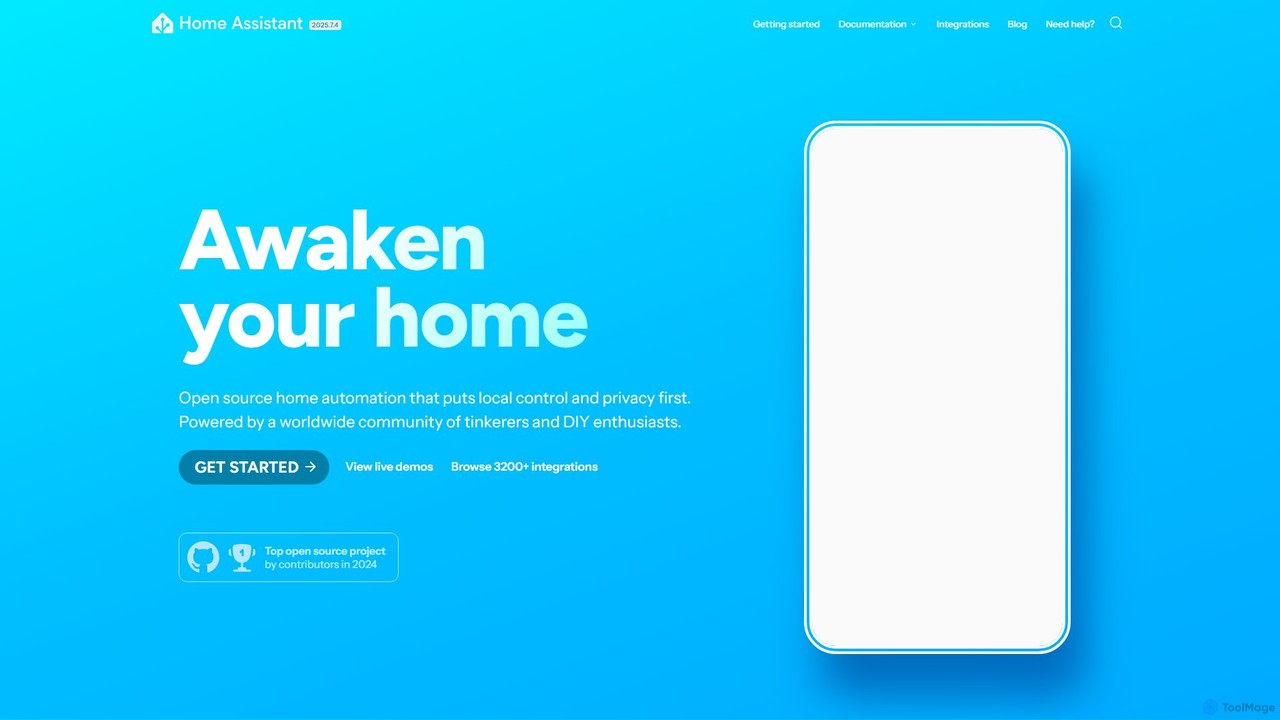
Home Assistant
Home Assistant is a powerful, open-source home automation platform that prioritizes local control and user privacy. It integrates with thousands of smart devices and services, allowing you to create powerful automations, custom dashboards, and even use a private, local voice assistant. Powered by a global community, it puts you in complete control of your smart home data.
Open Source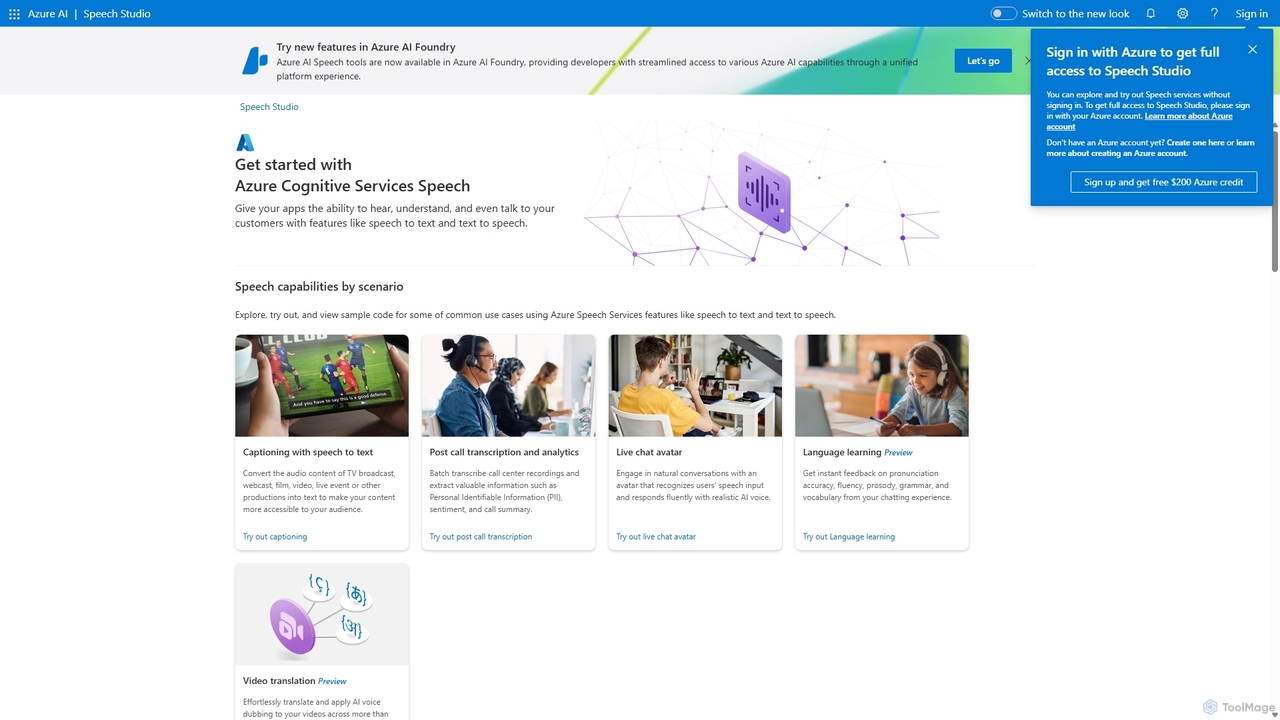
Speech Studio
Speech Studio is a comprehensive suite of AI-powered tools from Microsoft Azure that enables developers to build applications with advanced speech capabilities. It offers highly accurate speech-to-text, natural-sounding text-to-speech, real-time speech translation, and speaker recognition. Users can create custom voice models and conversational interfaces, making it a versatile platform for a wide range of voice-enabled solutions.
Text To Speech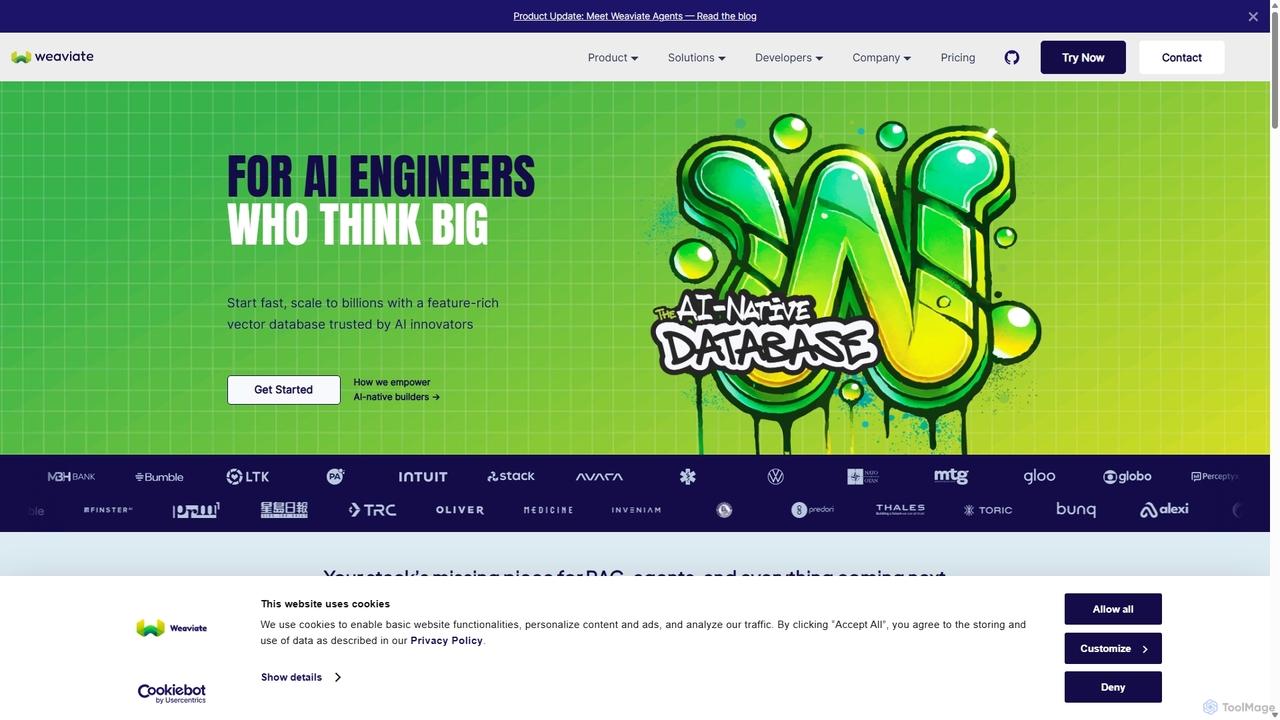
Weaviate
Weaviate is an open-source, AI-native vector database designed for developers. It enables scalable, low-latency vector, keyword, and hybrid search. Ideal for building AI applications like semantic search, recommendation engines, and Retrieval-Augmented Generation (RAG) systems, it integrates seamlessly with popular machine learning models to store and query data based on semantic meaning.
Vector Database
Zyphra
Zyphra is an open-source AI research company developing high-performance, efficient foundational models. They provide state-of-the-art small language models (SLMs), text-to-speech (TTS) systems, and specialized reasoning models for developers and researchers, focusing on democratizing advanced AI for on-device and enterprise applications.
Model DevelopmentOpenVoiceOS Categories
OpenVoiceOS Jobs
OpenVoiceOS Embed Widget
Copy this embed code to place the badge on your blog, article, or product site and send readers directly to this ToolMage detail page.

Related AI tools
Ollama
Ollama is a powerful open-source framework for running large language models (LLMs) like Llama 3, Mistral, and Gemma locally on your own hardware. Available for macOS, Windows, and Linux, it simplifies the setup and management of open-source models, enabling private, offline, and cost-effective AI development and usage.
Machine LearningHome Assistant
Home Assistant is a powerful, open-source home automation platform that prioritizes local control and user privacy. It integrates with thousands of smart devices and services, allowing you to create powerful automations, custom dashboards, and even use a private, local voice assistant. Powered by a global community, it puts you in complete control of your smart home data.
Open SourceSpeech Studio
Speech Studio is a comprehensive suite of AI-powered tools from Microsoft Azure that enables developers to build applications with advanced speech capabilities. It offers highly accurate speech-to-text, natural-sounding text-to-speech, real-time speech translation, and speaker recognition. Users can create custom voice models and conversational interfaces, making it a versatile platform for a wide range of voice-enabled solutions.
Text To Speech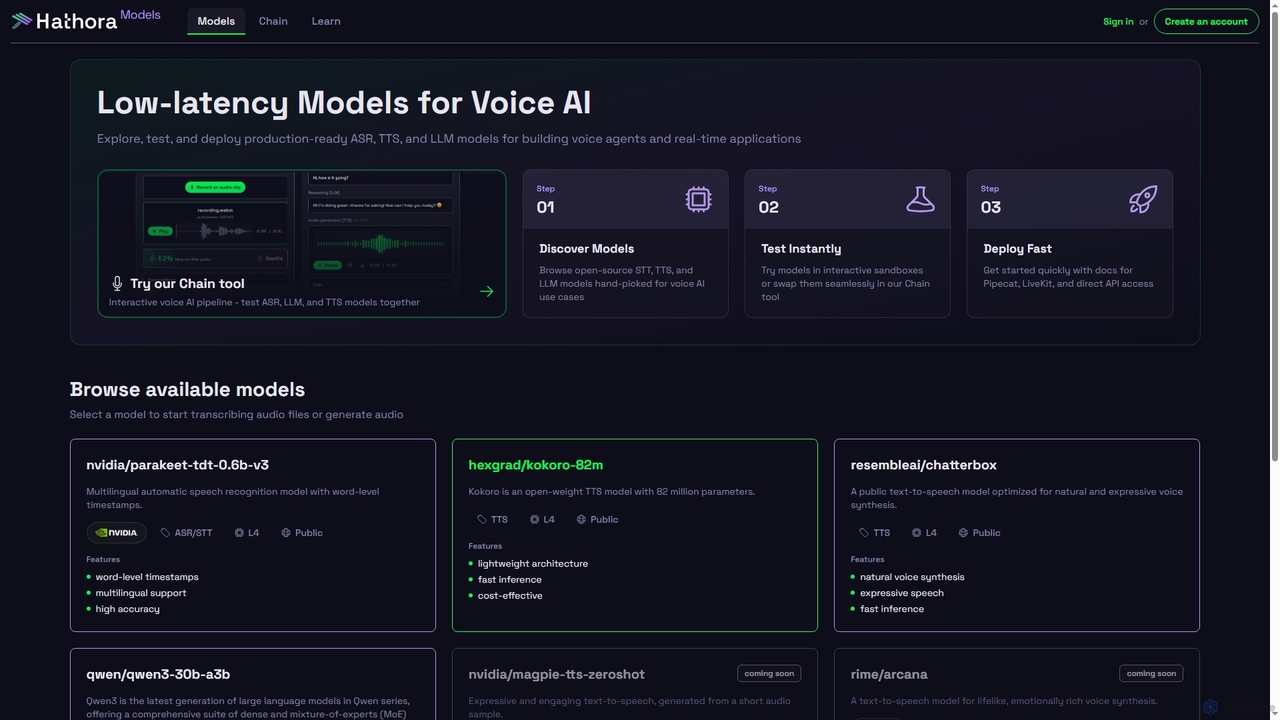
Models
Models by Hathora offers a curated catalog of low-latency ASR, TTS, and LLM models optimized for voice AI and real-time applications. Developers can explore, test, and deploy production-ready models quickly, featuring interactive sandboxes and direct API access for seamless integration into voice agents and other applications.
Api
Jyek
Jyek is an AI agent platform that understands objectives, creates execution plans, uses tools, and delivers verifiable results for complex, multi-step tasks.
AutomationWeaviate
Weaviate is an open-source, AI-native vector database designed for developers. It enables scalable, low-latency vector, keyword, and hybrid search. Ideal for building AI applications like semantic search, recommendation engines, and Retrieval-Augmented Generation (RAG) systems, it integrates seamlessly with popular machine learning models to store and query data based on semantic meaning.
Vector Database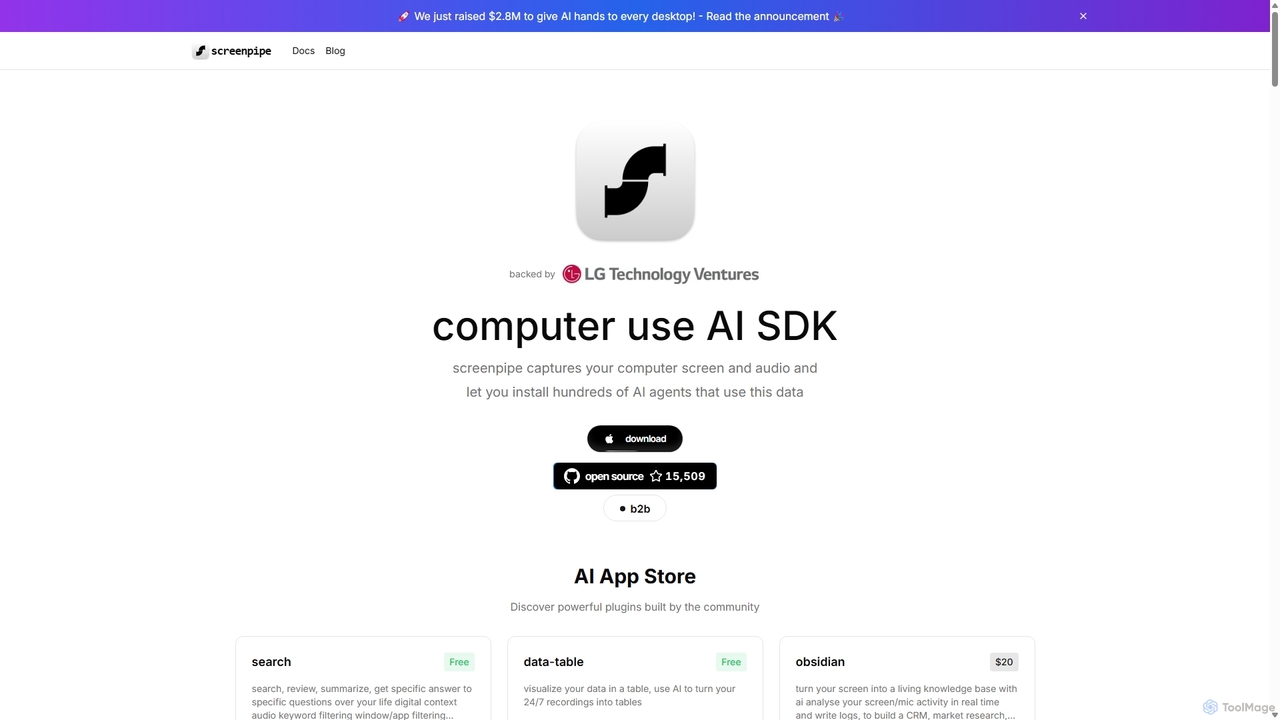
Screenpipe
Screenpipe is an open-source AI SDK that captures your computer's screen and audio 24/7, creating a local, private digital memory. It powers a rich ecosystem of AI agents that can search, summarize, and automate tasks based on your complete digital context, turning your computer usage into a powerful, personalized AI.
Personal DataZyphra
Zyphra is an open-source AI research company developing high-performance, efficient foundational models. They provide state-of-the-art small language models (SLMs), text-to-speech (TTS) systems, and specialized reasoning models for developers and researchers, focusing on democratizing advanced AI for on-device and enterprise applications.
Model Development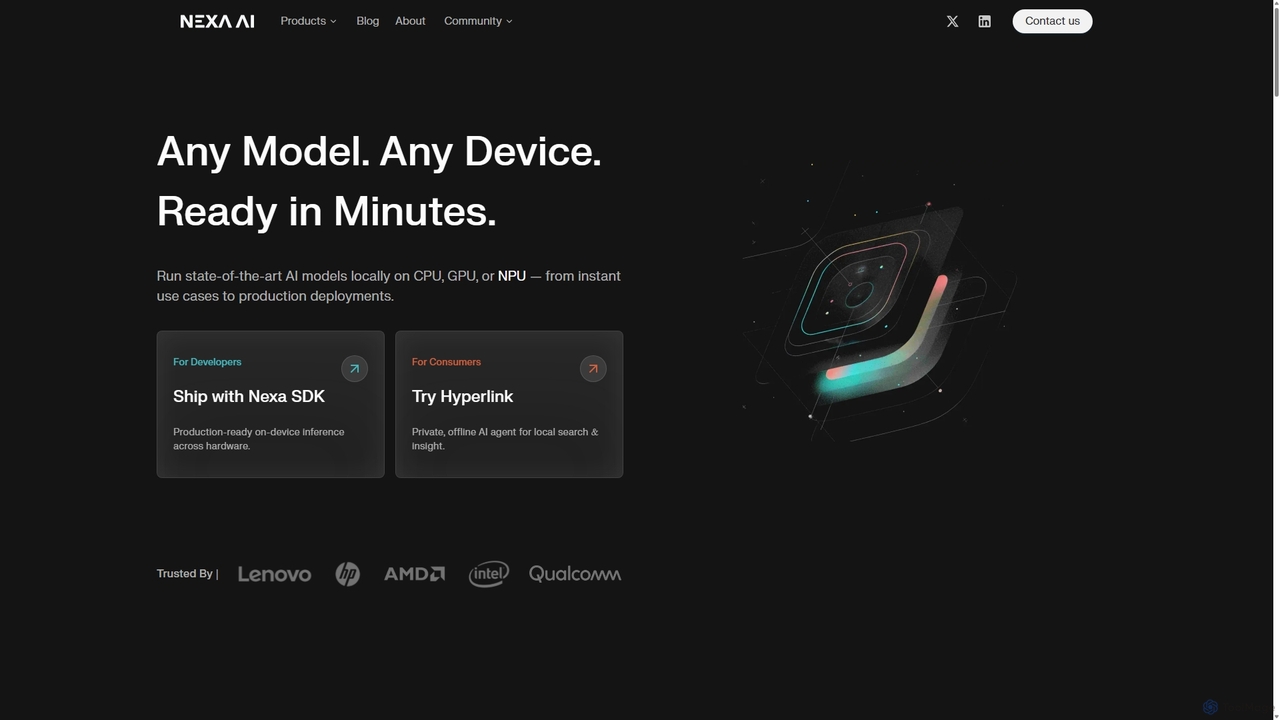
Nexa AI
Nexa AI provides a powerful platform for running state-of-the-art AI models directly on any device. Its solutions, including the Nexa SDK for developers and the Hyperlink app for consumers, prioritize privacy, offline reliability, and cost-effectiveness by enabling local AI inference on CPUs, GPUs, and NPUs, eliminating the need for cloud processing.
Edge Computing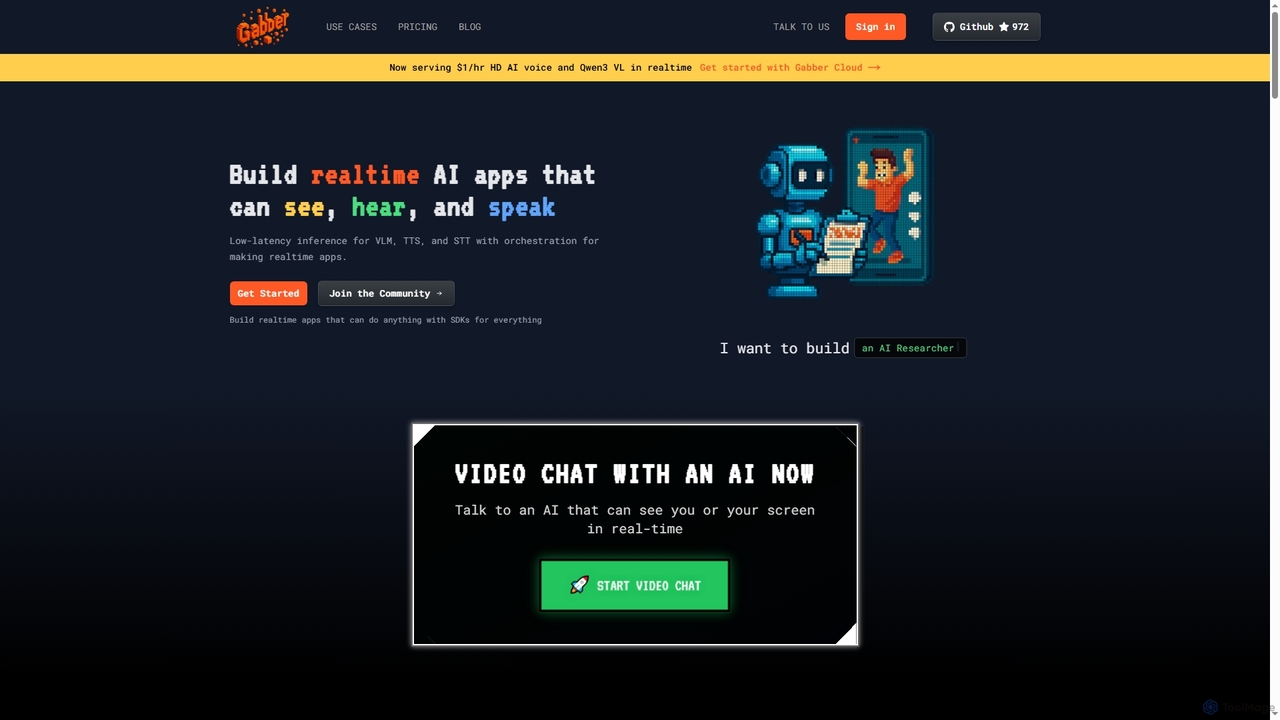
Gabber
Gabber is a powerful platform for building real-time, multimodal AI applications that can see, hear, and speak. It offers low-latency inference for Vision Language Models (VLM), Text-to-Speech (TTS), and Speech-to-Text (STT), coupled with a graph-based orchestration system for rapid development and deployment.
Conversational Ai
Meet Febin
Meet Febin is a personal innovation hub showcasing a collection of experimental AI projects. It features unique tools like Film Flow for emotional film analysis, Peace Messenger for empathetic communication, and Crowd Feel for sentiment analysis, offering a glimpse into the future of human-centric AI applications.
Experimental Ai
MindMeld
A powerful, open-source conversational AI platform from Cisco, designed for developers. It provides a comprehensive Python-based framework for building deep-domain voice interfaces and chatbots with advanced Natural Language Processing (NLP) capabilities, offering full control and on-premise deployment.
Chatbot Builder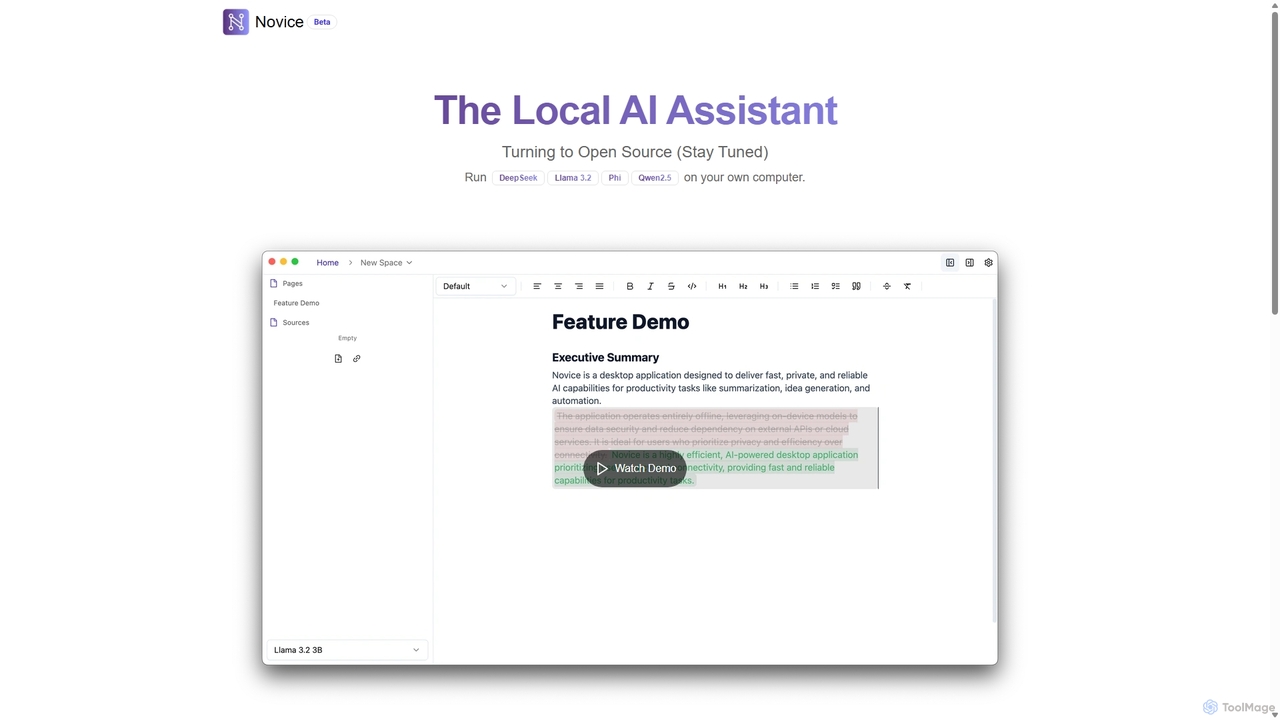
Novice
Novice is a local-first AI assistant that runs powerful language models like Llama 3.2 and Phi directly on your computer. It transforms your documents into a private, offline knowledge base, allowing you to analyze, summarize, and query information with complete data privacy. Every answer is backed by clear citations from your sources, ensuring accuracy and trust.
Local Ai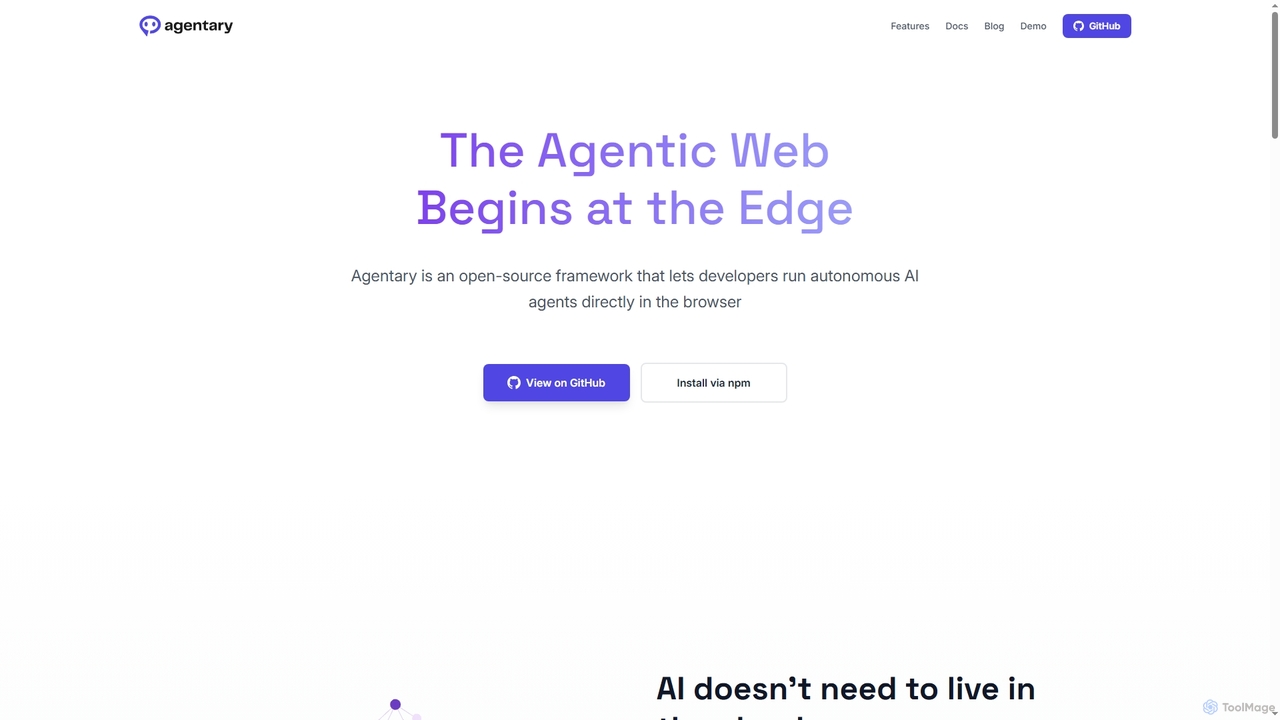
Agentary
Agentary is an open-source JavaScript SDK for developers to build and run autonomous AI agents directly in the browser. It leverages WebGPU and WebAssembly for on-device execution, ensuring complete data privacy, zero latency, and offline functionality. This serverless framework allows for the creation of fast, private, and intelligent web applications without cloud dependencies or API costs.
Edge Computing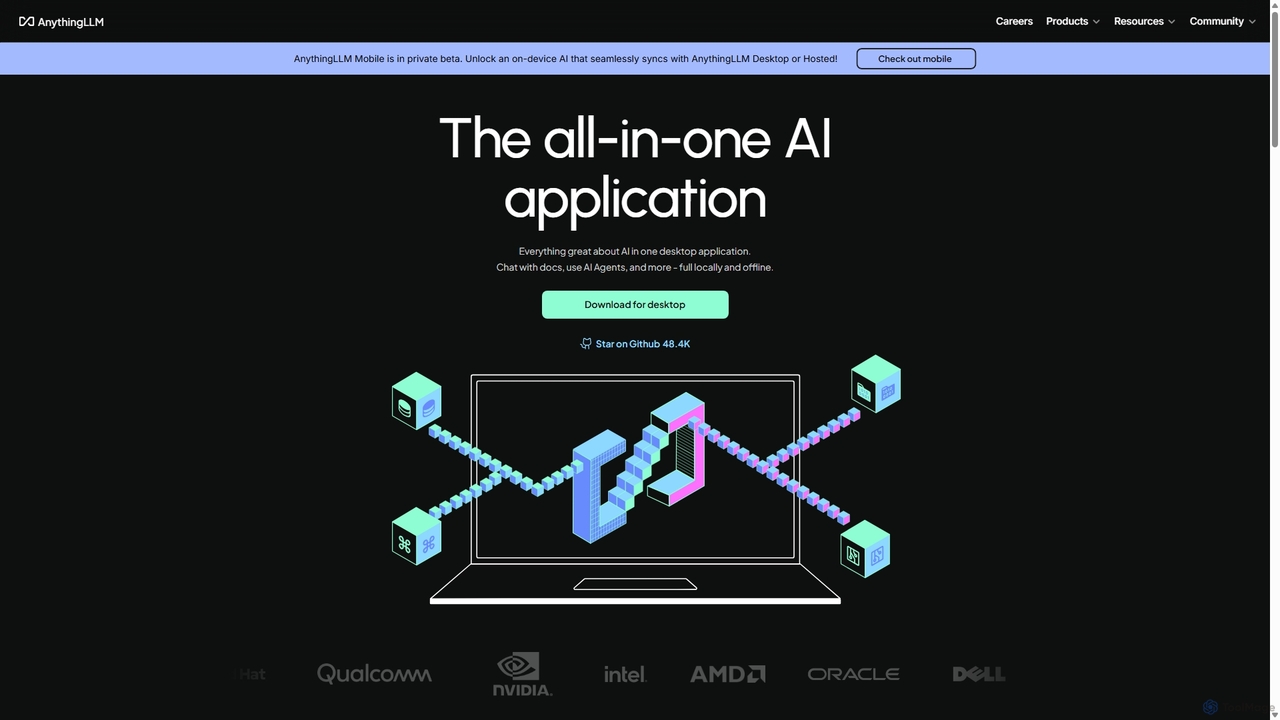
AnythingLLM
AnythingLLM is an open-source, all-in-one AI application that runs locally on your desktop or can be self-hosted. It allows you to create a private knowledge base from any document, chat with your data, and utilize powerful AI agents while ensuring complete data privacy and control.
Document Management
OpenVoiceOS Comments (0)
Sign in to comment.
Sign inNo comments yet.